The last bastion.
Secure access to SSH, HTTPS, RDP, VNC, Kubernetes, PostgreSQL and MySQL targets with SSO and RBAC.
No client app.
Elevator pitch
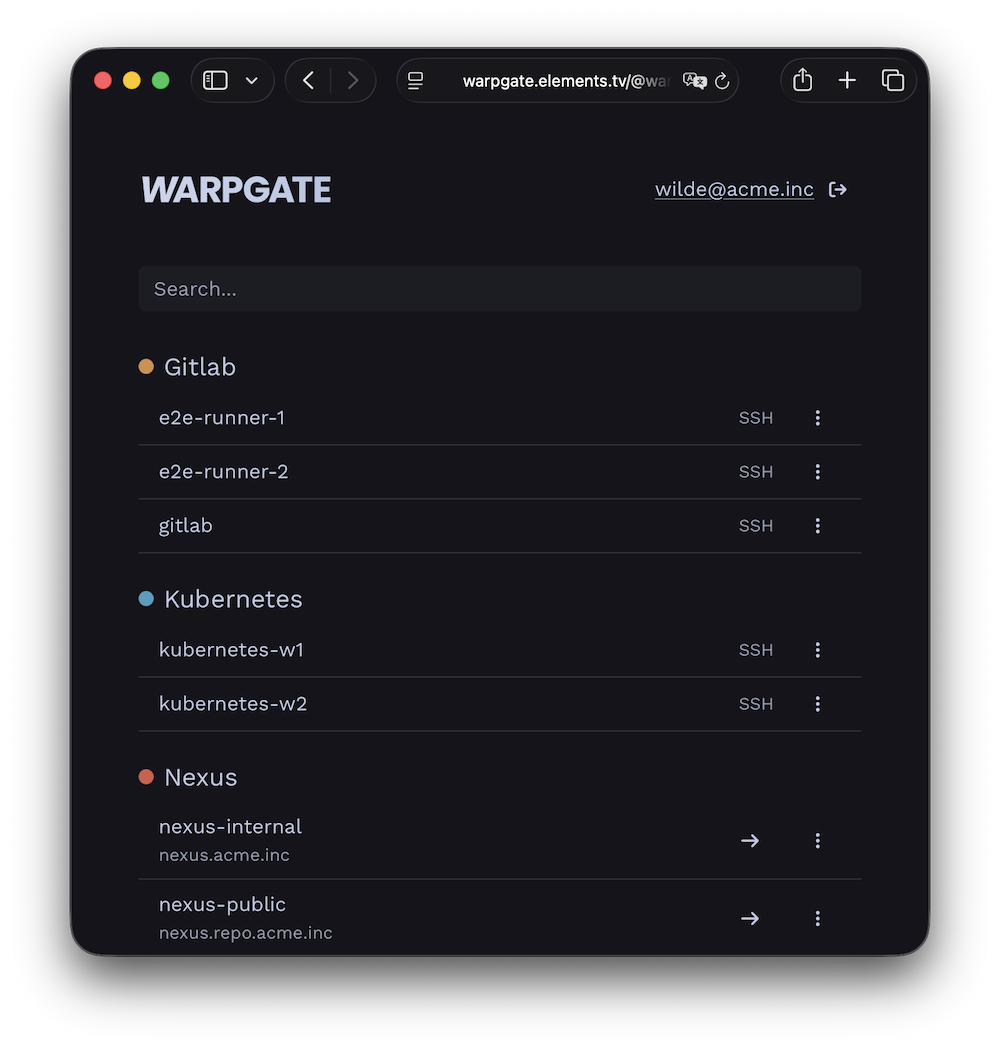
Warpgate is a fully transparent proxy/bastion for your internal infrastructure that lets you skip manual authorized_keys management and both assign and audit access in a single place.
It is an open-source alternative to Teleport, StrongDM or Boundary — or to a VPN — minus the client apps and connection rituals that your users must learn.
Get it running in 15 minutes:
- add your internal targets
- assign them to user groups
- tell your users where to log in.
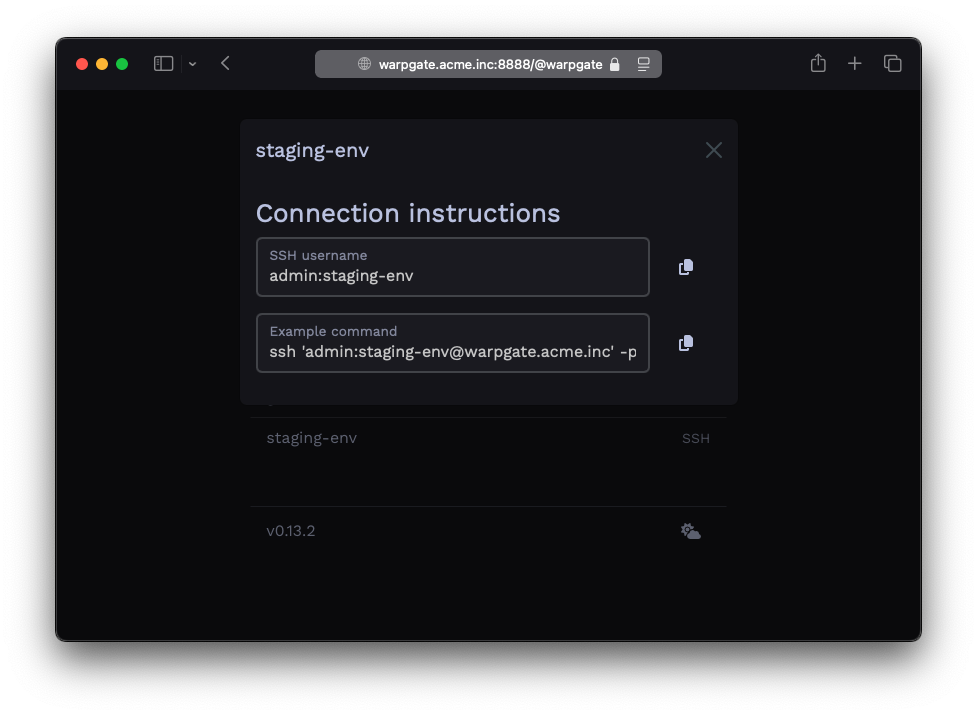
Warpgate gives them a web page with copy-paste connection details and a browser-based terminal – and nothing to install.
No client
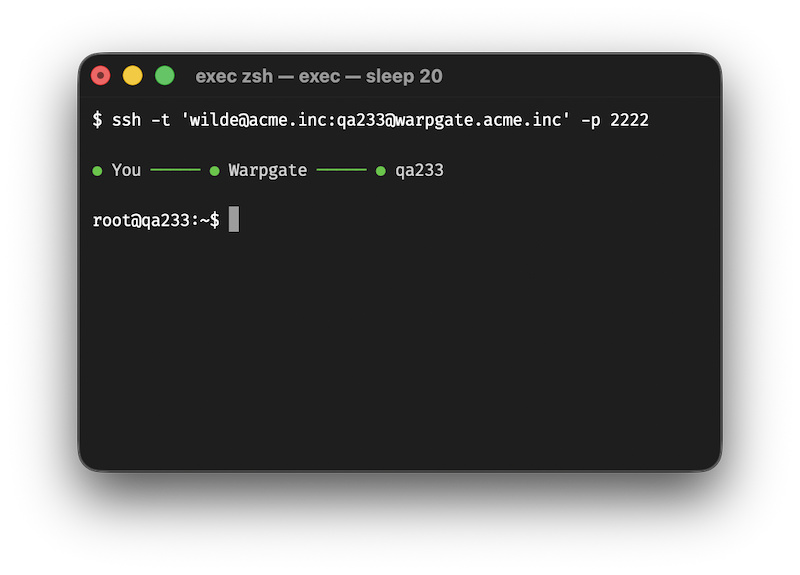
Warpgate directly exposes native protocol listeners.
Connect your VSCode through it.
Use it in your DATABASE_URL.
Connect to your Kubernetes clusters.
Open RDP and VNC desktops with a native client or in your browser.
Or just open a terminal in your browser.
Not a jump host
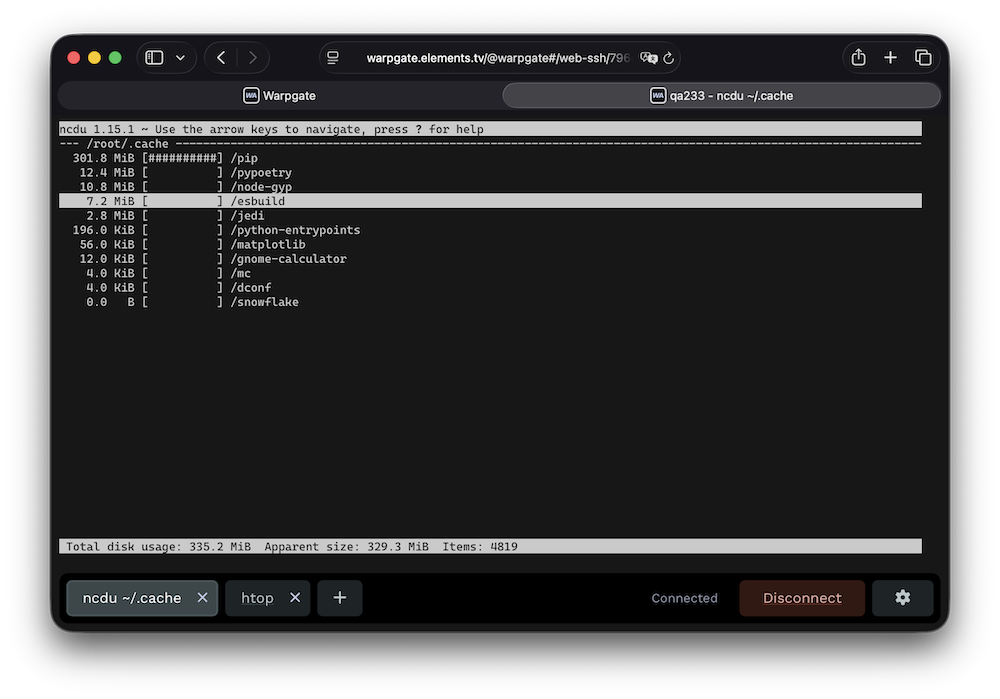
Warpgate handles authentication, and then transparently hands off the connection to the target server, while saving a live session record for audit.
Built-in 2FA, SSO and brute-force protection keep the front door locked.
No SaaS bullshit
Warpgate is a single binary (or a Docker image) that you download and run locally on your own infrastructure.
No paywalls
Warpgate is 100% open-source, free and will stay this way forever.
It is financed through support contracts, and custom-order feature development.
This allows it to escape the otherwise inevitable cycle of enshittification.
Operations
From five targets to hundreds
Start in the admin UI, then manage larger installations through the API, Terraform, Helm or the community-maintained Kubernetes operator.
At a glance
How the access models compare
Compare what users install, where access is enforced, what gets recorded and which infrastructure you operate.
Products and edition boundaries change. Follow the linked comparisons for details and verification dates.
- SSH jump host: “Usually” describes a conventional shared bastion. Firewall rules, SSH restrictions, certificate authorities and additional tooling can centralize credentials, narrow access or add recording; those are deployment choices rather than built-in jump-host capabilities.
- VPN: Network-level access is common, but VPN and ZTNA products can enforce per-user or per-service policy. Identity, hosting and licensing depend on the selected implementation.
- Teleport: Teleport’s official Community binaries use a commercial license. Free company use requires both fewer than 100 employees and less than US$10M in annual revenue. The source code remains AGPL-3.0. Teleport feature matrix.
- Warpgate: SSH command detection is a heuristic audit aid, not a security boundary. Replay is available for SSH, Kubernetes interactive streams, RDP and VNC; databases expose query logs, while HTTP sessions are not replayed. SSH auditing and protocol support.
- StrongDM: Access policies are an Enterprise feature. StrongDM documents session replay for SSH, RDP and Kubernetes; database activity is captured as query logs. Access policies and audit logs.
- Boundary: LDAP and session recording are edition-dependent; recording is available for SSH and RDP in Enterprise and HCP Plus. Community is source-available under the Business Source License, while Enterprise and HCP are commercial. Feature matrix, session recording and licensing.
- WALLIX: Bastion is agentless, and clientless for SSH, RDP, VNC and telnet. Databases and other raw-TCP targets use Universal Tunneling, which requires the WAMUT client on the workstation and is captured as a PCAP file rather than an interpreted session; Kubernetes is not a supported target type. Verified against the Bastion 12.3.2 administration guide.
How does all this work?
You download and run a single binary or a Docker container:
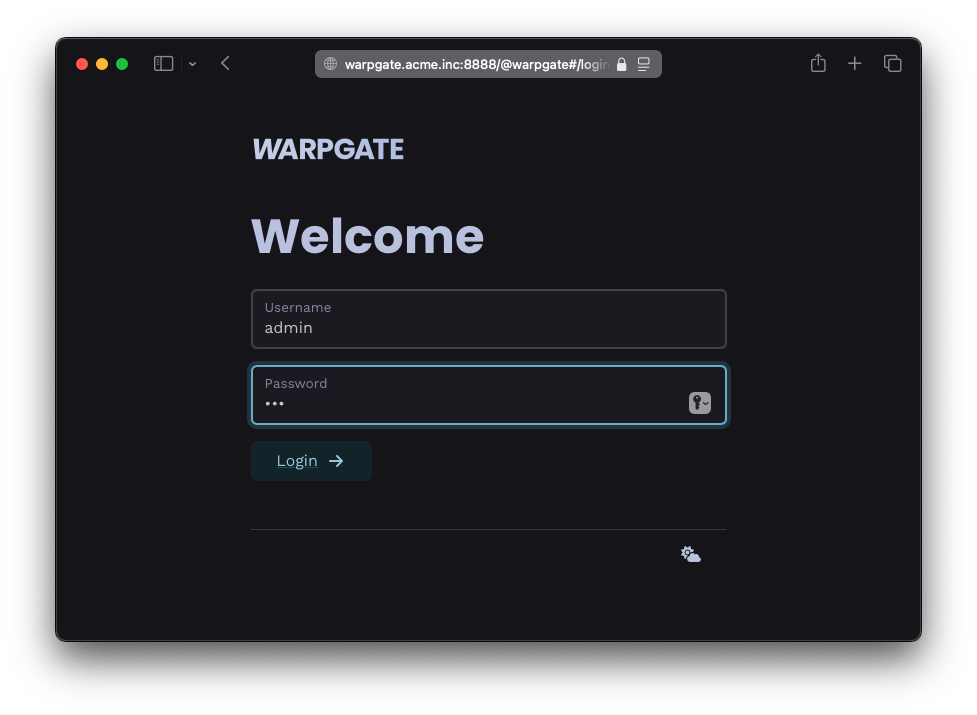
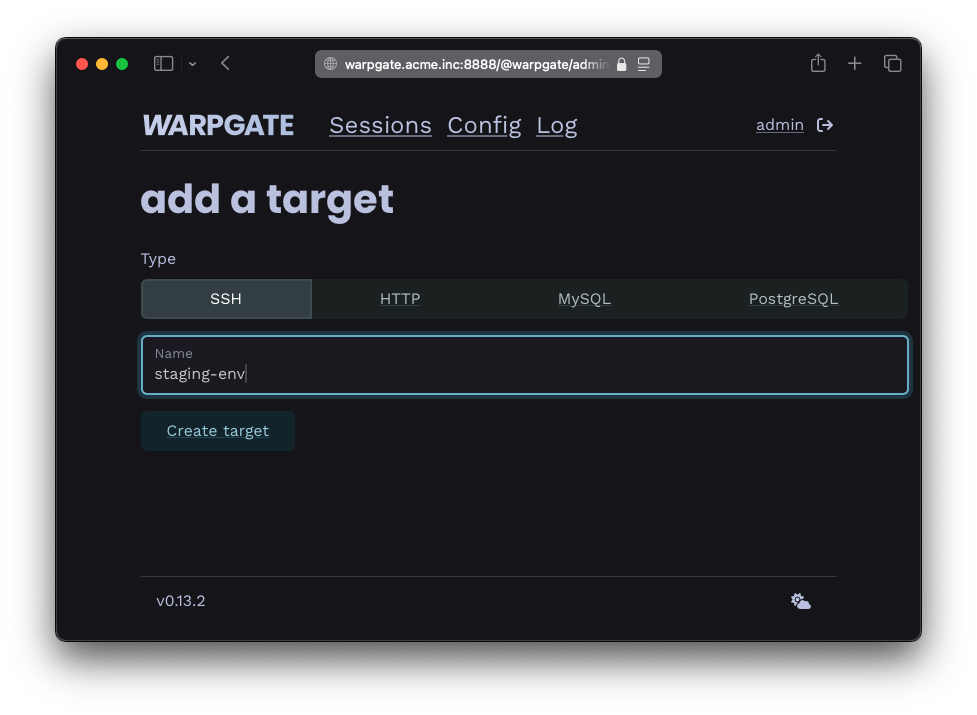
You add your services:
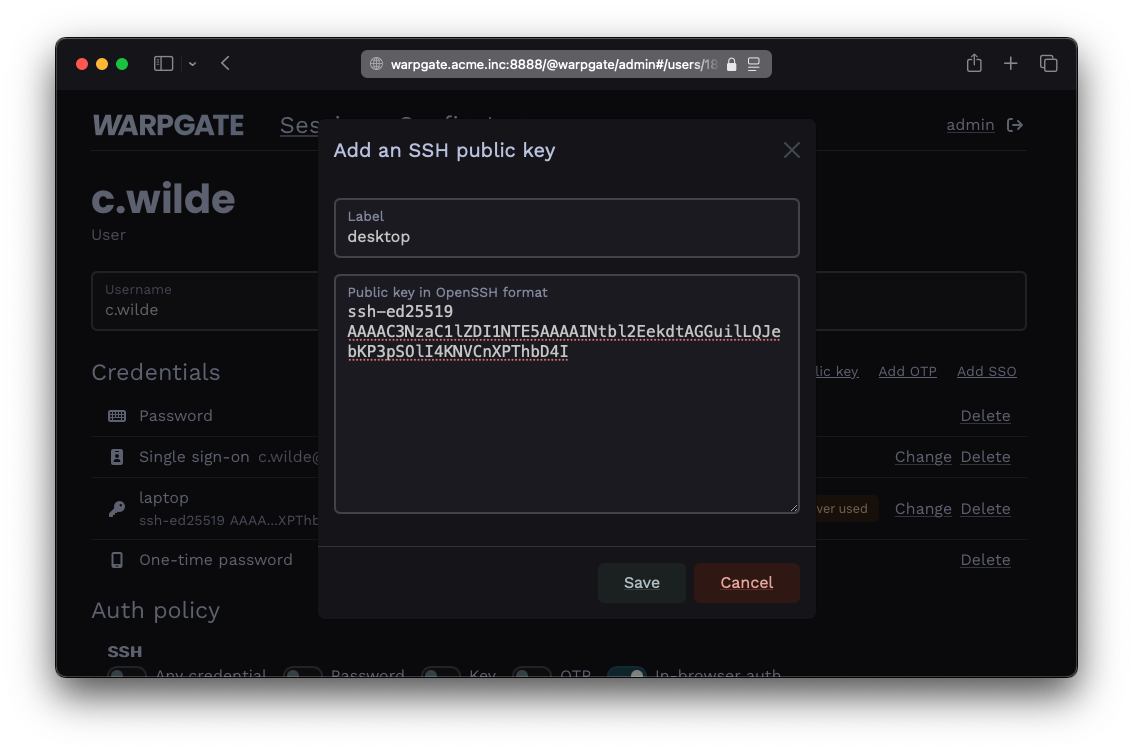
You add your users and decide who can access what: (OIDC SSO supported)
Your users get a specially formatted username to connect to targets:
$ ssh c.wilde:staging-env@warpgate.acme.inc

 Warpgate  Selected target: staging-env
 Warpgate  Host key (ssh-ed25519): AAAAC3[...]

 ✓ Warpgate connected

 root@staging-env ~ $
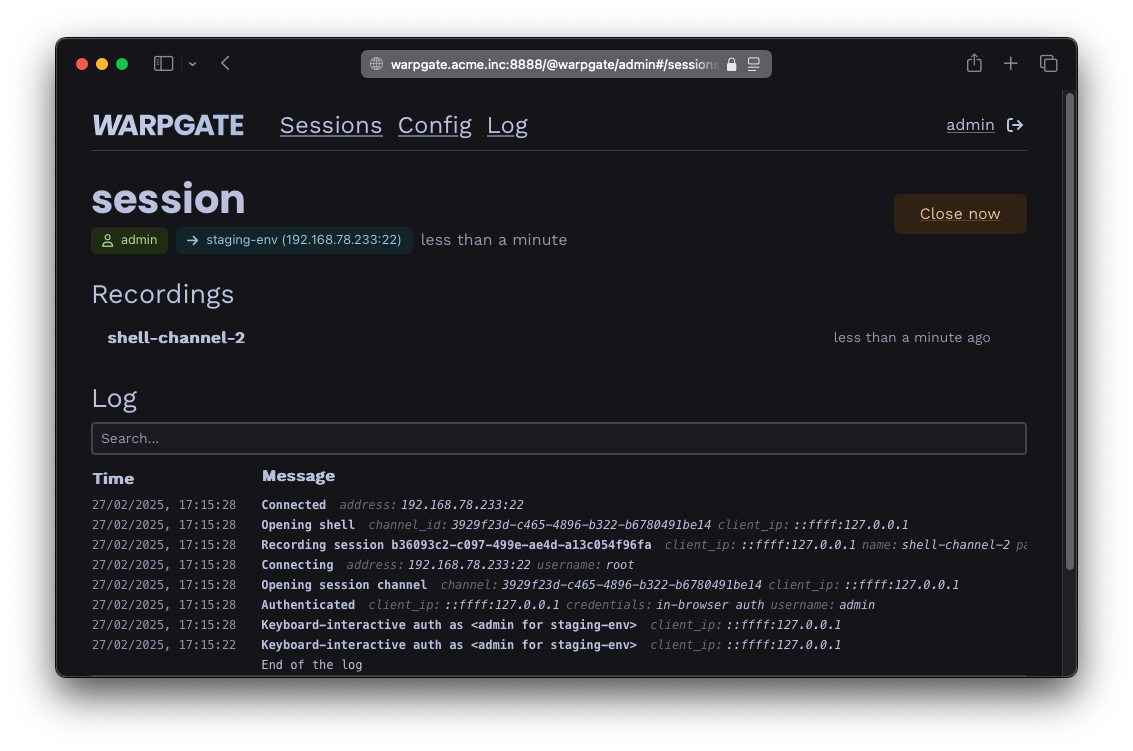
You get audit and observability:
And they get a web interface with instructions so you don't have to keep explaining it:
Sounds good?