🎊 Happy New Year! 🎊 It felt like so much happened in 2025 that it was hard to keep up. During ABC’s usual annual events recap before the ball drop I had to distract myself away from the TV 😅
Here’s to 2026 being a better, slower one, for all of us 🎉
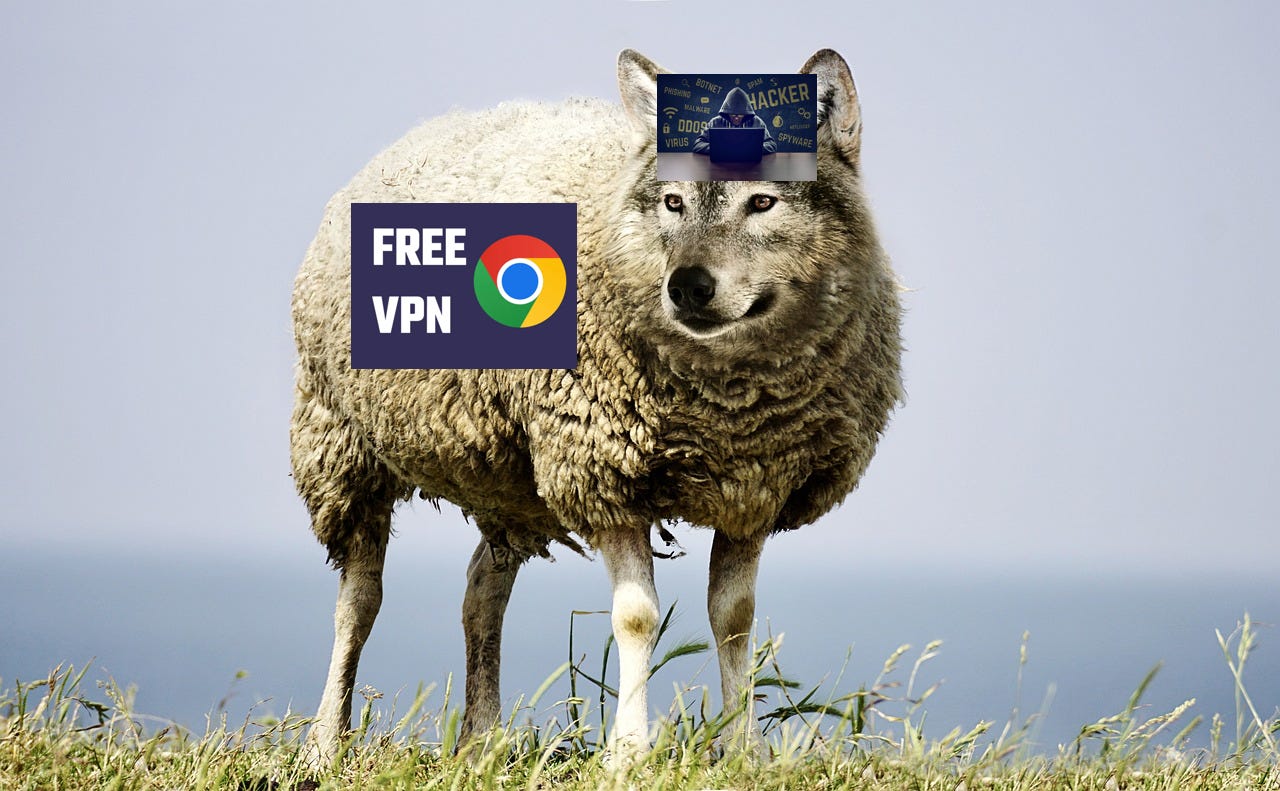
One of the biggest concerns facing end users today is concern and hesitation around browser extensions. Not all extensions are created equally, and several high profile incidents have made their rounds as of late:
Urban VPN Proxy, a “sleeper” Chrome extension that harvested users’ data (Koi Security)
Clean Master and WeTab, which allowed attackers to run arbitrary code on the user’s browser to steal sessions
Trust Wallet, a cryptocurrency “lite” wallet extension in which attackers harvested crypto through a malicious extension update
In some cases, the “maintainers” were the ones exposed, in other cases they claimed they were compromised. Malicious code made it through to the web store review and on to users. In some case, the extensions were several years old with millions of downloads!
In the software world, these are called “supply chain attacks”. A big one recently involved something named after the Sandworm in Dune (“Shai Hulud”). These can be disconcerting because of the amount of personal data harvested in these incidents.

One silver lining is that hackers want to make money off the stolen data, so they typically will sell them to grey area marketing companies. It’s possible but less likely to be sold to target users individually like in spear phishing attacks.
Luckily, there’s several ways to prevent these types of attacks as a user.
This mitigates the risk of a “sleeper” attack - compromised code rolling out in a later release.
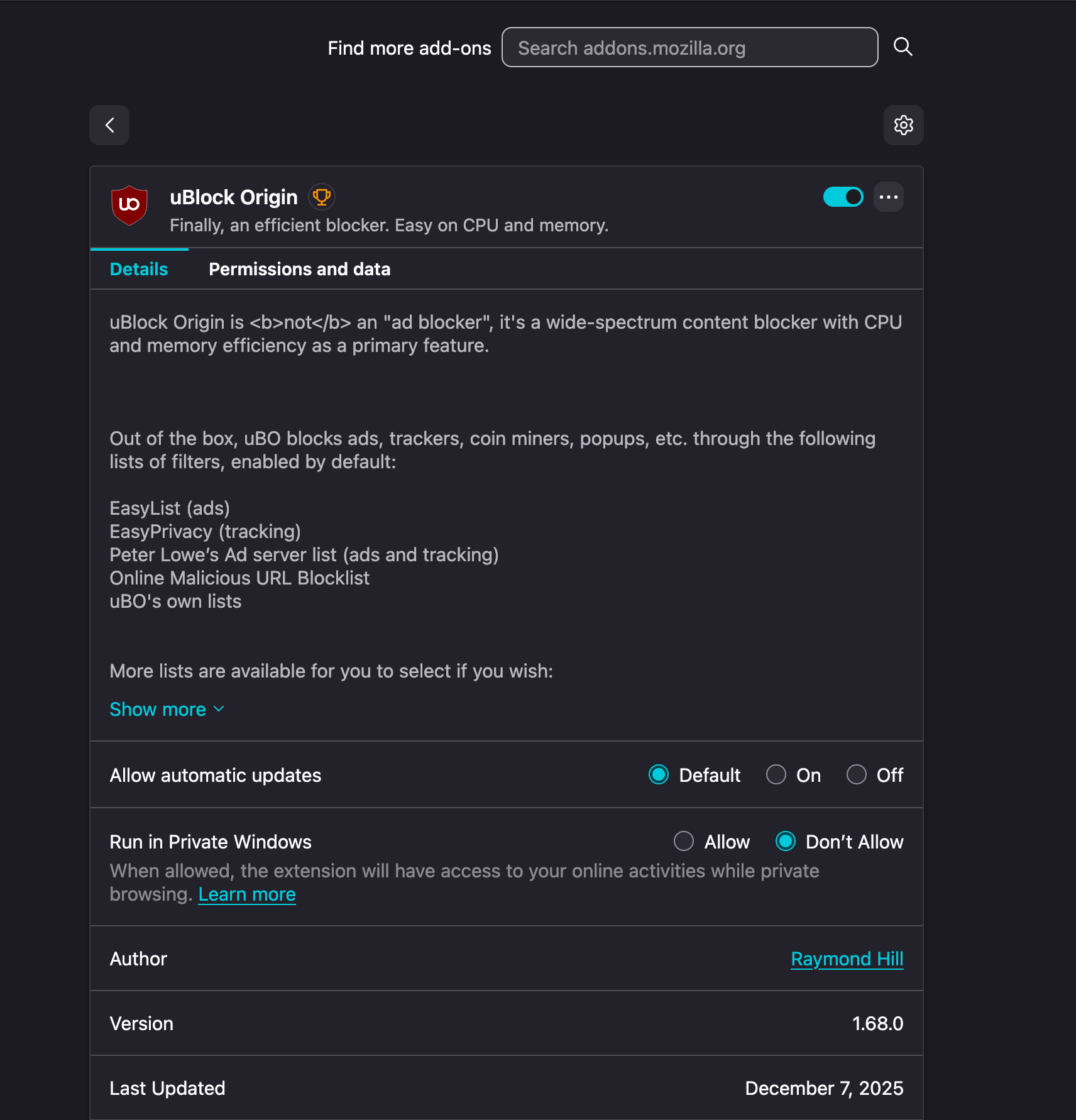
As of right now, this feature is not available in Chrome without some modifications. However Firefox allows auto updates to be disabled altogether.
Apple’s App Store and Firefox’s extensions have had less large scale compromises than Chrome’s Web Store. This may be due to different processes or vetting, and the data doesn’t lie.
Limiting the amount of extensions you install is critical. If you only have one or two extensions to audit and keep track of, that’s easier than a dozen.
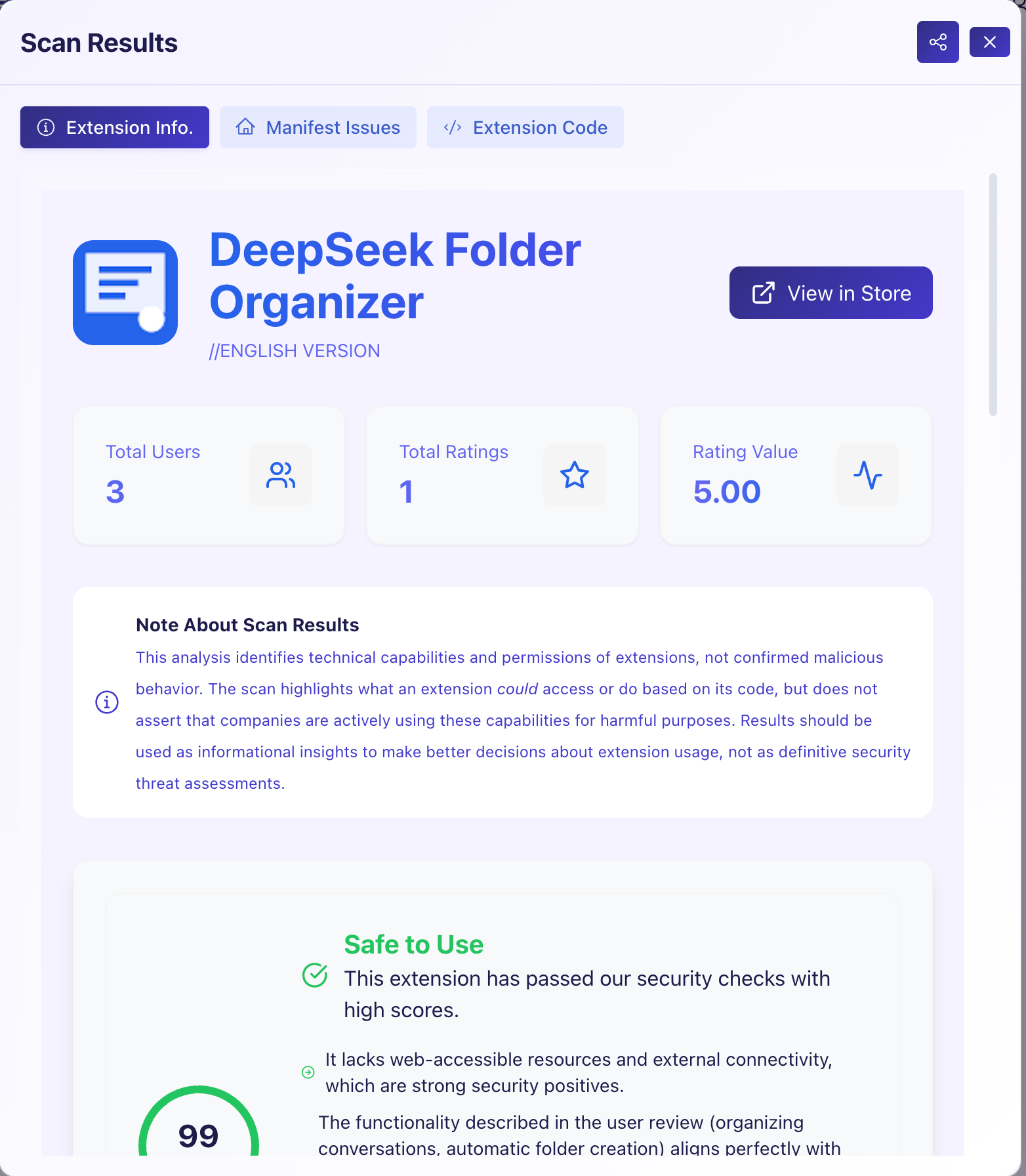
Using a tool like CRXplorer, you can audit extensions for misconfigurations or suspicious uses. This tool actually downloads and examines the source code for anything strange and compares it against the extension’s intended use to prevent data harvesting.
Trust is critical. Look at the maintainers and team behind a project, if they can’t be easily identified be wary. Be cautious of “free” extensions - they often do exist to harvest data.
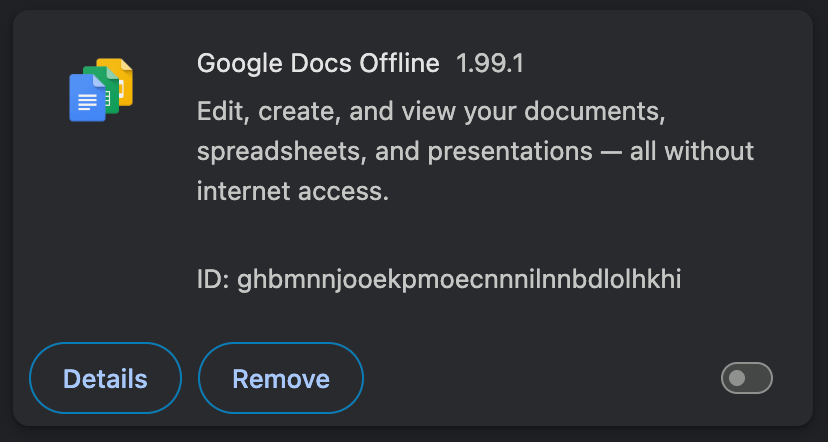
If you’re not actively gaining the benefits of an extension, they are very easy to disable in most browsers. In Chrome, simple slide the “enable” slider in the extensions menu.
This is particularly helpful for apps like workflow productivity apps, that have a specific use case at a single time.
Ward was designed with security and user privacy in mind, and we’re constantly raising the bar to see how we can improve our posture. Today:
Users can select a local-only mode that uses their GPU for keeping data on device.
We publish and maintain our readable Privacy Policy which details exactly what data is and is not collected by the Ward extension.
We redact as much PII (Personally Identifiable Information) as we can locally before sending data to our servers.
Access to cloud accounts is heavily restricted and governed.
Ward is only free until we’re out of beta and ready to launch - we won’t ever compromise by selling any user data to make ends meet.
We’re transparent about our team; we’re not faceless behind a screen and you can approach or contact us.
How we’re improving:
We’re looking to support a Firefox and Safari/iOS variations of Ward outside the Chrome ecosystem.
We’re hardening our Content Security Policy in the next update - a low risk at the moment but shows our commitment to security.
We’re exploring how to better anonymize data and requests while balancing the need to prevent quota abuses of our platform.
We’re considering integrating advanced safety scanning of other extensions into Ward
And drumroll please…
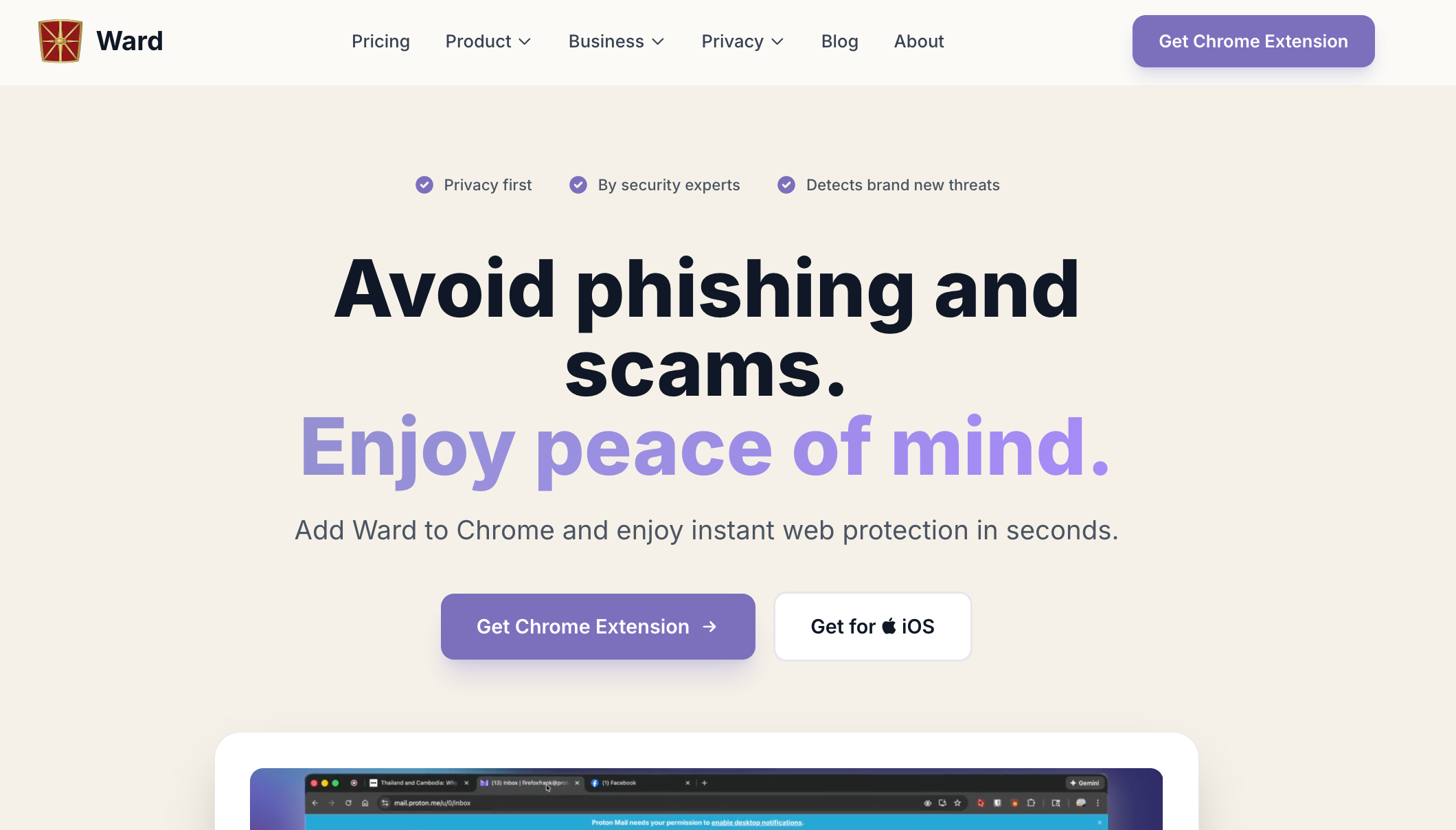
Our landing page and logo has also received a makeover for 2026. Go check it out!
As always, please reach out to cedric@tryward.app or our site with any feedback and/or questions. Thanks for being a part of the Ward journey!
— Cedric