(This is a guest post by Antoni Sawicki aka Tenox)
I perviously covered x64 OpenVMS release on VMware. This was insanely cool achievement for the operating system. While it had no practical ramification there was one small annoyance. The OS console was on a serial port. In VMware it meant another VM connected via named pipe.
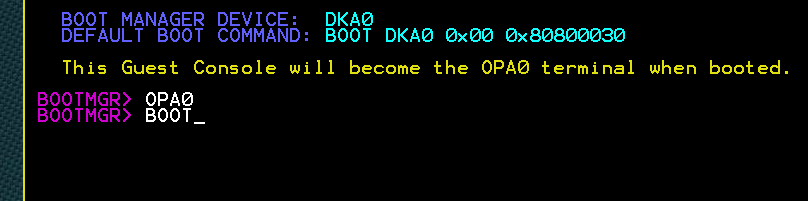
Now OpenVMS x64 supports (limited?) local console on OPA0. To enable it you have to type opa0 before boot in the bootmgr prompt:
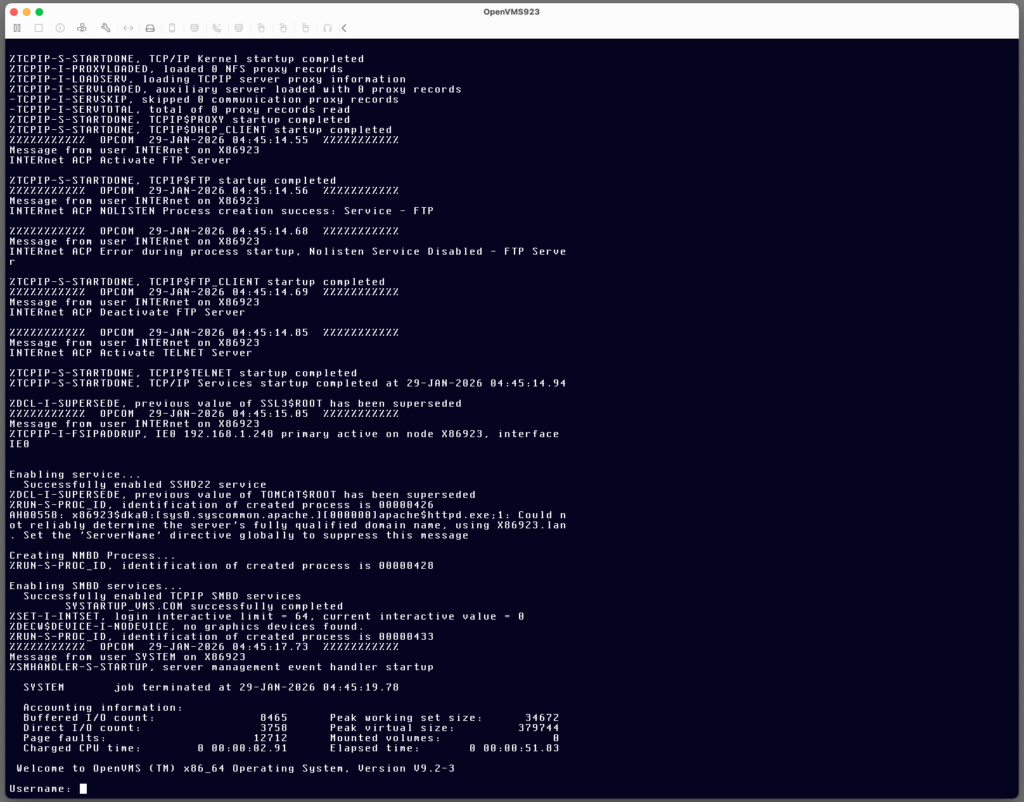
Once the system boots your will be greeted with a login prompt on the local VGA console!
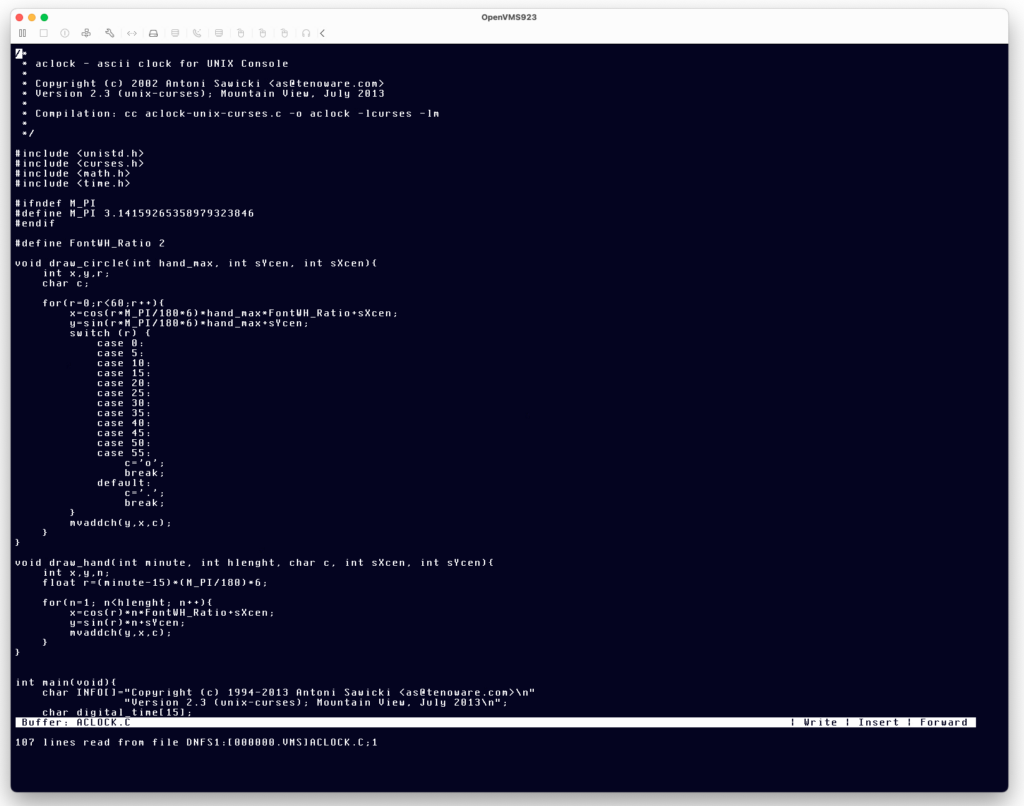
Does it support clear screen, cursor movement, etc? Yes! You can even run a text editor locally!
The default terminal size is 80×24. You can make it bigger by typing
$ set term /width=140 /page=70This means we can have aclock on x64 OpenVMS local console!
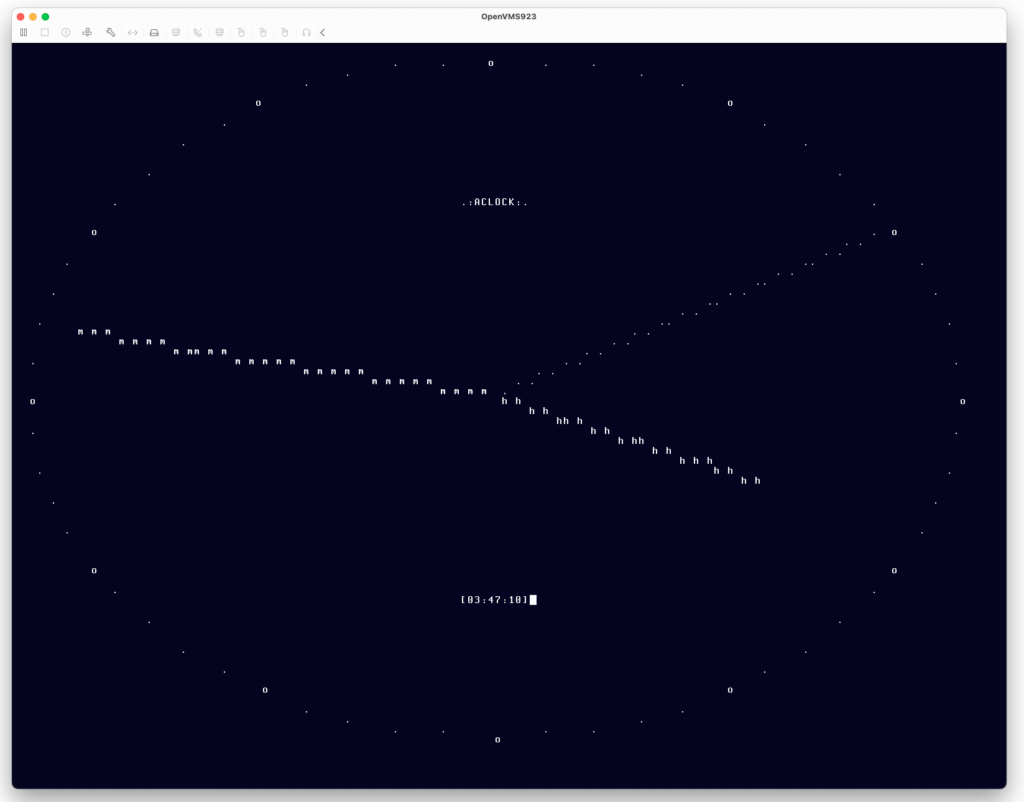
Prior aclock binaries for VMS were compiled using Unix Curses library. To celebrate all this, I have created a new version using the native SMG$ screen management routines. So this is now a truly native VMS app. The binary is here. The source code here.
Have fun with virtualization!