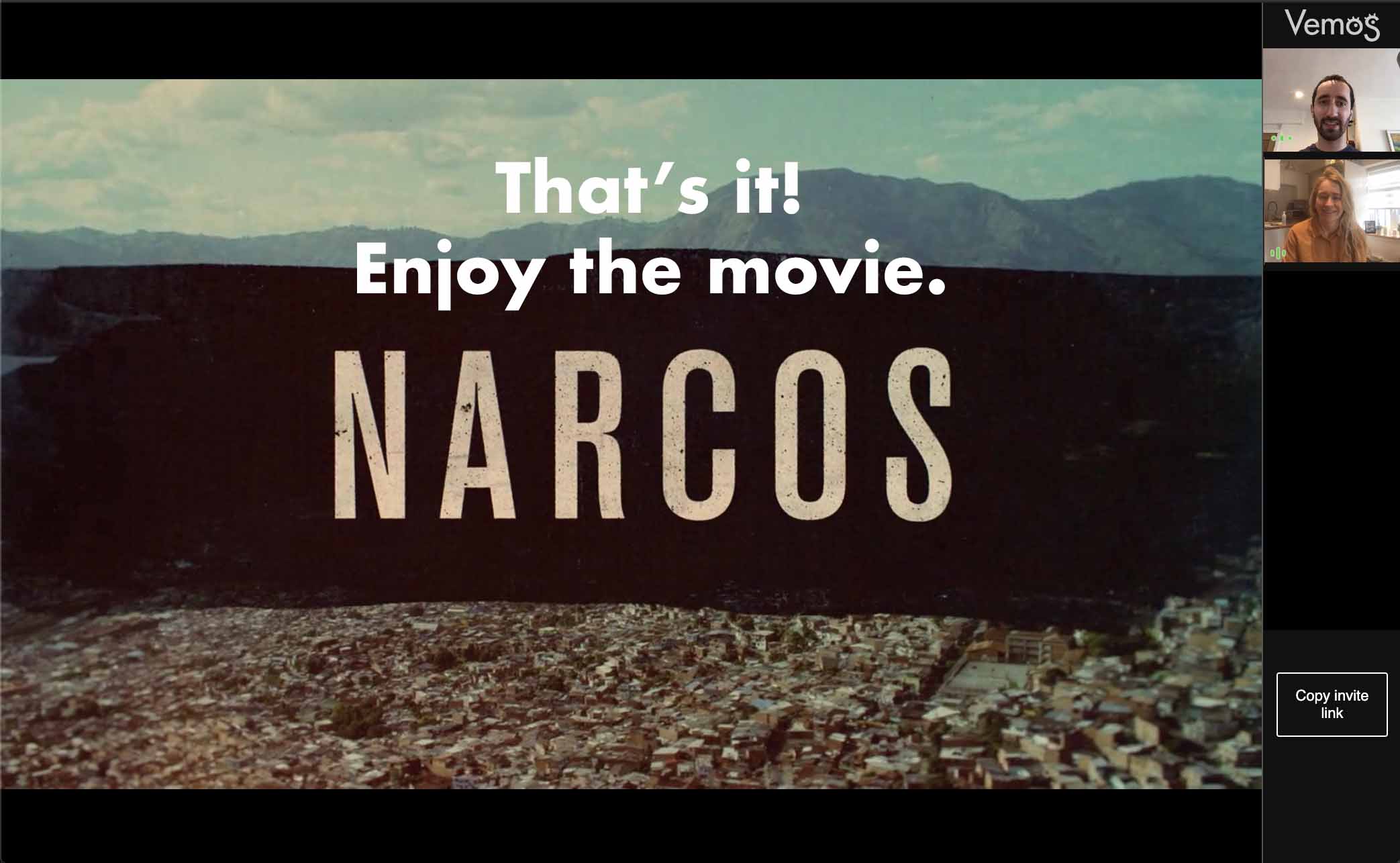
Completely free.
No accounts, no signup, no bullshit. Get the extension and grab the popcorn!
I built Vemos back in 2018 when my girlfriend went travelling so that we could feel together despite being apart.
Since then, with Coronavirus causing people to be away from their friends and loved ones the world over, it seemed like a good time to reboot Vemos and make it useful for everyone stuck inside.
I want people to enjoy it for free: we've enough going on right now!

FAQ
"Do all my friends need subscriptions too?"
Yes. Vemos doesn't stream the movie itself from one person to another. It just handles video calls and synchronisation. Everyone will need a relevant subscription to access the content.
"I can't see my friends, what's happening?"
Sometimes if your friends are using a VPN, or you're behind a firewall the connection might fail. You can try the "Manually connect to a friend" button at the bottom of Vemos sidebar.
"Can I use this on a different site?"
You can run Vemos on whatever site you like. Vemos will try find the largest video on the page and that's what it'll synchronise with anyone else who joins. I can't guarantee it'll work, but you should give it a shot!
How to get started
2: Open up your favourite streaming site
Netflix, Prime Video, YouTube etc.
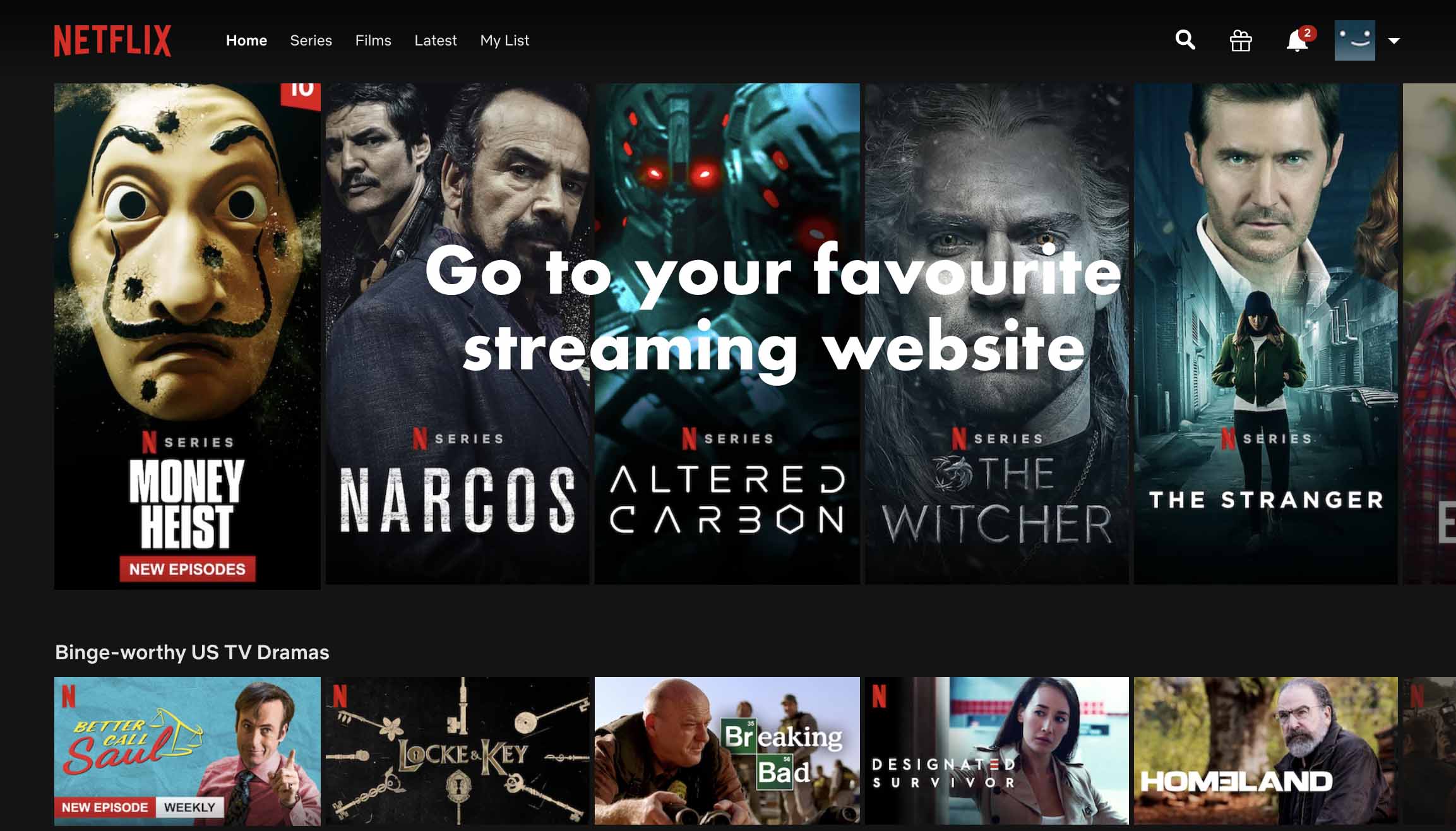
3: Pick a video you want to watch.
Make it something good! 😁
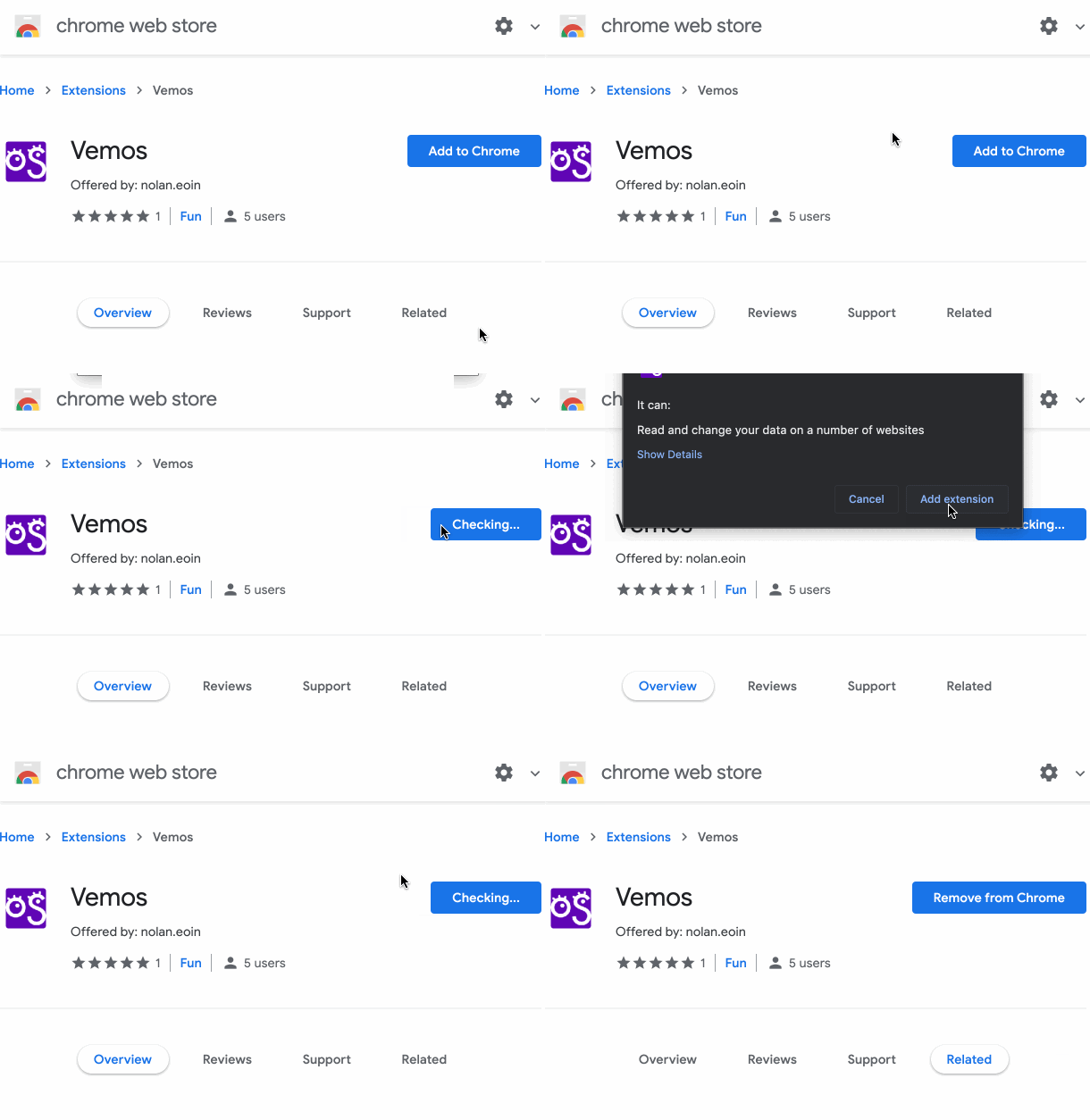
4: Start the Vemos extension
It'll ask you for permission to run first.
5: Copy your invite link
6: Send this link to your friends
7: Wait for your friends to connect and that's it!