24/7
Whisper quiet. For years.
The aluminum lid cools passively on the outside and actively on the inside, so the fan barely has to try. Low power draw, engineered for endurance. You'll forget it's running.
Umbrel
Introducing Umbrel Pro
Stop renting your digital life. Start owning it.
Powered by umbrelOS
No keyboard or display required. Access umbrelOS from any web browser on your phone, tablet, or computer.
From unboxing to running in minutes.
Connect Ethernet to your router and plug in the power adapter. Umbrel Pro turns on automatically.
Open any browser on your network and go to umbrel.local. Your personal cloud is ready.
Built for performance
8 Cores
3.8GHz Intel® Core™ i3-N300
32 TB
Max NVMe SSD Storage · 4 Slots
2.5 GbE
Ethernet RJ45 Port
Everything you need
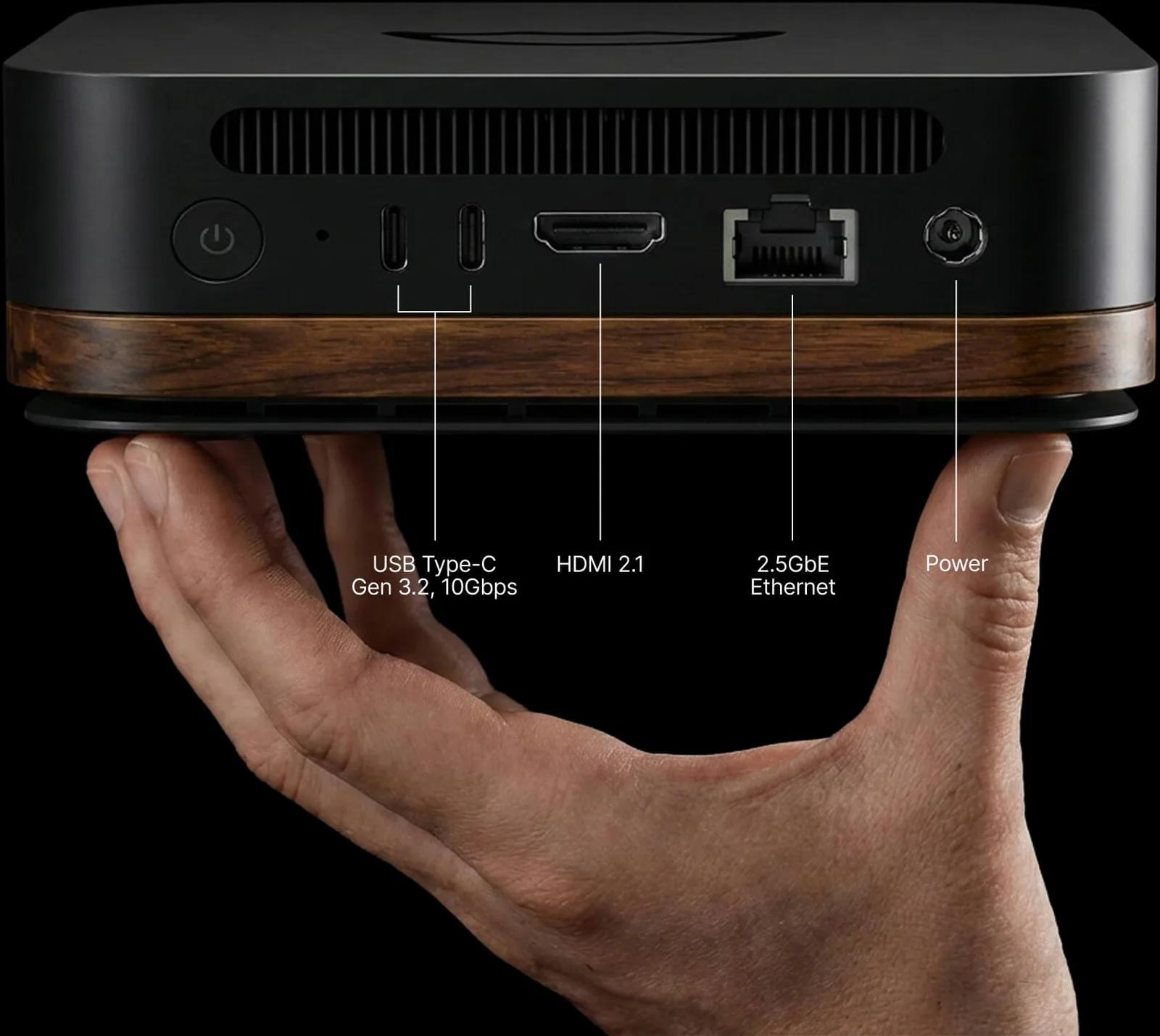
It starts with a solid block of aluminum, machined to perfection. One piece. No seams. Then it's sandblasted and anodized for that deep matte black finish.
And we frame it with real American Walnut wood. Because no two wood grains are alike, your Umbrel Pro is a unique 1-of-1.
Watch the making of Umbrel ProThermal design
Umbrel Pro is engineered to run 24/7 for years. Silent on your shelf, light on your power bill, with every surface working to keep it cool.
24/7
The aluminum lid cools passively on the outside and actively on the inside, so the fan barely has to try. Low power draw, engineered for endurance. You'll forget it's running.
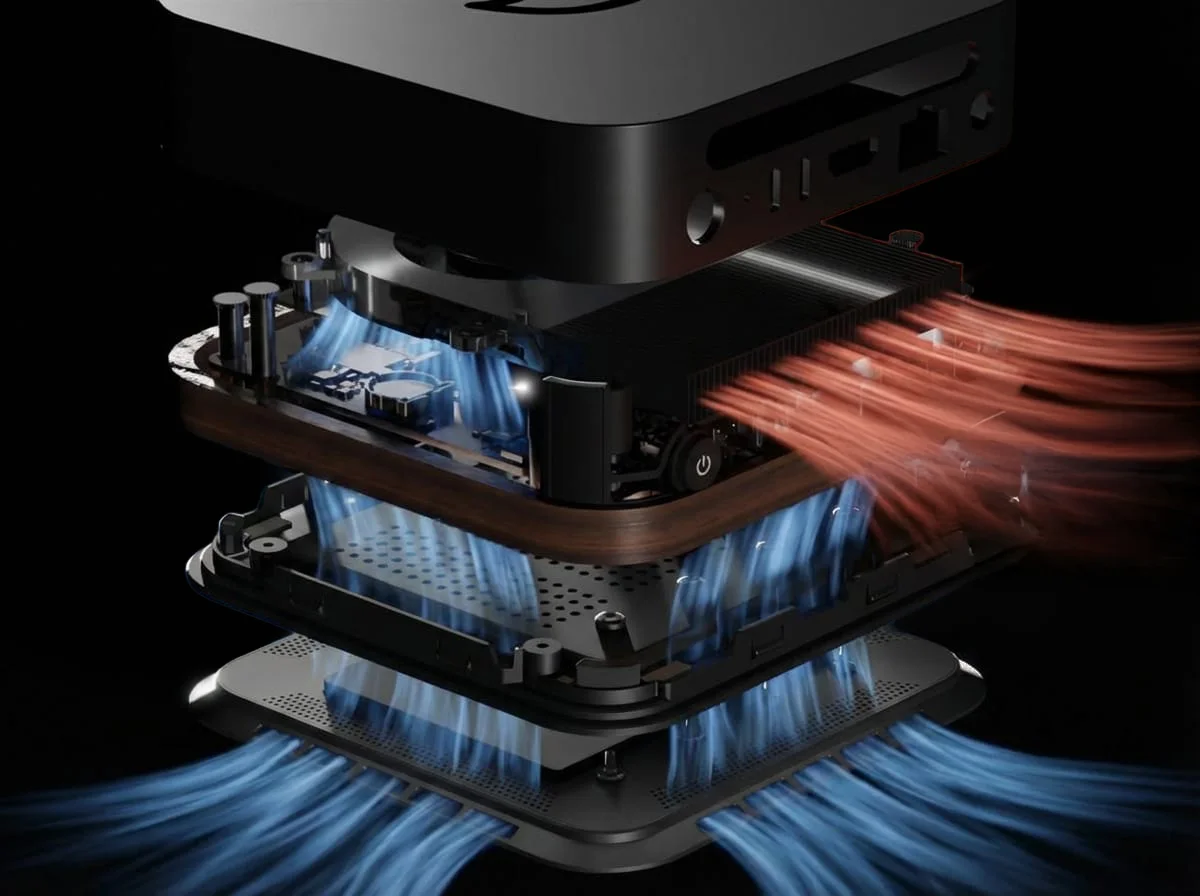
Air enters through intakes carved into the lid, washes over the SSD chamber, sweeps through the CPU chamber, and exhausts out the back. No dead zones.
Two home cloud servers. One perfect fit.
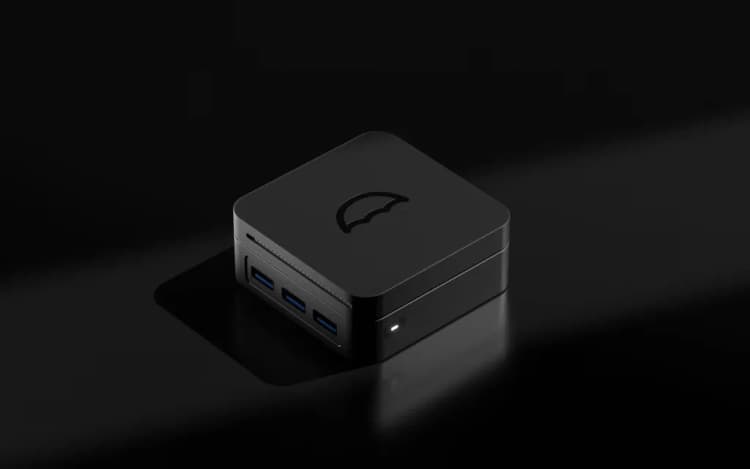
Umbrel Home
The essential home server. Everything you need to start self-hosting.
From
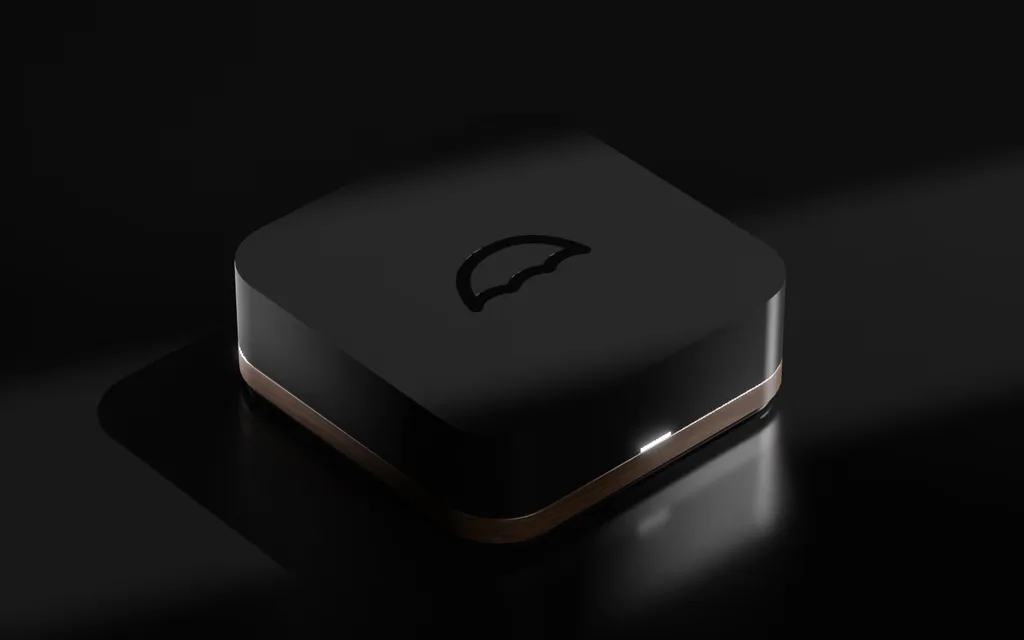
Umbrel Pro
The ultimate home server. Maximum performance and storage for those who demand the best.
From
Storage
Storage
Up to 4TB SSD Storage
1x Onboard NVMe SSD
Up to 32TB SSD Storage
4x M.2 2280 NVMe SSD slots 64GB onboard for umbrelOS
Chip
Chip
4 Cores · 3.6GHz
Intel® N150
8 Cores · 3.8GHz
Intel® Core™ i3-N300
Ethernet
Ethernet
1 Gbps
Supports USB to 2.5GbE adapters
2.5 Gbps
Supports USB to 5GbE/10GbE adapters
USB
USB
Three Type-A USB ports
USB 3.0, 5 Gbps
Two Type-C USB ports
USB 3.2 Gen 2, 10 Gbps
Wireless
Wireless
WiFi 5.1, Bluetooth 5.0
WiFi 6, Bluetooth 5.2
System Indicator
System Indicator
-
Dynamic LED status light
FailSafe Mode (RAID)
FailSafe Mode (RAID)
-
Supported
No data loss even if one of the SSD fails
From the community
What people say when self-hosting finally feels easy.
From our channel
Everything you need to know about Umbrel Pro.