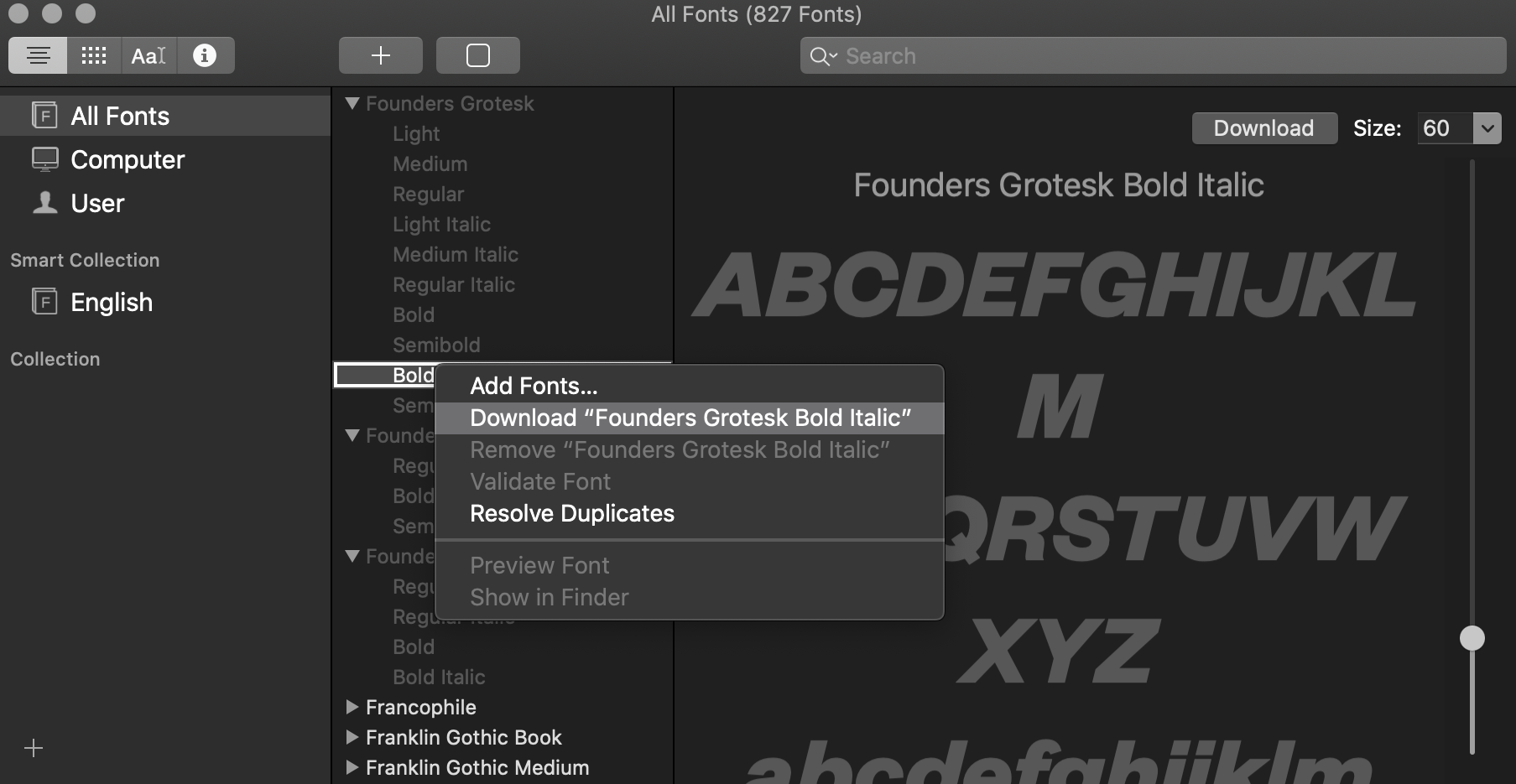
To see and install these optional fonts, open the FontBook application and switch to “All Fonts”. Browse the font list and you will see lots of font families that are greyed out—either because they were deactivated or they weren’t downloaded yet. If you right-click on a font or font family that wasn’t downloaded yet, you see an option to download the individual font or entire family.
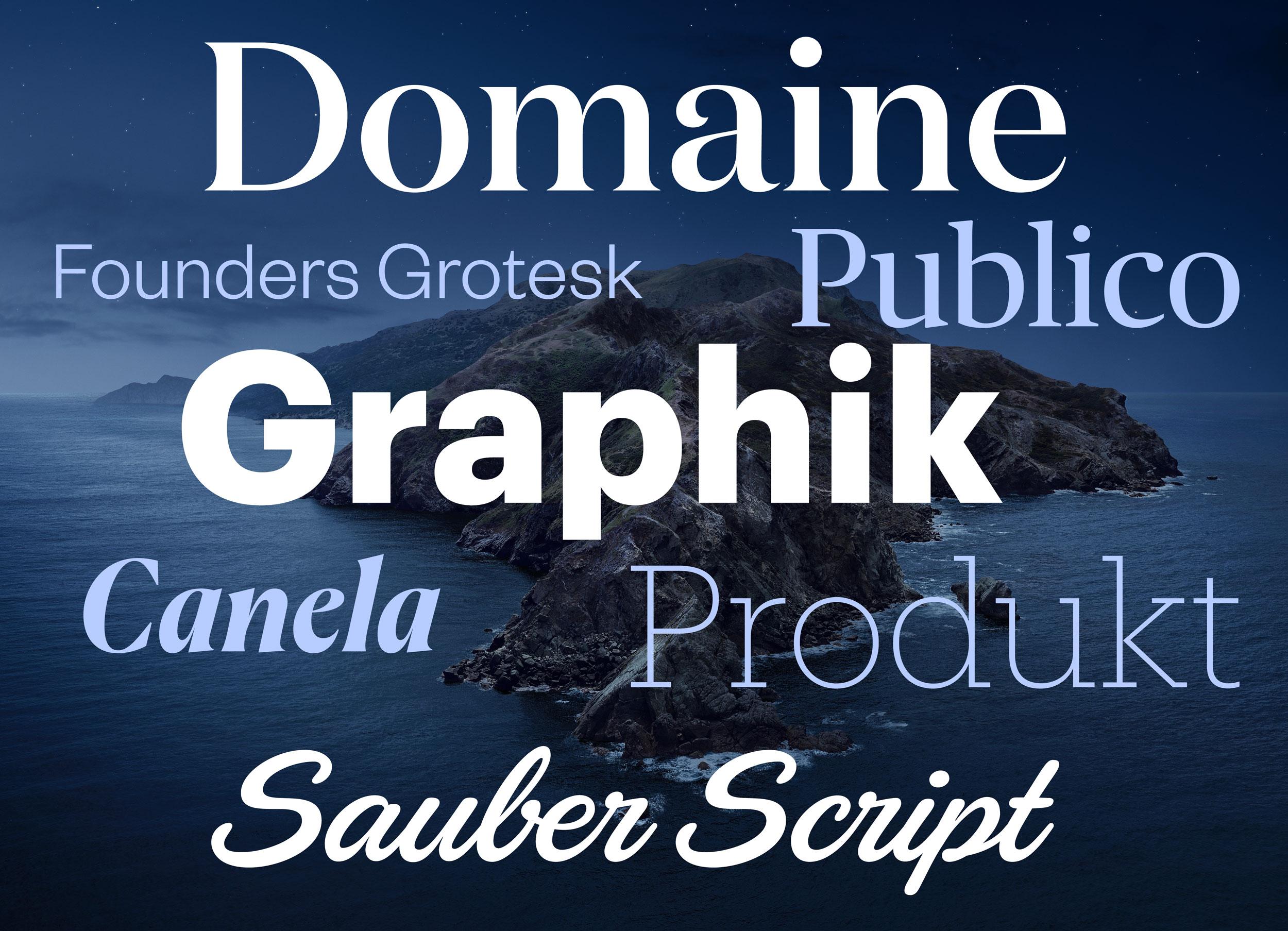
Here are some (Latin) highlights of the available fonts:
-
Font families:
- Canela from Commercial Type in 16 styles
- Domaine Display from Klim Type Foundry in 6 styles
- Founders Grotesk by Klim Type Foundry in 17 styles
- Graphik by Commercial Type in 18 styles
- Produkt by Commercial Type in 8 styles
- Proxima Nova by Mark Simonson Studio in 12 styles
- Publico by Commercial Type in 12 styles
-
Individual display fonts:
- Sauber Script by TypeJockeys
- Quotes Caps and Quotes Script by Sudtipos
In addition to those Latin fonts, many non-latin fonts are available as well. For a complete list check out this support document.
☞ https://support.apple.com/en-us/HT210192