The
@codeteam is currently testing a new standalone app that exists alongside of VS Code in Insiders, called "Sessions" Here's everything you need to know about it 👇
X (formerly Twitter) ·
The
@codeteam is currently testing a new standalone app that exists alongside of VS Code in Insiders, called "Sessions" Here's everything you need to know about it 👇
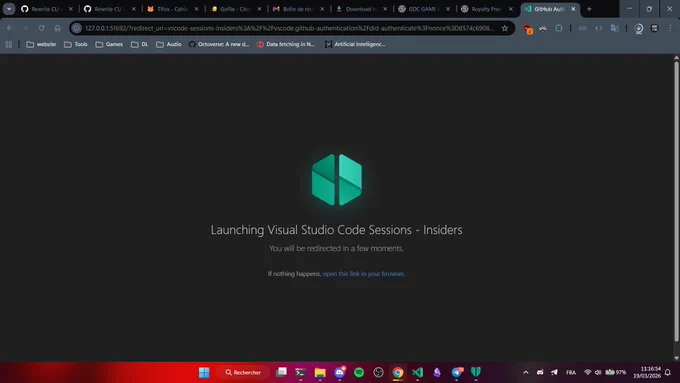
On first launch, it asks you to login to your GitHub account. The tagline is "Agent-powered development"
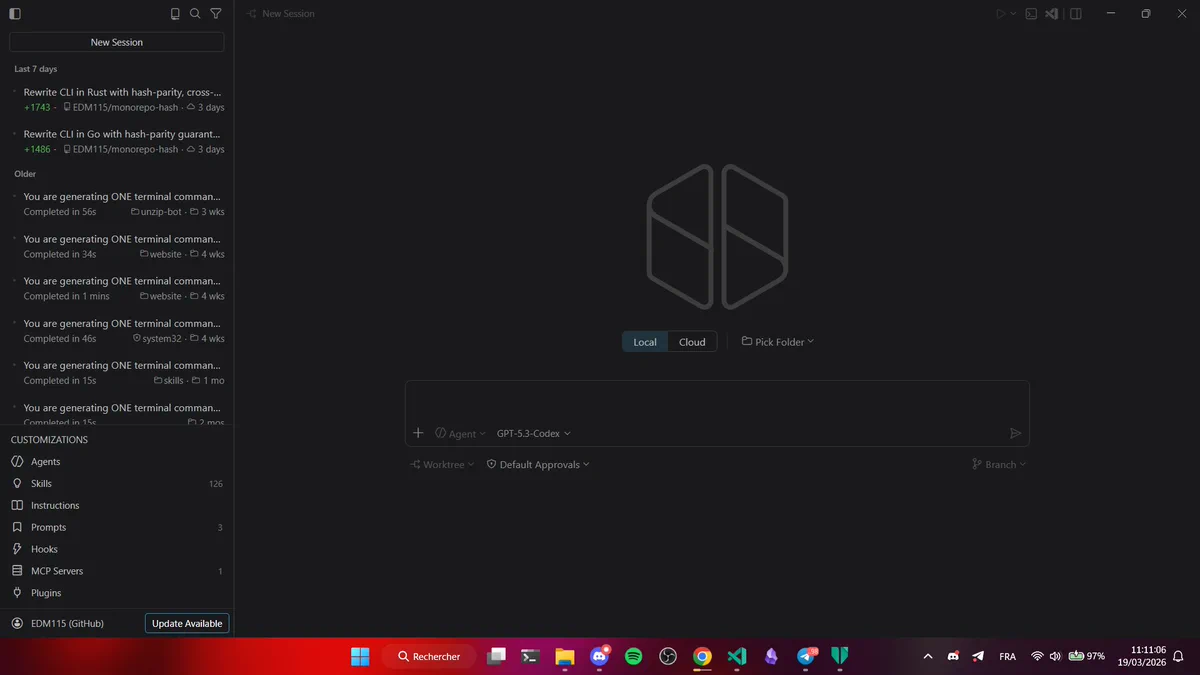
The UI will look very familiar to anyone who used Cursor before, or even the full-screen mode of the Copilot extension in VS Code. You have your conversations, chat, and a focus on agents/skills/mcp/...
Interestingly, it doesn't list local Copilot conversations, even if you open said repository. It only lists agent sessions and ones created through the Copilot CLI. Every part of the "Customizations" section can be edited globally or locally.
fun fact : the icon is rendered at 128x64 instead of 128x128, which is why the icon is cropped like this lol. It honestly doesn't even look that bad, kinda like 🔰
Departure from Copilot in VS Code : no edit, no plan. Only the default Agent (and custom ones you add). It is also intersting to note that the settings of this app seems to be separated from VS Code : ex the chat.plugins.marketplaces setting that can provide agents isn't working.
It is very interesting to note that existing cloud sessions aren't rendered : not the full prompt, nor the agent steps, nothing. just a super short summary of the prompt, files changed and the PR link. Only sessions created here will appear fully.
Otherwise, it's your standard Copilot Sessions
You do have a (simplified) context hint, changed files, ... You can open diffs and files, and a button allows to open them in a VS Code-lite, which enabled tab-completions for example (it doesn't have your extensions tho, and completions are disabled by default).
Lastly, Local allows to choose an existing folder or clone a repo, and Cloud offers to choose any GitHub repo you have write access to.
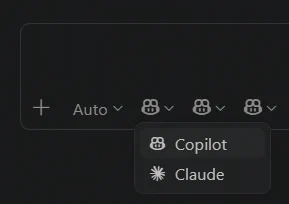
One last glitch for those who made it this far :) Follow me for more !