$ omarchy --no-install --no-dual-boot
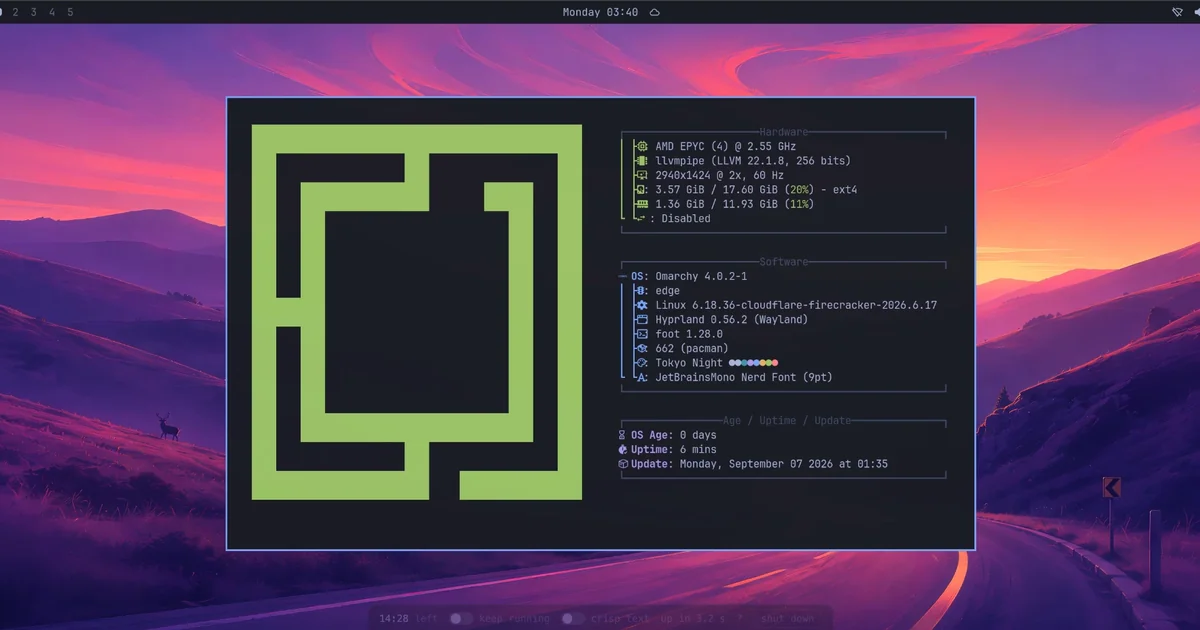
A real Omarchy Linux desktop, running in this tab. Open a terminal, try the tiling, click around, then close the tab and it's gone. Nothing to install.
fresh every time · runs near you · 15-minute session, extendable
Super+Return terminal
Super+Space app launcher
Super+W close window
Super+1…4 workspaces
Super+K all keybindings
Alt or ⌘ acts as Super (browsers eat the Windows key)
How it works
When you click Boot, you get your own Omarchy machine running at Cloudflare's edge, near you. It renders on the CPU and streams to your tab as video, sized to your window, with your clicks and keys sent back. Everything is thrown away when you leave, so it's a clean machine every time.
A few honest limits: no GPU, so blur and animations are off; no audio yet; and it's best on a desktop browser.