Cinematic Travel Map Animation for iPhone | TrailVid

TrailVid

3 min read Original article ↗

Travel map animation for iPhone

Make the map worth watching.

Turn your trip into an animated travel map on iPhone. Start with places, photo locations, or a GPX track, then export a video for your next travel film.

Made for iPhone. Optimized for iPad.

Frame
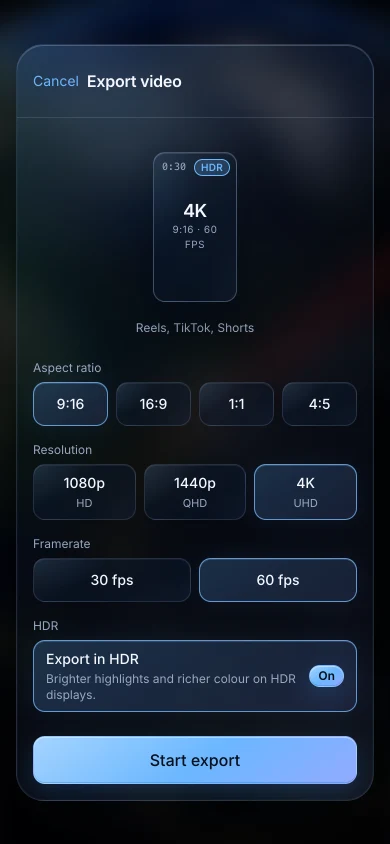
9:16 / 16:9 / 1:1 / 4:5

Resolution
1080p / 1440p / 4K

Frame rate
30 / 60 fps

Colour
HDR on compatible iPhone and iPad

01 Your trip

Start with where you went.

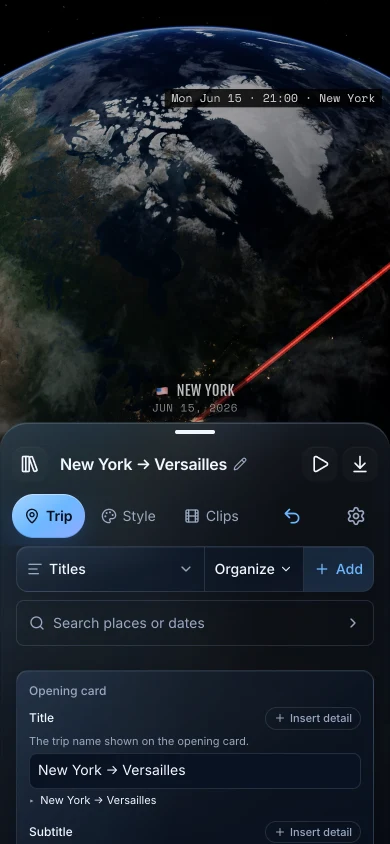
Add the places yourself, find stops from photo locations, or import a GPX track.
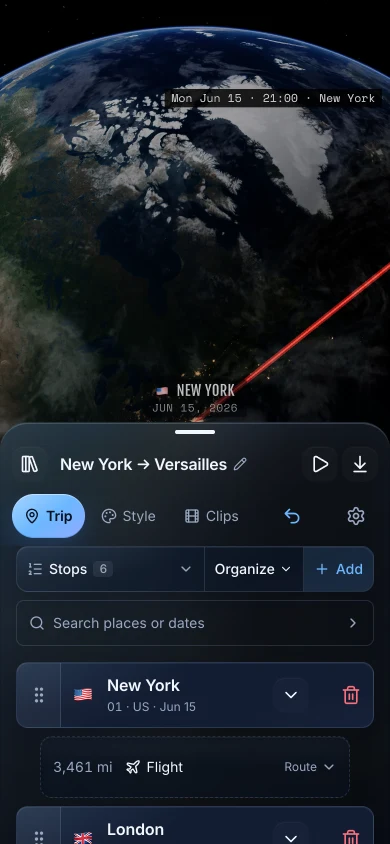
TrailVid on iPhone showing the New York to Versailles itinerary with transport choices above the globe

02 Your cut

You call the shots.

Choose how the camera follows your route and what the titles and captions say.
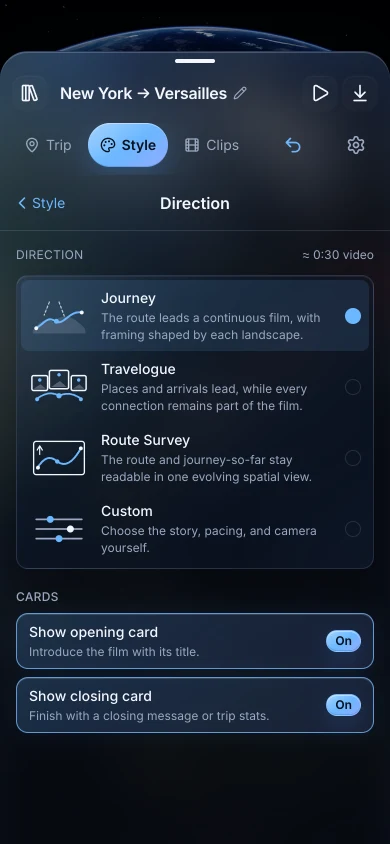
TrailVid on iPhone showing the Journey direction controls above the globe

TrailVid on iPhone showing opening title and trip detail controls

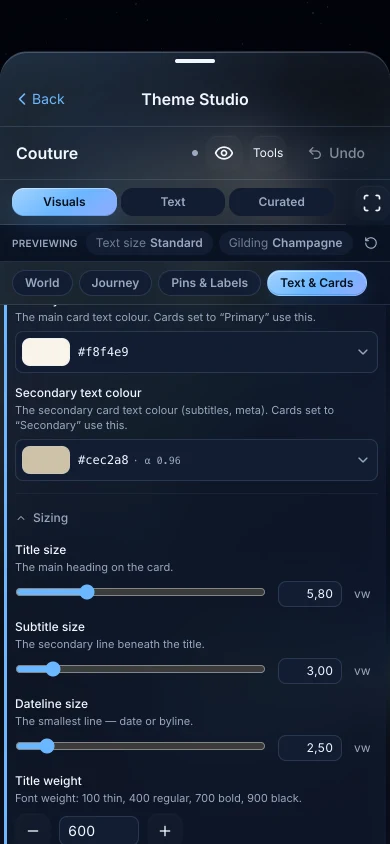
TrailVid on iPhone showing theme choices and visual style controls

03 Every channel

Cut it for the way you share.

Keep the whole trip together or turn it into a series for Stories, Reels, and Shorts.
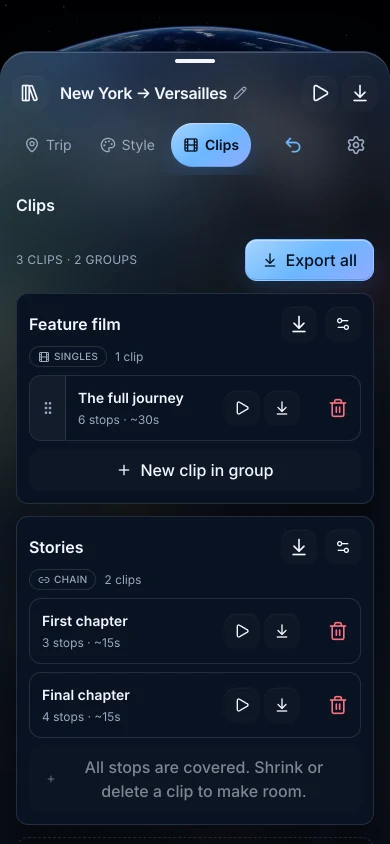
TrailVid on iPhone showing a full film and a connected two-part Stories series

TrailVid on iPhone showing aspect ratio, resolution, frame rate, and HDR export controls

iPad

Optimized for iPad.

See more of the trip while you work. iCloud keeps your trips in sync between iPhone and iPad.
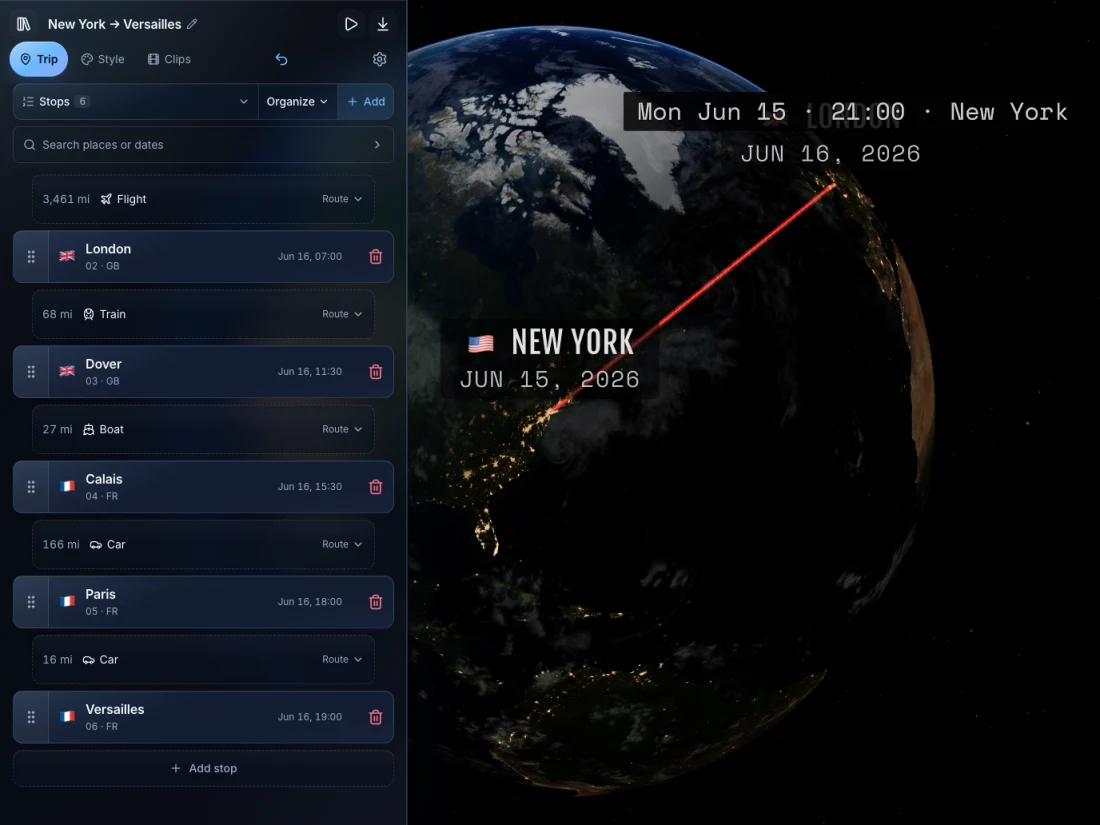
TrailVid on iPad showing the itinerary beside a large globe preview

Apple TV

Edit on your phone.See it on your TV.

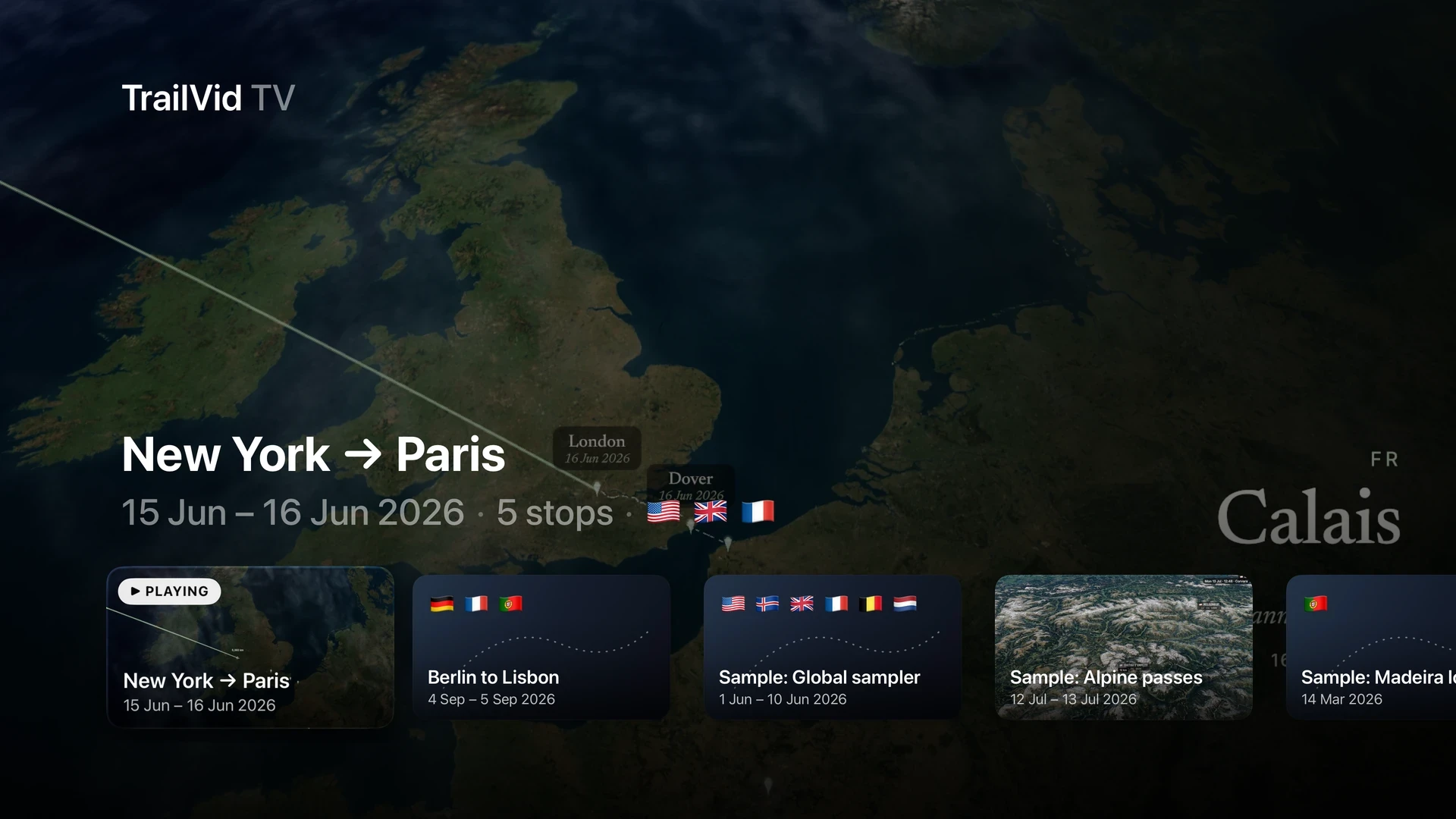
TrailVid on Apple TV with New York to Paris selected in a shelf of saved trips
Your saved trips, ready to watch on Apple TV.

Route
Mix flights, trains, cars, buses, boats, walks and bike rides in one trip. Add waypoints when a place shapes the route but does not need its own scene. Car, bus, walking and cycling legs follow roads and paths. Trains follow rail lines; boats use shipping lanes.

Story
Write opening and closing titles, captions and credits. Add dates, distances, places and flags from the trip, then choose how labels and dates appear.

Series
Preview the whole trip or a single clip. Turn one itinerary into a connected series, with earlier legs already drawn when the next video begins.

Theme editor
The trip stays on screen while you change the globe, atmosphere, routes, type and title cards. Give cards different layouts for vertical, square and widescreen exports.

Export
Make 9:16, widescreen, square and 4:5 videos at 30 or 60 fps, up to 4K. Compatible devices can also export 10-bit HDR.

What iOS version do I need?
Requires iOS 26 or iPadOS 26. Install TrailVid through TestFlight using the beta link.

Does TrailVid upload my photos?
Photo import reads location and capture time on your device and adds places to your current trip. It does not copy or upload the photos. Use What’s in this trip to choose the visits to keep, or Undo immediately after adding them.

Can I start with a GPX track?
Yes. Import one or several GPX files and TrailVid will draft the stops, dates and transport for you. Recorded tracks can also become the route shown in the video.

Can I use TrailVid on iPad?
Yes. TrailVid is optimized for iPad, and iCloud can keep your trips and themes in sync with your iPhone.

Do I need an account?
No. Install the beta through TestFlight and start creating.

Public TestFlight

Everything is open during the beta.

Use every theme and export option, including 4K, with no TrailVid account or payment card.

Join the beta