If you need to show translated speech on a screen during a meeting, presentation, church service, or event, I built a tool for that: Live Speech Translator.
It is free, runs in Google Chrome, and is built to keep the work in the browser instead of sending audio through a paid backend API.
What it does
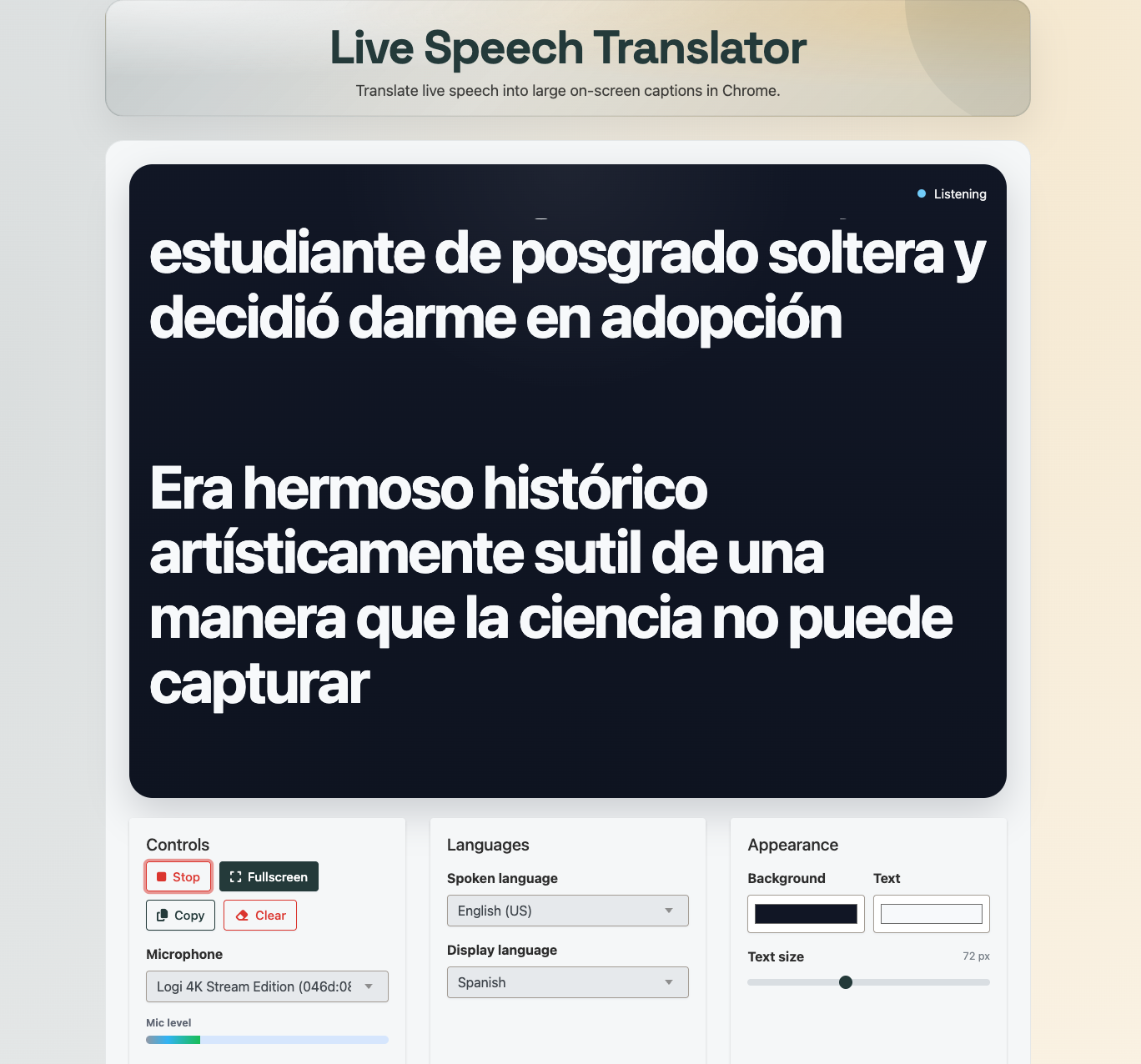
Live Speech Translator listens to speech from your microphone, turns it into text, translates it, and shows the newest lines in a large clean reading view.
You can also pick which microphone to use, which is helpful if you have a USB mic, webcam mic, mixer, or room audio setup and do not want Chrome guessing wrong.
The main use case is simple: one person is speaking, and you want the audience to follow along in another language without messing around with complicated AV software.
Why I made it
A lot of translation tools feel heavier than they need to be. They want an account, a subscription, or a whole setup process before you can test whether the thing even works for your room.
I wanted something much simpler. Open the page. Pick the spoken language. Pick the display language. Start listening. Put it on a projector or second screen.
That is also why it is free. It is useful on its own, and it is the kind of browser-based tool that should be easy to try.
The tech behind it
The interesting part is that the translation path is client-side.
For speech recognition, the tool uses Chrome speech recognition through the Web Speech API. For translation, it uses Chrome's built-in Translator API when the selected language pair is supported.
That means Chrome can handle the recognition and translation work inside the browser. In some cases, Chrome may download the required local language model or language pack the first time you use a language pair.
There is no paid translation API sitting behind this tool. No custom translation backend. No fake "AI" layer wrapped around another service just to mark the price up.
Why that matters
There are a few nice side effects when this work stays client-side.
- It is free to use: there is no per-minute translation bill driving the product.
- It is more private: the tool is built to stay in Chrome on your device instead of routing audio through my own servers.
- It is fast: browser-native processing cuts out a lot of extra network round trips.
That does not mean it is magic. Browser support still matters. Language-pair support still matters. But when Chrome supports the path, it is a very clean setup.
What to expect
This tool is currently built for Google Chrome. Other browsers are not supported right now.
Live translation also depends on whether Chrome exposes support for the language pair you choose. If translation is unavailable, the tool says that plainly instead of pretending it worked.
That matters. I would rather have a tool that is honest about support than one that fakes output and makes you discover the problem in front of a live audience.
Supported languages
There are really two language lists here, and that matters.
Spoken language support comes from Chrome speech recognition. The spoken-language picker covers a lot of common languages and dialects, including English variants, regional Spanish options, French, German, Italian, Portuguese, Dutch, Polish, Russian, Japanese, Korean, Chinese, Turkish, Czech, Romanian, Slovak, Swedish, Finnish, Indonesian, and more.
Display language support comes from Chrome's built-in Translator API. At the time of writing, Chrome lists support for Arabic, Bengali, Bulgarian, Chinese, Chinese (Traditional), Croatian, Czech, Danish, Dutch, English, Finnish, French, German, Greek, Hebrew, Hindi, Hungarian, Indonesian, Italian, Japanese, Kannada, Korean, Lithuanian, Marathi, Norwegian, Polish, Portuguese, Romanian, Russian, Slovak, Slovenian, Spanish, Swedish, Tamil, Telugu, Thai, Turkish, Ukrainian, and Vietnamese.
One catch: that does not mean every spoken-language to display-language combination will work. The tool still depends on whether Chrome supports that exact pair on your machine.
Large-screen mode
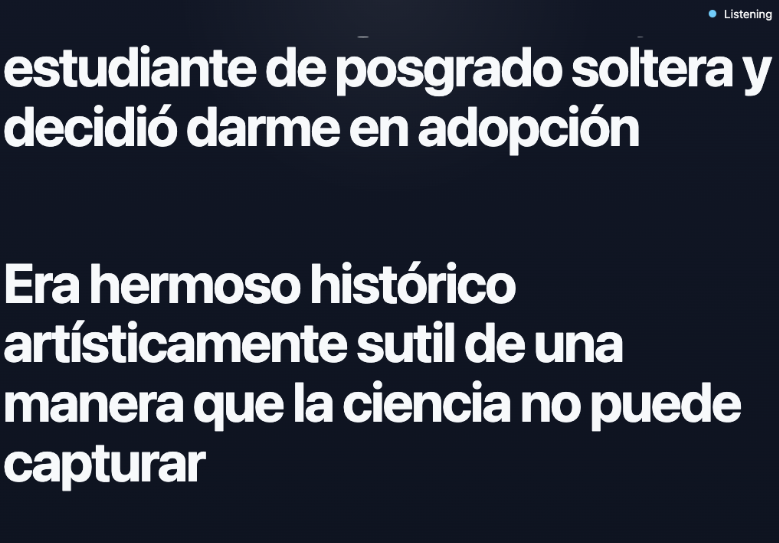
One of the main reasons I built this was for rooms where the translated text needs to be easy to read from far away. The full-screen view keeps the interface out of the way and turns the browser into a simple reading screen.
Good use cases
These are the kinds of situations I had in mind when building it.
- Meetings with mixed-language attendees: one person speaks, and the room can follow along on a shared display.
- Church services and community events: translated captions can be shown on a TV or projector without a heavy setup.
- Presentations and conferences: put the translated text on a second screen so the audience can track the talk more easily.
- Classrooms, workshops, and training sessions: helpful when the speaker and audience are not all most comfortable in the same language.
- Pre-event testing: it is also useful for checking your microphone, screen layout, and readability before people arrive.
Try it
You can use it here: https://t.ly/tools/speech-translator
If you want a live speech translator that is free and uses browser-native tech to keep translation client-side, this is exactly what I built it for.