The ultimate Mac package manager GUI. Manage your Homebrew packages visually without touching the terminal. The Flatpak-like experience Mac users have been waiting for.
Free forever · No account required · macOS 13+
Available in English, 中文, Español, Русский, Français, Deutsch

🍎
Apple Silicon Migration
Find Intel apps running under Rosetta. See which apps have native ARM versions available via Homebrew and install them with one click. (Pro)
📝
Release Notes Preview
See what changed before updating. Fetches release notes from GitHub Releases API with version info and release dates. (Pro)
😴
Snooze Updates
Temporarily ignore updates without permanently pinning. Snooze for 1 day, 1 week, 1 month, or until next version with auto-unsnooze.
🔒
CVE Security Scanner
Scan installed packages for known security vulnerabilities. Shows severity levels with color-coded badges, CVE details, and one-click upgrades.
💚
Package Health Dashboard
Overview dashboard showing system health at a glance. Displays outdated packages, vulnerabilities, orphans, cache size, and health score. (Pro)
🔍
Visual Package Browser
Browse and search through thousands of Homebrew packages with an intuitive visual interface. No more memorizing package names.
⚡
One-Click Install & Uninstall
Install or remove any package with a single click. Real-time progress monitoring shows you exactly what's happening.
⚙️
Service Management
Monitor all Homebrew services with color-coded status indicators. Start, stop, and restart databases, servers, and background processes.
💾
Brew Cleanup Tool
See how much space each package uses. Clean up old versions, cache, and unused dependencies to reclaim valuable disk space.
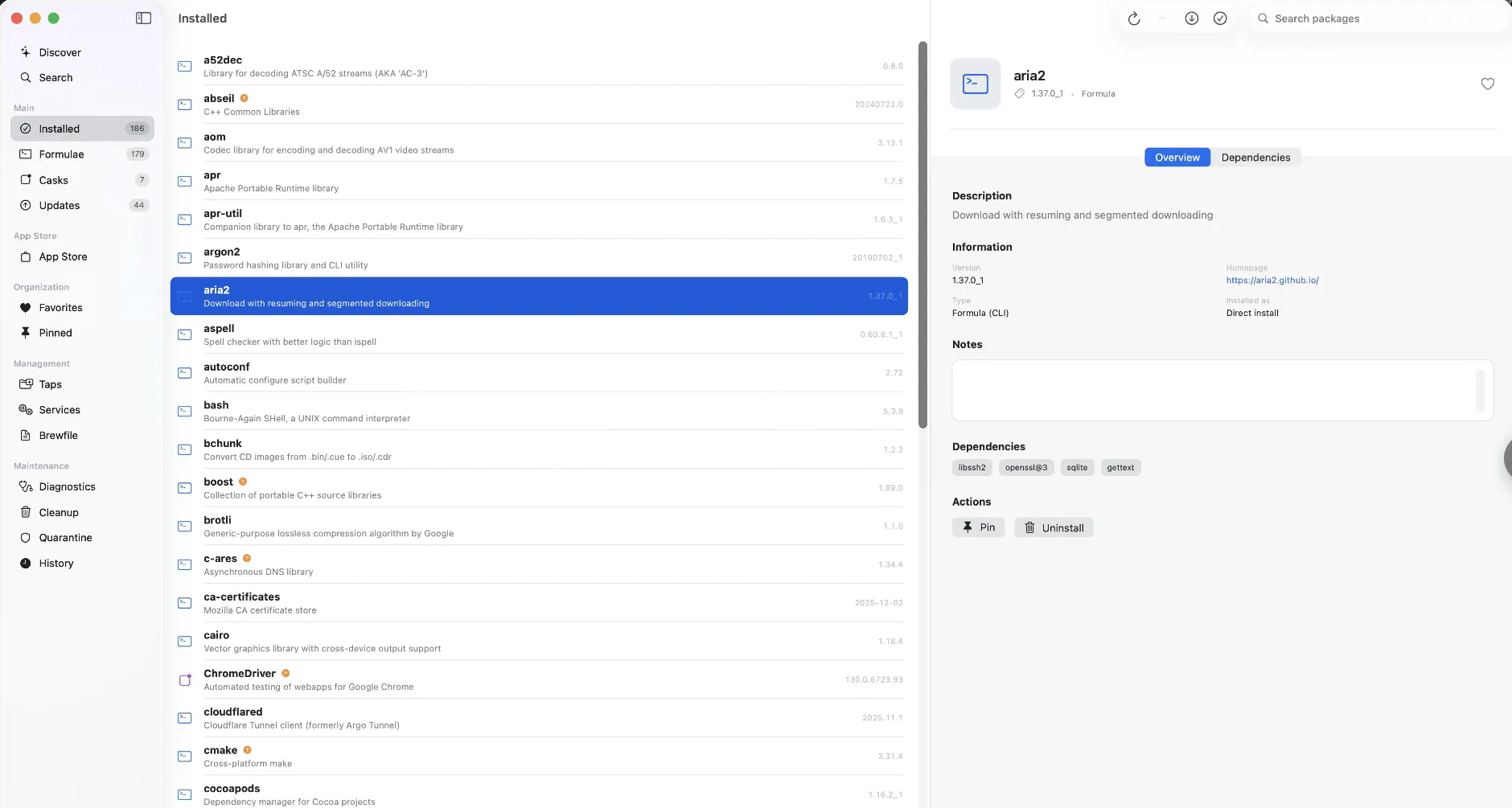
Package Browser
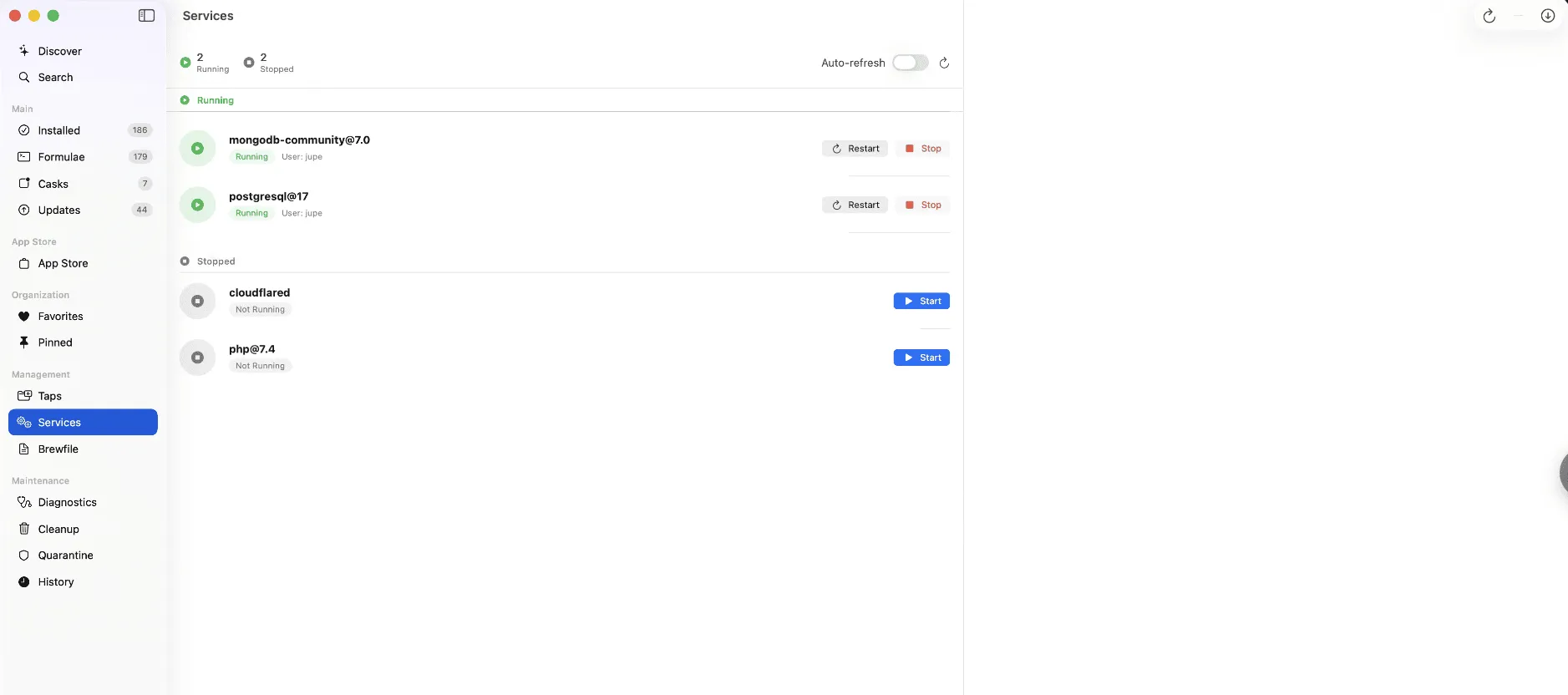
Services Management
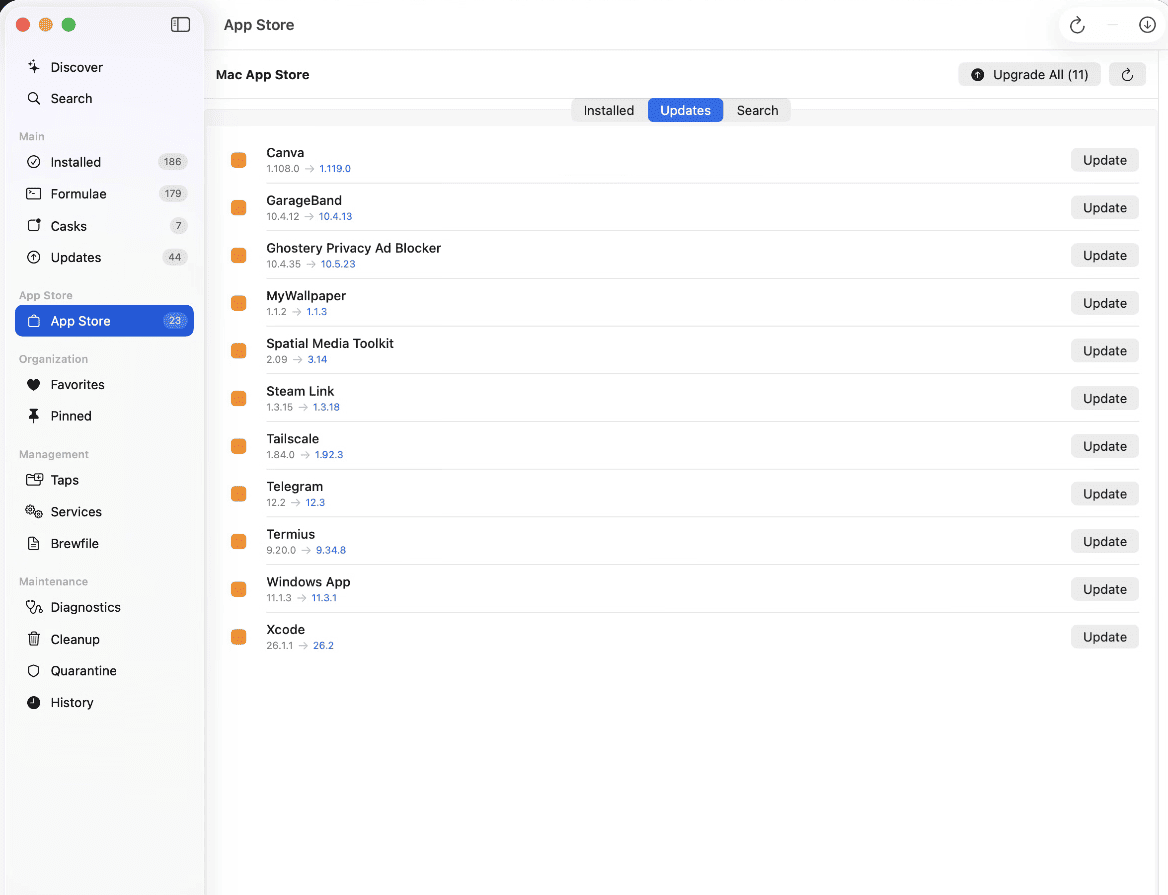
App Store Integration
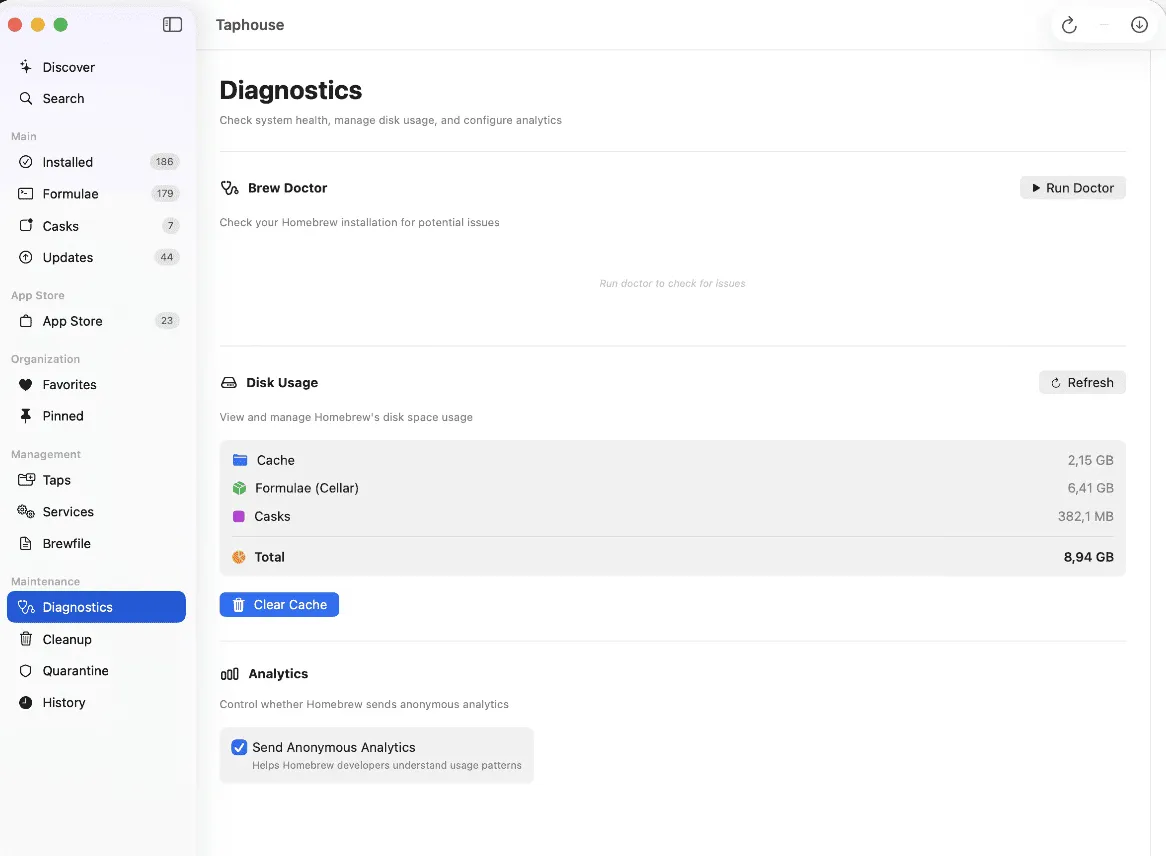
System Diagnostics
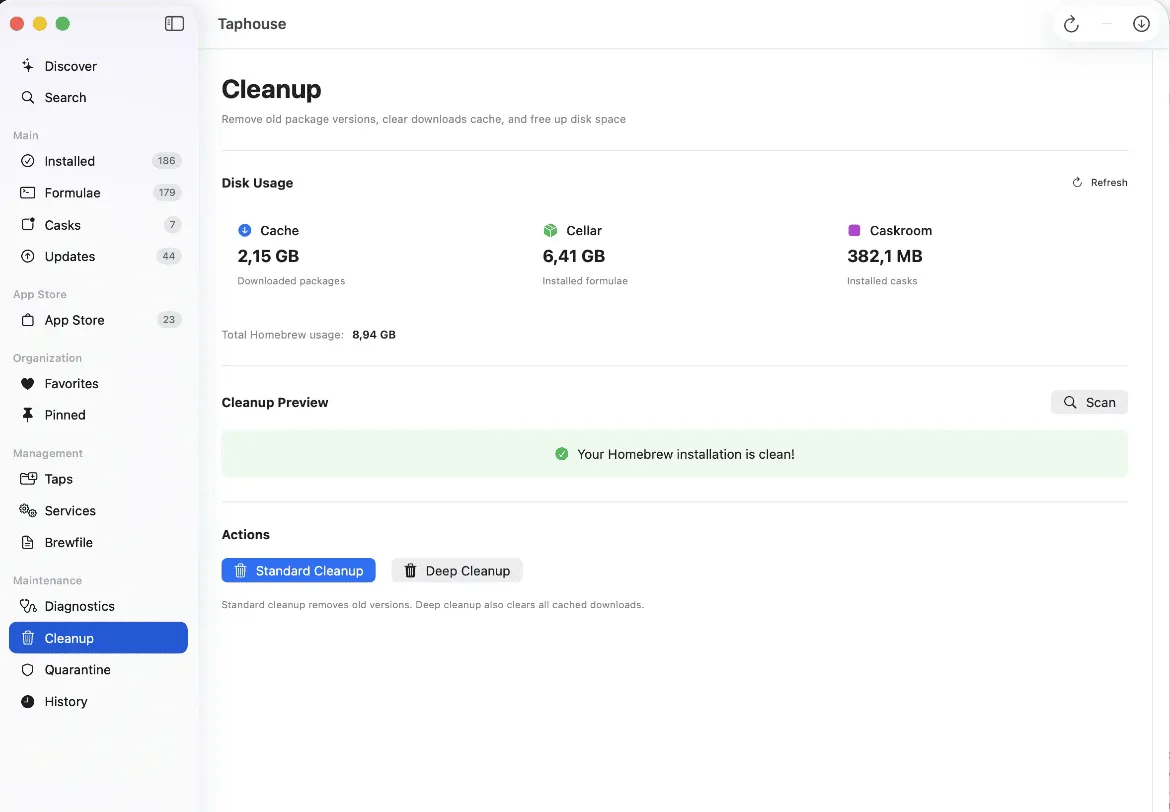
Cleanup Tools

Quarantine Management
r/macapps
"
Thank you for Taphouse! It's the most feature rich option available now and definitely worth paying for to have all the features. I was a big fan of BrewerX until the app stopped working for me and the developer couldn't be bothered to help me figure out the problem. Taphouse is the most capable of them all, and I'm pretty sure I've tried them all at this point.
R
Reddit User
r/macapps community
"
I wanted to take a moment to send you a quick email to say thank you for creating such an awesome piece of software! I've seen my share of Homebrew GUI apps for macOS over the past few years. None of them comes close to being as useful as Taphouse.
Visual package browsing
✗
✓
See all outdated packages
✗
✓
Service management UI
✗
✓
Disk usage visualization
✗
✓
Quarantine management
✗
✓
See How Taphouse Compares to Other Apps
Thinking about switching from another Homebrew GUI? Read the full comparisons.
Simple, honest pricing
Free forever with optional Pro upgrade. No subscriptions, no recurring fees.
Ready to simplify Homebrew?
Download Taphouse and see what's brewing on your Mac. Free forever, no account required.
Prefer the terminal? brew install --cask taphouse
Enjoying Taphouse?
Your review helps other Mac users discover a better way to manage packages. It only takes a minute!
More Apps from Multimodal Solutions
Check out our other macOS apps