Stay in your creative flow
Many artists use a Mac for creative work and a Windows PC for specific tools or older software. Synergy lets one keyboard and mouse control both computers as if they were one, so you stay focused on creating instead of switching devices.

Setup of the week
Show off your Synergy setup
Synergy has been part of this setup since 2018, tying a dedicated gaming PC and a separate streaming PC together under one keyboard and mouse. The gaming machine runs an i9-9900K with an RTX 4060 Ti, while the stream side handles capture and broadcast duties independently.
Submitted by @otiozero on Instagram

Real world applications
Our enterprise customers cut complexity, speed up delivery, and simplify operations. Read the case studies to see how they did it with Synergy.

Unified control in mission-critical operations
In mission-critical operations, staff often work across multiple independent systems at the same time. Synergy lets a single keyboard and mouse move instantly between communication, monitoring, and control machines, reducing delays caused by switching consoles or interfaces. This keeps operators focused on decisions and execution rather than managing hardware, even under sustained pressure.

Based on open source software
Synergy is the commercial distribution built on Deskflow, the upstream open-source project maintained by the Synergy team.

Combine your computers
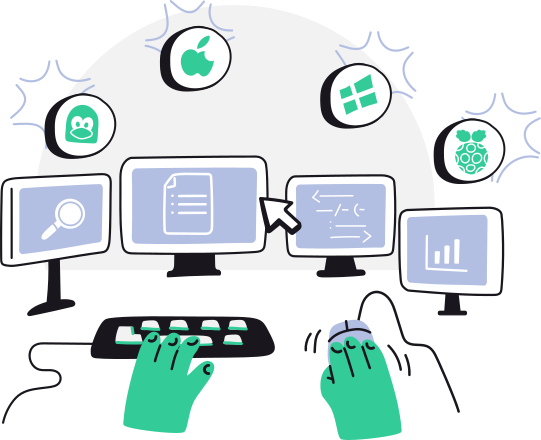
Synergy makes all your computers feel like one system. One mouse, one keyboard, one clipboard. Just move your mouse from one computer to another and start typing.

Increase desk space
Synergy means you only need one keyboard and mouse, regaining valuable space on your desk. Once installing Synergy, you can put away those extra keyboards and mice.

Save switch time
Conventional hardware switch devices cost precious seconds during the switch. Synergy has no delay, switching instantly as soon as you move your mouse between computers.
Listens for inputs
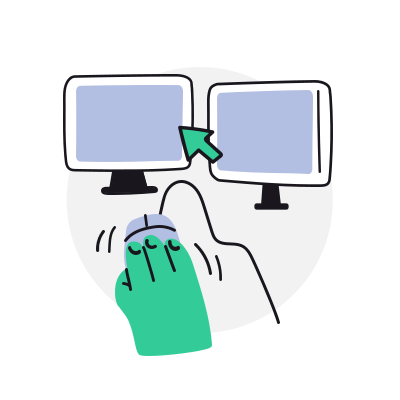
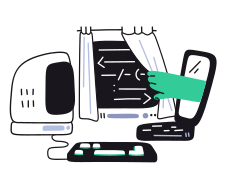
Synergy listens to the operating system for mouse movements and key strokes, so it can tell when you move the mouse off the edge of your screen. Once it detects HID (human input device) events, it gets ready to send them over the network.
Transmits HID info
Once off the edge, the mouse cursor is then emulated on the remote computer via your LAN (local area network). Keystrokes and copy/paste data are sent to whichever computer the mouse cursor goes.

Loved by Customers
Great software is only half the story — it matters even more that help is there when you need it. Whether you're a business or a personal customer, our support team is quick, clear, and genuinely helpful.

A very helpful tool at a very fair price. Also a good and friendly support. Very customer oriented.
★★★★★
Synergy 3 is here!
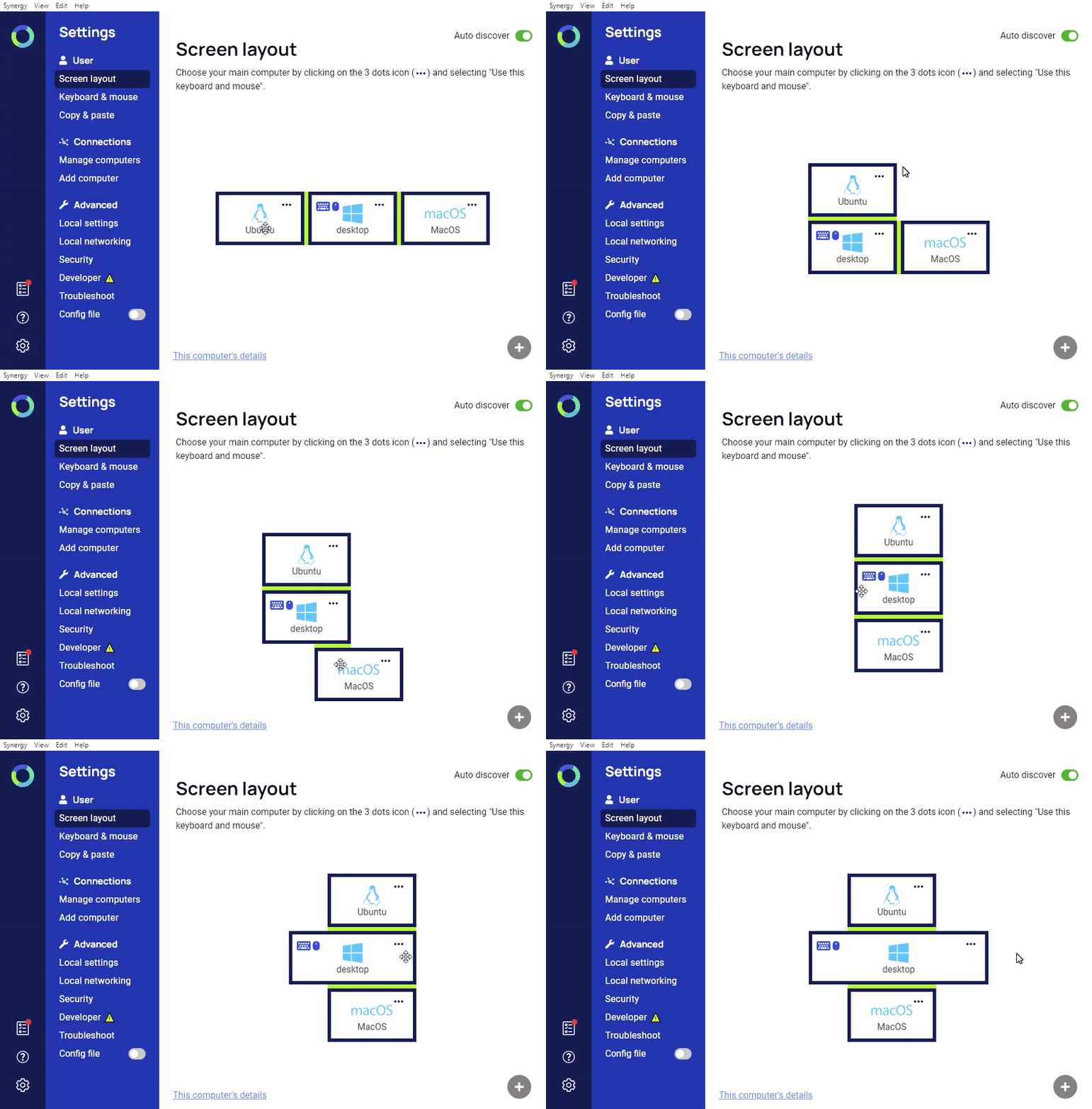
Introducing Synergy 3, the next big step for multi‑computer productivity. We completely rebuilt our GUI from the ground up, and implemented a brand new auto-config and auto-discovery feature.
Our backbone: Synergy 1
Our rock solid enterprise-grade product, Synergy 1 is a mature application backed by decades of development. It's used as the Core of Synergy 3, and remains our proven solution for business-critical deployments.
Software or hardware KVM switch?
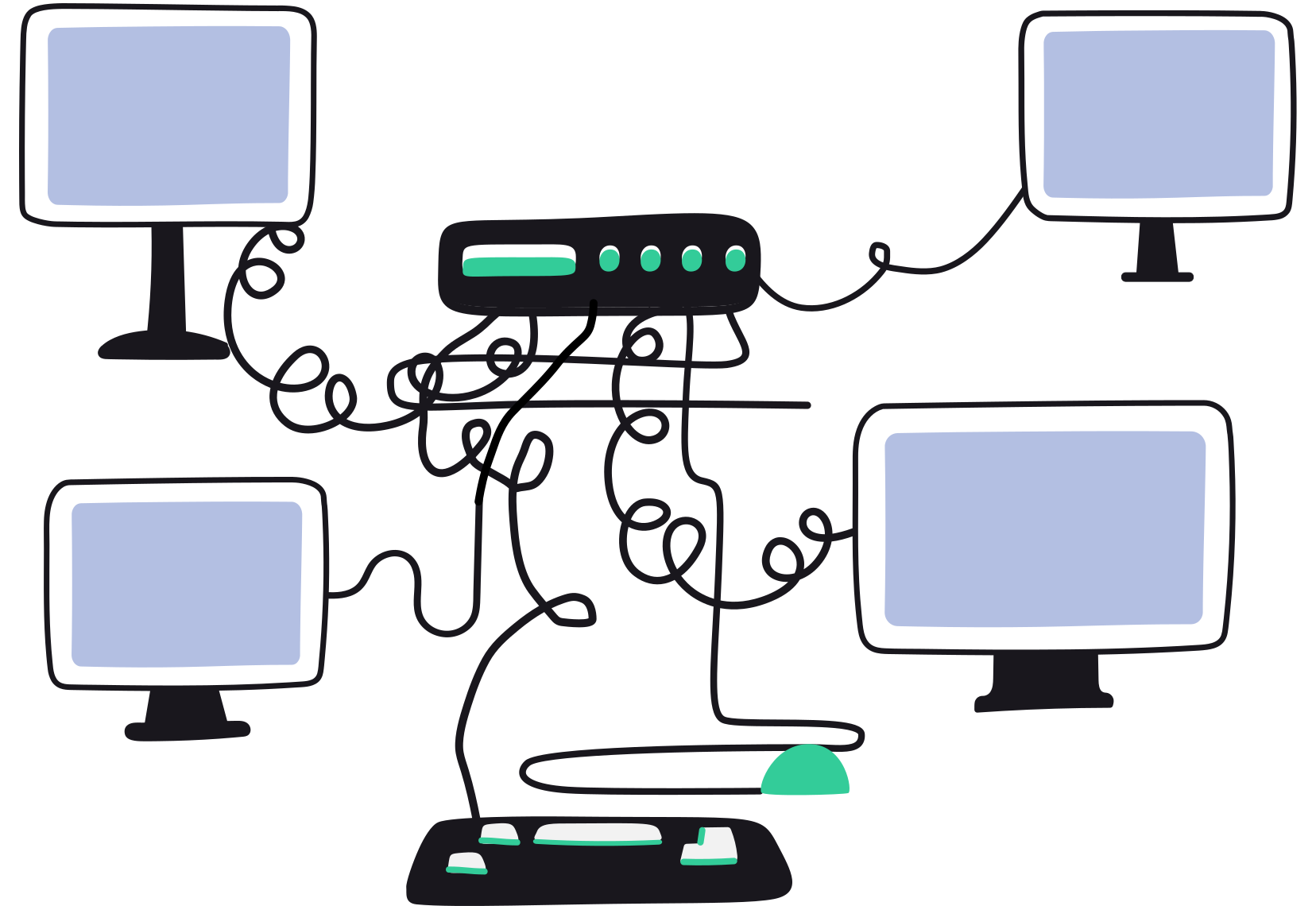
Synergy works like a software KVM, but without video. Unlike hardware KVM switches, it does not require cables or physical setup, and avoids the lag and reliability issues common when switching between machines.
Real setups, real opinions, real updates
Stories from the Synergy team on multi-computer workflows, the people who run them, and what we're shipping next.
We changed how Synergy licensing works
In May we changed Synergy licensing and got it wrong. Now: bought it with your own money, it's yours, for anything including work.
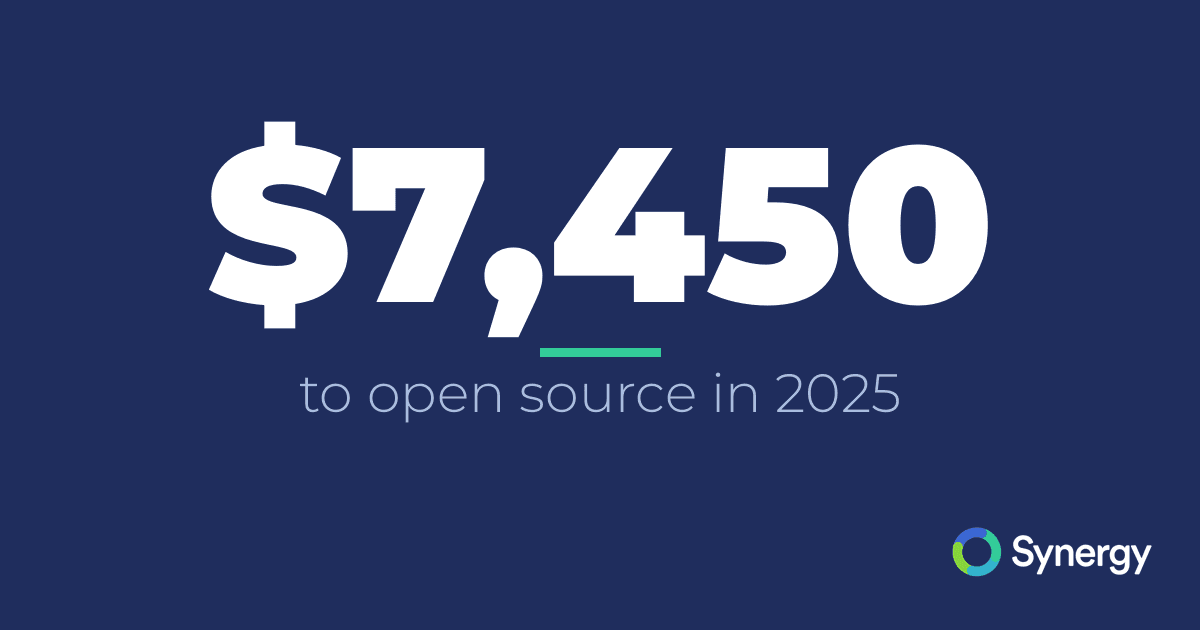
We gave $7,450 to open source developers in 2025
How Synergy spent $7,450 on open source in 2025: funding developers, backing KDE and GNOME, and shipping IPC and Windows work upstream.
What happened to the old Barrier fork?
An inside look at what happened with the old Barrier fork and what led to its fragmentation.
Subscribe to our newsletter, get 25% off Synergy
Product updates, deals, and tips, straight to your inbox. We'll email your discount code right away. Unsubscribe any time with one click.
By subscribing you agree to receive marketing emails. See our privacy policy for how we handle your email.