From ideas to a graph, no friction
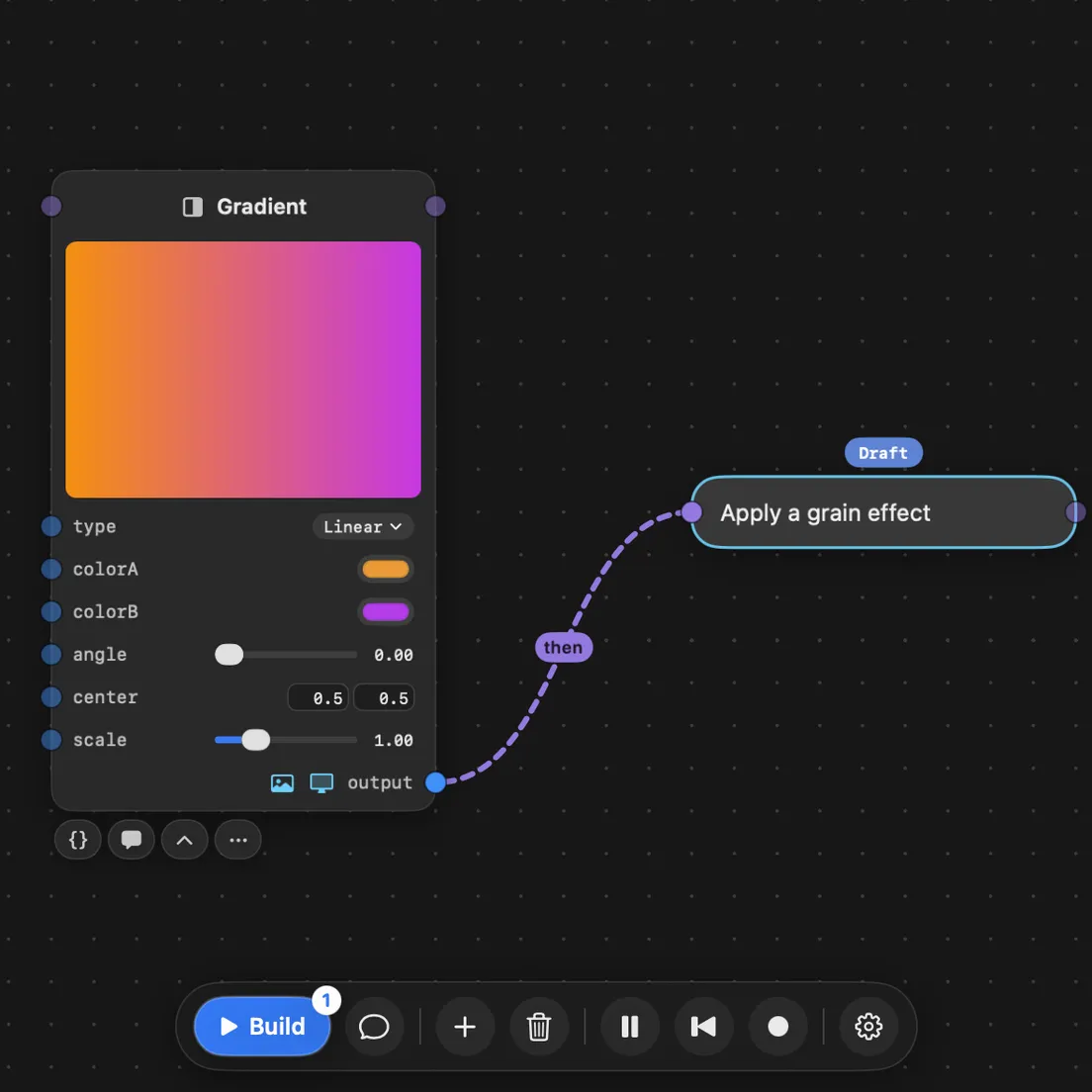
Ask in chat, or wire a prompt into the graph. What you asked for is distilled into connected nodes with named inputs and outputs, each one written as a file of real code by its own agent, all at the same time, and you can keep working while they do.
Fluid controls for playful iteration
Knobs on your nodes are there before you even think to ask, immediately giving you something to tinker with. Chat with the agents to add more. Need something more complex? They build a custom card on the node itself: a meter, handles you drag on the picture, whatever the effect needs. Tweak, look, tweak again.
Deterministic agent workflows for creative tasks
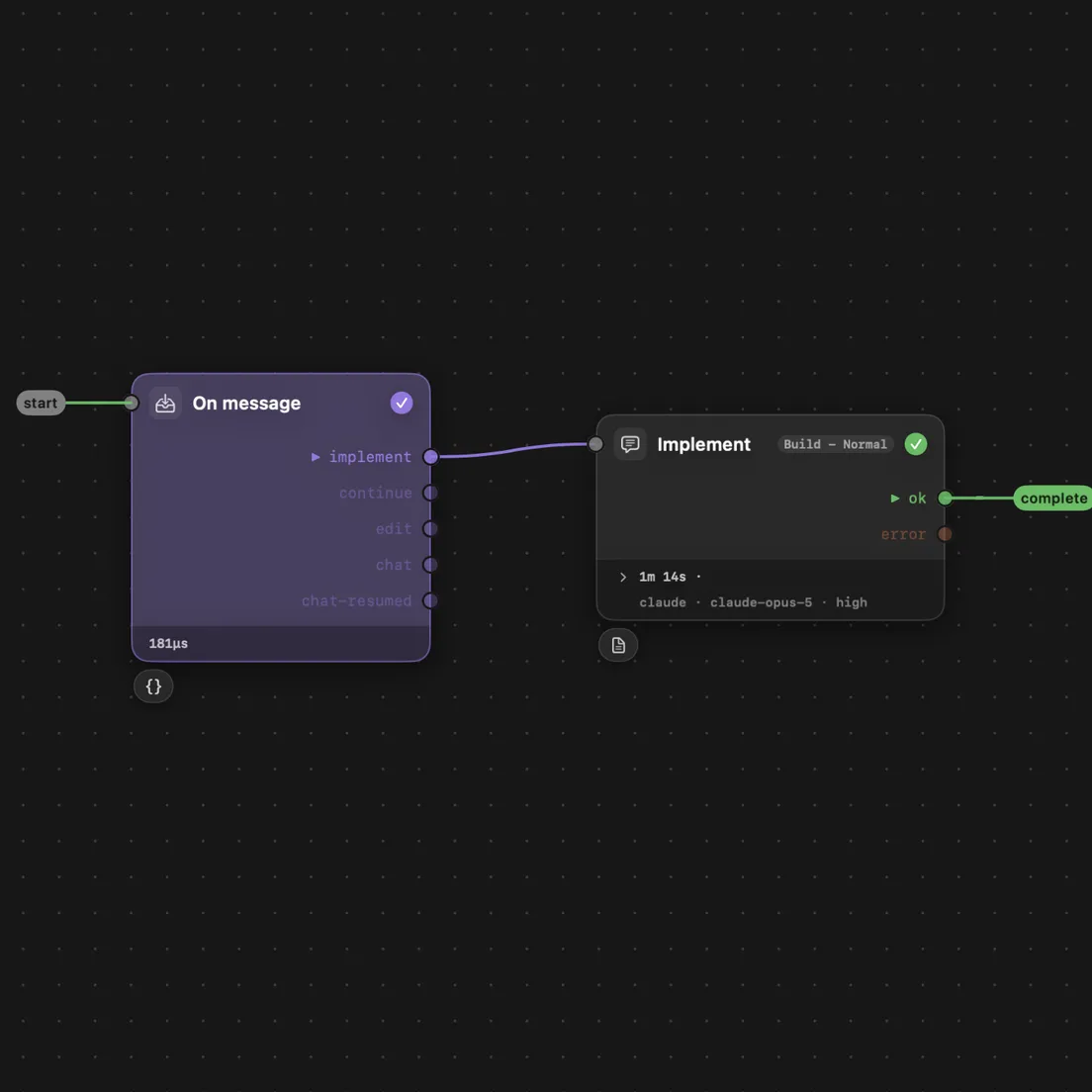
Every agent turn follows a graph of steps, and a step is either code or a markdown prompt: files you can open, change, or write from scratch. Watch one run in the app, step by step. Nothing rearranges itself between runs, so you can see why it did what it did.
Split, merge, rewire, repeat
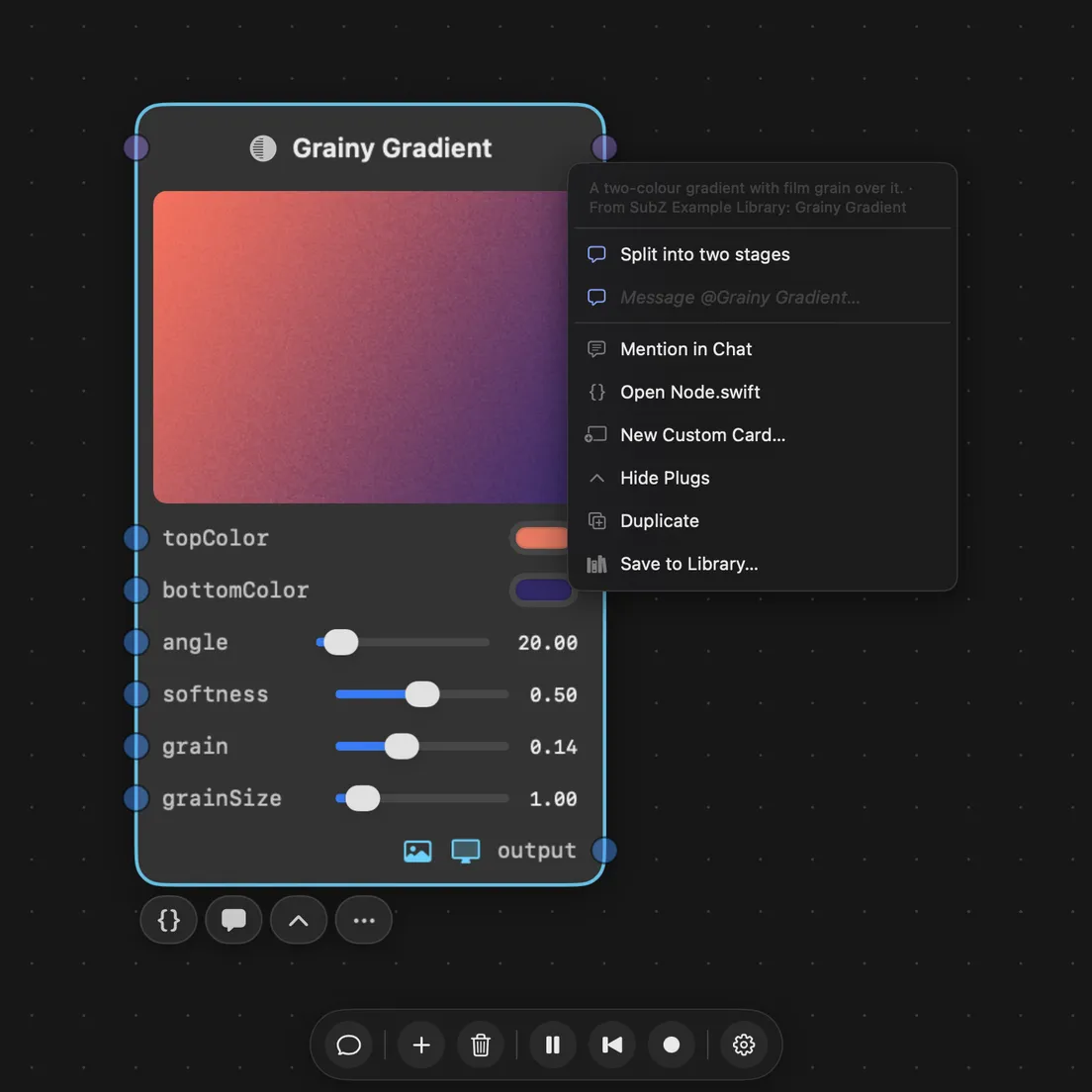
Agents break the rigid patterns other editors lock you into. Want to split a node into two stages? Ask, and it happens. Merge them back, rewire, tune one stage at a time. None of it costs more than saying so.
Every node is code you own
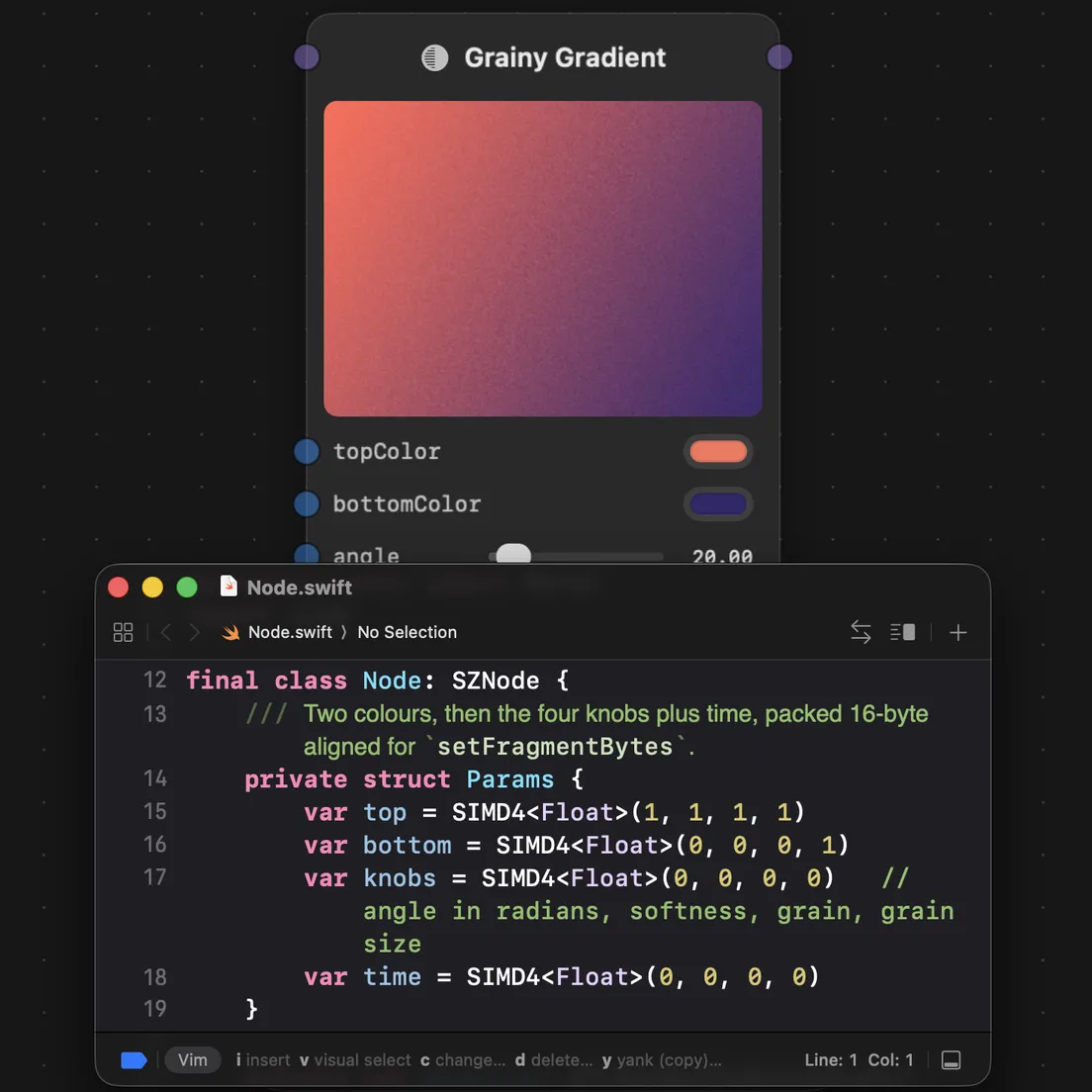
That file the agent wrote is the one you open. Swift and Metal on the Mac, JavaScript in the browser. Change a line and save, and it reloads without dropping a frame.
Build for native or web
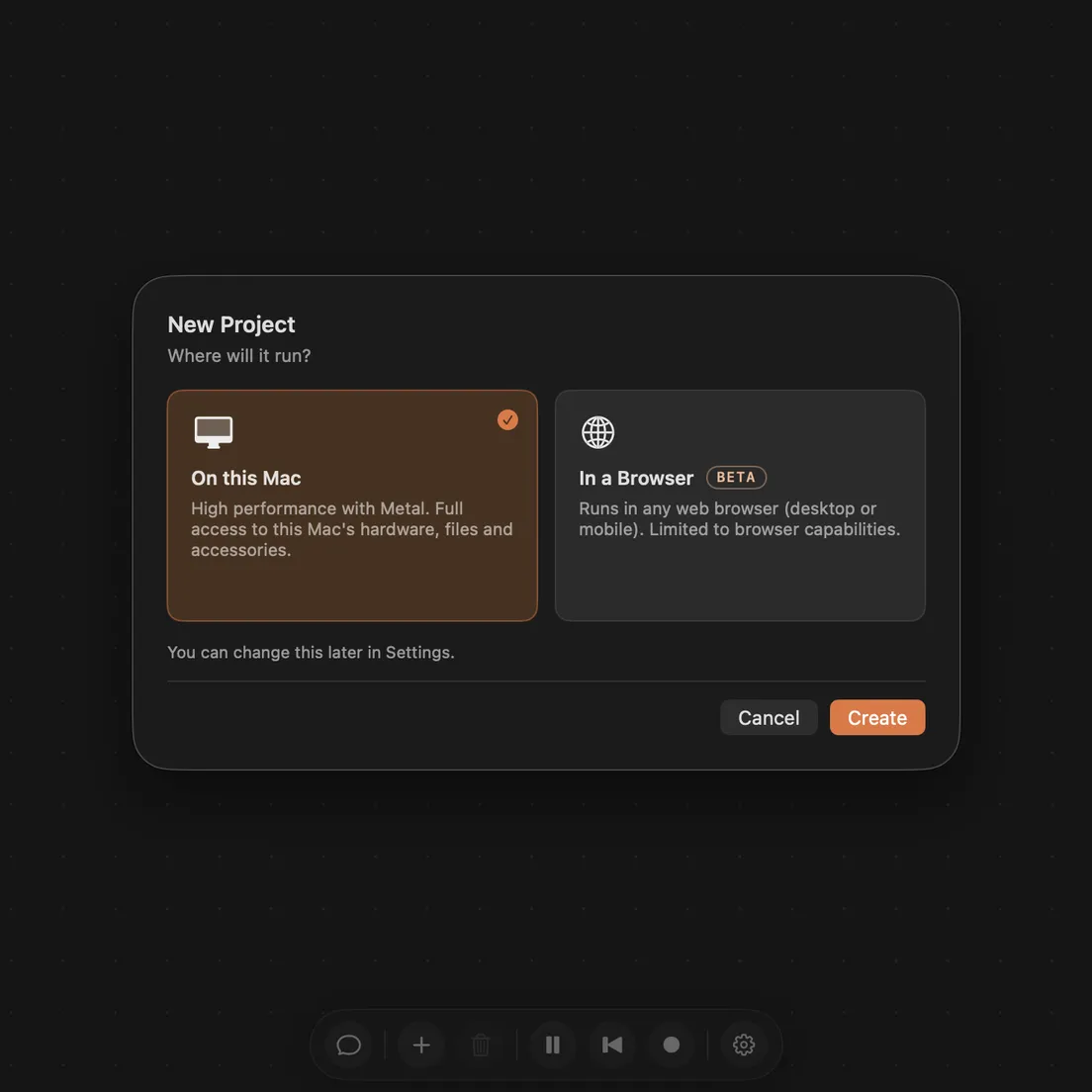
Switch the same project to the browser in place. Export it as one HTML file and open it on any phone or laptop. The effect at the top of this page is one of those files.