tl;dr: I built a Chrome extension to experiment with webpage extraction for LLMs. Check out the demo repo here. It introduces a new way of extracting content - a Hybrid Snapshot - that combines Markdown readability with accessibility-tree structure.
We’re in the age where LLMs need to understand webpages like a human would. A part of that is being able to “read” a webpage in an efficient way. The obvious solution is to just give it a screenshot of the entire page. However, that’s performance and cost-prohibitive in many circumstances (unless you’re Anthropic).
Instead, what we really need is a structured, textual snapshot: one that makes it easy for an LLM to read the content and understand the structure of the page.
I started with three guiding principles:
Generalized solution: No site-specific scrapers. I’m not going to build adapters for Gmail, LinkedIn, or Wikipedia. That’s the Bitter Lesson.
Keep it focused: Every token counts. Remove any irrelevant markup to avoid rotting the context.
Balance structure and content: The LLM needs to be able to easily read both page structure and content clearly.
To explore this, I hacked together a Chrome extension to serve as a sandbox:
👉 https://github.com/bradvogel/dom-snapshot-for-llms-demo
The test case: Gmail, with an email open. This is a great example because:
Humans naturally want to use an LLM here (“Summarize this email”).
LLMs also need to understand the structure of the page in order to know it’s Gmail (ie showing a message from the sender).
Gmail has a very complex DOM - most of which can be filtered.
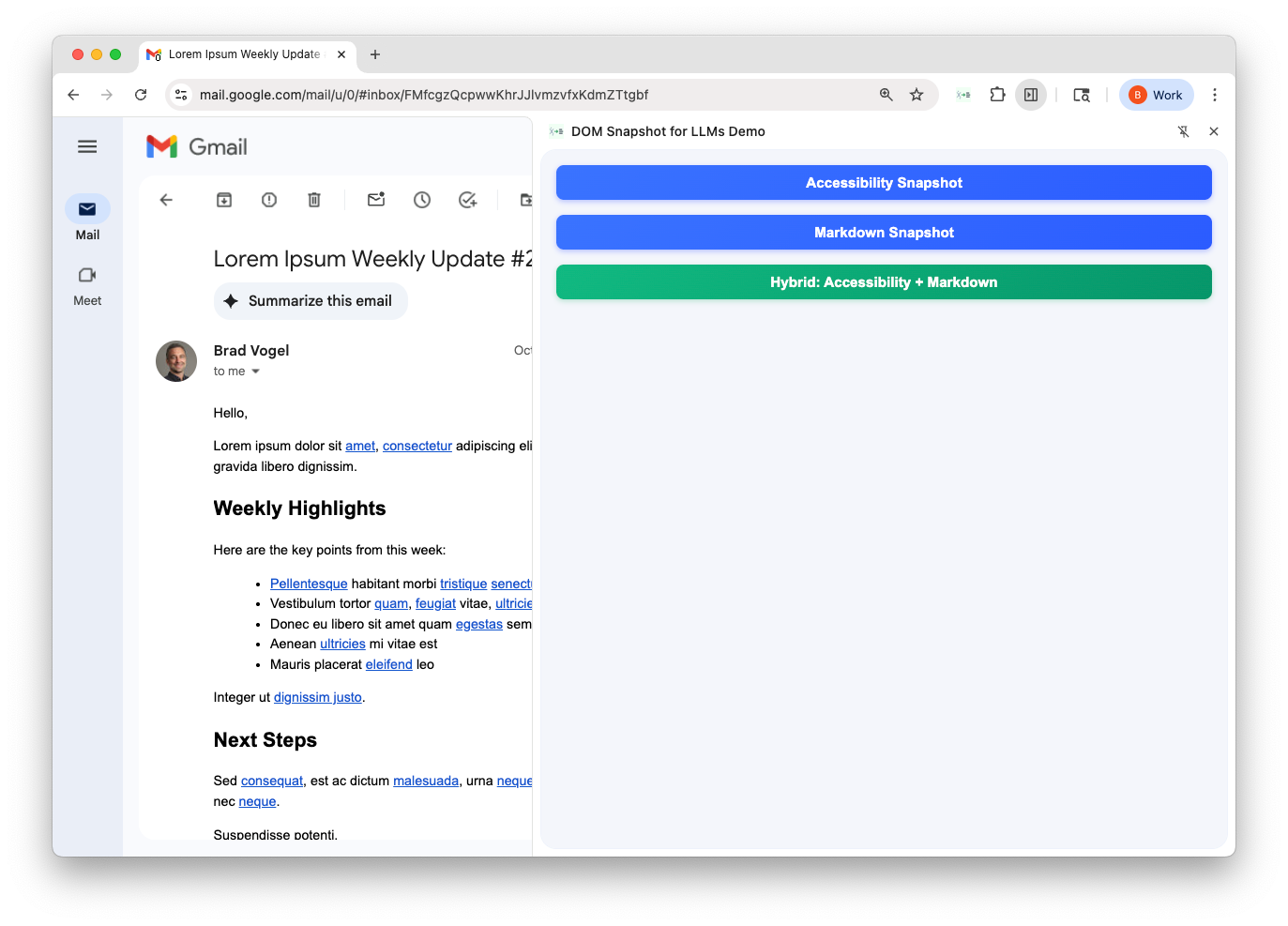
Screenshot: Gmail open with the dom-snapshot-for-llms-demo extension panel
The first option: run the DOM through an HTML-to-Markdown converter like turndown.
Screenshot: Markdown output in Gmail
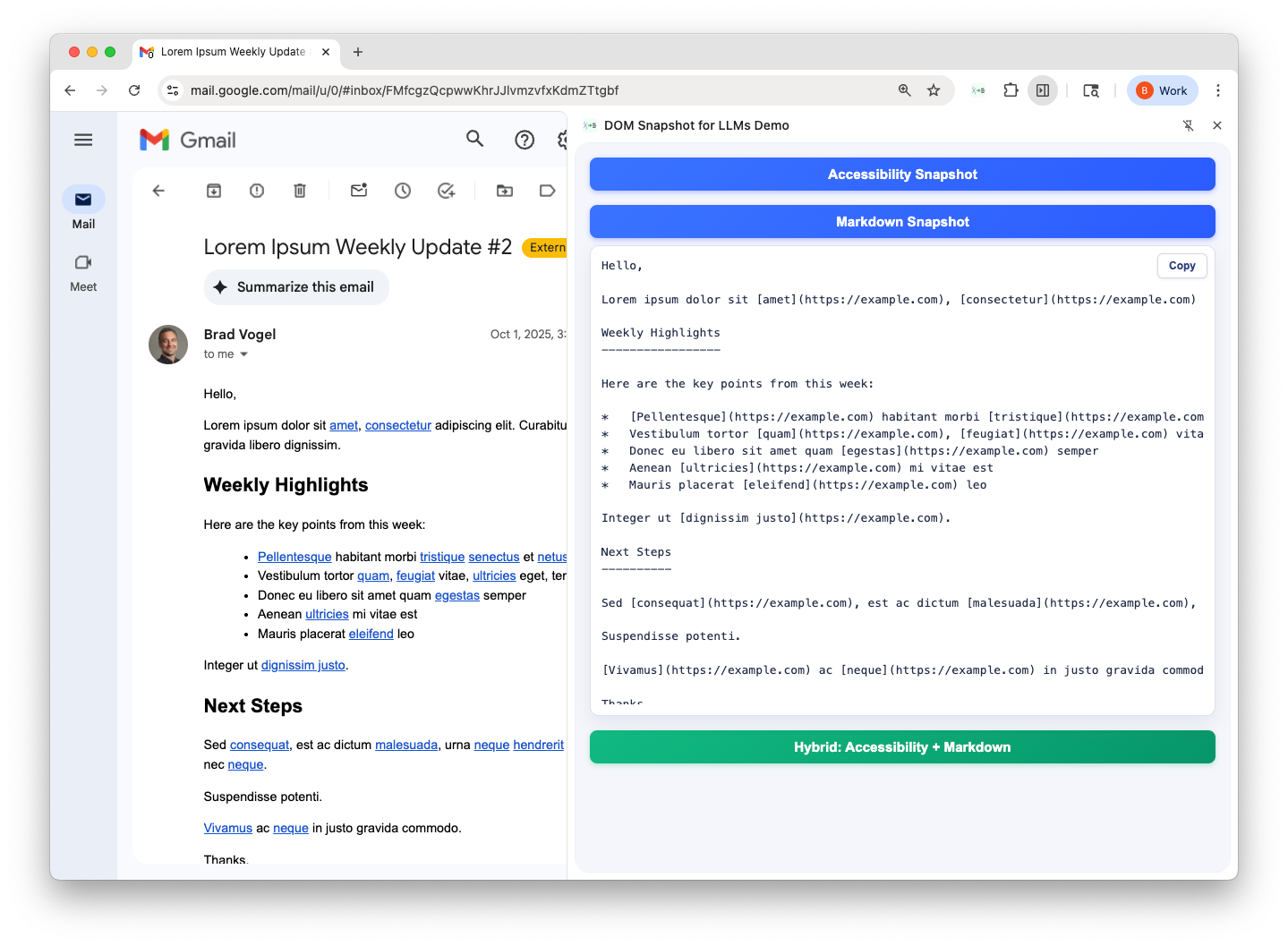
This looks fine at first glance - the email body renders neatly in Markdown.
But scroll up and you’ll see ~1,200 lines of noise: sidebars, toolbars, ads, and other irrelevant DOM. The LLM has to work way too hard to figure out where the email content is.
Another approach is to use the browser’s accessibility tree. These are designed for screen readers, i.e. humans trying to parse a page semantically. That makes them a natural fit for LLMs.
With Playwright’s generateAriaTree(document.body, { mode: ‘ai’ }), you get a semantic snapshot: headings, buttons, lists, etc.
Screenshot: Accessibility output
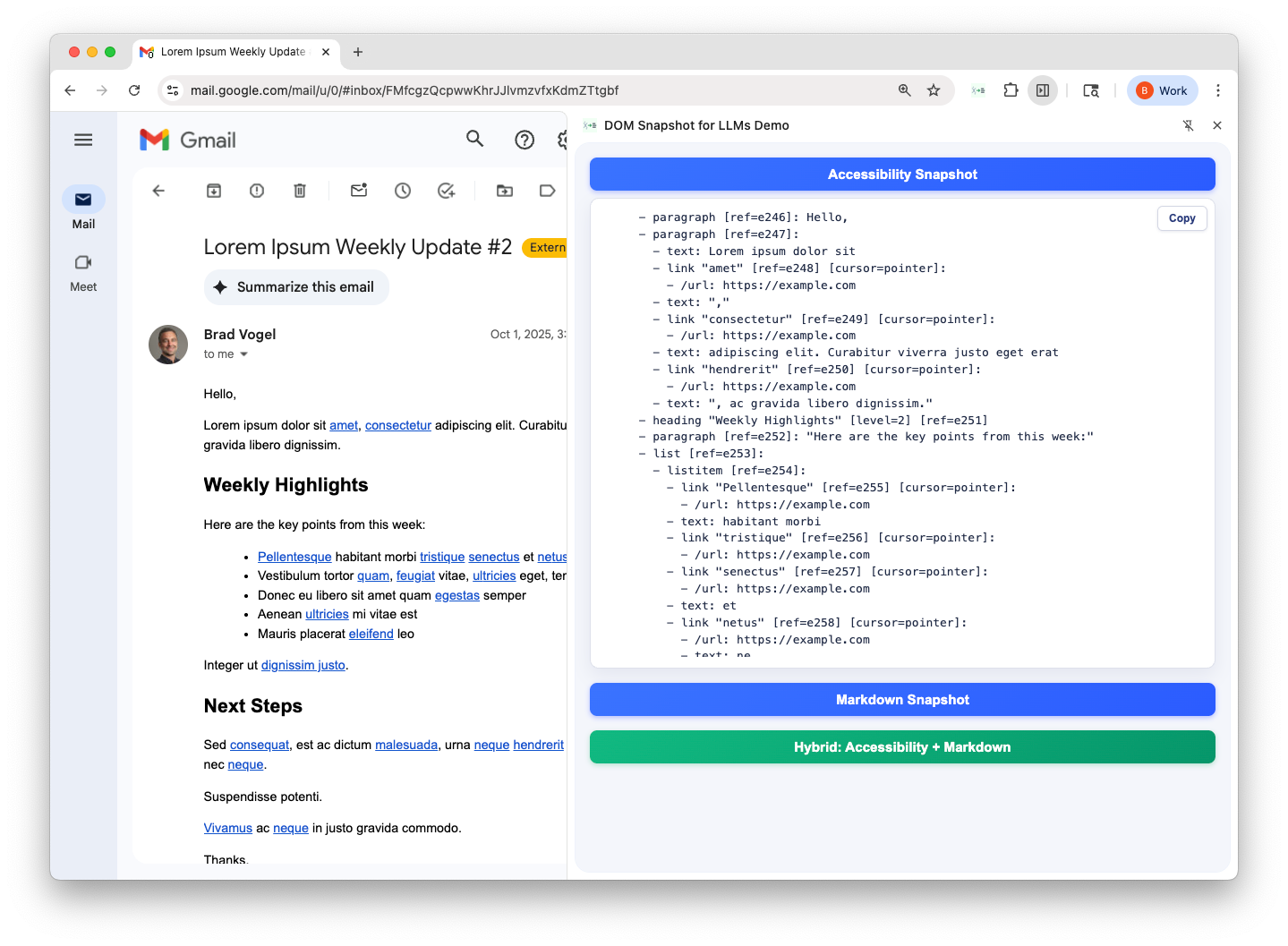
This gives us page structure… but way too much of it. Every paragraph, every span, every link is rendered in detail. Useful for navigation & automation (eg Playwright, where it came from), way too noisy for reading content.
After lots of experimentation, I landed on a solution that combines the strengths of Markdown (readable content) and accessibility trees (semantic structure).
Here’s how my Hybrid Snapshot works:
I start from Playwright’s accessibility tree, since it captures the page’s semantic structure and reading order. From there, I apply three transformation stages:
Markdownification: Combine paragraph-like content into Markdown text blocks, eg headings, lists, links, and inline formatting.
Structural flattening: Collapse wrapper nodes and merge adjacent paragraph-like runs to compact output. Unwrap simple sections or single‑cell tables while preserving labeled/semantic elements (eg article, summary)
Pruning & normalization: Drop empty or purely decorative nodes, strip redundant labels, dedupe repeated labels, and normalize whitespace.
Here’s the base Playwright ARIA snapshot:
- generic
  - heading:
    - text: “Weekly Highlights”
  - text: “Here are the key points from this week”
  - list:
    - text: “Acquired our”
    - link “first customer!”:
      - /url: https://example.com
   - text: “Congrats team!”
- toolbar:
  - button “Reply”
  - button “Forward”
and the converted Hybrid Snapshot:
- markdown: |
  ## Weekly Highlights

  Here are the key points from this week:

  - Acquired our [first customer!](https://example.com)

  Congrats team!
- toolbar:
  - button “Reply”
  - button “Forward”
Screenshot: Hybrid output in Gmail
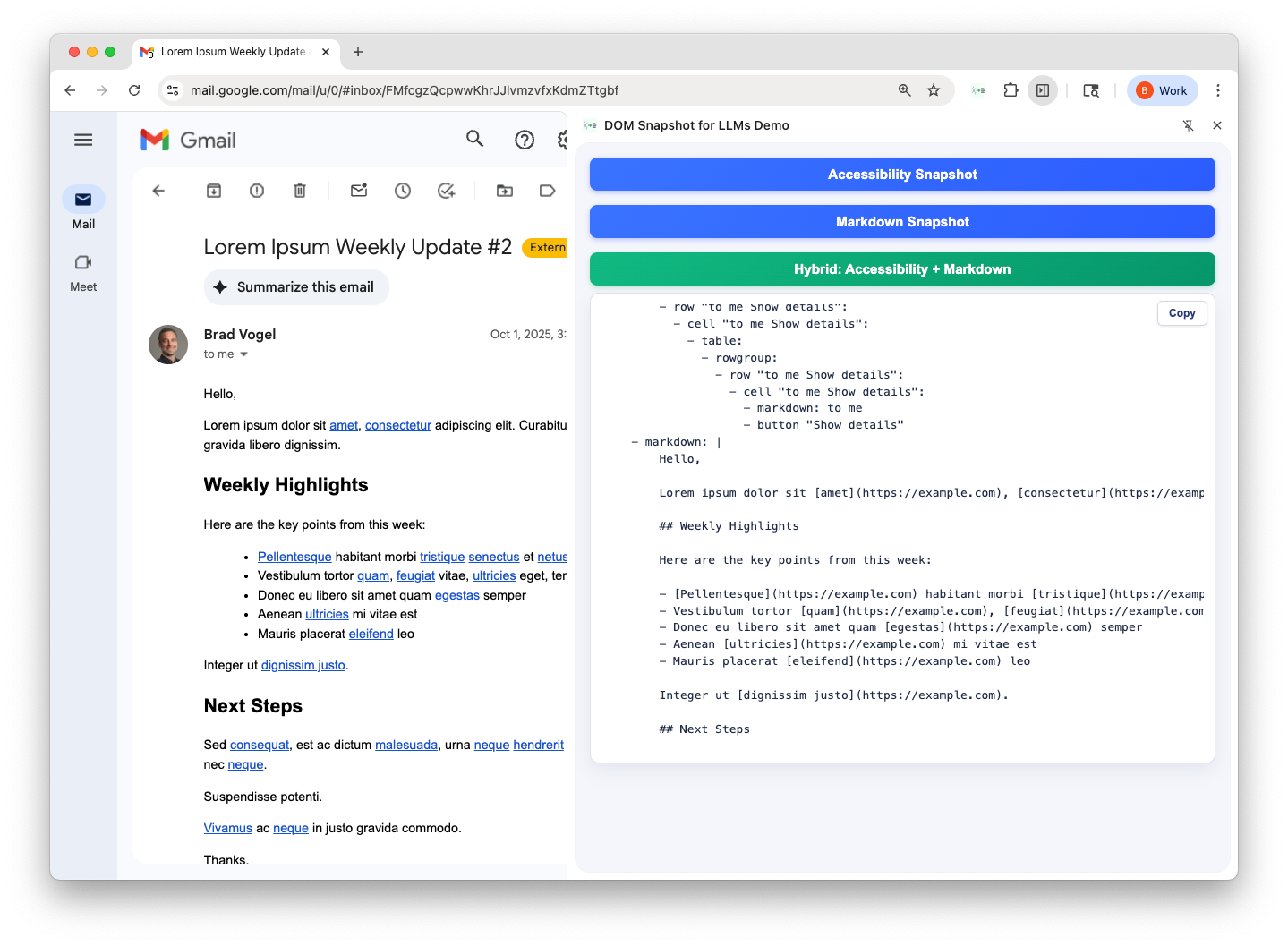
As you can see, the output now highlights both structure and content (as Markdown). Since the snapshot is compact like Markdown yet semantically organized like an accessibility tree, the model can answer precise questions:
Summarize this email
Who’s the sender?
Reply this email
All of these can be answered directly from the snapshot, without the model wasting context on Gmail’s sidebars or guessing at the DOM hierarchy.
This is just a starting point. Some next steps:
Evals: I haven’t run formal LLM evals yet. For now I’m trusting human intuition: if it’s easier for me to read, it’s easier for an LLM.
Dynamic strategies: Instead of a one-size-fits-all, an LLM could decide whether to request a content-only snapshot vs a structural one.
Noise filtering: More heuristics (or learned rules) to strip away unnecessary content.
It’s still rough around the edges, but it’s a fun experiment as a way to help LLMs better understand webpages in one-shot, and cheaply.