There are two kinds of tools on a backend engineer’s machine.
One kind is for working with a database.
The other kind is for moving data out of it.
They don’t talk to each other.
That’s the actual problem.
How the split happened
Database IDEs grew up around one job: open a connection, write SQL, look at rows.
Everything inside that connection.
Pipeline tools grew up around the opposite job: don’t sit inside a database, sit between databases. Capture changes, ship them somewhere else.
Both are honest tools. Neither was designed to do the other one’s job.
Over time, the categories drifted further apart.
So now a normal workflow looks like this: open a SQL client, inspect data, close it, open something else to move it, open a third thing to keep it in sync.
Three tools. Three mental models. Three places where things drift.
What database IDEs are actually good at
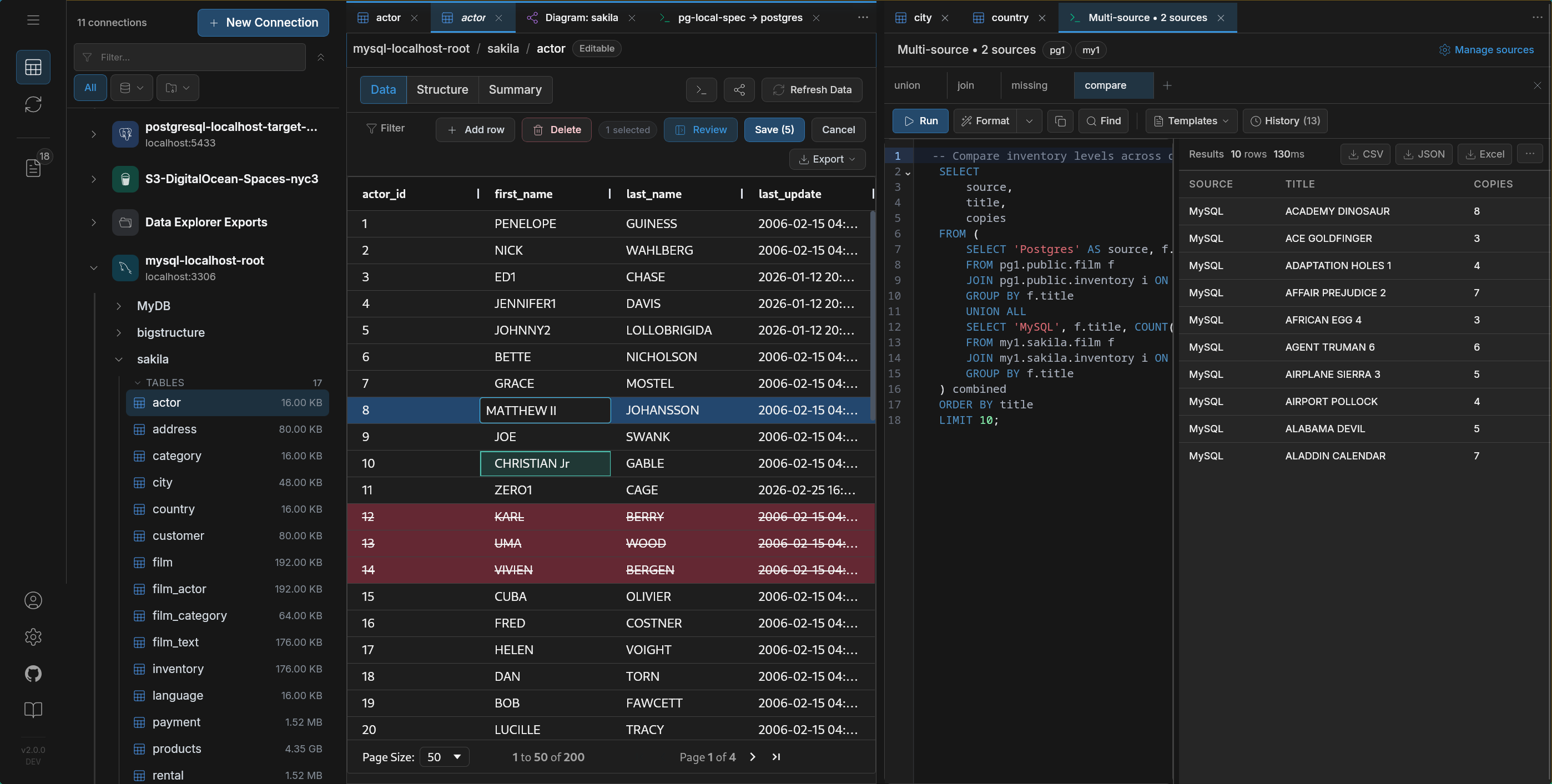
DBeaver is a universal SQL client. It connects to almost anything, lets you browse schemas, run queries, edit rows. If your job is “look at this database,” it fits.
It just stops at the connection boundary. No movement. No CDC.
DataGrip is built around SQL authoring. Refactoring, inspections, schema-aware completion — the editor is the product.
After the query, you’re on your own.
Navicat focuses on administration — backups, imports, scheduled sync jobs. Works well if you stay inside one system. Breaks down when the job is continuous sync across systems.
TablePlus is fast and minimal. Great for quick access. But it stays a client — no migration runtime, no replication, no workflow depth.
All of these tools are good at what they do.
None of them are trying to move data.
These tools solve a different problem.
They don’t sit inside a database.
They sit between systems and move data across them.
That’s the point.
Debezium captures changes and pushes them through Kafka. It’s built for event-driven systems where a stream of changes feeds multiple consumers.
Airbyte focuses on breadth — lots of connectors, lots of sources, and pipelines designed to move data into warehouses.
Fivetran removes the operational side entirely. You don’t run anything. Pipelines are managed for you.
All of them are good at moving data between systems.
They assume the pipeline is already the center of the workflow.
They assume you already know what needs to move.
They don’t start with the data itself.
Where things actually break
The gap is between exploring data and moving it.
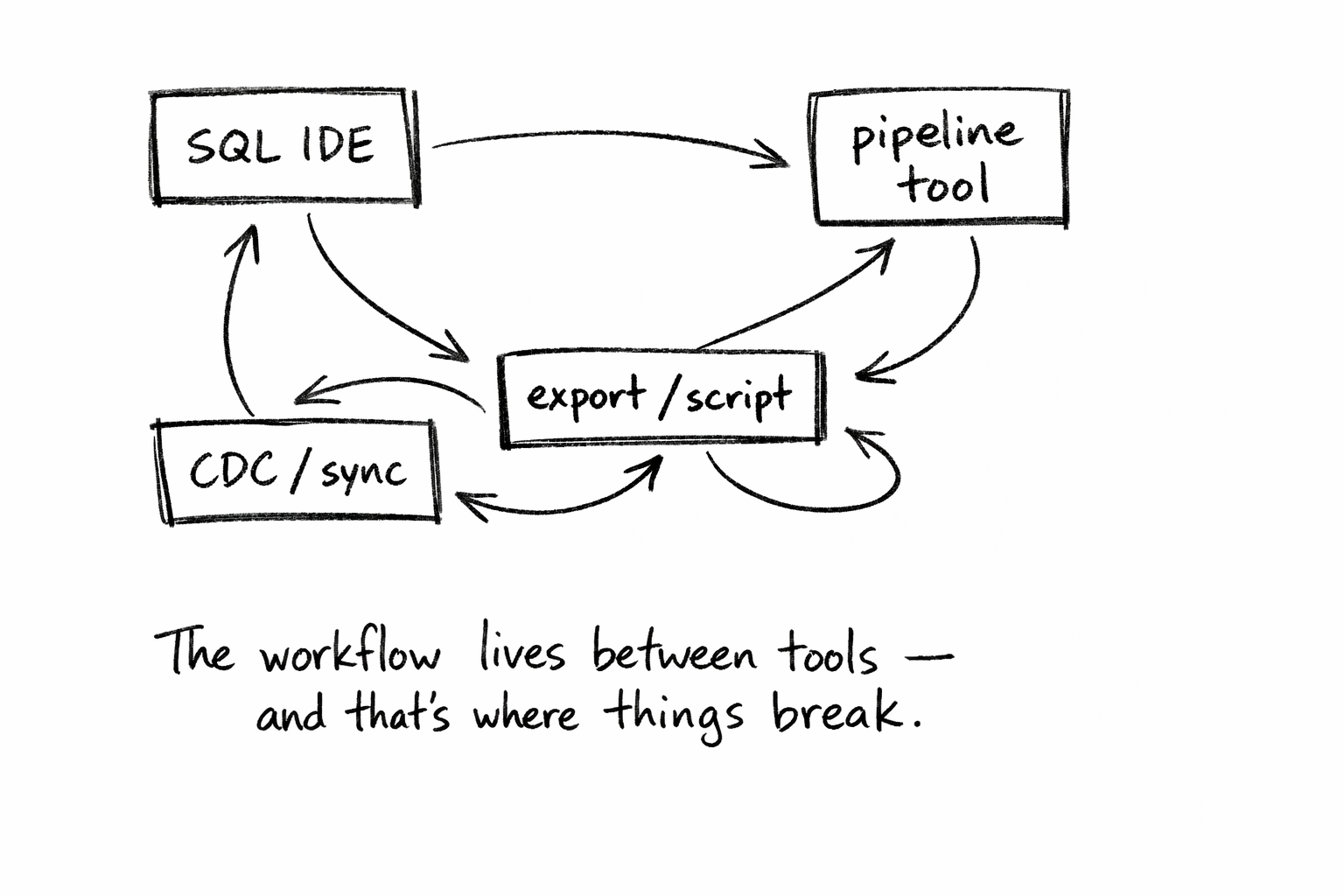
A real migration looks like this:
- inspect source
- figure out what actually exists vs schema
- decide what to move
- move it
- verify
- enable continuous sync
Each step happens in a different tool.
That’s where things drift:
- the schema you inspected isn’t the one the pipeline saw
- row counts don’t match
- filters behave differently
- CDC runs, but visibility is poor
The problem isn’t technical.
It’s that no single tool owns the full workflow.
What people actually need
Not another tool.
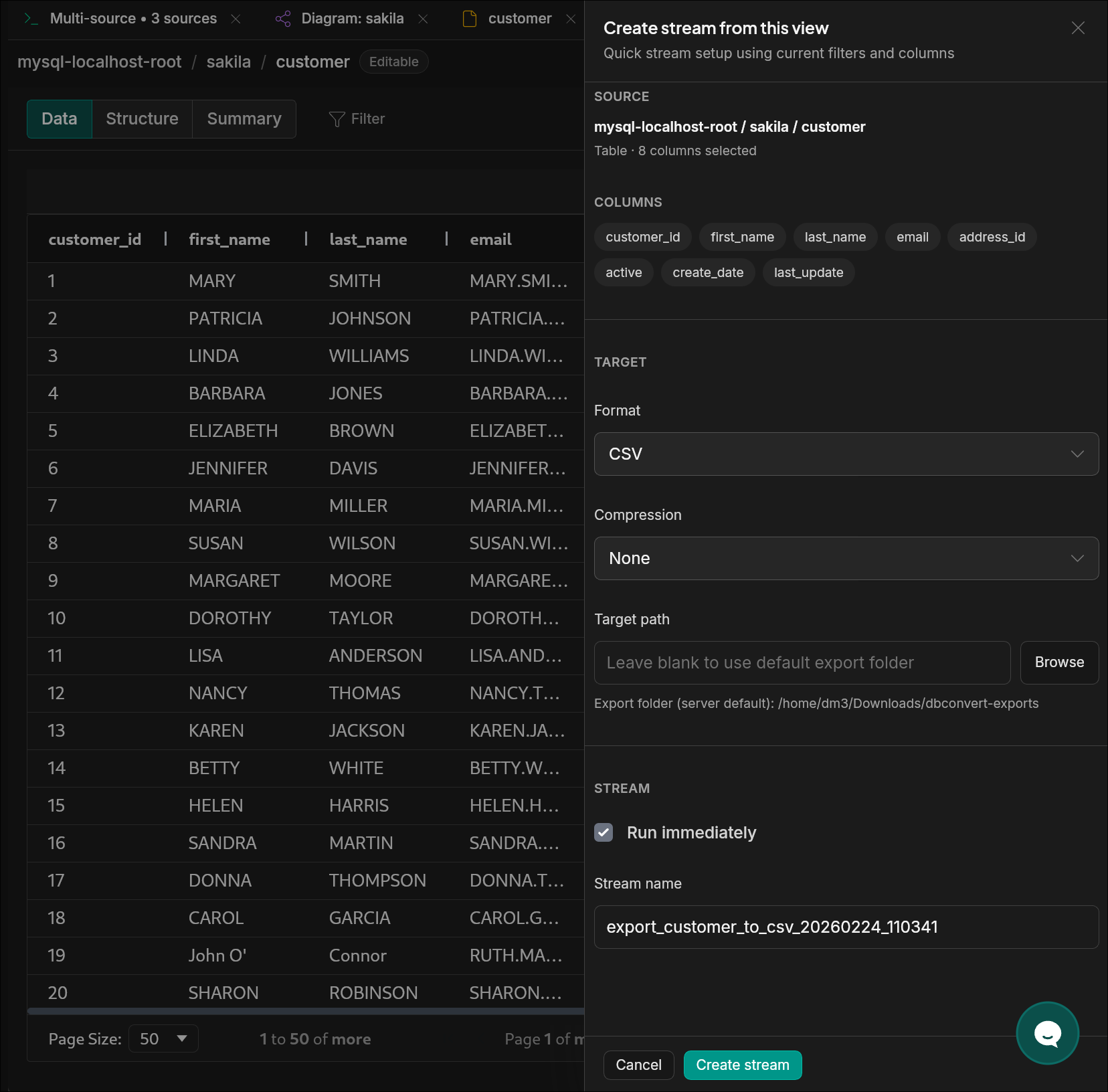
A workflow: explore, validate, migrate, keep in sync. In one place.
Choosing by use case
Most “alternatives” articles compare features.
That’s not how decisions are made.
People choose workflows.
| If you want… | Use |
|---|---|
| The best SQL editor | DataGrip |
| 300+ connectors (including SaaS) | Airbyte |
| Fully managed pipelines | Fivetran |
| Kafka-based CDC | Debezium |
| GUI database administration | Navicat |
| Quick desktop browsing | TablePlus |
| Explore → validate → migrate → sync (one flow) | DBConvert Streams |
Closing thought
The problem isn’t that the tools are bad.
They’re actually very good.
The problem is that the thing you’re trying to do:
understand a database → move it → keep it correct over time
doesn’t fit inside any one of them.
So the work in between becomes your responsibility.
Until exploration, migration, and replication are treated as one workflow,
the gaps between tools are where most of the bugs will keep living.
Where to go next
If the painful part is querying across databases, files, and object storage, start with Cross-Database SQL.
If the painful part is moving data between systems, start with Database Migration.
If the painful part is keeping databases in sync after the first copy, start with CDC Replication.
If you are still comparing categories - IDEs, migration tools, CDC platforms - see the full DBConvert Streams comparison hub.