WindowsCult – Microsoft Windows, Tech Tips, & Tutorials

2 min read Original article ↗

8 Things to Do After Installing or Upgrading Windows 11

Installing Windows 11 is only the first step toward a great PC experience. This guide covers eight essential…

Latest posts

Security

How to Secure Your Windows 11 PC from Hackers (10 Essential Tips)

Did VPN Really Get Complete Security and Privacy? Explained

How to Protect Your IP Address from Hackers in 2026 (Practical Security Guide)

PC Hardware

What Is CPU Cache? L1, L2 & L3 Cache Explained

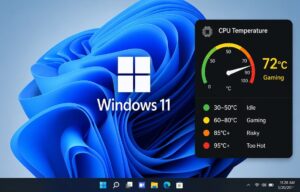
How to Check CPU Temperature in Windows 11 (Without BIOS) – Simple Guide for Beginners

How to Tell If Your RAM Is Failing: Signs, Tests, and Fixes

What Is DDR5 RAM? Benefits, Speed, and DDR5 vs DDR4 Explained (2026 Guide)

5 Key Differences Between RAM and ROM (Explained with Examples)

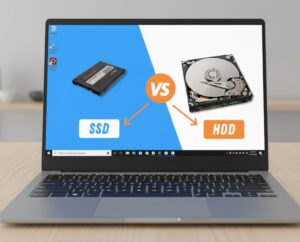
SSD vs HDD: I Tested Both — The Speed Difference Shocked Me (2026)

Windows Says “Operating System Not Found”? Try These Fixes

Featured Posts

What Is a PDF File? How It Works and How to Open, Create, and Convert PDFs

How to Use System File Checker (SFC) to Repair Windows System Files

Device Drivers Explained: What They Are, How They Work, and Why They Matter (Windows 11 & 10)

Windows 11 25H2 Not Showing on Windows 10? 8 Ways to Fix It

How to Enable or Disable Hibernate in Windows 11 (2026 Guide)

Windows 11 Sign-in Options Explained: Password, PIN, Fingerprint, Face & Security Key (2026)

Latest Posts