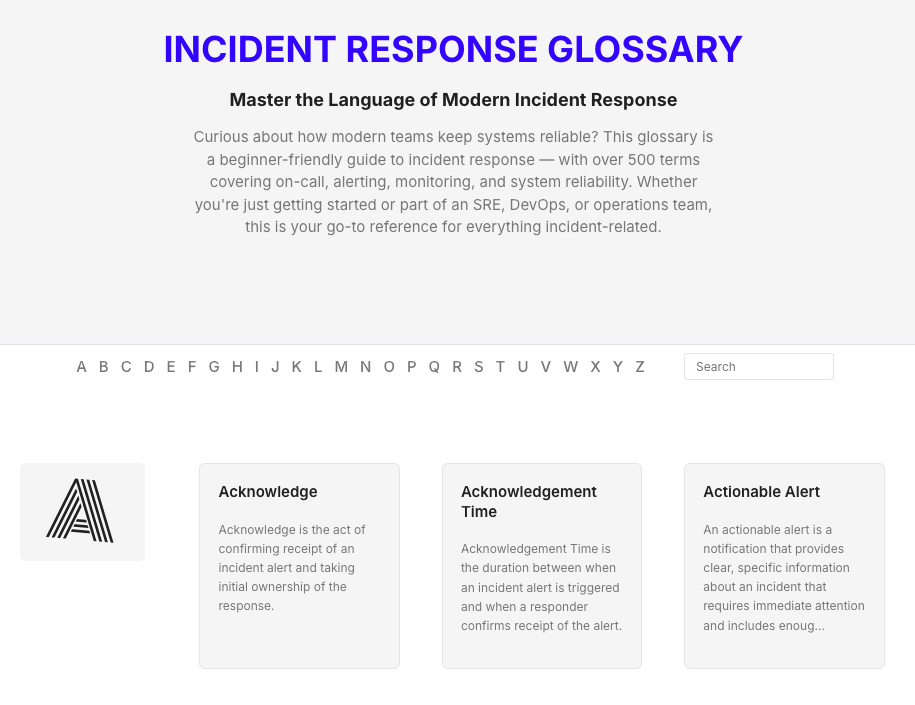
Today, I’m excited to share the Internet’s Largest Incident Response Glossary. It’s a collection of over 500 terms covering on-call, alerting, monitoring, and system reliability.
It took us over 2 weeks from ideation to completion of this project and in this post, I would like to share how we approached this beast!
The Spark
The idea came from a simple problem I faced daily. I’d write blog posts about incident response with seemingly complex terms and wonder: Does my reader know what “alert correlation” means? Should I explain it? Would that disrupt their reading flow?
I’d add explanations, remove them, reconsider them, and add them back again. This endless cycle was maddening.
One night while editing a blog post, I thought: What if we had a dedicated space where readers could quickly look up any unfamiliar term? A resource we could link to from our blogs without breaking the reader’s flow? Like a glossary.
Then, I immediately searched for existing glossaries in the incident response space. The few I found were either outdated or covered only 20-30 basic terms. Nothing that covers deep and wide existed.
That’s when we said to ourselves: “Why not build our own glossary? Something that covers everything we keep explaining anyway.”
We didn’t set out to build the largest one out there—it just turned out that way. A bit of an accident, really. We just kept adding terms we thought would help.
Gathering the Raw Material
The first step was to gather the glossary terms. I used Perplexity to search for as many relevant terms as possible. I focused on three types of terms:
- Core incident response concepts (MTTA, on-call, etc)
- Terms relevant to Spike’s features (Alert suppression, mobile alerts, etc)
- Emerging trends in the field (Bot-assisted triage, AIOps, etc)
Take a look at the terms starting with “Z” to get an idea:
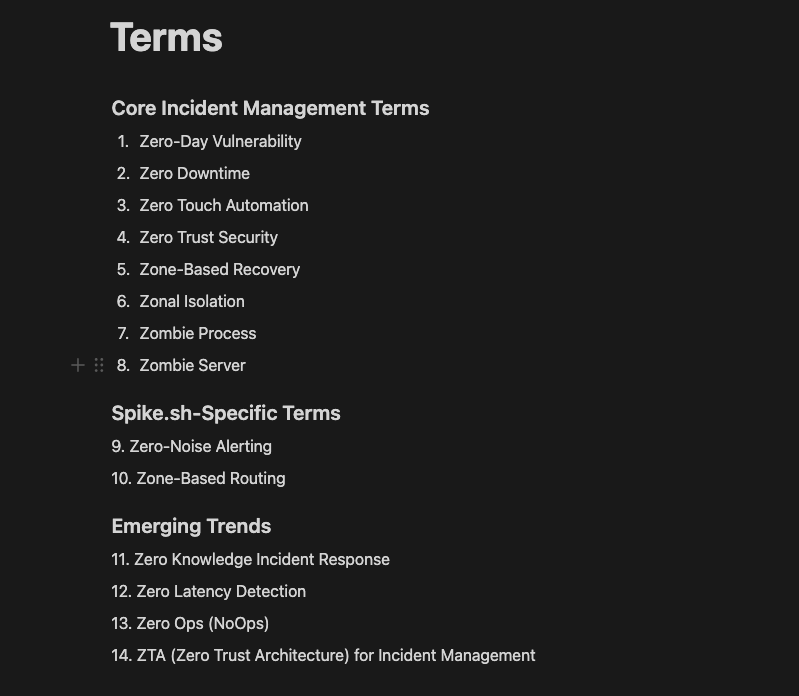
Shockingly, the initial list ballooned to over 700 terms.
What I expected to be a quick 50–70 term glossary completely blew past my expectations.
I spent an entire day just gathering and reviewing terms—one by one—adding them to the list. By the end of it, I was overwhelmed. I never imagined it would grow that big, that fast.
Choosing What Mattered
Now came the hard part: Deciding what actually belonged.
Kaushik (our CEO) and I had several discussions debates throughout the day. We debated the relevance of each term. We asked ourselves: “Would someone working in incident response need to know this?“. If the answer wasn’t a clear yes, we cut it—no matter how good the term sounded.
For example, we dropped terms like “Accident“. Sure, it overlaps with “incident” in casual conversation, but in our field, they’re different. An accident implies harm or loss. An incident is any disruption—it might not cause damage, but still deserves attention.
After many rounds of review, Kaushik and I narrowed the list down to 525 relevant terms.
The next morning, we joked about it on our sync call. “If we removed 175 terms out of 700,” I said, “does that make the AI hallucination rate 15%?” 🫠 Totally inaccurate—but hey, we like to kid around sometimes.
Jokes aside, we were also cautious from an SEO perspective. We were worried about Google punishing us for irrelevant content. So, we were extra careful. We only picked terms that were truly relevant to incident response and discarded the rest.
Structuring the Content: More Than Just Definitions
Most glossaries just define the term. I wanted ours to be more actionable. Something people could use to improve their own practices.
So, I came up with an ambitious structure: What, Why, Example, How to Implement, Best Practices, Common Pitfalls, and KPIs.
But as I started drafting, I saw an overlap. “Best Practices” often covered “Common Pitfalls to Avoid”. And “KPIs” didn’t apply to many conceptual terms.
So, I simplified the structure for clarity and value:
- What is the term?
- Why is it important?
- An example (if applicable)
- How to implement it (if applicable)
- Best practices (if applicable)
The Content Marathon: Bringing 500+ Terms to Life
Generating content for 525 terms required a solid plan. I briefly considered building an AI agent on n8n to speed things up. But the deadline was tight, I wasn’t an n8n expert, and I worried about quality control with mass production.
Instead, I crafted a detailed prompt for Perplexity. It included 14 specific rules to guide the AI. These rules covered tone, sentence length, and avoiding certain words.
I also added an “applicability test.” For sections like “How to implement”, the AI should only generate them if they genuinely added value. I explicitly told it: “Do not generate unnecessary sections”. But it’s debatable what is “unnecessary”—that part took more time than I expected.
Even then, the AI sometimes struggled. For terms like “Alert Fatigue”, explaining “how to implement it” doesn’t make sense. I refined the prompt further and often added relevant sections manually during editing, like “How to Reduce Alert Fatigue”.
I also limited the AI to generating 5 implementation steps and 3 best practices. Otherwise, it sometimes produced overly long lists (another hallucination stat perhaps!)
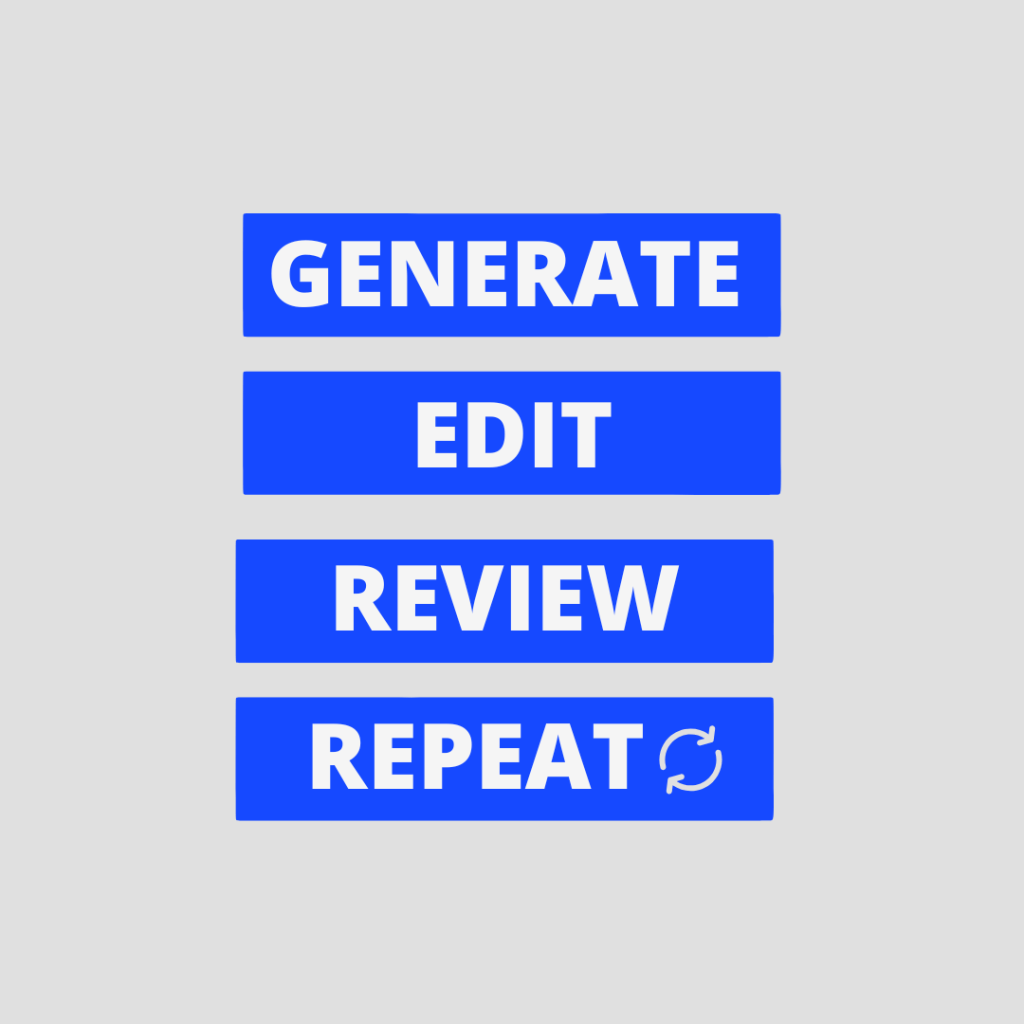
Generating content was a grind. I worked in batches of five terms. Generate, review, edit, check. Repeat. For a whole week.
I tried using AI for editing, but it was too diplomatic, not critical enough. So, I reviewed every single entry myself. It was exhausting, but maintaining high quality was non-negotiable.
Here’s a look at the result for the term “Downtime”:
What Is Downtime
Downtime refers to the period when a system, service, or infrastructure is unavailable or not functioning as intended. In incident management, downtime represents the time between when an outage begins and when normal service is restored, directly impacting business operations and user experience.
Why Is Tracking Downtime Important
Downtime is critical to track because it directly affects business continuity, customer satisfaction, and revenue. Understanding downtime patterns helps organizations prioritize system improvements, allocate resources effectively, and develop realistic recovery strategies to minimize future service disruptions.
Example Of Downtime
A cloud service provider experiences a network failure at 2:00 PM, making their customer portal inaccessible. The technical team resolves the issue by 3:30 PM. The total downtime is 90 minutes, during which customers cannot access their accounts or data.
How To Track Downtime
- Set up automated monitoring tools to detect and timestamp outages
- Create a standardized process for logging downtime incidents
- Establish clear criteria for what constitutes the start and end of downtime
- Categorize downtime by cause, affected systems, and impact level
- Calculate and report downtime metrics regularly to stakeholders
Best Practices
- Schedule planned downtime during off-peak hours to minimize user impact
- Communicate proactively with users about both planned and unplanned downtime
- Conduct thorough post-incident reviews to prevent similar causes of downtime in the future
Just as I was wrapping up the content, the designs came in—and they looked incredible.
Seeing it all come to life visually was exactly the motivation I needed to push through the final stretch. After days of staring at text files and debating terminology, this was the spark that made it all feel real.
Organizing the Chaos: From Notes to Navigation
With 525 content pieces, organization was key. We discussed the best way to store everything so Daman, our developer, could easily access it.
We decided on Markdown files stored in Obsidian. I created a dedicated “Glossary” vault, then 26 folders (A to Z), with each term as a separate file inside its respective letter folder.
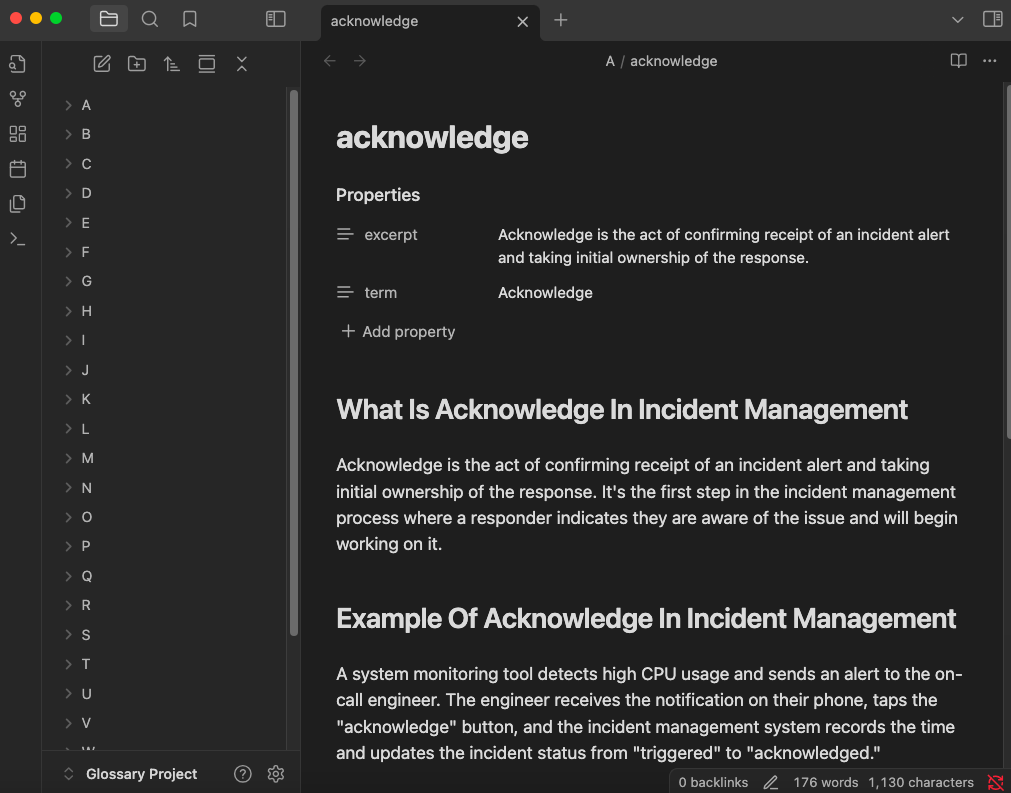
To speed things up, we ditched generating unique meta titles and descriptions for each term. Instead, Daman and I agreed on templates:
- Meta Title: <Term> in Incident Response Explained
- Meta Description: Discover What is <Term> in Incident Response
This simple change saved a lot of time.
Once the content was ready, I handed the Obsidian vault over to Daman. He worked his magic, transforming these Markdown files into the sleek, searchable glossary you see today.
Adding the Spike Touch, Thoughtfully
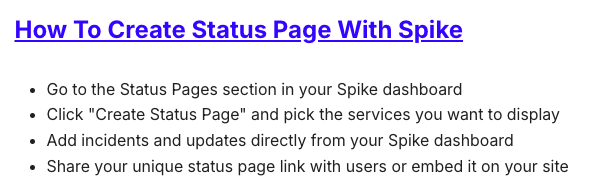
Early on, for terms like “Status Page”, I considered adding Spike-specific sections like “How to Create a Status Page with Spike”.
However, identifying such terms and creating Spike-specific content while generating other content was disturbing the flow.
For this problem, I reached out to Kaushik and he offered a piece of great advice:
While painting, you don’t paint all layers at once. You paint one layer, then the next, and so on. Do the same for the content.
He meant generating core content first, then identifying terms where adding a Spike-specific angle makes sense, and adding that layer later.
Following this advice kept the initial process focused.
Here’s the Spike-specific section for the term “Status Page”:
The Launch and Beyond
Seeing the glossary finally go live was incredible. All the exhaustion from the previous weeks just vanished. It felt worth it.
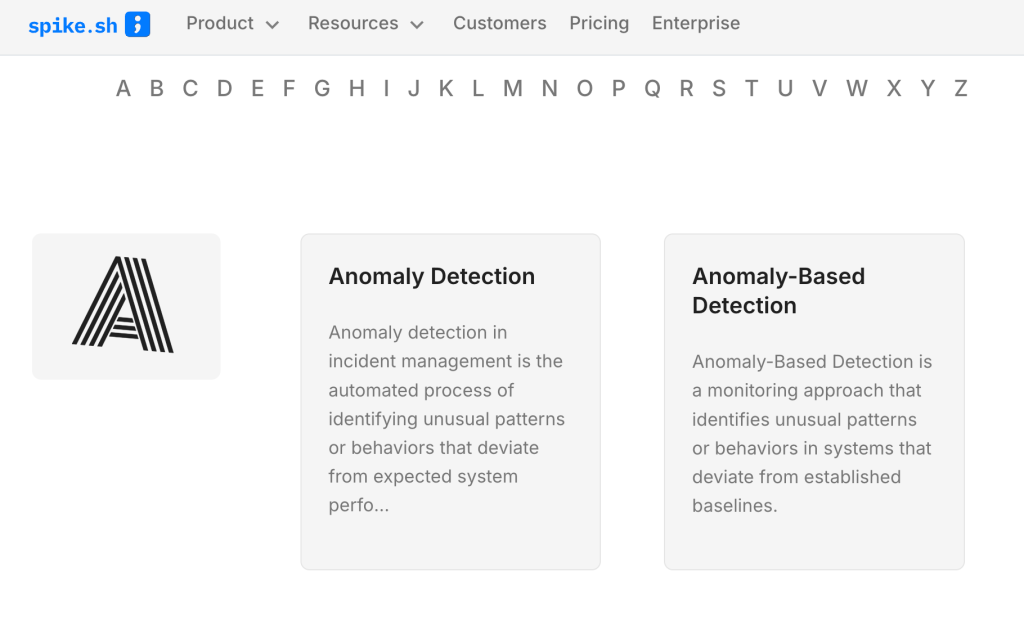
Of course, the work isn’t truly finished. There are many more we still debate on such as Anomaly Detection and Anomaly-Based Detection
Shortly after launch, Kaushik pointed out a few key terms we’d missed, like “Resolve,” “Trigger,” and “Escalate”. I quickly generated content for them, and Daman added them.
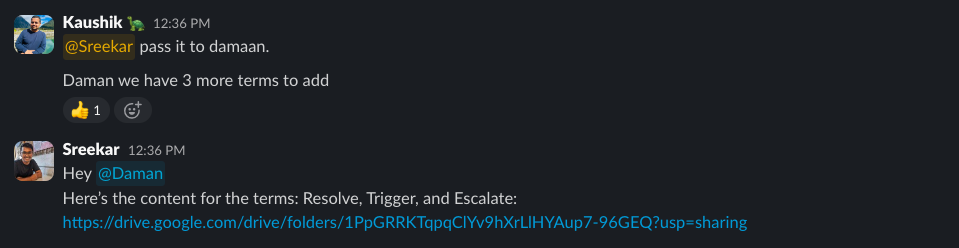
This highlights our approach: The glossary is a living resource.
Here’s what’s next:
- Regular updates: We’ll continuously add new terms and refine existing ones
- Blog integration: We’re linking relevant terms directly from our blog posts
- Social media campaign: Starting May 1st, look out for 26 days of content! We’ll share LinkedIn carousels and X threads, covering terms alphabetically
For glossary version 2.0, we plan to add a feedback feature. You’ll be able to suggest new terms or improvements. We want the community to help shape its future.
Join Us on This Journey
The glossary represents hundreds of hours of work, but it’s worth it if it helps even one person better understand the complex world of incident response.
Browse through it. Bookmark it. Share it with your team. And please, let us know what you think.
This project started with a simple frustration while writing a blog post. It grew into something much bigger. I hope it saves you time, helps you learn, and maybe even inspires you to create resources for your own community.
Because at the end of the day, we’re all just trying to make sense of the chaos together.