Git Agility
whoami

Software engineer @ Spotify Jyrki Pulliainen

@nailor

Hottest hot in 2006! Using git since v1.3.0
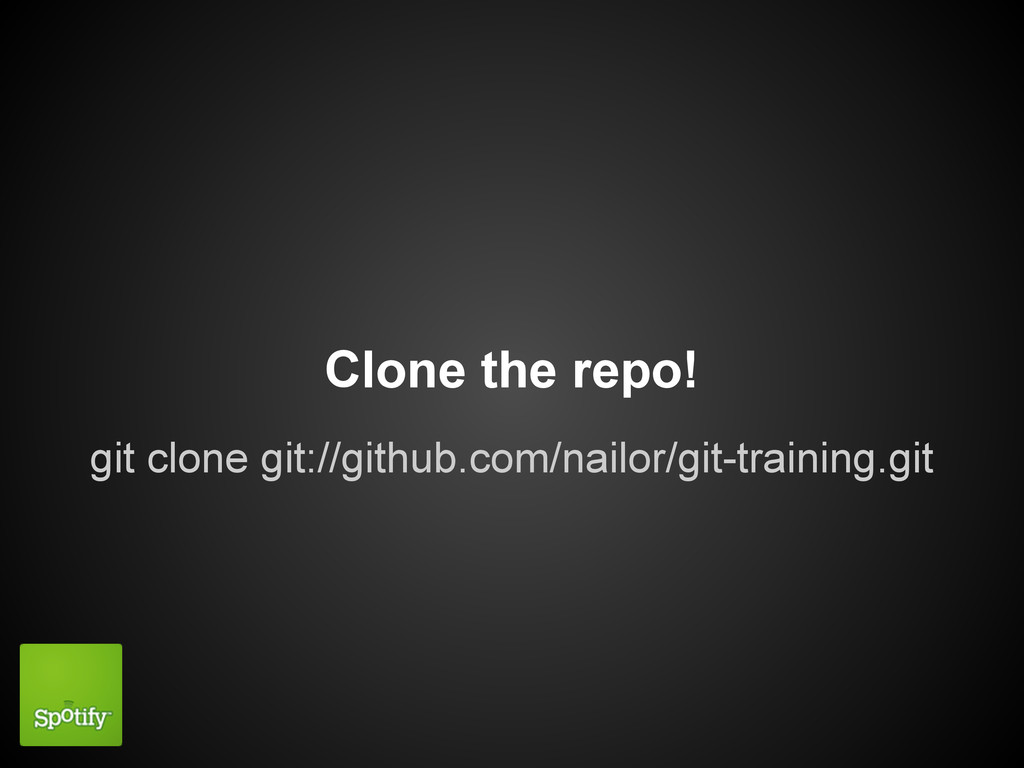
git clone git://github.com/nailor/git-training.git Clone the repo!
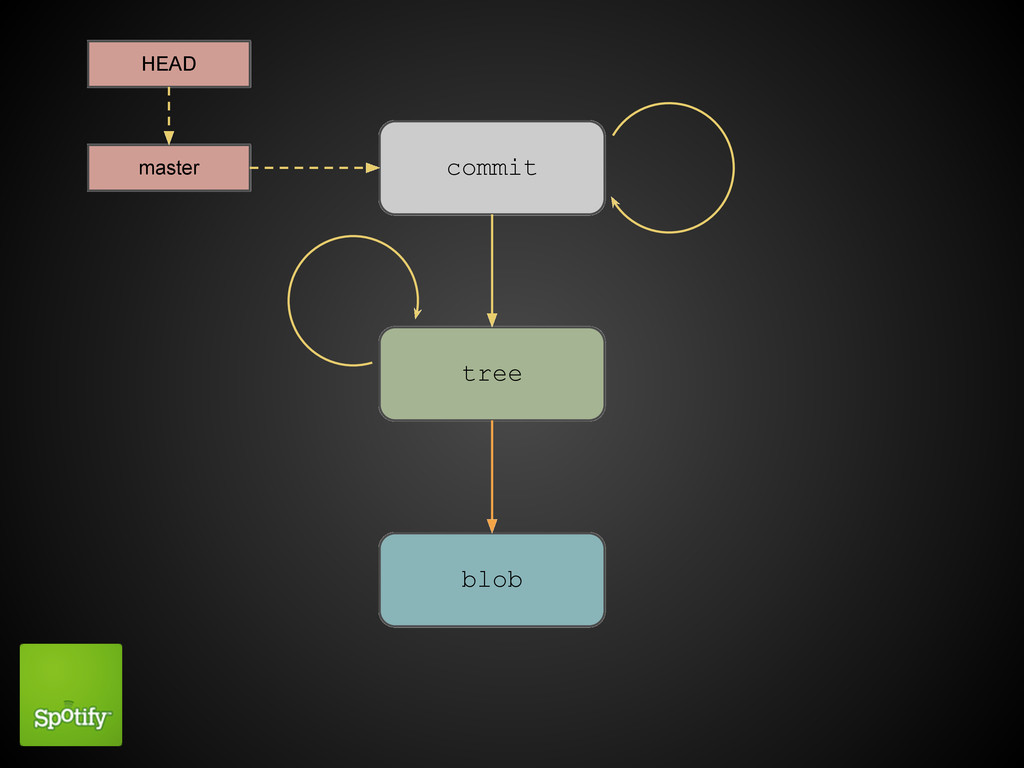
Data representation
commit tree blob master HEAD
COMMIT size tree 34ff parent 0d54 author jyrki committer jyrki
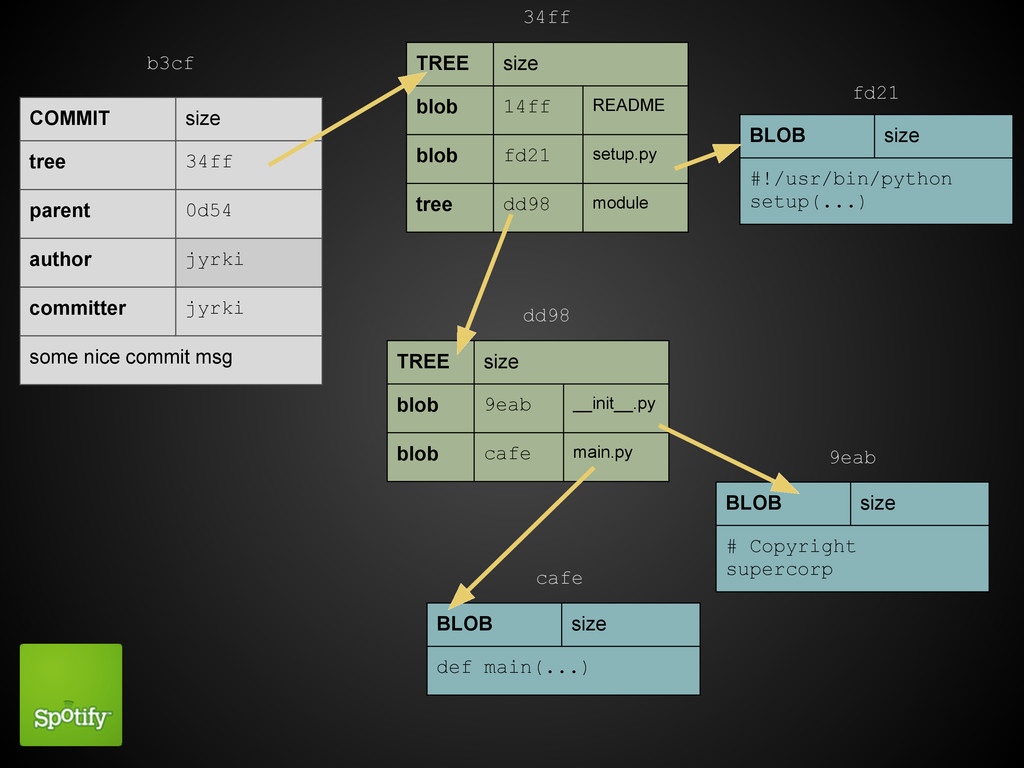
some nice commit msg TREE size blob 14ff README blob fd21 setup.py tree dd98 module TREE size blob 9eab __init__.py blob cafe main.py BLOB size #!/usr/bin/python setup(...) BLOB size def main(...) BLOB size # Copyright supercorp b3cf 34ff fd21 dd98 9eab cafe
Three trees HEAD, the index and the working directory
"What's in the repository" HEAD
"What's going in to the repository" The index
The working directory

$ git status # On branch master # Changes not
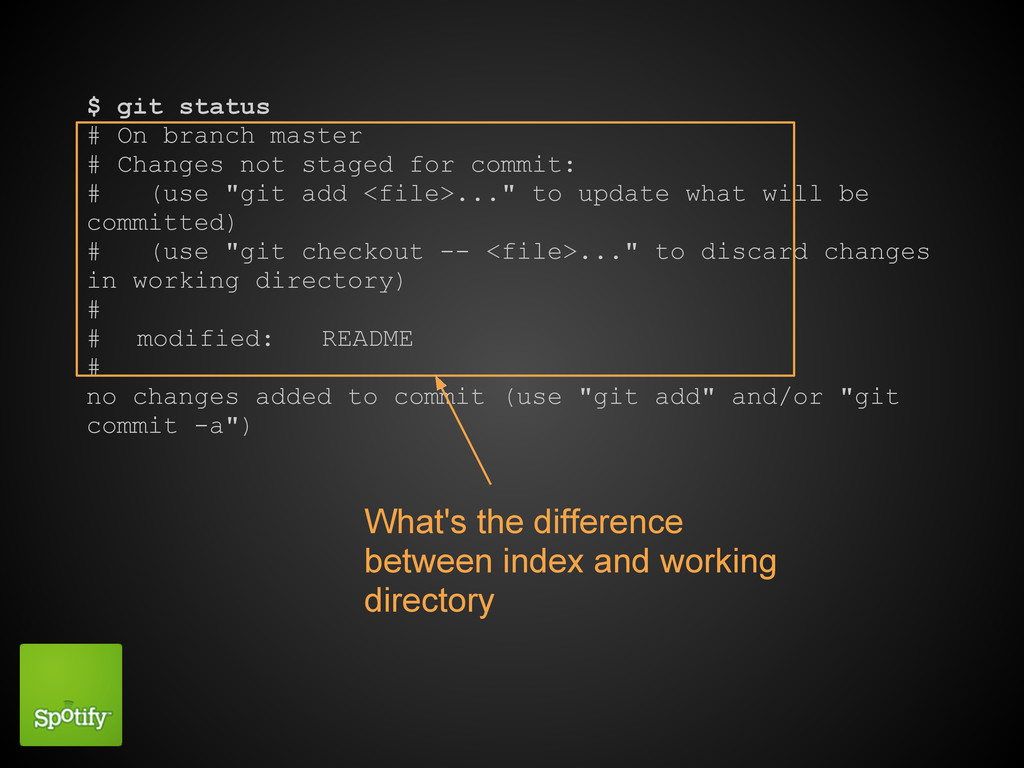
staged for commit: # (use "git add <file>..." to update what will be committed) # (use "git checkout -- <file>..." to discard changes in working directory) # # modified: README # no changes added to commit (use "git add" and/or "git commit -a") What's the difference between index and working directory
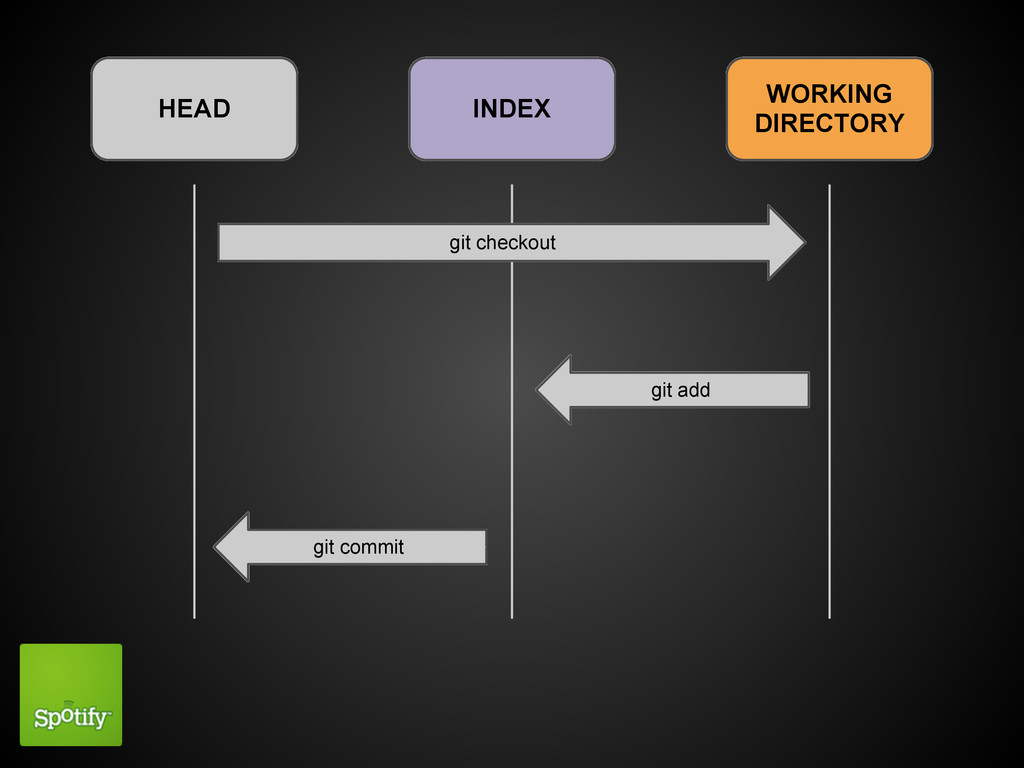
Moving between trees
Working with trees
HEAD INDEX WORKING DIRECTORY git add git commit git checkout
add vs reset
checkout

reset --hard, --mixed --soft
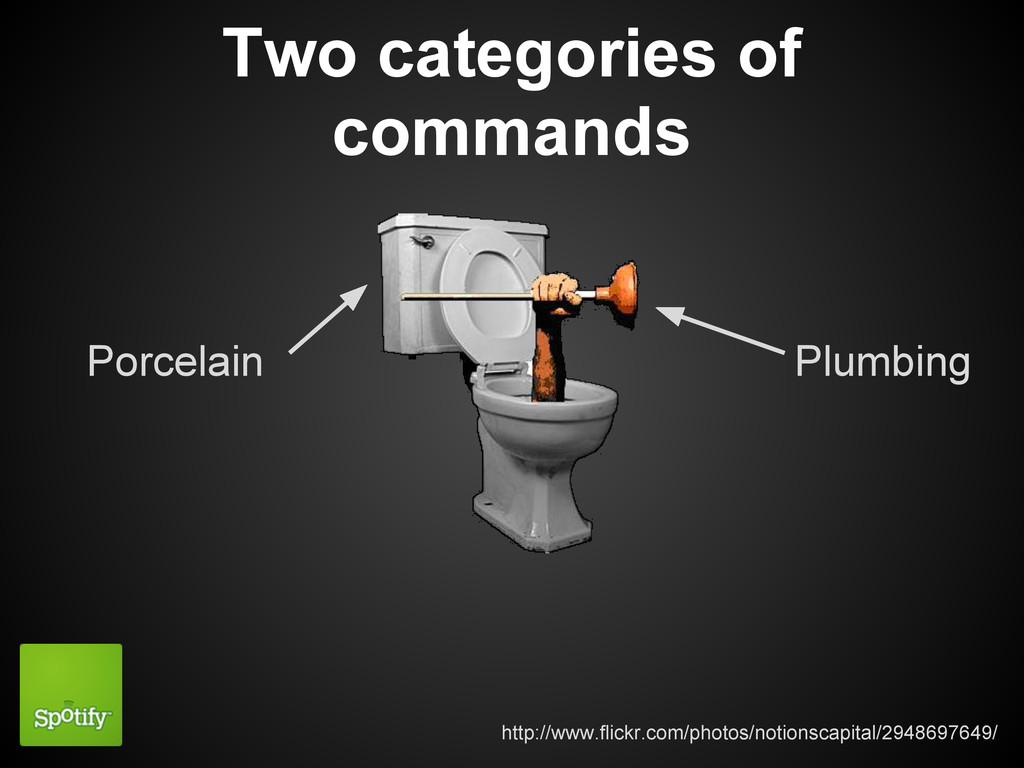
Two categories of commands Plumbing Porcelain http://www.flickr.com/photos/notionscapital/2948697649/
Referencing git objects protip: git help revisions
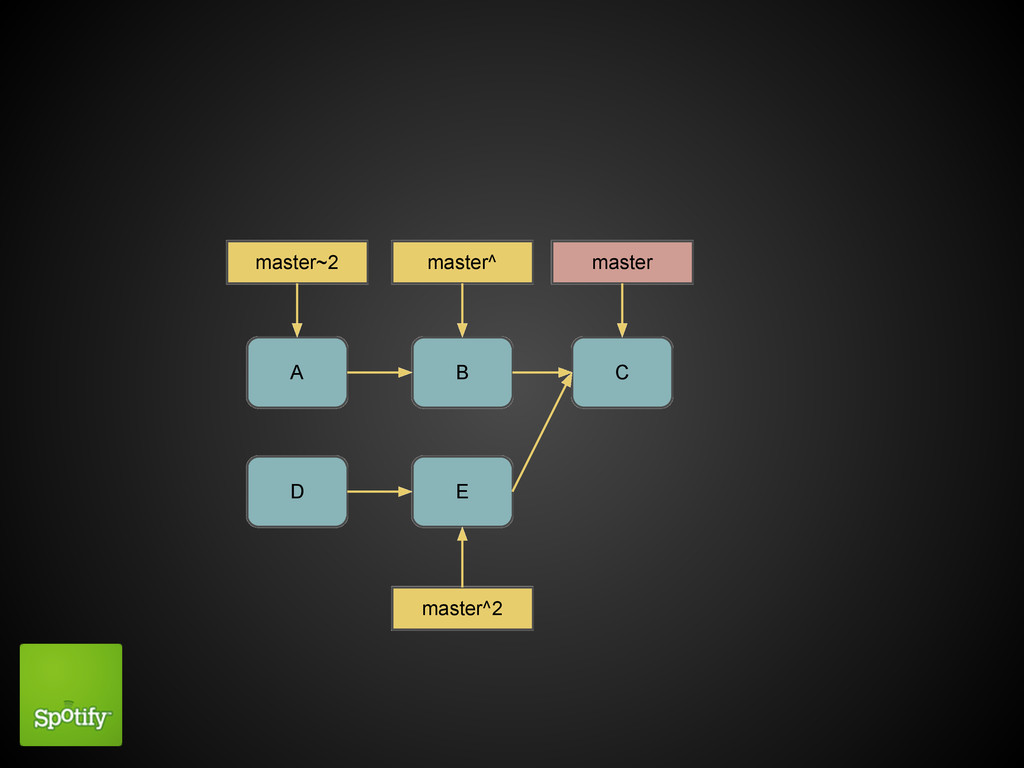
A B C D E master master^2 master^ master~2
Everyday helpers
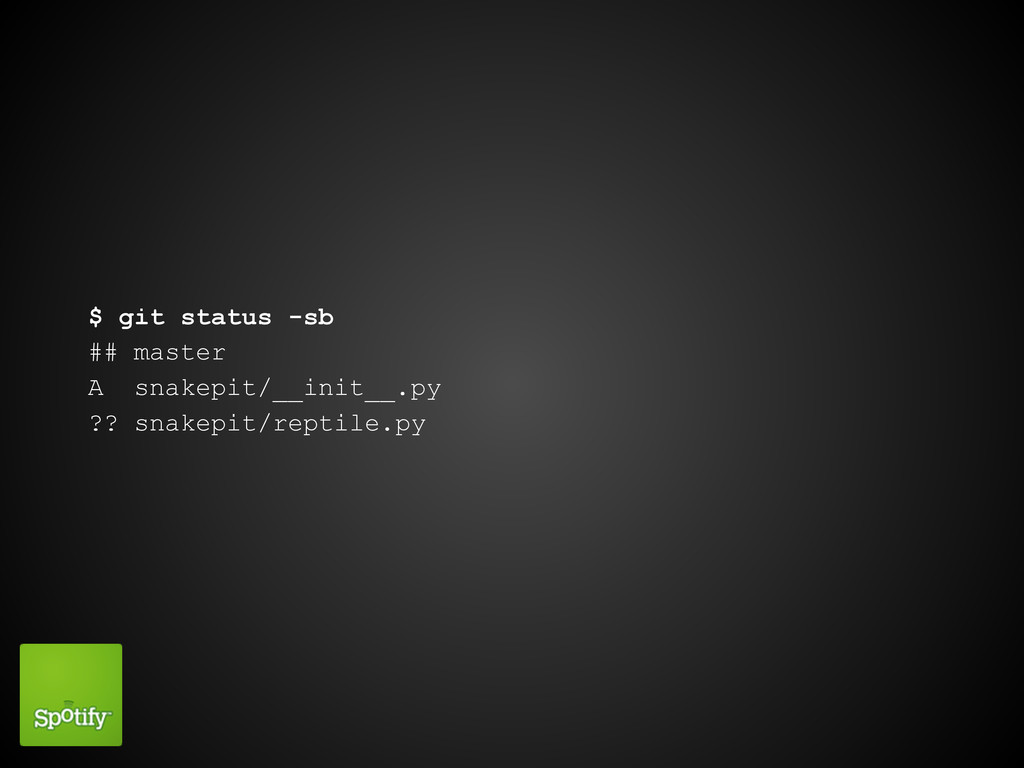
Short status
$ git status # On branch master # Changes to
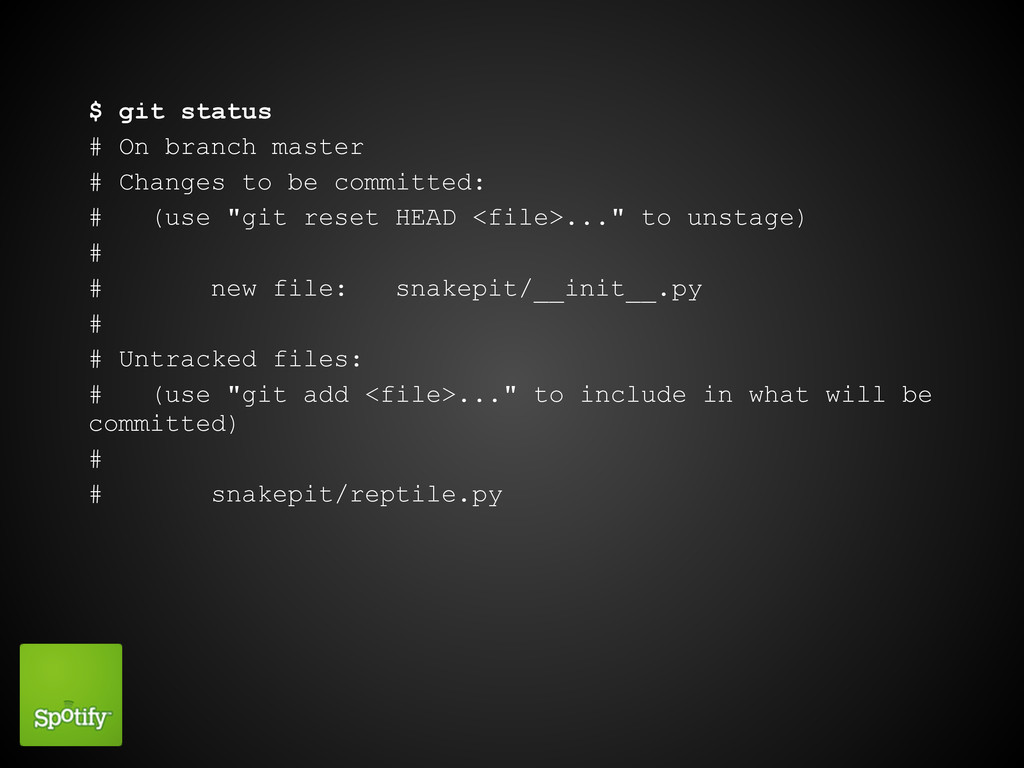
be committed: # (use "git reset HEAD <file>..." to unstage) # # new file: snakepit/__init__.py # # Untracked files: # (use "git add <file>..." to include in what will be committed) # # snakepit/reptile.py
$ git status -sb ## master A snakepit/__init__.py ?? snakepit/reptile.py
Word diffing
$ git diff diff --git i/README w/README index bae3a1d..779cc2a 100644
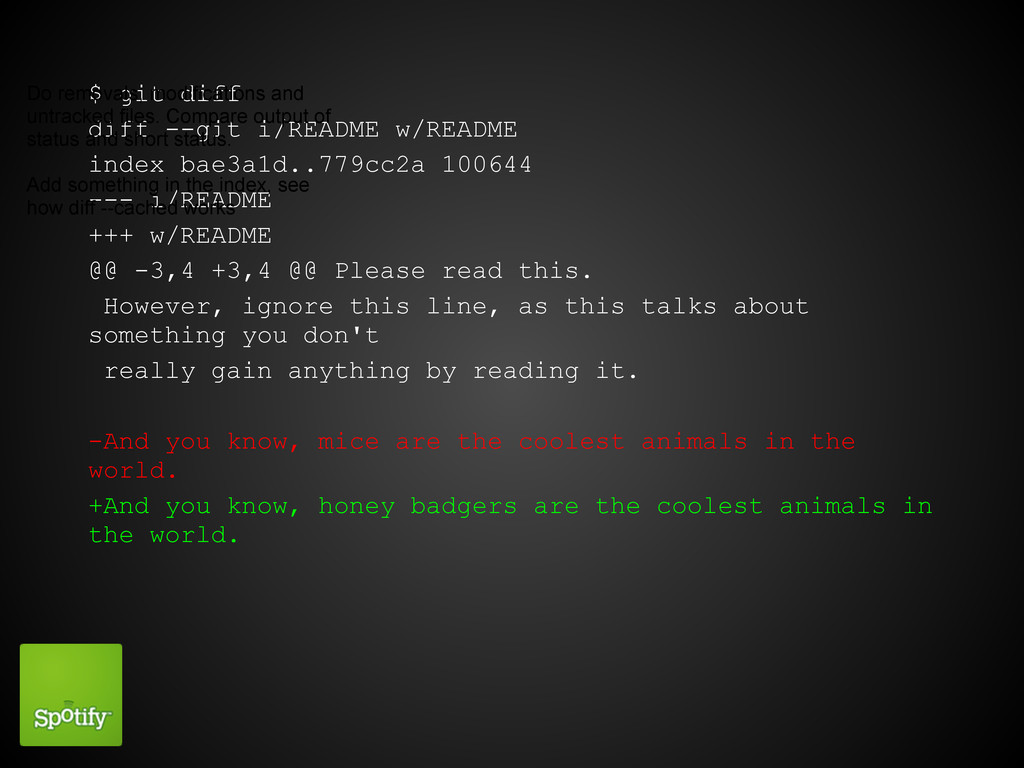
--- i/README +++ w/README @@ -3,4 +3,4 @@ Please read this. However, ignore this line, as this talks about something you don't really gain anything by reading it. -And you know, mice are the coolest animals in the world. +And you know, honey badgers are the coolest animals in the world. Do removals, modifications and untracked files. Compare output of status and short status. Add something in the index, see how diff --cached works
git log --decorate --oneline --graph
What am I committing?!? git diff --staged
Patch interface
git add --patch git reset --patch git checkout --patch
Merging
What happens in a merge?
Branches
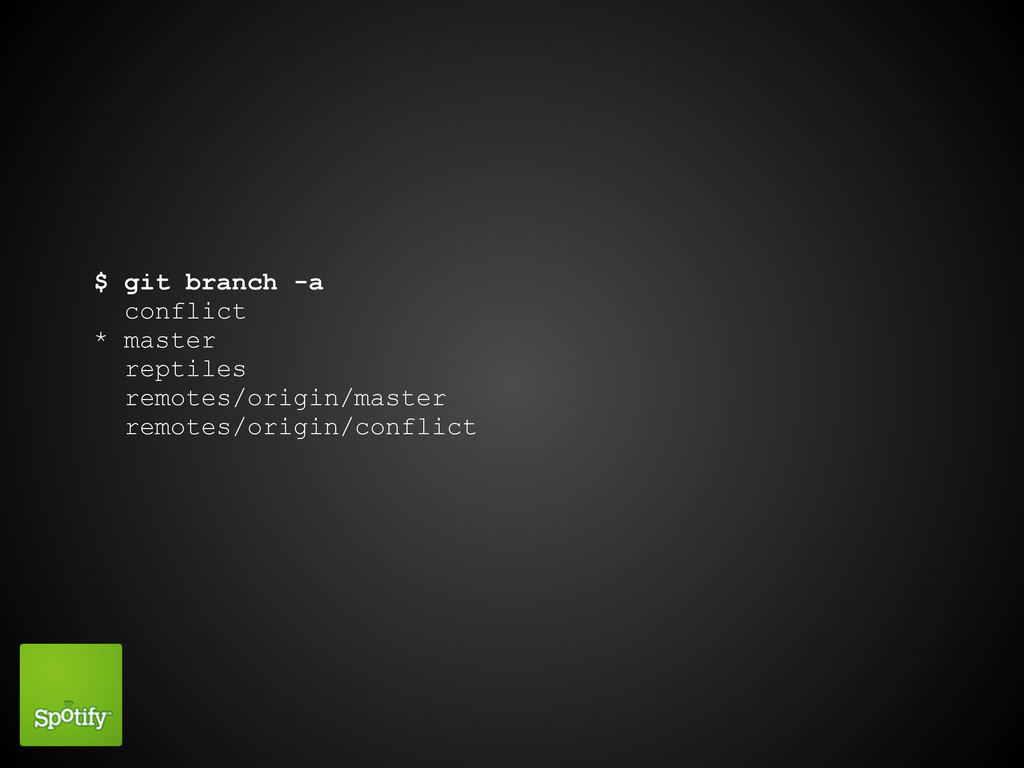
$ git branch -a conflict * master reptiles remotes/origin/master remotes/origin/conflict
$ git branch -a * master remotes/origin/master remotes/origin/conflict
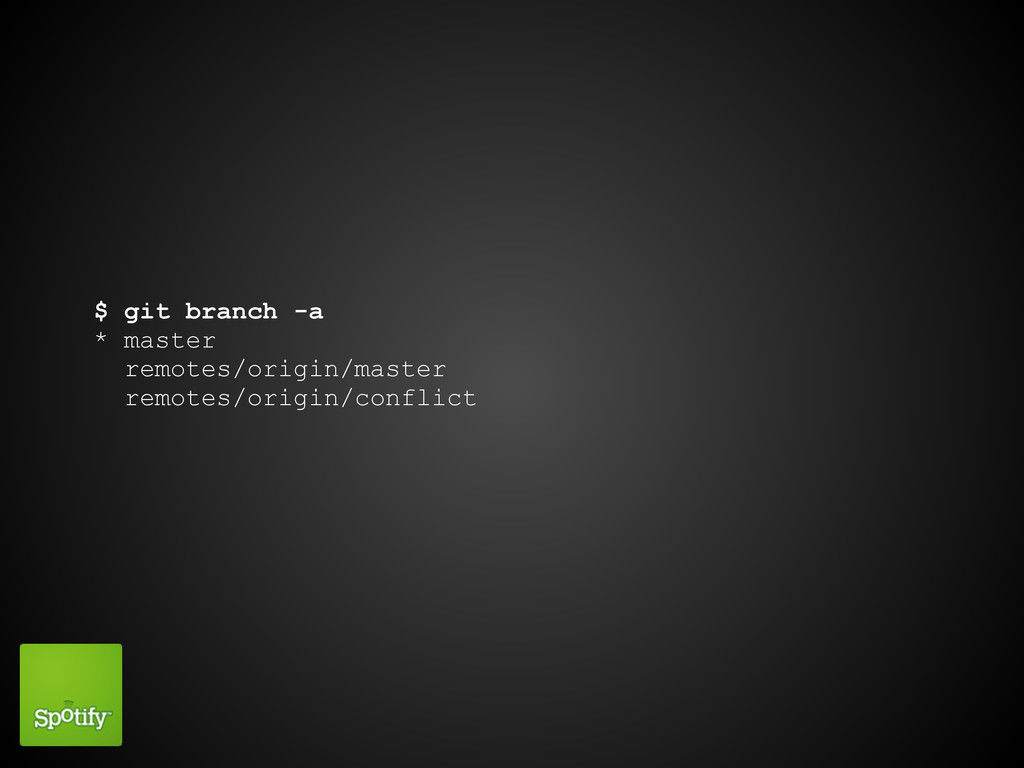
$ git push origin master # Push branch master to
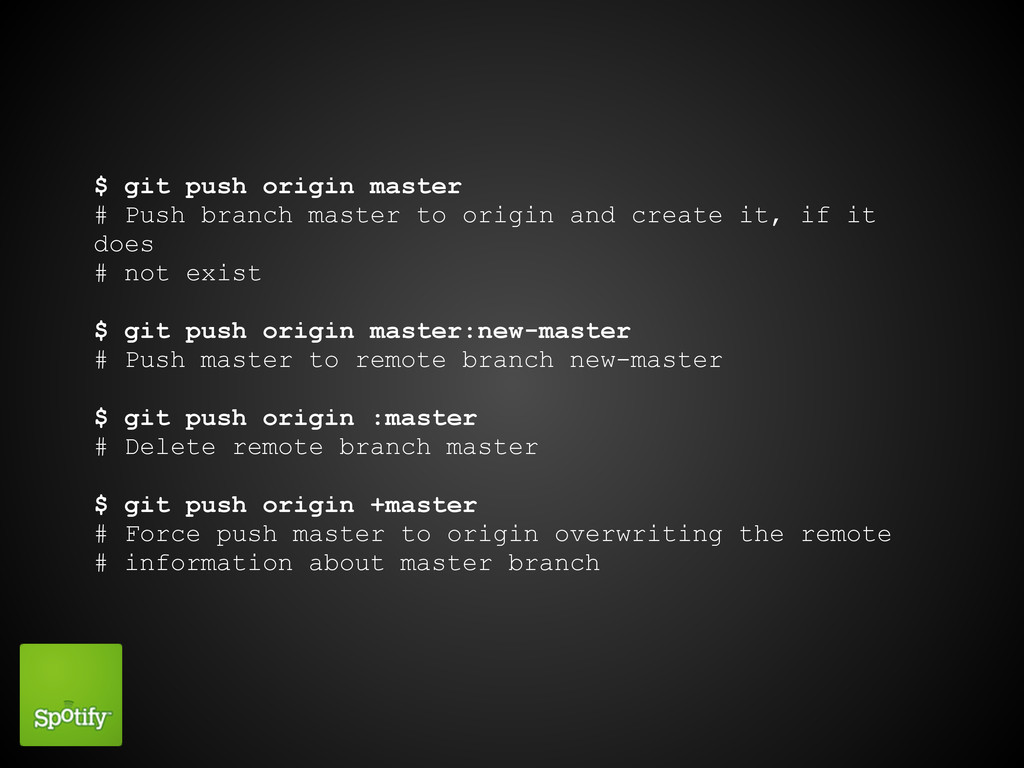
origin and create it, if it does # not exist $ git push origin master:new-master # Push master to remote branch new-master $ git push origin :master # Delete remote branch master $ git push origin +master # Force push master to origin overwriting the remote # information about master branch
$ git config --global push.default [value] # From man page:
![$ git config --global push.default [value] # From man page:](https://files.speakerdeck.com/presentations/4fb354ee25741e001f01a978/slide_64.jpg)
# nothing - do not push anything. # matching - push all matching branches. All branches # having the same name in both ends are considered to # be matching. This is the default. # upstream - push the current branch to its upstream # branch. # tracking - deprecated synonym for upstream. # current - push the current branch to a branch of the # same name.
Merge conflict resolution
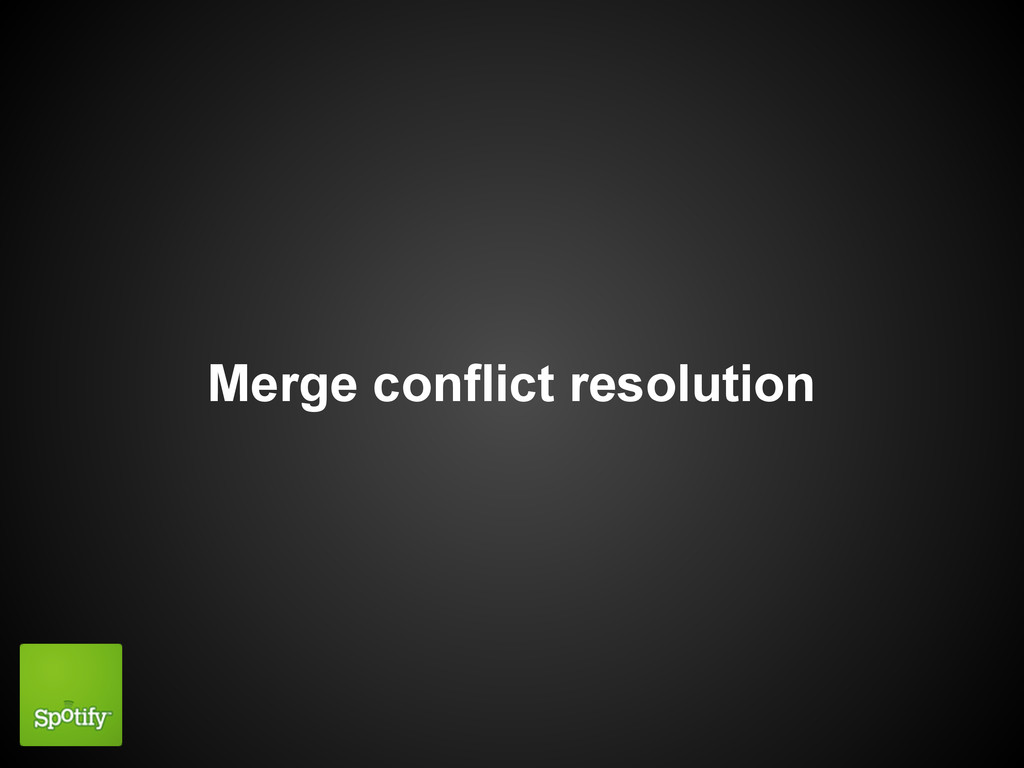
$ git log --merge # What commits touched these files?
Actual fixing
Merge tools
$ git config merge.tool "tool" # valid values "araxis", "bc3",
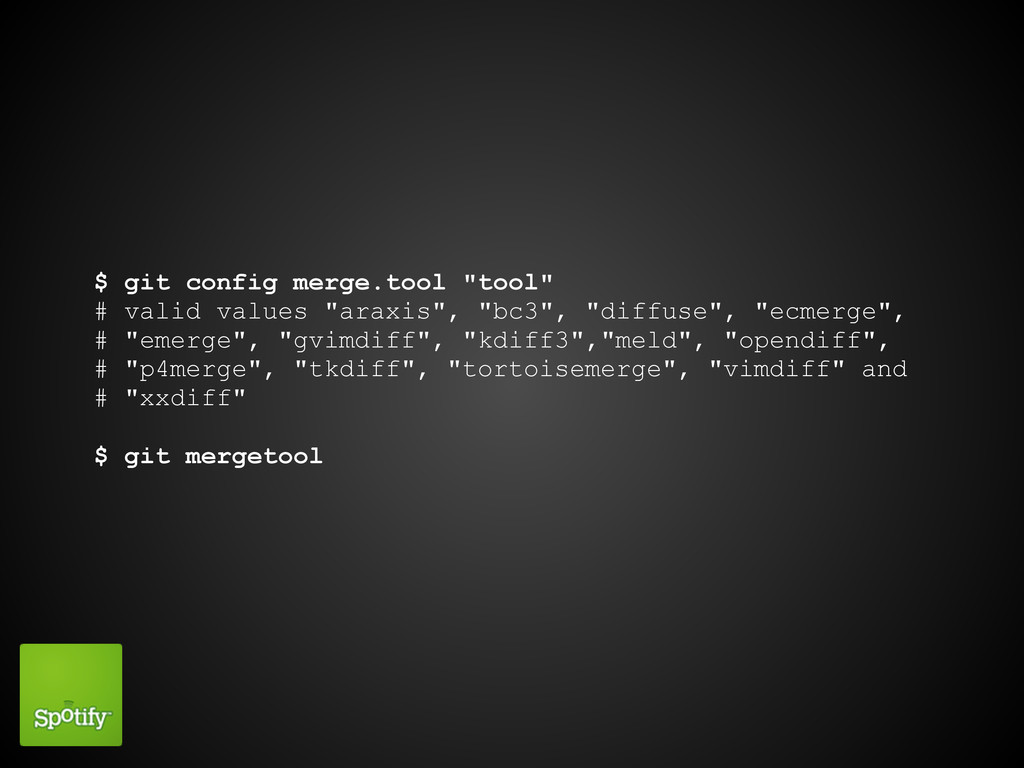
"diffuse", "ecmerge", # "emerge", "gvimdiff", "kdiff3","meld", "opendiff", # "p4merge", "tkdiff", "tortoisemerge", "vimdiff" and # "xxdiff" $ git mergetool
Reuse Recorded Resolution
Avoid solving same stuff again ...and again and again...
History rewriting

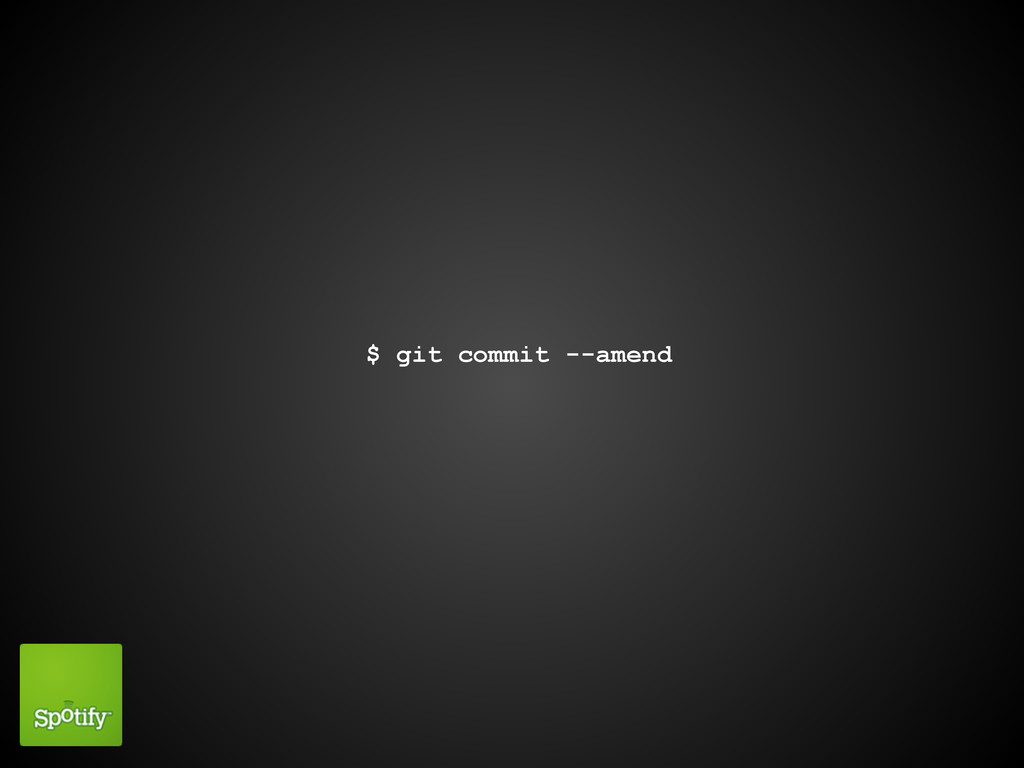
$ git commit --amend
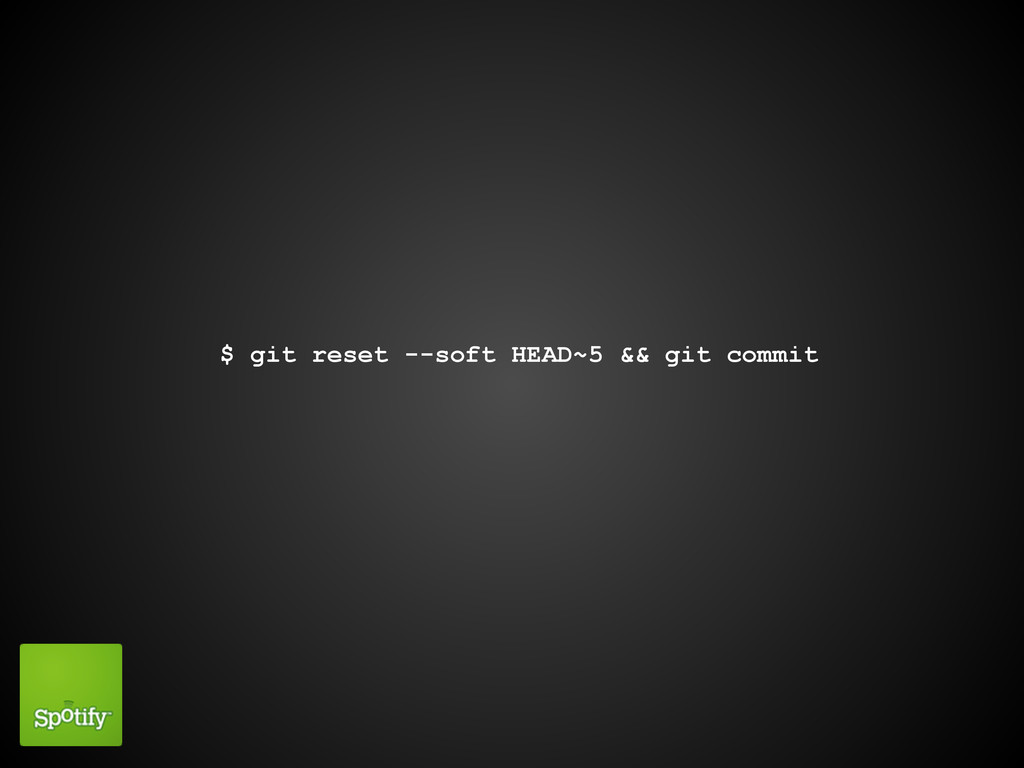
$ git reset --soft HEAD~5 && git commit
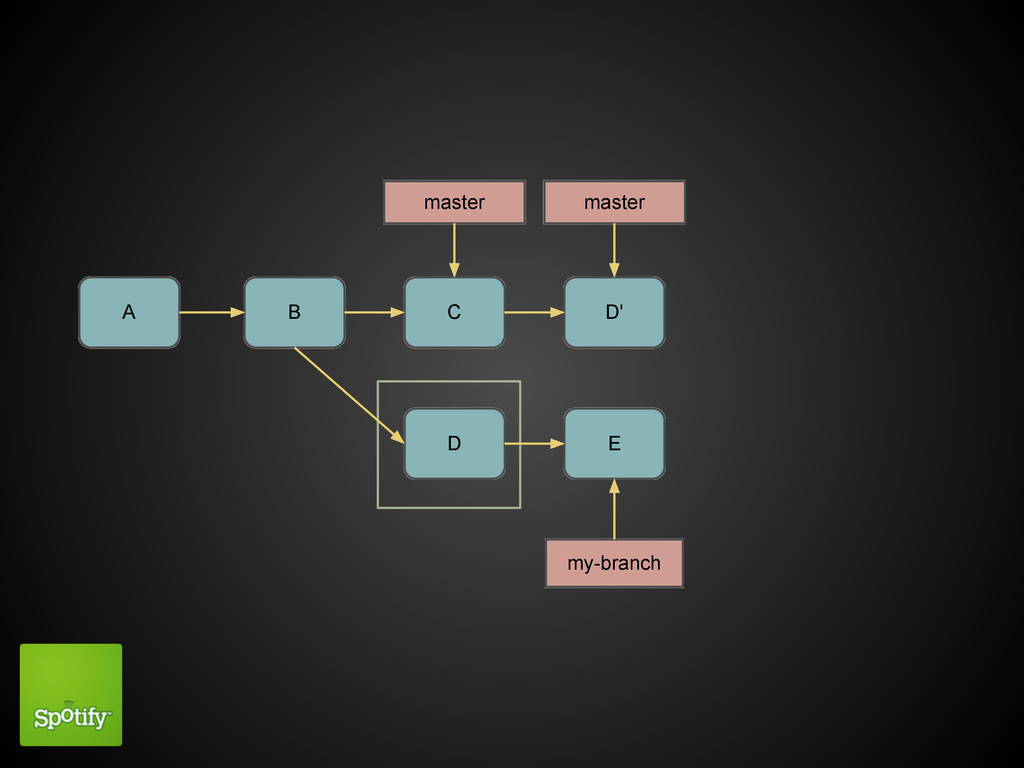
git cherry-pick
$ git cherry-pick D
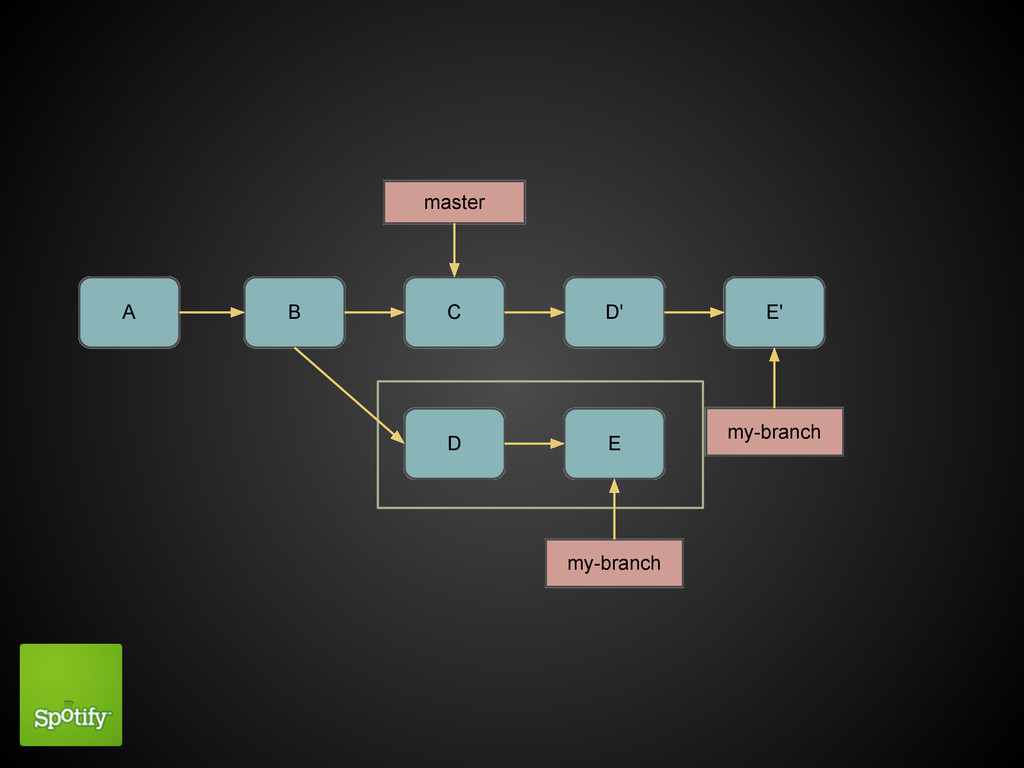
A B C D E my-branch master D' master
git rebase Swiss army tool of history editing
$ git rebase master
A B C D E my-branch master D' E' my-branch
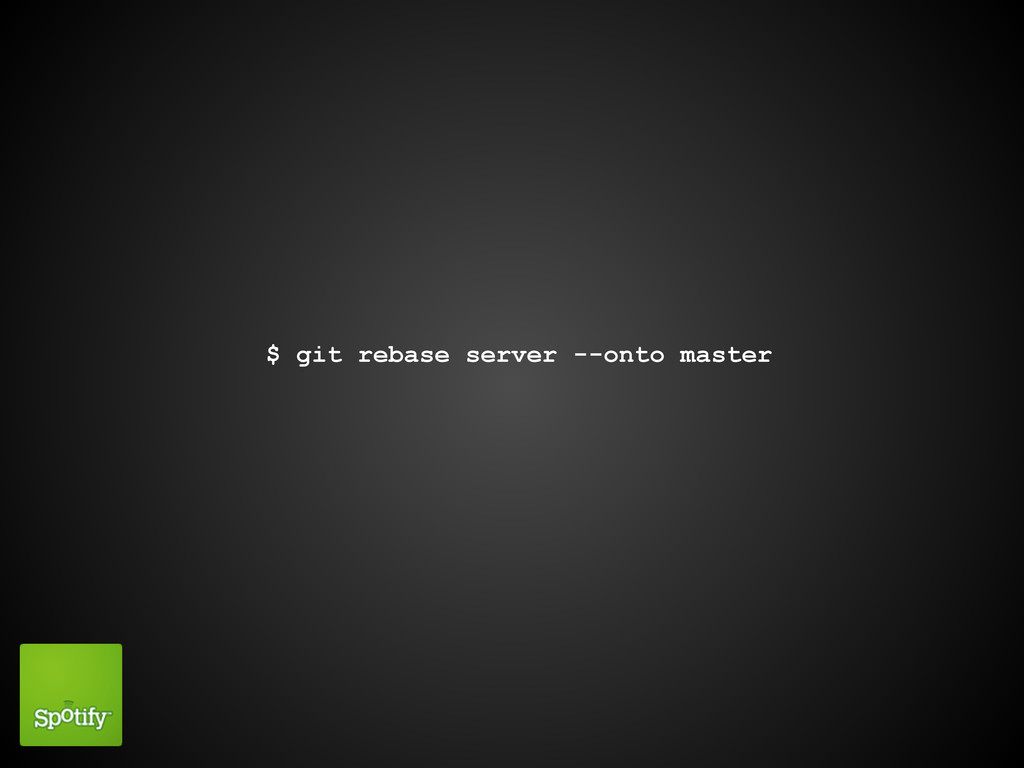
$ git rebase server --onto master
git rebase -i
pick ab8f5ff Add some instructions pick d8c062e Add newline pick
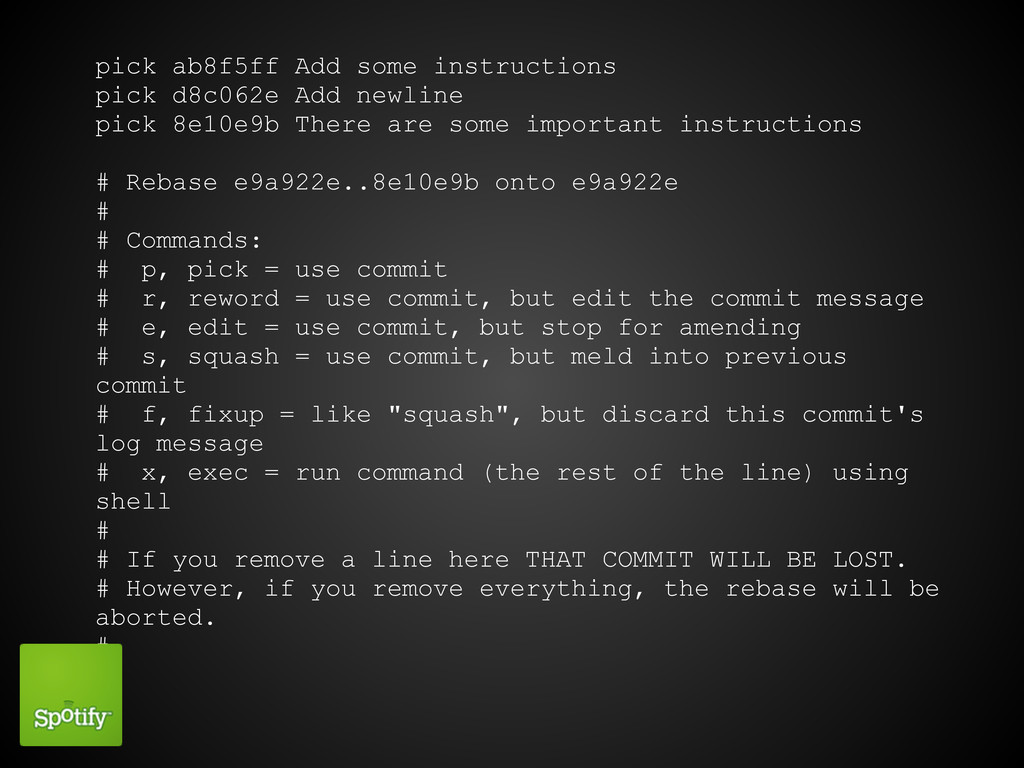
8e10e9b There are some important instructions # Rebase e9a922e..8e10e9b onto e9a922e # # Commands: # p, pick = use commit # r, reword = use commit, but edit the commit message # e, edit = use commit, but stop for amending # s, squash = use commit, but meld into previous commit # f, fixup = like "squash", but discard this commit's log message # x, exec = run command (the rest of the line) using shell # # If you remove a line here THAT COMMIT WILL BE LOST. # However, if you remove everything, the rebase will be aborted. #
Aborting

git reflog
Stashing
Save the state of your workdir

$ git status -sb ## master M snakepit/reptile.py $ git
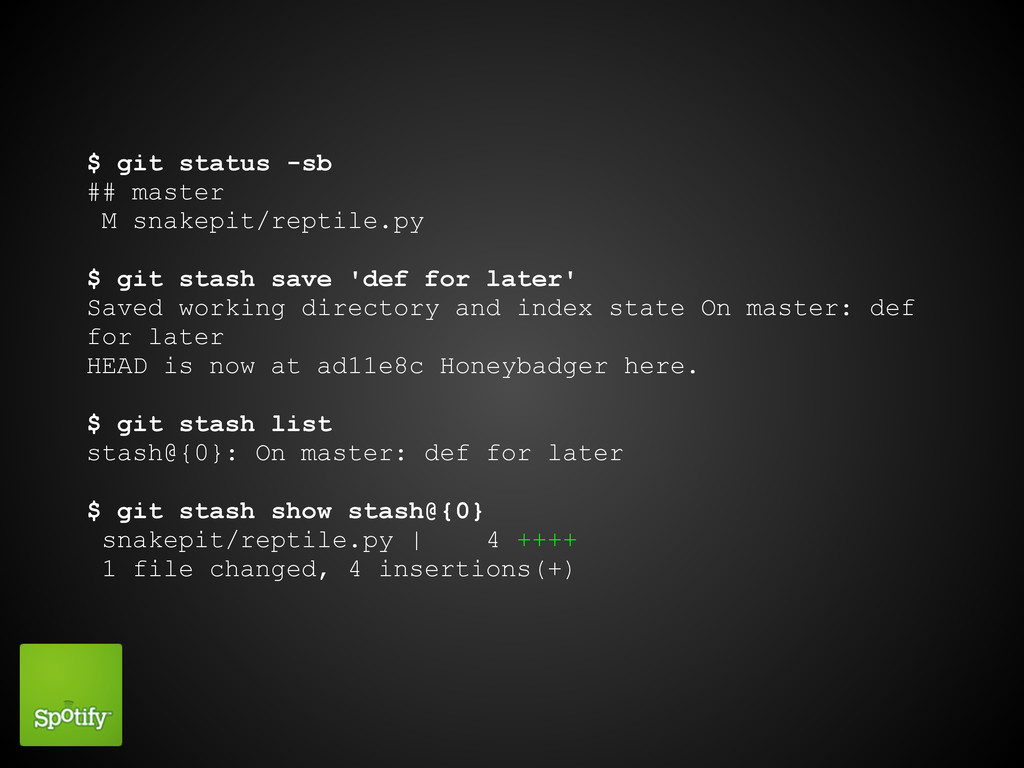
stash save 'def for later' Saved working directory and index state On master: def for later HEAD is now at ad11e8c Honeybadger here. $ git stash list stash@{0}: On master: def for later $ git stash show stash@{0} snakepit/reptile.py | 4 ++++ 1 file changed, 4 insertions(+)
Bisecting The bugs, where do they all come from?!?!
Easing out
Aliases
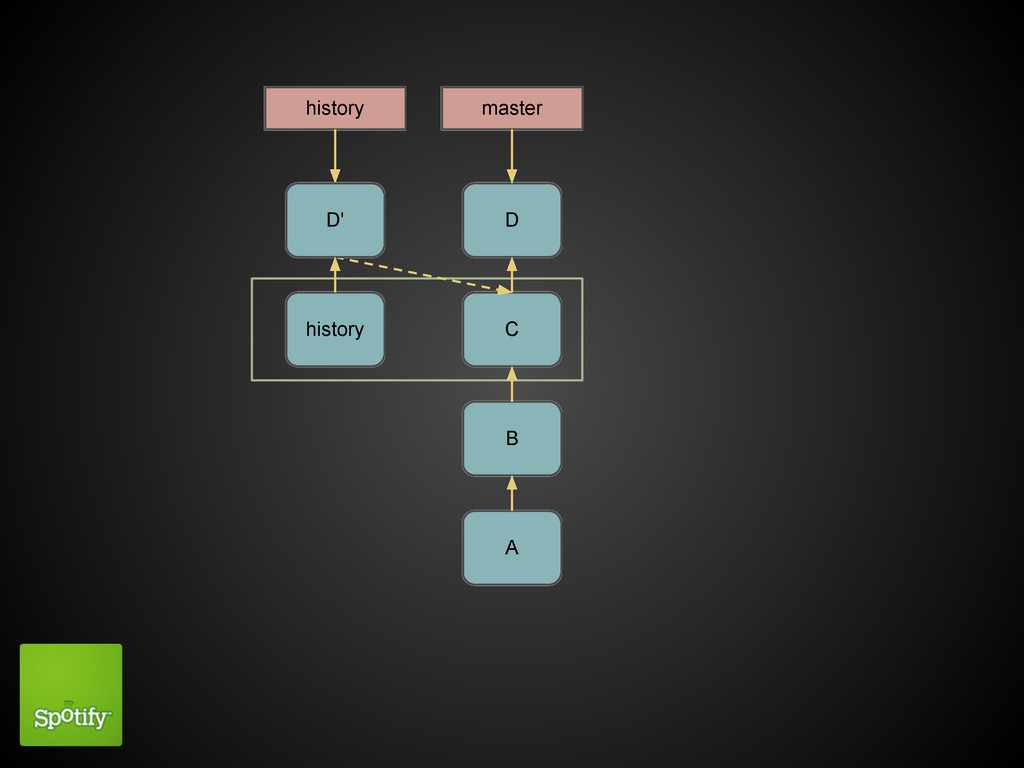
Detached head (just for giggles)
B history A C D master history
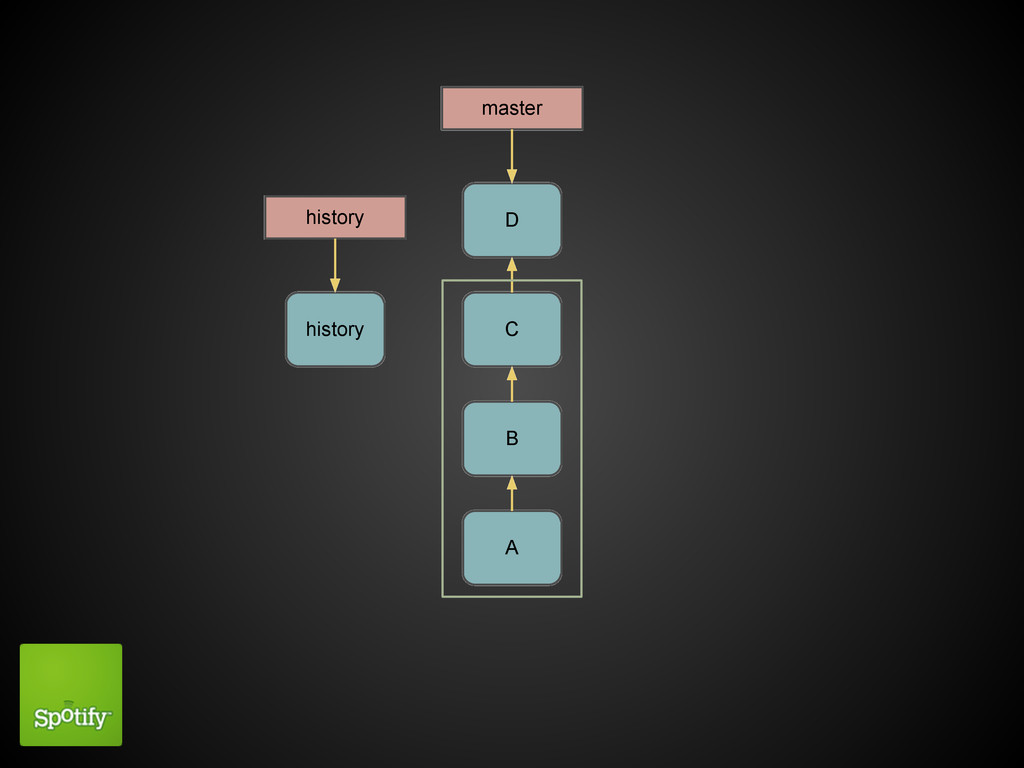
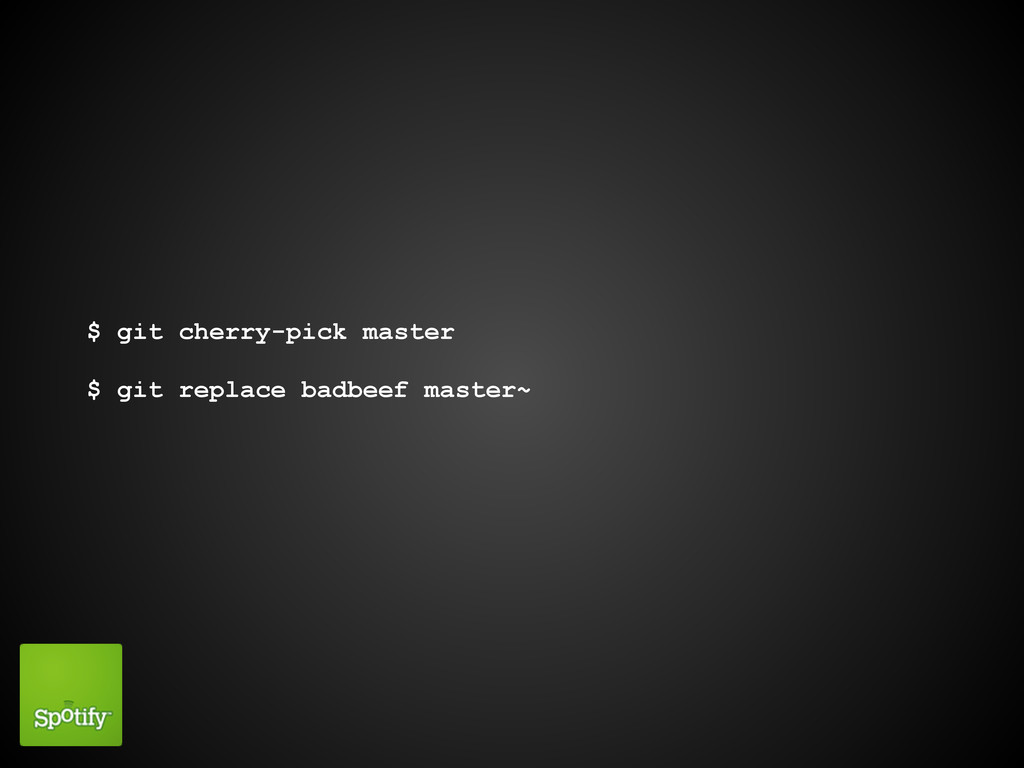
$ git cherry-pick master $ git replace badbeef master~
B history A C D master history D'
git clean
Questions?