Vagrant Usage Patterns

Mitchell Hashimoto @mitchellh

HELLO PUPPET LABS! This talk was given at Puppet Labs,
so HELLO TO PUPPET LABS!
The History Many in the audience for this talk already

know about Vagrant, but they don’t know where it came from, so let’s spend a few minutes talking about that.
COLLEGE! I started Vagrant while I was in college at

the University of Washington. Go Huskies! Specifically, I started it my 3rd year of college.
Hate-Driven I was getting more and more frustrated with the

current state of things. I searched for a solution, decided to fix it myself.
Jan 21, 2010 at 00:35 The first commit, well past
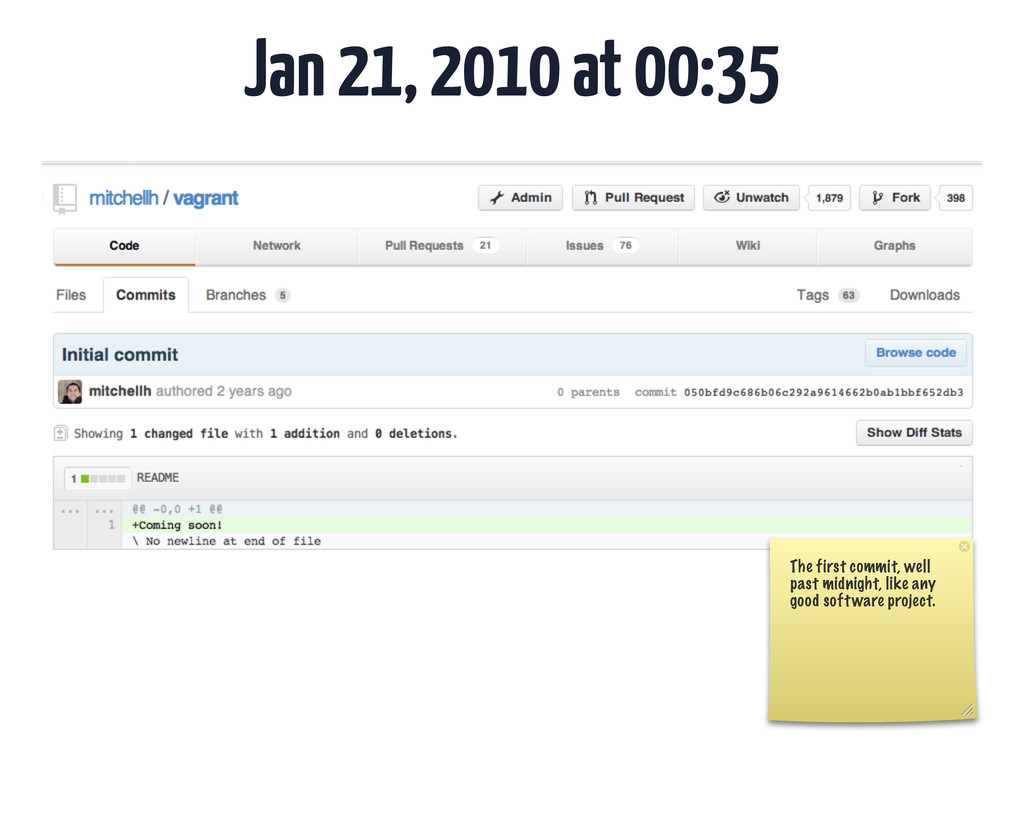
midnight, like any good software project.
Mar 7, 2010 at 4:49 PM 6 weeks later, a
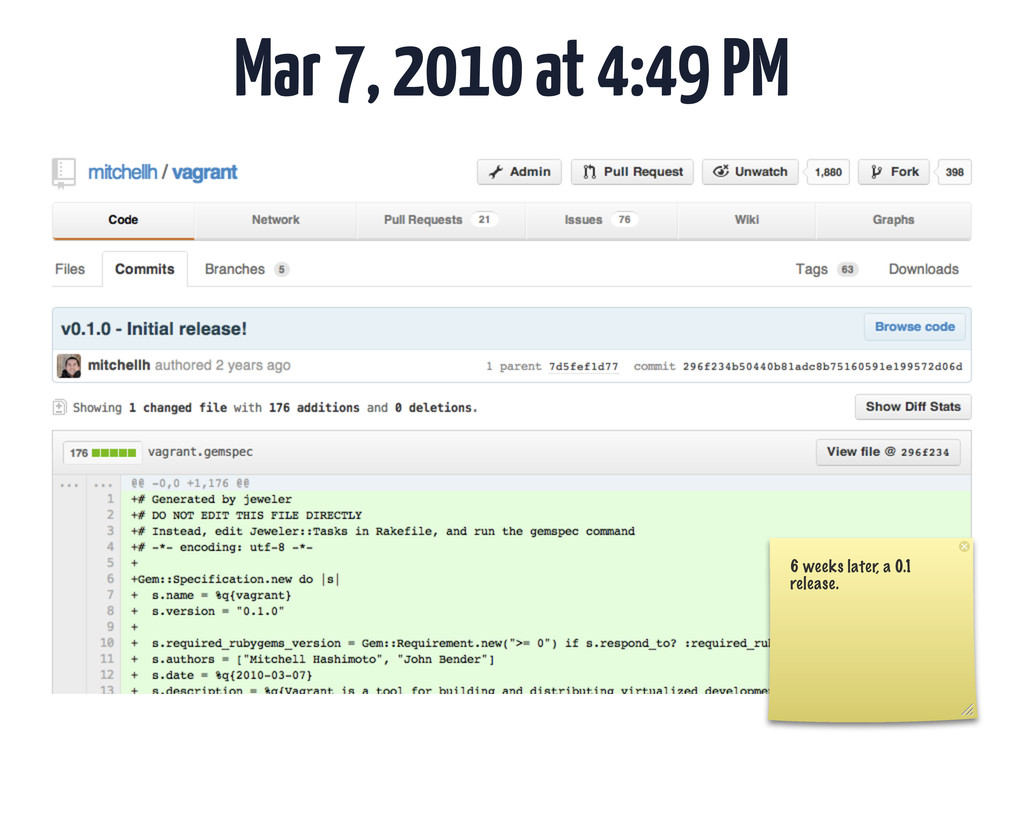
0.1 release.
John Bender @johnbender John Bender worked on the project heavily

for 0.1, and deserves recognition.
John Bender John now works on jQuery Mobile full time

at Adobe Systems.
John Bender He also does some pretty impressive, frightening theoretical
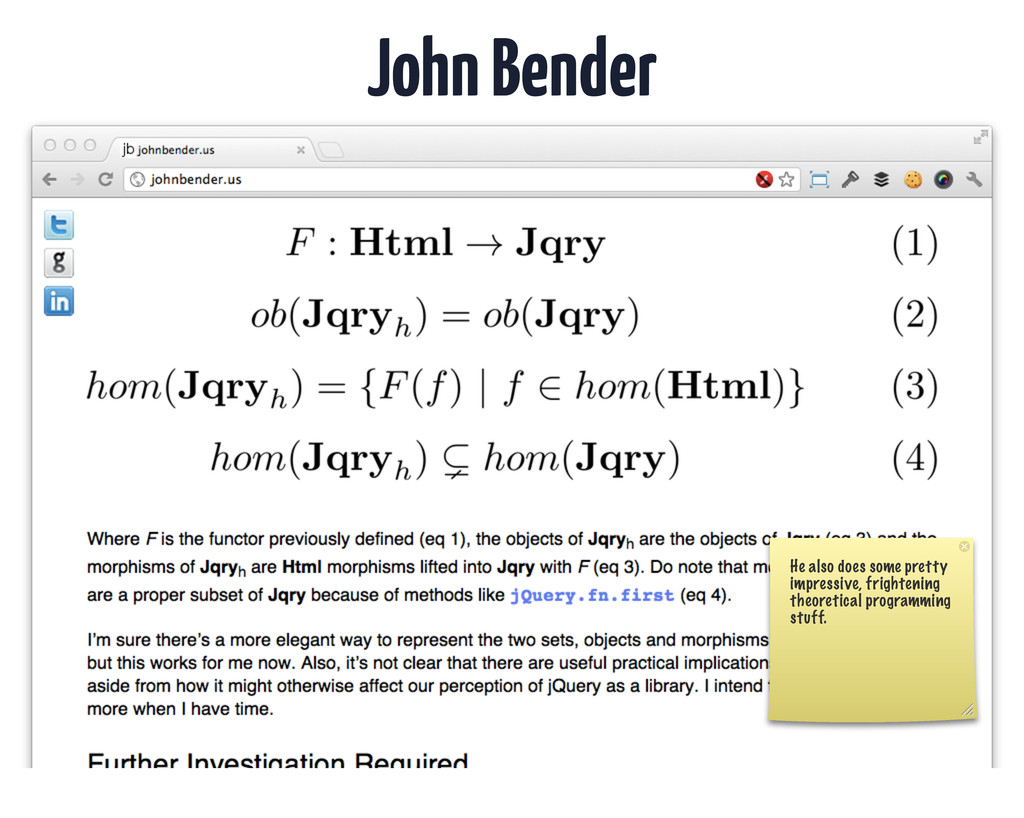
programming stuff.
Historic Notes Relative obscurity (only ~500 downloads per release) for
6 months. Vagrant started out living in relative obscurity for a long time. Growth was slow or non-existent. It was a toy!
Historic Notes Engine Yard Sponsorship in October 2010 Engine Yard
gave me an OSS grant in Oct 2010 in order for me to evangelize the product more. This gave me the resources to travel!
Historic Notes ??? for another 6 to 8 months. I
started a new job, moved to a new place, and kind of ignored things for 6 to 8 months. But things were HAPPENING while I was “ away.”
Historic Notes “Hey, you’re the Vagrant guy.” - Anonymous eye-opening

patron in the streets of SF. Some random person stopped me in the streets of SF and thanked me for Vagrant, which they used at their company. This was the first time I thought “Weird, how many people are using Vagrant?”
basho Lots of people, apparently. This is a very outdated
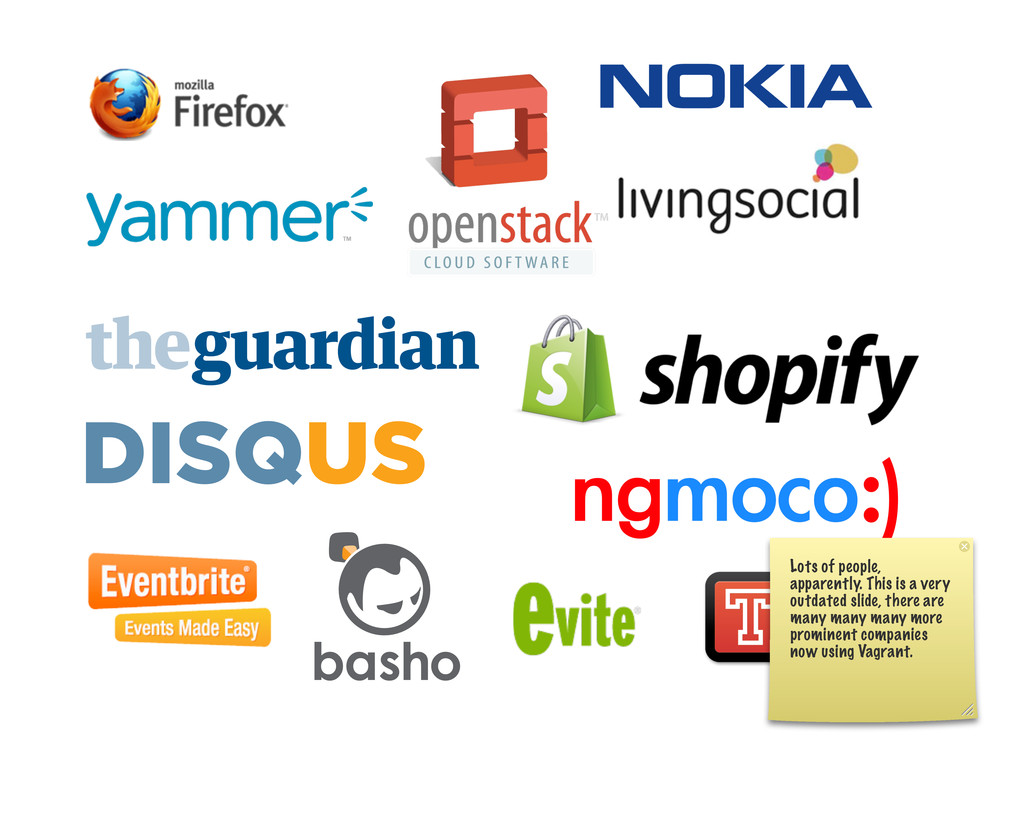
slide, there are many many many more prominent companies now using Vagrant.
Past 12 months - Roller Coaster Over 20 conference talks.
Hundreds of companies. Things are getting serious fast. In the past 12 months, things have been CRAZY. Growth has been crazy, interest has been crazy, etc. etc.
Today More dedicated than ever, make it or break it

moment. I love Vagrant. Today, I love the project more than ever. I don’t consider it successful yet, but its at the point where it can be successful, and I’m going to do my best to make it so.
Vagrant Usage Patterns So now let’s talk about usage patterns...
Patterns? How Vagrant was meant to be used? What do
I mean by usage patterns? Do I mean how Vagrant is meant to be used?
Patterns? How Vagrant is actually used. No, I mean how
Vagrant is actually used in practice. I had various ideas for how I thought Vagrant WOULD be used, but it is far more exciting to see how it IS used.
DISCLAIMER! Vagrant is not perfect. There is clear room for
improvement in some areas of the workflows. These are not perfect workflows. I plan on improving things based on how I see people using it, but given the current release, this is how things can be used.
Usage Environments There are various environments where Vagrant is used,
let’s cover each.
Usage: Ops
Usage: Ops Develop Puppet modules, test strange error cases.
Goals • Faster feedback loop • Test in a production-like
env • Write flexible modules (dev + prod) • Make writing modules more FUN!
Workflow 1
Workflow 1 1. One Vagrantfile per Puppet Module
Workflow 1 1. One Vagrantfile per Puppet Module 2. Vagrant
tests each Puppet module in isolation (no “integration” testing of Puppet modules)
Workflow 1 1. One Vagrantfile per Puppet Module 2. Vagrant
tests each Puppet module in isolation (no “integration” testing of Puppet modules) 3. Tests are run manually before commit
Workflow 1 Pro: Simple Pro: Fast Con: “Unit” tests Con:
No automation
Workflow 2

Workflow 2 1. One Vagrantfile per Integrated Unit
Workflow 2 1. One Vagrantfile per Integrated Unit 2. Vagrant
tests the integration of several Puppet modules.
Workflow 2 1. One Vagrantfile per Integrated Unit 2. Vagrant

tests the integration of several Puppet modules. 3. Outside shell script does smoke tests.
Workflow 2 1. One Vagrantfile per Integrated Unit 2. Vagrant
tests the integration of several Puppet modules. 3. Outside shell script does smoke tests. 4. Run manually, with a bit more framework.
Workflow 2 Pro: Simple Pro: Test More Realistically Con: Slower
Con: No automation
Goals: Achieved?


Production-Like Env As long as you’re using the same OS
box, you’re doing well. It can be better, still.
Flexible Modules (Dev + Prod) Manual discipline to make sure
things work in dev as well. This can probably be improved as well.
FUN! It is fun!

Usage: Dev
Usage: Dev Develop in a production-like, disposable environment.
Goals • Easy setup • Frictionless development • Disposability
Workflow 1
Workflow 1 1. One Vagrantfile for the entire project
Workflow 1 1. One Vagrantfile for the entire project 2.
`vagrant up` from a minimalistic base box
Workflow 1 1. One Vagrantfile for the entire project 2.
`vagrant up` from a minimalistic base box 3. Puppet takes over to provision everything
Workflow 1 1. One Vagrantfile for the entire project 2.
`vagrant up` from a minimalistic base box 3. Puppet takes over to provision everything 4. README tells user how to work once it is up and running.
Workflow 1 Pro: Simple Con: Can be slow Con: Easy
to get “out of date” with Ops
Workflow 2
Workflow 2 1. One Vagrantfile for the entire project

Workflow 2 1. One Vagrantfile for the entire project 2.
`vagrant up` from a golden image base box
Workflow 2 1. One Vagrantfile for the entire project 2.
`vagrant up` from a golden image base box 3. Puppet does basic config and starts services
Workflow 2 1. One Vagrantfile for the entire project 2.
`vagrant up` from a golden image base box 3. Puppet does basic config and starts services 4. README tells user how to work
Workflow 2 Pro: Simple from dev perspective Pro: Much faster
Pro: Devs update when they are ready Con: Complicated from ops perspective Con: Didn’t we decide “golden master” is a bad idea? (I argue no)
Discipline Just as you rebase onto the latest code prior
to pushing to a central source repository, devs expected to “rebase” onto the latest box prior to pushing to a central source repository.
Workflow 2 + Ops 1. One Vagrantfile that simulates Dev
Vagrantfile but actually runs full Puppet stack from minimalistic base image. 2. `vagrant package` 3. Upload to internal file store.
Workflow 3
WARNING! This is typically for much larger companies.

Workflow 3 1. One Vagrantfile per component/service
Workflow 3 1. One Vagrantfile per component/service 2. `vagrant up`
per workflow 1 or 2
Workflow 3 1. One Vagrantfile per component/service 2. `vagrant up`
per workflow 1 or 2 3. Leave full-stack testing to staging
Workflow 3 The idea is that each component is a

black box and can be developed in isolation as long as it conforms to some interface. Leave integration testing to a complicated staging environment.
Workflow 3 Pro: Simple Pro: Much smaller environments Con: No
full-stack Con: You need an SOA for this to work
Goals: Achieved?

Easy Setup vagrant up!
Frictionless Dev Shared folders help. Networking helps. Still discipline to
learn. Still can be much improved.
Usage: CI
Usage: CI Automatically do testing of ops/dev scripts.
WARNING! Vagrant was NOT made to run on a server.
VirtualBox was NOT made to run on a server. Vagrant 1.0.x was not made to run on a sever, nor was VirtualBox. People do it anyways successfully, but your mileage may vary.
... of course, that doesn’t mean that it isn’t a
good idea in theory. However, its a good idea in general, and I plan on working on features to better support “Vagrant on the server.”
Vagrant Plugin for Jenkins https://wiki.jenkins-ci.org/display/JENKINS/Vagrant+Plugin All of these workflows rely
on something like the Vagrant plugins for Jenkins, which is an awesome plugin.
Workflow 1
Workflow 1 1. Jenkins CI.
Workflow 1 1. Jenkins CI. 2. `vagrant up`
Workflow 1 1. Jenkins CI. 2. `vagrant up` 3. Smoke
test script to verify Puppet did the right thing.
Workflow 2
Workflow 2 1. Jenkins CI.
Workflow 2 1. Jenkins CI. 2. Build development environment.
Workflow 2 1. Jenkins CI. 2. Build development environment. 3.
Package and upload.
Goal Improve the cycle of working on Ops scripts and
then getting those changes back into development VMs.
Workflow 3

Workflow 3 1. Jenkins CI.
Workflow 3 1. Jenkins CI. 2. Build development VM using
latest golden image.
Workflow 3 1. Jenkins CI. 2. Build development VM using
latest golden image. 3. Run unit/acceptance tests against the VM.
Goal Verify either (or both) that dev VMs work, verify
that pushed code works in a fresh environment works.
Vagrant for CI Pretty good idea in general. Future work
on Vagrant will improve this process, make it more usable.
The Future This section talks about the future of Vagrant,
where the project is going. It doesn’t cover everything, only what I’m comfortable talking about at this time.
workflow The value is in the workflow, baby. What makes
Vagrant awesome/valuable is not the technology, it is the workflow. People are starting to “know” Vagrant.
A standard workflow for working with development environments. Vagrant is
emerging as a standard workflow for working with development environments.
Okay, cool, whatever. What is happening next?
1. Any virt software (VMWare, EC2, KVM) Vagrant will work
with any software to support the “environments”
~ ! vagrant up --provider=vmware ... ~ ! vagrant up
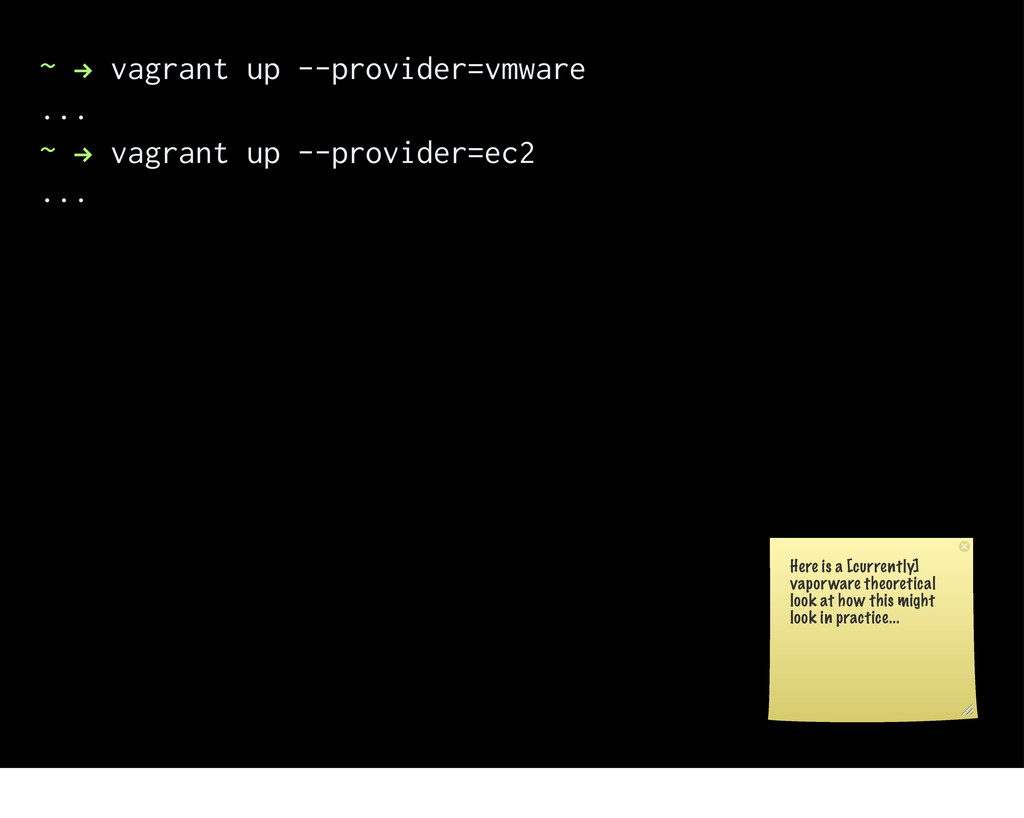
--provider=ec2 ... Here is a [currently] vaporware theoretical look at how this might look in practice...
Any Virt Software Same workflow, but use the right environment
for the right job. This lets you use the SAME WORKFLOW (remember, that is valuable), but gives you the flexibility to use the right environment for the job.
2. Vagrant Builder

Vagrant Builder Work in identical environments across multiple providers, as
well as in development and production.
Vagrant Builder ISO/Base Image + Scripts go in... ... VirtualBox,
VMWare, Amazon images come out! This is essentially “VeeWee” functionality in Vagrant. VeeWee on steroids.
Vagrant Builder Closes a critical hole in the workflows of
today, smoothens the transition to multi-provider. This is an important feature for two reasons: 1. It closes a critical hole in the workflow where Vagrant expected base boxes to just exist, but didn’t provide very friendly tools to create this base boxes. 2. With multi-provider coming, it smoothens the transition by allowing box creators to more easily support more providers.
3. Any Guest OS

Any Guest OS Windows guests. Mac guests. MyCustomOS guests.
Any Guest OS Because this world is more than just
Linux, believe it or not.
This will be Vagrant 2.0 These features are the core
features that will become Vagrant 2.0. There is no timeline for Vagrant 2.0 so don’t ask, but I’d like Vagrant 2.0 to be ready by the end of 2013.
Features released slowly in 1.x releases as beta. These features
will slowly be released and refined as beta-quality features in 1.x releases. This is the same as how 0.x lead up to 1.0.