As part of our ongoing effort to improve security on SourceForge, we have added multifactor authentication. All project developers are encouraged to enable it for their account.
What is multifactor authentication? In short, it means providing something in addition to your password to log in. One of the most common forms of this is using an authenticator app on your phone, which will produce a 6-digit code specific to your account and the current time. When you log in, after entering your password you will be prompted to provide the current code. Backup codes are provided in case your phone is lost. Download or print your backup codes, otherwise you could risk not having any way back into your account.
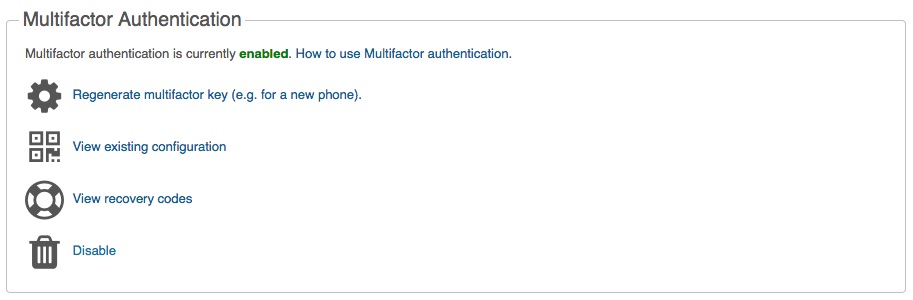
It’s easy to use, you can get started on your account preferences page. All you’ll need to do is install an authenticator app on your phone and use it to scan a QR code to set it up. Then whenever you log in, just use the app to get the current code. See the multifactor authentication documentation for more info, including how to use it for things like committing code and SFTP.
Future enhancements that we are looking at include alternate authentication with FIDO U2F hardware keys, and showing admins of a project whether other developers have multifactor authentication enabled.