Two-way
SMS messaging
in Slack channels
Finally, a way to manage all your SMS messages in one place.
No more personal phone numbers, no more chaos.


Just a piece of advice. I used my personal cell number as the company number and I still regret it a decade later (I get so many stupid calls). Don’t do what I did.
Michael Seibel
Managing Director at Y Combinator
We make SMS
easy and painless
But don’t just take our word for it.
We’ll let the product do the talking.
Talk with your
customers in Slack.
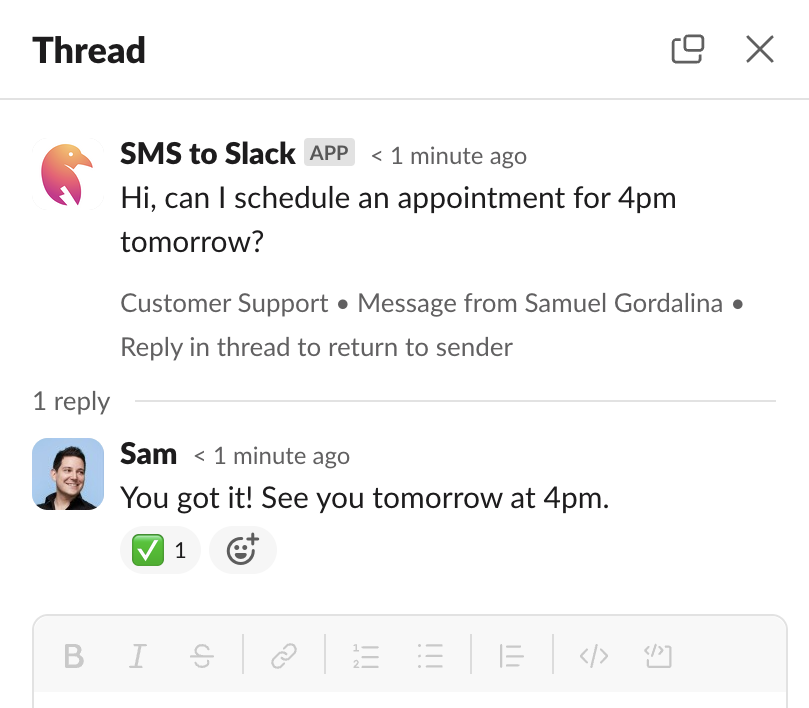
Associate a phone number with a Slack channel where your team can reply directly to any messages.
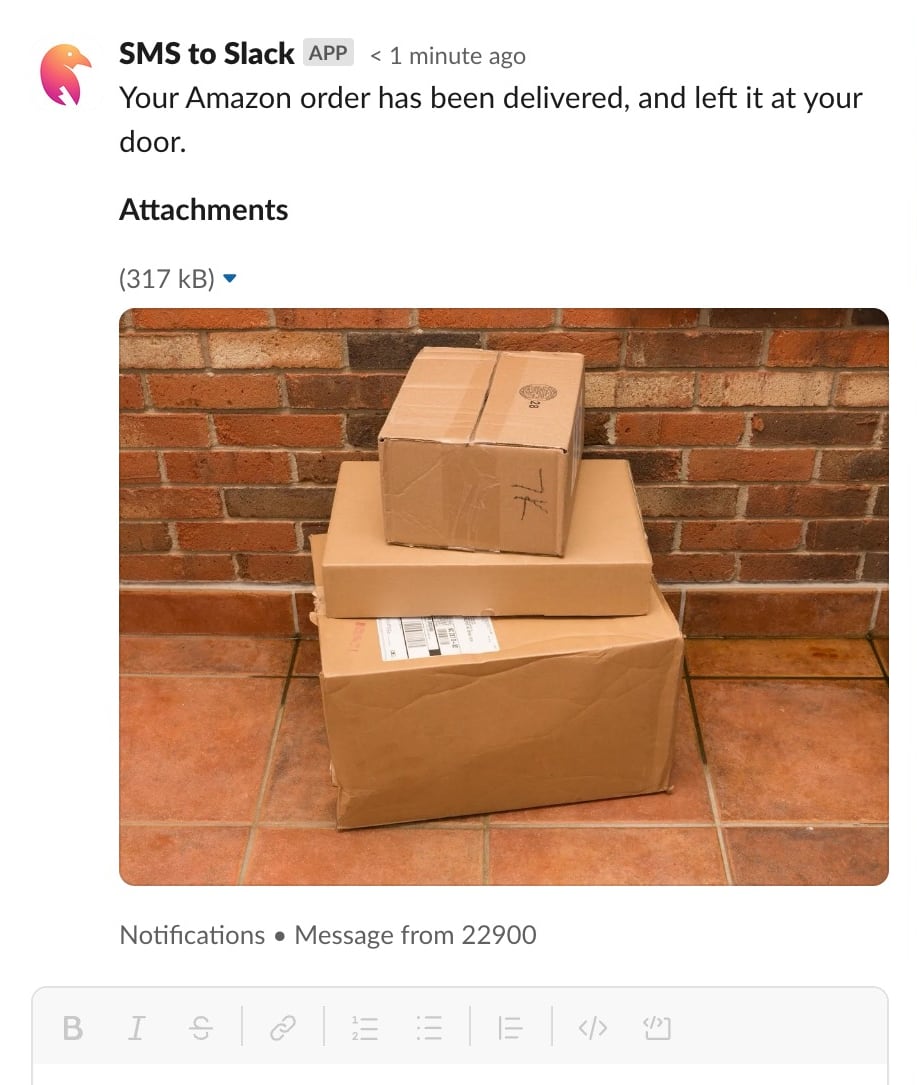
Communicate with more than just text.
Express yourself with images, audio, and video.
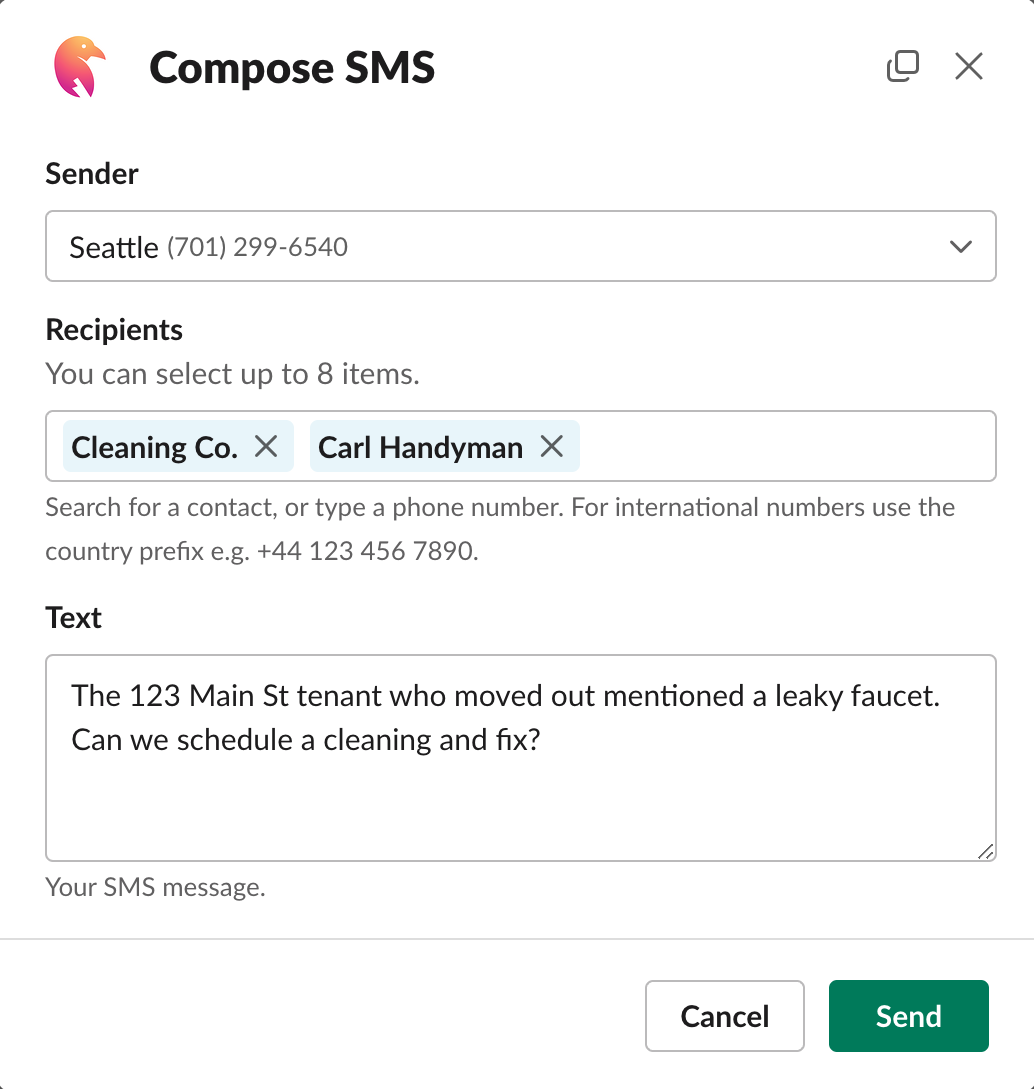
Keep everyone
in the loop.
Send group messages to ensure that everyone is in the know.
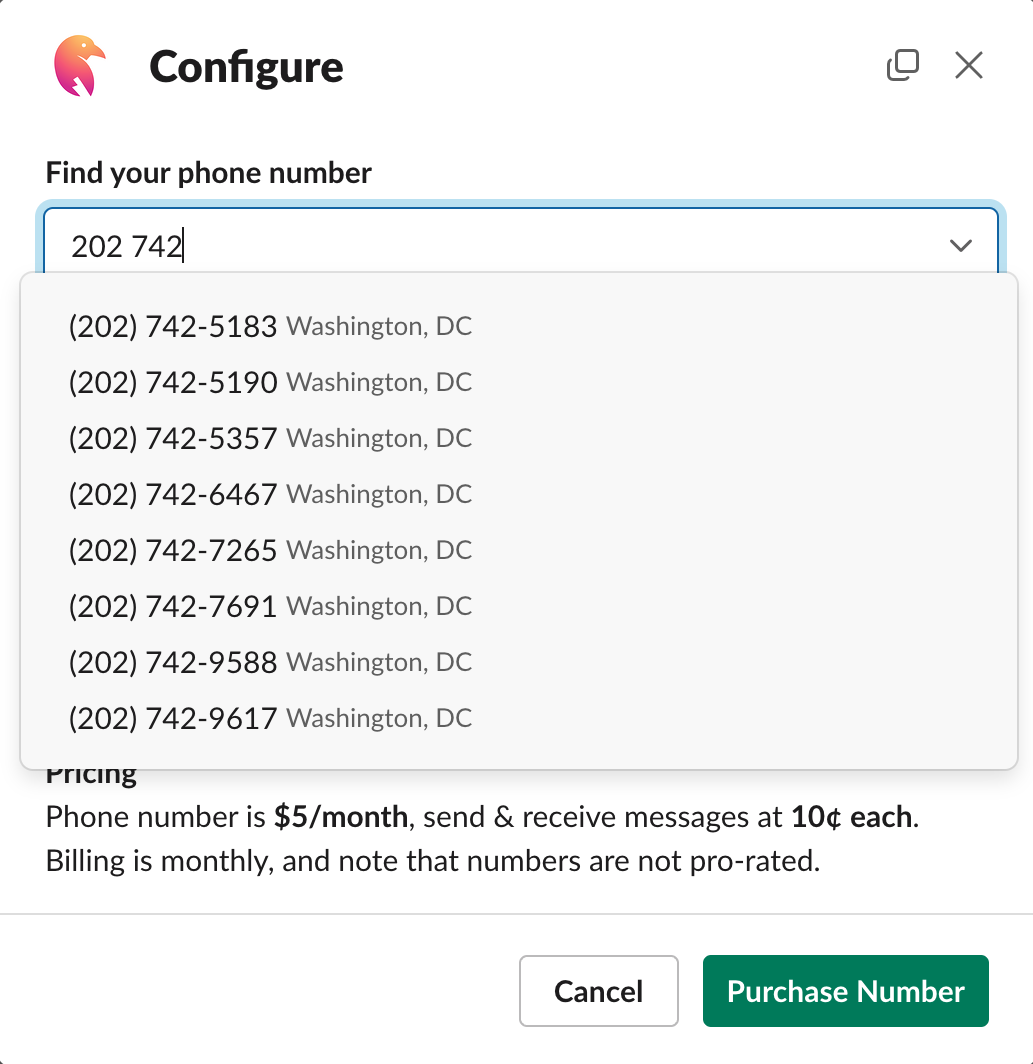
Personalize your
phone numbers.
Create custom phone numbers with local area-code prefixes so you can be closer to your customers.
Phone numbers
around the world.
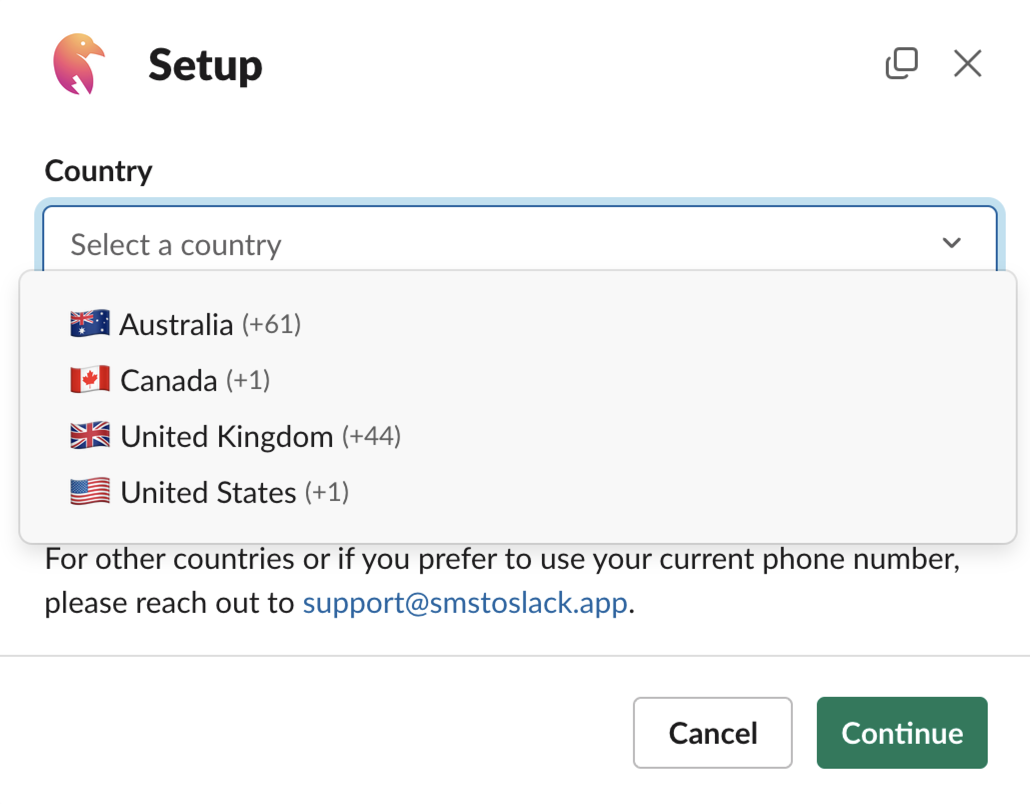
Extend your reach by creating international phone numbers.
- 🇺🇸 United States of America
- 🇬🇧 United Kingdom
- 🇦🇺 Australia
- 🇧🇪 Belgium*
- 🇧🇷 Brazil*
- 🇨🇦 Canada
- 🇫🇮 Finland *
- 🇳🇱 Netherlands*
- 🇵🇱 Poland*
- 🇸🇪 Sweden*
* Requires additional verification.
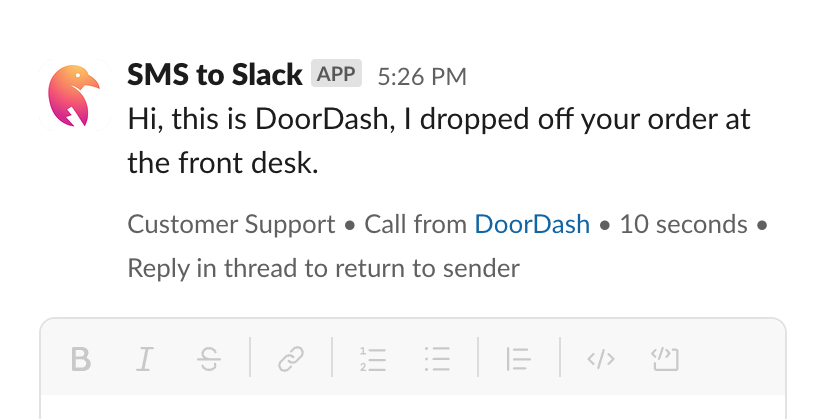
Never miss another voicemail.
Are you customers chatty? Receive voicemails that are automatically transcribed in Slack.
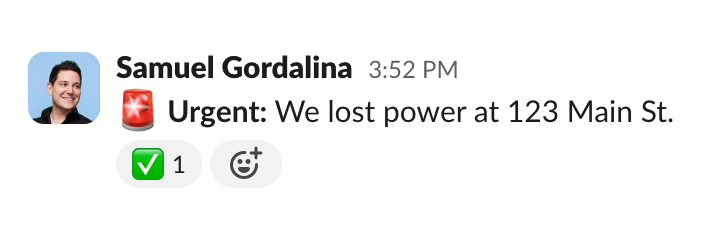
Relay Slack messages.
Automatically forward messages from Slack to any phone number.
“This was by far the simplest approach out there. The ability to generate numbers and associate them to a channel, right in Slack, was wonderfully painless. I had this setup in minutes.”

Jacob Giordano
“We are loving the app, we use it to receive SMS notifications on shared accounts and has been a great time saver for us.”

Danielle Whetstone
C Squared Social
Get started in under 10 minutes
Join hundreds of happy customers
Security First
We value your data and are committed to keeping it safe and secure, our knowledge of security and its importance to your work runs deep.
- Development Process
-
We follow industry best practices, so security is baked right into our product and regular development processes.
- Encryption
-
Data in transit runs entirely over SSL. Data at rest is encrypted with AES 128/256. Billing information is entirely managed by our PCI-compliant payments provider.
- Infrastructure Security
-
We are committed to highly available infrastructure. It runs on fault-tolerant systems and backups are made daily.
Manage SMS messaging in Slack
Supercharge your SMS communications
Pay-as-you-go pricing, unlimited features, and a
free trial make it easy to get started.
Pay-as-you-go pricing
Only pay for active phone numbers and any received or sent messages.
Compatible with most providers
Compatible with Amazon, Google, SendGrid and many others.
Secure
We follow industry best practices, so security is baked right into our product and regular development processes.
Unlimited
Get the power of unlimited phone numbers, text messages, and Slack channels.
Respond to messages
Easily answer senders, acknowledge messages, and reply to alerts with in-thread replies.
Free 7-day trial
Evaluate SMS to Slack risk-free for 7 days. Cancel anytime.
Simple pricing
Pay-as-you-go pricing, pay only for what you use.
No contracts, cancel any time.
Features
- 7-day free trial
- In-thread replies
- Email support
- Cancel any time
Frequently asked questions
Frequently asked questions about SMS to Slack. If you have a question that isn't answered here, please email us. We're happy to help!
- How does it work?
- Once you install SMS to Slack and configure billing, you can create a phone number and associate it with a Slack channel. When someone sends a text message to that number, it will post to the channel.
- Which Slack messages will be sent via SMS?
- Only replies to a thread initiated by an incoming SMS will be sent to the original sender via SMS. Any other Slack messages in the channel are ignored.
- How long can I try the service?
- SMS to Slack offers a 7-day free trial. Where you can test the service and see if it fits your needs.
- * What are message parts?
- A message part is a single SMS message that is sent to a phone number. If a message is longer than the character limit, it is split into multiple parts and sent as separate messages. Each message part is billed separately.
- How are GSM-7 messages split into parts?
- Messages containing only GSM 7-bit characters have a maximum limit of 1,600 characters. Messages longer than 160 characters are split into multiple message parts, each part consisting of 153 characters.
- How are UCS-2 16-bit messages split into parts?
- Messages containing one or more UCS-2 16-bit Unicode characters have a maximum limit of 737 characters. Messages longer than 70 characters are split into multiple message parts, each part consisting of 67 characters.
- How are MMS messages split into parts?
- Each MMS message can contain multi-media, and up to 1,600 characters. MMS are encoded in UTF-8 . Messages longer than 1,600 characters are split into multiple message parts.
Get started in
under 10 minutes
Say goodbye to the chaos of using your phone to handle all communication. Move all messaging communication to Slack, where you can keep all conversations organized and accessible to your entire team.
Bring your own phone number
“Streamlined the SMS workflow for our team in just a couple of minutes!”

Join hundreds of happy customers

We build what you need, make it easy to use, and stay out of your way. No salespeople, no red tape. Just great products that help you win.
Solutions
Support
Legal
© 2026 SMS to Slack Made with 🤙 in Hawaiʻi