Flight mode on. Everything works.
Your flight, from the inside.
SkyPocket turns your phone into a pocket cockpit: live speed, altitude and an offline atlas of the world below, all in flight mode. Take photos, film clips and write down the thought you had at 36,000 feet, each stamped with its moment in the sky. Brush up the language on the way in. Then turn the whole flight into a reel.
For iPhone · Nothing leaves your phone
FROM THE APP STORE
★★★★★
Eine Perle des AppStore Selbst wenn du nicht fliegst, bekommst du das CIA Worldbook, sogar neuerdings in deutsch. Großartig.
🇩🇪 Plebejer
★★★★★
Fantastisch This app is just what I was looking for! I recommend it to all!
🇩🇪 DarkoDM
★★★★★
Simpatica Offre informazioni utili durante il volo, quando siamo totalmente disconnessi.
🇮🇹 whited00r
★★★★★
I thank the developer for his quick response in supporting the Arabic language
🇪🇬 Islam__mohamed
Straight off the phone
Really shot up there.
How is this possible
GPS only receives. Like a radio.
Your phone listens to satellites and never transmits, so flight mode does not switch it off. SkyPocket pairs that signal with the barometer and motion sensors, and packs the whole world map, the CIA World Factbook and every World Heritage Site inside the app. Nothing is sent, fetched or tracked.
0bytes sent anywhere
100%works offline
1,245heritage sites aboard
Instruments
A glass cockpit for seat 23A.
Offline world atlas
Coastlines, mountains, rivers, 7,000 towns and 1,245 World Heritage Sites, all inside the app. Tap anything, mid-ocean.
Whole-flight recorder
Records with the phone locked, survives a force-quit, and lands in your logbook by itself.
Where to?
Pick a destination and the cabin's oldest question is answered: distance to go, time left, the local time you land.
Every flight, a story
Wheels up, top of climb, borders crossed, touchdown: a timeline built from the data alone.
Lock-screen live stats
Speed, altitude, distance and the country below, live on the lock screen while you doze.
The world, readable
The CIA World Factbook, bundled whole, split into the countries you have overflown and the ones you have not. Yet.
Hands on
Not just a window seat. A studio.
A camera with a memory
Photos stamped with your speed, altitude and position. Clips with a live stats marquee.
Notes at altitude
The thought you had at 36,000 feet, saved wearing the moment it happened.
The reel
The flight becomes a film: route, records, your shots and notes, in the order they happened. 9:16, ready to post.
Practice your lingo
Ten languages, spoken aloud: the essentials, a sentence builder, and the answers to listen for.
On the flight deck
Every screen, exactly as it flies.
When you land
The flight becomes a reel.
- The route draws itself low over the chart, your real numbers riding along.
- Photos, clips and notes drop in exactly where they happened.
- 9:16, watermarked once, saved to the flight's page. Post it anywhere.
After landing
Every flight becomes a story.
- Flights name themselves from 4,000 airports: BFS to BCN, not just a date.
- A story timeline: wheels up, borders crossed, the sunset you flew through.
- Replay flies the whole route in thirty seconds, numbers ticking as it goes.
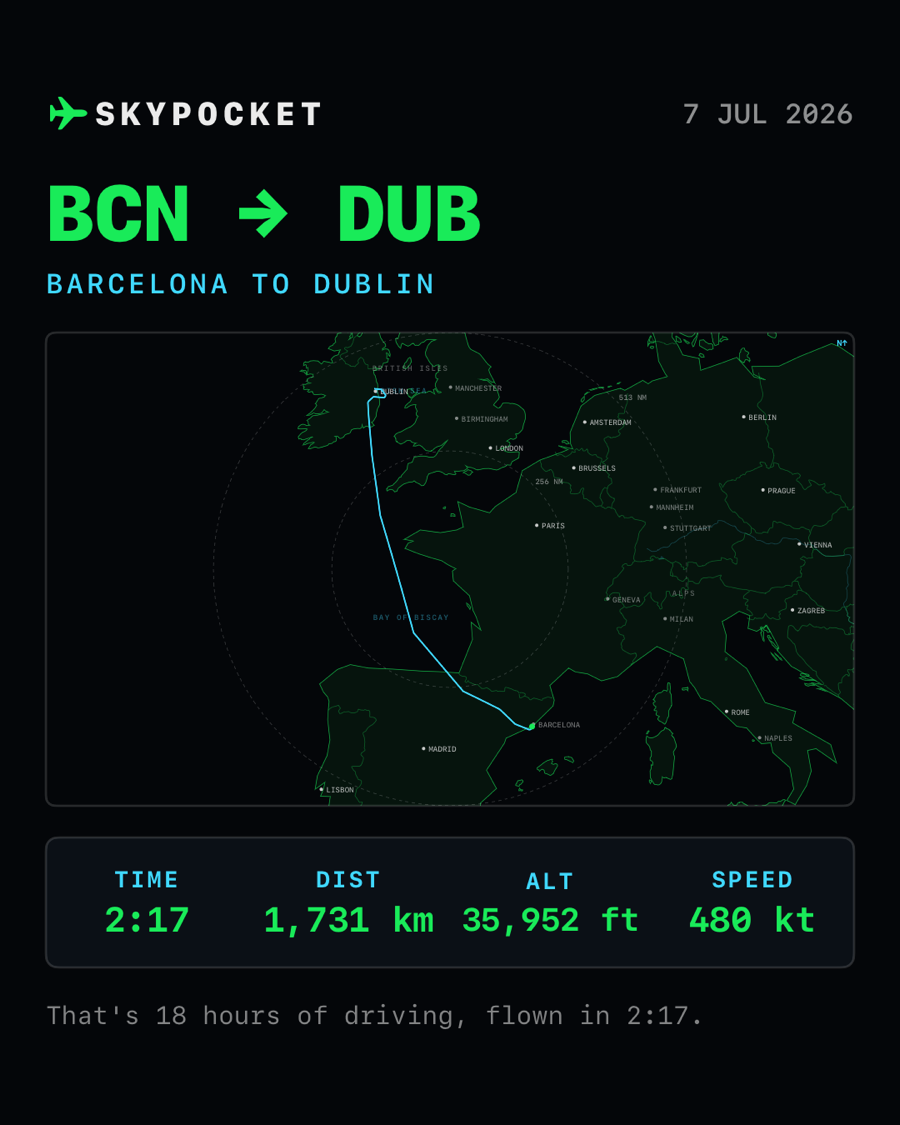
- One tap renders a flight card ready for wherever you brag.
- CSV and GPX export, and iCloud backup on iPhone.
Before you board
Questions, answered.
How can it work in flight mode?
GPS is receive-only, like a radio. Your phone listens to satellites and never transmits, so flight mode does not turn it off. SkyPocket sends nothing anywhere: the map, the airports and the country facts are all packed inside the app.
Does it need an internet connection?
No. Everything works offline, mid-ocean included.
Does recording drain the battery?
It uses GPS the way a run tracker does. A long-haul flight typically costs a modest slice of battery, and the screen can stay locked the whole time.
Do I need a window seat?
It helps. GPS struggles through a metal fuselage, so near a window is best. If the signal drops, SkyPocket estimates your position honestly, marked in amber, until the fix returns.
What if I delete the app, or lose my phone?
Completed flights back themselves up to your iCloud automatically: reinstall the app and your logbook comes back down on its own, with no account beyond the iCloud you already have.
Can I post the reels anywhere?
Yes. A reel is an ordinary 9:16 video saved on your phone: TikTok, Reels, Stories, or the family group chat. Nothing uploads unless you share it.
Also from the developer
TapFi gets you onto the WiFi when you land. Point your camera at the WiFi card and you are connected. No fiddly passwords to type.