The screen recording and screenshot app that does the polish for you, so sharing takes minutes not hours.
Screenshot
or record with a click
Screenshot
or record with a click
Replace a collection of tools with one app
that's themed like a glass of whisky 
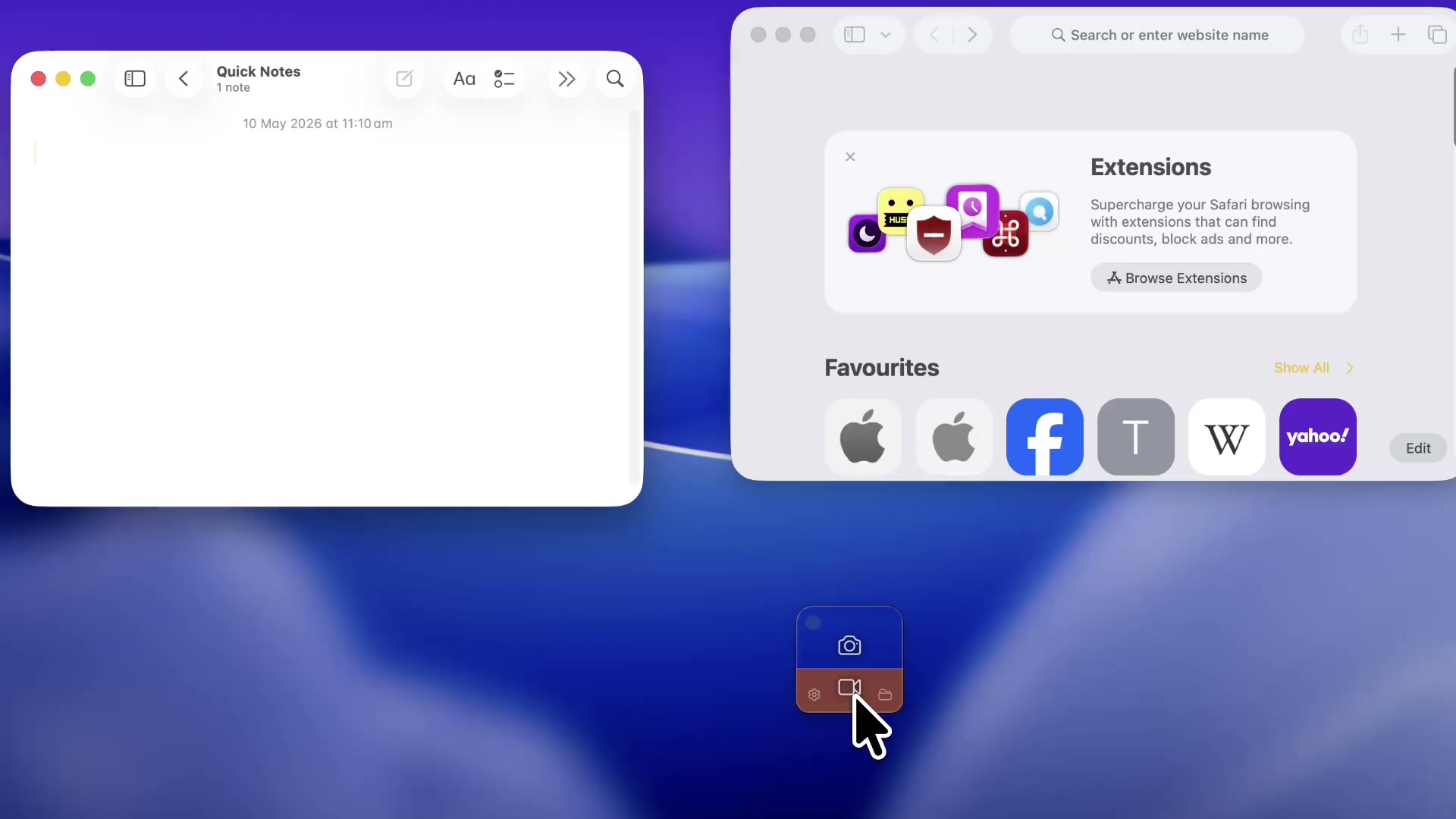
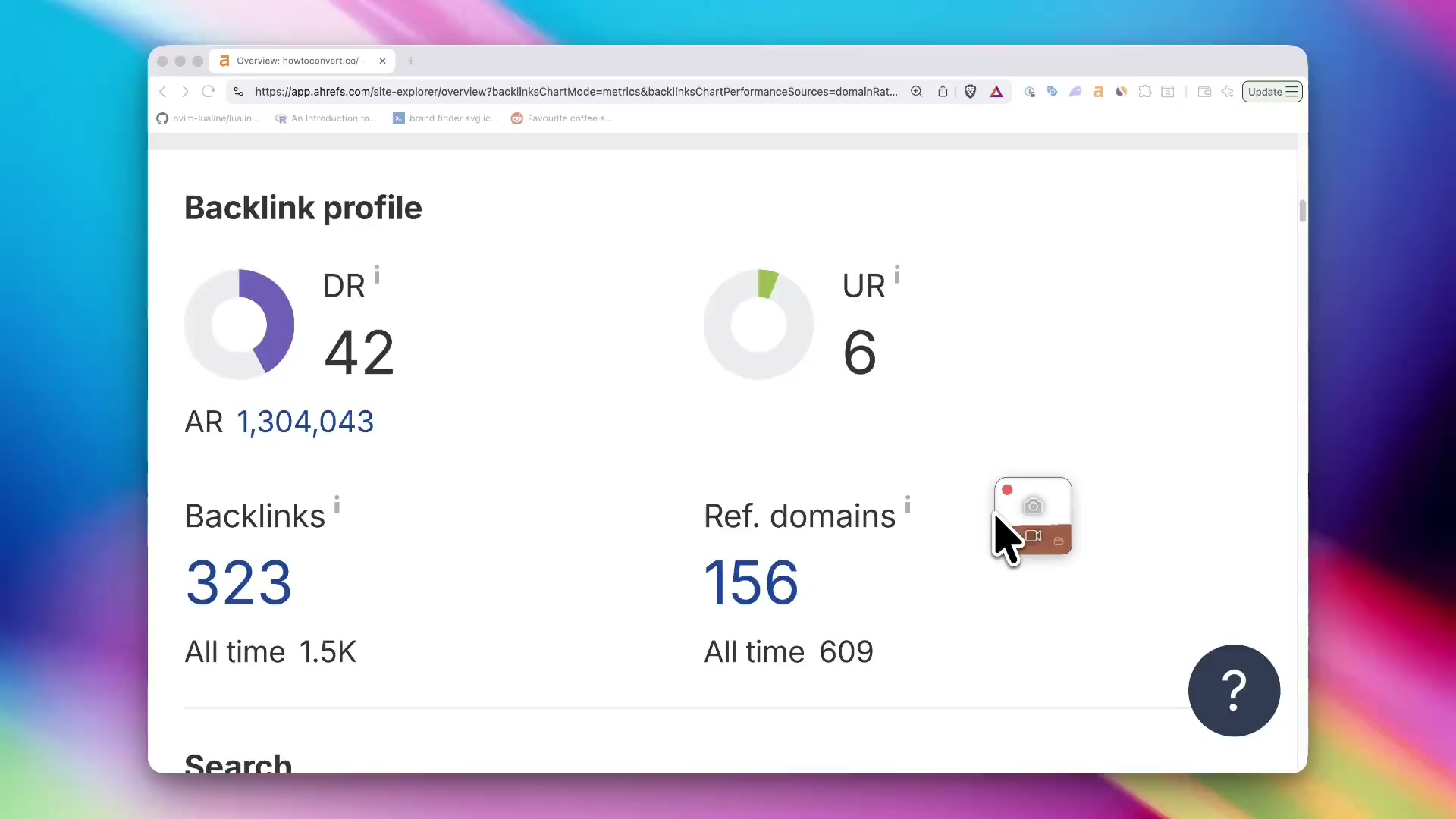
Auto window detection across multiple windows and monitors.
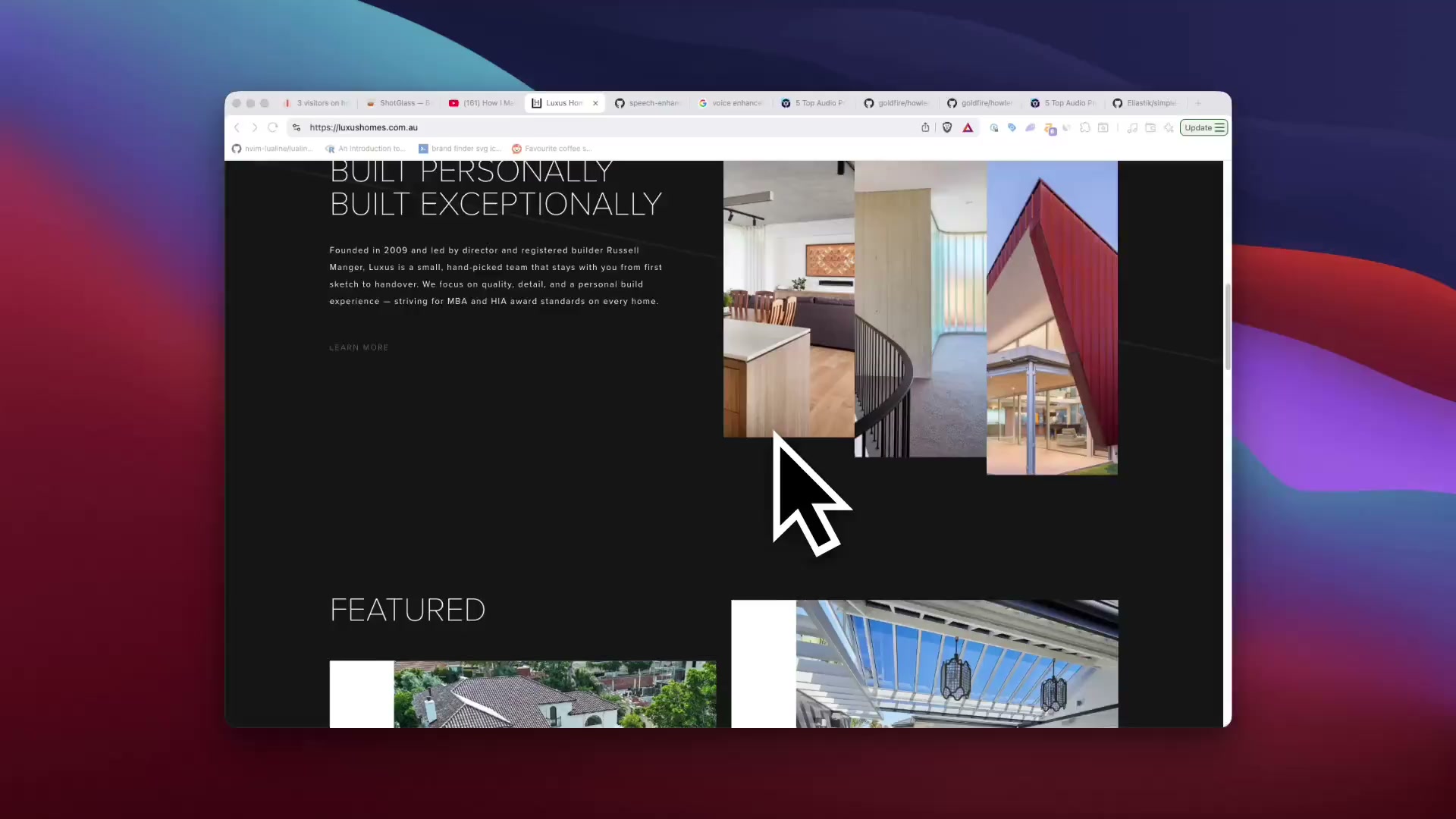
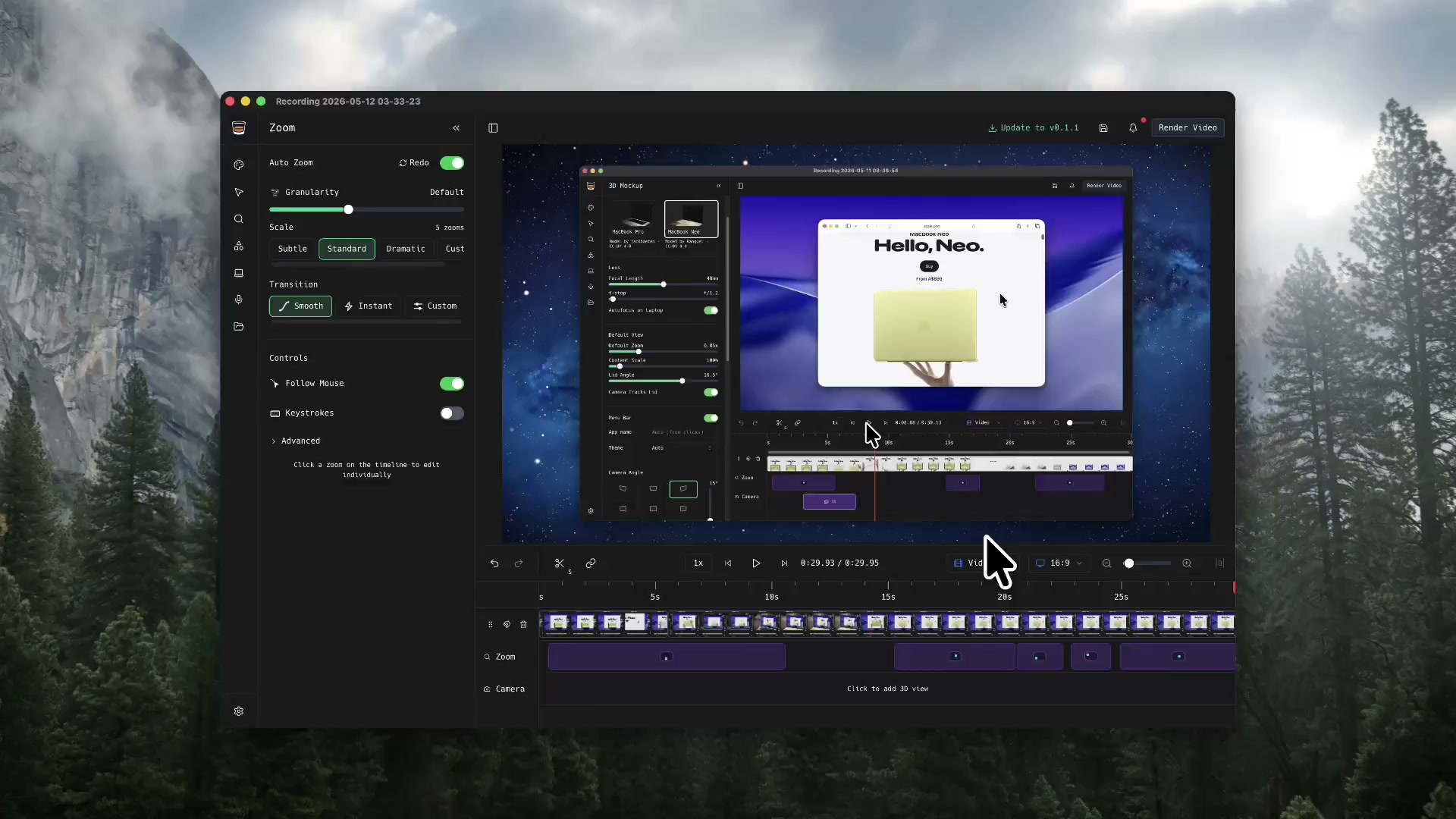
ShotGlass makes things look cinematic straight after shooting.
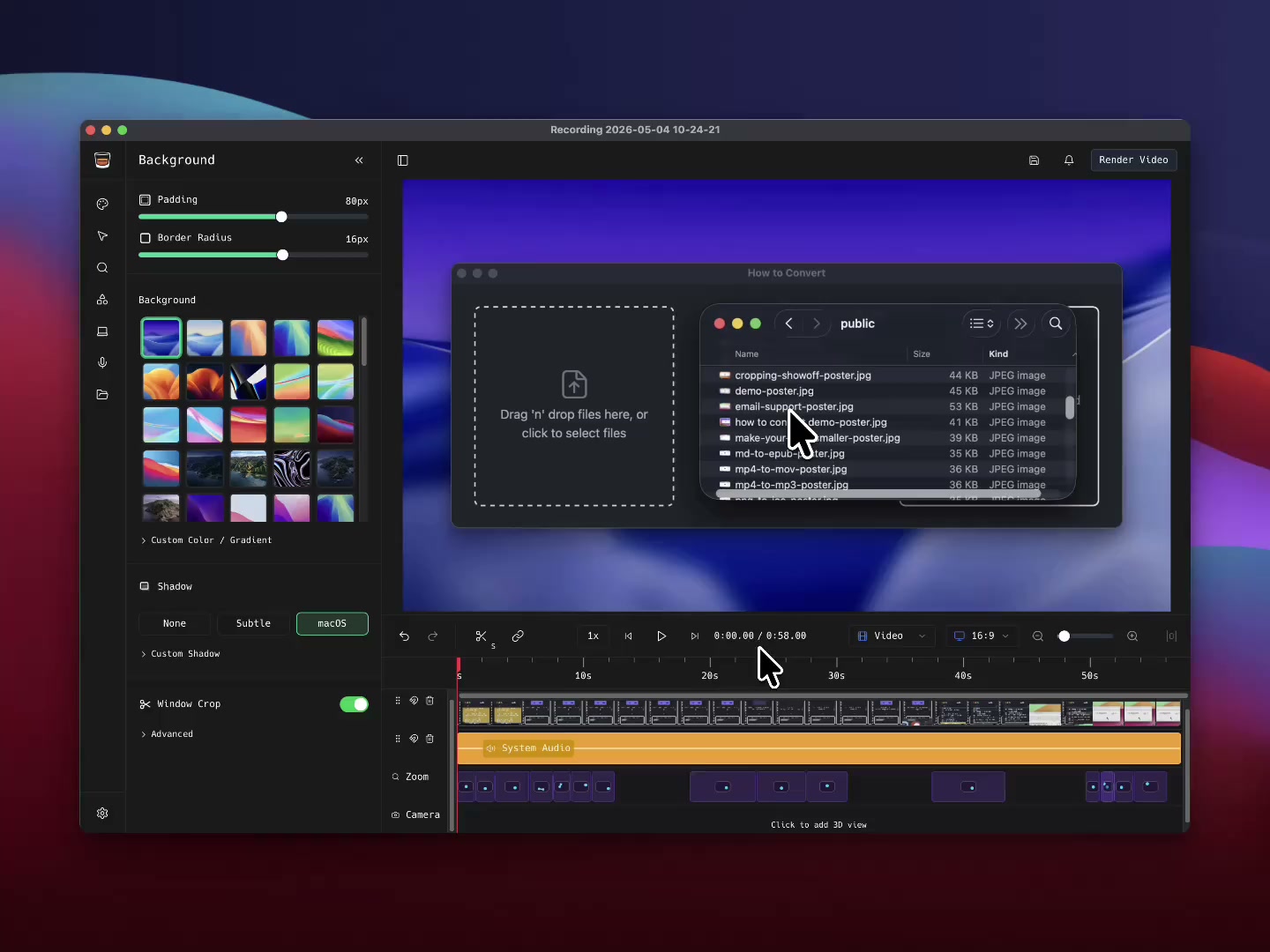
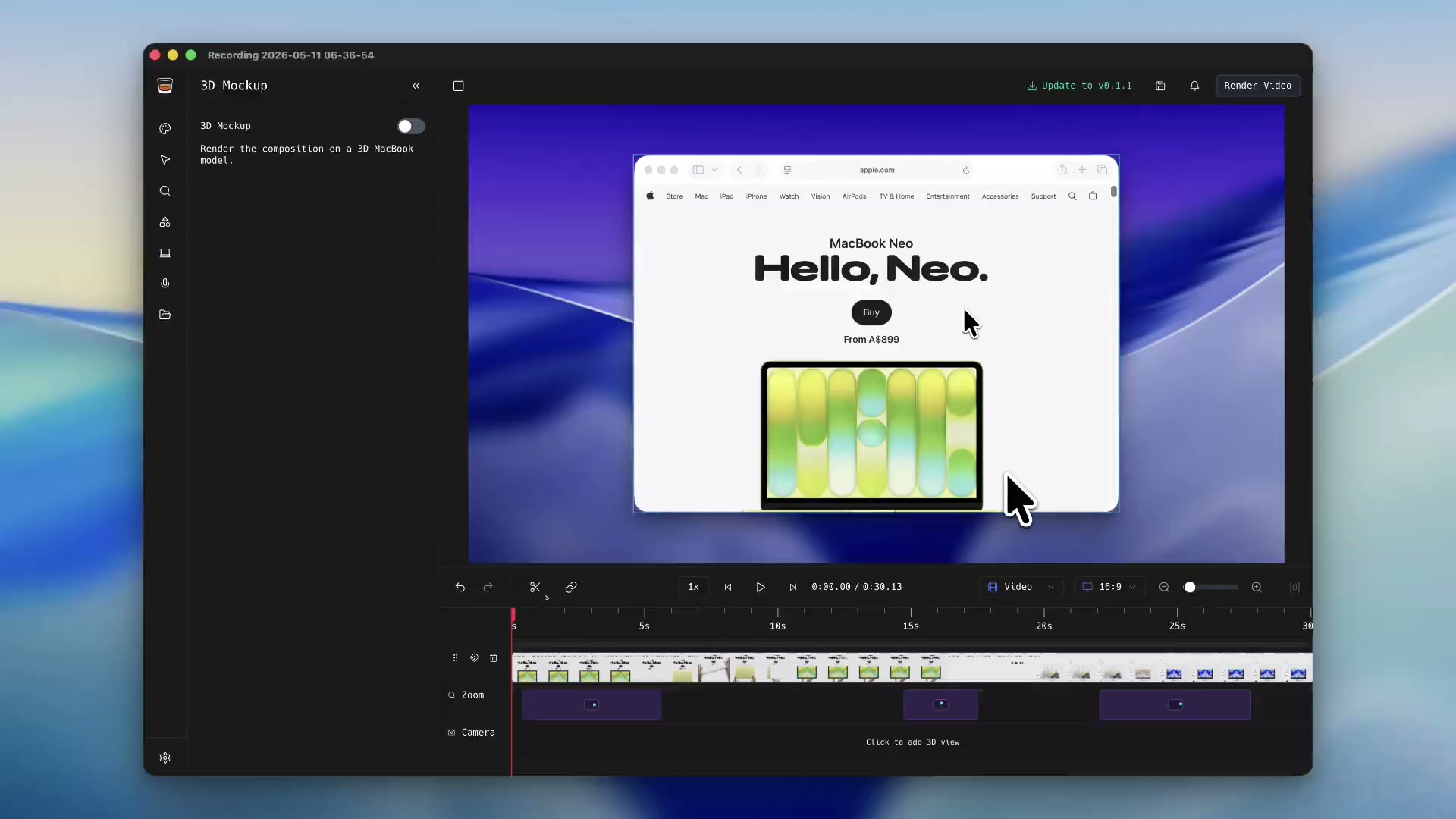
Cluttered background? Don't worry, ShotGlass swaps it out automatically, making every screenshot and screen recording look professional.
Removes that clutter on your desktop for you, keeping focus on what you're recording.
Choose from a selection of real Mac backgrounds, upload or make something custom.
Add shadow and padding
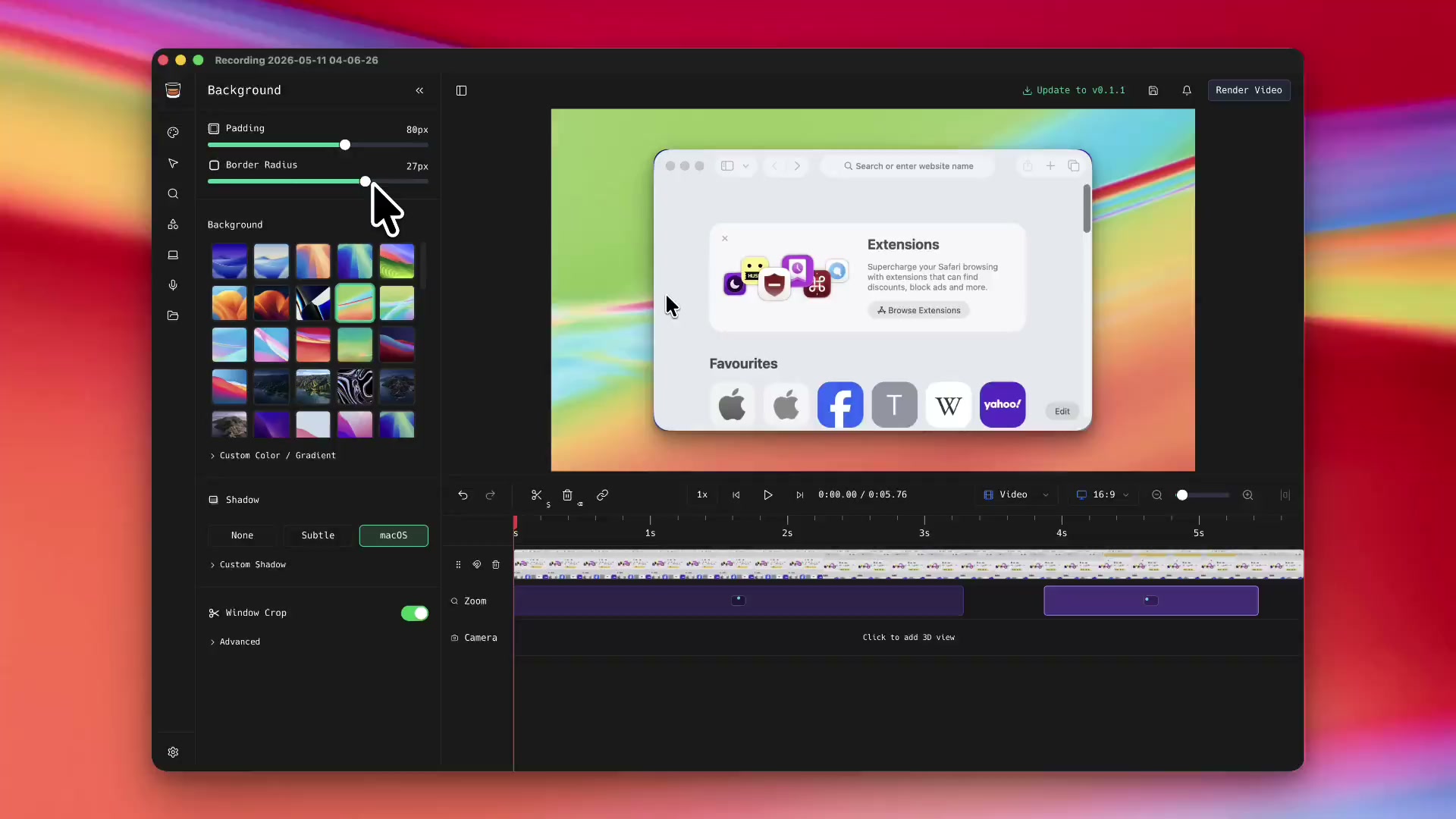
Effects that normally take hours are now instant.
Highlight important parts of your screenshots and screen recordings with the annotation tools.
ShotGlass can record and mix multiple video and audio sources with your screen recordings
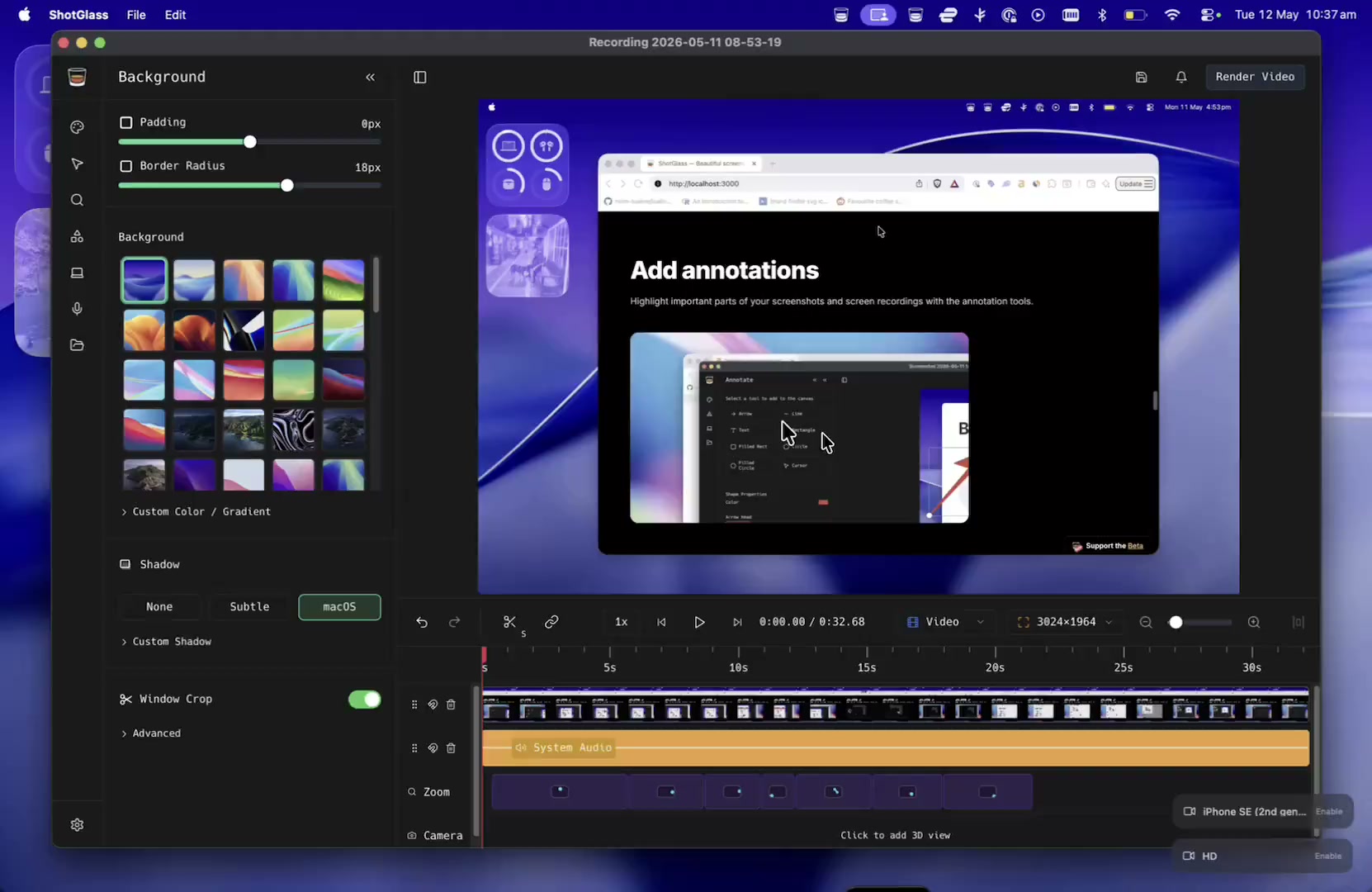
Optimal settings by default. Choose presets for exporting to Social Media, the Web or for further editing in another editor.
Pricing
Pay once, or open a tab
Personal
Pay once. Use ShotGlass forever.
All features included
1 year of updates
Use on 1 device
Personal & small business (up to 2 people)
Support independent development
Pay once. No subscription.
 Beta
Beta
More than one Mac?
Open a tab. Solo, or shout the team.
3 Macs covered
All features included
Always the latest version
Covers up to 3 Macs
Commercial-use license (teams of any size)
Centralized billing & invoices
Priority support
Cancel anytime. Add or remove seats whenever.
FAQ
Frequently Asked Questions
Capture your screen like a pro
One tool for making captivating screenshots and videos
 Beta
Beta
Support the Beta