For years, I've had a test-card at the start of my slides. Before I start my talk, I can immediately see if the aspect ratio is wrong, colours are off, or any other visual issues with the presentation.
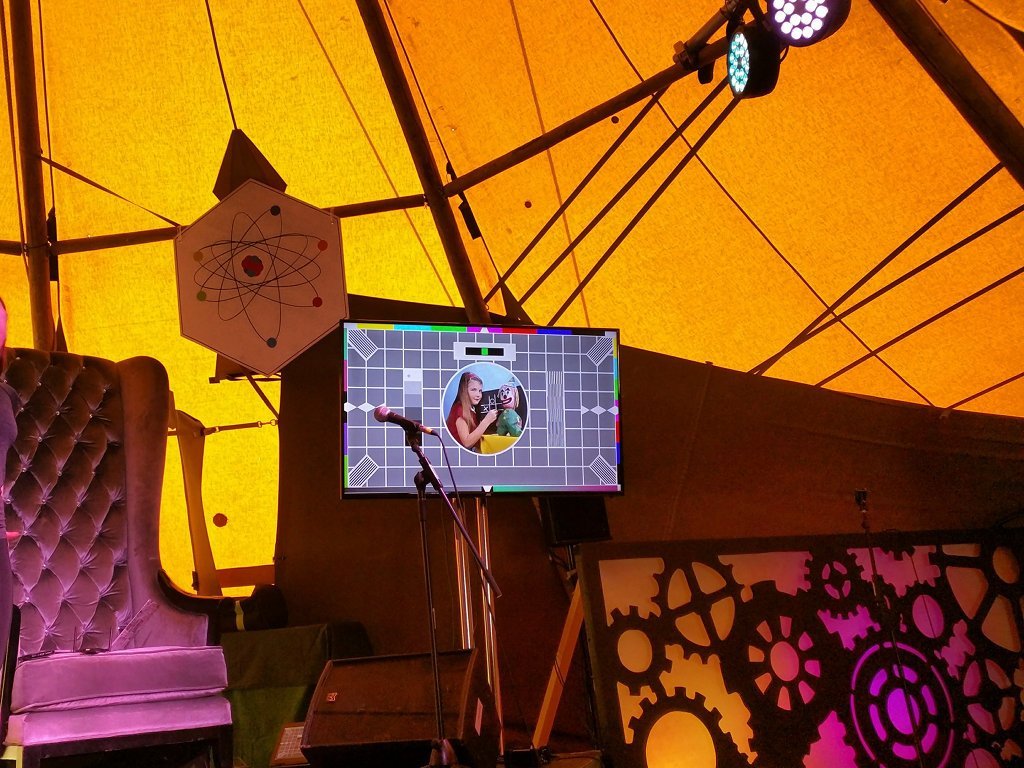
A few years ago I was invited to give a talk and was assured that the venue was set up for audio as well as video. I dutifully filled my slides with with demo videos containing sound. None of them worked. Somewhere between the HDMI output of the presentation laptop and the speakers, the audio went AWOL.
Ever since then, I've placed an audio test slide at the start of my presentations. There's a good range of videos on YouTube - pick one you like, embed it into your slides, and play it before your talk starts.
Over the years, I've found the following "bugs" with event AV setups:
- No sound.
- Only left channel working.
- Severe latency between audio and video.
- Garbled sound.
- Sound routing to the room but not the livestream.
- Feedback / howl around when sound playing.
Whether events are professionally run or community managed, you can never guarantee that sound will work. Add subtitles to your videos. If possible, add a sign-language interpreter. And, if all else fails, hold your microphone to your laptop's speakers.