For several years, Google's product help forums have been littered with people trying to download a .ics event from their email, only to receive the error "Unable to launch event" when trying to add it to Google Calendar. It doesn't happen with all iCal attachments, only some. Here's how to fix it.
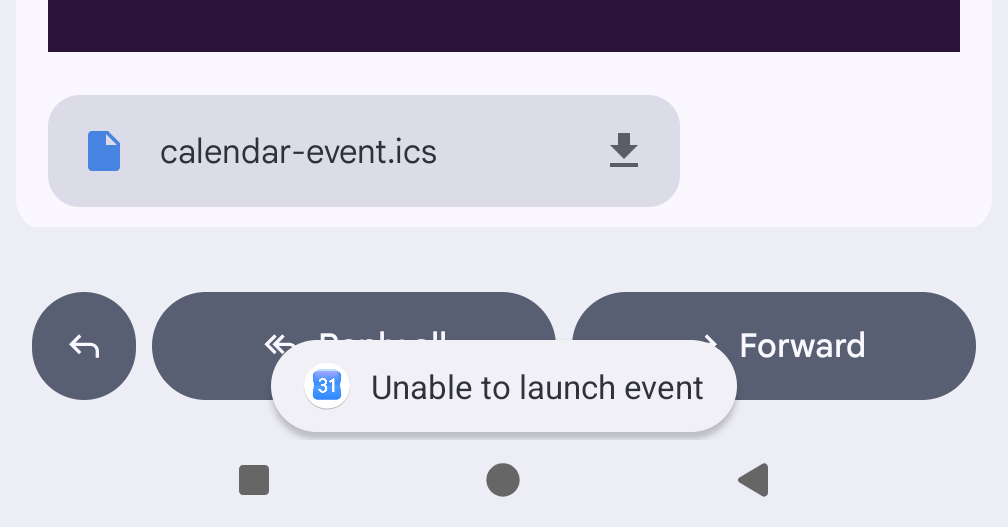
I checked dozens of broken iCalendar invites using this iCal validator and they all had the same problem: "Missing DTSTAMP property".
Here's a typical broken file:

 BEGIN:VCALENDAR
VERSION:2.0
PRODID:abcdef-ghij-klmn-opqrs-tuvwxyz
BEGIN:VEVENT
DTSTART:20260713T093000Z
DTEND:20260713T103000Z
SUMMARY:Your Delivery (Order 123456789)
UID:83c510fa-1be4-48a2-8338-c5a2350ba6e5
END:VEVENT
END:VCALENDAR
If you read the specification or follow the flowchart you'll see:
Property Name: DTSTAMP
Conformance: This property MUST be included in the "VEVENT", "VTODO", "VJOURNAL", or "VFREEBUSY" calendar components.
Adding that to the above produces:
 BEGIN:VCALENDAR
VERSION:2.0
PRODID:abcdef-ghij-klmn-opqrs-tuvwxyz
BEGIN:VEVENT
DTSTAMP:20260713T093000Z
DTSTART:20260713T093000Z
DTEND:20260713T103000Z
SUMMARY:Your Delivery (Order 123456789)
UID:83c510fa-1be4-48a2-8338-c5a2350ba6e5
END:VEVENT
END:VCALENDAR
You can download them both to see if they work on your Android phone.
That's all it takes! Add the missing DTSTAMP to broken files and Google Calendar is able to import them.
From my (unscientific) testing, the broken file works on all iOS devices and some Android calendars - but always breaks on Google's Calendar.
Post by @Edent@mastodon.social
View on Mastodon
The iCal specification is reasonably old, but it is fairly simple to understand. Annoyingly, Google's documentation about iCal is frustratingly vague. It says:
This is what an iCalendar file looks like. An iCalendar file can also have more information, but these are the parts that are required.
BEGIN:VCALENDAR
VERSION:2.0
PRODID:< [enter ID information here] >
BEGIN:VEVENT(event details)
END:VEVENT
END:VCALENDAR
But it never actually describes what those "event details" are!
Is the spec needlessly verbose? Perhaps. Should Google Calendar be a bit more forgiving in what it receives? Probably!
There's no meaningful way to report a bug to Google's product teams. Instead, I've taken to emailing the organisations sending out these broken invites and pleading with them to fix their systems.
Computers, eh?