Benefits
GitHub integration
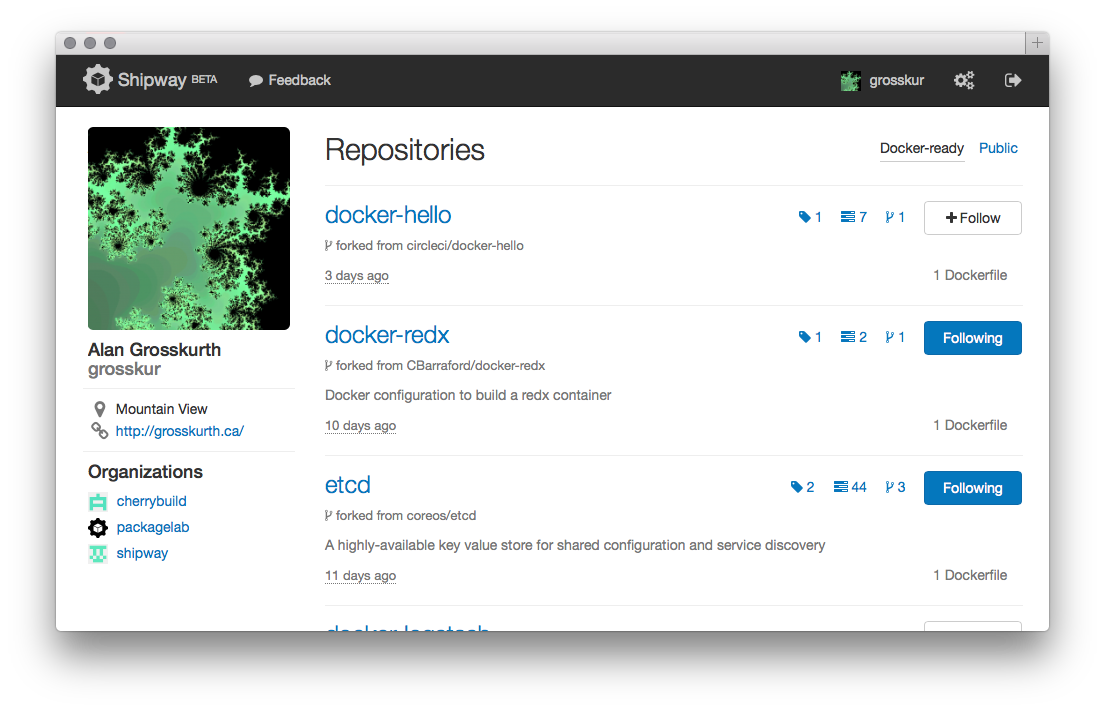
Shipway automatically discovers your GitHub repositories and searches for Dockerfiles. When you follow a GitHub repository, Shipway creates a corresponding Docker repository and configures a GitHub webhook so that new Docker images are published automatically each time you push.
Organizations, teams, and collaborators
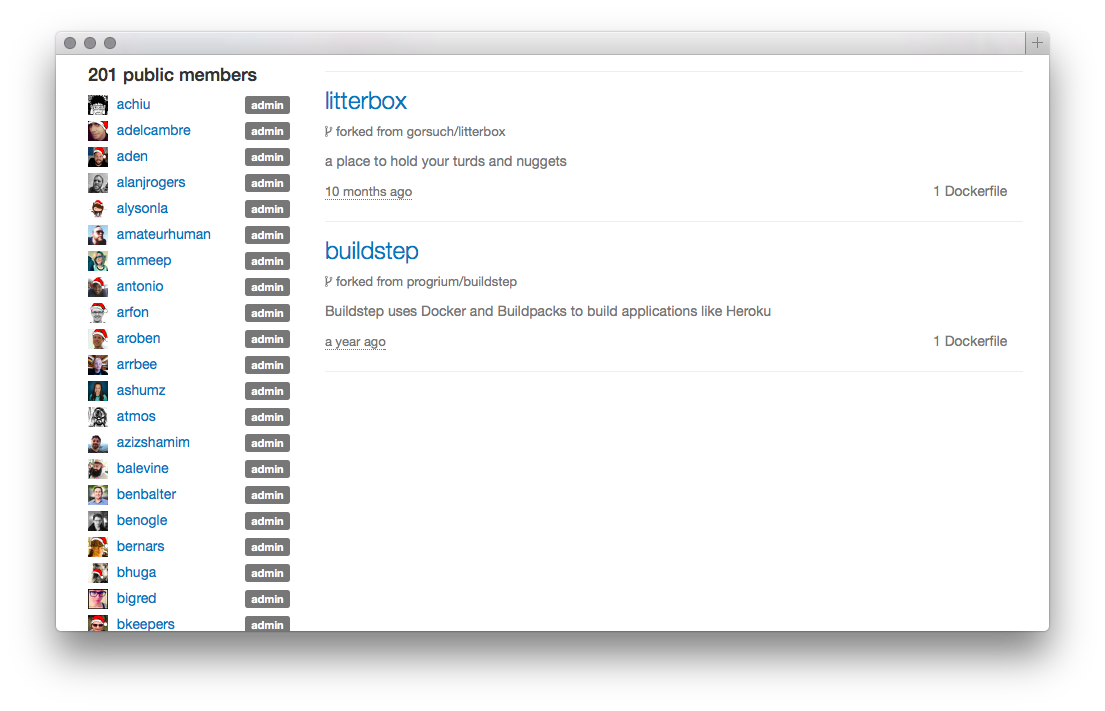
Shipway understands your GitHub organizations and teams, and applies the same permissions to your Docker repositories. This eliminates the need to manage ACLs in multiple places. Shipway also knows about collaborators who have access to your individually-owned GitHub repositories, and gives them access to corresponding Docker images.
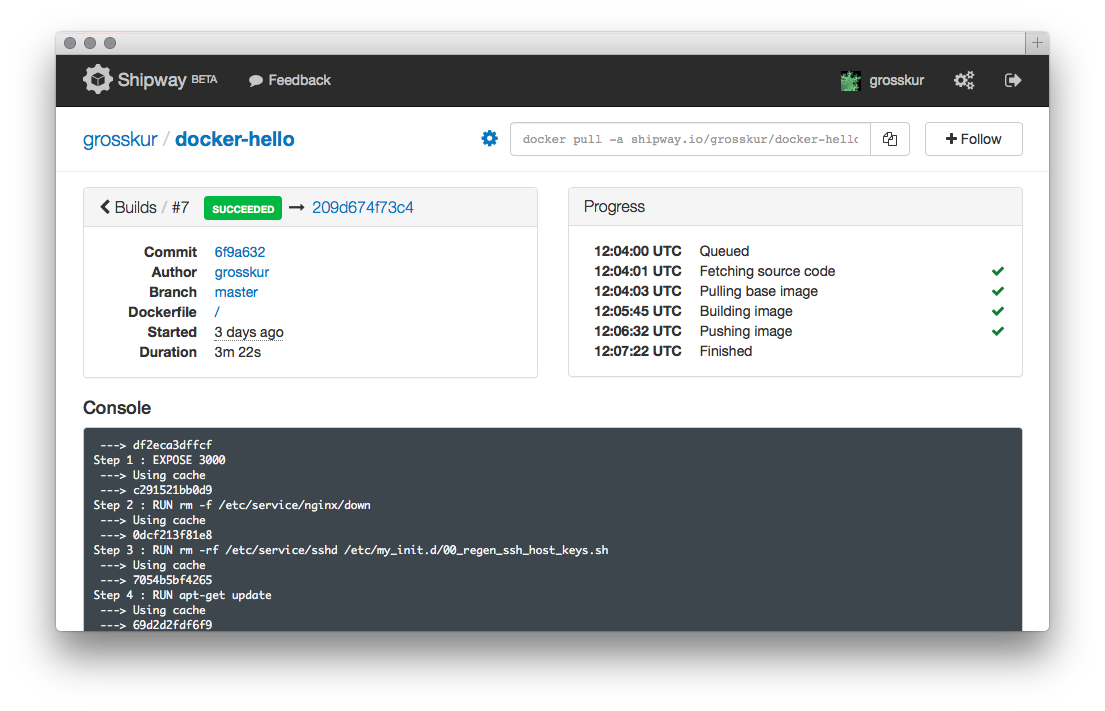
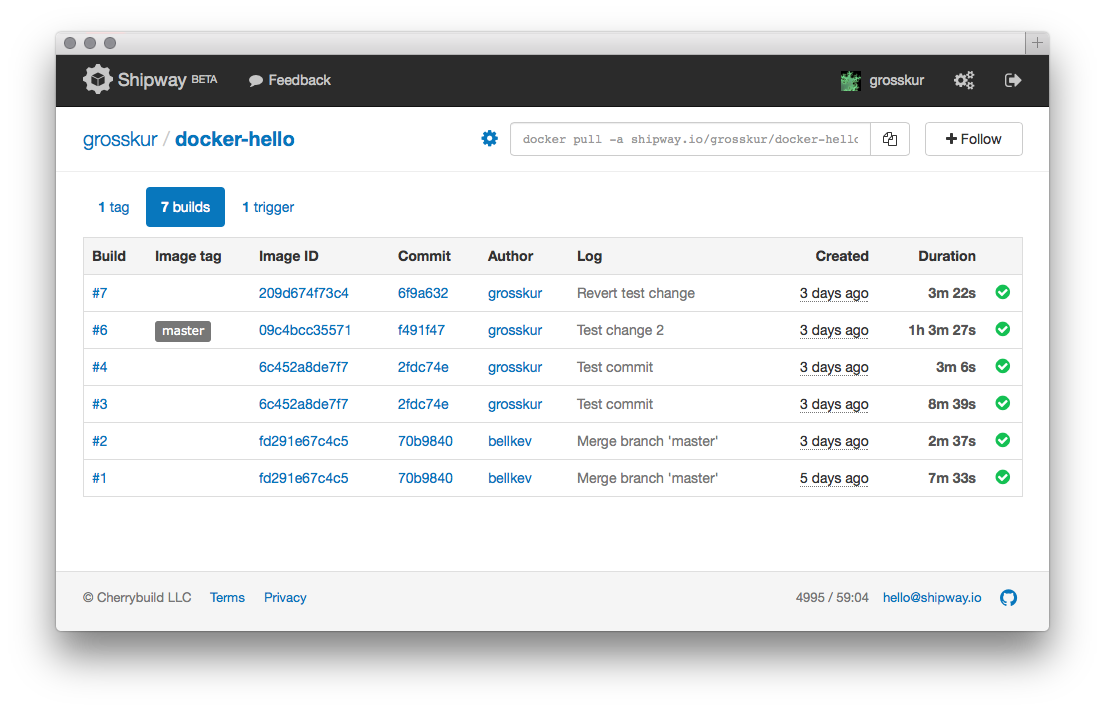
Automated builds
Shipway allows you to create triggers to
automatically build Docker images on git
push. These Docker images are then tagged and
published to our hosted Docker registry.
All the standard
Dockerfile operations are supported, and
caching works as expected to reduce build times. Build logs
are streamed in real-time to a web console.
Hosted Docker registry
Shipway implements the read-only Docker registry API v1, which allows you to pull and run images that have been built from your GitHub repositories. Images are stored on S3 for fast and reliable downloads. Permissions are enforced based on access tokens.
Access tokens
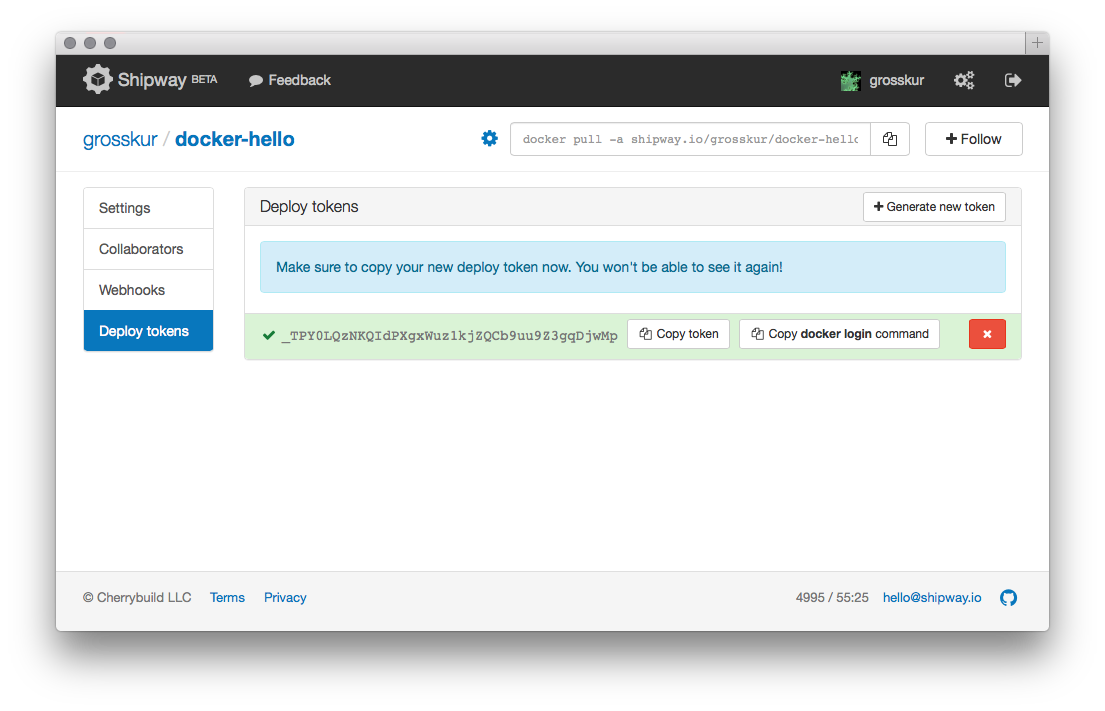
Shipway allows delegating pull-access for Docker repositories using two kinds of tokens. Personal access tokens have a global scope and can be used to pull any of your Docker repositories. Deploy tokens are limited in scope to a single Docker repository. Tokens can be created or revoked at any time.
Webhooks
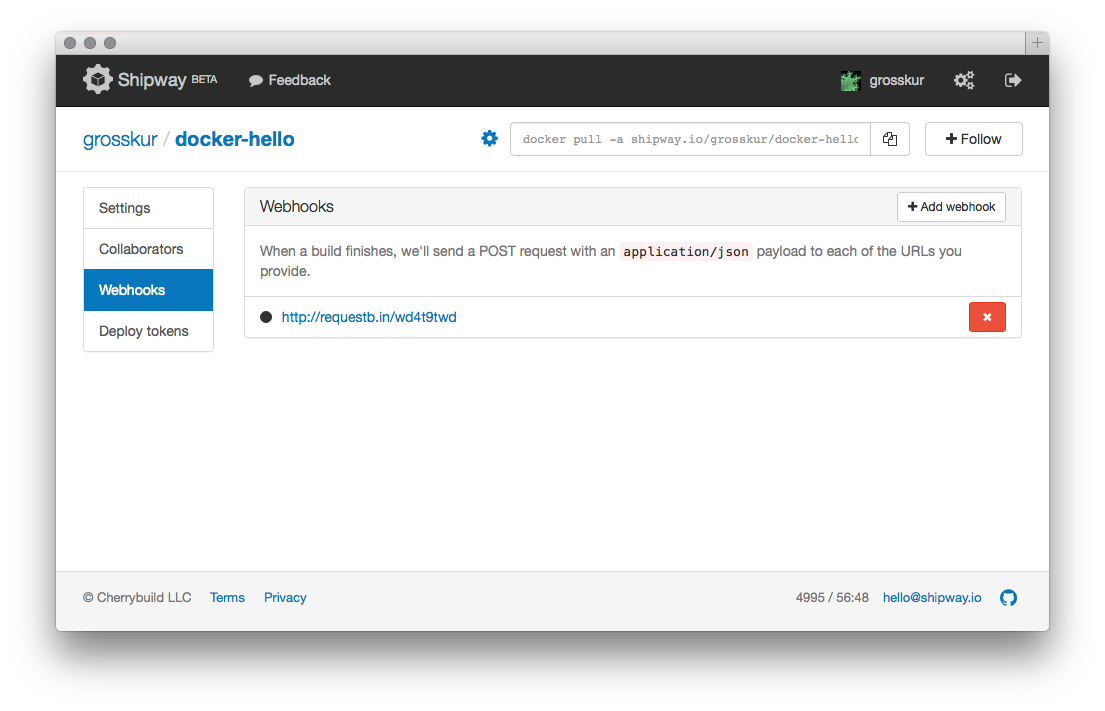
Shipway supports webhooks for integration with other services. Each time a build finishes, a POST request with a JSON payload can be sent to a specified URL. The possibilities are endless. For example, a webhook could be used to deploy containers to a Kubernetes cluster after each successful build. Learn more.
FAQ
Why would I want to use Docker?
Docker is a technology that provides a standard way to build application images, transfer them, and run them in isolated containers. Docker enables a standard workflow and lets your Dev and Ops folks speak the same language.
Why would I want to use Shipway?
Shipway automates repeated actions in a reliable way, so you
can focus on shipping great software. Shipway's job is
relatively simple. After you push changes to GitHub, Shipway
uses your application's Dockerfile to build an
image that is ready for deployment. Shipway hosts the image on
a registry and calls webhooks that you
specify to kick off post-build actions.
Why doesn't Shipway allow users to push Docker images directly?
We believe there is value is being able to trace how every Docker image in your repository was generated. To enable this, Shipway operates exclusively in trusted build mode. Code is pulled directly from GitHub and builds are executed using Dockerfiles.
Can Shipway integrate with my favorite service?
Yes. If your service can accept a POST request, we can customize the payload that Shipway sends.