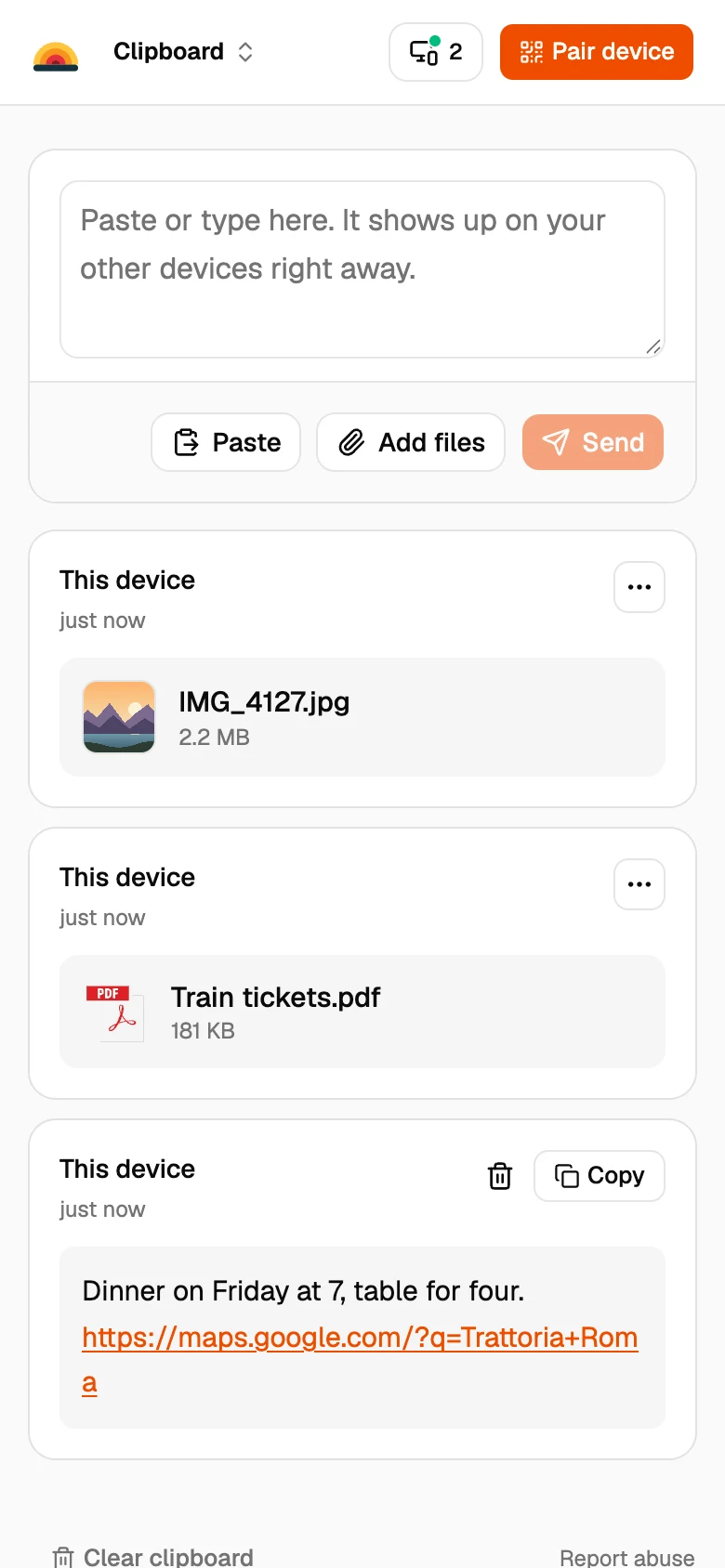
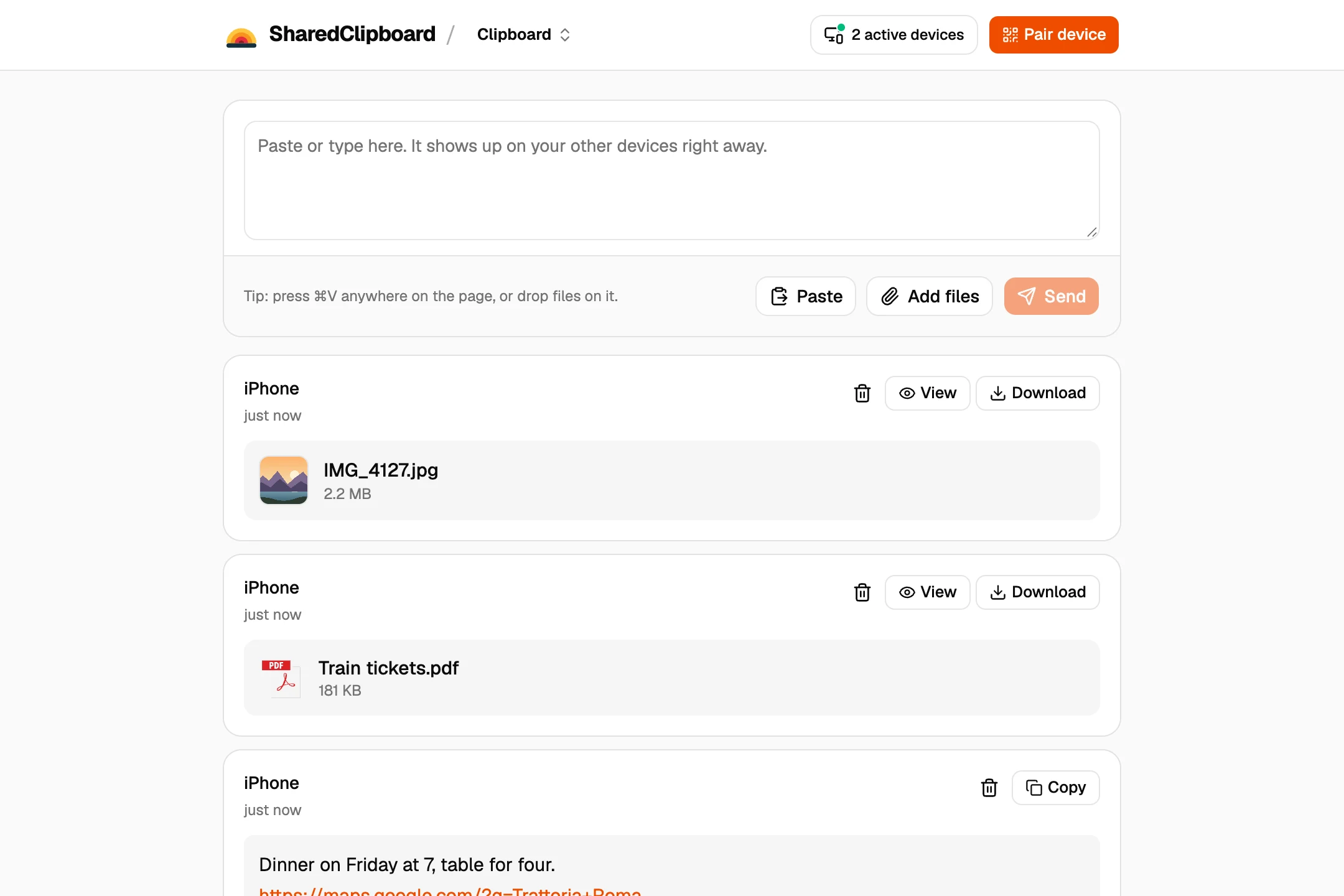
To share a file, open sharedclipboard.com on your phone and laptop. Files you add on one device are securely transferred to the other, with no email, USB stick or sign-in..
You don’t need to email yourself, plug in a USB stick or sign in to anything.
- End‑to‑end encrypted
- No server upload
- Free, no account
Server
How it works
Create clipboardsharedclipboard.com/r/k3Xq9…
Step 1
Create a clipboard
One click, with no account. Each clipboard gets its own link and encryption key.
Step 2
Open the clipboard on your other devices
Scan the QR code with your phone, or type the 6‑digit code on another computer.
Step 3
Add text, photos and files
Anything you add on one device appears on all of them.
Step 4
Delete everything once you’re done
Clearing the clipboard deletes everything from all your devices.
Instead of emailing yourself
Never stored on a server
Email and cloud drives keep a copy of your files. SharedClipboard sends them straight between your devices, encrypted.
No account, no app
Email and chat apps need you signed in on every device. SharedClipboard works in any browser with a QR code or a 6‑digit code.
Delete everything at once
Files you email yourself stay until you find and delete them. Clearing a clipboard deletes everything from all your devices.
Frequently asked questions
Open the same SharedClipboard link on both, or type the 6‑digit code on your computer. Anything you add on your phone appears on your computer.
Open SharedClipboard on both computers. Text you paste on one appears on the other straight away.
Yes. Tap Connect device and send them the link or code. They see everything in that clipboard, so start a new clipboard for them if you only want to share some things.
Yes. Tick Hide it before you share: the password shows as dots on every device until you tap Copy or Show, and you can delete it everywhere once it’s used.
Yes. SharedClipboard is free and needs no account.
Yes. Everything is end-to-end encrypted on your device, and the key never reaches any server. Anyone with your link can open the clipboard, so send it only to your own devices or the person you’re sharing with.
One device that has the file needs to be online. Files go straight between your devices and are never stored on server.
Only in the browsers of the devices you connect, encrypted. Files never reach or upload to a server, and clearing the clipboard deletes them from every device.
Yes. SharedClipboard works in the browser on phones, tablets and computers, with nothing to install.