BendForward-backward
E.g. nodding head or bending armShortcut: Z
TiltSide-to-side
E.g. tilting head or raising arm laterallyShortcut: X
RotateE.g. turning head or rotating wristShortcut: Y
Move up or downShortcut: M
Move across the floorShortcut: S
Undo model editShortcut: Ctrl + Z
Use the controls to move the model's limbs in different directions
Welcome to SetPose!
Here's a quick demonstration of the basic controls to help you get started. Find this and more tutorials on SetPose guides
 Bend:
Changes angle between parts
Bend:
Changes angle between parts
 Tilt:
Side-to-side or spreading movements
Tilt:
Side-to-side or spreading movements
 Rotate: Turns a part around its own axis
An adjustable 3D digital mannequin for drawing poses, anatomy practice, and character design.
Are you an artist looking for accurate, adjustable 3D pose references? SetPose is a free online pose maker and digital mannequin designed to help you practice drawing human poses and dynamic gestures with ease. Whether you're a beginner learning the basics or an experienced illustrator tackling complex angles, using a professional 3D art mannequin can dramatically improve your understanding of anatomy, proportions, and foreshortening.
Why Switch from a Wooden Mannequin to a 3D Pose Generator?
Drawing the human body from memory is incredibly challenging. Realistic figure drawing requires strict attention to anatomy, perspective, and how light interacts with form.
While traditional wooden drawing mannequins have been a studio staple for centuries, they offer limited flexibility, lack realistic proportions, and high-quality models can be expensive. SetPose solves this by offering a completely free, highly customizable online drawing mannequin that goes far beyond traditional artist dolls:
- Diverse Model Types: Switch from a realistic anatomy model to a stylized anime pose model instantly.
- Complete Environmental Control: Customize not just the figure, but the lighting, camera angles, and props surrounding it.
- Free to Use: Access a professional-grade 3D pose reference tool directly in your browser, for free.
How to Use the SetPose Reference Tool
Getting started with our 3D pose maker is simple. The scene always opens with a basic model in a default stance. From there, you can customize your reference in seconds:
- Choose a Base Model: Use the scene menu on the right to select your character style (including our popular anime model).
- Pick a Preset or Start from Scratch: Choose from dozens of ready-to-go preset poses (like our ballet arabesque or archery preset) or manipulate the limbs manually. You can find the list of all presets in the menu panel or view a selection in the preset poses library.
- Deactivate Limits for Dynamic Poses: If natural joints are limiting your vision, toggle "Biological constraints" off in the settings to create exaggerated, supernatural, or extreme action poses.
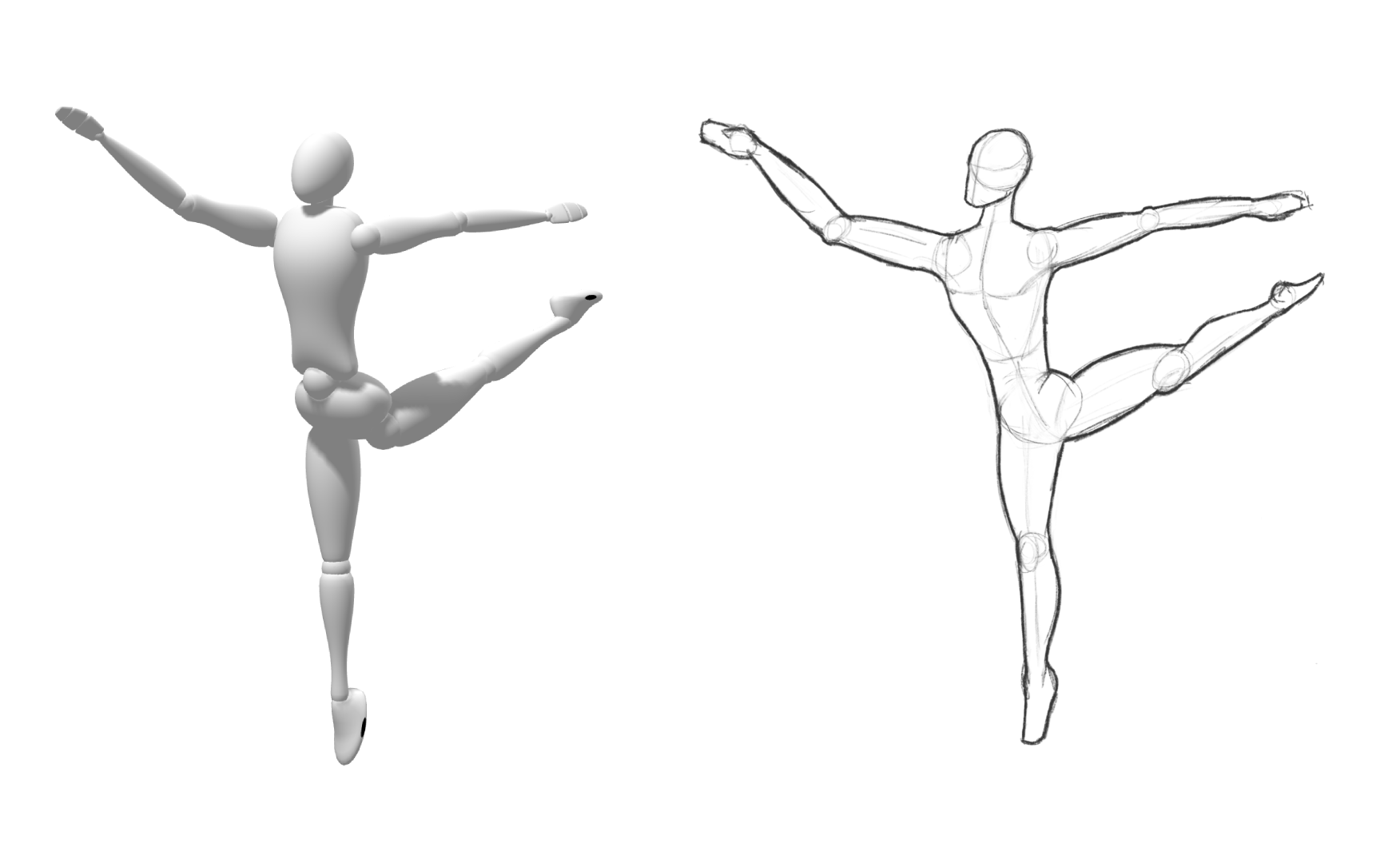
Ballet arabesque pose preset
Easy Manipulation Controls
To customize your figure, simply click and drag a limb using our three intuitive modes located on the left side of the screen:
- Bend: Moves joints (like elbows and knees) forward and backward.
- Tilt: Moves arms or legs out to the side.
- Rotate: Twists the limbs at the shoulder or hip for natural alignment.
Advanced Scene Customization: Props, Camera, & Lighting
A great drawing reference requires more than just a body; it requires context. SetPose allows you to build an entire composition before you ever put pen to paper.
Add Handheld and Floor Props
Give your character purpose by adding interactive elements to your scene.
- Handheld Props: Click the prop icon next to your model’s name to equip objects like swords, shields, or bows. Handheld items automatically lock into place and anchor to the hands, staying perfectly positioned even if you change the character's pose.
- Floor Props: Enhance your environment by dropping larger items into the scene, such as chairs or bicycles. You can freely drag, scale, and rotate floor props to build the perfect composition.
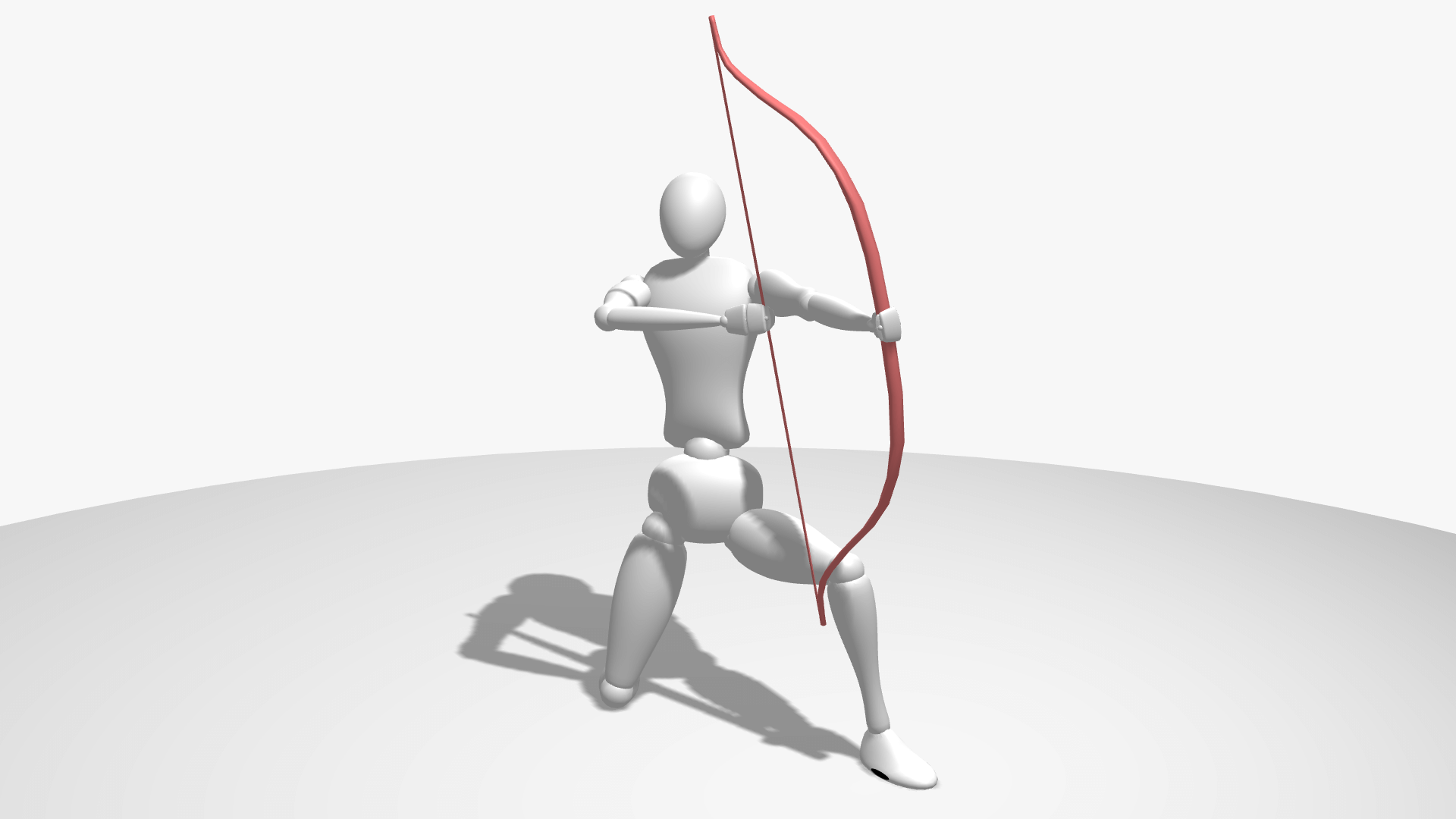
Bow prop and archery preset
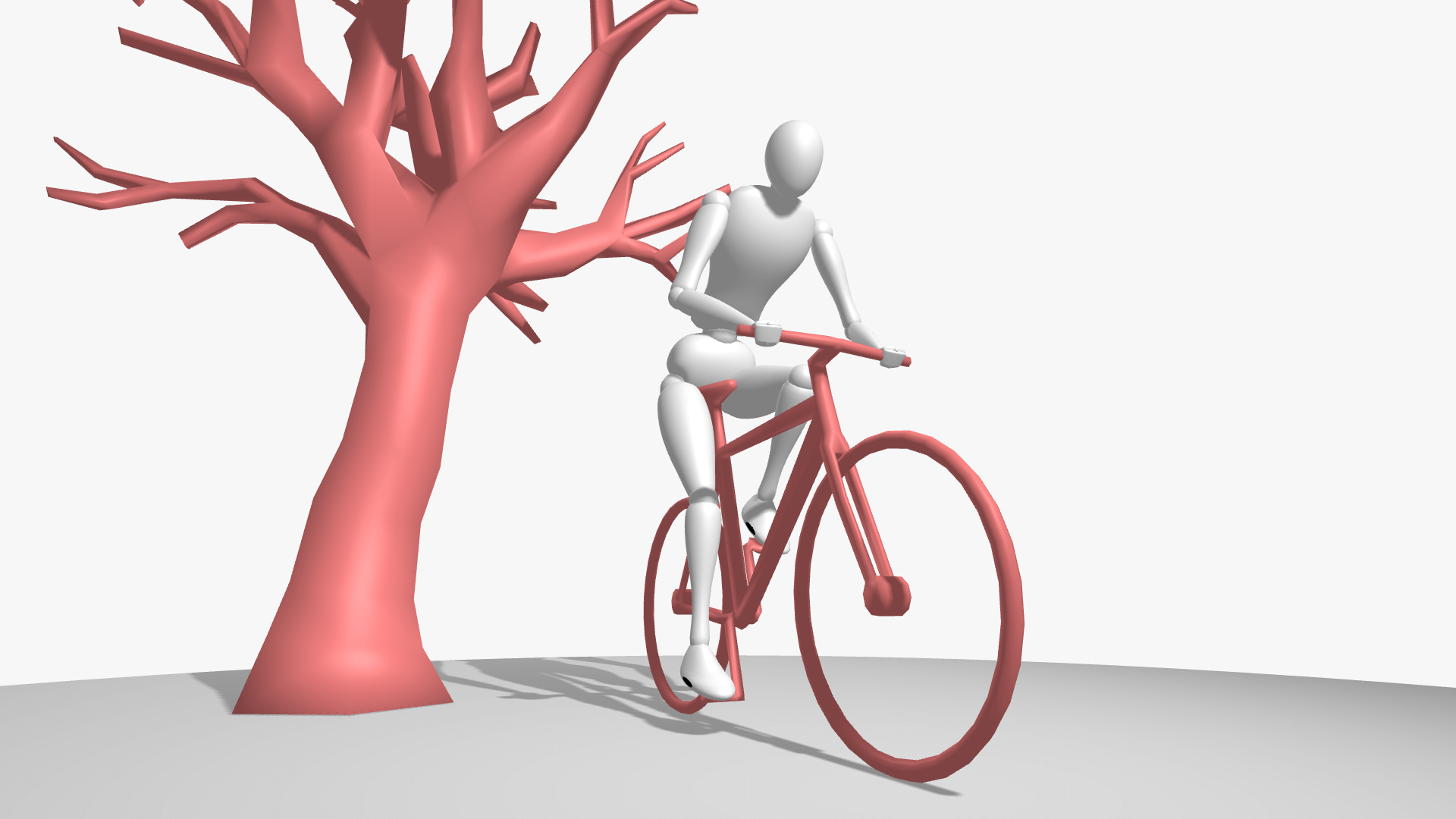
Bike prop and cycling pose preset
Master Cinematic Lighting and Camera Angles
The right perspective can turn a rigid sketch into a dynamic pose. Head to the Camera and Environment Menu to fine-tune your shot:
- Adjust Shadows: Drag the light source around your model or tweak the light distance to practice rendering realistic highlights and shadows.
- Play with Foreshortening: Increase the camera's Field of View (FOV) to introduce dramatic, stylized perspective distortion, perfect for comic book, manga, and concept art illustration.
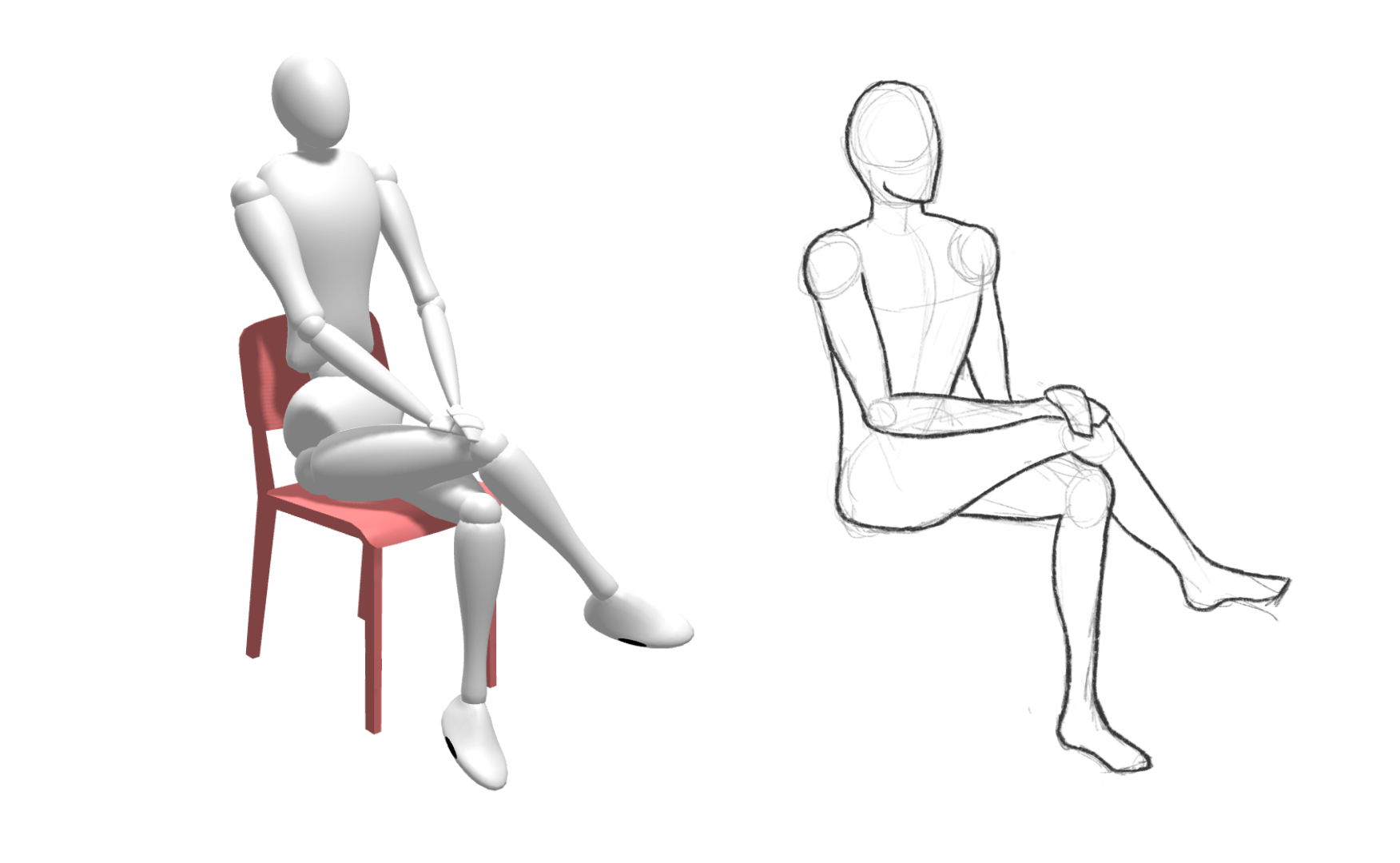
Drawing of the basic model with the chair prop and 'sitting chair 2' pose preset
How to Practice Figure Drawing with SetPose
Once your 3D scene is complete, you are ready to create! SetPose is the ultimate launchpad for character design, storyboard thumbnails, yoga sequences, or daily gesture drawing routines.
How to use your reference:
- Set up your scene and take a quick screenshot.
- Paste it directly into your favorite digital art software (like Procreate, Photoshop, or Clip Studio Paint), or keep it open on a second monitor if you prefer traditional pencil and paper.
- Pro Tip for Art Improvement: If you are a complete beginner, directly tracing the model can help build initial muscle memory. However, to truly master figure drawing, try to look carefully, draw freehand, and compare your work to the reference. This trains your brain to translate 3D space onto a 2D canvas.
SetPose.com uses Three.js and Mannequin.js
Anime model by ALexZ art