Serverless VPN
Self-hosted
Be your own private on-demand VPN provider.
Create your own WireGuard® VPN servers with a single click in over 49 locations using your own cloud accounts on AWS Lightsail, DigitalOcean, Hetzner, Akamai Linode, and Vultr. Pay once, download, and install on your own server, then use it forever.
TL;DR
If you run official WireGuard apps, Serverless VPN Self-hosted is for you!
What is it?
Serverless VPN Self-Hosted is a software you run on your own servers. It's your private WireGuard-based VPN provider. You bring your own API keys for cloud providers to easily create WireGuard VPN servers in 49 locations served by 87 cloud regions, also known as data centers. Then, you can scan the QR code on mobile devices or download the config file for desktop to connect WireGuard apps to VPN. You can even create a high-spec server to share with multiple devices.
Get the security and speed of the WireGuard VPN protocol, along with the privacy of owning your data and self-hosted software!
Serverless VPN
A VPN server is only required during a VPN session (connection). We leverage this VPN connection boundary to seamlessly create a VPN server when you initiate a VPN session, and delete the server when you end the VPN session.
We applied the Serverless Computing model to VPN to save money by only creating servers when needed and saving time by making it as easy as a single click to get a new VPN server at a desired geographical location!
Batteries included
Product comes pre-configured with AWS Lightsail, DigitalOcean, Hetzner, Akamai Linode, and Vultr, along with their aggregate 87 cloud regions, also known as data centers. Each cloud region comes pre-configured with the cheapest instance type available.
So, all you have to do is configure your cloud API keys and start using the product. It's a turnkey VPN provider!
Locations
A location is where you connect to VPN.
A location can be provided by multiple cloud regions from supported cloud providers. For example, Sydney cloud region is available on AWS Lightsail, DigitalOcean, Akamai Linode, and Vultr.
This way, you get redundant cloud region options just for a single location and ability to select the best cloud region based on lower costs and higher performance instance types.
Based on your configuration, a cloud provider, its cloud region, and an instance type are selected at runtime to create a WireGuard VPN server for a chosen location.
All available 49 VPN locations:
Amsterdam
Ashburn
Atlanta
Bengaluru
Chennai
Chicago
Dallas
Delhi NCR
Falkenstein
Frankfurt
Fremont
Helsinki
Hillsboro
Honolulu
Ireland
Jakarta
Johannesburg
London
Los Angeles
Madrid
Manchester
Melbourne
Mexico City
Miami
Milan
Montreal
Mumbai
New York City
Newark
Nuremberg
Ohio
Oregon
Osaka
Paris
San Francisco
Santiago
Sao Paulo
Seattle
Seoul
Silicon Valley
Singapore
Stockholm
Sydney
Tel Aviv
Tokyo
Toronto
Virginia
Warsaw
Washington, D.C.
Take a look
The dashboard is designed to work on screens of all sizes, from mobiles to laptops to desktop monitors!
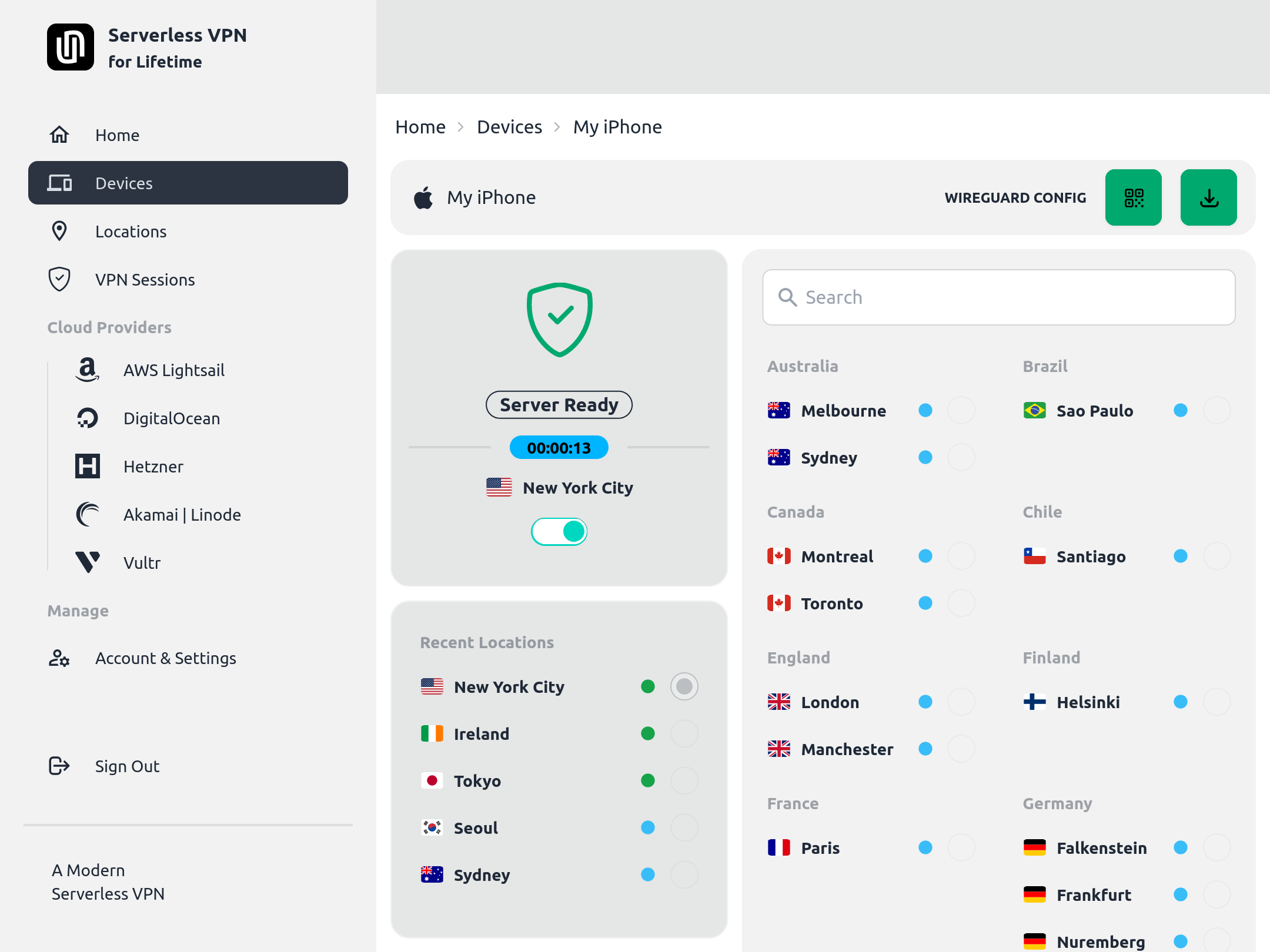
Download config or scan QR code to connect to VPN
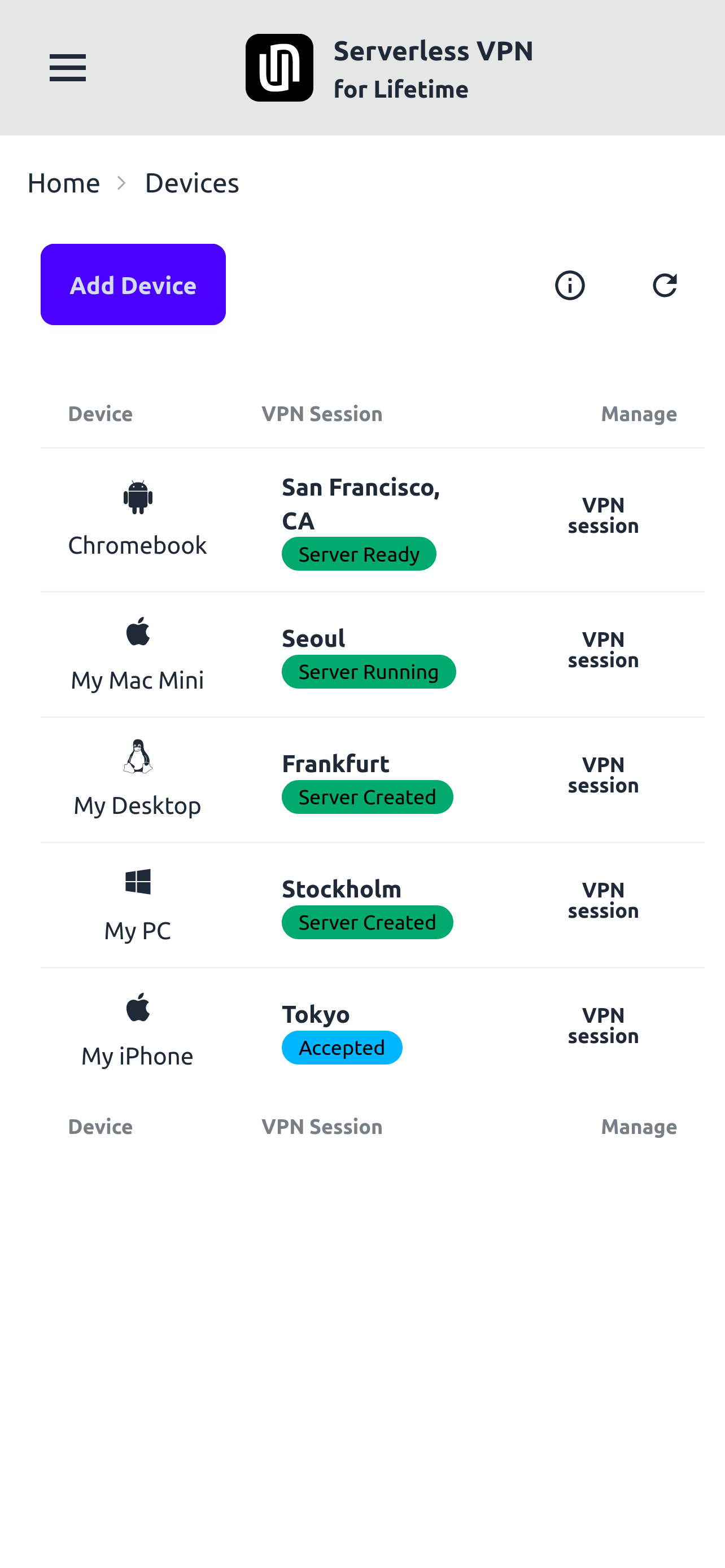
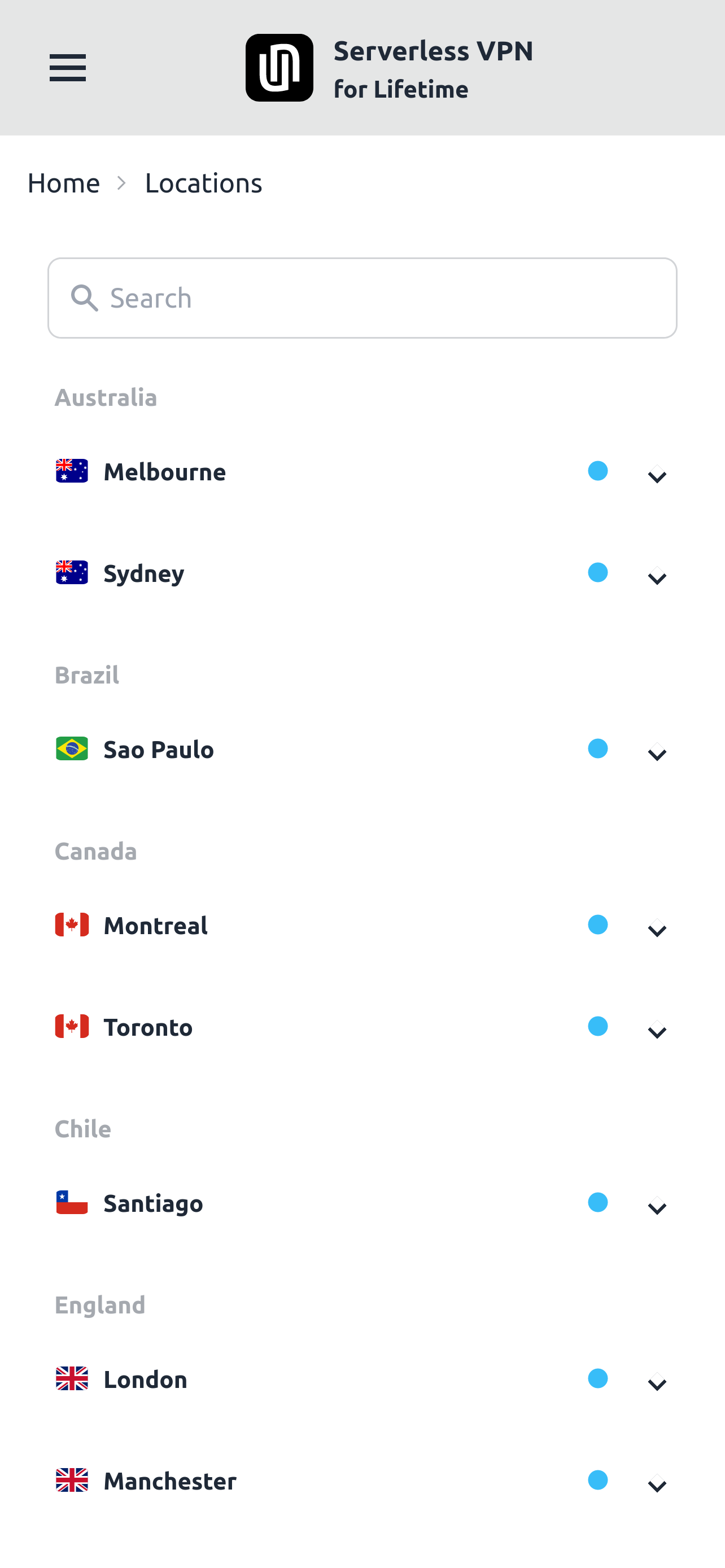
Devices and Locations
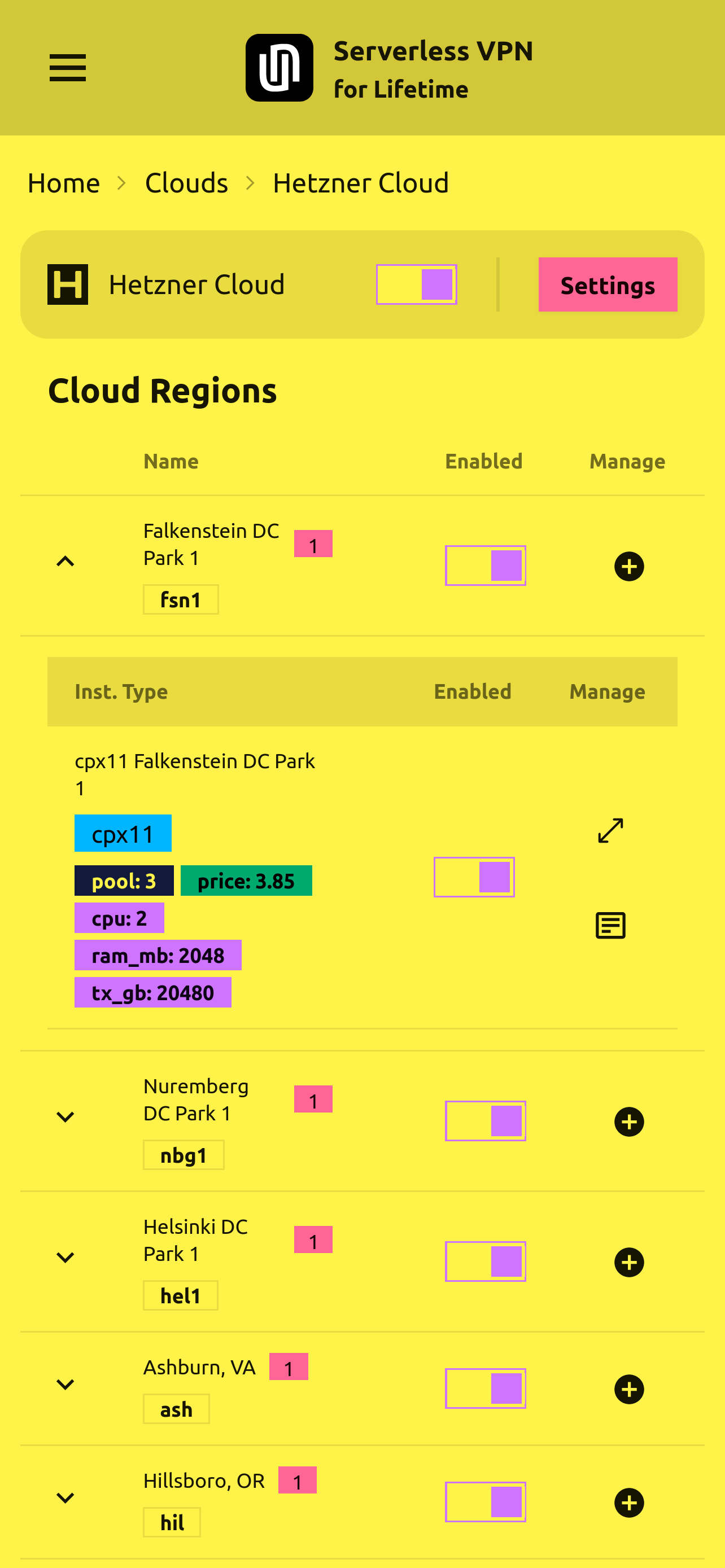
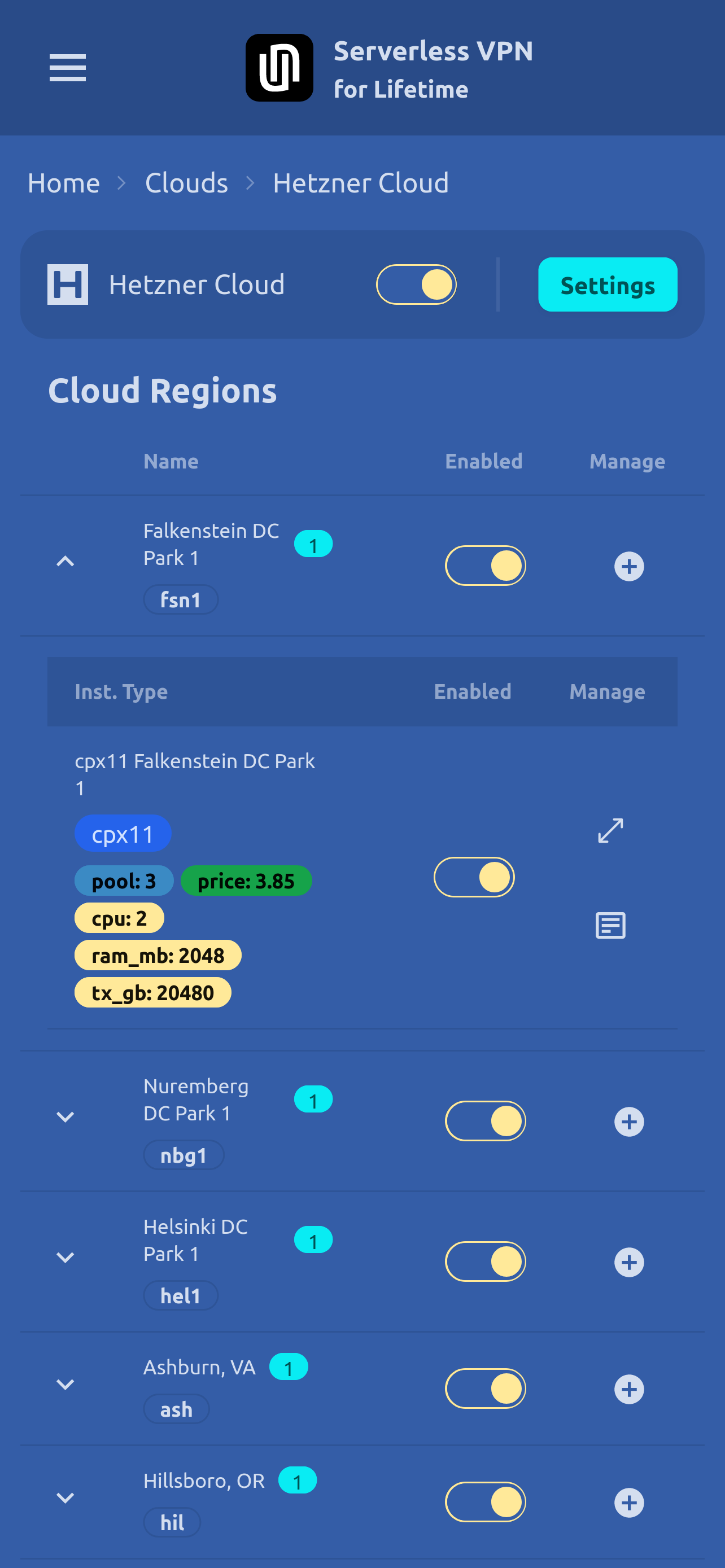
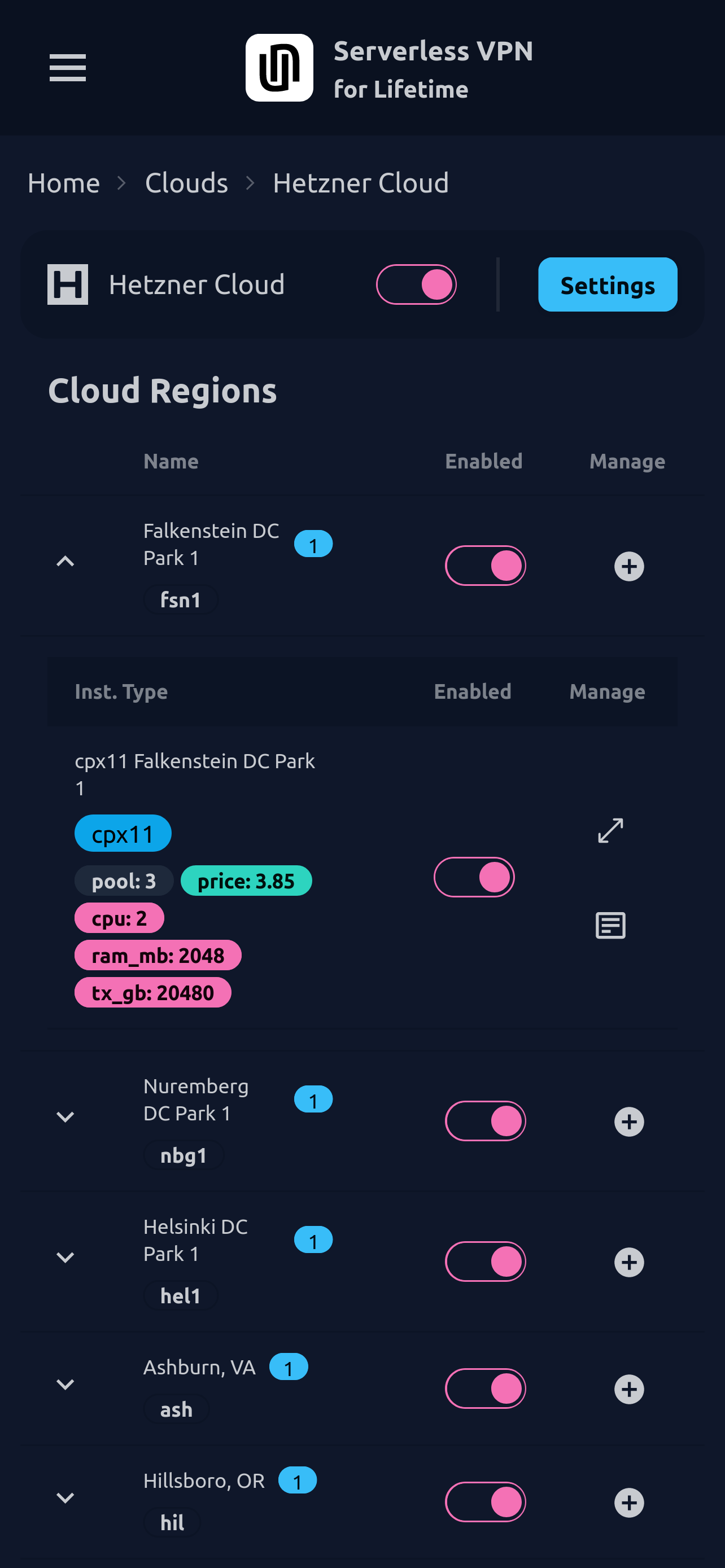
Select from tens of themes and make it yours!
Instance types and pool size
Besides the pre-configured instance types, you can add new instance types from hundreds of available options supported by cloud providers. So many cloud computing resources are at your fingertips!
To connect multiple devices to a VPN via a single instance with low latency and high throughput, simply add an instance type of higher specification (more CPUs, more data transfer allowance, higher bandwidth, etc.) in the cloud region of your choice.
The configurable pool size of an instance type is the limit on the number of devices that you can connect simultaneously to the same instance.
Installation
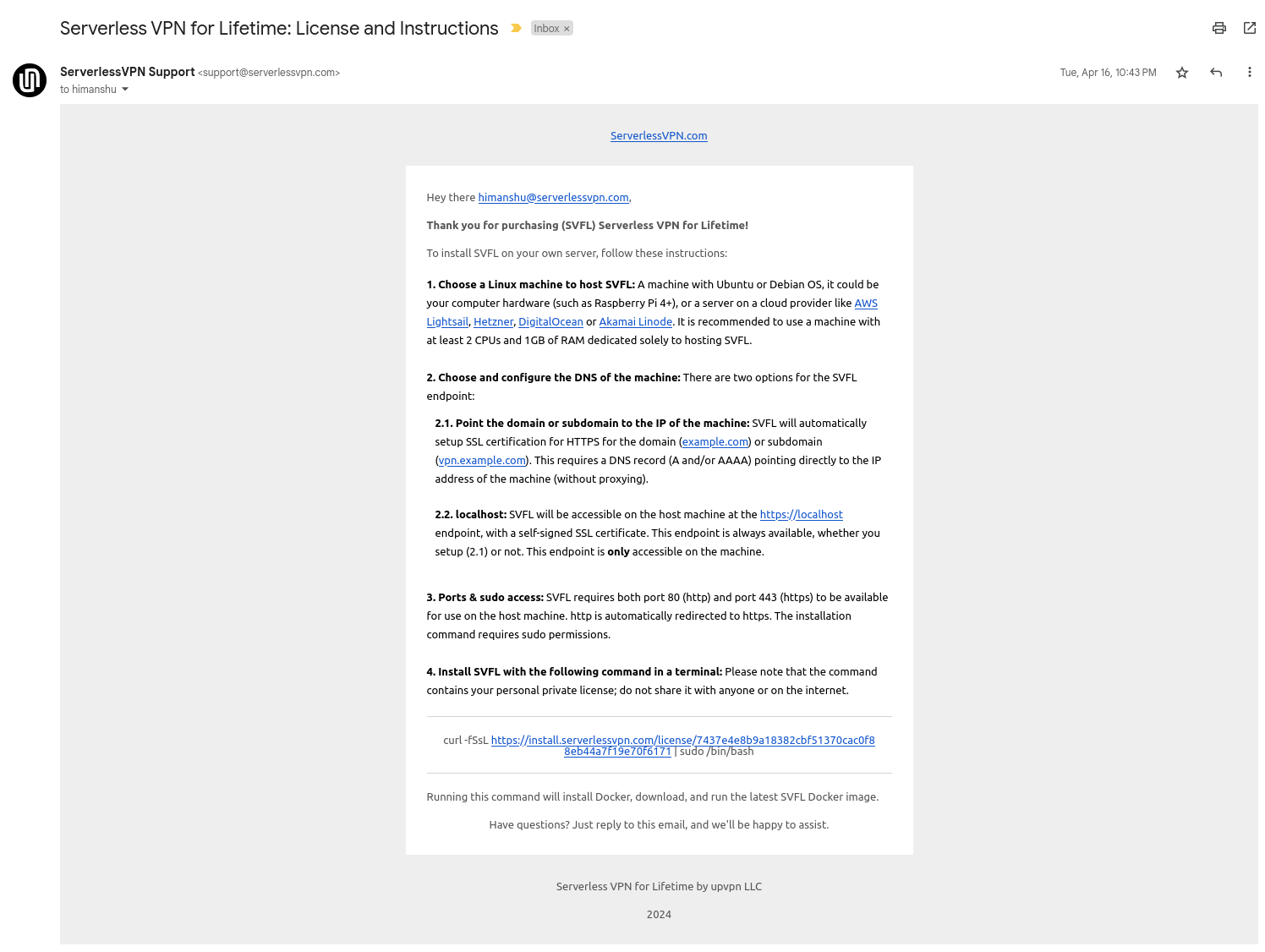
Software is packaged as a Docker container image. Upon purchase, you'll receive an email containing a single command that you can run on your own server - physical server (like Raspberry Pi 4+) or a virtual server (like an instance on a Cloud provider).
The command will download and run the Docker container, automatically setting up an SSL certificate for https for your domain or subdomain. You can even choose to just run it locally without a domain on localhost and may later expose it to the outside world using a tool like ngrok.
System Requirements: The installation command currently supports only Ubuntu or Debian OS. A server with a minumum of 2CPUs/1GB RAM or higher is recommended on AWS Lightsail, Hetzner, DigitalOcean or Akamai Linode.
Here's an example of installation email that you'll receive on purchase:
Product walk-through
Learn everything you need to use the product: configuring cloud providers, adding devices, creating VPN sessions, adding new instance types, configuring pool size.
You'll also learn about scheduling: how the system determines which cloud region and instance type to choose for a new VPN session. This enables you to configure the best (lowest cost, highest performance) available cloud region and instance type for a particular VPN location.
Private
Your installation and data are fully private on your own server and never ping our servers.
Only when auto updates are enabled, pings are made to our servers to check for the availability of new versions.
Questions and Answers
Is the purchase of Serverless VPN Self-hosted refundable?
No, please email us if you have any questions.
Can I use one license for multiple installations?
Yes! One license provides you 3 installations. To install the product on additional servers, please purchase a new license. License permits unlimited backups of existing installations.
How do I change the VPS on which the product is installed?
Choose a VPS provider to host the product with functionality to take a backup (or snapshot) and the functionality to create new VPS from a backup (or snapshot)
What is Serverless VPN for Lifetime?
This product Serverless VPN Self-Hosted was previously called Serverless VPN for Lifetime.
How long is a license valid for installation?
You must install software on your servers within 1 year of purchase.
Where can I contact support?
WireGuard is a registered trademark of Jason A. Donenfeld.
Copyright © 2025 upvpn LLC