Do I need to know AWS?
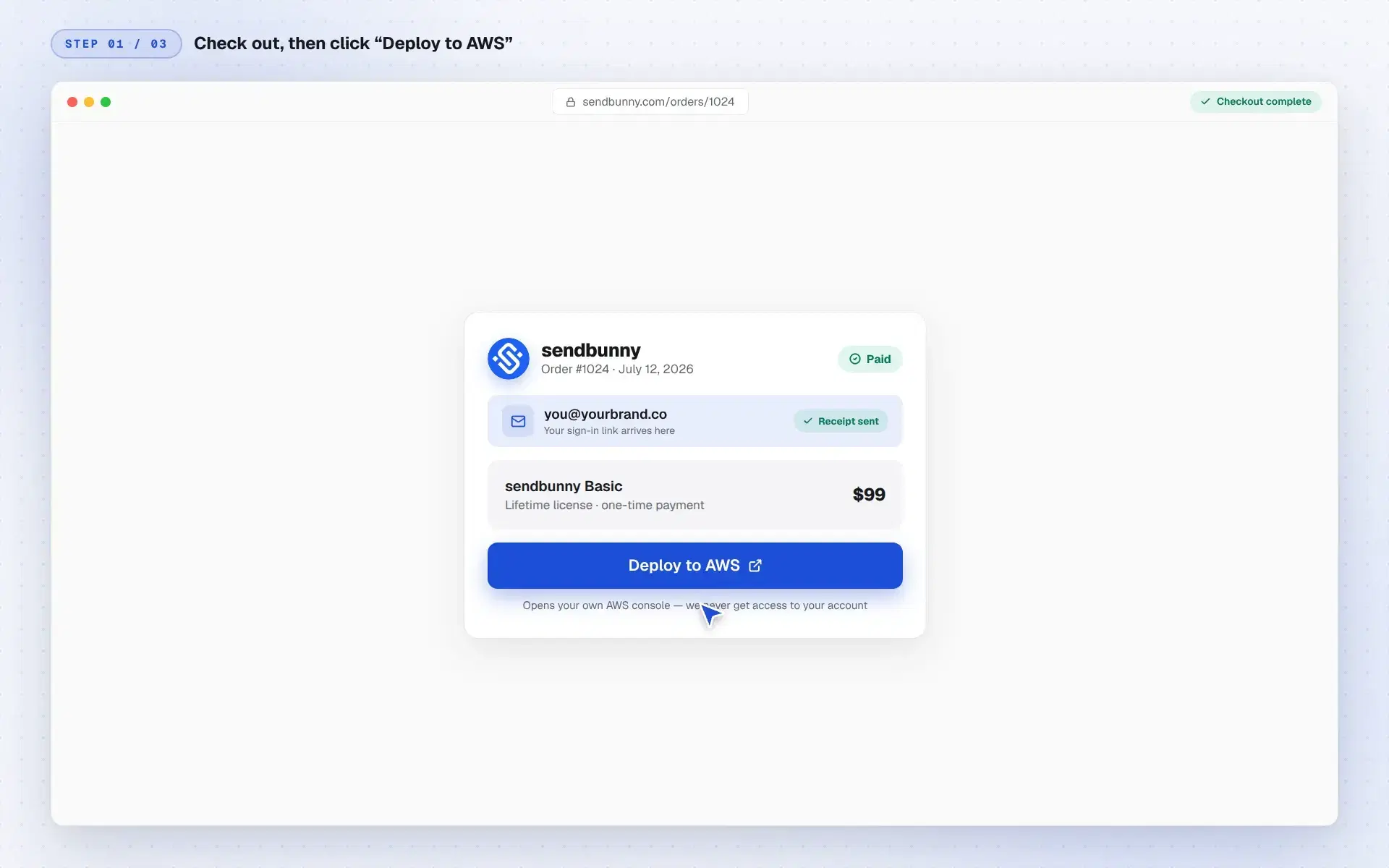
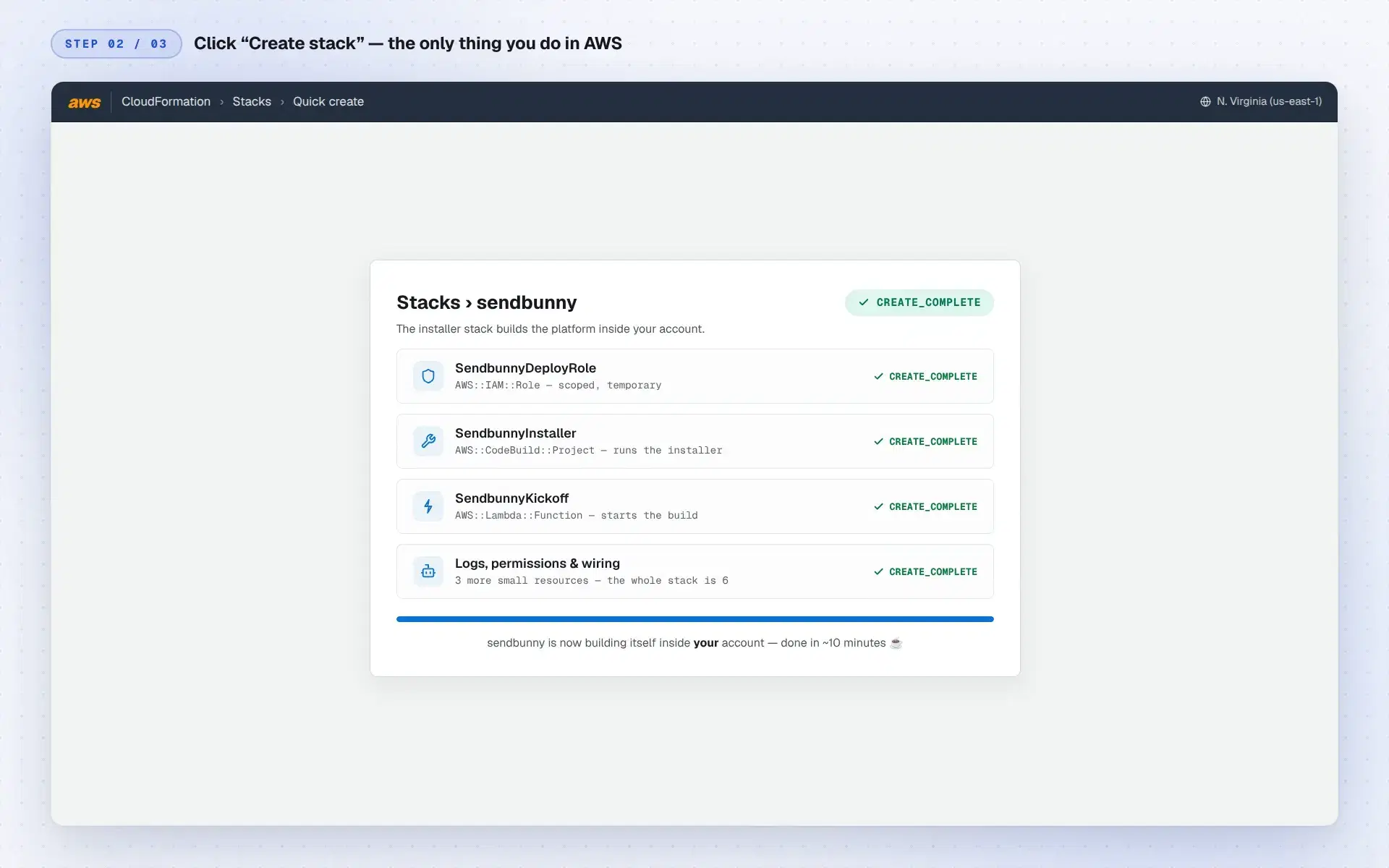
No. You click one pre-filled button in the AWS console, “Create stack”, and the installer does the rest. Updates are a single click inside your app. You never touch a terminal or write configuration.
What do I need before I buy?
An AWS account (free to create at aws.amazon.com) and about ten minutes. A custom sending domain is recommended, and the app walks you through connecting it.
What does it cost to run?
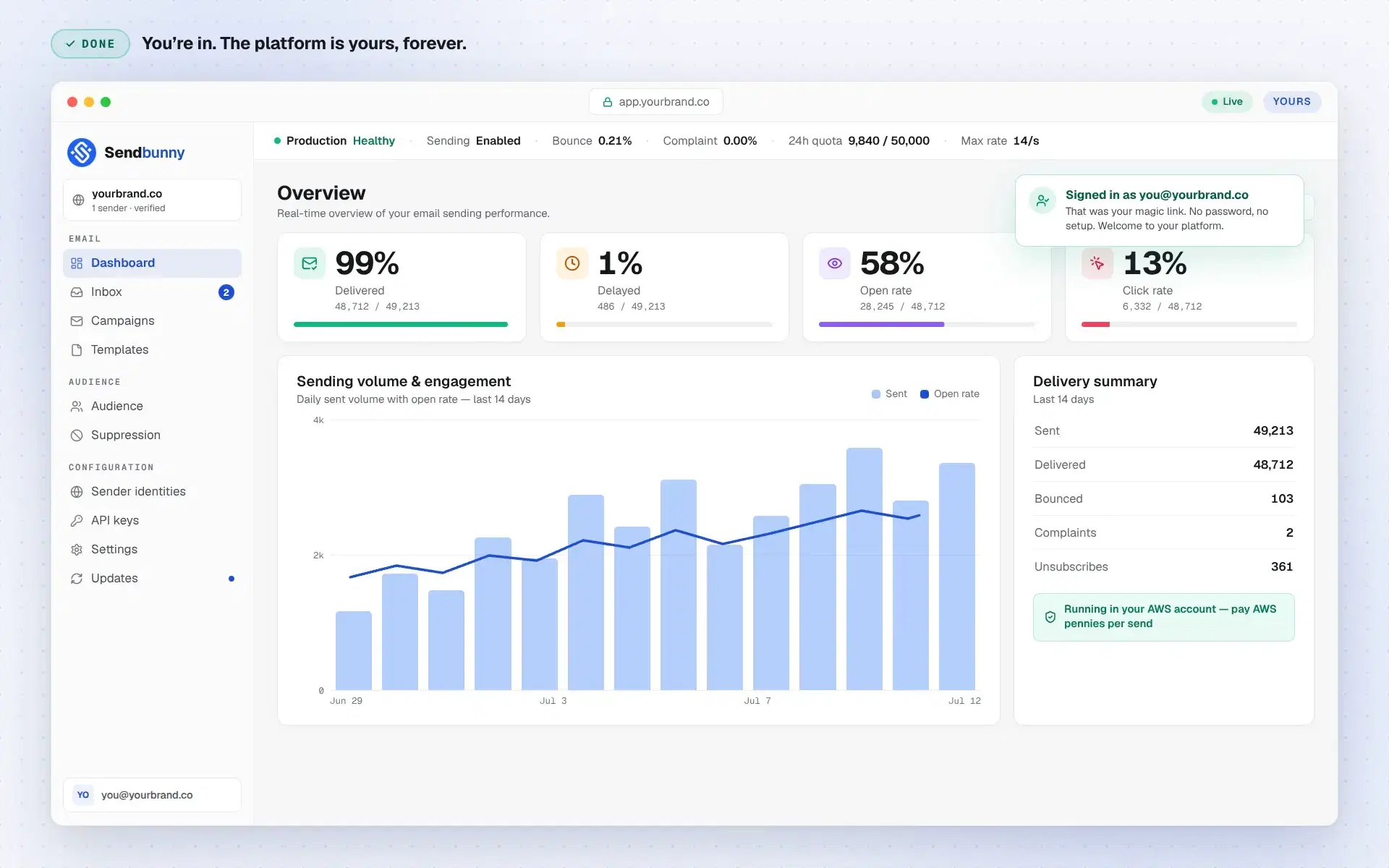
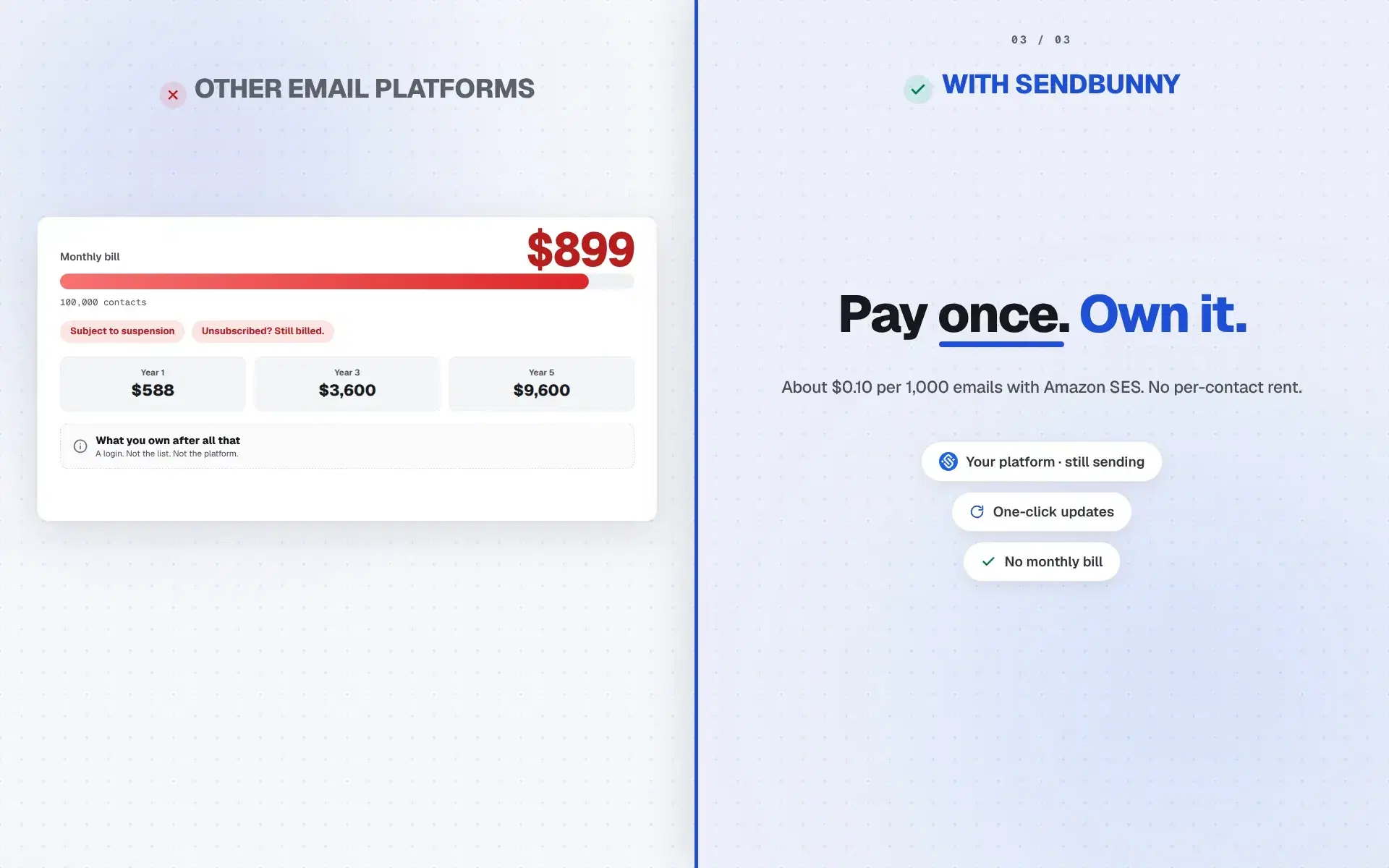
You pay AWS directly for what you use: roughly $0.10 per 1,000 emails via Amazon SES, plus a few cents of serverless infrastructure at higher volumes. If you send nothing, you pay essentially nothing. There are no sendbunny fees on top.
Will it disturb what's already running in my AWS account?
No. sendbunny installs alongside your existing infrastructure as its own stack, and a hard product rule says it never modifies, takes over, or deletes anything it didn't create. Where AWS has account-wide settings (like inbound email rules), it detects what exists and coexists additively. It never replaces your configuration.
What's the SES sandbox, and how do I get out of it?
New AWS accounts start in the SES sandbox, which only delivers to verified addresses. The app shows your sandbox status and deep-links to the official AWS form for production access. AWS mostly just wants your website URL, and approval is a routine review. Until then you can set everything up and send tests to verified addresses.
How does connecting my domain work?
Add your domain and the app generates the exact DNS records for authenticated sending: DKIM, SPF, and DMARC. If your DNS runs on Route 53 in the same account, one click applies them (skipping anything that would conflict with records you already have); otherwise copy them into your DNS provider. Status updates automatically once AWS verifies.
Can I import my existing contacts?
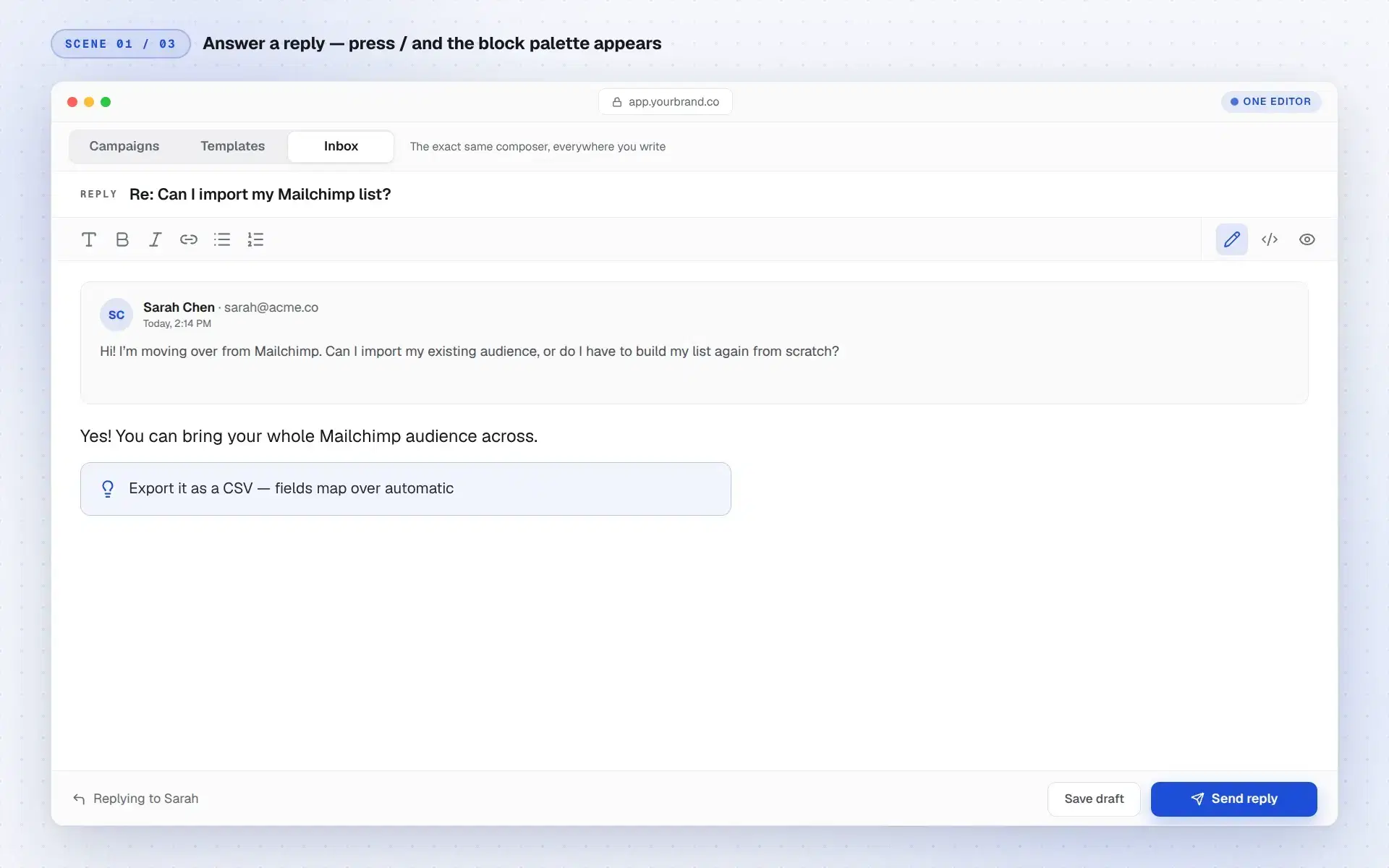
Yes. Export a CSV from your current tool and import it. Uploads process in the background, so large lists are fine, and re-imports enrich existing contacts instead of overwriting them.
Can it really handle high volume?
Yes. Sending runs through Amazon SES, the same infrastructure Amazon uses for its own email, and everything around it is serverless and scales automatically. 10 emails a month or 100 million, it is the same install with no plan to upgrade and no server to resize. As your volume grows, AWS raises your SES sending limits on request, a routine approval.
Can my team use it?
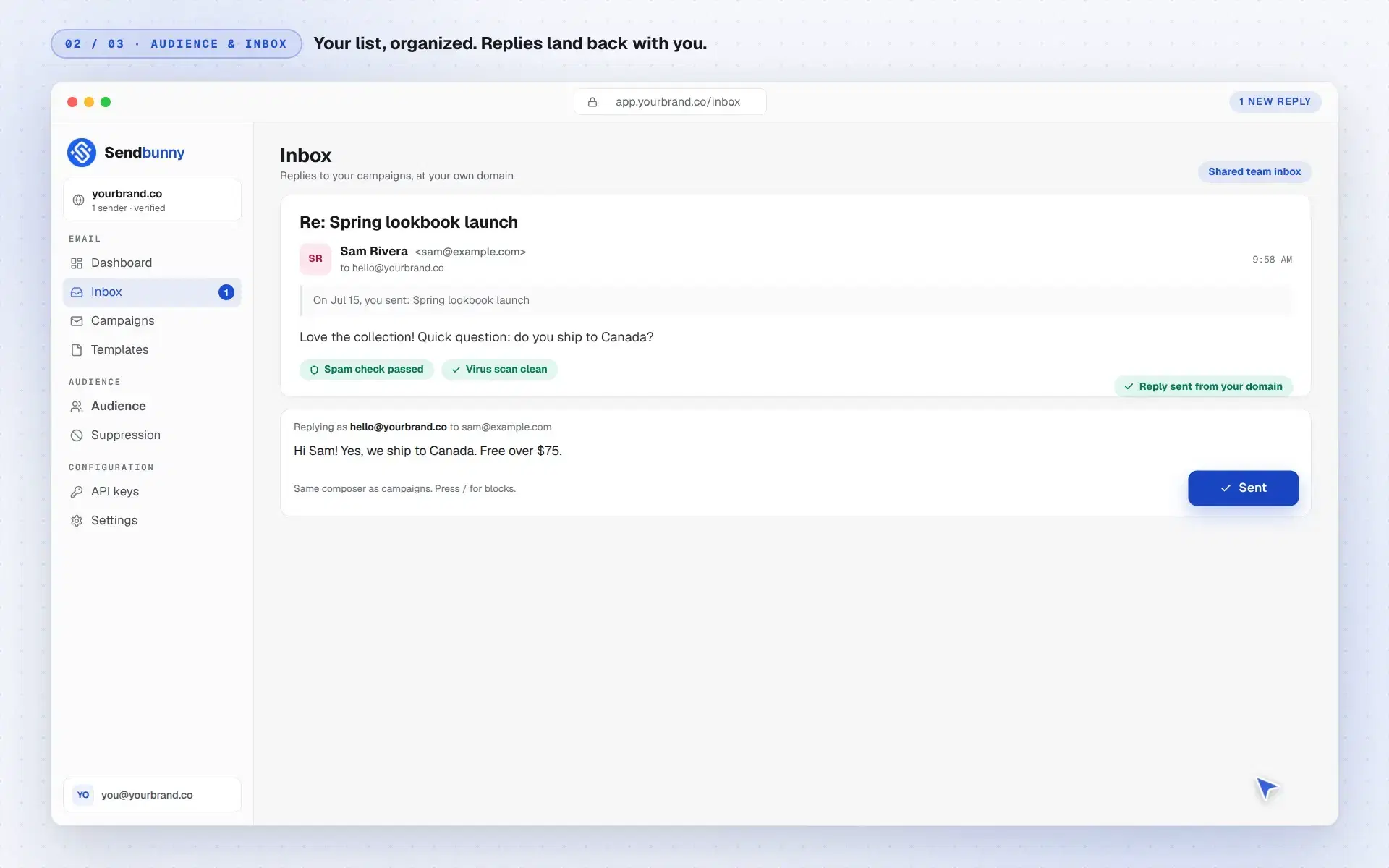
Yes. Sign-in is invite-only: an admin invites teammates and assigns admin or member roles. Premium adds a shared team inbox the whole team can use, and every privileged change is recorded in an audit log.
Can I send transactional email from my app?
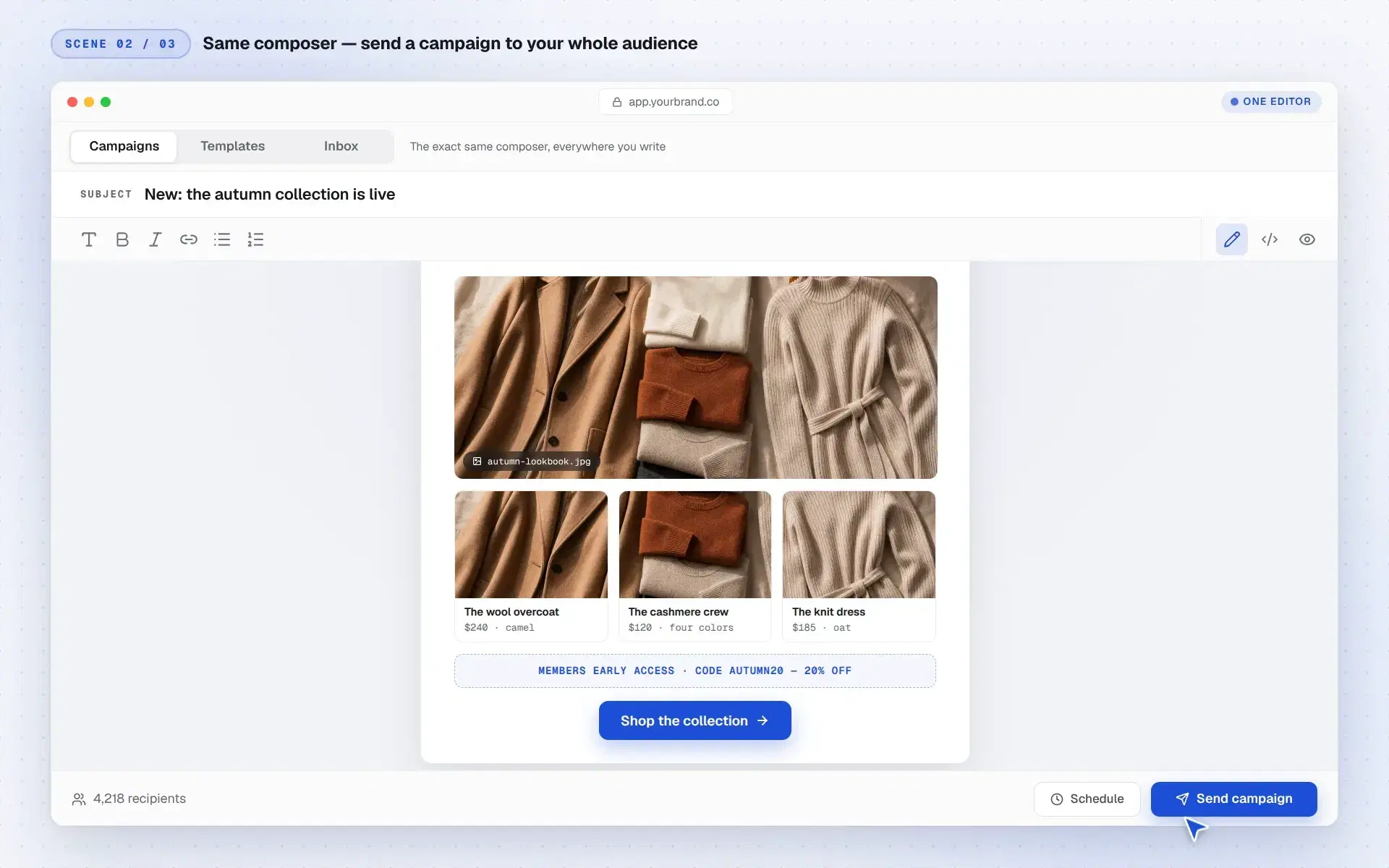
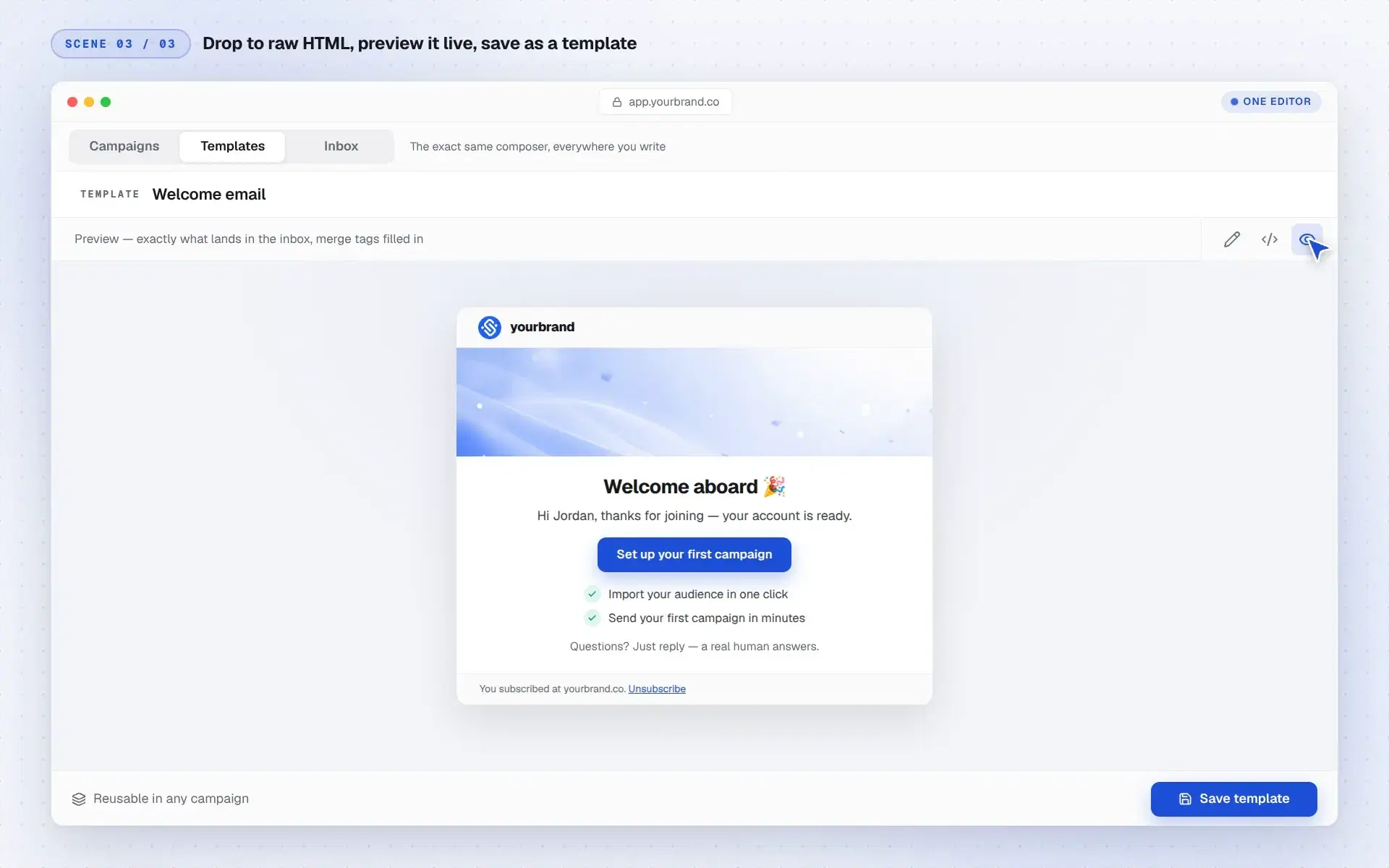
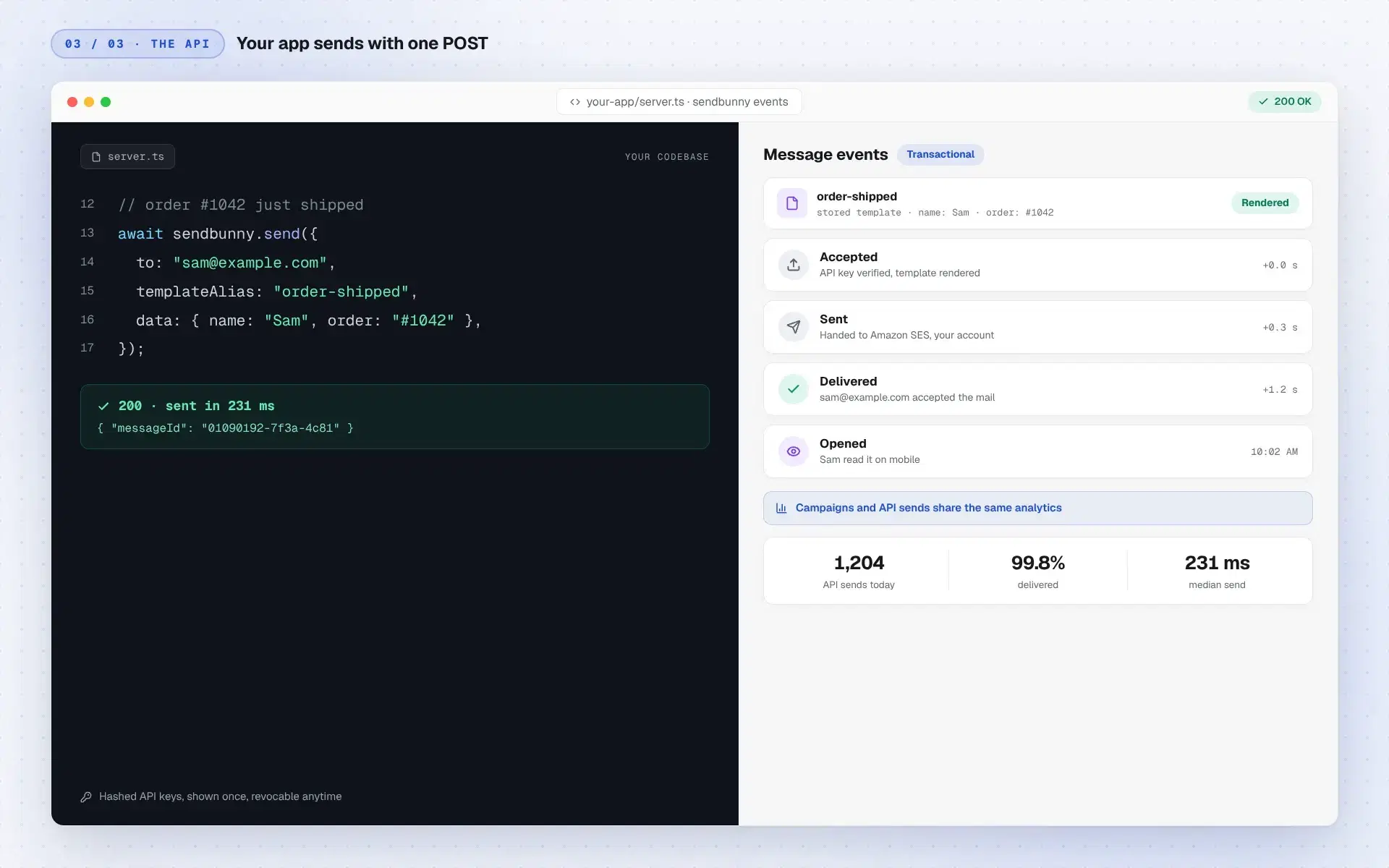
Yes. Every install includes a REST API. Create a key in the dashboard (shown once, stored hashed, revocable anytime), then POST a from, to, subject, and body, or reference a stored template by alias and pass merge data. Suppression is enforced on this path too.
What keeps me out of the spam folder?
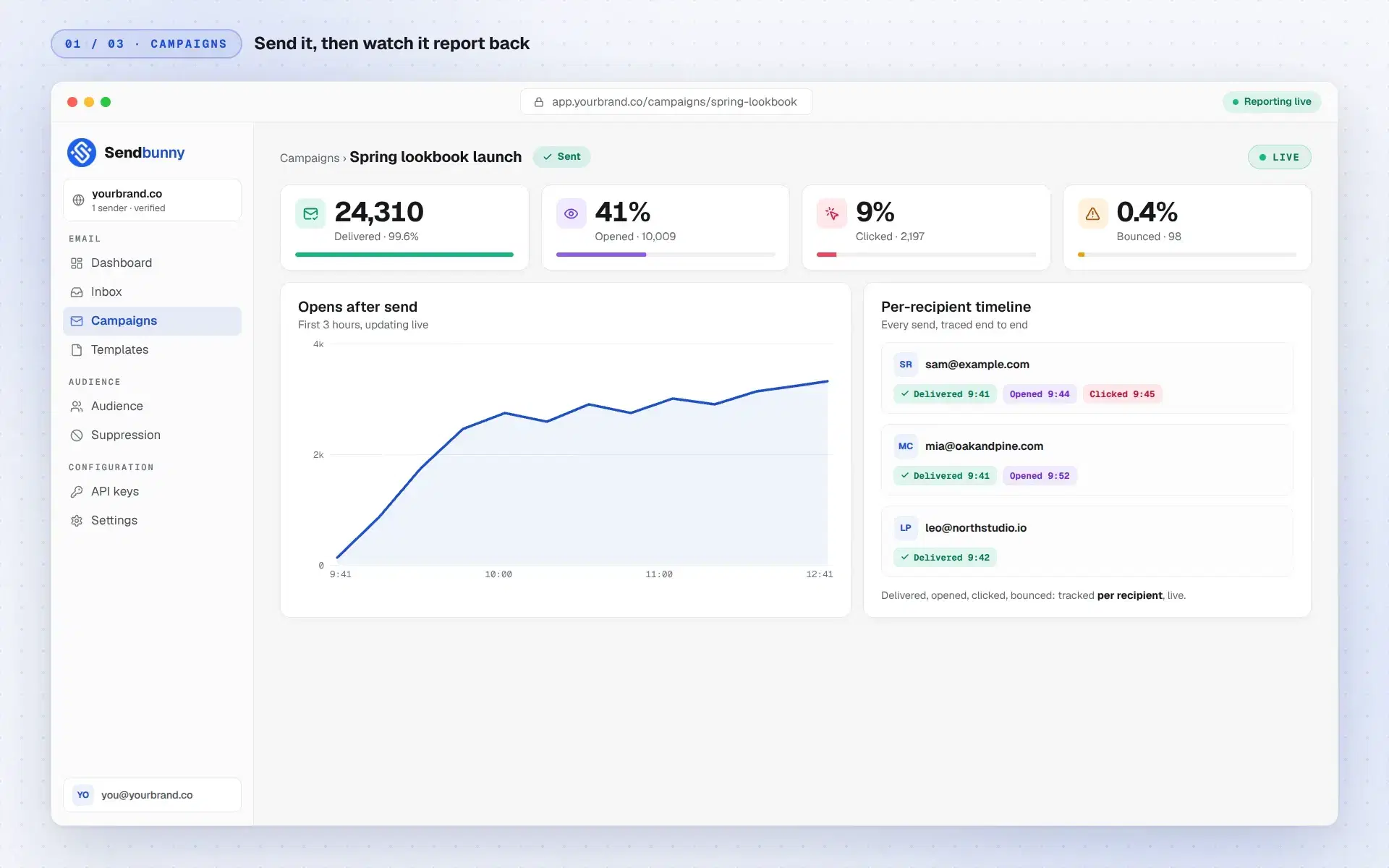
The fundamentals, on by default: authenticated sending with DKIM, SPF, and DMARC, RFC 8058 one-click unsubscribe on campaigns, automatic suppression of hard bounces and complaints, and a dashboard that tracks your bounce and complaint rates against AWS's thresholds so you see trouble early.
Why Amazon SES? Why not a mail server on a cheap VPS?
Because running a mail server was never the hard part. Reaching the inbox is, and that comes down to IP reputation. Gmail, Outlook, and Yahoo decide where your email lands largely from the sending IP's history, and cheap VPS addresses have been recycled through years of spam. Many sit on blocklists before you send a single email, so a $5 server feels free right up until every campaign lands in spam, unseen. Amazon SES is strict about who gets to send exactly so its IPs stay trusted, which is why your email actually arrives.
Can sendbunny access my AWS account or my data?
No. We never receive your credentials, and nothing in the product phones home with your data. During install and updates, the installer sends one-way progress notifications so your deploy page can show a status bar, and that's it. The install template is six readable CloudFormation resources you can audit before clicking.
What if sendbunny shuts down?
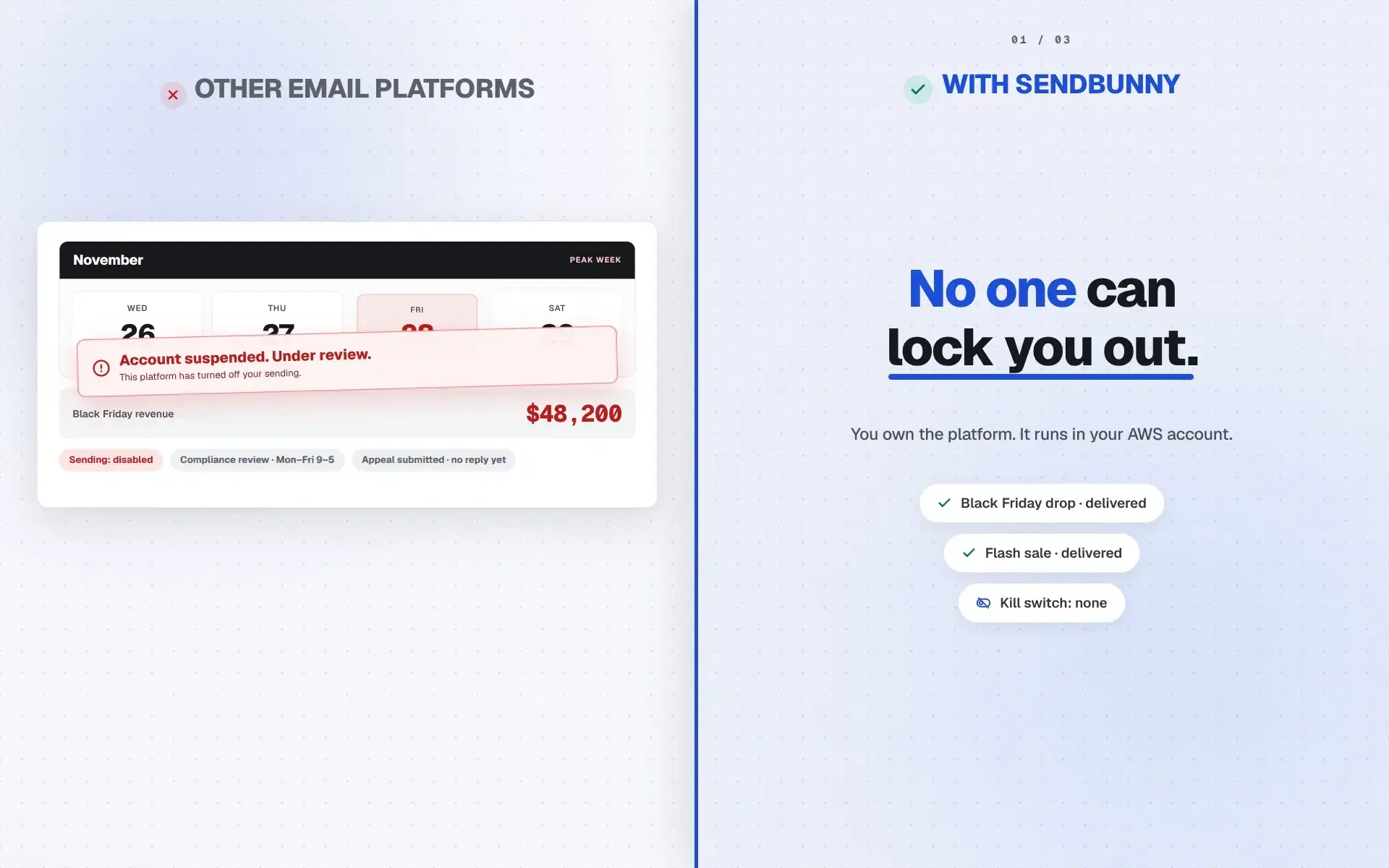
Your platform keeps running as if nothing happened. It lives entirely in your AWS account and never depends on sendbunny's servers to send, show your dashboard, or store your data. The only thing that would stop arriving is updates.
What happens if I stop paying the yearly fee?
Your platform keeps working, forever. The one-time purchase is a lifetime license. You just stop receiving one-click updates until you renew. Renewing later picks up right where you left off.
What if an update fails halfway?
Nothing breaks. Updates deploy the backend first and swap the dashboard last, so if any earlier step fails, your current version stays live and campaigns that are mid-send keep sending.
Is my data locked in?
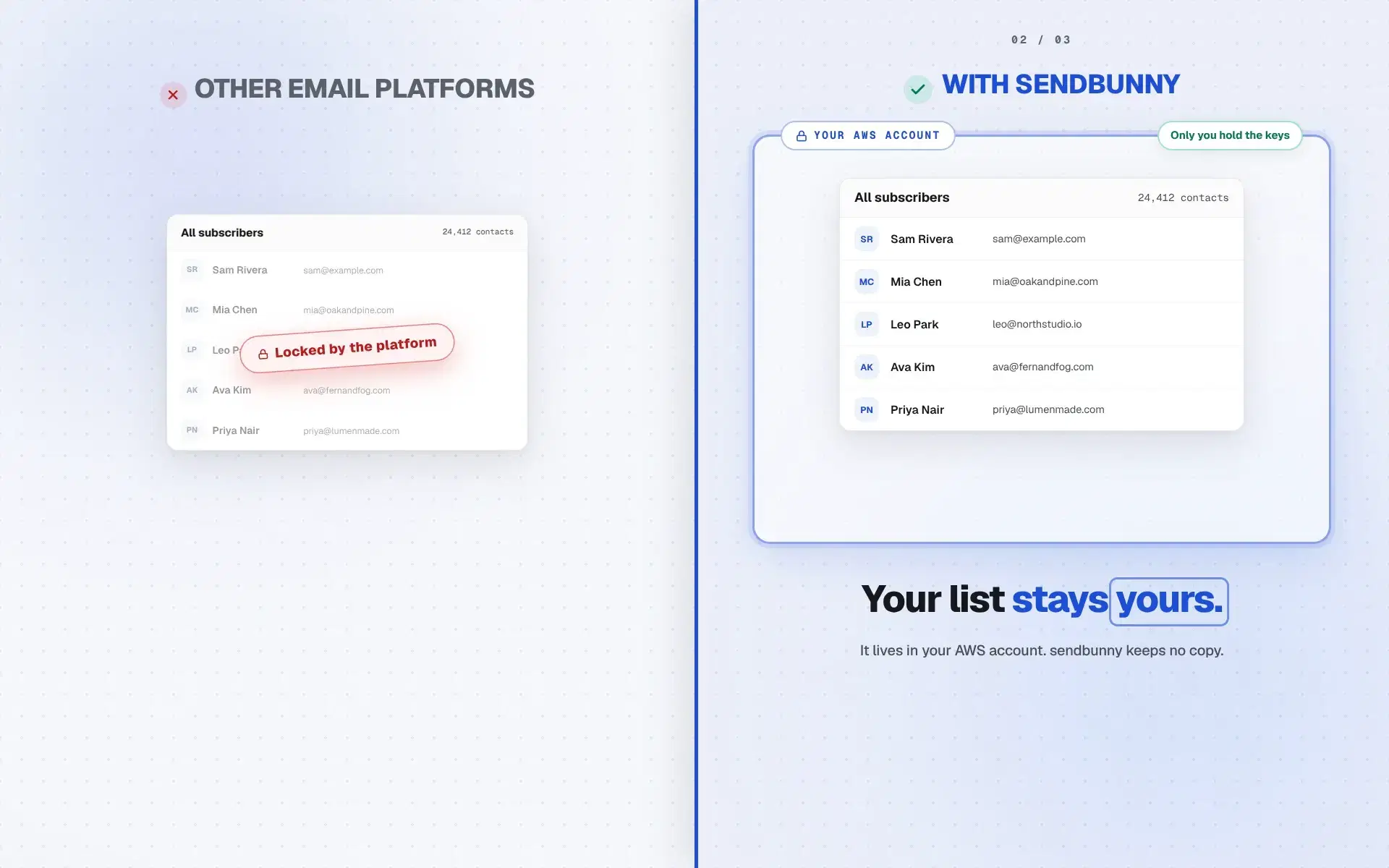
It's the opposite of locked in: everything lives in DynamoDB tables and S3 buckets in your own AWS account. Export it with standard AWS tools whenever you like, or delete the whole stack and it's gone. We couldn't hold your data hostage if we wanted to.
 The email platform you own