With the desire to make a Christmas ornament present for my wife, the inspiration provided by this post on the r/ClaudeAI subreddit, and because I haven’t touched my 3D printer in years, I decided to use Claude to generate a 3D model that I would be able to 3D print. How hard could it be?
TL;DR: As is the case for most things with current SOTA LLMs, it can do relatively basic stuff really well. It takes some iteration, but as someone who has had a very hard time doing even the most basic 3D modeling, using LLMs to make stuff for me has been a huge unlock in terms of what I’m capable of making. But when you start trying to make more complex designs, it starts to make illegible mistakes – similar to current SOTA LLMs in large codebases.
The goal
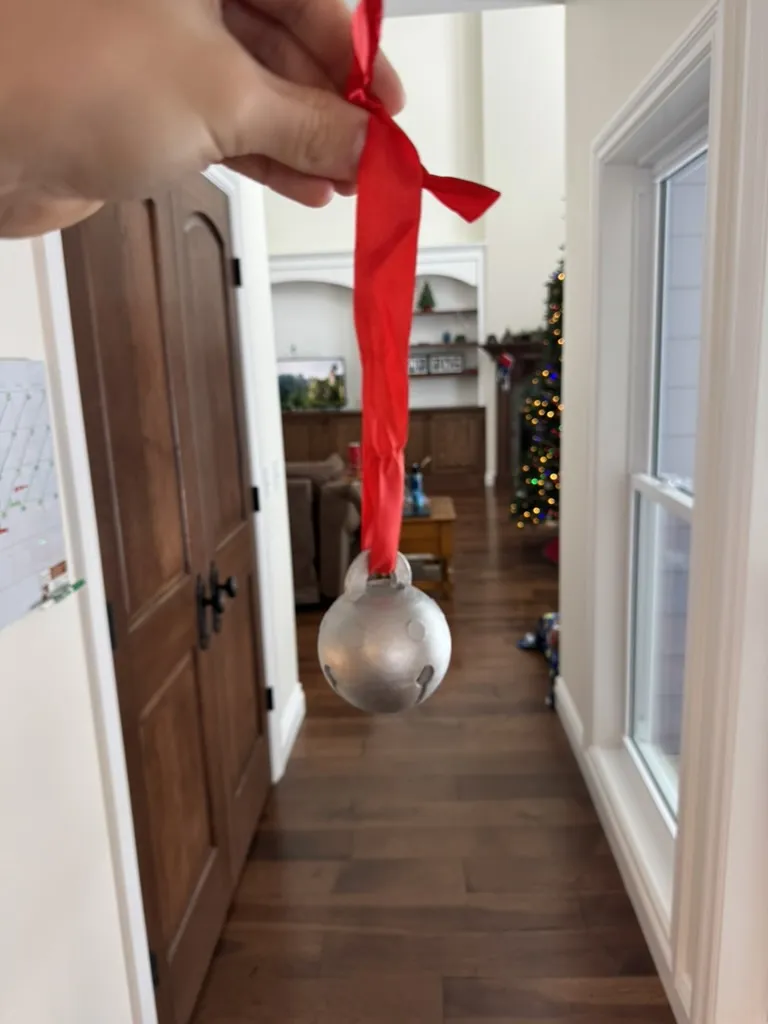
My goal was to make a jingle bell to place a Pandora charm in as a gift, and place the bell on a Christmas tree so that she’d have to search for the new ornament to get the gift. Something like this:

It’s just a sphere with some cut outs in it. Claude 3.6 Sonnet ought to be able to do this.
I ask Claude to output OpenSCAD format. From their about page:
OpenSCAD is not an interactive modeller. Instead it is something like a 3D-compiler that reads in a script file that describes the object and renders the 3D model from this script file. This gives you (the designer) full control over the modelling process and enables you to easily change any step in the modelling process or make designs that are defined by configurable parameters.
Compared to asking Claude to output an STL file for me outright, this SCAD format is perfect as it is a short, parametrizable script. Being able to use variables and methods lets you make minor tweaks to the things that the LLM breaks. And, when you’re done, the SCAD file can be rendered, dumped to an STL file, sliced in Cura, and printed.
The process
Throughout this post I’m going to share Claude’s output as the SCAD model rendered. In reality, it outputs SCAD as text, which I had to copy-paste into OpenSCAD and then render it.
How well does Claude do with a one-shot prompt?
Me: Create a Christmas jingle bell model in OpenSCAD.
Claude:
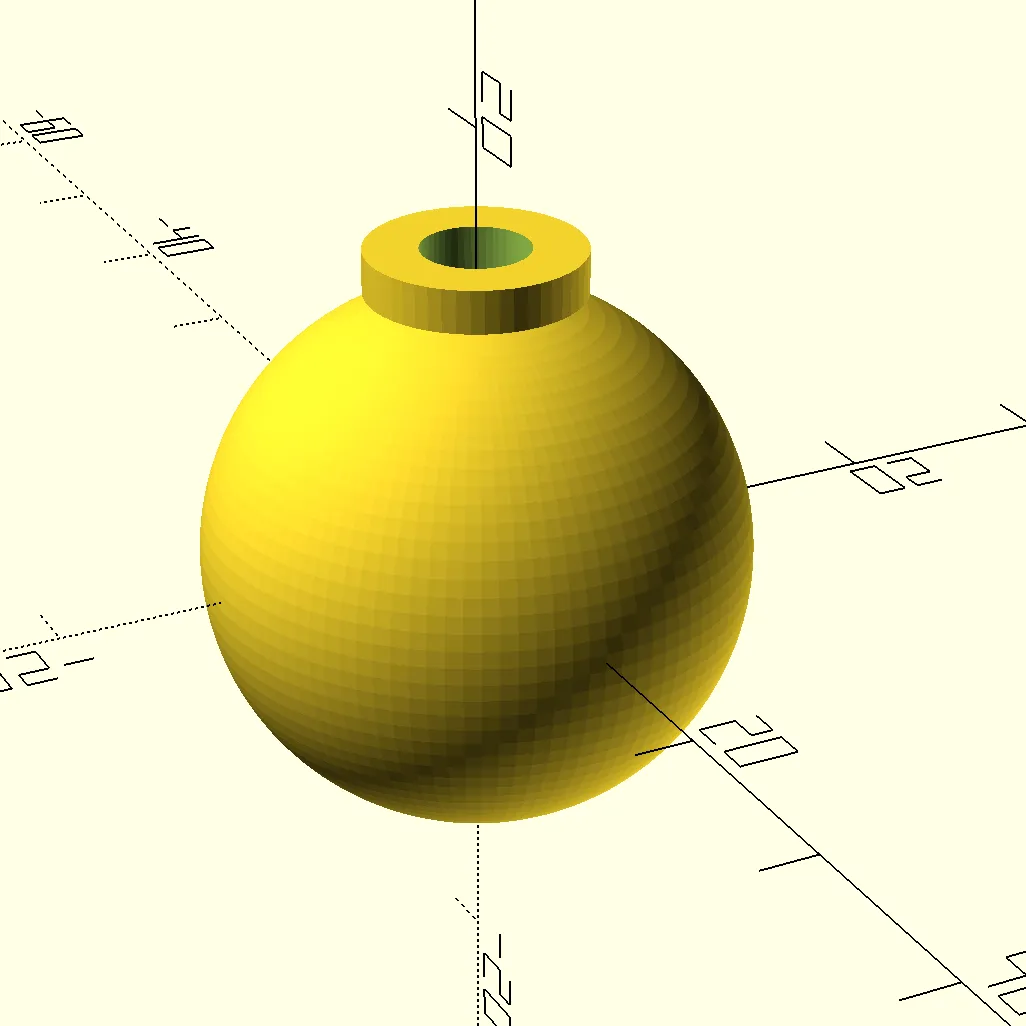
Well, it’s very basic and the mounting loop is off by 90º. But I think Claude can fix this.
Me: The mounting loop ought to be rotated 90 degrees.
Claude:
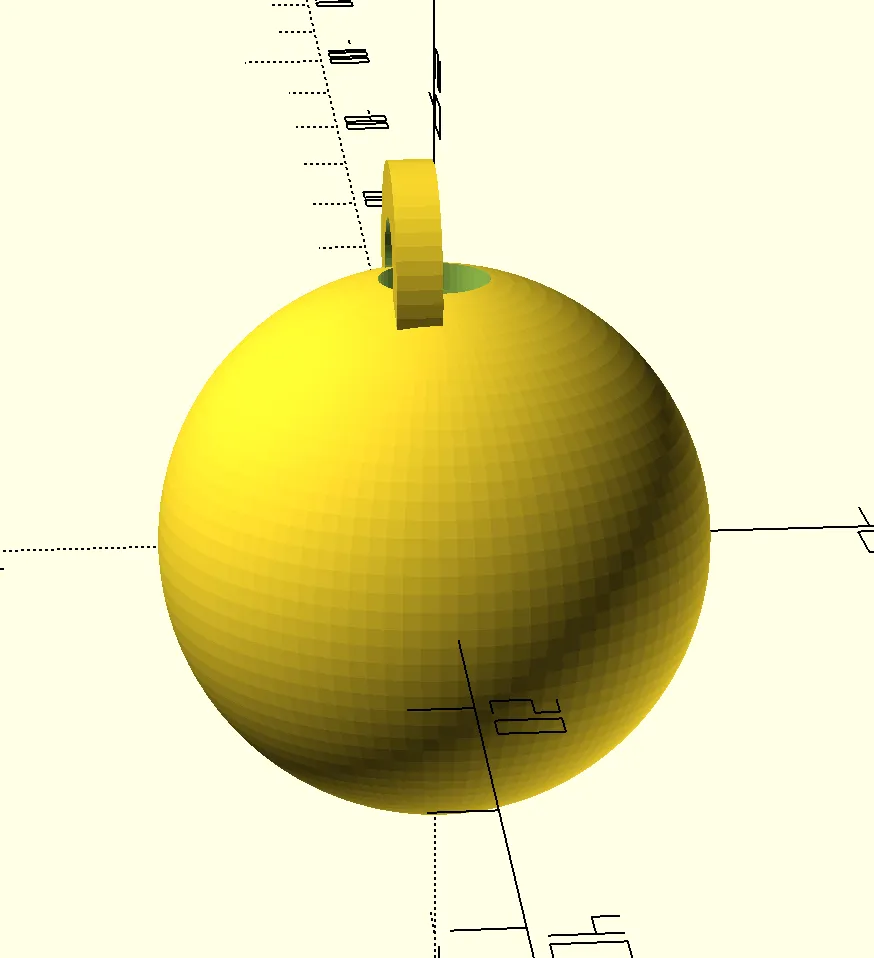
Better, but not aligned. This is where a choice arises – I know how to fix this in the SCAD file that Claude output. But Claude already has the code that it wrote in its own context. I now have two options:
- Fix the code myself, upload it to Claude, and tell it to continue adding features
- Prompt Claude to fix it itself, possibly in a more convoluted way than I want.
In this case, I went with option 2. However, in the future, I think that I’m going to use option 1 for a few reasons:
- It can be faster if you know what the exact problem is, or if you want to mess with a few numbers manually to see how it affects the design.
- You reach your inference limit with Claude faster when you have longer chats, so splitting up the chat into separate chats can help prevent that.
Let’s continue.
Me: The mounting loop isn’t centered. Translate it so it is. And remove the hole in the top of the sphere.
Claude:
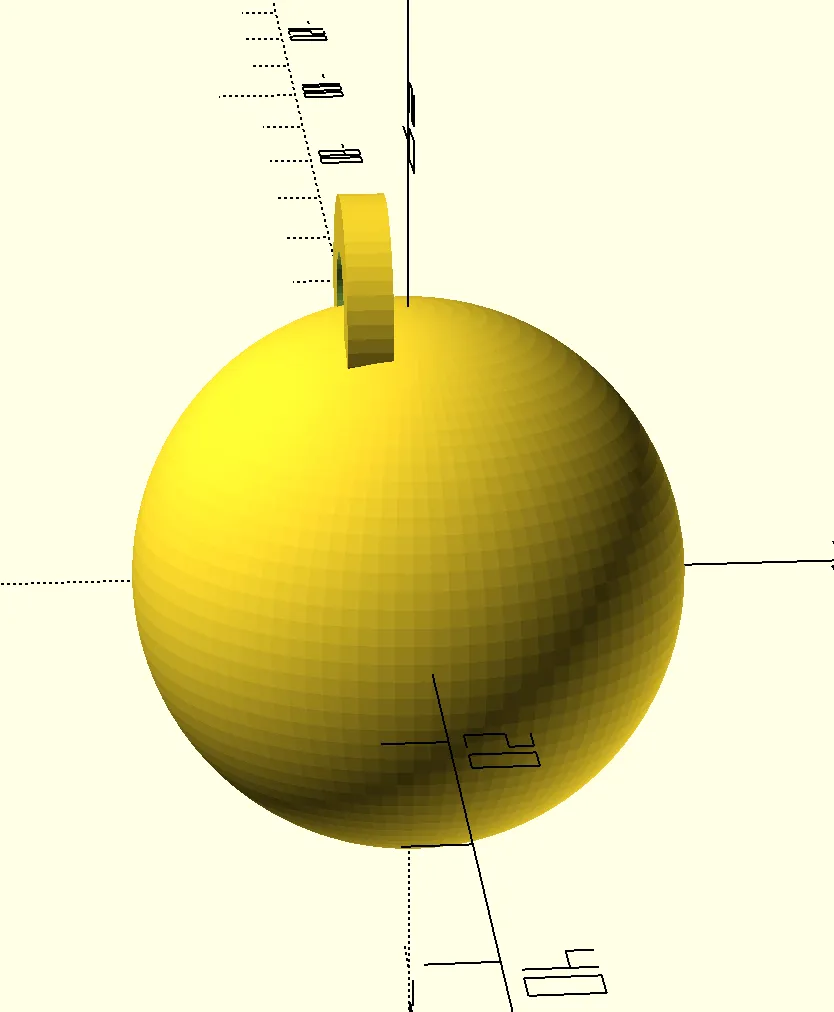
Me: You translated the loop the wrong way.
Claude:
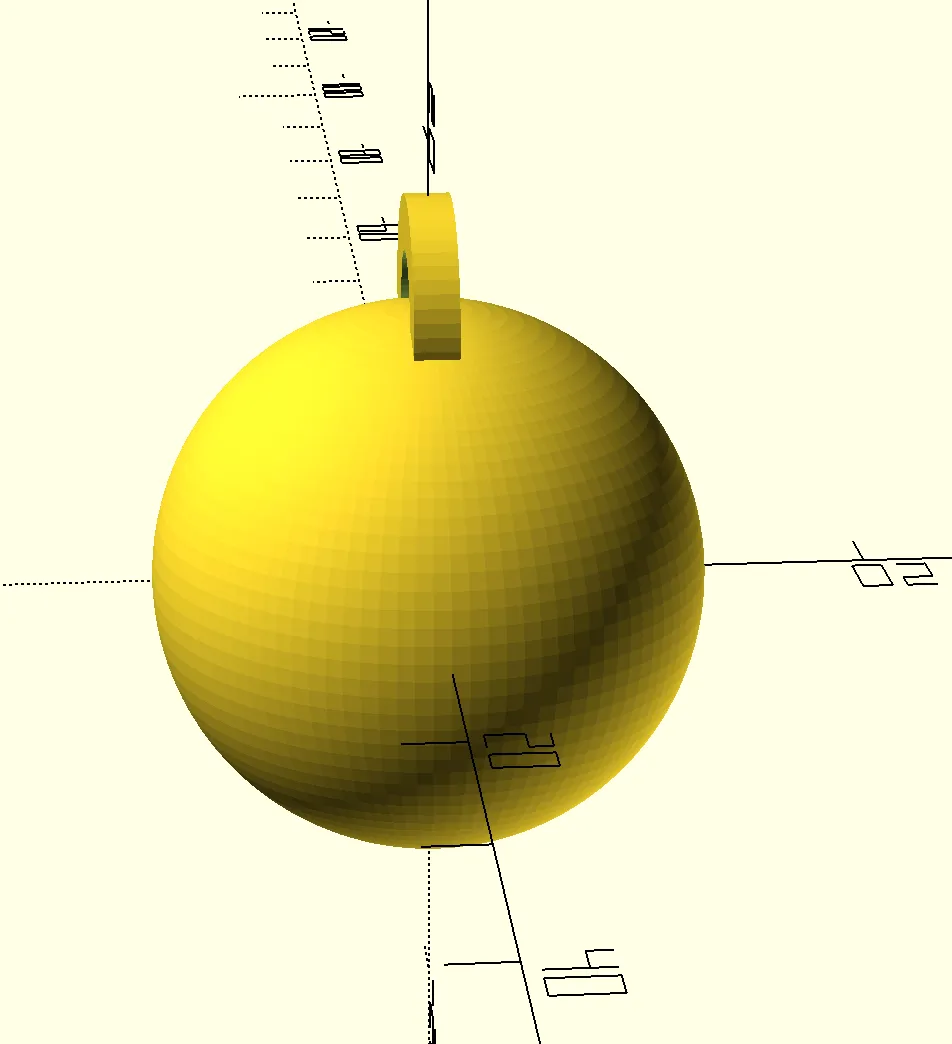
Me: Okay, looks good. Can you add some slits in the bottom like a jingle bell would have?
Claude:
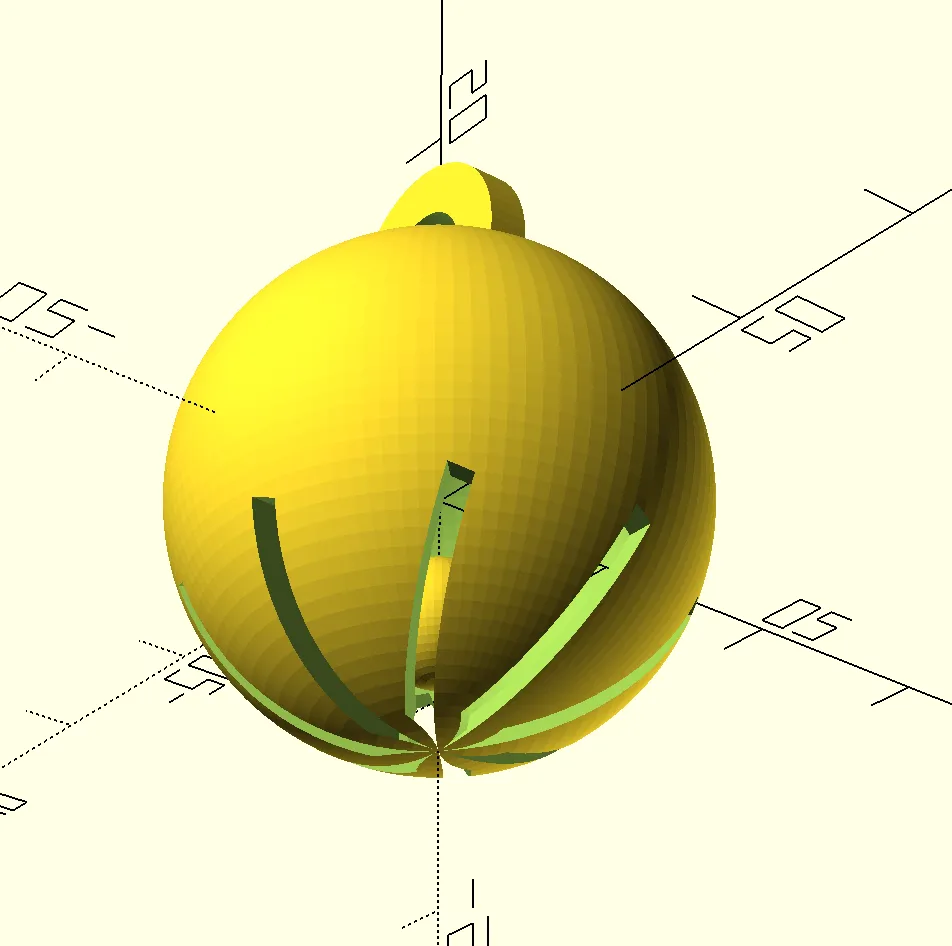
In this step, Claude also rendered an internal ball to make the bell functionally work. I don’t want that so that 3D printing functionally works.
Me: I don’t need that many slits. 4 slits will do. I also don’t want an internal ball.
Claude:
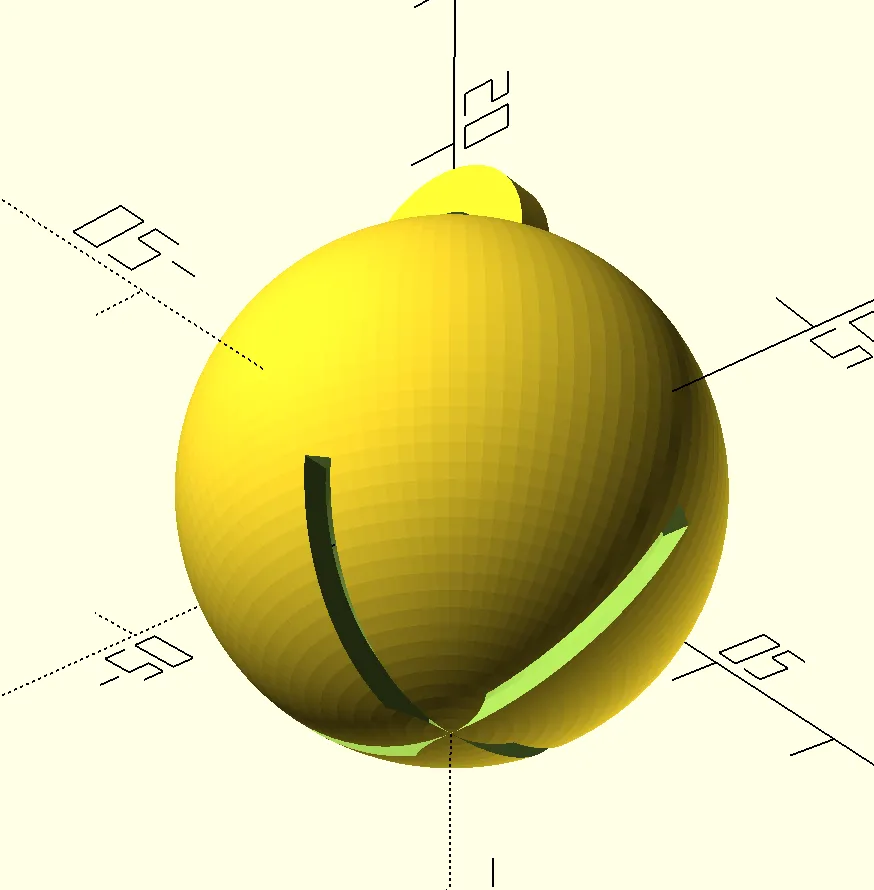
This is really good so far. In order to remove any scaffolding placed inside of the ball to aid in printing, I needed a hole in the bottom that I could pry it out of. After several iterations with Claude, this is what it ended up with:
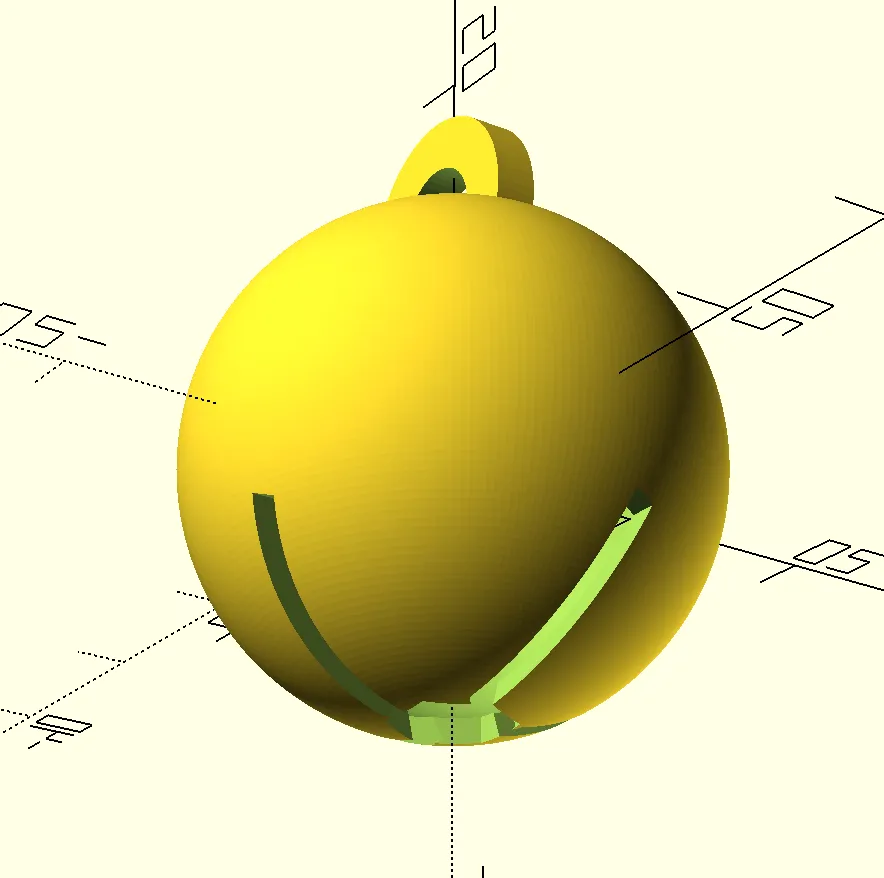
This is 95% of the way there, but I need a way to get the charm inside of the sphere. This is where I was worried that Claude would start messing up. There were three options:
- Have a hinge on one side (difficult; likely would fail)
- Design a twist-interlocking mechanism for both halves of the sphere (maybe?)
- Put a big hole in the top beneath the mounting ring (last resort that will definitely work)
This is where a second problem started to arise. I have a bunch of branching paths I can try now, but no simple way to create branching chats with Claude. This is mainly a problem with Claude Desktop that other UIs have solved through being able to save chats, but it’s a problem I had to deal with.
I attempted option 2 while saving the current SCAD model so that I can start a new chat with Claude in the event that I need to try option 3.
Me: This looks good. Now I want to try something challenging: I want you to create a mechanism that enables me to open and close the jingle bell. I would prefer some sort of twist-lock as opposed to a hinge.
Claude:
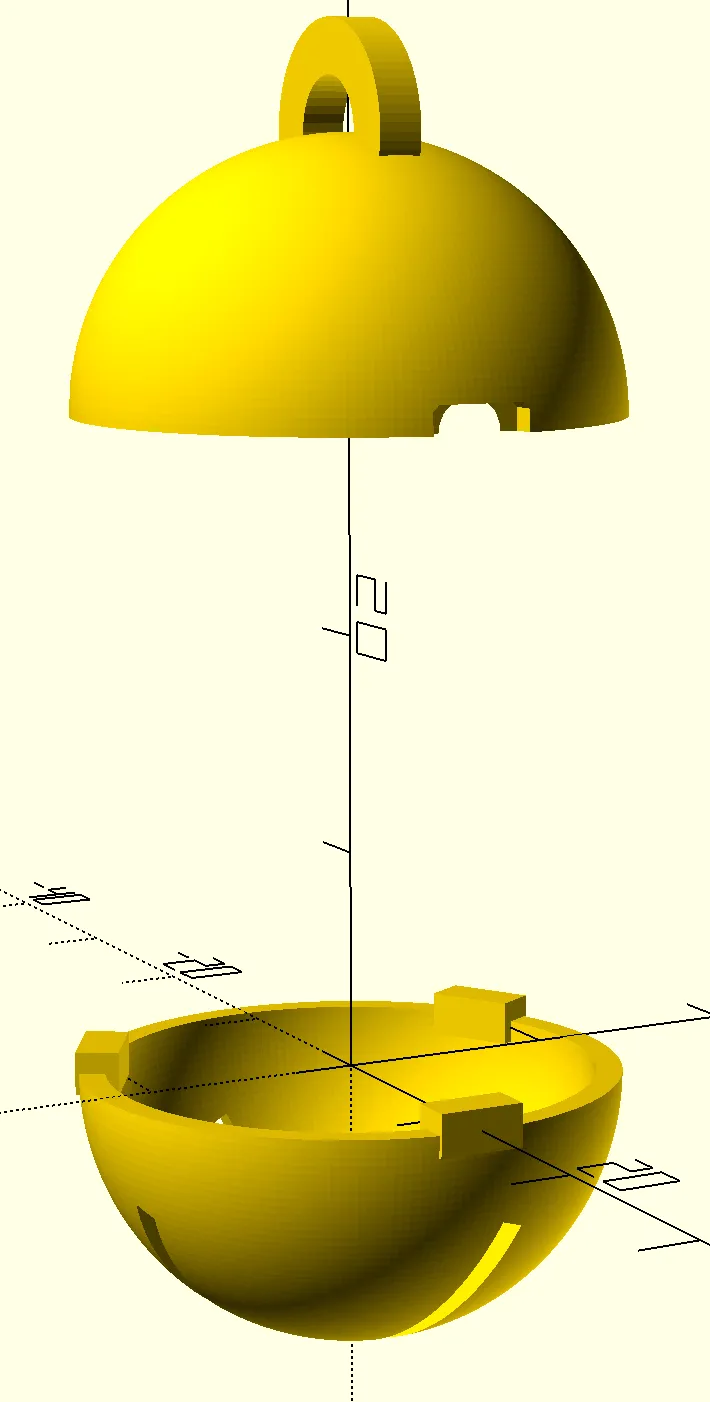
Well… it tried, but I’m not even sure what Claude is attempting to do here. This makes prompting Claude difficult because I don’t know what direction to nudge it in. I tried a few more iterations:
Me: You added some circular cut outs in the top but only rectangles in the bottom. I also don’t see how I’m supposed to twist this to lock it. Could you try modifying the locking mechanism again?
Claude:
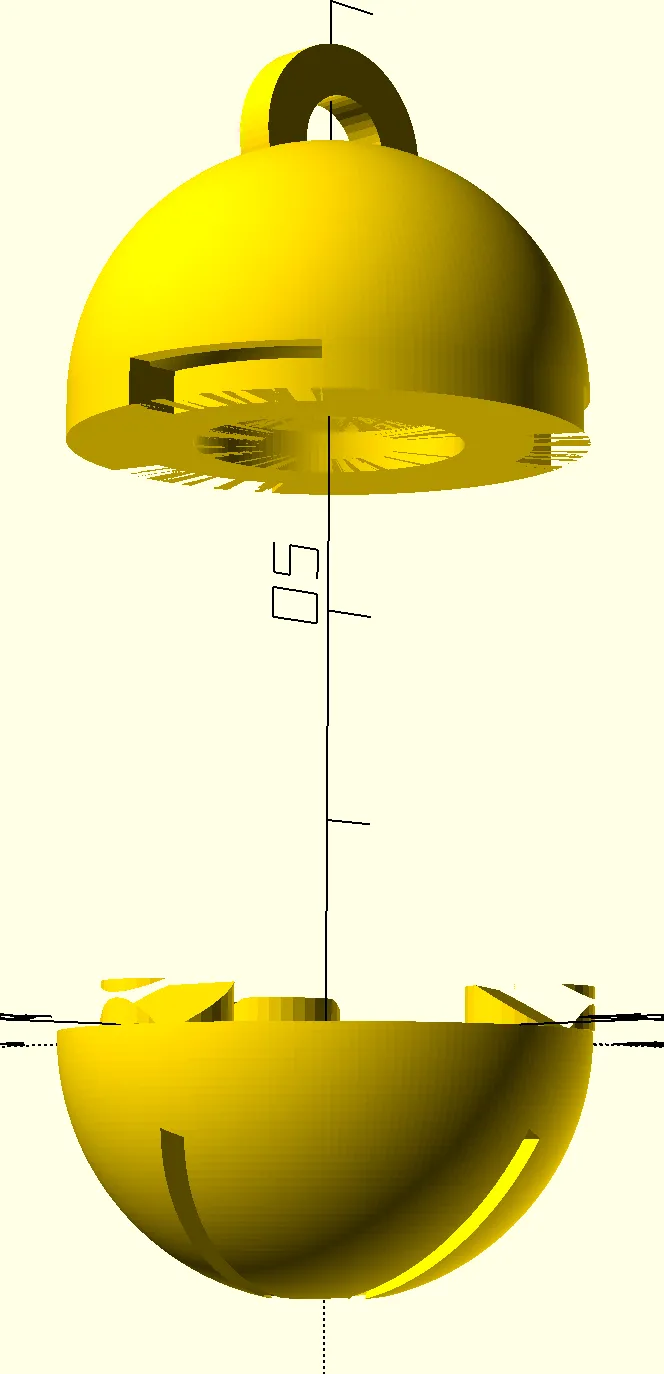
Oh dear. It’s having a breakdown.
Me: No, this doesn’t work. Go back to the previous version.
Claude:
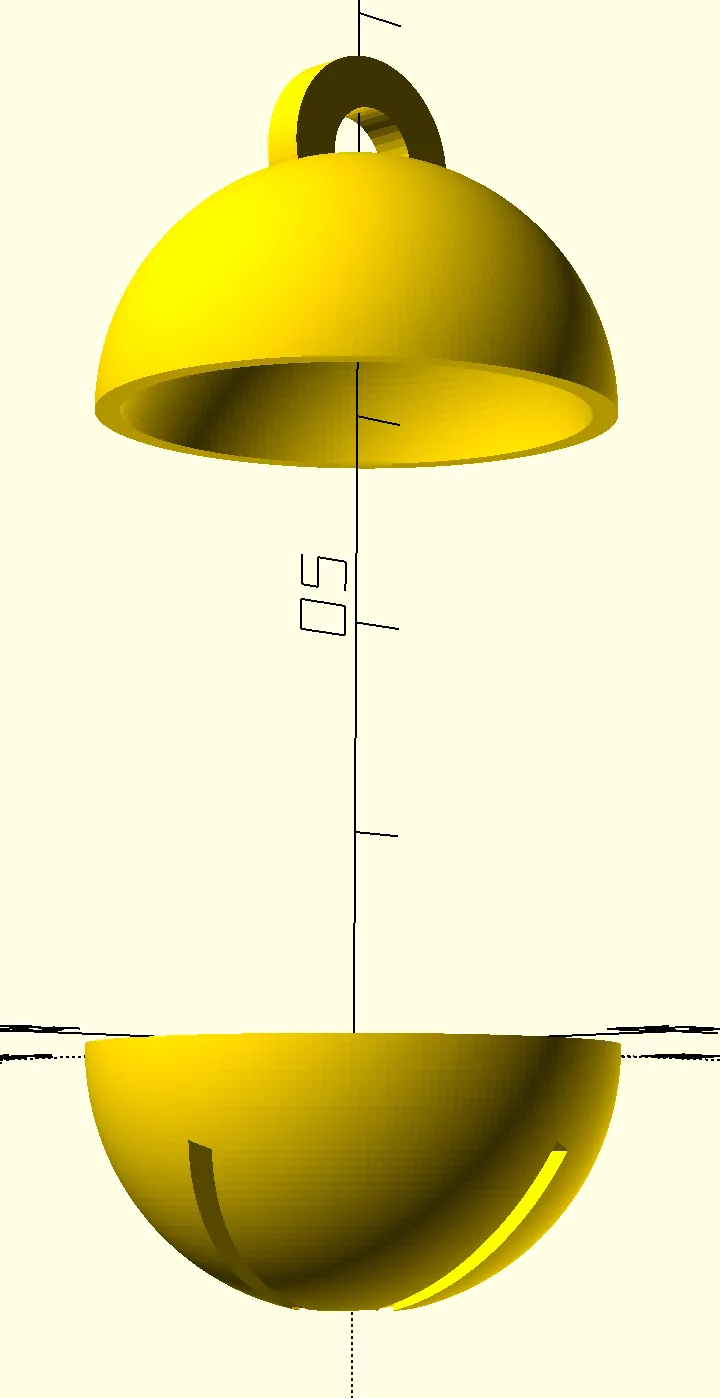
This isn’t the previous version. At this point, I think Claude has done enough – I’ll just go with the big hole in the top option.
I can’t say I’m surprised that Claude got this wrong, but I’m a bit surprised as to how wrong it got it, without any corrigibility as to what it was attempting to do.
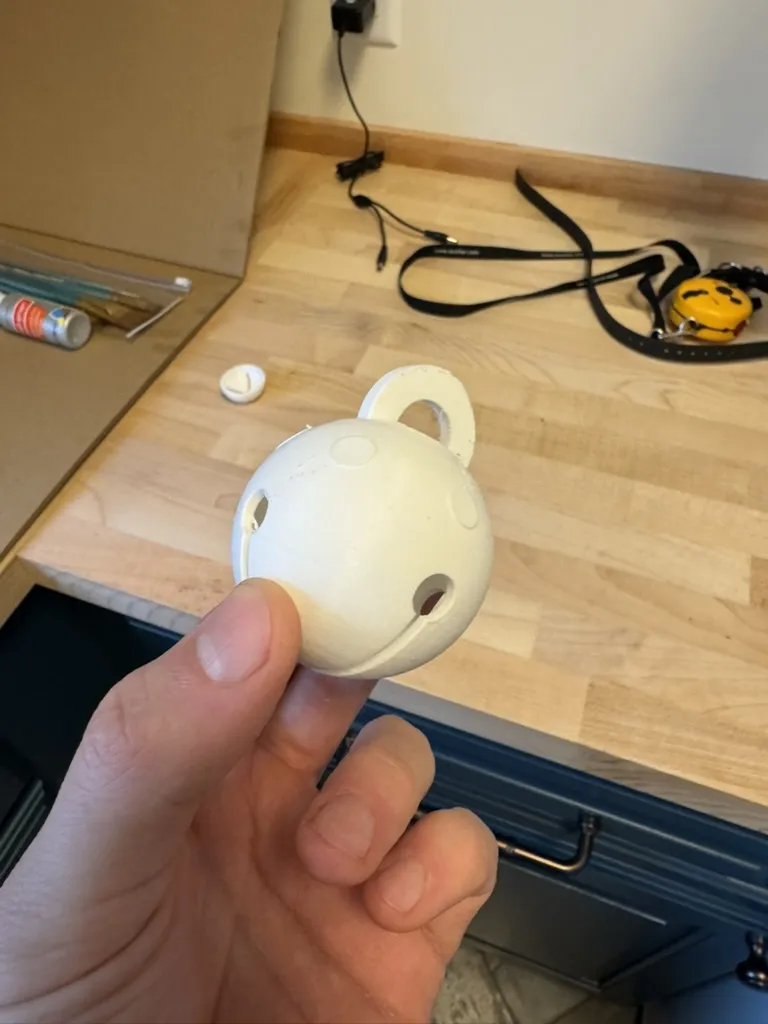
In the end, I decided to manually update the SCAD file to add a hole in the top and make a few other minor modifications. This is the end result:
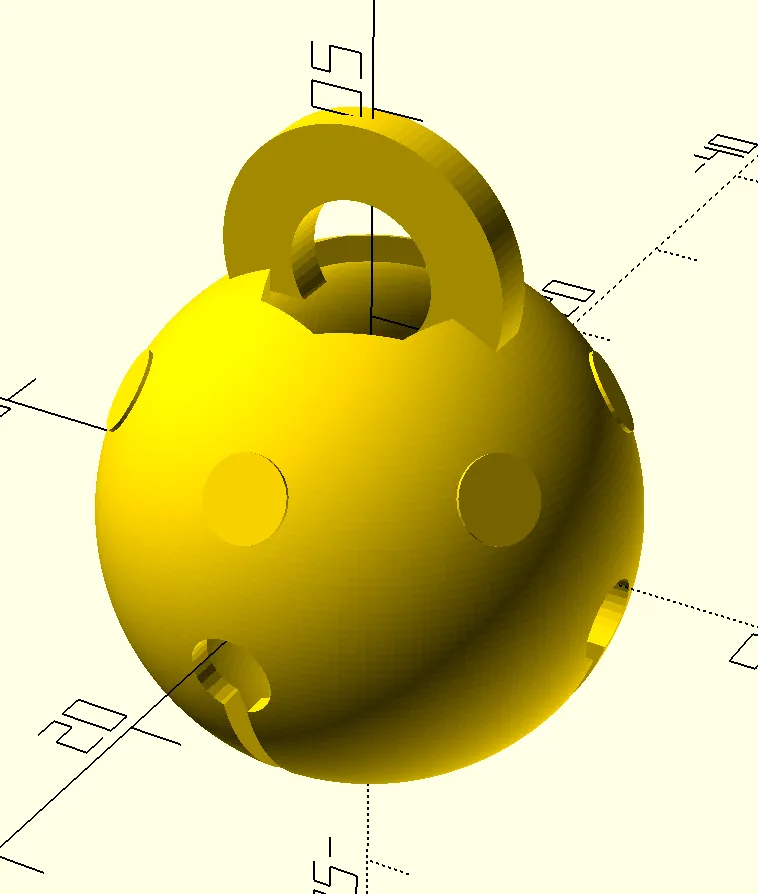
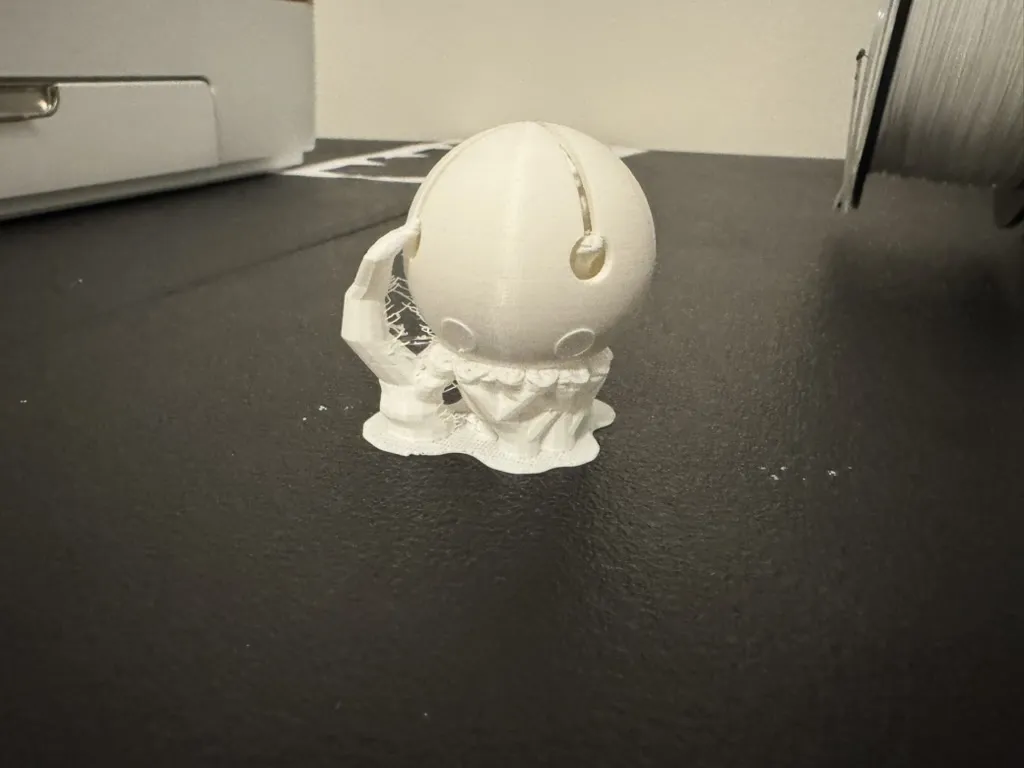
Ending thoughts
- Adding OpenSCAD rendering scaffolding to the Claude web interface/desktop app would be nice, and probably not too difficult to implement. Throughout this process, I had to iteratively copy-paste Claude’s output into the OpenSCAD application.
- Clearly Claude can do basic shapes quite well. But it starts to fall apart when you want to do something more elaborate, like the locking mechanism I attempted. It’s possible that more elaborate prompt engineering could make it work.
- I wonder how OAI’s O1/O3 models with chain-of-thought would perform on this task. I don’t want to pay for it so I’m not going to attempt it.
- I wonder how open weight models would perform on this task. I can run llama3.2 on my M3 Mac at ~96 tokens/second, so assuming it works well enough, it’s viable.
- If I were to give separate models the same prompt, how would the model designs differ? How many steps would it take to get a “good enough” output?
- When will we be able to make an AI agent that builds a robot that it controls in meat-space? And is this the first step?
- I don’t think I’m a CAD luddite anymore – I want to learn it for more elaborate tasks. I can imagine a workflow where I start off with a basic design with LLMs and then add fine details in CAD software. Through some quick research, I see that Fusion 360 now has the option to use generative AI to make 3D models for you to machine (although it is a paid feature).