Scribiz: Transcript Generator for Any Video or Audio

Scribiz

2 min read Original article ↗

Free for videos up to 15 minutes. No account needed.

How it works

Get a video transcript in three steps.

  1. 1

    Paste a link

  2. 2

    Scribiz reads the video

  3. 3

    Copy or download

In every result

Transcript, on-screen text, summary and chapters.

Modes and formats

Pick a mode, export any format.

Auto picks the cheapest way that works. SRT, VTT, TXT, Markdown and JSON keep the timestamps.

MCP server

Give Claude, Cursor or Codex the video.

Your agent reads the transcript and answers with links to the exact second.

Set up the MCP server

> Why are there two tides a day?youtu.be/tides-lecture

get_video_context1.4k tokens

ask_video0.1 min

Gravity weakens with distance, so the Moon pulls the near ocean harder than the far one. It is explained at 0:15 and the slide is at 0:00.

Mac app

Transcript app for Mac.

Your videos are never uploaded whole.

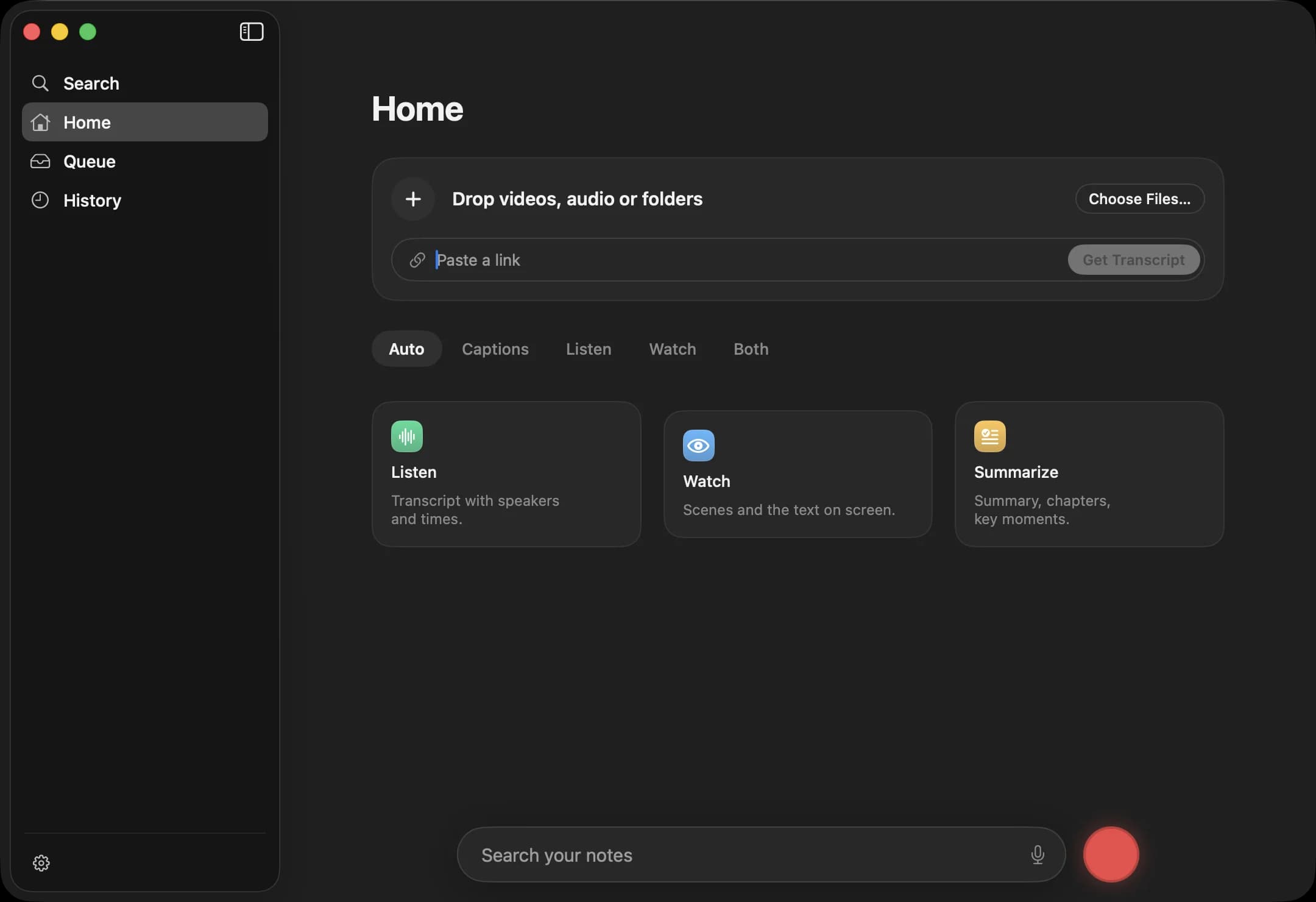
The Scribiz Mac app: Home with a drop zone and a link field, the Auto, Captions, Listen, Watch and Both modes, and at the bottom a search field and a red record button.

Download for Mac

Pricing

Free to start. Pay for minutes.

Free

Paste a link, no account needed.

  • 10 minutes a day without an account
  • 30 minutes a month with a free account
  • Videos up to 2 hours with an account
  • 30 YouTube caption credits, once

Pro

For people who work with video every week.

  • Everything in Free, plus:
  • 600 minutes a month
  • Videos up to 6 hours
  • Ask questions about any video
  • Top-ups that never expire

14-day full refund. Cancel any time.

Mac Lifetime

The Mac app, yours for life.

  • Everything in Free, plus:
  • The Mac app, every 1.x update
  • 300 hosted minutes, once