Scala CLI combines all of the features you need to learn and use Scala in your scripts, playgrounds and (single-module) projects.
To get started you can read the documentation, or just install and enjoy scala-cli.
Scala CLI is the default Scala runner and is being shipped as scala along with scalac as part of the official language installation since Scala 3.5.0. (read more).

Intuitive, simple
No complicated mechanisms, tasks, plugins or extensions: just a single-module. All our commands have multiple aliases and follow well-known conventions.

Fast
Scala CLI is optimized to be as fast as possible. CLI is compiled to native code and compilations are offloaded to bloop.

Command-line first
Scala CLI does not require a configuration file, and all in-file configurations can be overridden by command-line. No additional installation or setup of an environment (such as a specific working directory) are required.
Who is Scala CLI designed for?
Install Scala CLI
Scala versions, dependencies and JVMs
Scala CLI is built on top of coursier
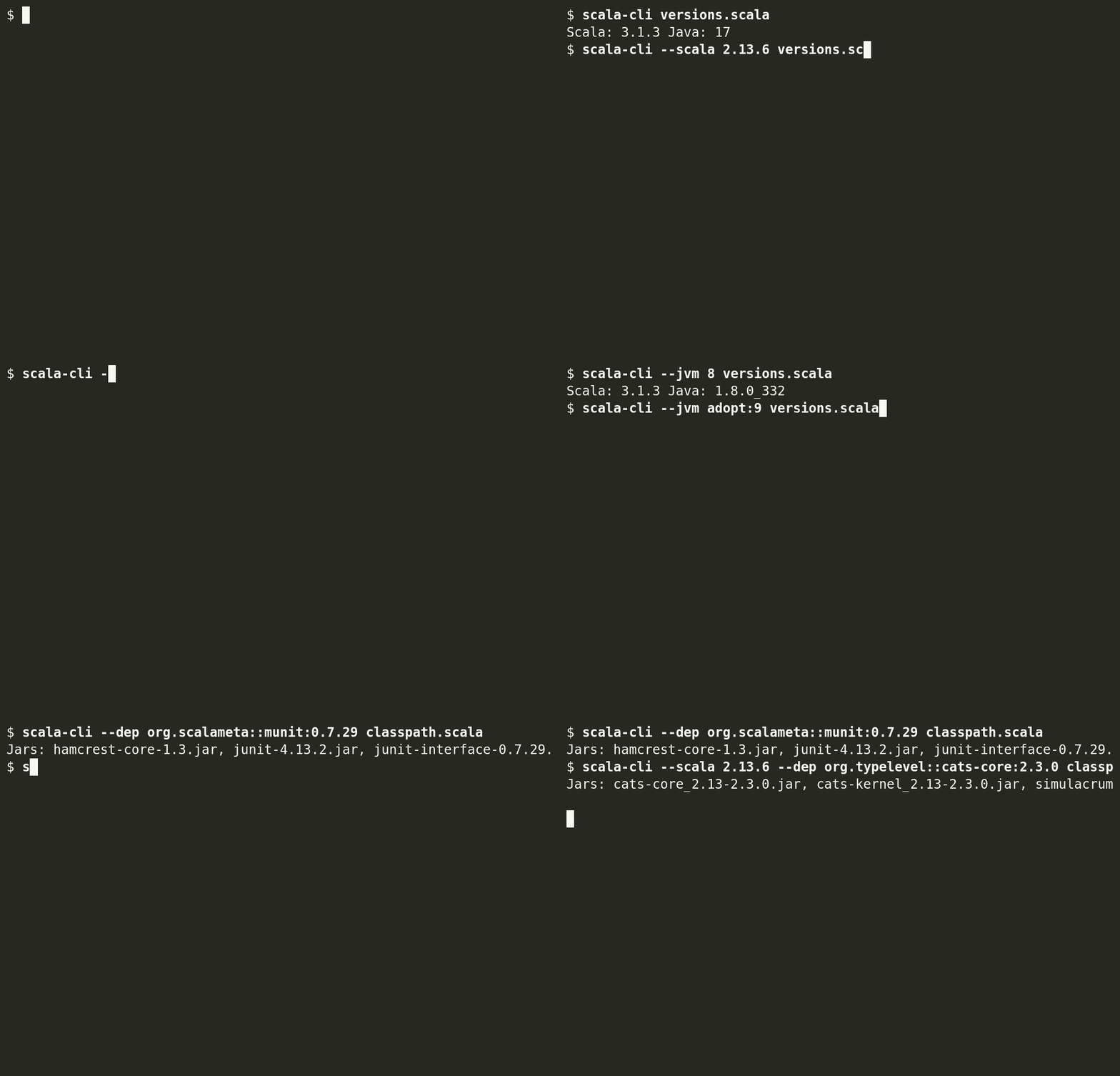
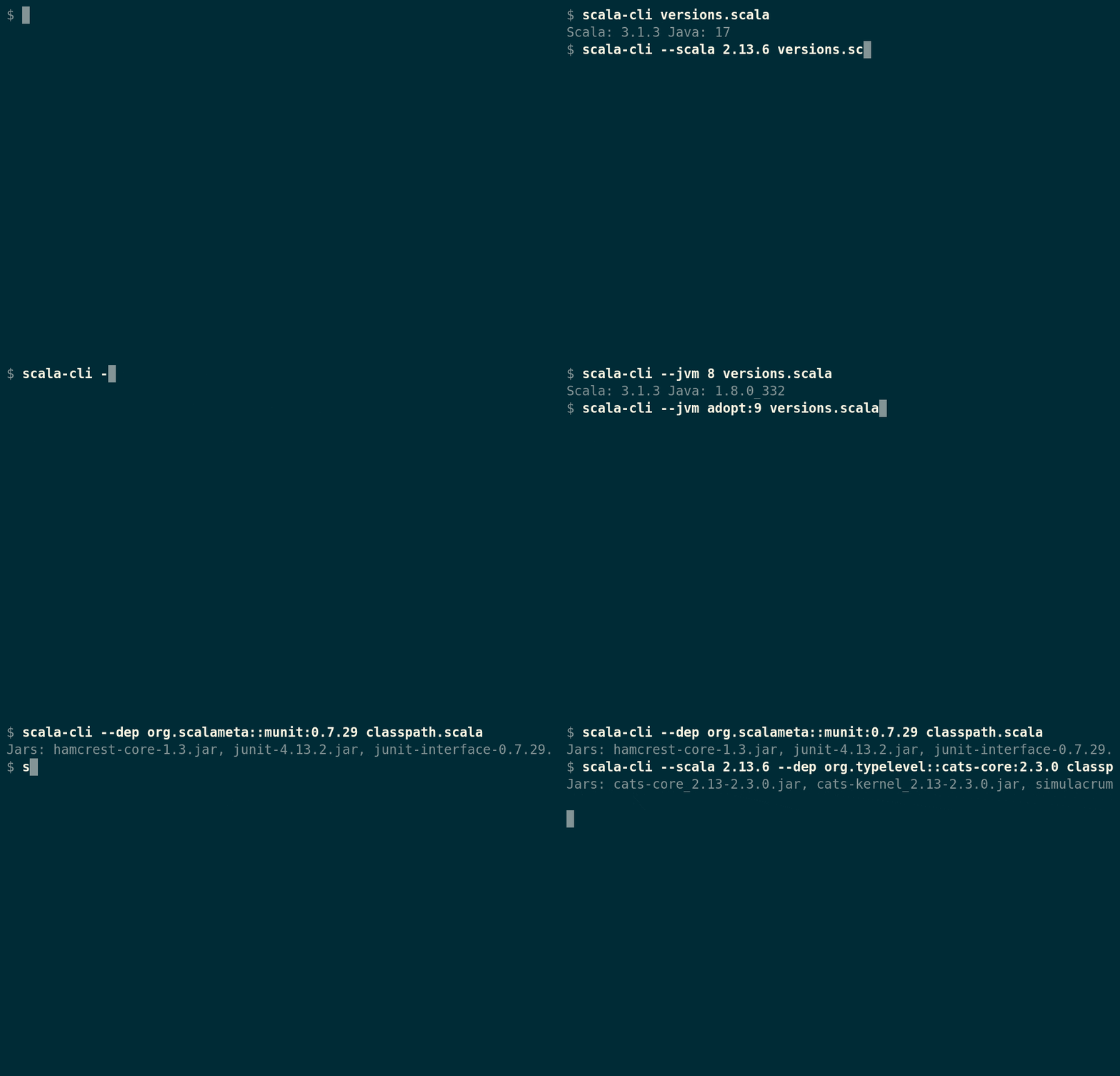
This allow us to manage Scala versions, dependencies and JVMs so you can test your code in different environments by changing single option.
Scala CLI ships with all its dependencies
No need to fluff with installing JVM or setting up PATH.
Universal tool
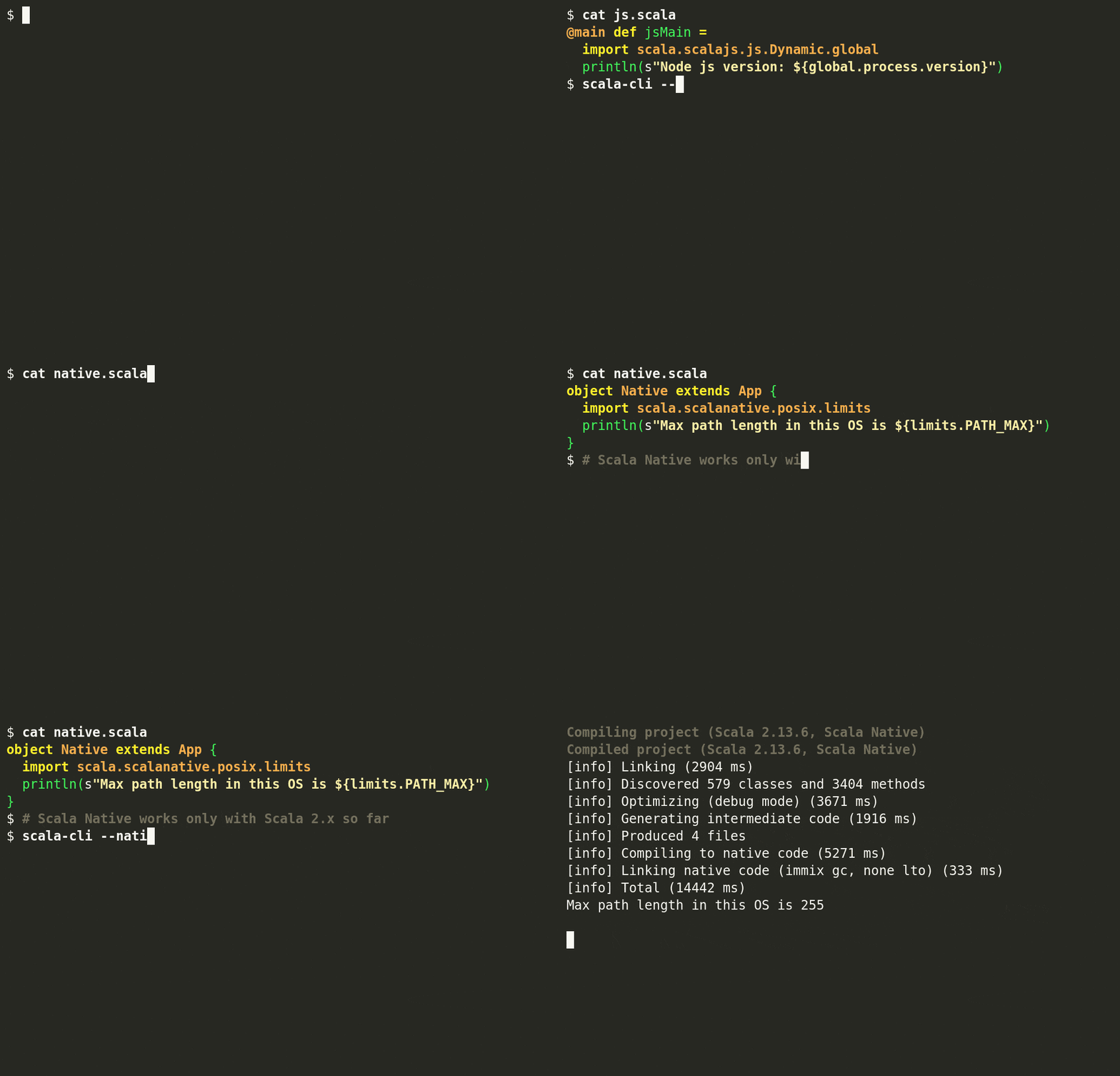
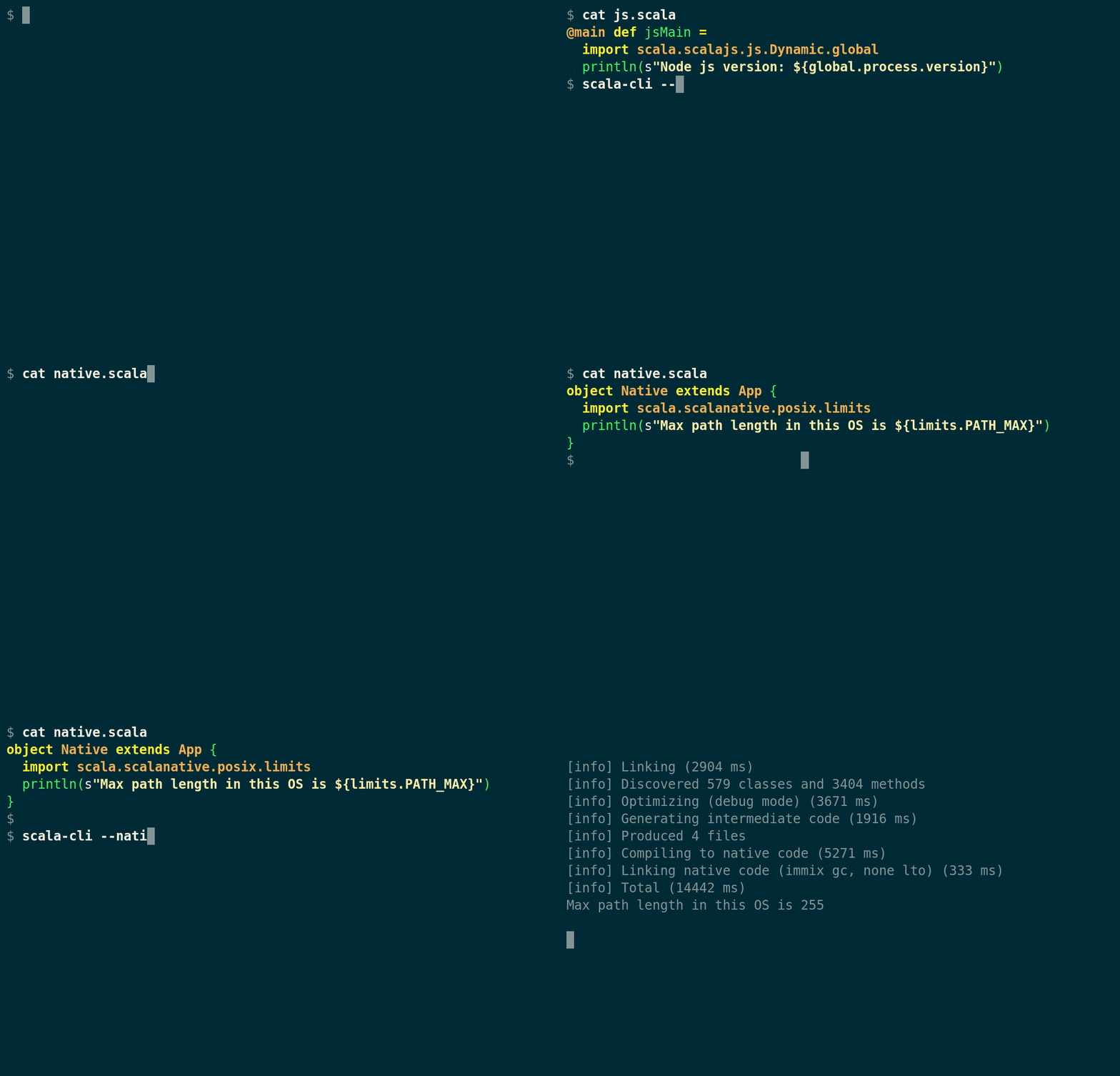
We do not call Scala CLI a build tool
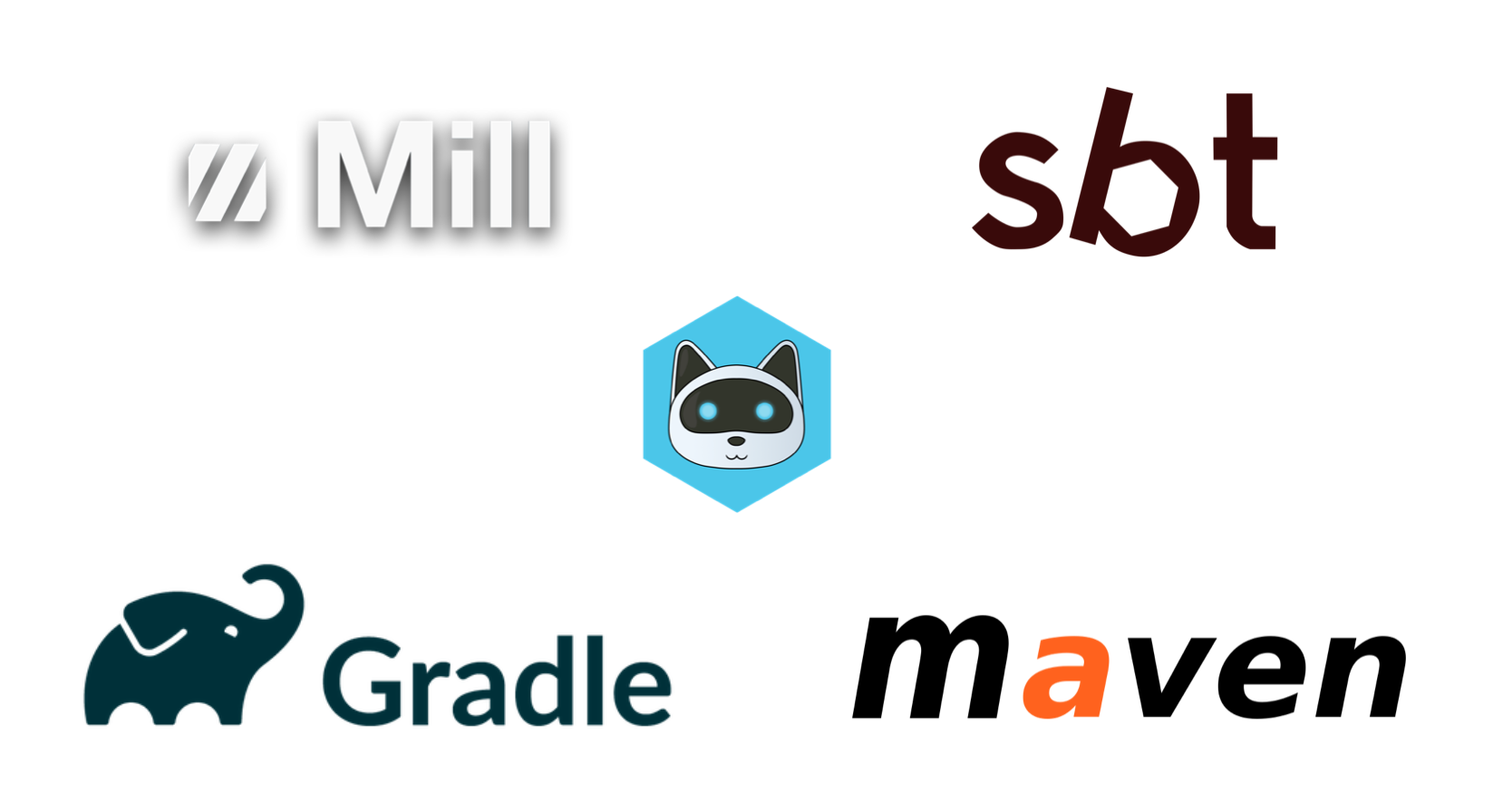
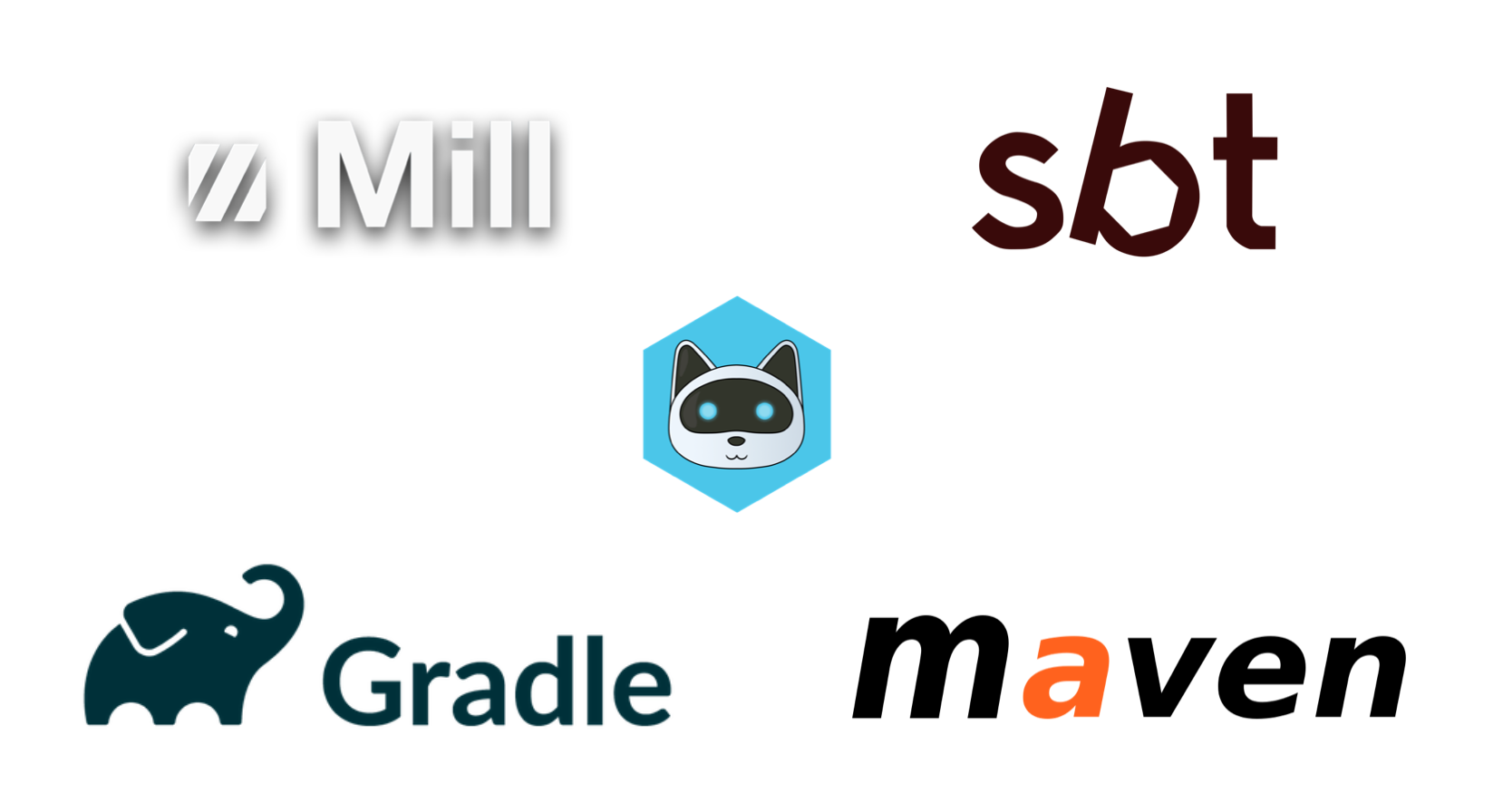
Scala CLI shares some similarities with build tools, but doesn't aim at supporting multi-module projects, nor to be extended via a task system known from sbt, mill or bazel.
Scala ecosystem has multiple amazing build tools, there is no need to create another multipurpose build tool.
Complete installation
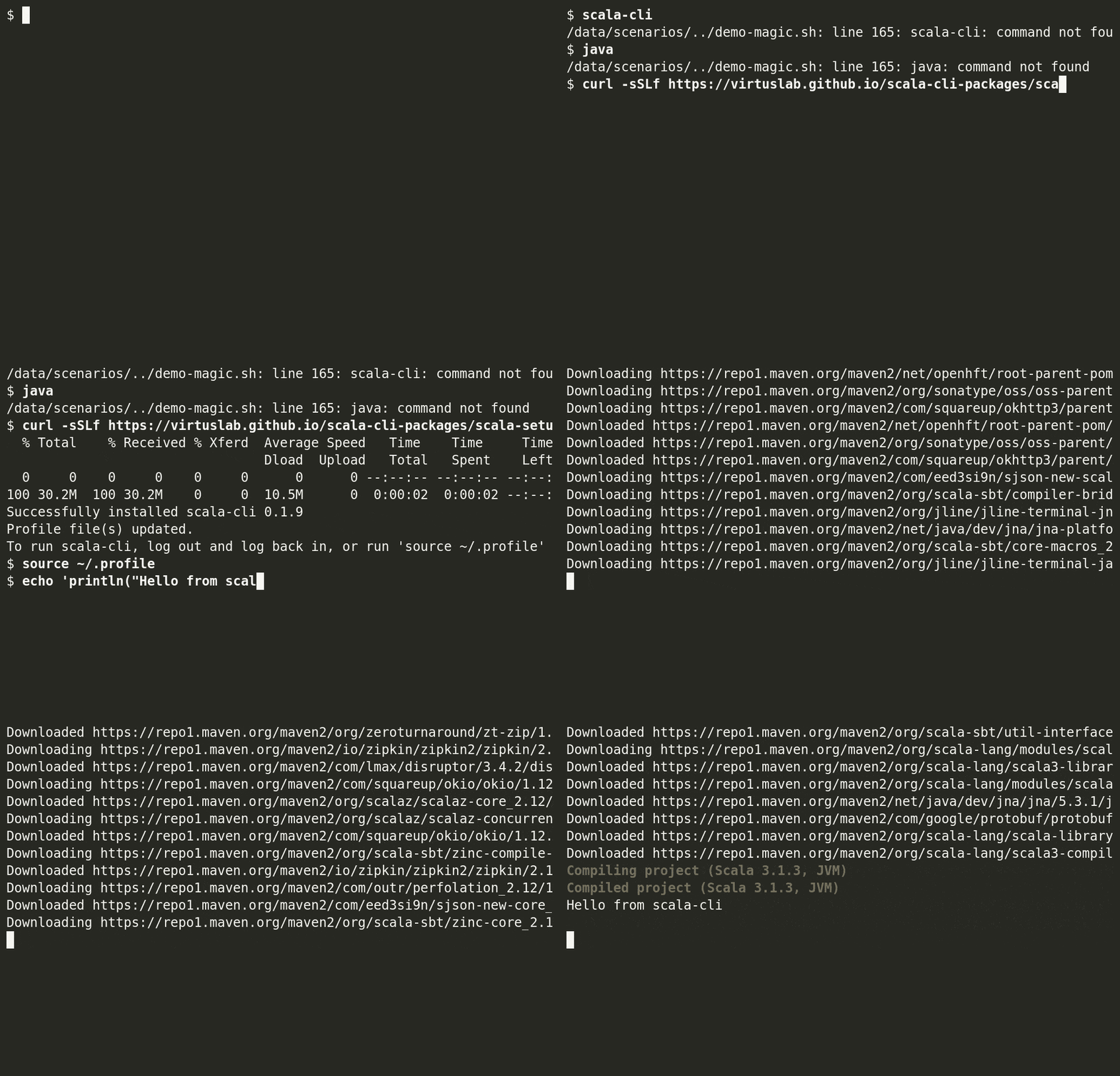
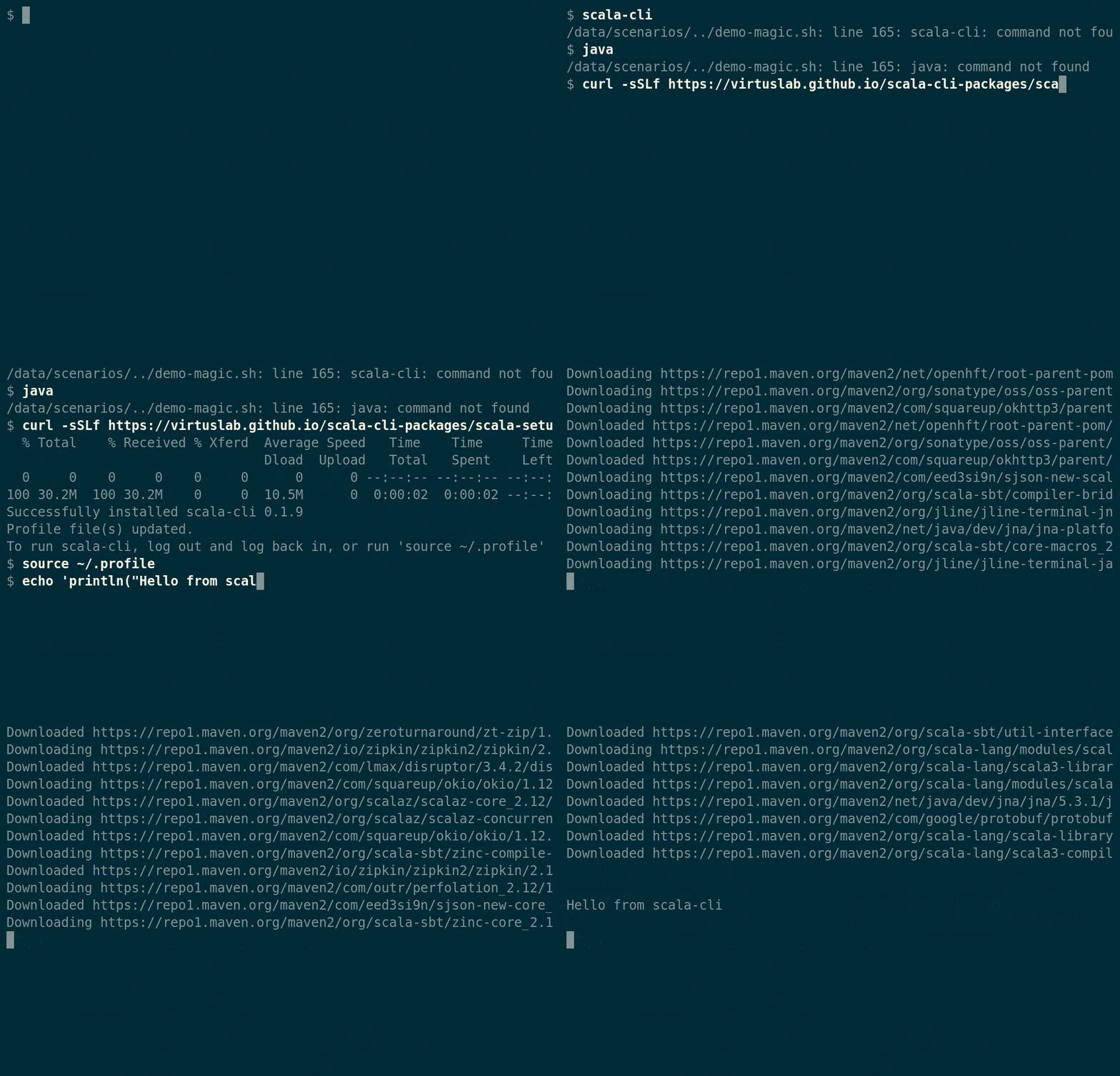
Scala CLI comes with batteries included. No additional installation is required, no more fluffing with setting up the correct Java version or PATH
Scala CLI manages JVMs, Scala and other used tools under the hood.
Solid defaults
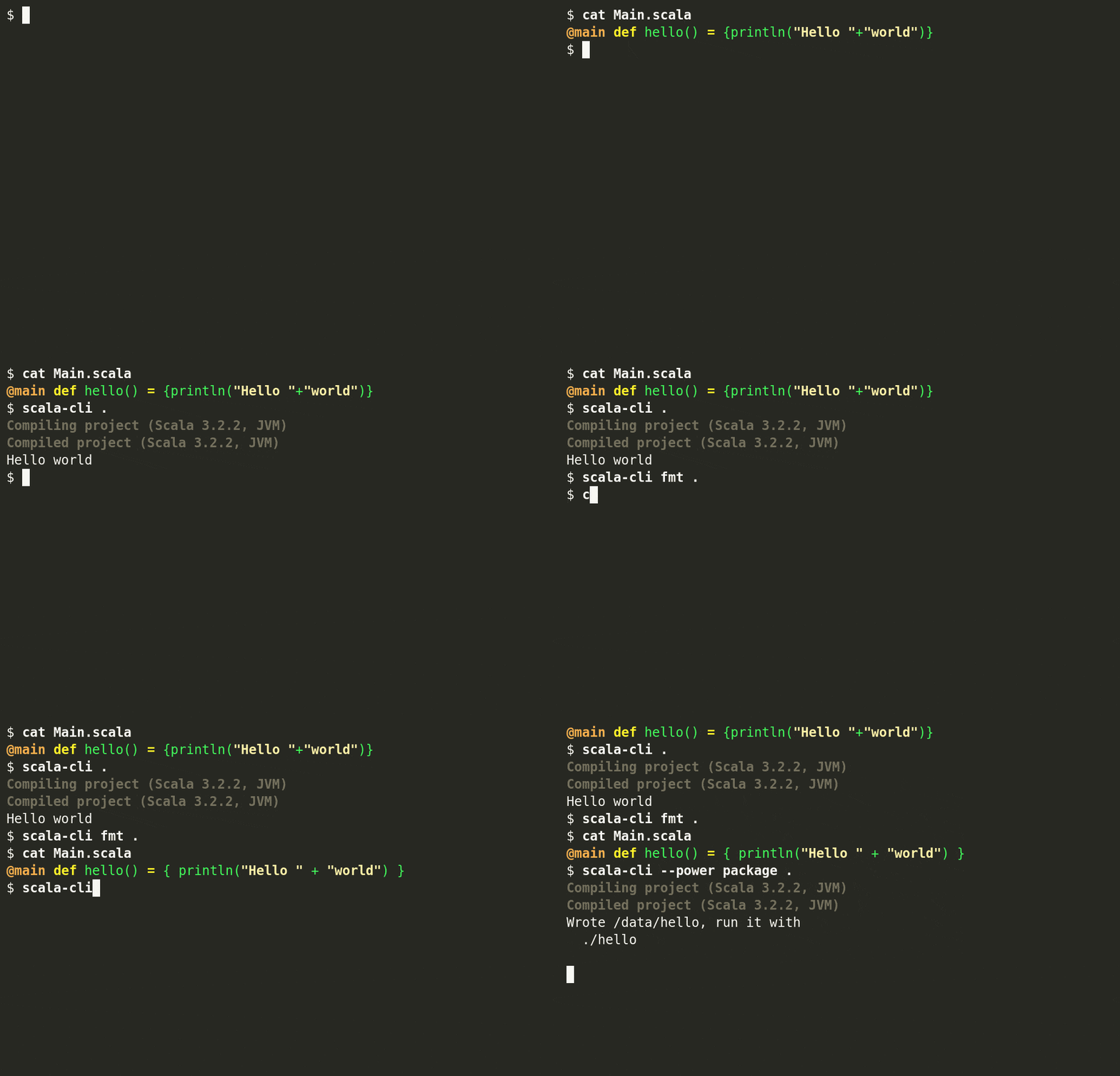
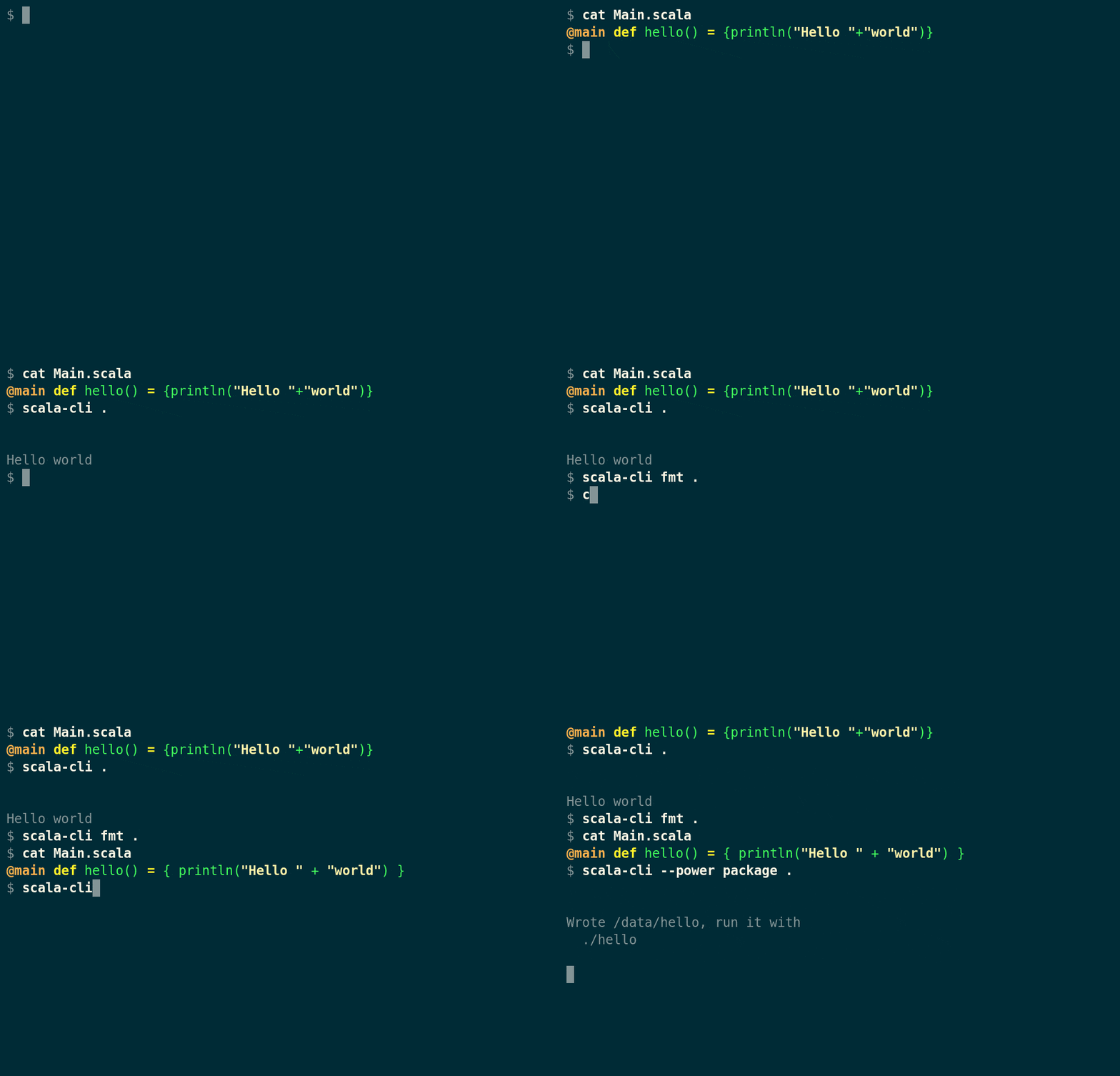
No additional configuration is needed to most Scala CLI commands.
Scala CLI is configured out of the box to use the latest stable versions and other commands such as formatter or compiler contain reasonable defaults.
No learning curve
Scala CLI does not use a complex configuration language, its options are simple and self-explanatory.
There are no big differences in running repl or .scala files so expanding the results of repl session into a small project does not require learning new concepts from Scala CLI perspective

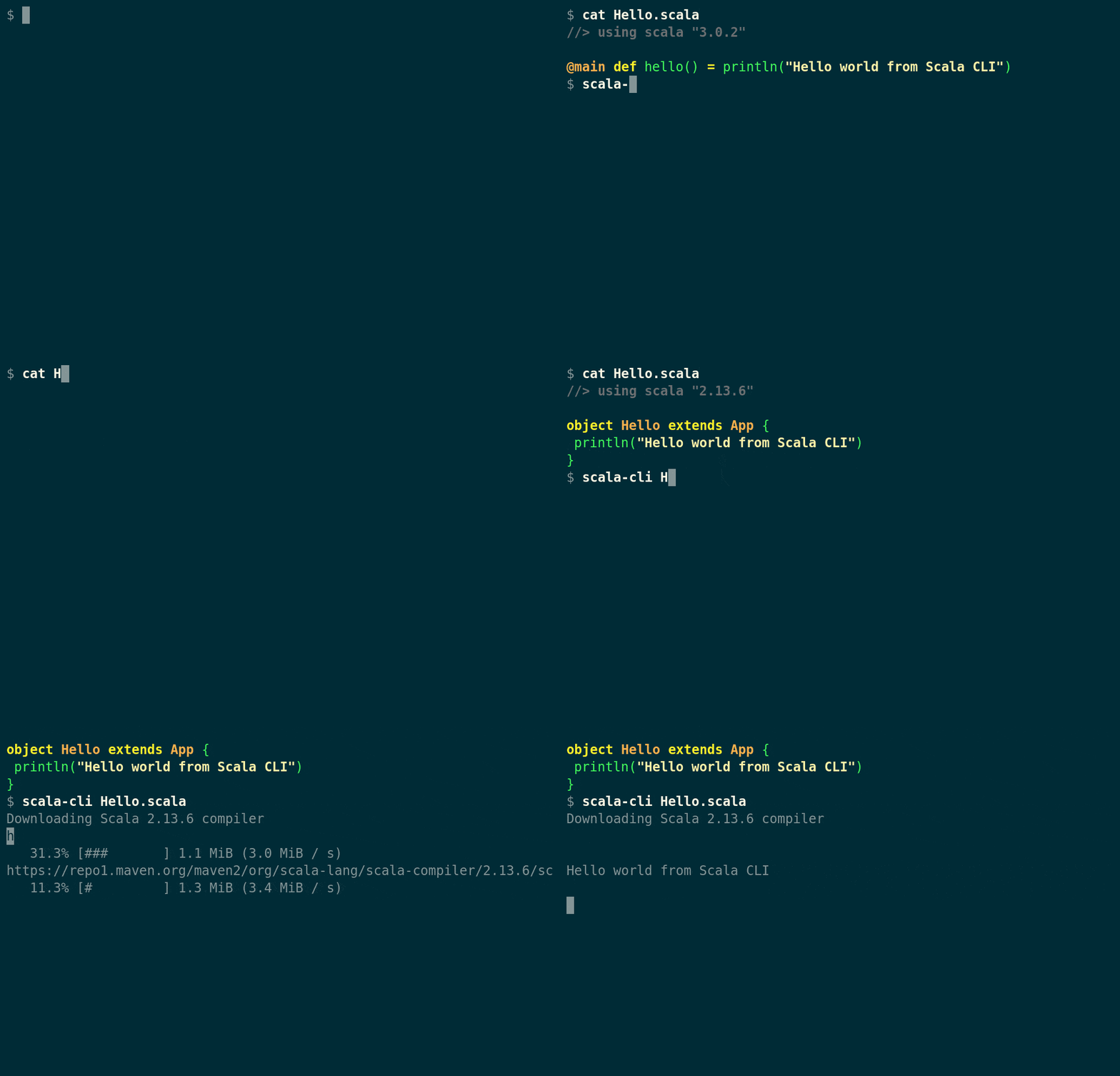
Scripts are as powerful as other programs
Scripts in Scala CLI can use dependencies and other features as standard Scala programs. Scala CLI is command-line first, giving access to all its features without the need for any configuration files or specific project structure.
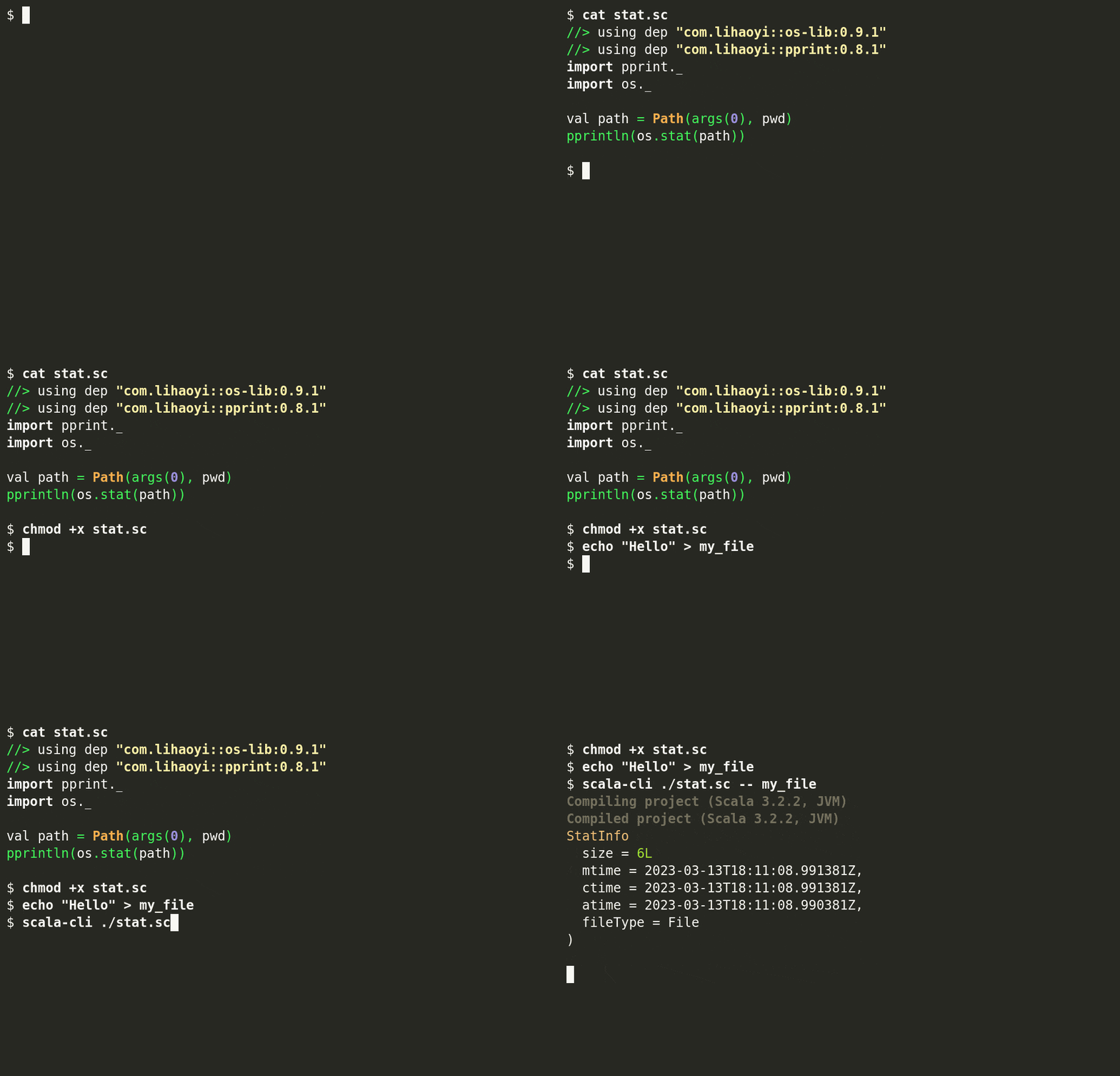
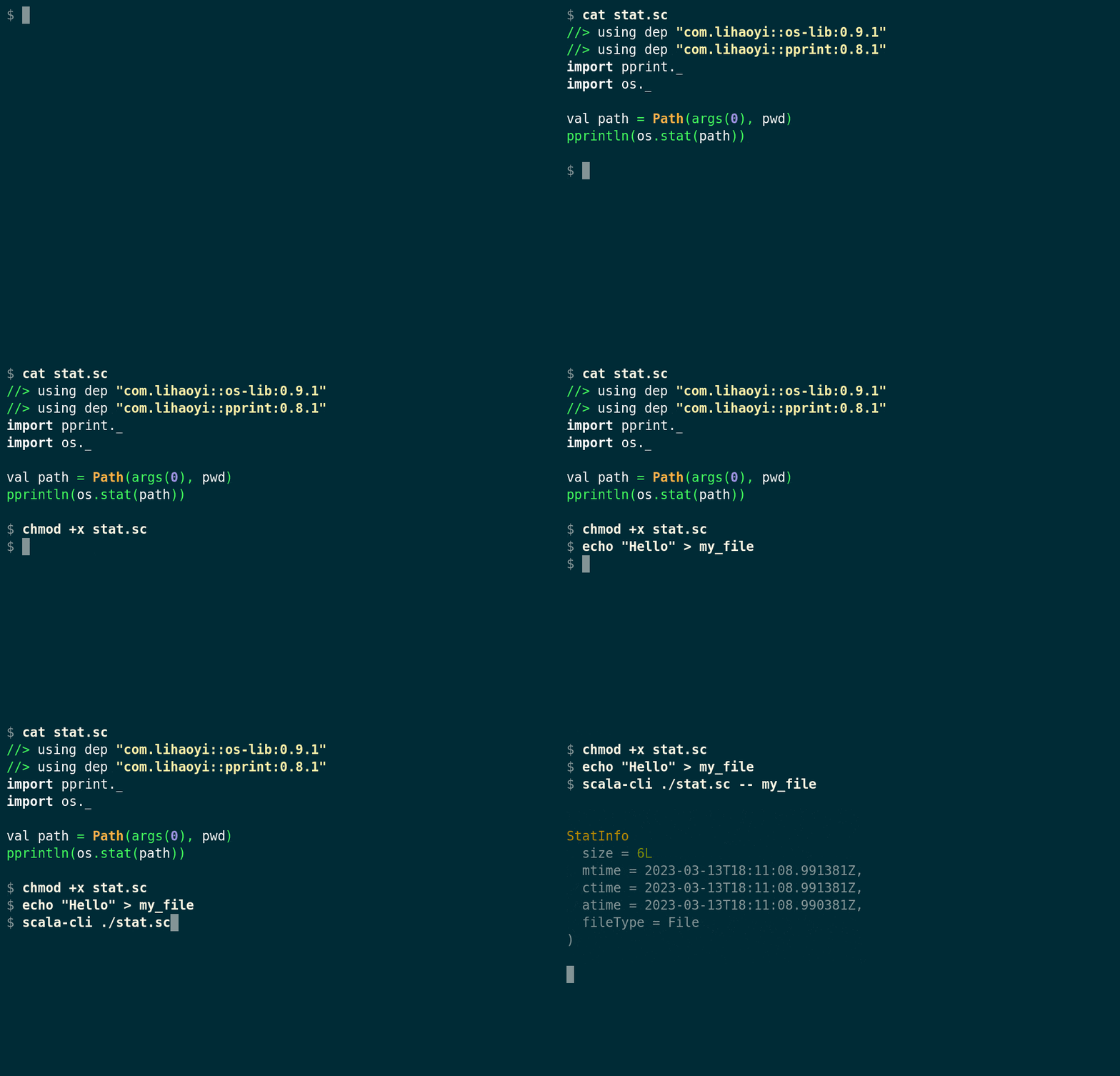
Embeddable Scripts
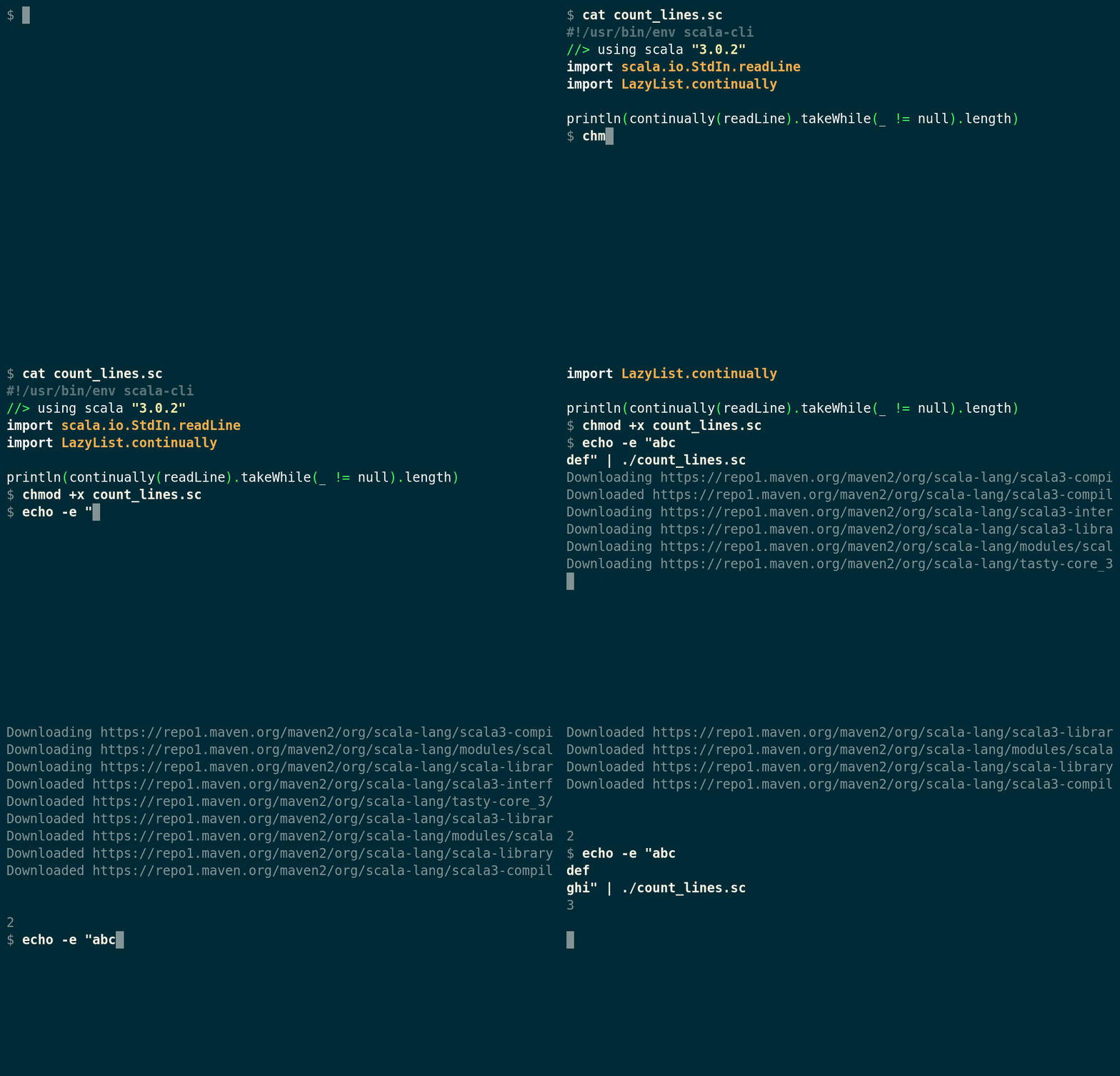
Scala CLI can be set up in shebang lines, making your *.scala or *.sc (or even .java or .md!) files runnable.
Scala CLI supports piping inputs and is designed to be embeddable in other scripts, turning Scala into proper scripting language.
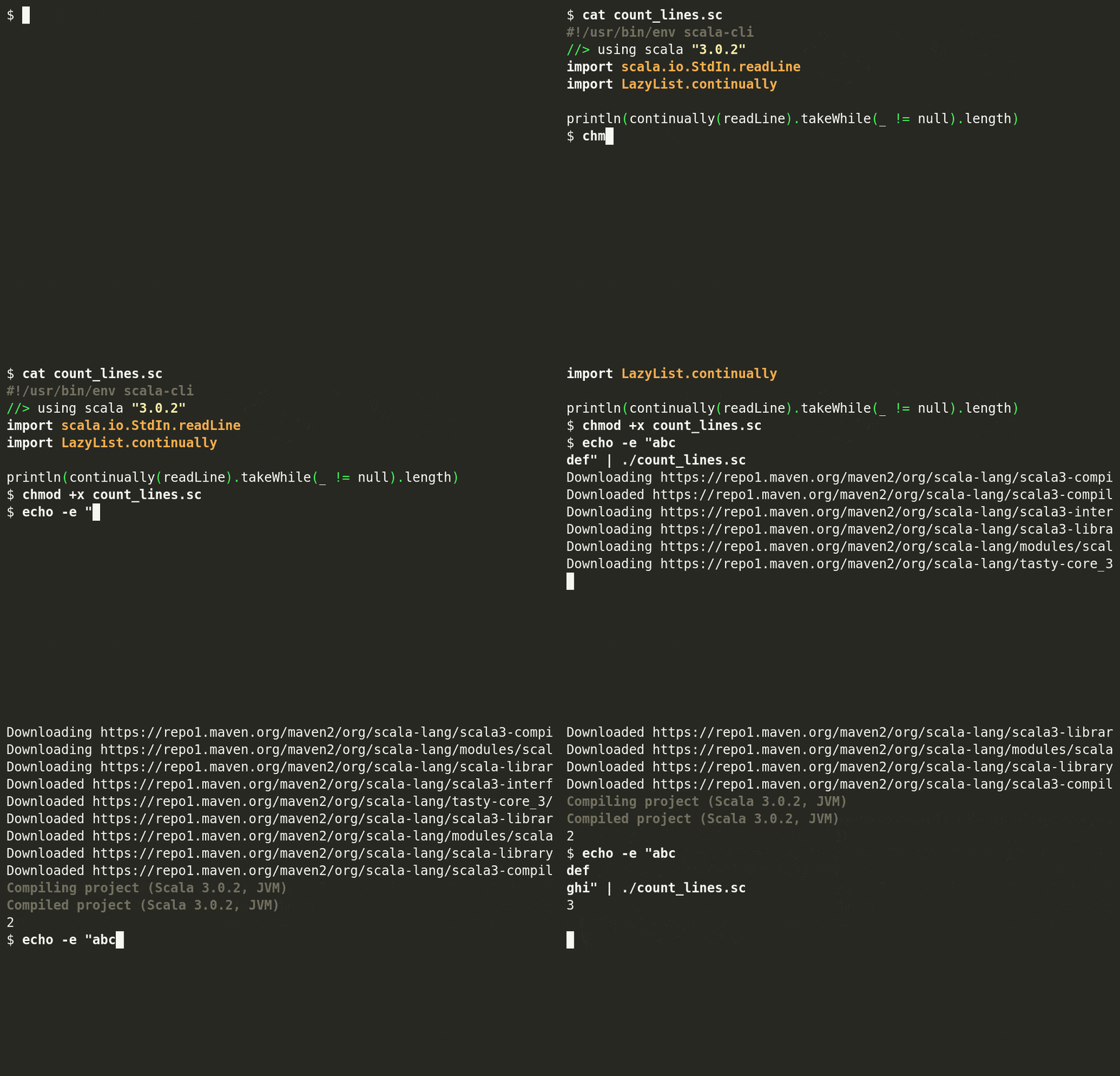
Self-contained examples
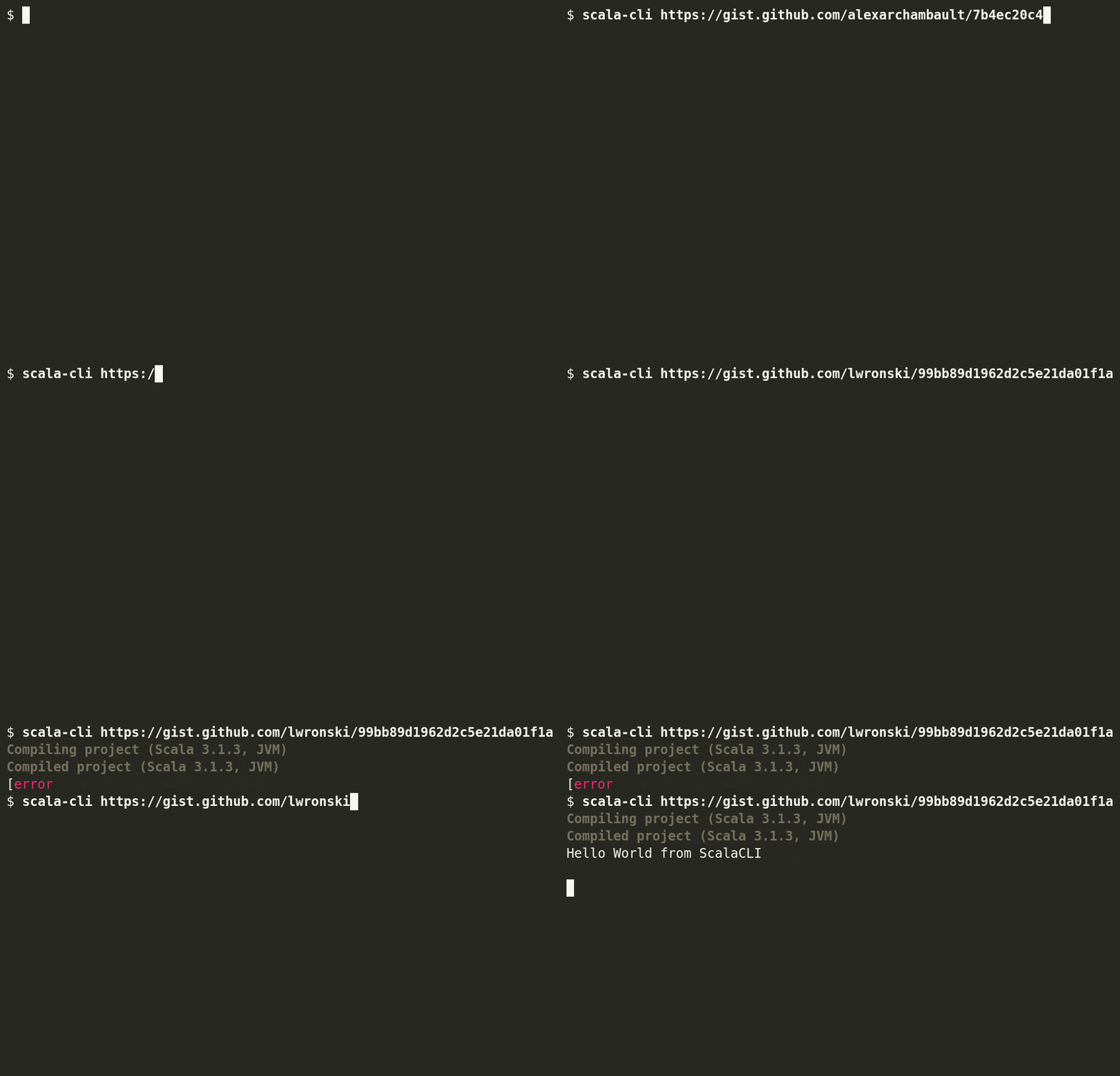
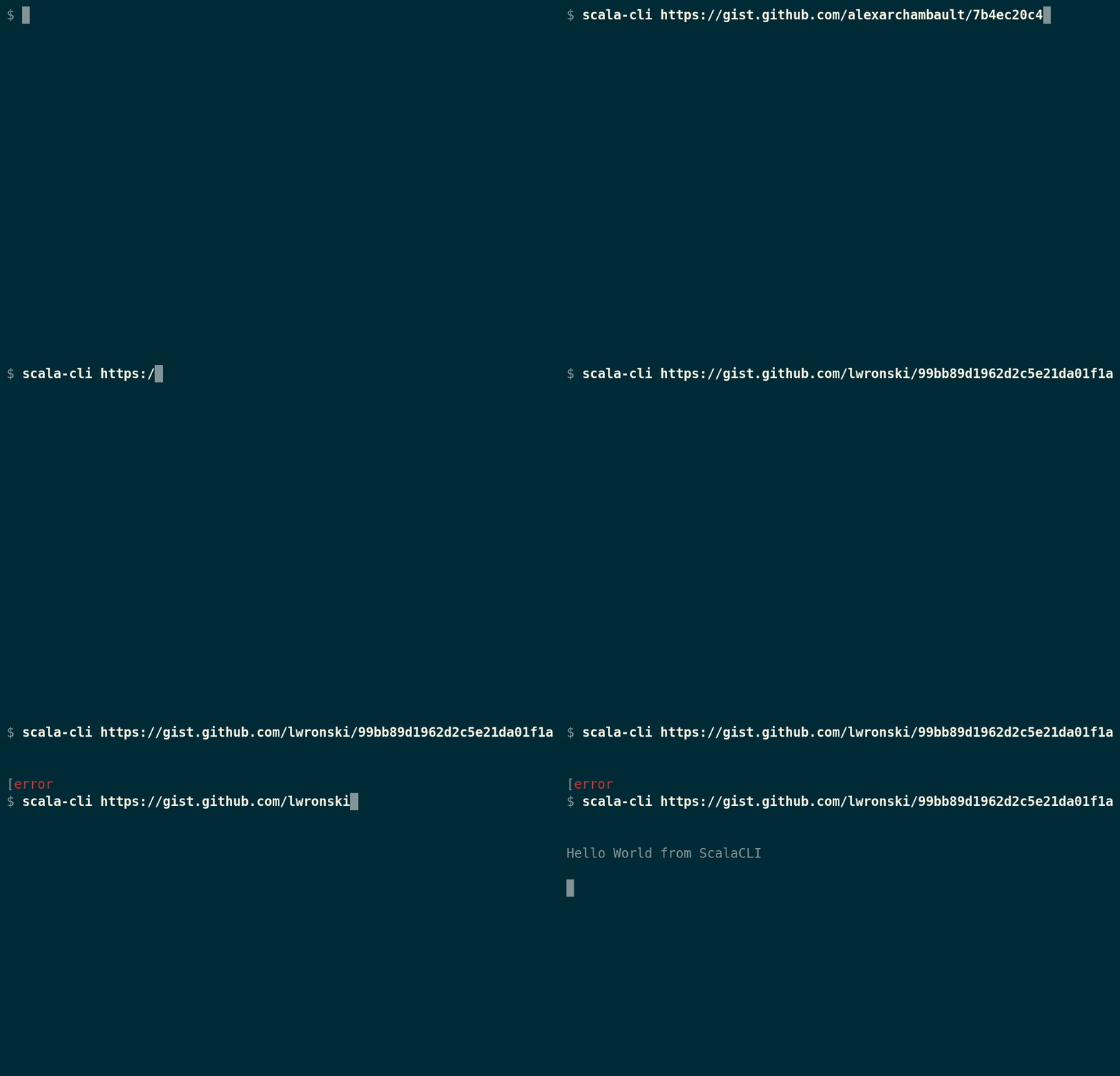
With Scala CLI, configuration can be included in source code so complex examples can be self-contained and shipped as e.g. gist. Moreover, Scala CLI can compile, run and test gists without any manual work!
Scala CLI is the perfect tool to submit and reproduce bugs.