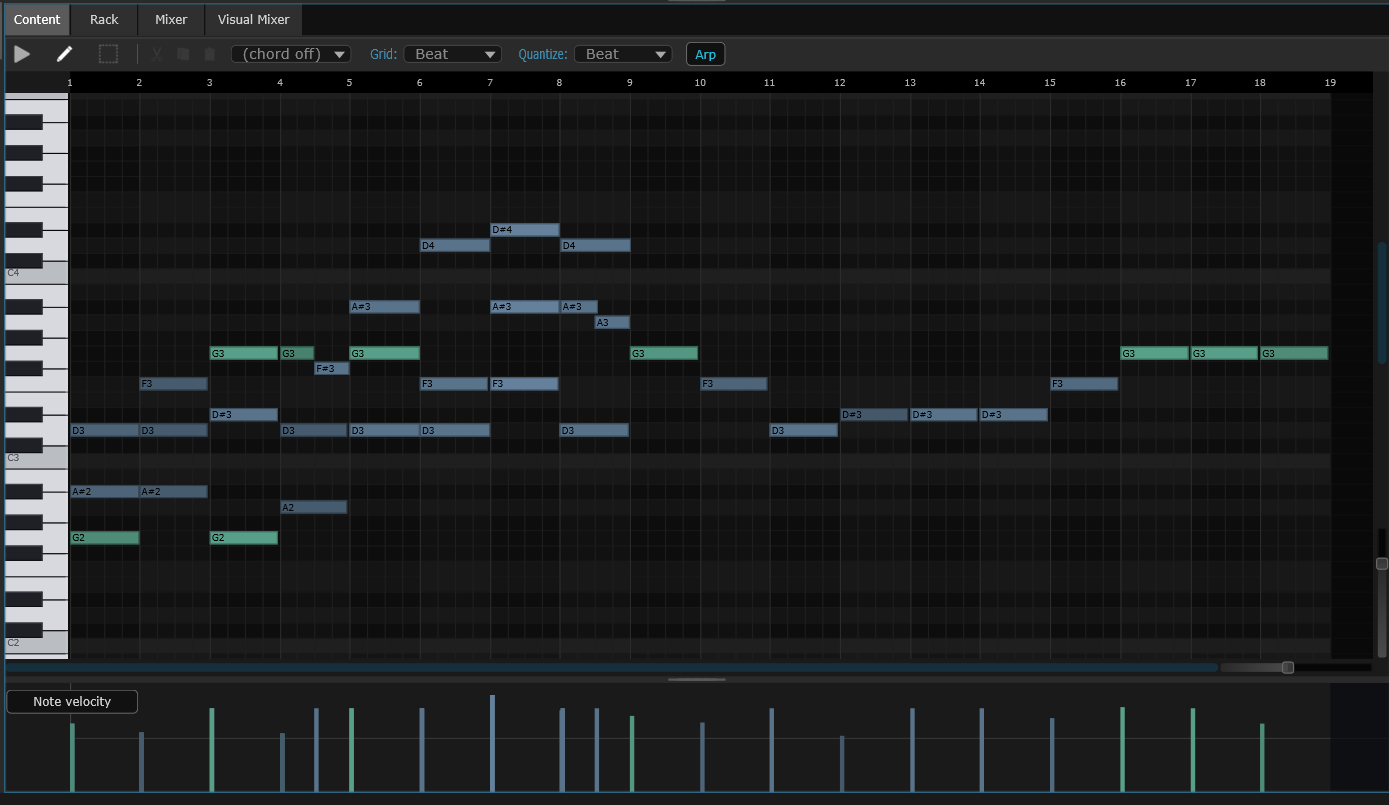
Note editor
Write and edit notes.
Draw notes on a piano-style grid, choose how loud each one is, and let the editor highlight the right scale. Type with your computer keyboard if you don't have a piano controller.
Everything you need to make a song — instruments, drums, effects, recording and mixing — in one app. Free. No account, no subscription.
Price Free
Built-in sounds 12 instruments · 27+ effects
Edit Notes · Audio · Drums
Export WAV · MP3 · separate tracks
Plug-ins Bring your own (VST3)
Works on Windows, Mac & Linux
SANDYNE — carrie5.sand 72 BPM · 4/4 · C MAJOR
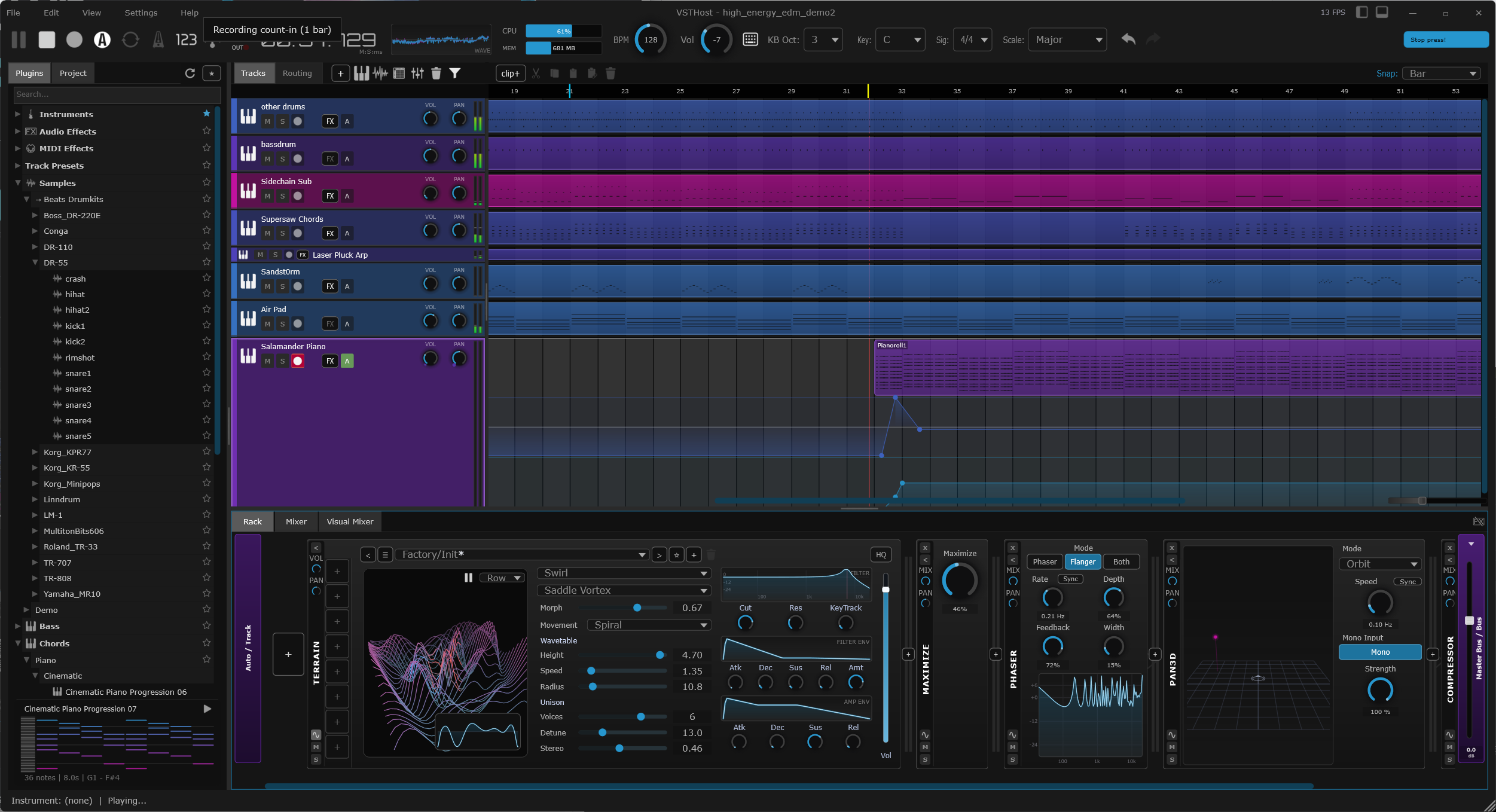
Track types Instrument · Audio · Drums · Group
Your plug-ins VST3 instruments & effects
Editors Notes · Audio · Drums
Mix Groups · Ducking · Master
Save as WAV · MP3 · separate tracks
For pros Optional command-line tools
01 · Demo
A short look at the app working — building a beat, adding sounds, and putting a song together. No talking, just the app.
● REC — Beats.mp4 PLAYBACK · LOCAL
02 · Editors
Notes, audio recordings, and drum patterns all live on the same timeline. Double-click any clip to open the right editor for it.
Note editor
Draw notes on a piano-style grid, choose how loud each one is, and let the editor highlight the right scale. Type with your computer keyboard if you don't have a piano controller.
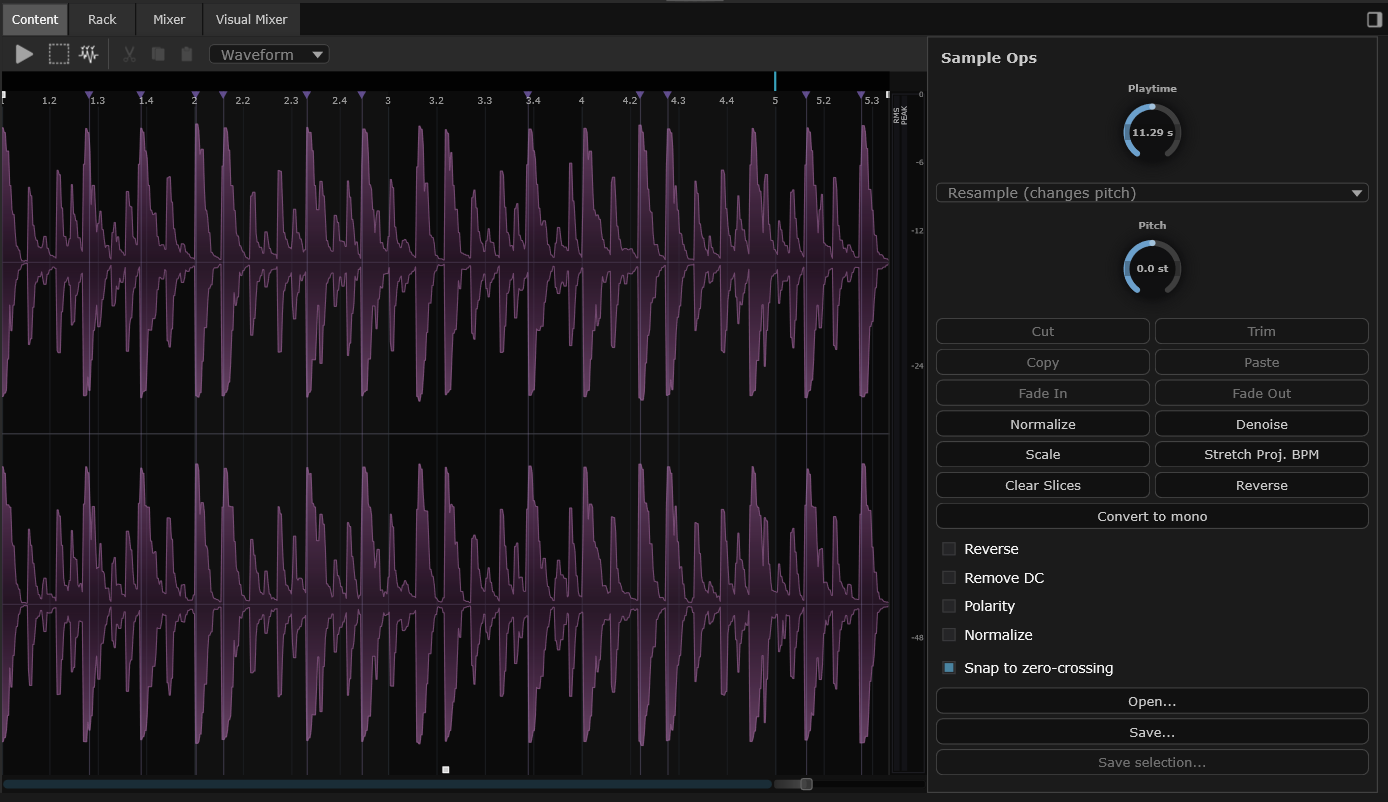
Audio editor
Browse and preview audio files, drag them onto the timeline, then trim, fade, or loop. You can even split a recording into separate parts — like pulling vocals out of a song — onto their own tracks.
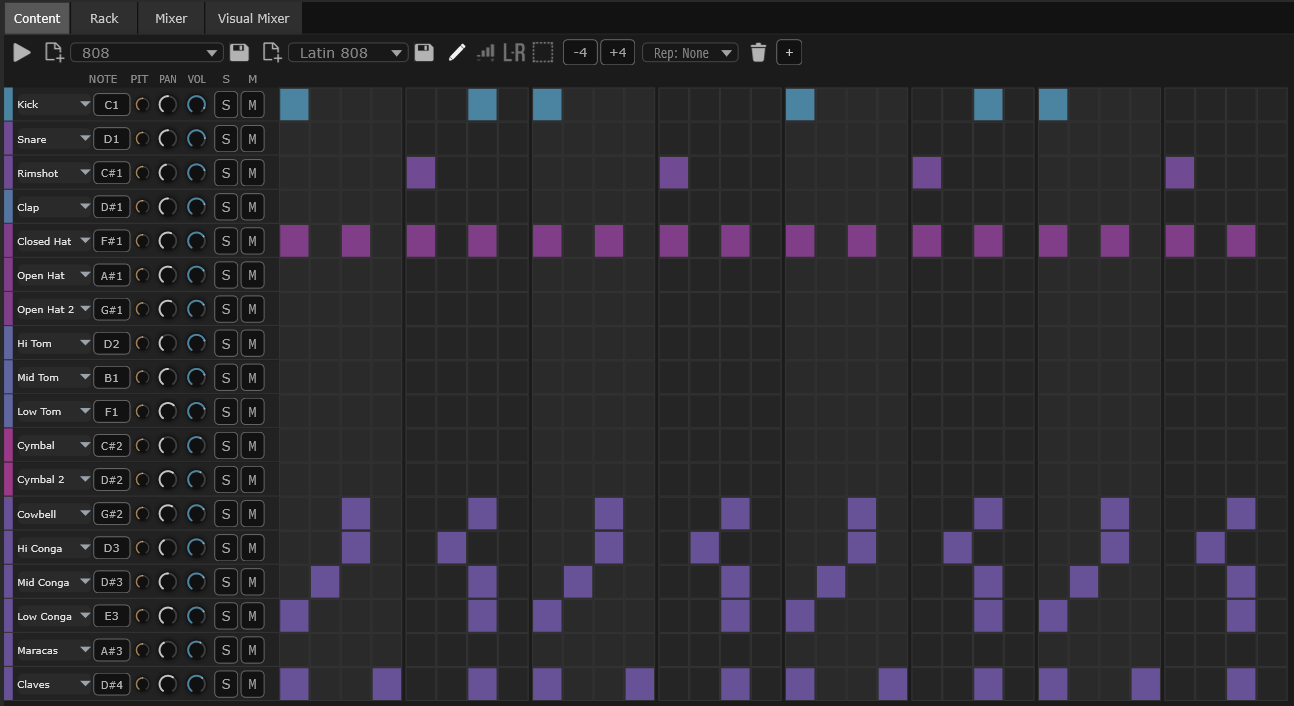
Beat editor
Tap out drum patterns on a grid. Choose how loud each hit is and where it sits in the speakers. Combine beats with melodies, recordings, and the rest of your song.
03 · Racks
Every track has a rack — a left-to-right chain you fill with MIDI effects, an instrument, and audio effects. Drag modules around to change the order. The signal flows through whatever you put there.
Rack · Pad · 6 modules MIDI → INSTRUMENT → AUDIO FX → MASTER

04 · Built-in instruments
Open the browser, drag one onto a track, play. You get real recordings of a piano, drums and orchestra, plus a set of synths for original sounds — so you have something to play from minute one.
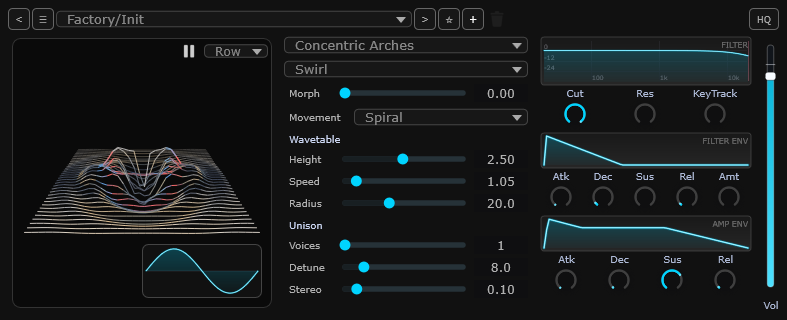
Synth
A synth that builds its sound by tracing a path across a moving 3D landscape. Great for evolving, otherworldly tones.
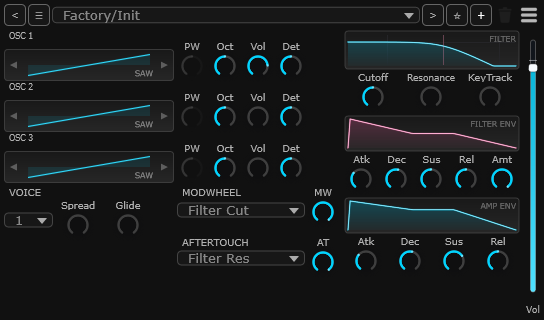
Synth
A classic synth for leads, pads, basses and arpeggios.
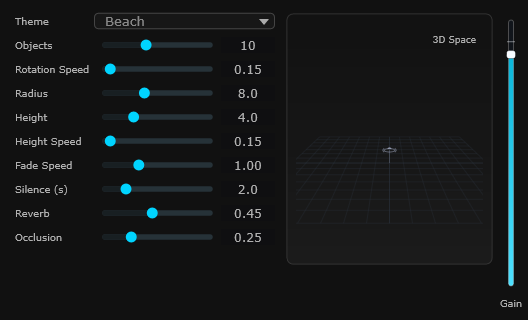
Synth · atmosphere
Slowly-evolving textures that never quite repeat. Perfect for backgrounds and atmosphere.
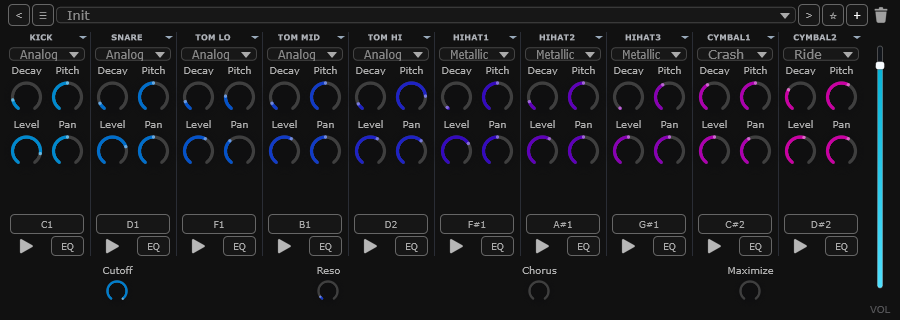
Drum machine
Punchy electronic drum sounds — kick, snare, tom, hi-hat, cymbals — generated from scratch instead of recordings.
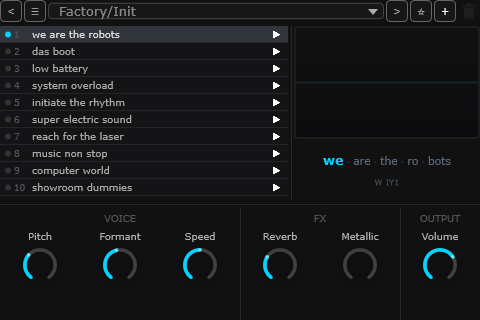
Synth · voice
A synthetic voice that sings short phrases. Great for talk-box-style hooks.
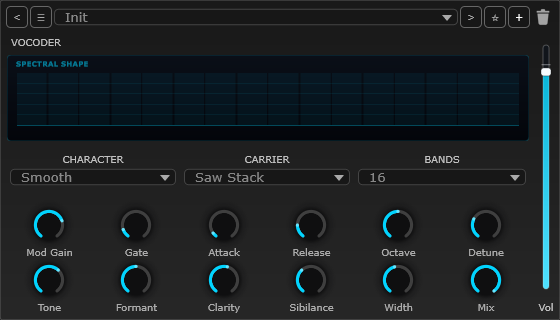
Synth · vocal
Sing or talk into it and a built-in carrier turns your voice into a playable, robotic instrument. Classic vocoder hooks and synth-choir pads, with formant and band controls.
Terrain
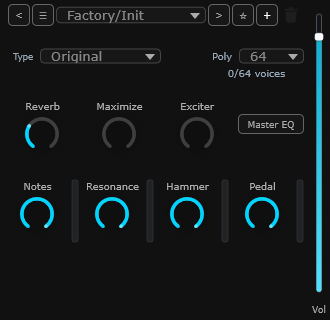 Piano
Piano
Syna
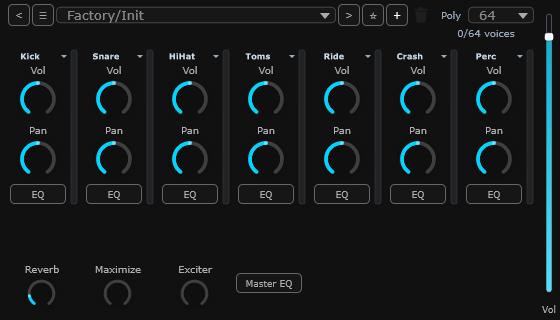 Drums
Drums
Ambient
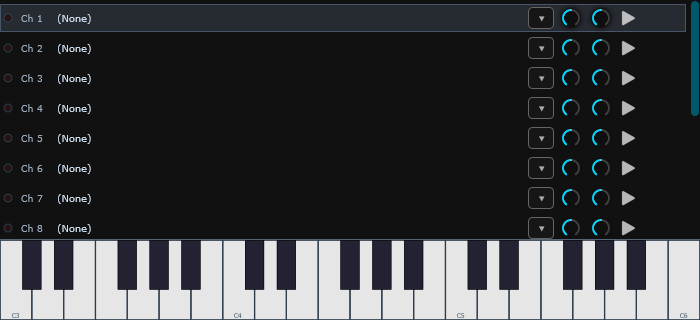 Orchestra
Robot
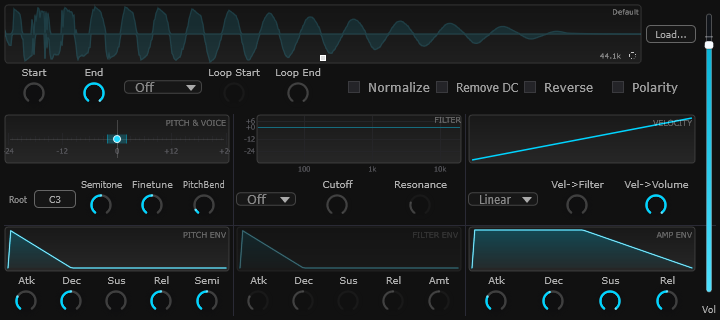 Sampler
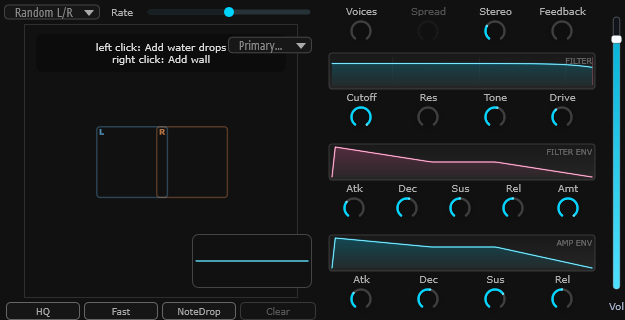 Water
Water
Analog Drums
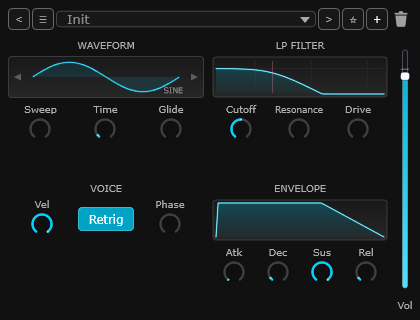 Sub
Sub
Vocoder
Terrain
Piano
Syna
Drums
Ambient
Orchestra
Robot
Sampler
Water
Analog Drums
Sub
Vocoder
━━━ COMPLETE INSTRUMENT LIST ━━━
01 Piano Recordings of a real grand piano. Recorded
02 Drums Recordings of a real drum kit. Recorded
03 Syna Classic synth for leads and pads. Synth
04 Ambient Evolving background textures. Synth
05 Water Watery, rippling tones. Synth
06 Orchestra Strings, brass and woodwinds. Recorded
07 Sampler Play any audio file like an instrument. Sampler
08 Robot Synthetic voice that sings phrases. Synth
09 Terrain Synth that draws sound from a 3D landscape. Synth
10 Analog Drums Electronic drum machine. Drum machine
11 Sub Deep, focused bass synth. Synth
12 Vocoder Turns your voice into a playable instrument. Synth · vocal
→ Piano, Drums and Orchestra include extra sound files in the full download.
05 · Built-in effects
Built-in effects for making your tracks louder, warmer, more spacious, more distorted, or just easier to see. Use them on any track, or on the whole mix.
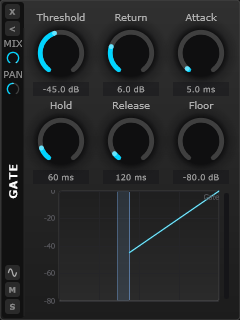 Gate
Gate
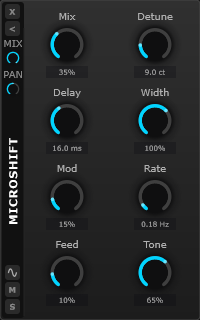 Microshift
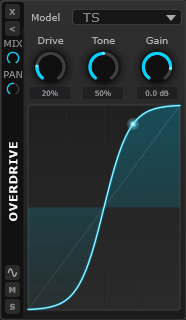 Overdrive
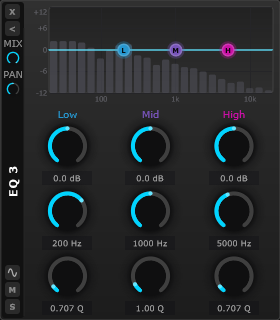 EQ Curve 3
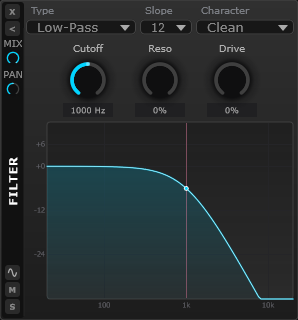 Filter
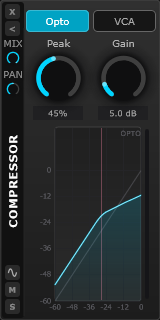 Compressor
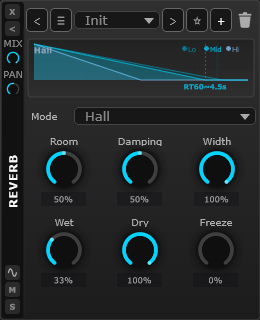 Reverb
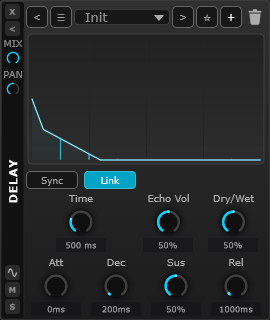 Delay
Delay
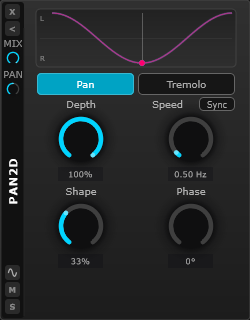 Pan 2D
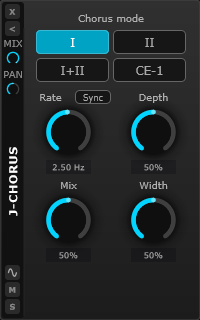 J-Chorus
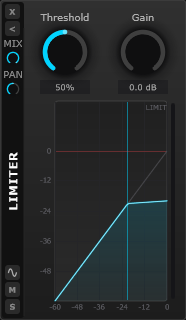 Limiter
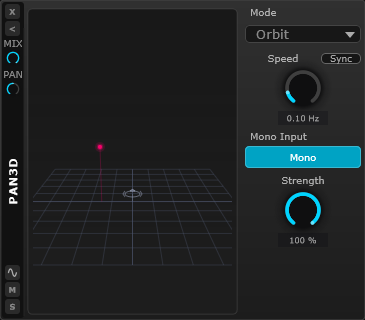 Pan 3D
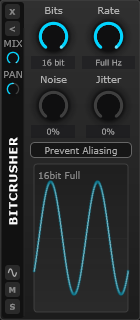 Bitcrusher
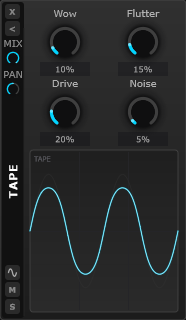 Tape
Tape
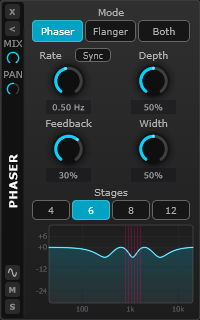 Phaser
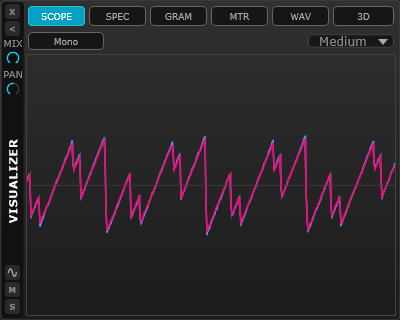 Visualizer
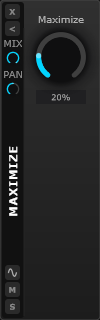 Maximizer
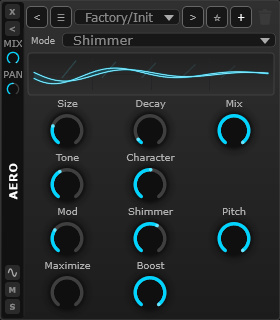 Aero Reverb
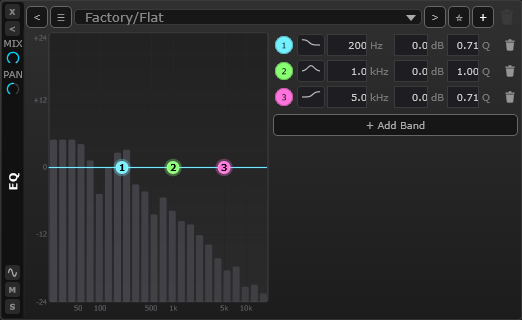 EQ Curve N
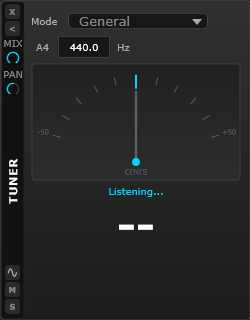 Tuner
Tuner
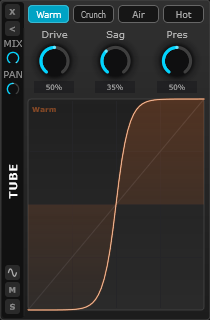 Tube
Tube
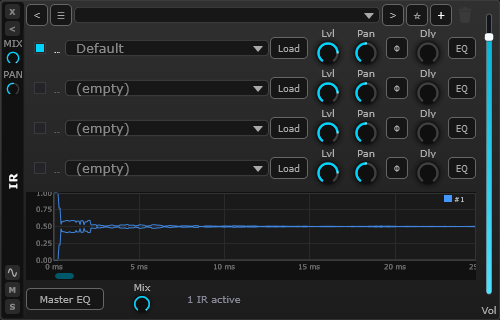 Cabinet IR
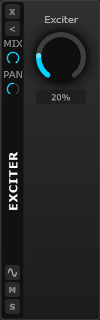 Exciter
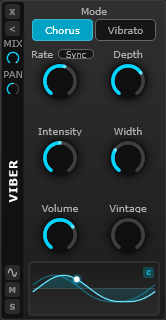 Viber
Viber
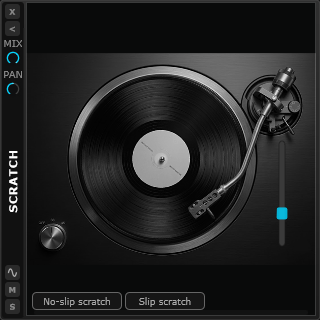 Scratch
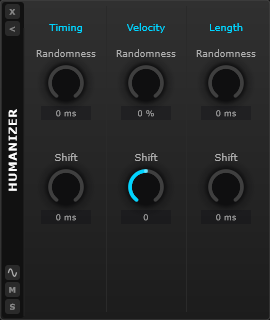 Humanizer
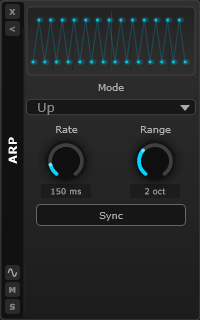 Arpeggiator
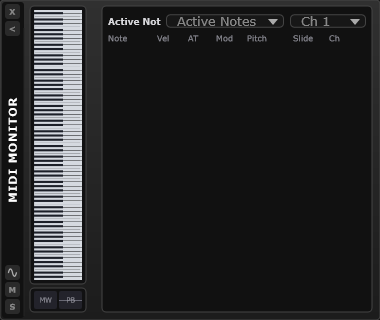 MIDI Monitor
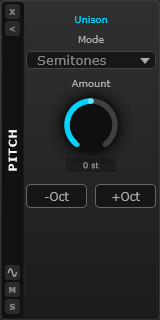 Pitch
Pitch
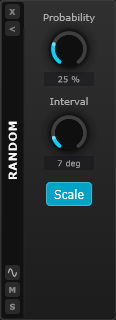 Random
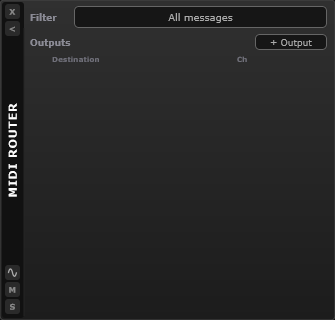 MIDI Router
Gate
Microshift
Overdrive
EQ Curve 3
Filter
Compressor
Reverb
Delay
Pan 2D
J-Chorus
Limiter
Pan 3D
Bitcrusher
Tape
Phaser
Visualizer
Maximizer
Aero Reverb
EQ Curve N
Tuner
Tube
Cabinet IR
Exciter
Viber
Scratch
Humanizer
Arpeggiator
MIDI Monitor
Pitch
Random
MIDI Router
Tone & balance 03
EQ Curve 3 EQ Curve N Filter
Volume & loudness 05
Compressor Limiter Maximizer Exciter Gate
Space & echo 03
Delay Reverb Aero Reverb
Movement & stereo 06
J-Chorus Phaser Viber Microshift Pan 2D Pan 3D
Warmth & grit 05
Overdrive Tape Bitcrusher Tube Cabinet IR
See & tune 03
Visualizer Tuner Scratch
MIDI & notes 06
Humanizer Arpeggiator MIDI Monitor Pitch Random MIDI Router
06 · Web interface
SANDYNE includes a built-in web interface. Open the page in any browser — phone, tablet, another laptop — and you can watch what's happening, record notes and audio, and tweak the mix without sitting in front of the main computer.
http://studio.local:58371 LIVE · 9 TRACKS · 39 CLIPS
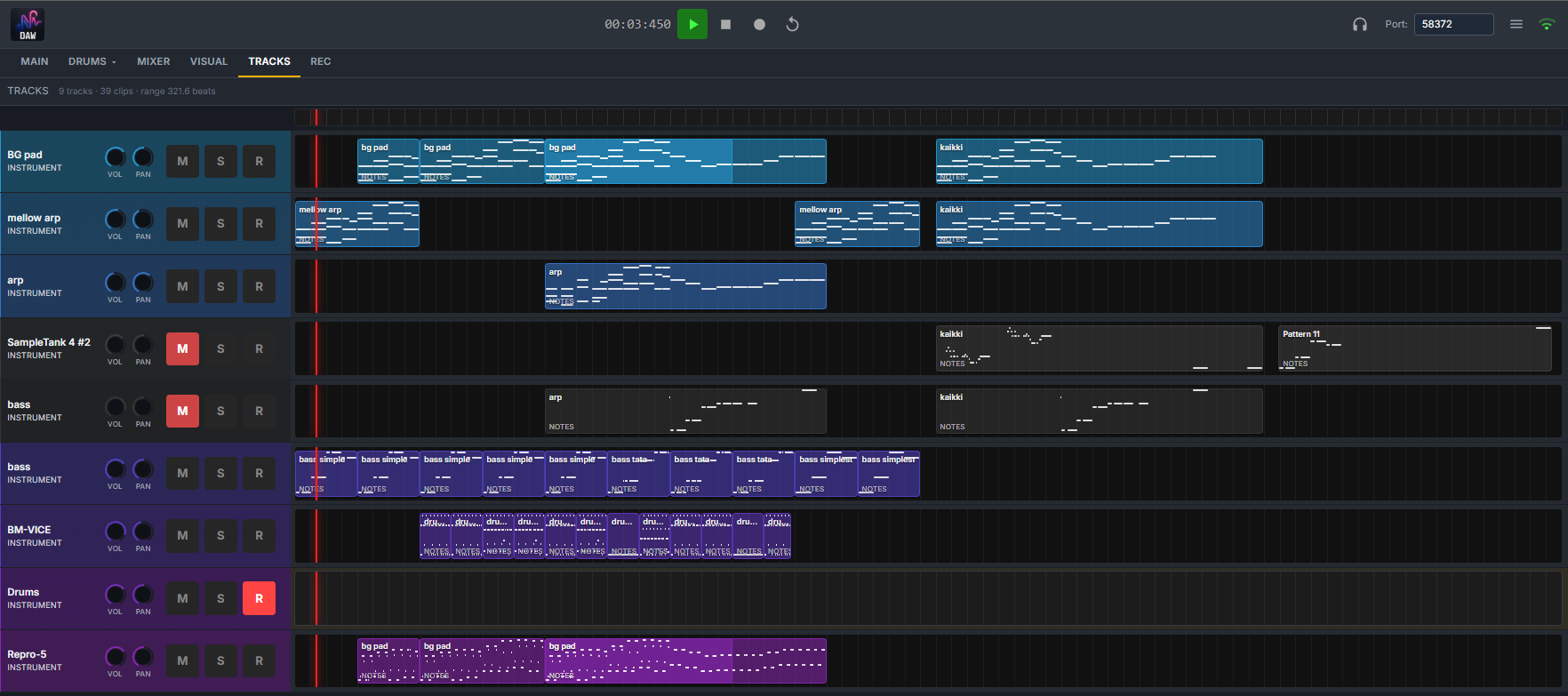
See what's playing, scroll the timeline, switch between tracks, mixer, and visualizer views — all in a browser tab.
Record notes and audio from your phone or tablet. Useful for capturing ideas while you're holding an instrument.
Mute, solo, volume and pan all work remotely. Set a balance from across the room without leaving where you're listening.
→ The web interface is limited compared to the desktop app — it's for monitoring and capture, not deep editing.
07 · Mixing
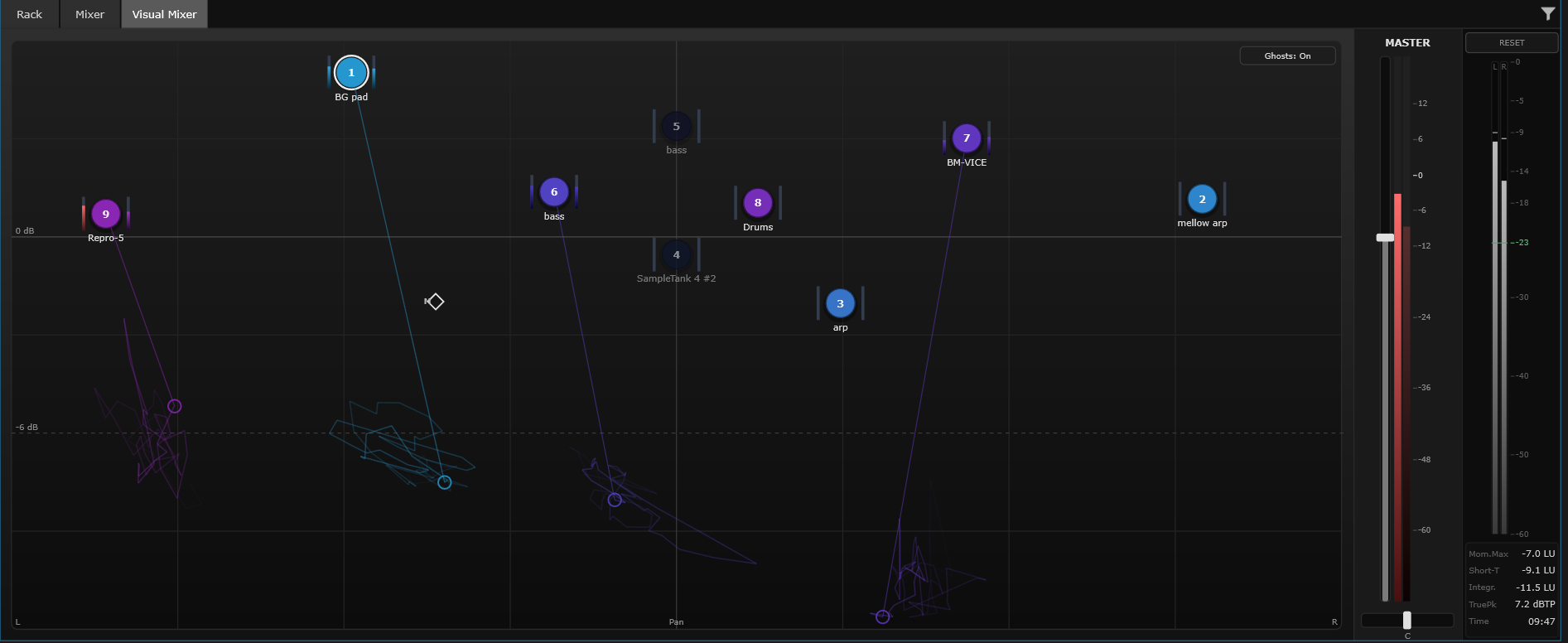
SANDYNE has the classic vertical-fader mixer most music software uses, and a 2D Visual Mixer where every track becomes a marker on a stage. Use either, or both — they edit the same mix.
Visual Mixer · 9 tracks GHOSTS · ON · LUFS −10.5 INTEGR
08 · Movement
A mix sounds more alive when things move over time. SANDYNE gives you two ways to do that: recording a move once and replaying it, or letting a knob wobble on its own. Every knob shows both at a glance.
Press REC, touch any control, and perform the move. From now on, the same change happens automatically every time you play the song. Works on any knob — built-in or in your own plug-ins.
Set a knob where you want it, then attach a slow sweep, a beat-following pulse, or your own pattern. The value you set stays put while the sound moves around it. Great for filter sweeps, wobbles, and anything that needs to feel less robotic.
On every knob
The inner ring shows the value you set — what gets saved with your song. The outer ring shows the value you actually hear, including any movement. You can see both at a glance.
09 · Use your own plug-ins
Plug-ins are extra instruments and effects you can install into music apps. If you already have some in the VST3 format, drop them in — they work just like the built-in ones. Save your song and everything comes back exactly as you left it.
10 · Save your song
Save the whole song, just a section, or each track on its own (handy for sharing with someone who'll mix or master it). Pros can also drive everything from a terminal.
WAV
Studio quality · large files
FLAC
Lossless · smaller files
MIDI
Just the notes (no sound)
Separate tracks
Each track as its own file
JSON
Project details (for scripting)
SANDYNE is free. Bring your plug-ins, your samples, your controller — or just start with what's built in.
FREE DOWNLOAD ~500 MB Windows 10 or newer No account required