Overview
Features
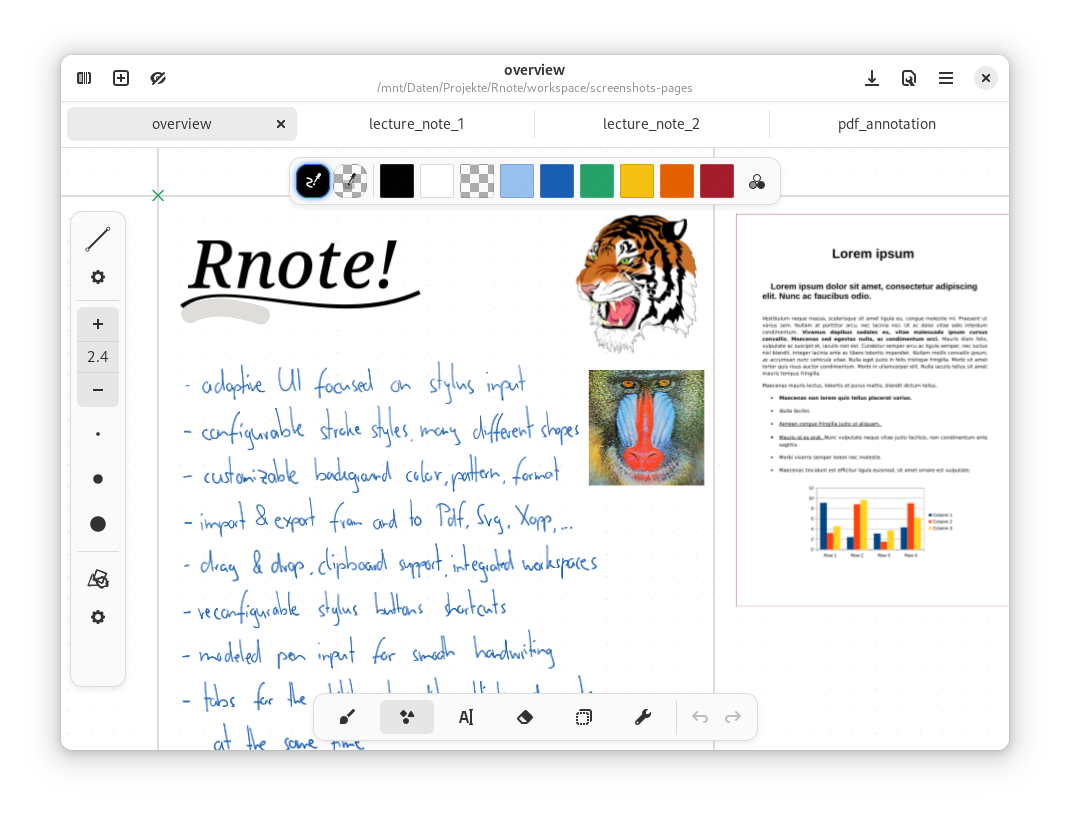
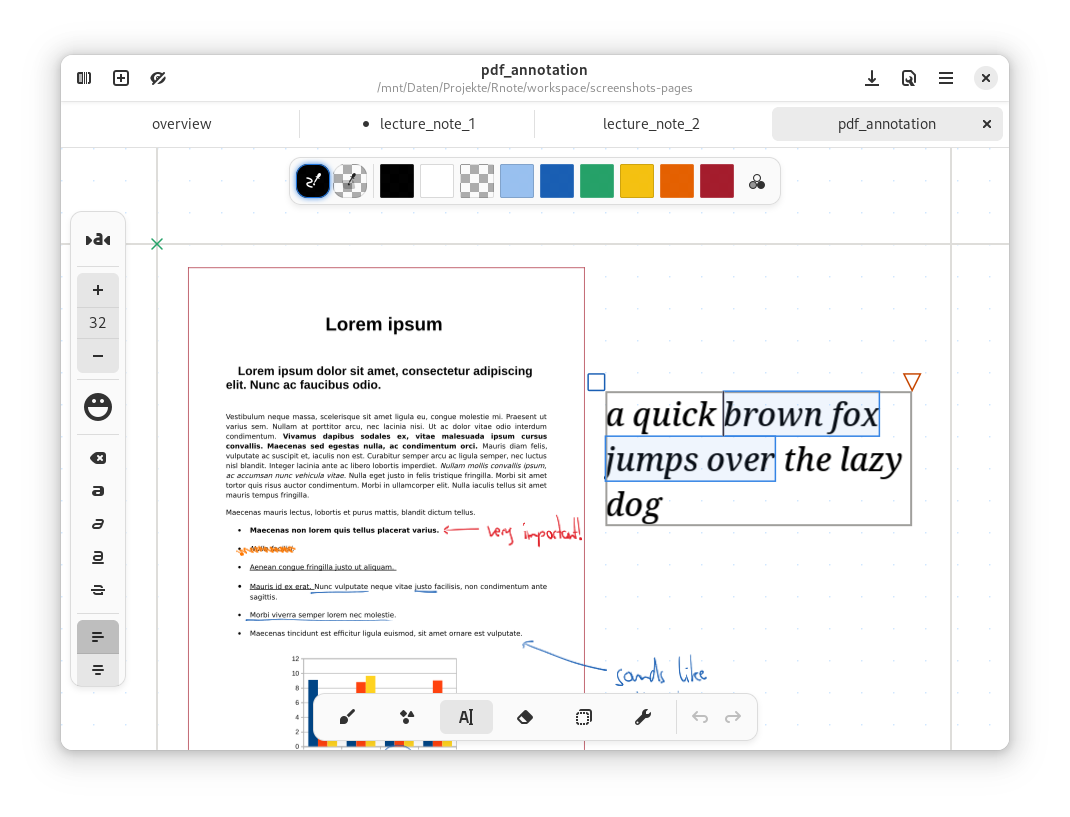
- Adaptive UI focused on stylus input
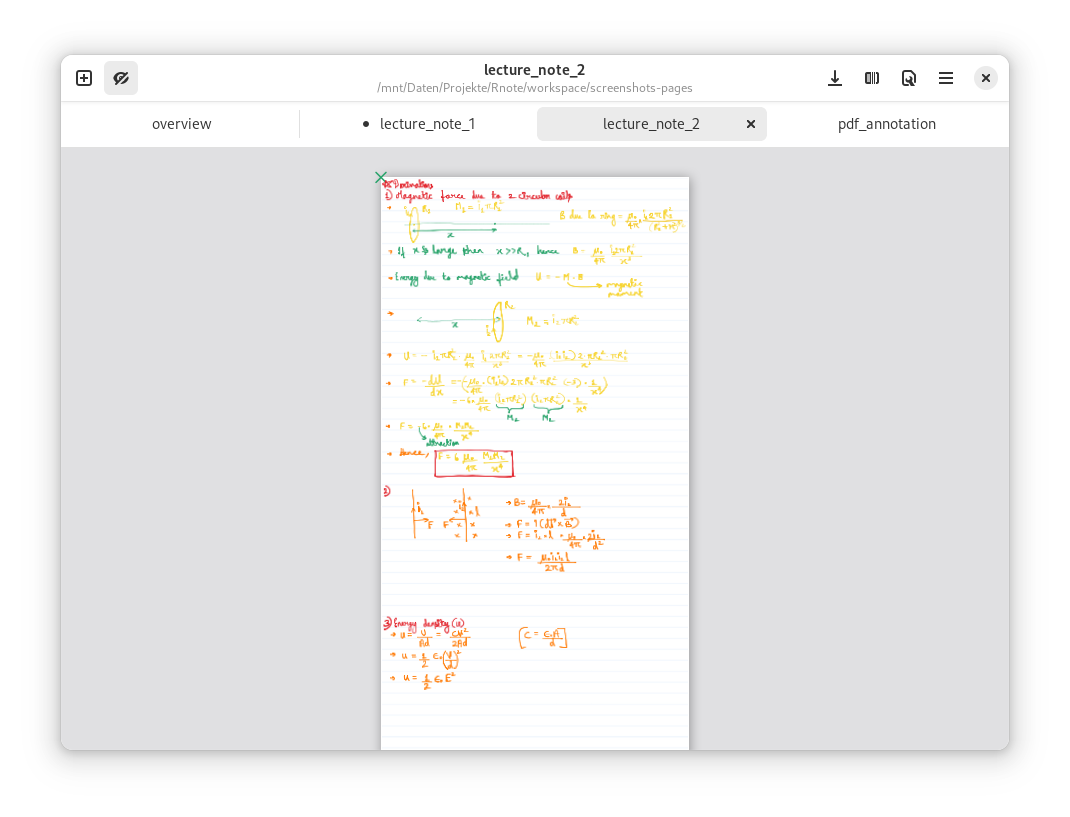
- Pressure-sensitive stylus input with different and configurable stroke styles
- Create many different shapes with the shape tool
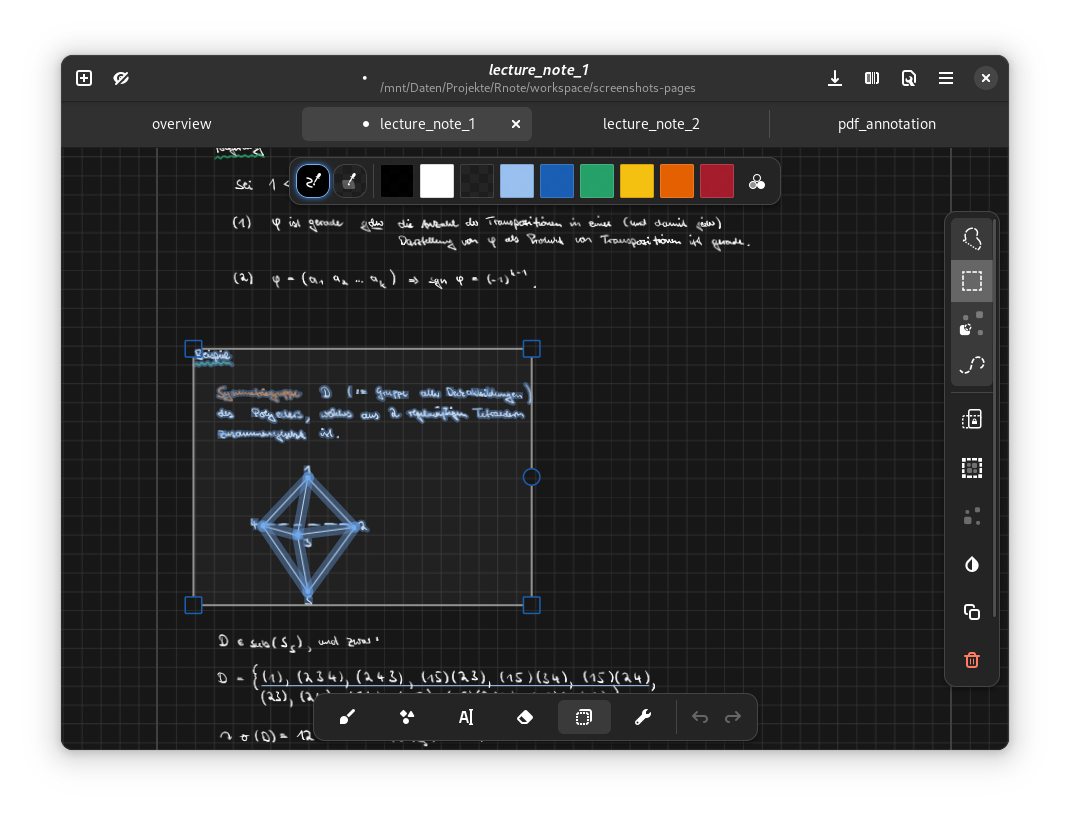
- Move, rotate, resize and modify existing content with the selection tool
- Different document expansion layouts ( fixed pages, continuous vertical, infinite in every direction, .. )
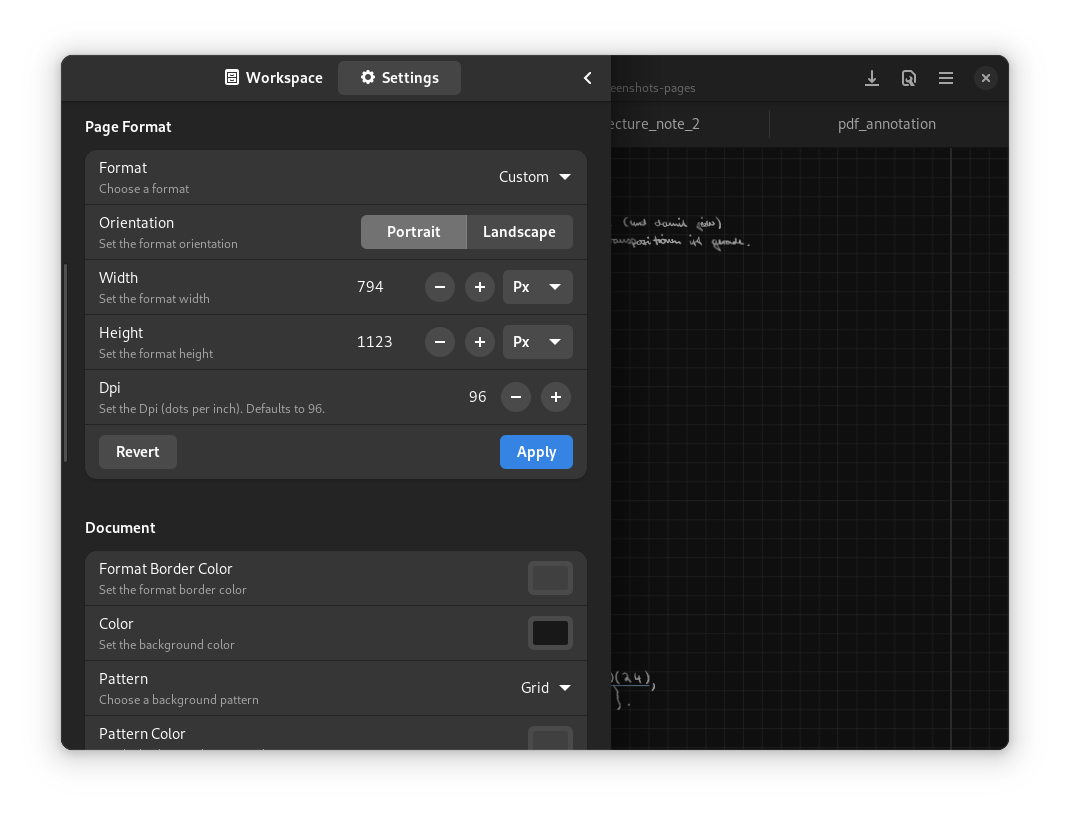
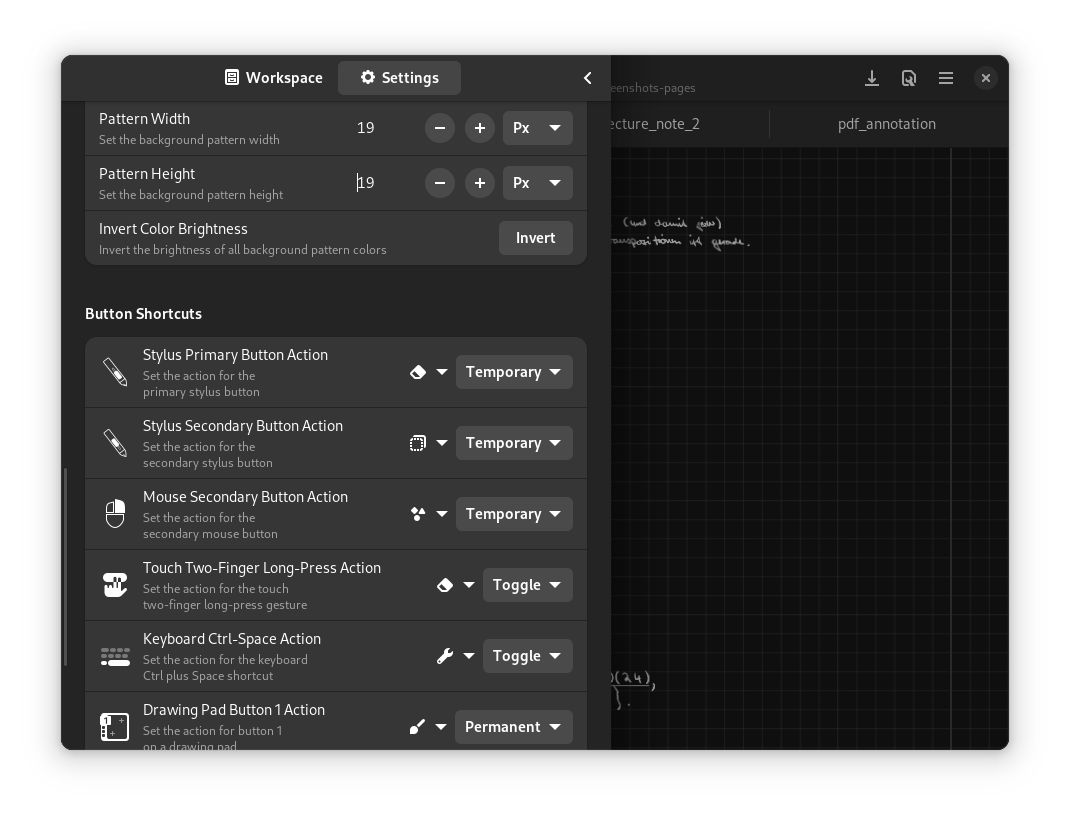
- Customizable background colors, patterns, sizes
- Customizable page format
- (Optional) pen sounds
- Reconfigurable stylus button shortcuts
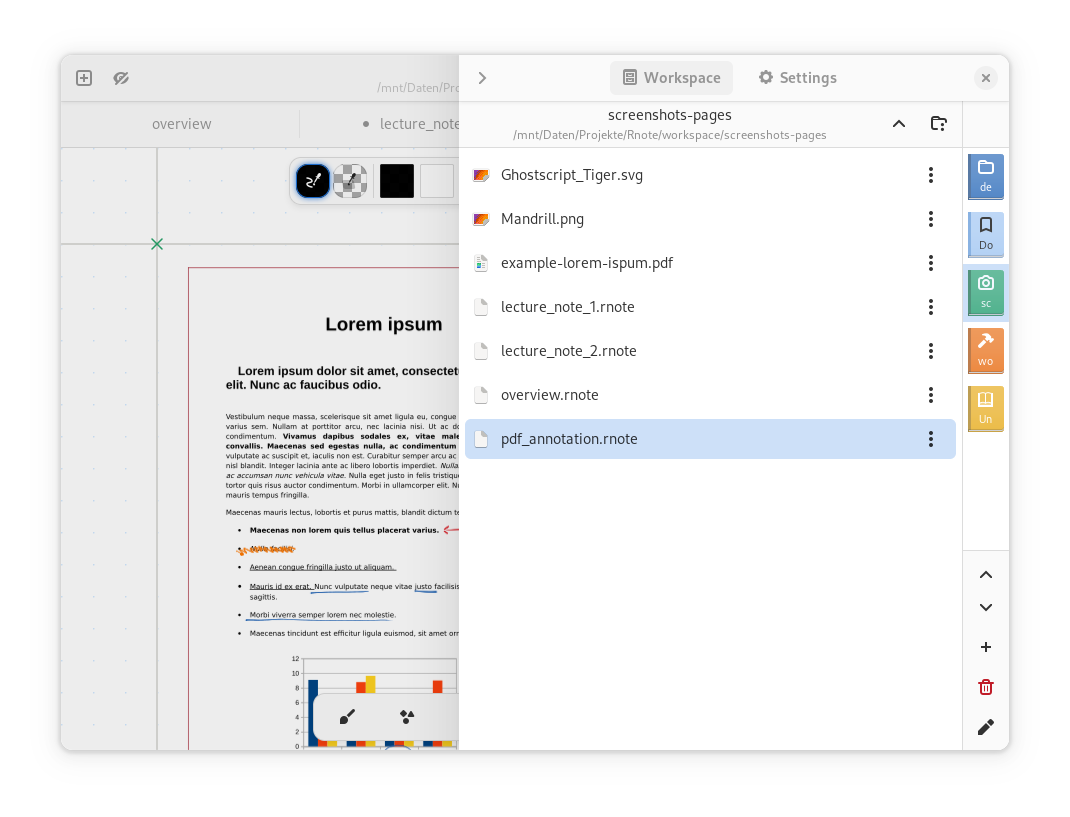
- An integrated workspace browser for quick access to related files
- Drag & Drop, clipboard support
- PDF, Bitmap and SVG image import
- Document, document pages and selection export to many formats including SVG, PDF, Xopp
- Save and load the documents in the native
.rnotefile format - Tabs to work on multiple documents at the same time
- Autosave, printing
Disclaimer
The file format is still unstable. It might change and break compatibility between versions.
Installation
Linux
Download the official flatpak on Flathub here.

MacOS
Thanks to @dehesselle the app is available on MacOS as an app bundle.
Check out the repository, the latest release can be downloaded
here.
Windows
Download the Windows installer from the latest release which can be found here.
Downgrading
Because the file format still is unstable, downgrading to a specific version might be necessary.
List all available past versions on flathub:
flatpak remote-info --log flathub com.github.flxzt.rnote
Pick the commit from the desired version and downgrade with:
sudo flatpak update --commit=<commit-hash> com.github.flxzt.rnote
After downgrading, the flatpak version can be pinned or unpinned with:
$ flatpak mask com.github.flxzt.rnote
$ flatpak mask --remove com.github.flxzt.rnote
To update to the lastest version again, unpin and run flatpak update.
Screenshots
Fonts
The following fonts are bundled with the application:
- Grape Nuts: Grape Nuts is a simple handwritten casual font.
- OpenDyslexic-Regular: OpenDyslexic is a typeface designed against some common symptoms of dyslexia.
- TT2020Base-Regular: TT2020 is an advanced, open source, hyperrealistic, multilingual typewriter font for a new decade.
- Virgil: The font that powers Excalidraw.
License
Rnote is available under license 'GPL-3.0-or-later'. See the LICENSE file for more info.
Copyright (C) 2023  The Rnote Authors

This program is free software: you can redistribute it and/or modify
it under the terms of the GNU General Public License as published by
the Free Software Foundation, either version 3 of the License, or
(at your option) any later version.

This program is distributed in the hope that it will be useful,
but WITHOUT ANY WARRANTY; without even the implied warranty of
MERCHANTABILITY or FITNESS FOR A PARTICULAR PURPOSE.  See the
GNU General Public License for more details.

You should have received a copy of the GNU General Public License
along with this program.  If not, see <https://www.gnu.org/licenses/>.
More Information
More detailed information regarding contributions, building, etc. is available at the Github Repository