Symmetry
Draw once. Mirror it.
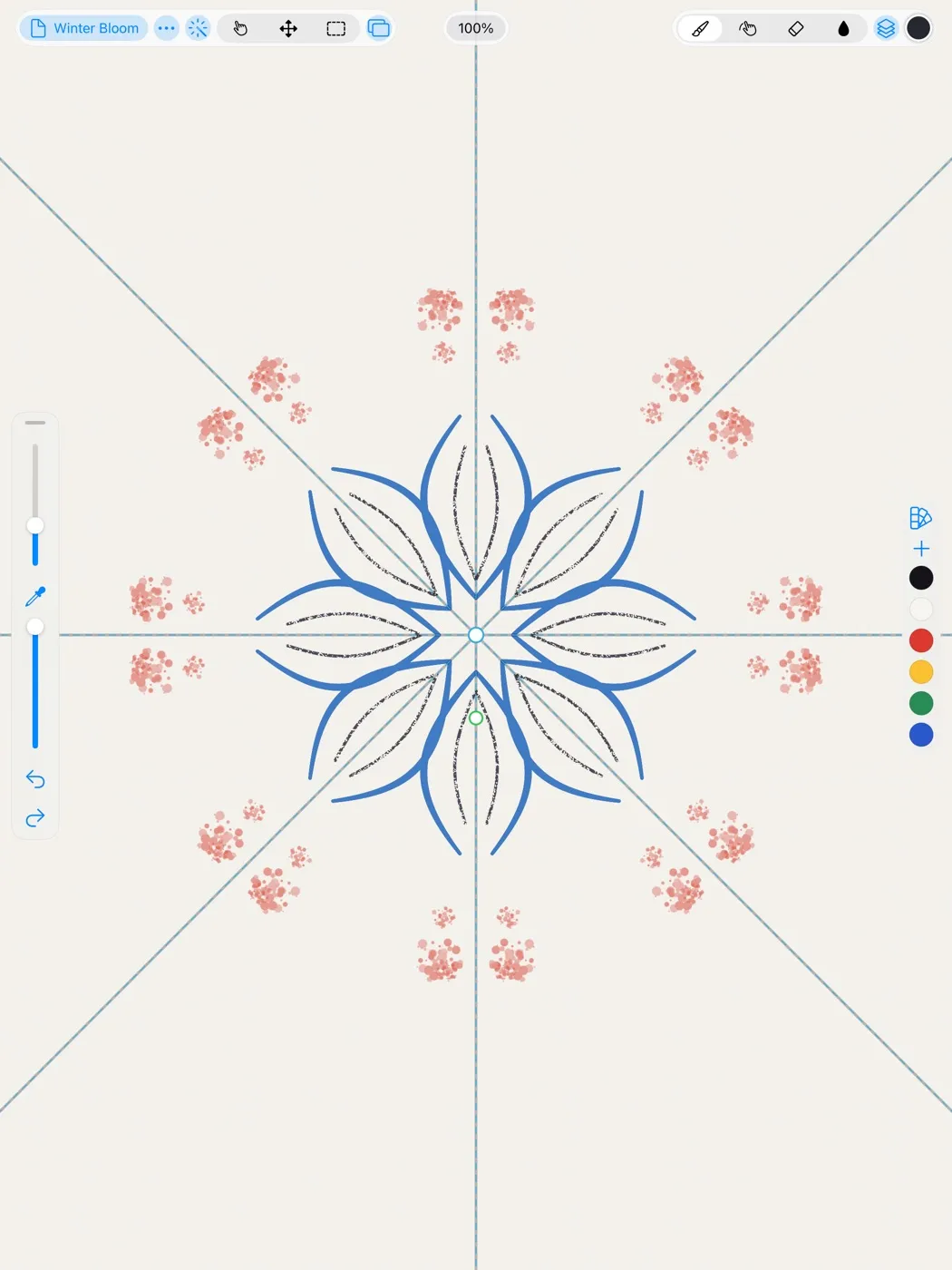
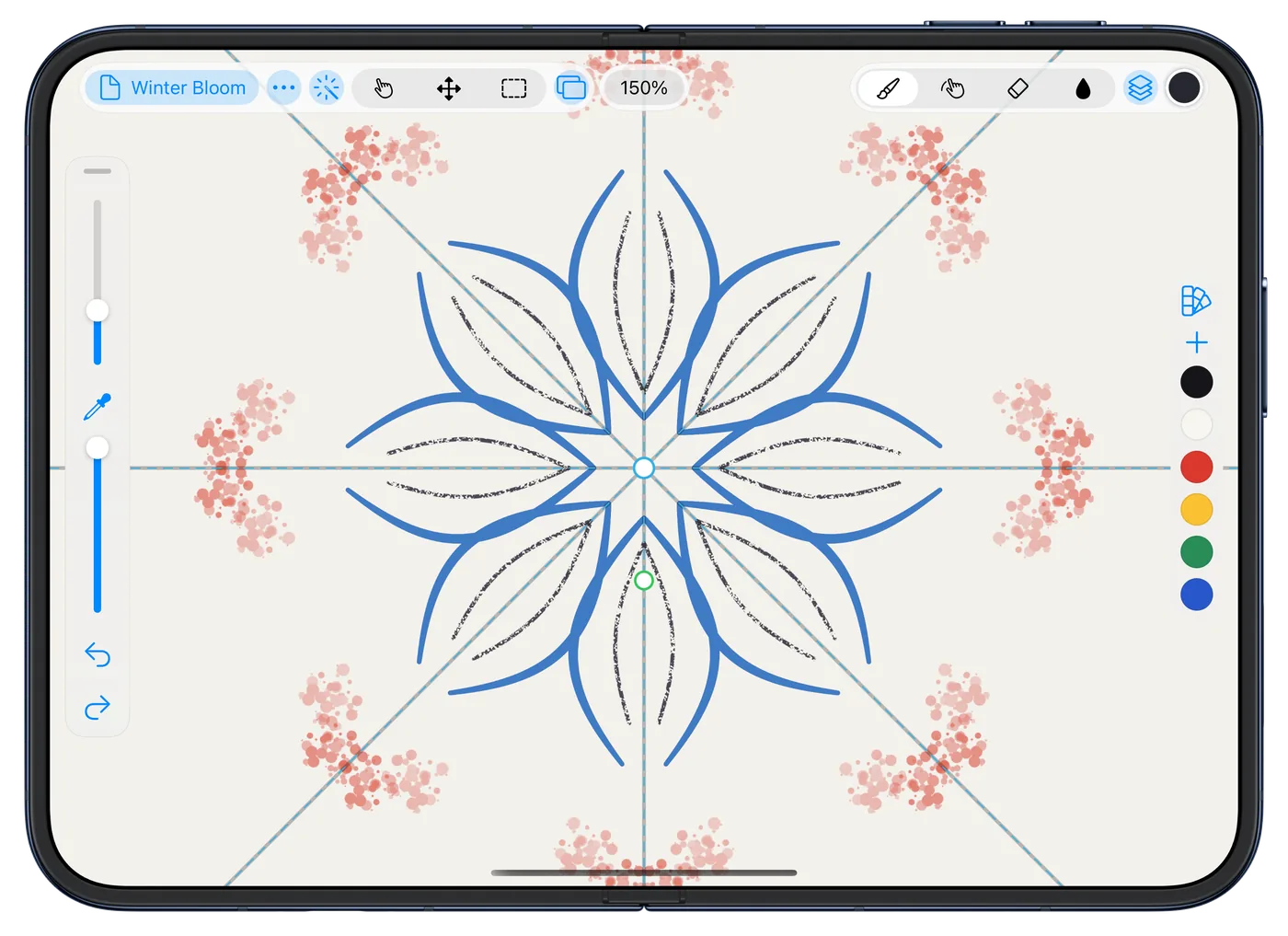
Mirror a drawing across a line, or turn it around a center, and every copy follows your hand as you draw, matching exactly.
Rindraw
Drawing and painting for iPad, iPhone and Mac
Most apps flatten what you draw into pixels the moment you lift the Pencil. Rindraw doesn't. Recolor a line next week, bend it, scale it up, and it stays sharp, because Rindraw draws it again instead of stretching it.
Zoomed to 800%Drag to compare
Sound familiar?
Most drawing apps turn a stroke into pixels the moment you lift the Pencil. From then on, the line you drew is gone, and every change after works on a picture of it.
You scaled up a sketch to ink over it, and it went soft.
The lineart is finished, and now it should be another color, but it's flattened into the layer.
The client wants it poster-size, and you drew it at screen size.
The app quit, and the last hour went with it.
What we all tried, and none of it worked
Rindraw keeps every stroke as the path your Pencil took, so none of these come up. See it below.
Try it here
Draw anything here, with a mouse, a finger or a Pencil, in ink, pencil, marker or bubbles. Then hold a line for a moment and drag it: it bends and stays sharp, because it's kept as a stroke, the way Rindraw keeps yours. Change its color after, too.
Then
Zoom into your line, up to 8×. On the left it's drawn again at every size, as Rindraw draws it. On the right it was kept as pixels and stretched, as most apps keep it.
A stroke draws the same today or a year on.
Draw it.
Recolor the lineart, every line at once.
Bend the pose with Warp, still sharp.
Export it poster-size, drawn again at that size.
What you can make
Some of what that lets you do, drawn in Rindraw.
Symmetry
Mirror a drawing across a line, or turn it around a center, and every copy follows your hand as you draw, matching exactly.
Brushes
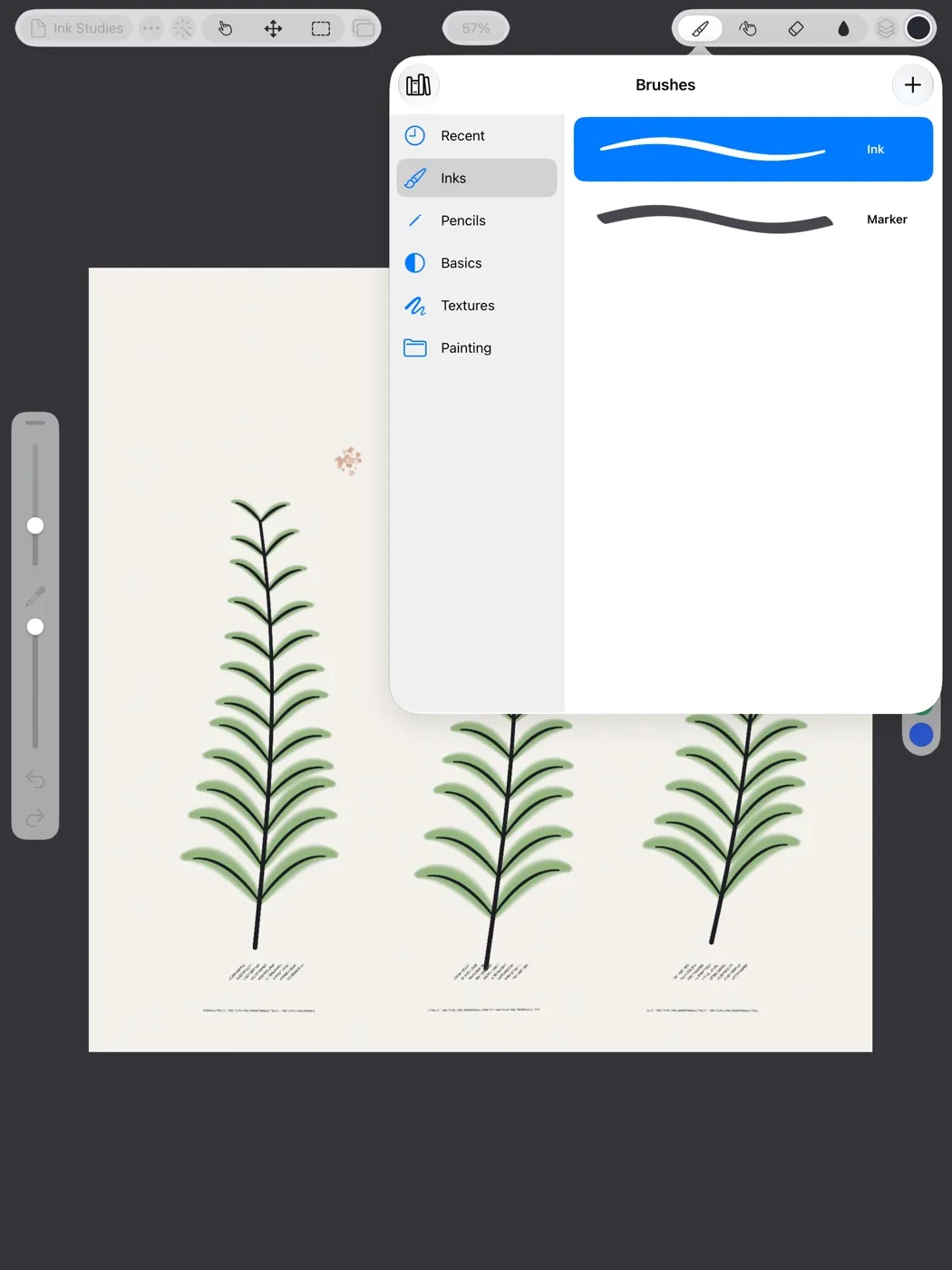
Over 300 brushes in 36 sets. Graphite that catches the paper's grain, chalk, dry brush and spatter, and wet paint that mixes on the canvas, with Apple Pencil's pressure, tilt and barrel roll. Bring your Procreate and Photoshop brushes along.
Transform and warp
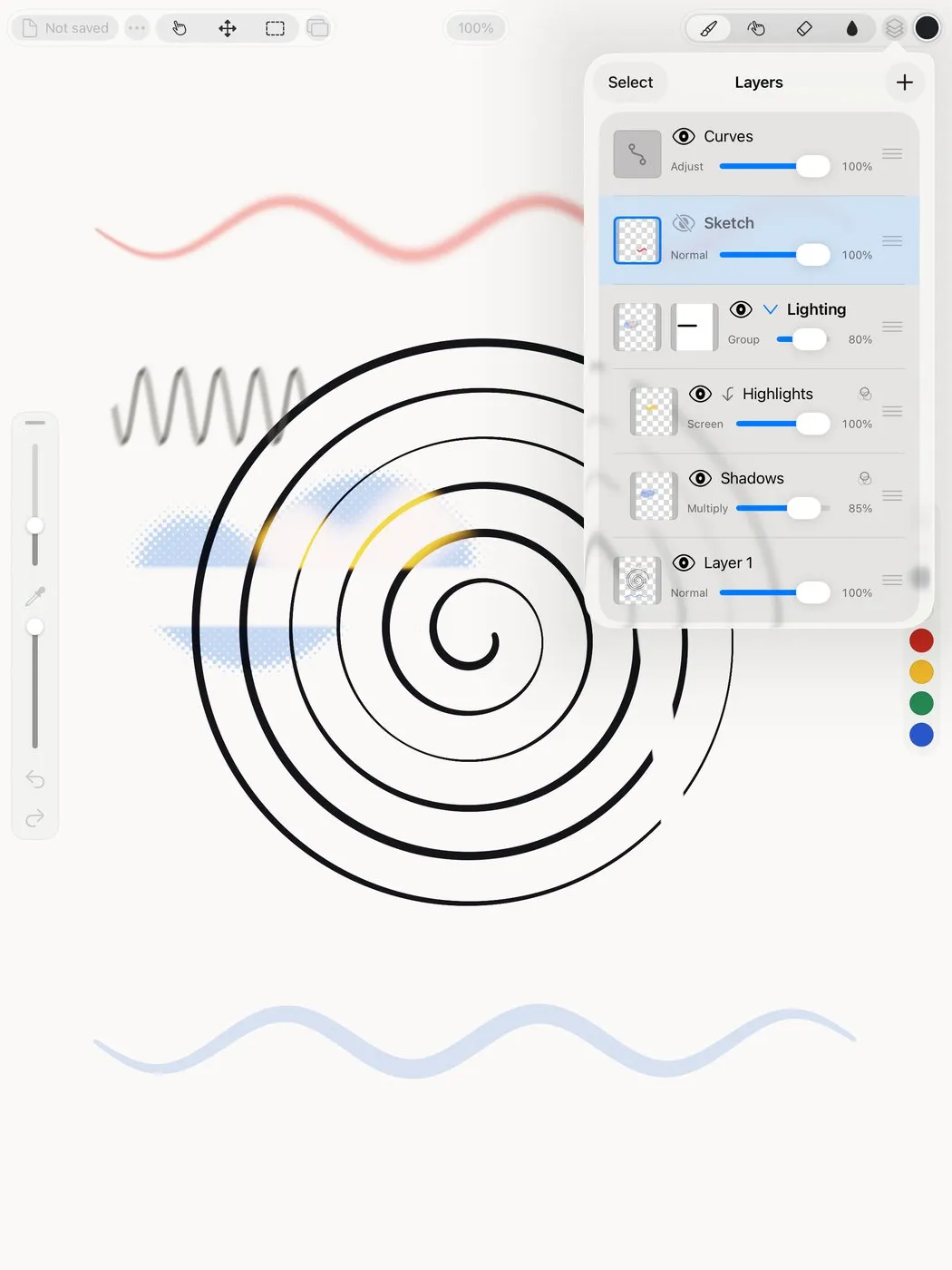
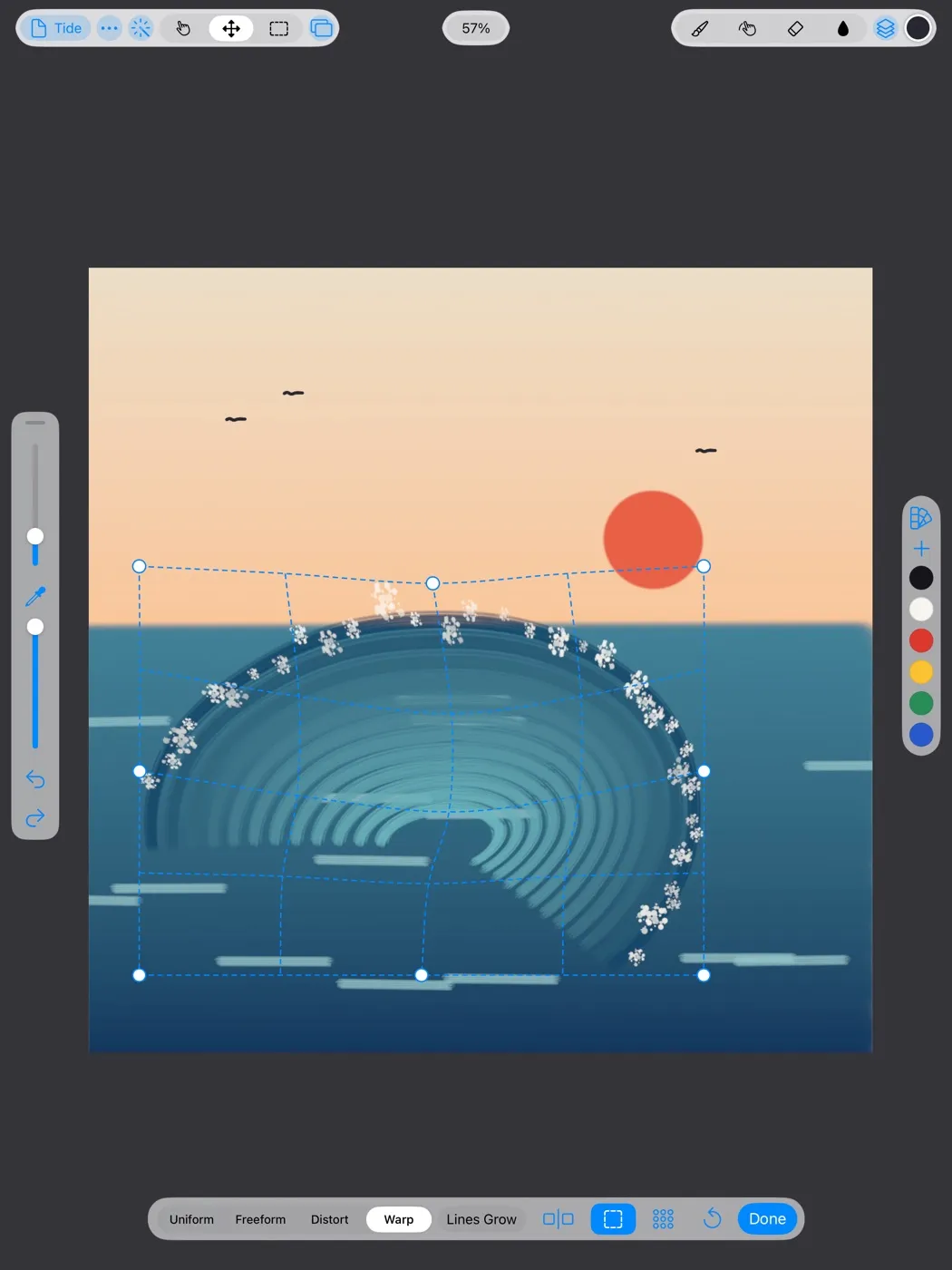
Move, scale, distort or warp a line long after you drew it. It never goes soft, because Rindraw draws the stroke again instead of stretching its pixels.
Pages
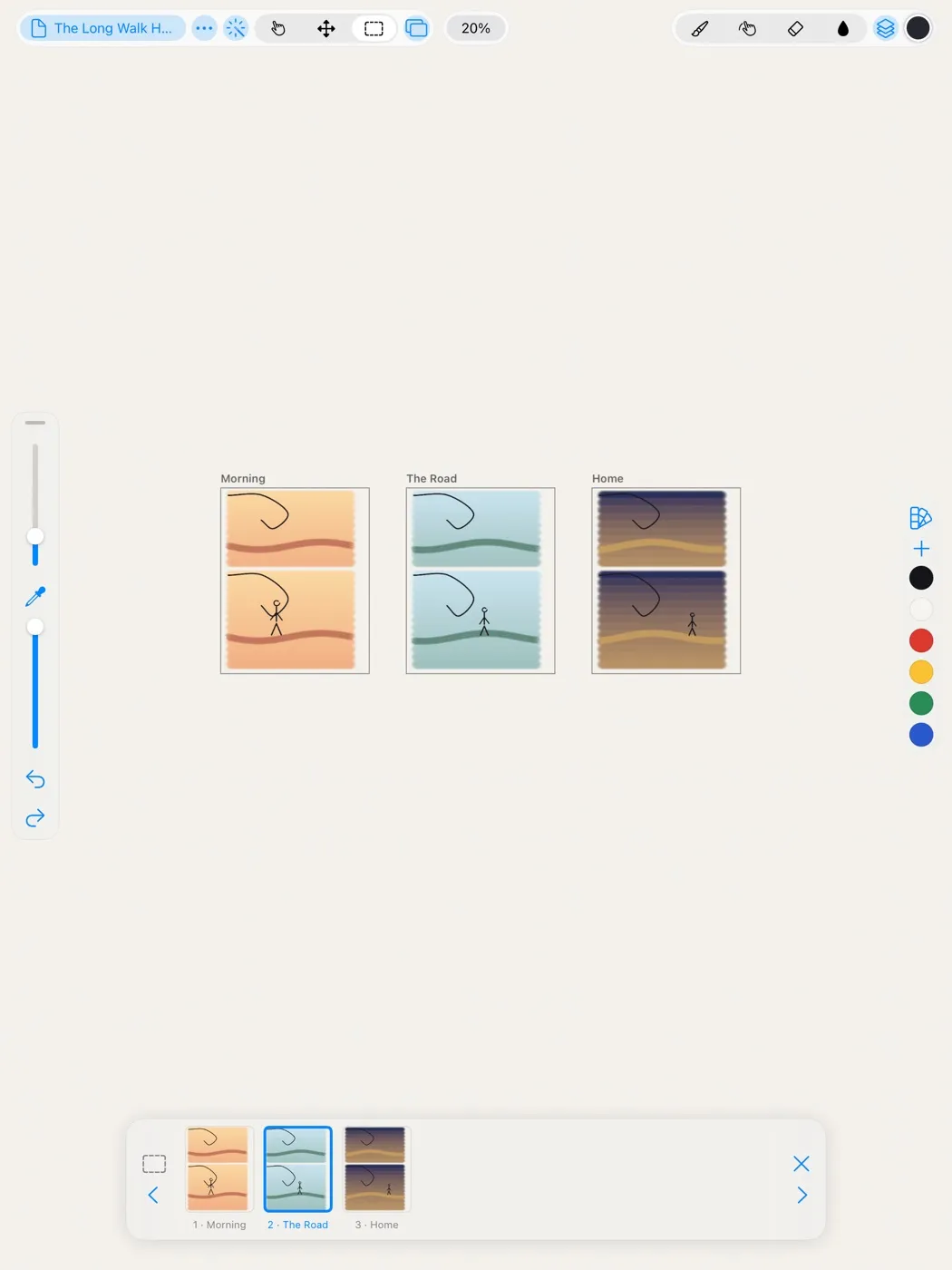
Comic pages, storyboards, a zine: frames sit side by side on one infinite canvas, so the next page is always beside this one. They leave as a PDF, a page each.
Quick Menu
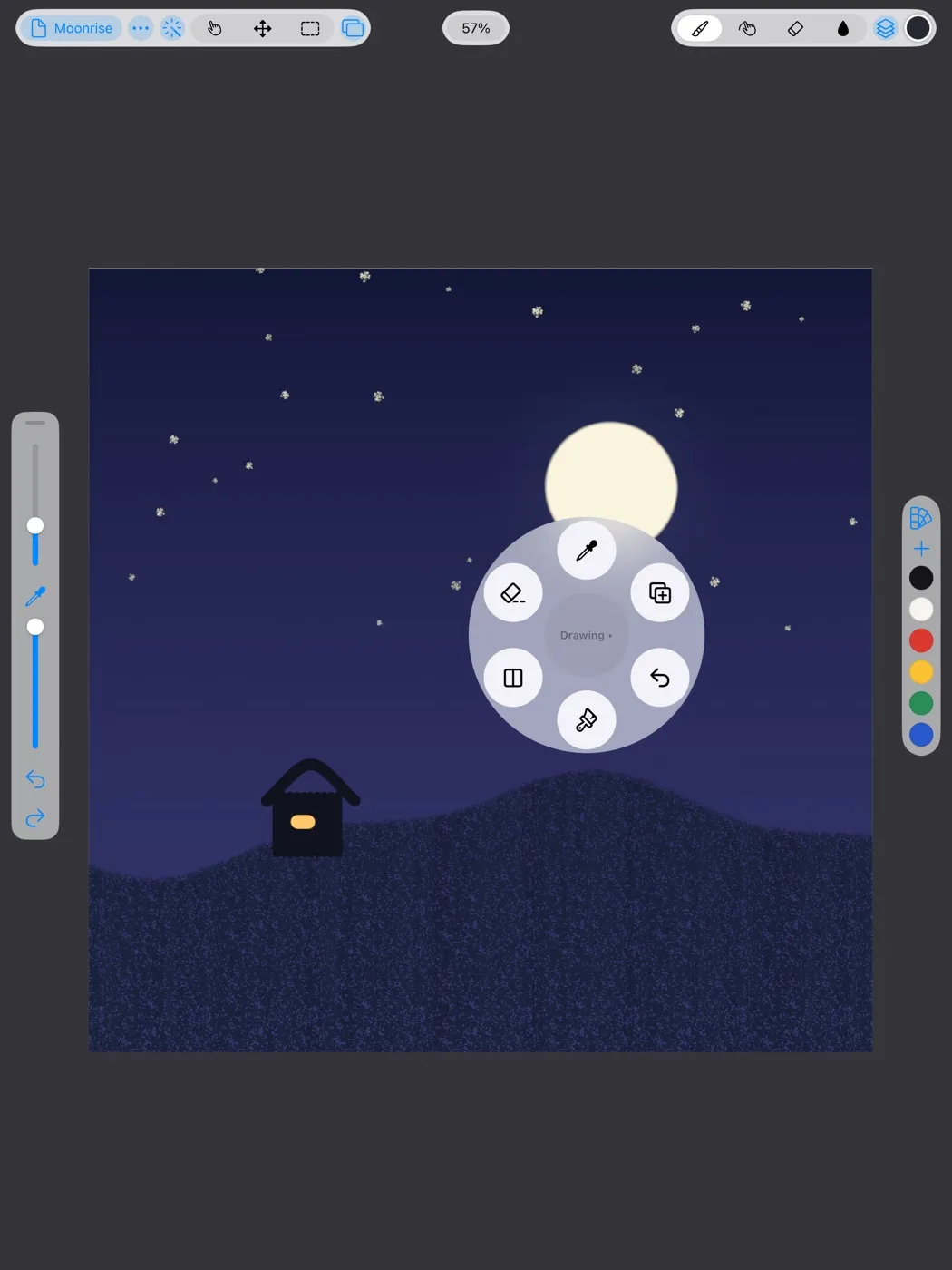
Squeeze Apple Pencil Pro, or use a gesture you choose, and a Quick Menu of the six actions you use most opens under your hand, so you don't reach for the toolbar.
And more
Layers, animation, timelapse, export and the other tools a finished piece needs.
Groups, masks, blend modes, adjustment layers and live filters. Opens Procreate and Photoshop files with their layers.
Frames and onion skins, plus tracks, keyframes, Perform and sound, in the same app. No separate animation app to buy.
Every drawing remembers how it was made. Watch it back, or export a video at any size.
Paint on models in OBJ and USDZ, and light them with up to four lights.
A lazy string, stabilization and motion filtering smooth your hand as you draw.
Edit any brush down to its tip and grain, save your own, and share them as files.
Drag to set the threshold, close small gaps, and fill from a reference layer.
PNG, JPEG, HEIC, JPEG XL, 16-bit TIFF and PSD, with CMYK for print. A bigger export draws your strokes again at that size.
Switch to Rindraw
Your artworks, brushes and palettes open in Rindraw with their layers and settings, and the gestures your hands already know do the same things here. Moving over takes a few minutes.
In Procreate's gallery, select your artworks and share them as Procreate files. Share your brush sets from the Brush Library, and your palettes from Palettes.
Send them to Rindraw with AirDrop or the share sheet. Or save them to Files, then import a whole stack at once from Rindraw's gallery.
Each artwork is a drawing in your gallery, its layers as you left them, and your brushes and palettes are in their libraries, ready to use.
Layers with their names, opacity, blend modes, masks, clipping and groups, with the background, color profile, resolution and animation settings.
.procreate
Layers with their blend modes, masks and groups, in RGB, grayscale or CMYK, at 8, 16 or 32 bits.
.psd.psb
Procreate and Photoshop brushes, with their own shapes, grains and pressure curves, ready to tune in the Brush Editor.
.brush.brushset.brushlibrary.abr
Procreate and Adobe swatches, with their names.
.swatches.ase.aco
And if you ever go back, Rindraw saves your drawings as Procreate and Photoshop files, layers and all. Your work is never locked in. Compare Rindraw and Procreate.
Your work, kept
One purchase, three devices
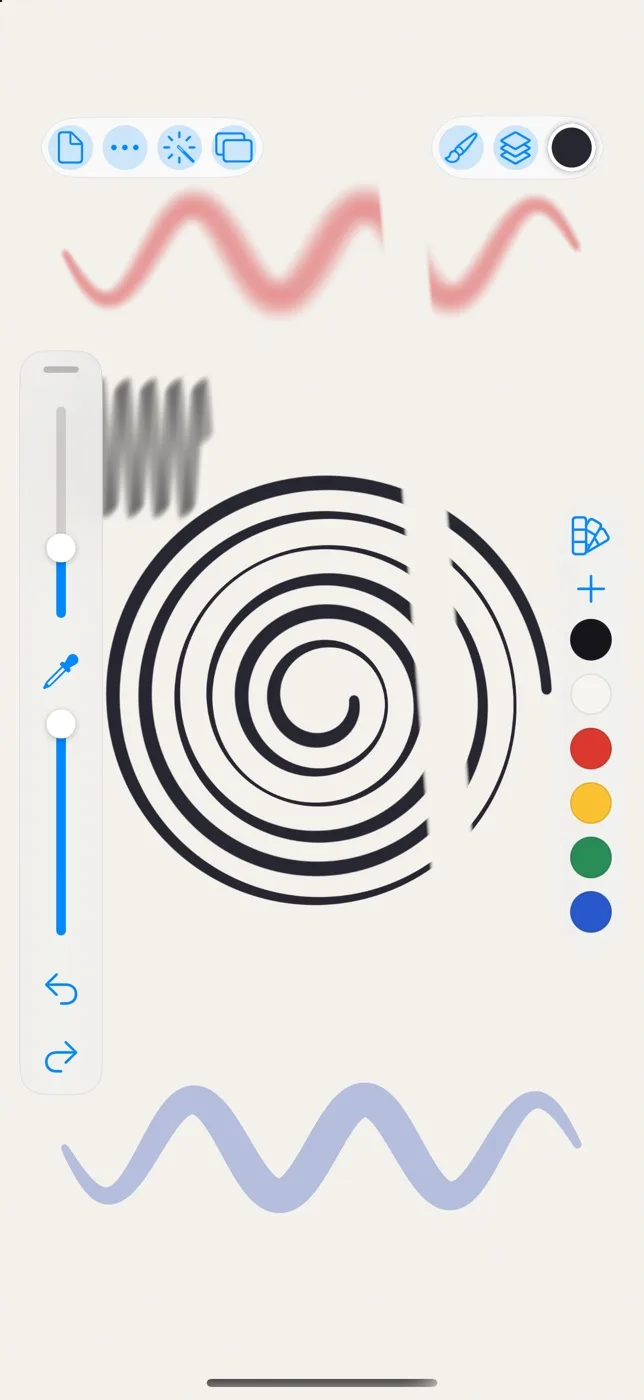
One purchase covers all three. With your library in iCloud Drive, each device has the same drawings, brushes and palettes. On iPhone the tools sit along the edges, on iPhone Duo it opens out to a full canvas, and on Mac you draw with a mouse, a trackpad or a pen tablet, its tilt and eraser end included. More about Rindraw for Mac and for iPhone.
Not in the way Illustrator is. Each stroke is kept as the path your Pencil took, with its pressure and tilt, and painted with real brushes, grain and all. When you change it, scale it or export it bigger, Rindraw paints it again at that size. So you get a painting app's texture and a vector app's sharpness. What you export is a picture: PNG, JPEG, HEIC, JPEG XL, TIFF or PSD.
Close. Rindraw reads each brush's settings, its shape, its grain and its pressure curves. A brush that leans on a setting Rindraw doesn't have may need a tweak in the Brush Editor.
No, though it's best with one. Pressure, tilt and hover work with any Pencil that has them, and squeeze and barrel roll need Apple Pencil Pro. With a finger, a mouse or a Pencil without pressure, Rindraw works pressure out from how fast you draw.
Rindraw keeps what's on screen as pixels in tiles and paints strokes again only where something changed, so a new stroke never means painting the rest of the drawing again. A canvas can be up to 16,384 pixels on a side, or infinite.
No. You pay once, and that one purchase covers iPad, iPhone and Mac.
Purchases are handled by Apple, so you can ask Apple for a refund at reportaproblem.apple.com.
It works offline, and it collects nothing about you: no account, no advertising, no tracking. It goes online by itself only to send crash, performance and error reports, never your drawings, and you can turn that off in Settings. With your library in iCloud Drive, your drawings sync through your own Apple Account.
No. Rindraw is made for iPad, iPhone and Mac.
From the App Store
★★★★★
Amazing and Easy to Use
Super easy to use and has all the tools I need. The interface feels simple and familiar, even for beginners. Great for quick sketches or creating art. Highly recommended.

One purchase for iPad, iPhone and Mac. Rindraw is made by Sawir Studio, a small independent studio.
$12.99 once, no subscription · iOS 16 or later