PSA: There’s going to be a bit of boring backstory. If you’re only interested in the rendering/code, scroll down to the next section. See you there :)
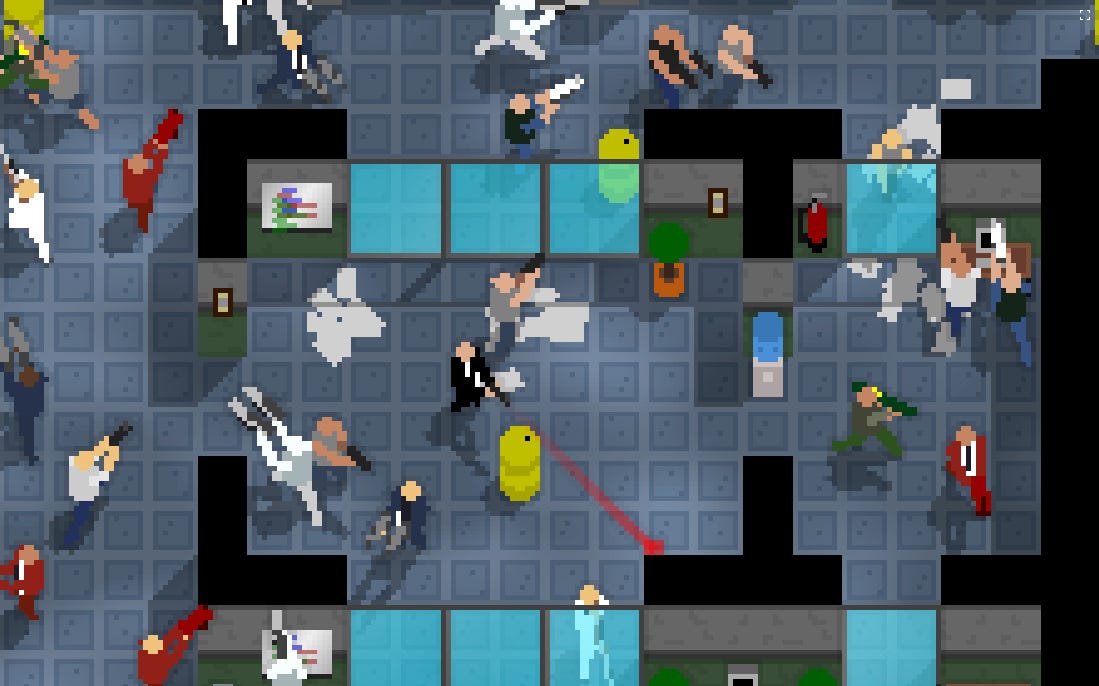
I’ve always been a big fan of top-down shooters. Hotline Miami is probably still to this day my favorite indie game, and recently I tried a bit of its spiritual successor, OTXO.
It’s always been a genre that I’ve loved. In fact, my first “serious” game, Alien Killer (built with Flash, so it’s pretty much unplayable nowadays) was a top-down shooter inspired by an old Net Yaroze game: Psychon.
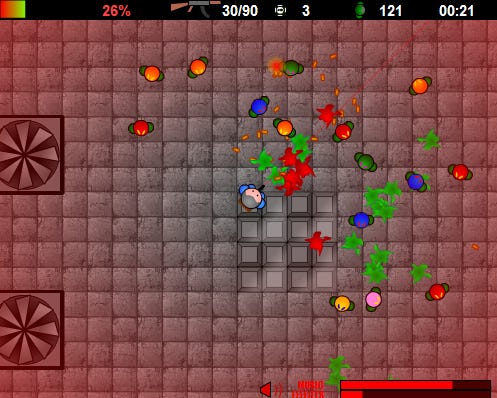
A few years later, back when I was building a new HTML5 game every couple of months, I made Warsim, this time with procedurally-generated maps, keyboard-only controls, and Tomb Raider-style aim lock.
It even had a multiplayer mode, which helped me understand why multiplayer is such a different beast.
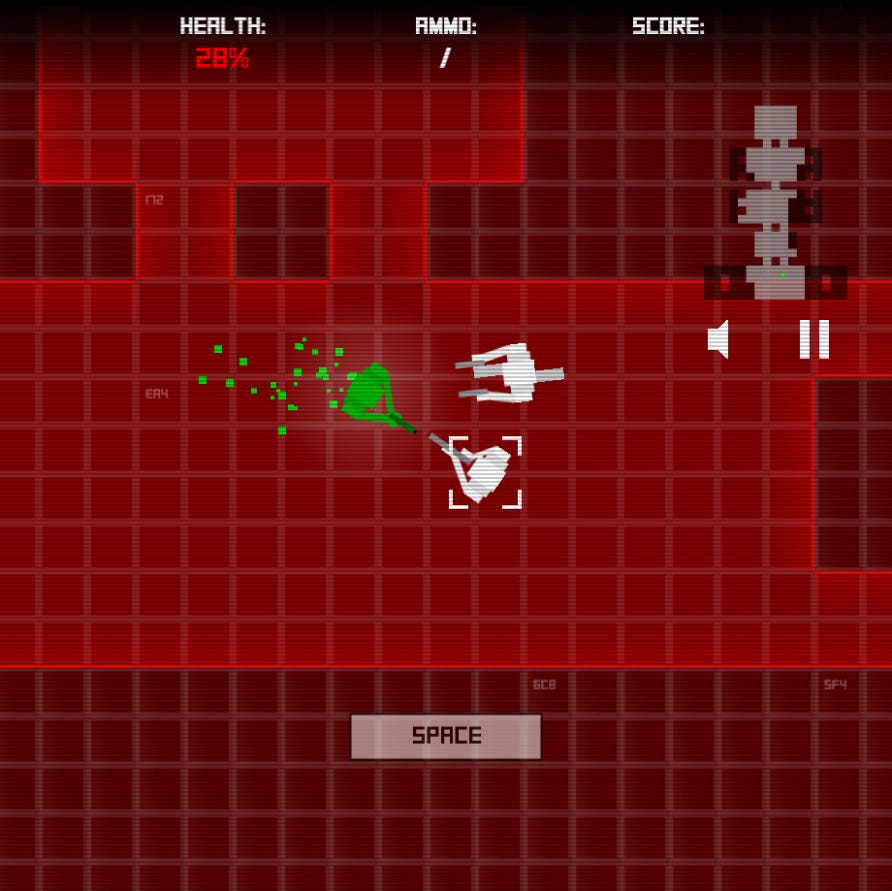
It’s been over 10 years, and somehow I’m still coming back to this genre.
Something about it just excites me. Blasting shotgun shells into enemies’ faces while bobbing my head to an aggressive, repetitive beat is my jam.
I tried a few different things throughout the years, like this top-down prototype rendered only with ASCII art:
While I still like this style, I never ended up building the full game, but maybe one day I’ll revisit it.
I also tried to use actual 3D, without much success.
2D is really what I enjoy the most, especially when I can use tricks to fake perspective. It’s got its own charm, without having some of the constraints of 3D.
It’s also much easier to work with, but let’s not mention that.
(it took a bit of scrolling to find those old prototype videos again, but they’re here, here, here, here, here, and here)
[SWAGSHOT] started as a very simple project. I wanted to make a top-down shooter with mouse aim and bullet time mechanics. Not much else was in the original idea, and maybe that’s why I struggled to transition from prototype to fully playable game for so long.
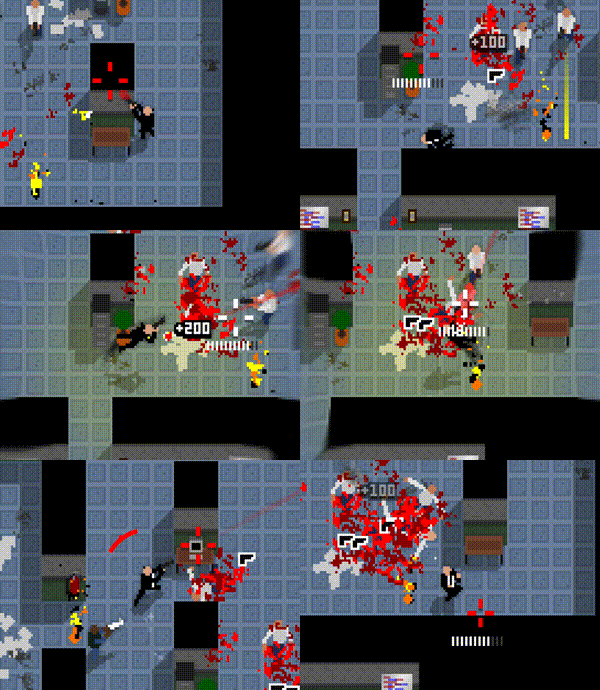
But what I really wanted was for the game to look a bit different. I wanted to try a slightly different camera perspective. Still top-down, still 2D, but with a bit more emphasis on the characters.
No point copying Hotline Miami. I can’t compete, and I don’t want to build a game that already exists.
When the camera sits directly on top of the player, and everything is 2D, you’re fairly limited in what you can convey in terms of visuals.
So I wondered: could I build a 2D game, rendered procedurally (i.e. no sprites), that looked somewhat 3D.
And after a few hours, here is what the first prototype looked like:
It’s fairly different from what the game looks like nowadays, but it convinced me that it was achievable.
I could manually animate a few points in space, connect them together, and have something that looked like a human character.
Tl;dr animate in 3D, render in 2D
So here’s how I’m doing it.
The first step I take is to create a 3D skeleton for the character I want to render. It looks like this:
Then once I have enough points to roughly represent a human, I need to position them in space.
It’s a bit manual but not as tricky as you’d imagine:
This represents one animation, but there are a lot more, including a walk animation, a pistol holding animation, a dive animation, a roll animation…
Then, I can just update my skeleton like so:
And from there I have all my points nicely placed in 3D space.
But these are only points, I now need to render them. I can create a view that renders these points:
Here, you can see that each point of the skeleton is rendered with just a “sphere” view. A sphere is just a circle sprite that will render in the correct spot.
Here’s what it roughly looks like:
So now if I render this directly, here’s what it looks like:
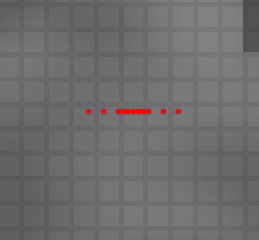
Not very exciting, is it?
Maybe if I make them hold a pistol instead
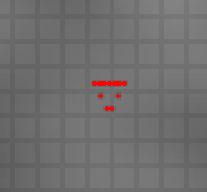
Still not quite convinced?
Here’s the actual trick: instead of taking a 3D point and rendering it flat by ignoring the Z coordinates entirely, let’s factor it in when calculating the 2D coordinates.
Let’s update our SphereView class:
Now here’s what my “humanoid” looks like.
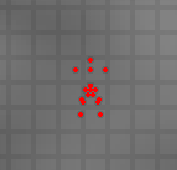
If you’re still not convinced, here’s what it looks like when I use different animations and walk around:
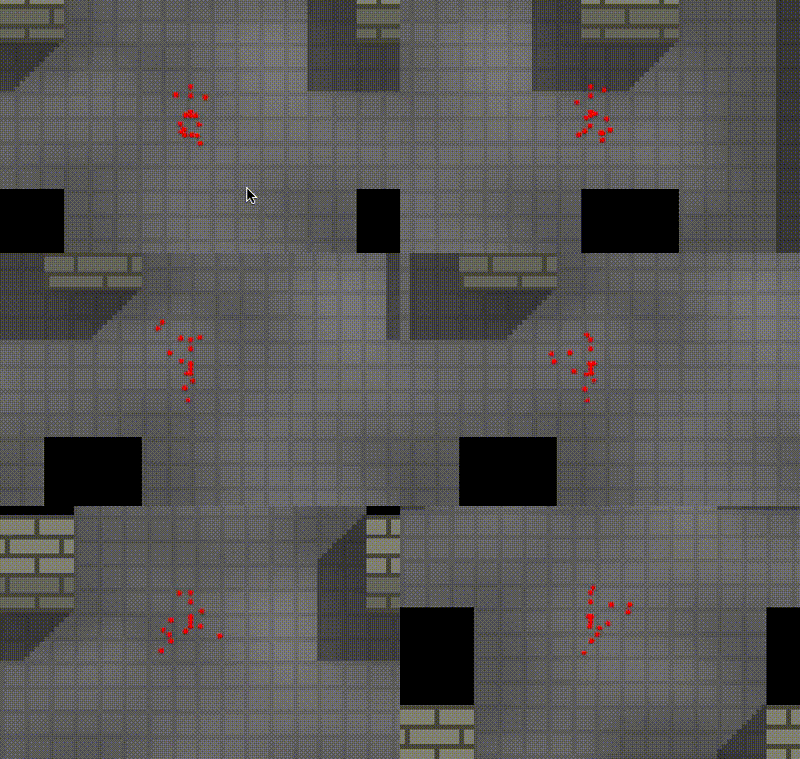
You can sort of see a human shape, but it just feels like a bunch of points moving around.
Let’s connect these points together with yellow lines, and give it a bigger sphere for the head:
And here’s the result:
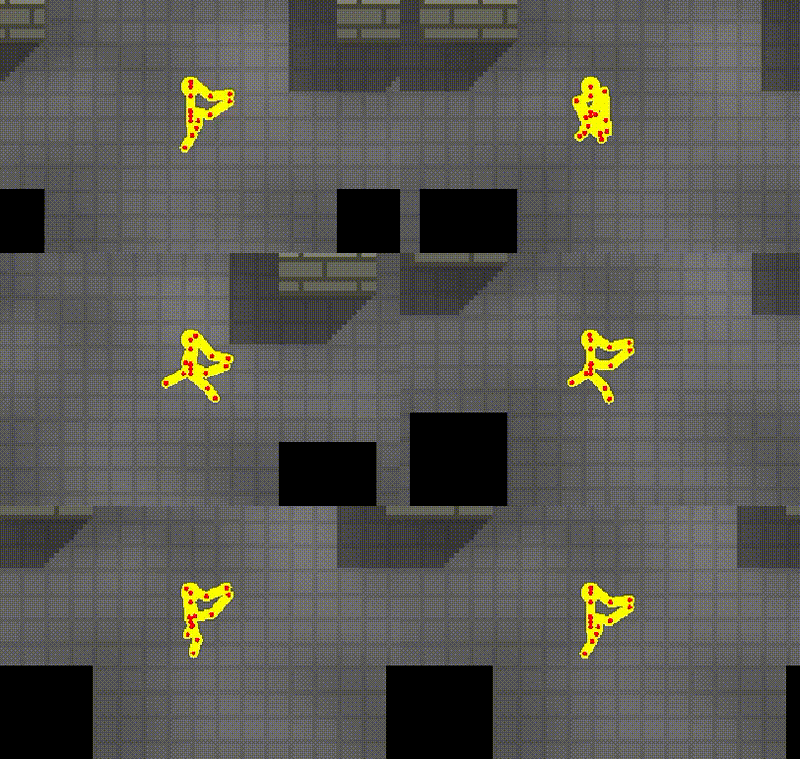
Now that’s starting to look like a human.
Let’s get rid of the points and give it a bit of color:
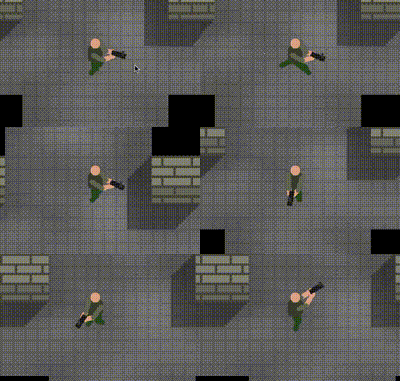
And let’s make the game a bit more pixelated to match the environment and hide the imperfections:
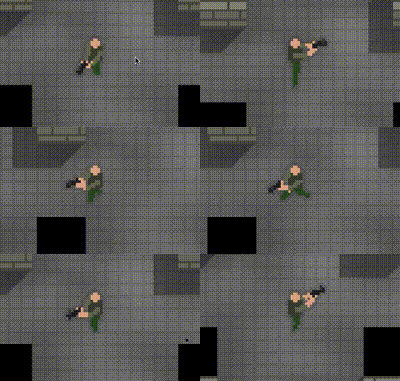
Animations don’t have to be perfect, they only have to feel right.
For instance, in some cases the player will have weirdly bent elbows, or overly long legs. The important part is that it works with the perspective.
Some animations might work for a certain perspective but not another. Here’s what happens if I increase the perspective:
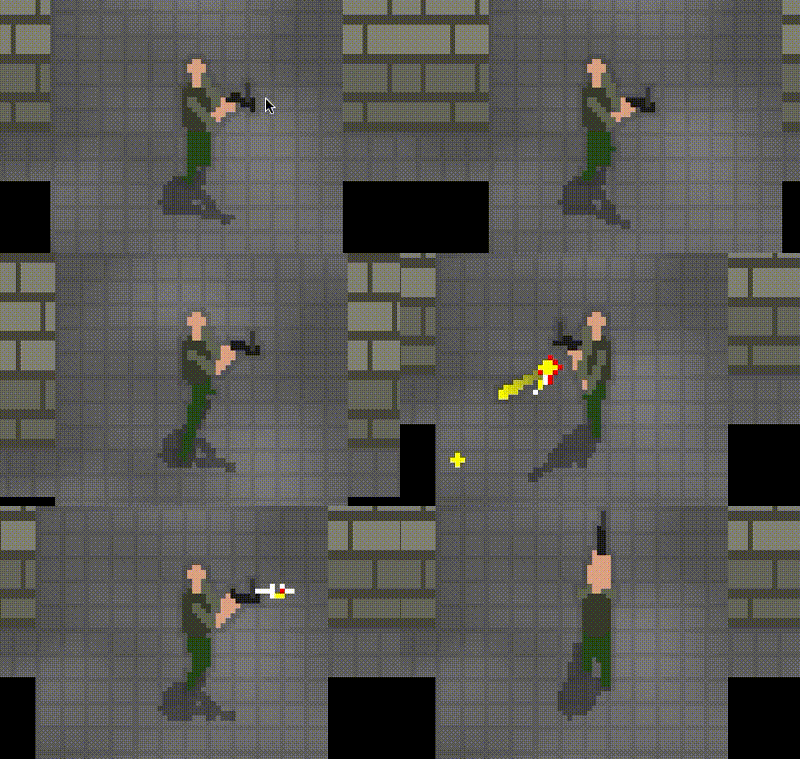
Head is too small, pistol’s sight is too long.
It takes a bit of fidgeting to achieve the right look.
Now that we have a nicely animated character that looks like a human, let’s give them a shadow.
The trick with shadows is to render the exact same view, but project things a bit differently.
Let’s create a projection function:
Now to render the shadow, we can create a different projection:
Let’s add a second HumanoidView for the player, but let’s give it our new projection:
And when rendering, here’s what it looks like:
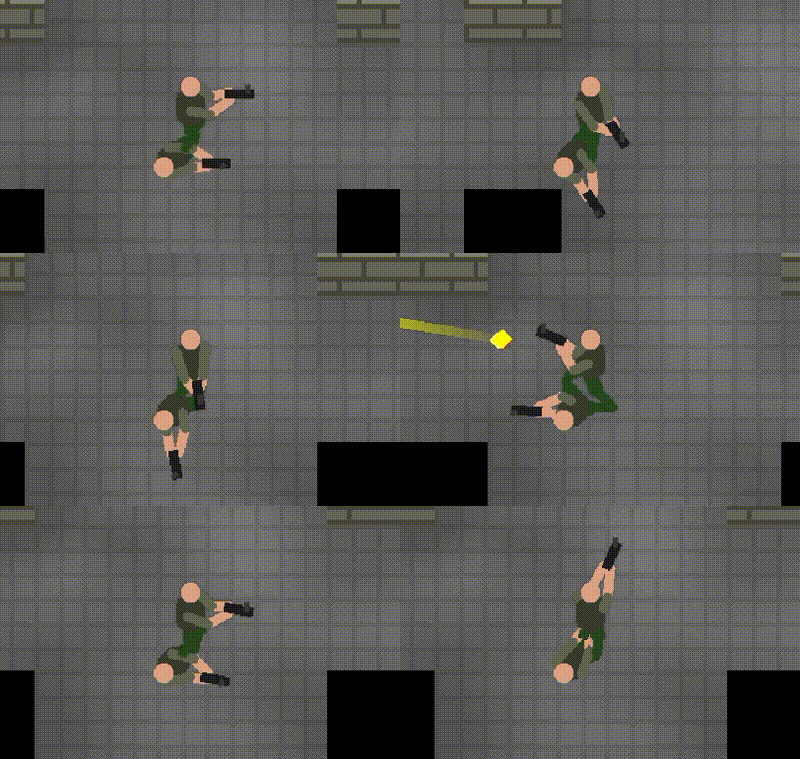
Almost there. We can change the colors of the shadow, or apply a color filter:
And here is the result:
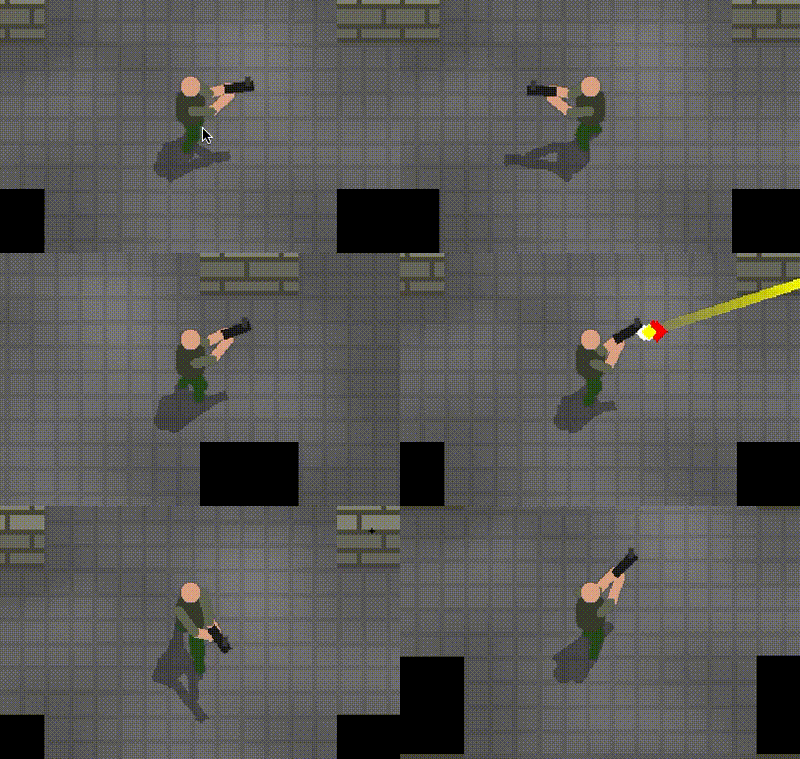
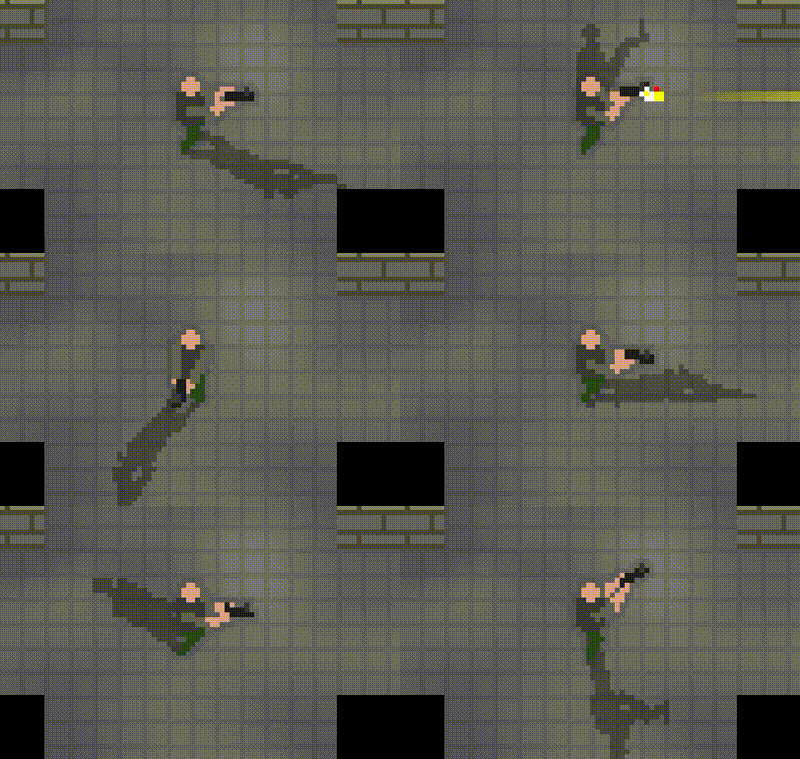
I can also achieve a few simple effects. For instance, I can pretend the source of the light changes:
I only showed how to roughly make a human using this technique, but the neat part is that it can be expanded to other props in the game: glass panels, desks, lockers, plants…
My game makes heavy use of these tricks, and here’s what it looks like when it’s (mostly) all put together:
I hope this post was somewhat useful to others. Maybe it sparked inspiration.
At the very least, it helps me structure my thoughts.
I’m going to try to write more about the things I learn while building my games. Some of the topics I’m thinking about covering are:
Building the campaign
Balancing the campaign through metrics
Using metrics to make the most of playtests
Creating bots to populate multiplayer games
Building my own game engine
Building the multiplayer version of one of my games
If any of those sound interesting, let me know.
Maybe I’ll post about non-gamedev things too. Stay tuned.