Our most portable paper tablet yet, a better way to meet face to face.
Try for 50 days risk free
Going somewhere?
Going somewhere?
Canvas Color display (7.3")
Up to 2 weeks of battery life

Technology that gets out of your way
There’s nothing better than meeting face to face. We think there’s something liberating about being able to think together, wherever. Don’t you agree?
Stationery that’s never stationary
Smaller than a paperback, but fits all your paperwork. Meet with others, and capture what matters on the go.
Take it with you
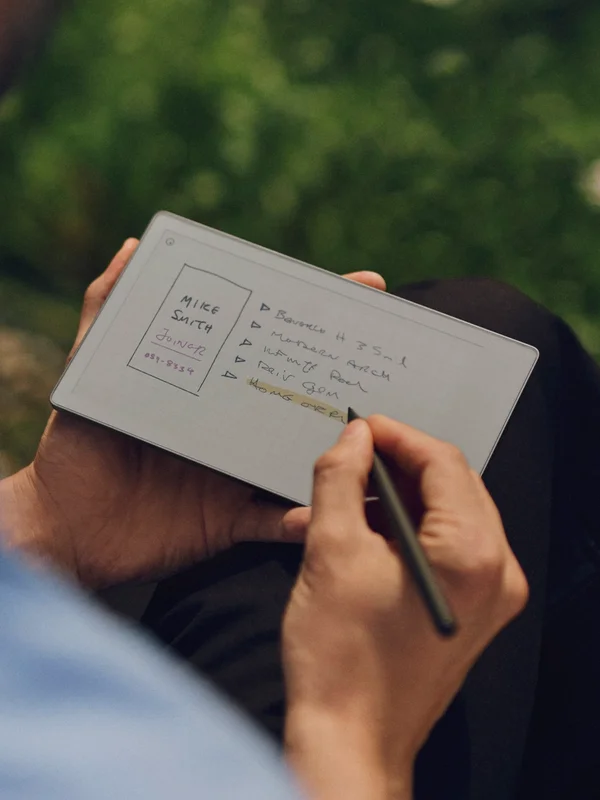
Feels like second nature
It’s instantly familiar, yet refreshingly new. Just like pen and paper, pick up your Marker and start writing. It’s that easy.
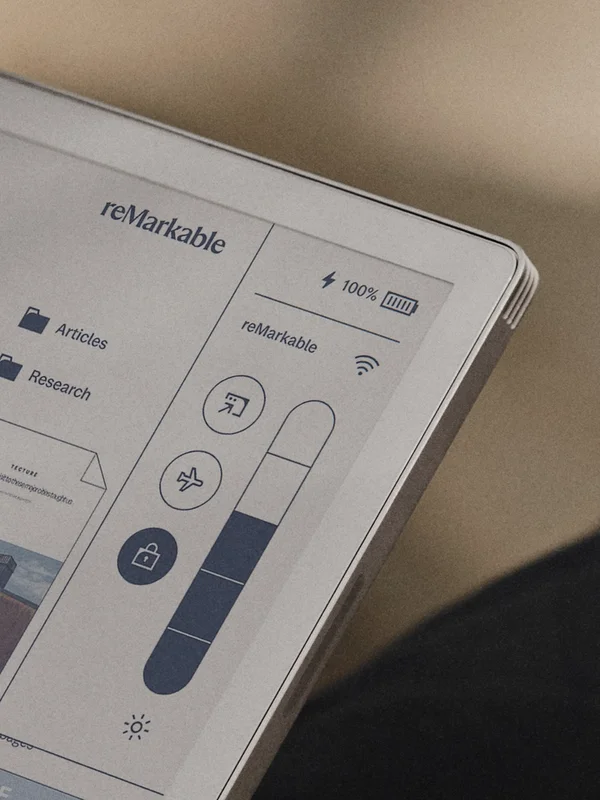
Lasts for days
Play the long game with battery life that lasts for up to two weeks. And charge from 0 to 90% in less than 45 minutes.

Look the part, anywhere
With an anodized aluminum frame and textured glass display, reMarkable Paper Pro Move always looks professional.
Most popular bundles
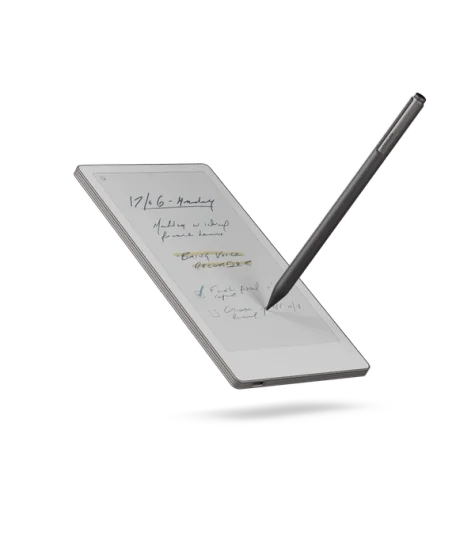
Marker Plus bundle
reMarkable Paper Pro Move with Marker Plus, which has a built-in eraser.
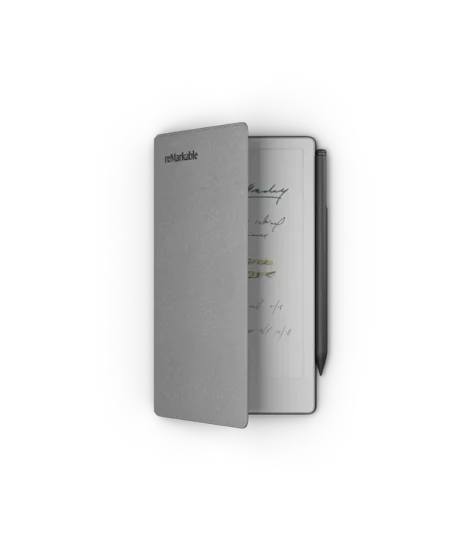
Book Folio bundle
reMarkable Paper Pro Move with Book Folio in polymer weave and Marker Plus, which has a built-in eraser.
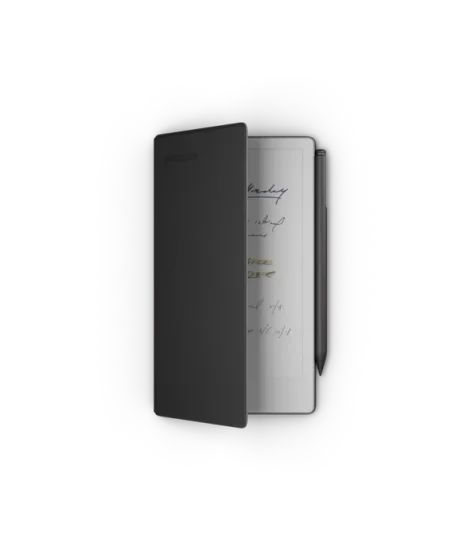
Book Folio bundle
reMarkable Paper Pro Move with Book Folio in premium leather and Marker Plus, which has a built-in eraser.
Stay organized with and Annotate directly on documents, or even your notes made last month.
Like no other notebook
Taking notes on the go doesn't have to mean tapping with your thumbs on a slippery glass panel.
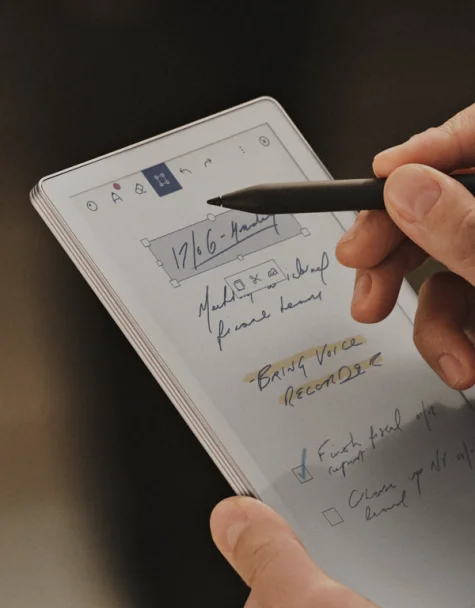
Oh. That paper feel.
Enjoy a display that looks, feels, and even sounds like paper. And digital tools, like converting handwriting to typed text, selecting and moving work, or layers to show or hide work, make this kind of paper, well, different.
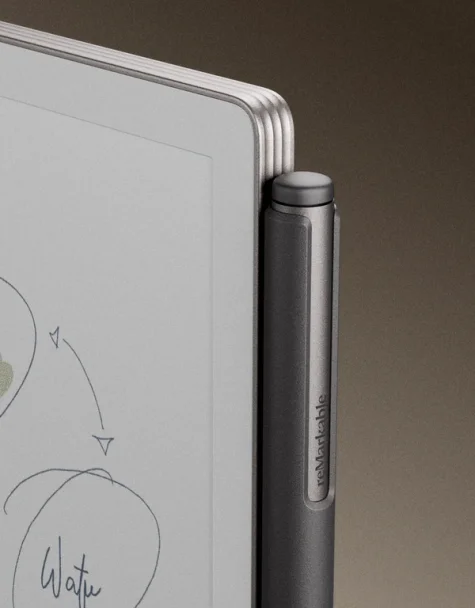
Pen, meet paper
When two become one it looks like this. Meet the Marker that magnetically clips onto the side of your paper tablet, and wakes up the display as soon as you lift it. You could say it feels like magic.
Join 1 million+ subscribers
Connect subscription
Connect your paper tablet with your favorite work tools, and let AI turn your ideas into next steps.
What's inside the box?
- reMarkable Paper Pro Move
- Marker or Marker Plus
- 6 replacement tips
- USB-C charging cable

Not just any cover
Think of Book Folio as your sidekick. Wherever you go, it goes. And it comes with a magnetic strap to hold your Marker in place, all day long. It’s that secure.
We have folios to match every personality, from textured, recycled weaves to premium leather.
Shop
Essential accessories
Need a refill on Marker tips, a new folio, or an extra charging cable? Shop our accessories below.
Thoughtful in every way
Safe and secure
Your notes stay private and protected with built-in data encryption. Add a passcode for extra peace of mind.
Built for the future
Made with more than 20% recycled materials, and wrapped in 100% recyclable packaging.
Made to last
Designed to be repaired, not replaced. Because a paper tablet should age like a good book.
Press reviews
“This miniaturized version of ReMarkable’s colorful Paper Pro might just be my new favorite digital notepad.”
“I don’t think you’re going to see me in public without the ReMarkable Paper Pro Move on my person.”