Read web pages, PDFs, and selected text aloud with word-by-word highlighting, OCR, and premium English voices that run on your device with unlimited premium voice usage.
Text-to-Speech
Read any page, PDF, or text selection aloud. Select text and press play, or read the entire page.
Premium English Voices
28 natural-sounding English voices that run on your device, with unlimited premium voice usage and private-by-default playback.
Word Highlighting
Follow along word-by-word in the transcript as you listen. Click any word to seek.
OCR for Images
Extract text from images, screenshots, and scanned PDFs. Runs on your device — no uploads, no limits.
AI Summarization
Get brief summaries of any page or selection before listening. Toggle summarize mode on or off.
Keyboard Shortcuts
Control playback without leaving the page. Configurable shortcuts for play, pause, and stop.
Library
Save now, listen later
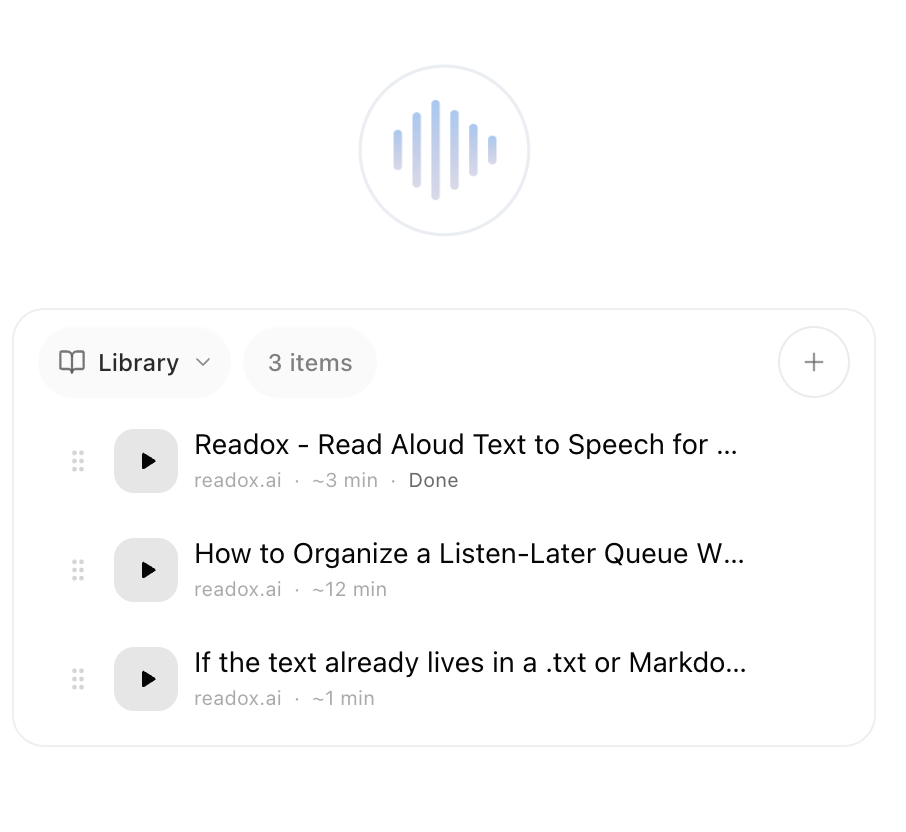
Readox is not only for reading what is in front of you. Save pages, selections, summaries, and your own text into a queue you can come back to later.
Save while you browse
Keep a full page or only the useful part without breaking your flow.
Mix sources in one queue
Library items can come from pages, PDFs, summaries, OCR, and pasted text.
Come back later
Turn open tabs and one-off snippets into something you can actually revisit.
The main Library is included on free. Pro adds up to 10 collections for separate listening queues.
Works right on the page
Select text, press play, and follow along with word-by-word highlighting — without leaving the page.
How it works
1
Install the extension
Add Readox to Chrome. Free to start, no account required.
2
Select text or open the sidepanel
Highlight text on any page or PDF, or open the sidepanel to read the entire document.
3
Press play and listen
Hear the text read aloud with word-by-word highlighting in the transcript.
Simple pricing
Start free. Readox Pro is tied to your Google account, so checkout happens inside the extension after sign-in.
Every plan includes read-aloud for web pages and PDFs, OCR, word-by-word highlighting, and keyboard shortcuts.
Web pages and PDFsSelected text and full-page readingOCR for imagesWord-by-word highlightingKeyboard shortcuts
Free
A real free plan for everyday reading.
$0
Use browser voices to read web pages, PDFs, and selected text in Chrome.
Includes
- ✓Browser voices
- ✓Unlimited reading
- ✓No account required
Best for trying Readox, light listening, and reading with built-in browser voices.
Best for daily listening
Pro
Premium English voices that run on your device.
$6/mo
$72/year, billed annually
Save 33%
Everything in Free, plus premium English voices, 100 AI summaries, and up to 10 library collections.
Pro checkout starts inside the extension after sign-in.
Use the Google account you want tied to billing and Pro access.
Unlock
- ✓28 premium English voices
- ✓Unlimited premium voice usage
- ✓Premium voices run on your device
- ✓100 AI summaries
- ✓Create up to 10 library collections
Best for focused reading, premium listening, and making Readox part of your daily workflow.