Adding Multilingual Support
You might have asked yourself, "Landen, why is the project called 'Let's Learn!' instead of 'Let's Learn English'?" Well, my dear attentive reader, this is because from the very beginning I planned on add multilingual support to the project.
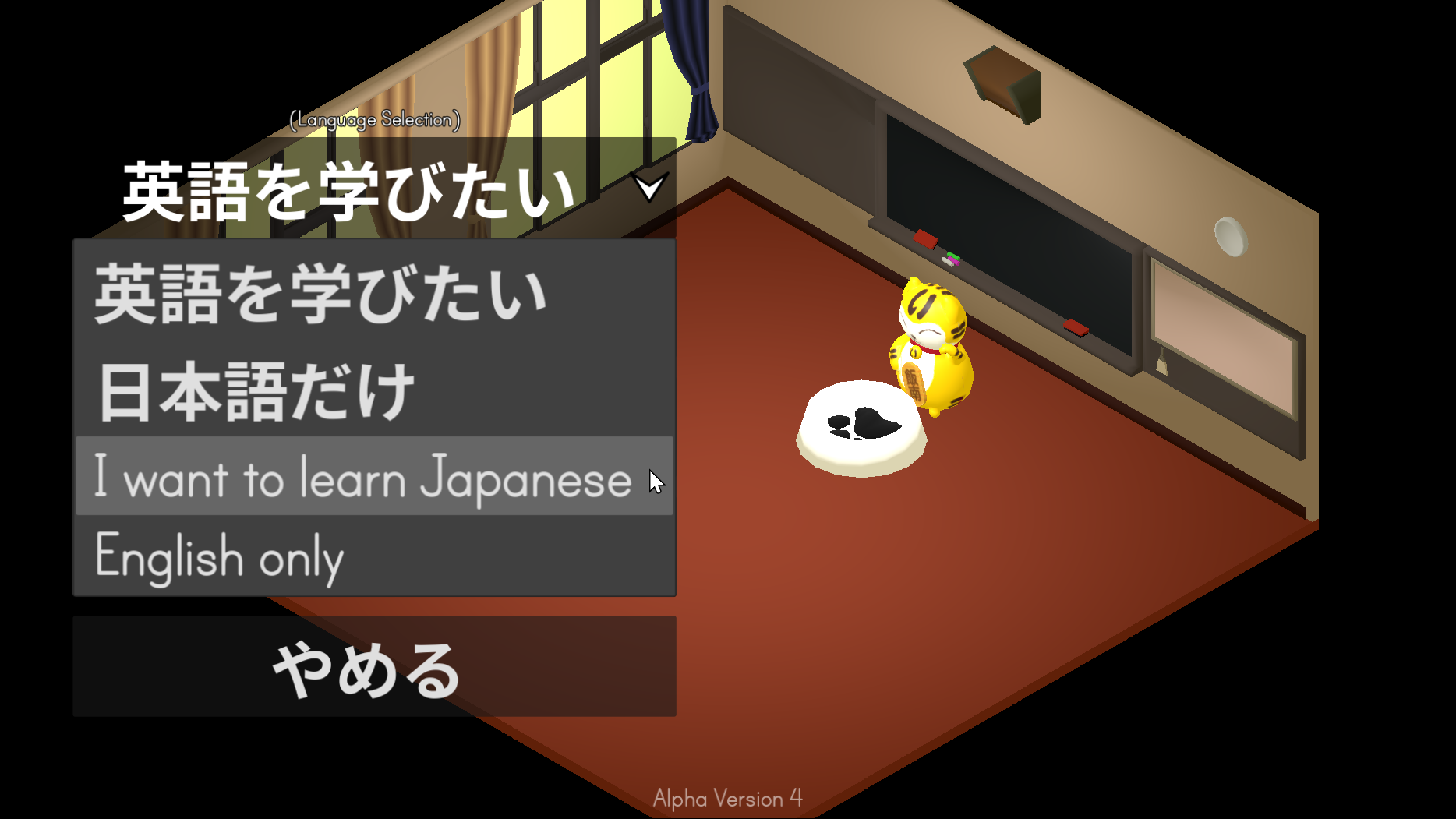
The main goal of the project was to make a fun English puzzle game for my students. But I wanted to maximize the return on my time spent developing the game.
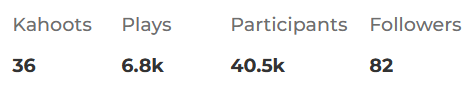
I have done something similar with other English activities. My main example of this is my Kahoot profile. For 3 years, I have created English quizzes for free that are publicly available on the Kahoot website. As of writing, over 40,000 participates have played my Kahoot quizzes.
To do something similar for Let's Learn, I wanted to utilize the internationalization tools in the Godot engine.
How to add Multilingual Support in Godot
Godot makes it quite easy to add localization to your game. The localization system uses a key-value pair. You store this key-value pair inside of a csv file. I made mine with Libre Calc.

You can use standard localization codes such as en for English and ja for Japanese.
But you might have noticed that there are two strange locale codes in my csv file: jatoen and entoja. This is because Godot also supports variant values for locales. This enables me to include two languages in a single locale. For example:
jatoen = Japanese speaker learning English.
entoja = English speaker learning Japanese.
The player's native language will be used for the in-game UI, while the puzzle solutions will be written in the language they want to learn.
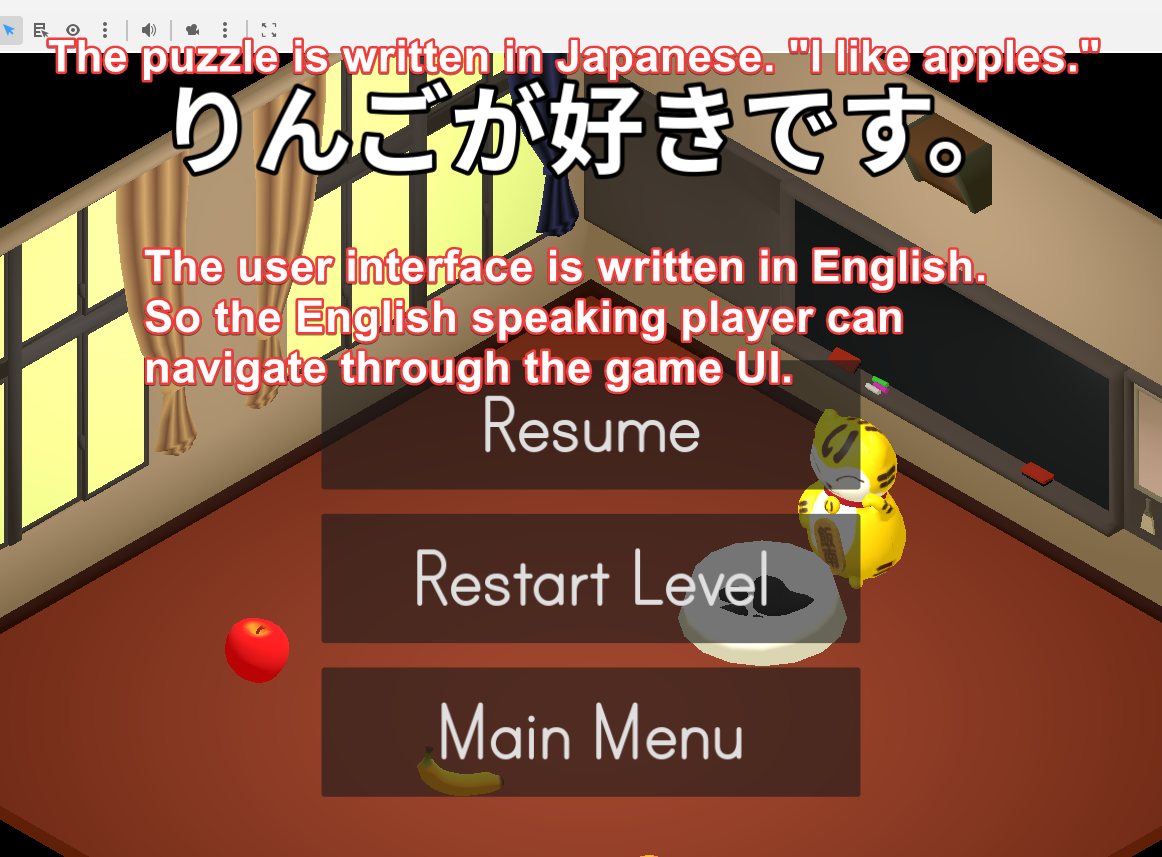
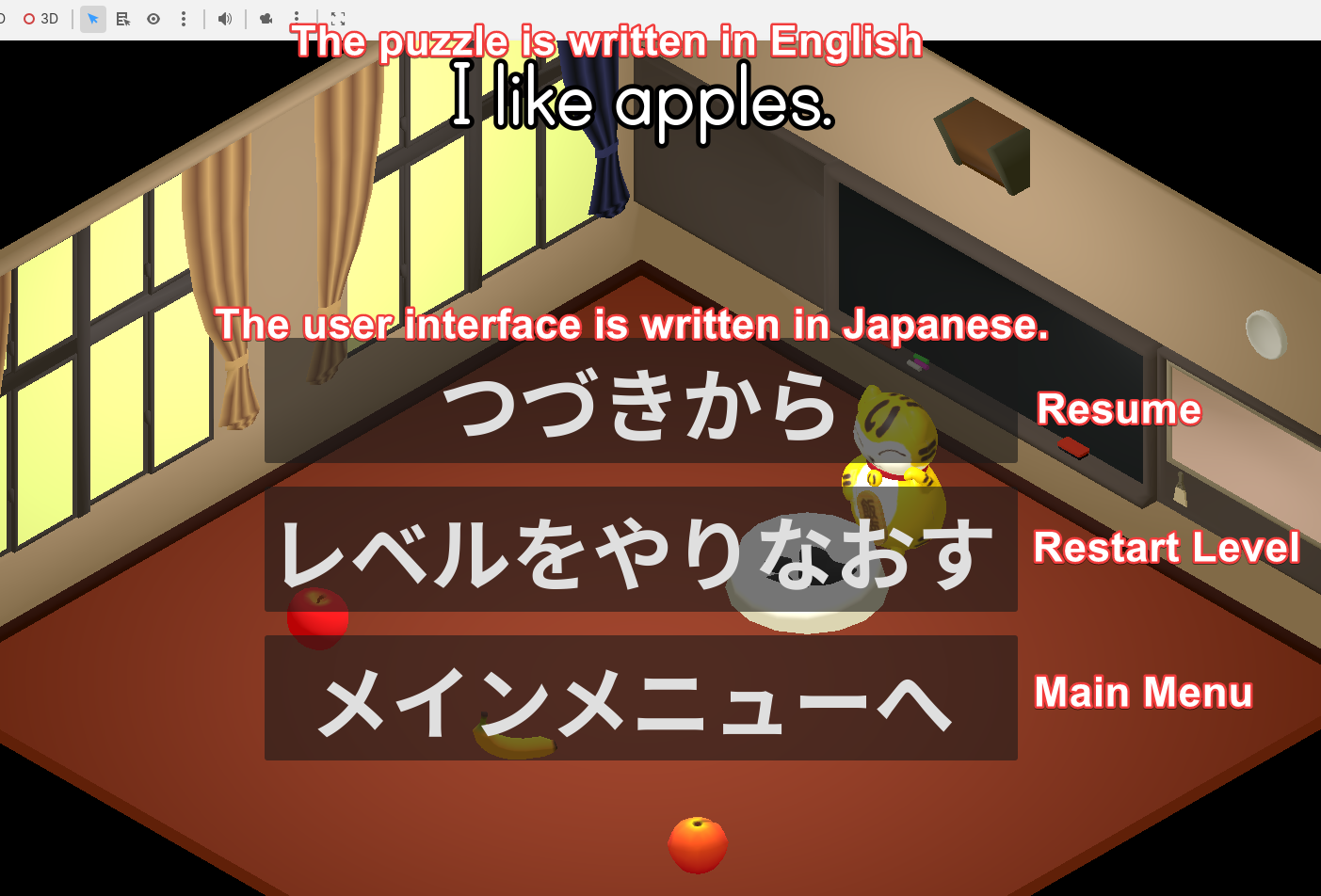
You might have noticed that I included default locale codes for English and Japanese (en and ja). This is because I want 'Let's Learn!' to be available to everyone, not just people who want to learn a new language. For example, my parents would love to try my new game, but they probably have no interest in learning Japanese. Or, at the very least, they wouldn't have a high enough Japanese comprehension level to understand the puzzle solutions.
How to Add Support to Existing Godot UI
Godot makes the process of retroactively adding multi-language support very easy. By default, controls have a feature called "Auto Translate". This will check your label's text value for an existing translation key and replace it with a value from the localization file. For example, these are the literal text values inside the main menu UI:
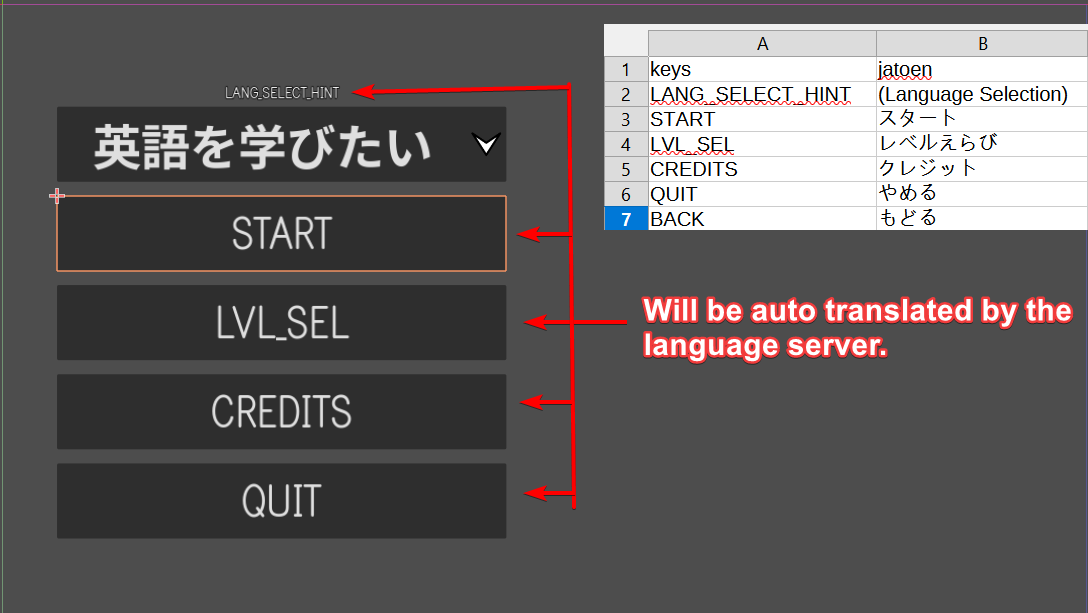
This will only work for UI with values that never change. If you have dynamic UI, you can utilize the format() function in combination with the translation function, tr()
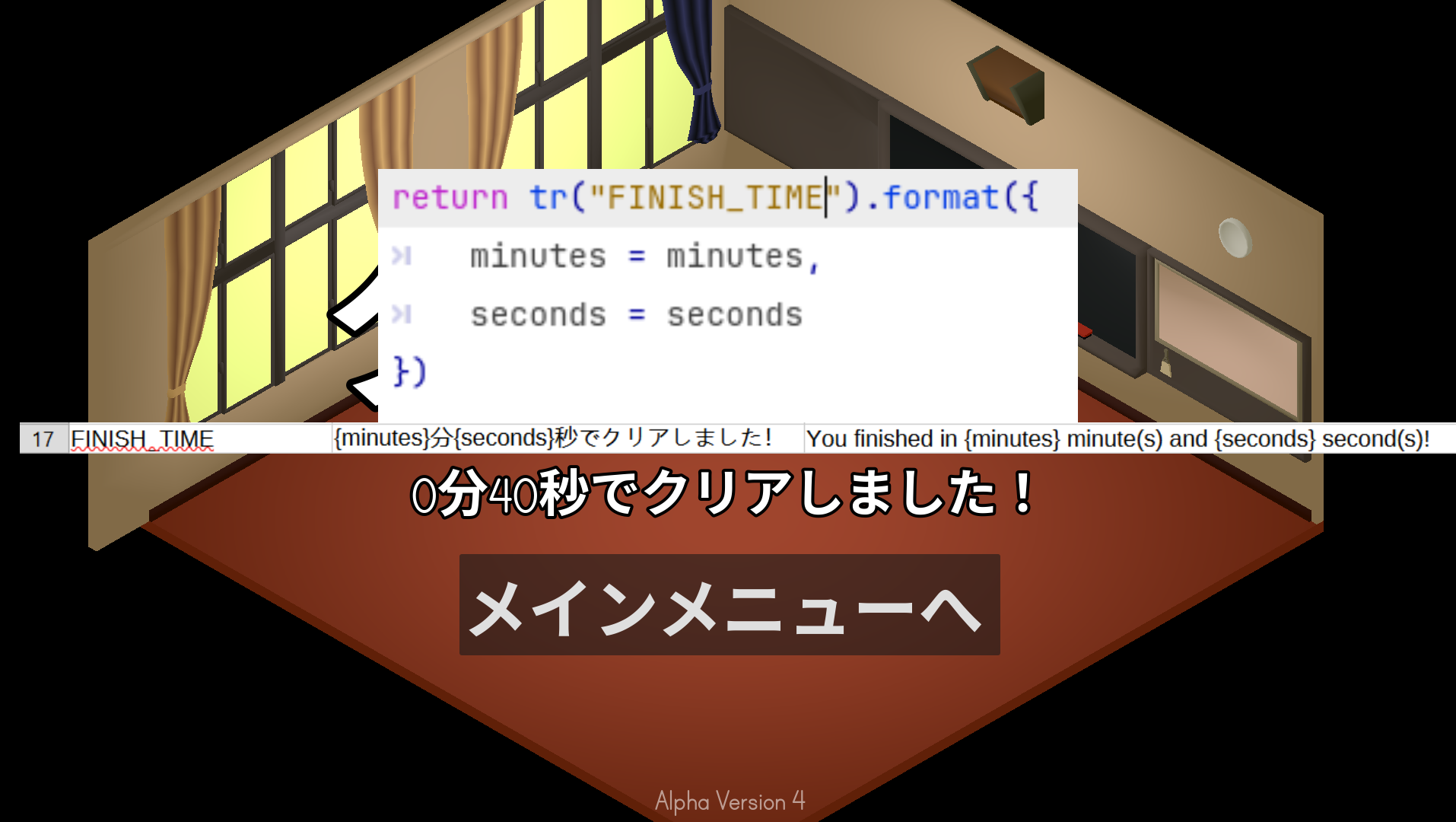
Fun fact, unlike the English translation, the Japanese version does not have grammatical plurals. E.g. minute[s] second[s]. In caveman terms, they don't add an 's' to nouns when there is more than 1 thing. Sometimes they do though. E.g. 人[たち]。
From there, you can set the current locale being used like so:
TranslationServer.set_locale(language) # E.g. "en" or "ja"
This can also be done automatically:
var preferred_language = OS.get_locale_language()
TranslationServer.set_locale(preferred_language)
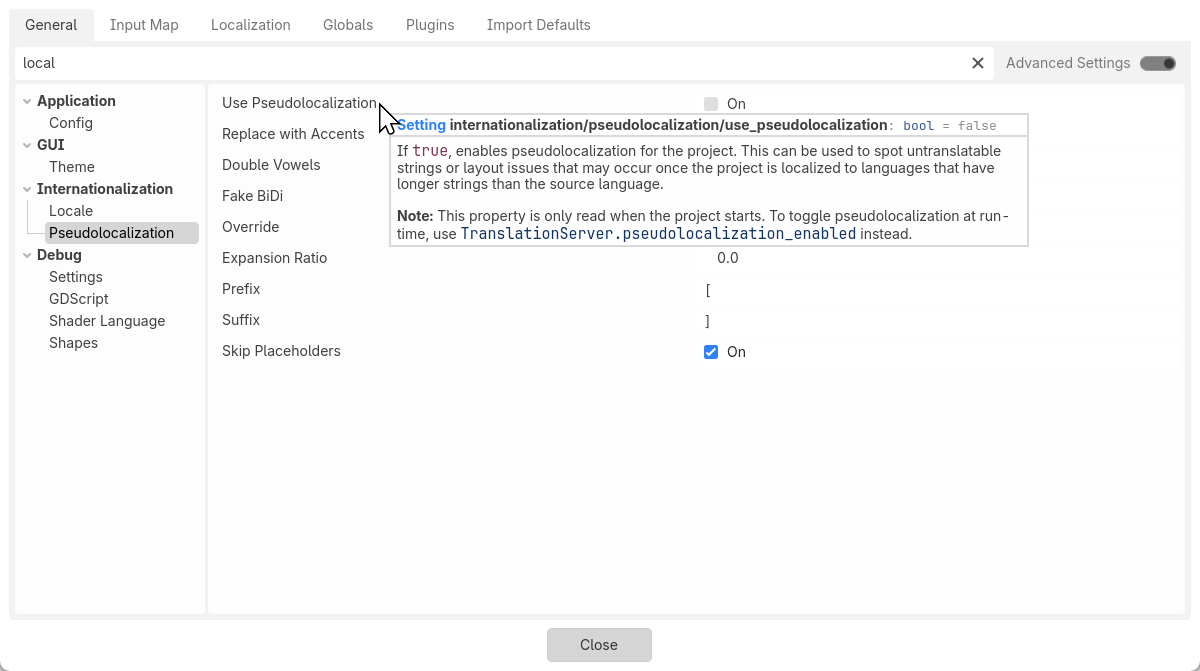
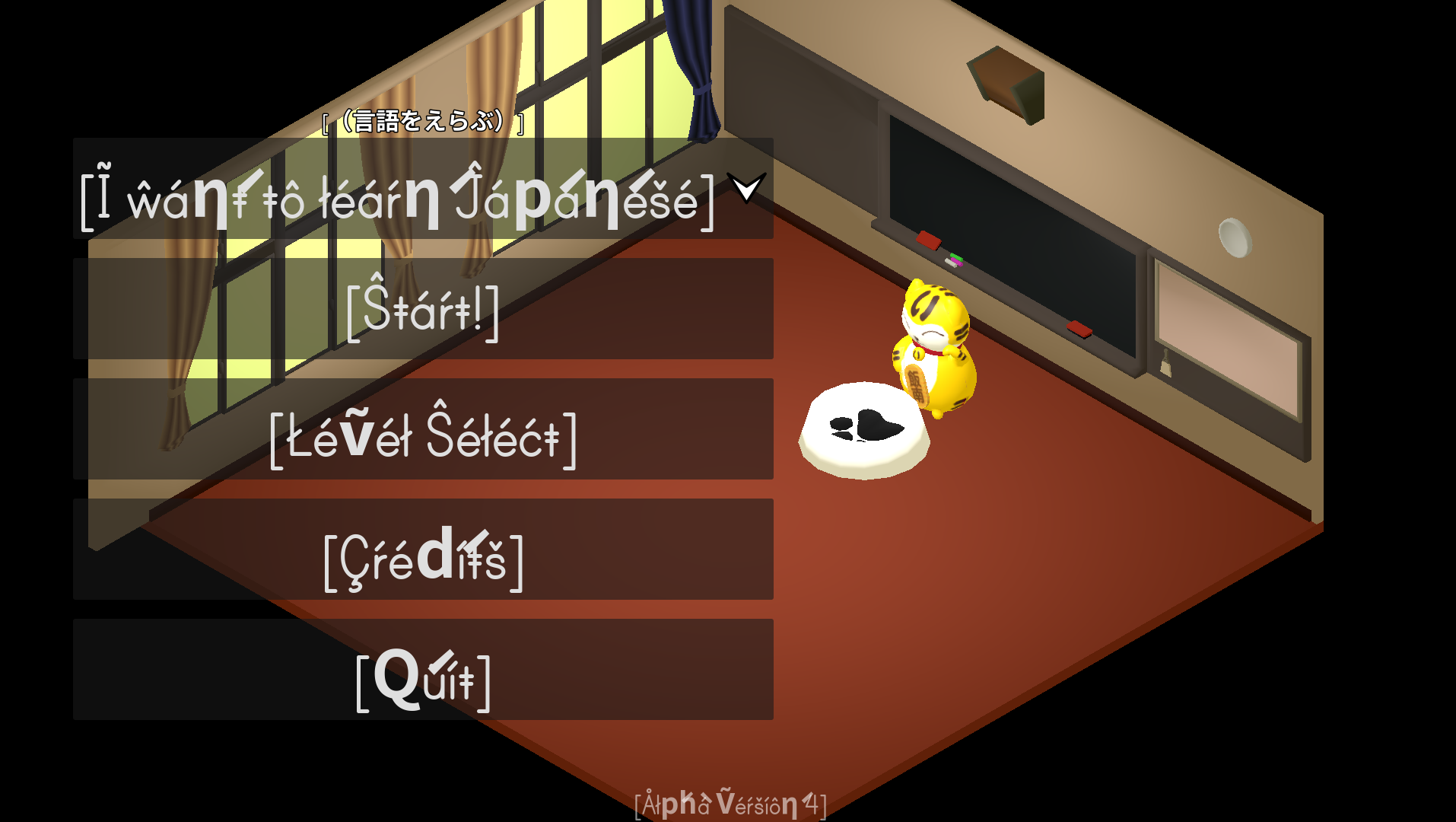
Godot also supports other features for retroactively updating UI, such as Pseudo Localization:
Other Changes in this Update
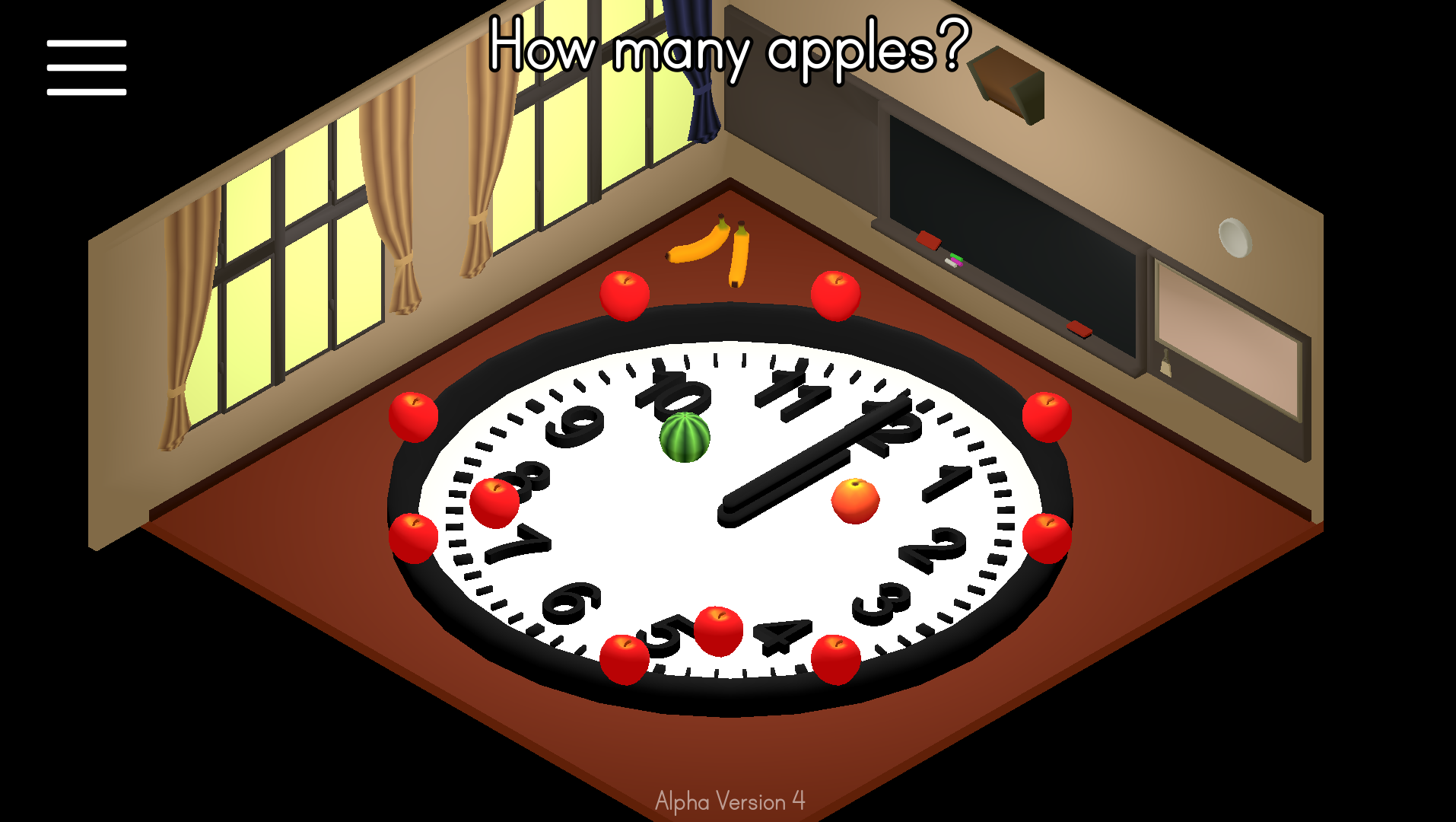
New Level: 3-2 How many apples?
More Ways to Share
I added a QR code and 'Copy to clipboard' button to the credits page. They both link back to the itch.io page for 'Let's Learn!'
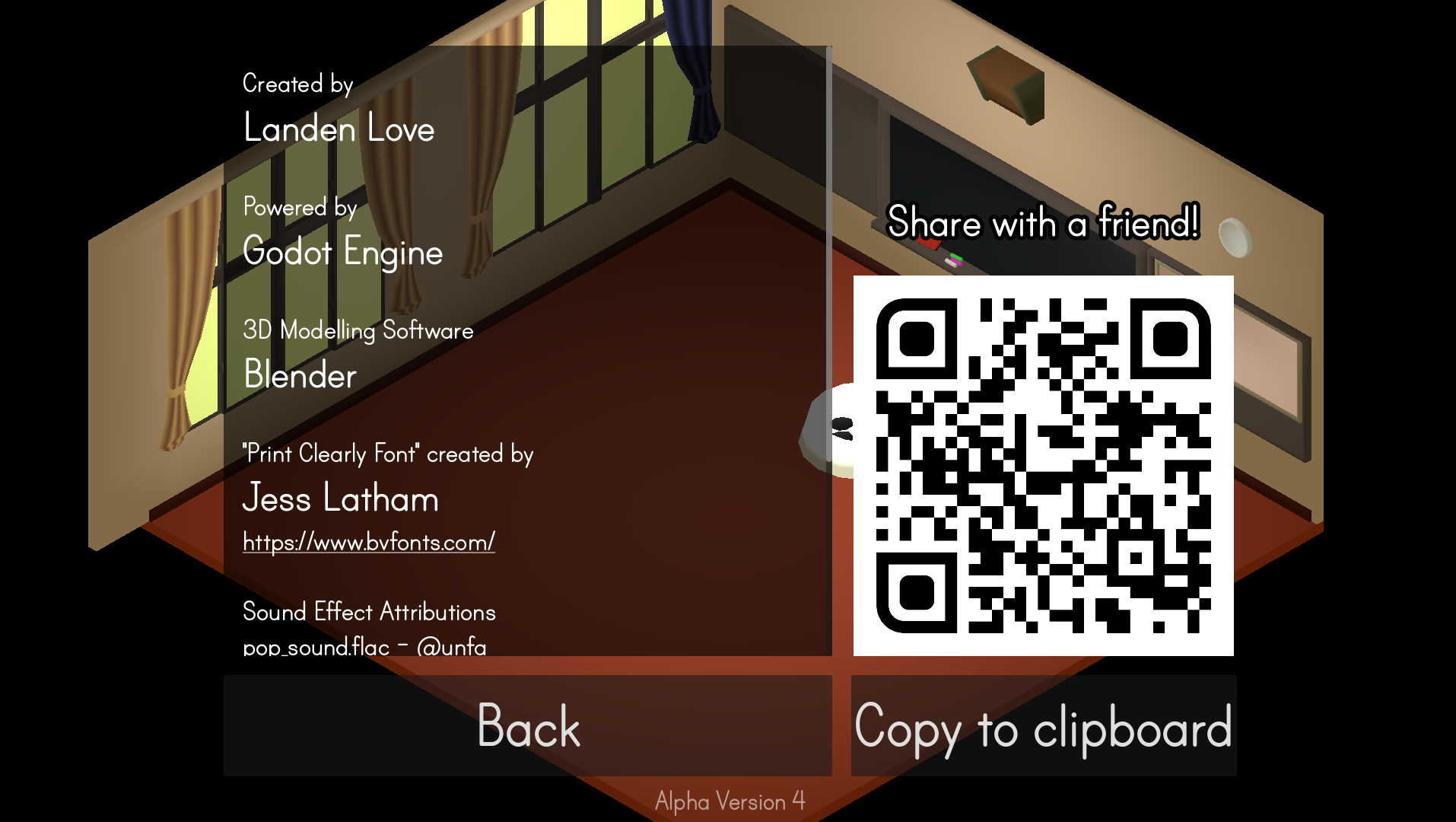
I just wanted to make it easier for people to share the project with each other.
The 'Copy to clipboard' button was dead simple to implement. It also works on every platform that I have tested: Windows, Android, Firefox, and Chrome. It is a super convenient feature from Godot.
DisplayServer.clipboard_set("https://qcgeneral29.itch.io/lets-learn")
That is all for now
Thanks for reading!