Puck 0.20 introduces inline text editing, overlay portals for interacting with components in the preview, resizable sidebars, and several other improvements that make the editor more flexible for both users and developers.
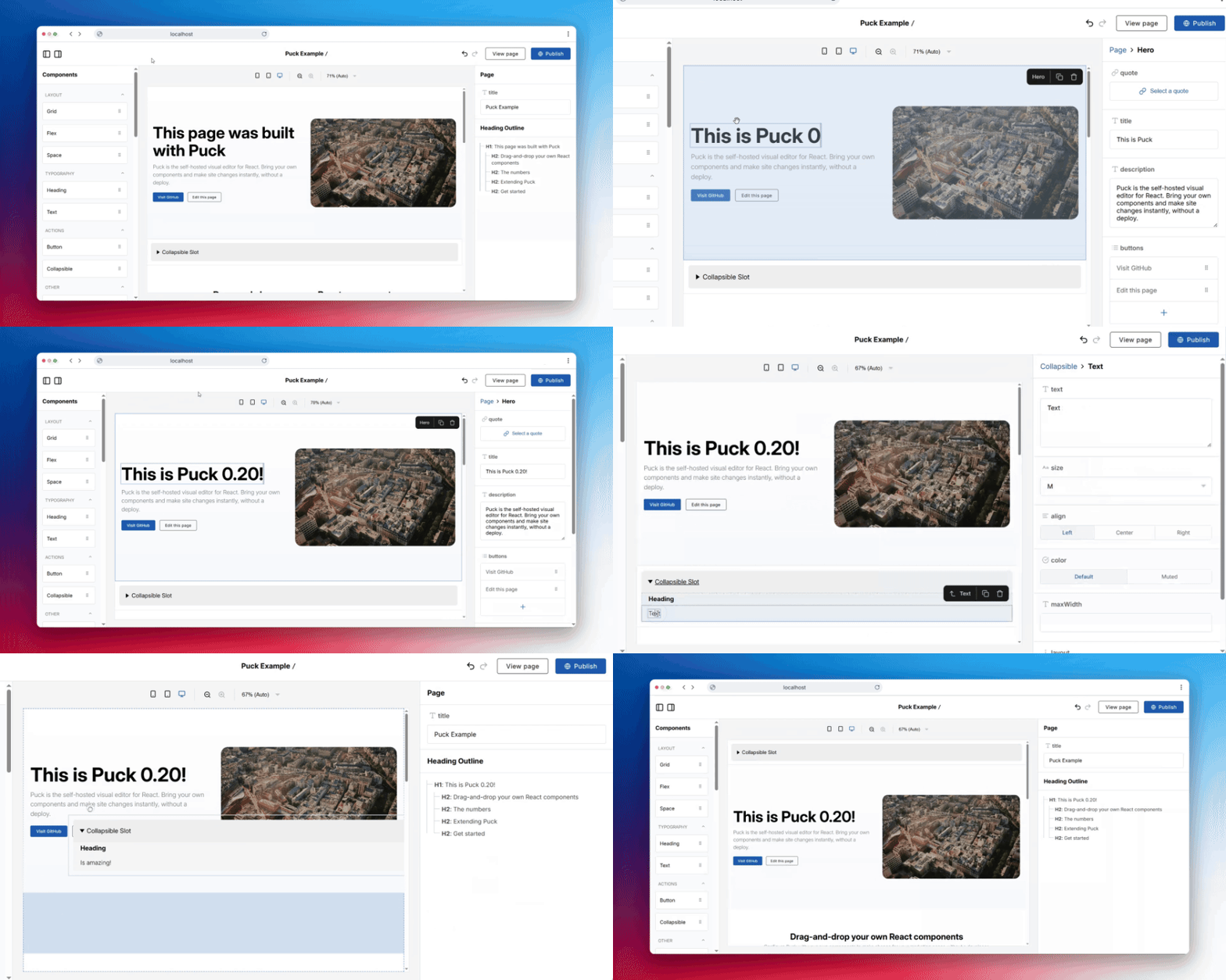
In this post, we’ll go over everything new in Puck 0.20 and how you can start using it:
If you’re upgrading from an earlier version, make sure to review the upgrade guide for any breaking changes and migration tips.
You can also find more in-depth documentation for each new feature in our docs.
Inline text editing
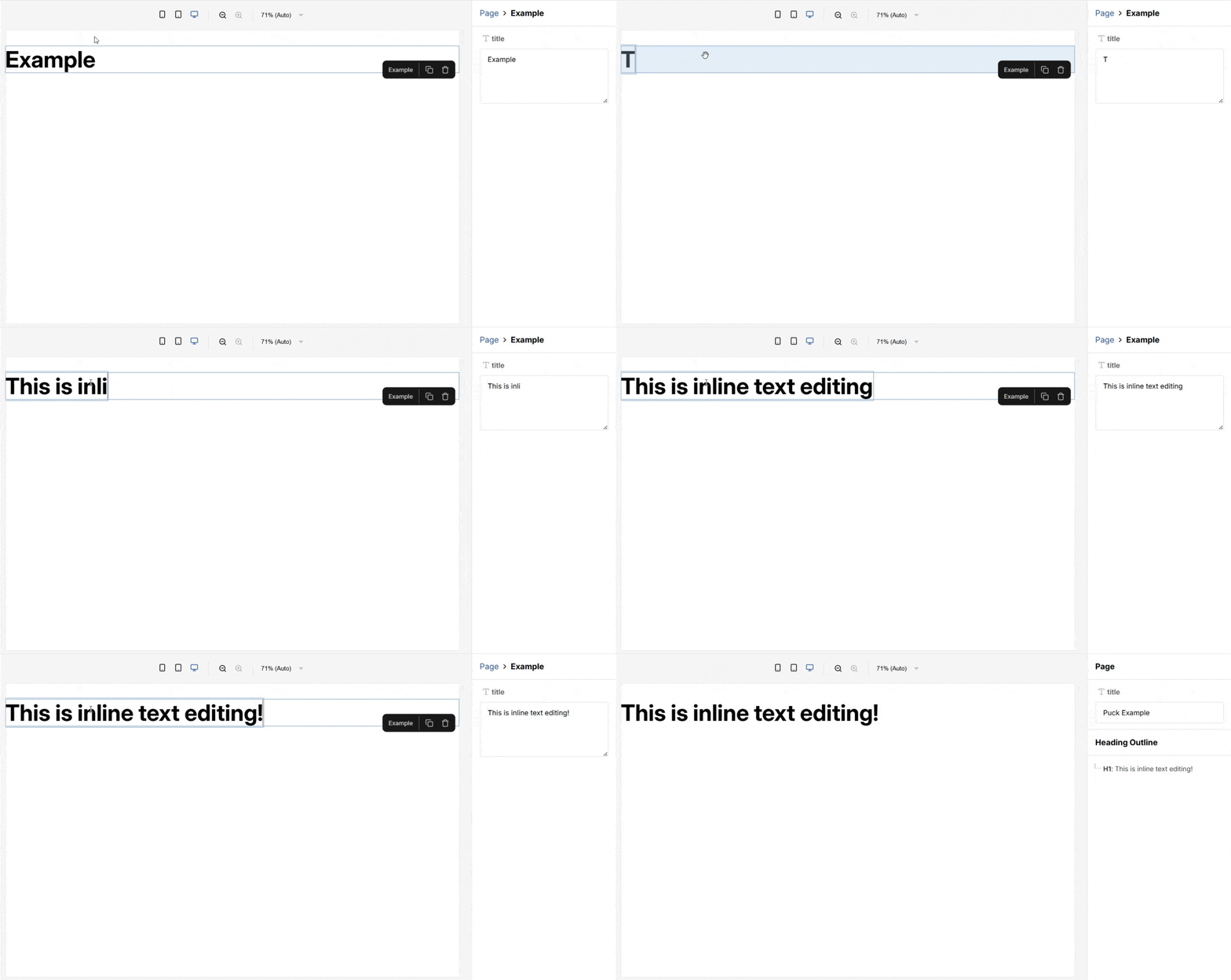
Inline text editing allows you to edit , , and fields directly in the preview without using the sidebar.
You can enable it by setting the property to in the field config:
FieldTransforms API: Modify field values
The FieldTransforms API lets you modify the value that each field type provides to component render functions when used in the editor.
You can specify a transform function for each known field type, or introduce completely new ones.
Use this to implement custom inline fields, such as rich text fields.
New function:
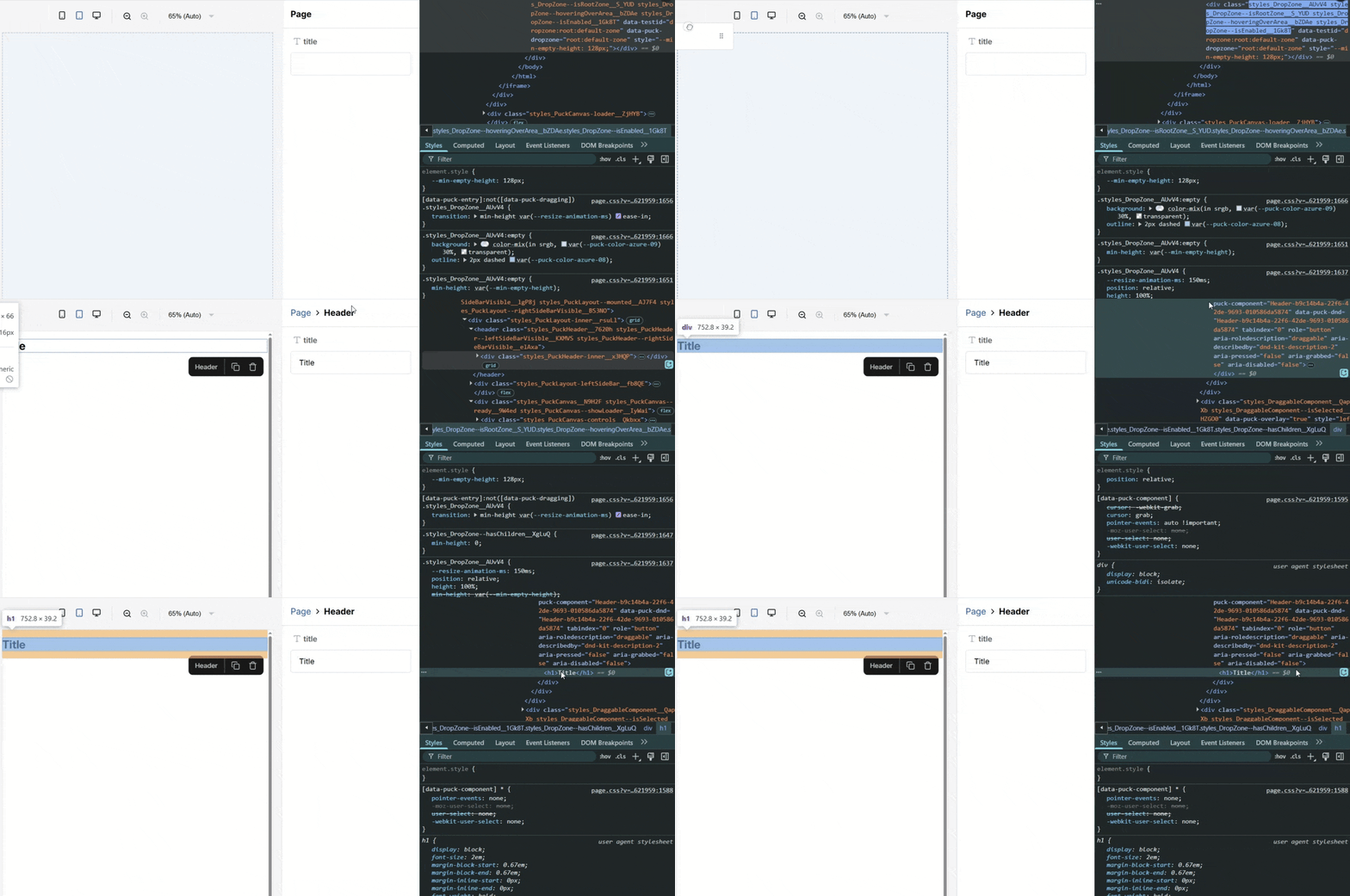
By default, Puck adds an overlay that covers hovered or selected components in the canvas, blocking direct interaction with their content.
allows you to exclude specific elements from that overlay so they remain interactive. This is useful for scenarios like rich text editing or interactive slots (e.g. tabs).
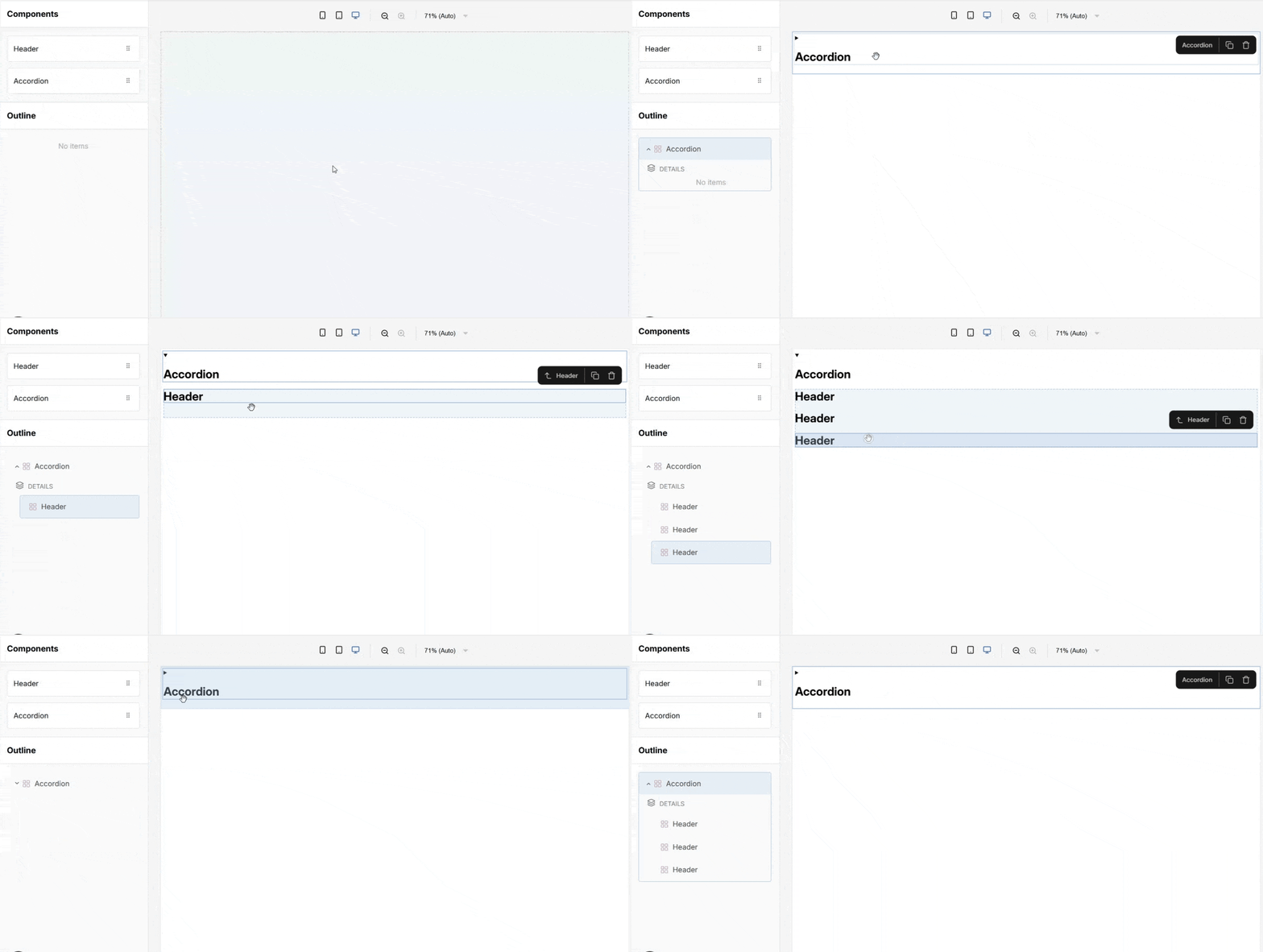
For example, here’s how you can use it to create an accordion with a collapsible slot:
New function:
is a utility for setting the value of a key deep within an object. This is useful when working with nested data, such as implementing field transforms.
New override:
The override lets you customize how the overlay renders when a component is hovered or selected in the editor.
This is useful for adding custom styles or behavior that better align with your application’s design.
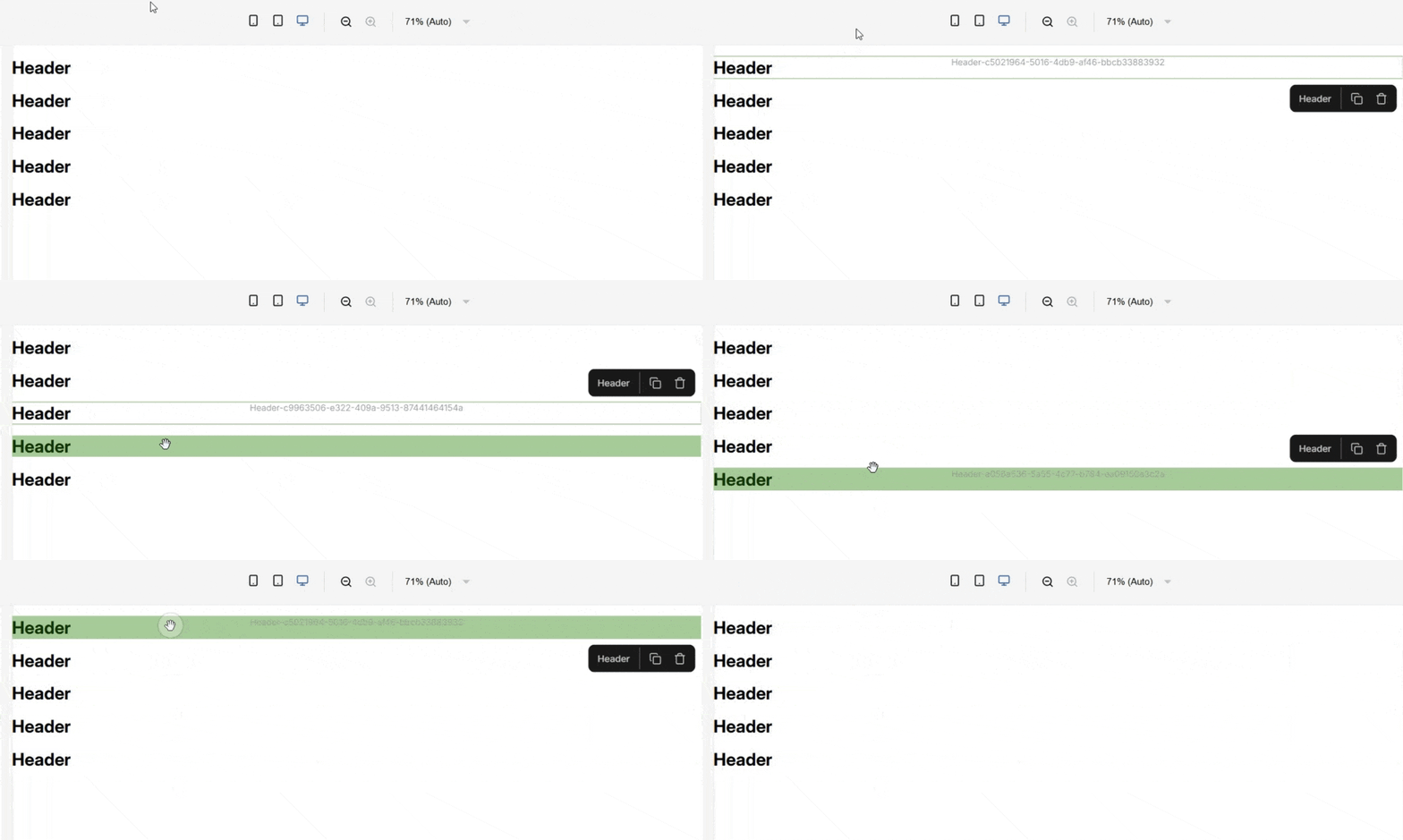
This was a contribution made by: @tlahmann
You can now resize the editor sidebars by dragging their borders.
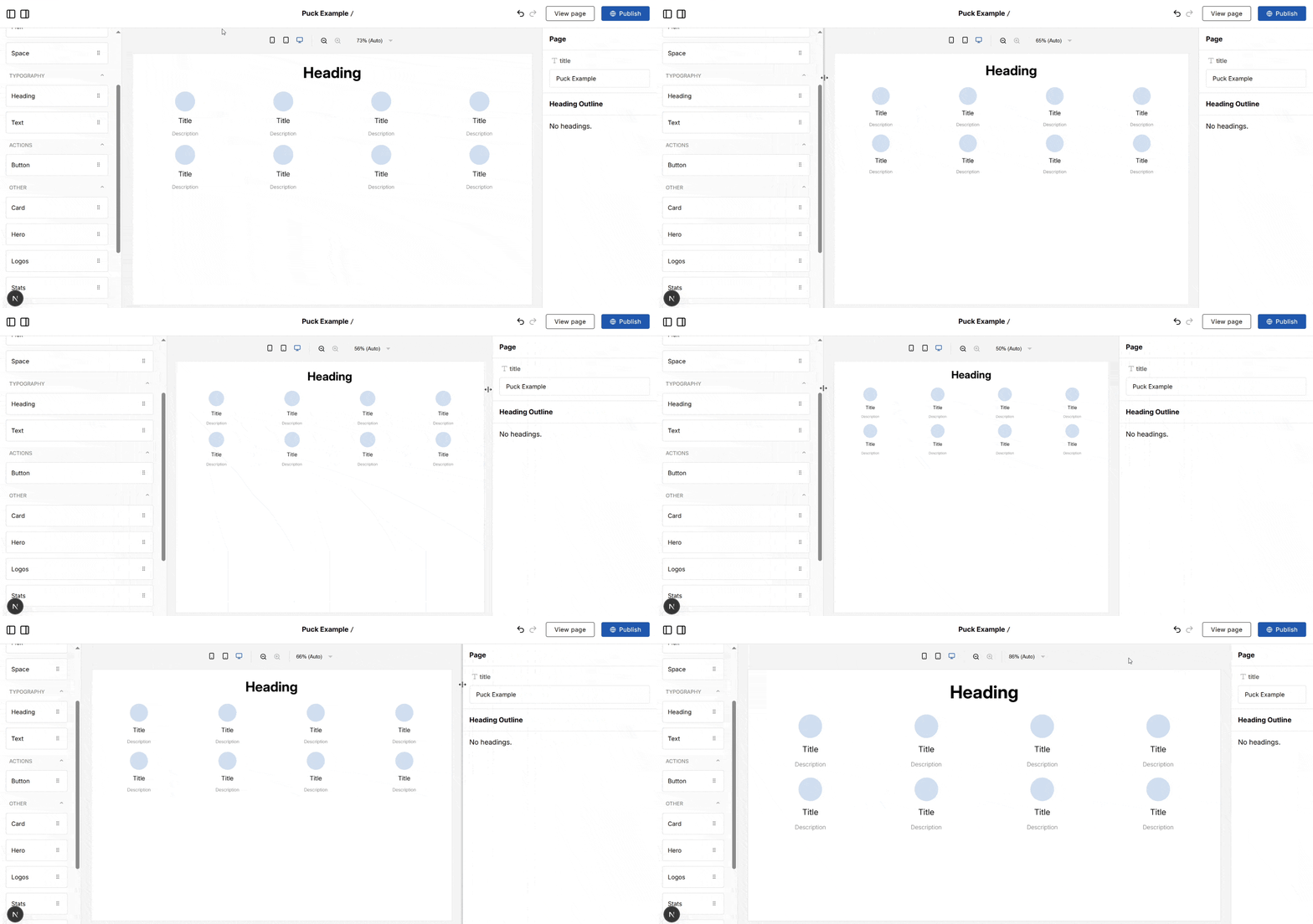
You can also access the current sidebar widths programmatically through the internal PuckAPI, which is useful for building custom UI components:
New bundle:
Puck now includes the bundle, which avoids importing additional CSS from third-party CDNs. By default, Puck will load the Inter font from a hosted CDN.
Use this instead of the standard CSS bundle if you need more control over your font, or need to avoid calling CDNs.
New CSS property:
By default, Puck uses the Inter typeface family loaded from a CDN.
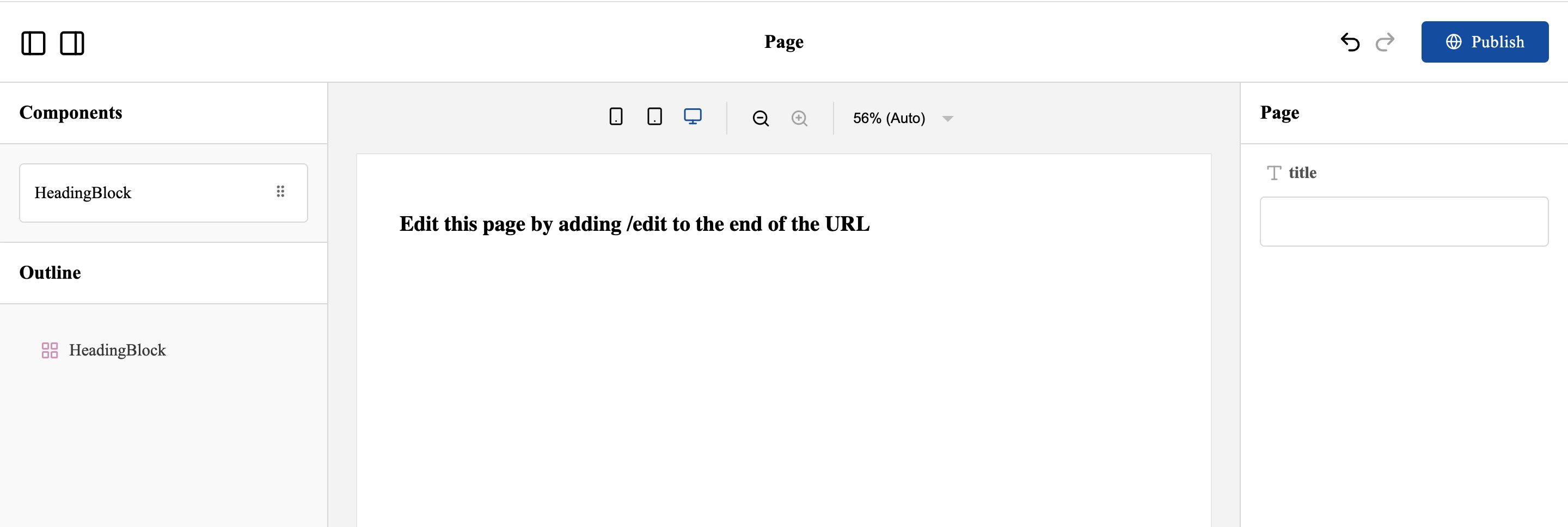
To use a different or local font, you can now import the bundle and redefine the CSS property:
Migrate dynamic zones to slots
The function now supports the option. Use it to migrate component DropZone data where dynamic zone names (e.g., from iteratively rendered DropZones) don’t directly match slot names.
Add custom fields to Puck with overrides
You can now add custom field types to your Puck config using the override.
This was previously documented, but didn’t work correctly; now it’s fully supported.

Use optional generics in the type
You can now type your Puck config using a single generic object.
This removes the need to stack multiple generics and lets you define only what you need. It also enables type safety and autocomplete for custom :
Use optional generics in the type
You can now type your component config using a single generic object.
This removes the need to stack multiple generics and lets you define only what you need. It also enables type safety and autocomplete for custom :
Use more types in and fields
and fields now support , , and values.
To upgrade your Puck application to 0.20, follow the upgrade guide for step-by-step instructions. It covers deprecated APIs, breaking changes, and common pitfalls.
You can find the full changelog, including bug fixes and known issues, in the GitHub release.
Learn more about Puck
If you’re interested in learning more about Puck, check out the demo or read the docs. If you like what you see, please give us a star on GitHub to help others find Puck too!