The linux terminal built for
Native Linux GTK4 app built on Ghostty with vertical tabs, split panes, and agent notification rings. Streamline your workflow using lightning-fast quick search, command navigation, and seamless browser integration. Script the whole workspace with prettymux-open and the built-in socket API.
Features
- Vertical tabs: sidebar shows git branch, working directory, ports, and project favicon
- Notification rings: panes light up when agents need attention
- Favicon detection: each tab auto-detects the project's logo so you can instantly see what each agent is working on
- In-app browser: split a WebKit browser alongside your terminal
- Split panes: horizontal and vertical splits within each tab
- Workspaces: separate environments for each project with instant switching
- Broadcast mode: type in all panes simultaneously
- GPU-accelerated: powered by libghostty for smooth rendering
- Lightweight: native GTK4, no Electron
- Search palette: fuzzy search across files, commands, and workspaces
- Quick notes: built-in notepad accessible via shortcut
- Keyboard shortcuts: extensive shortcuts for workspaces, splits, browser, and more
- Themes: cycle through themes on the fly with live preview
Quick Start
Ctrl+Shift+N
New Workspace
Ctrl+Shift+E
Split Horizontal
Ctrl+Shift+O
Split Vertical
Ctrl+Shift+B
Toggle Browser
Ctrl+Shift+S
Command Palette
Ctrl+Shift+K
All Shortcuts
In Detail
Features in action
Split terminals, browser panes, and workspace tabs — all in one GPU-accelerated window.
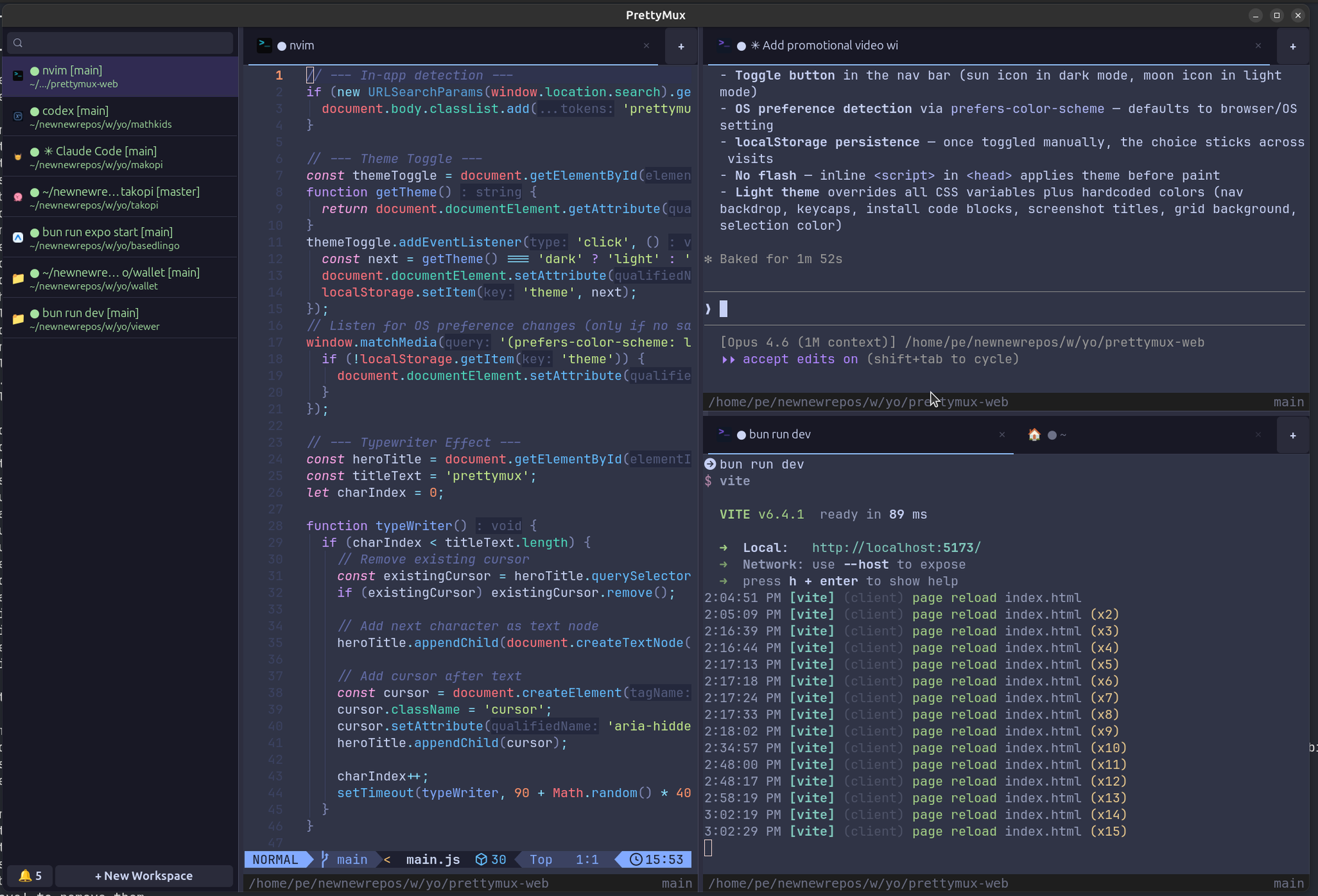 Terminal Splitting & Workspace Tabs
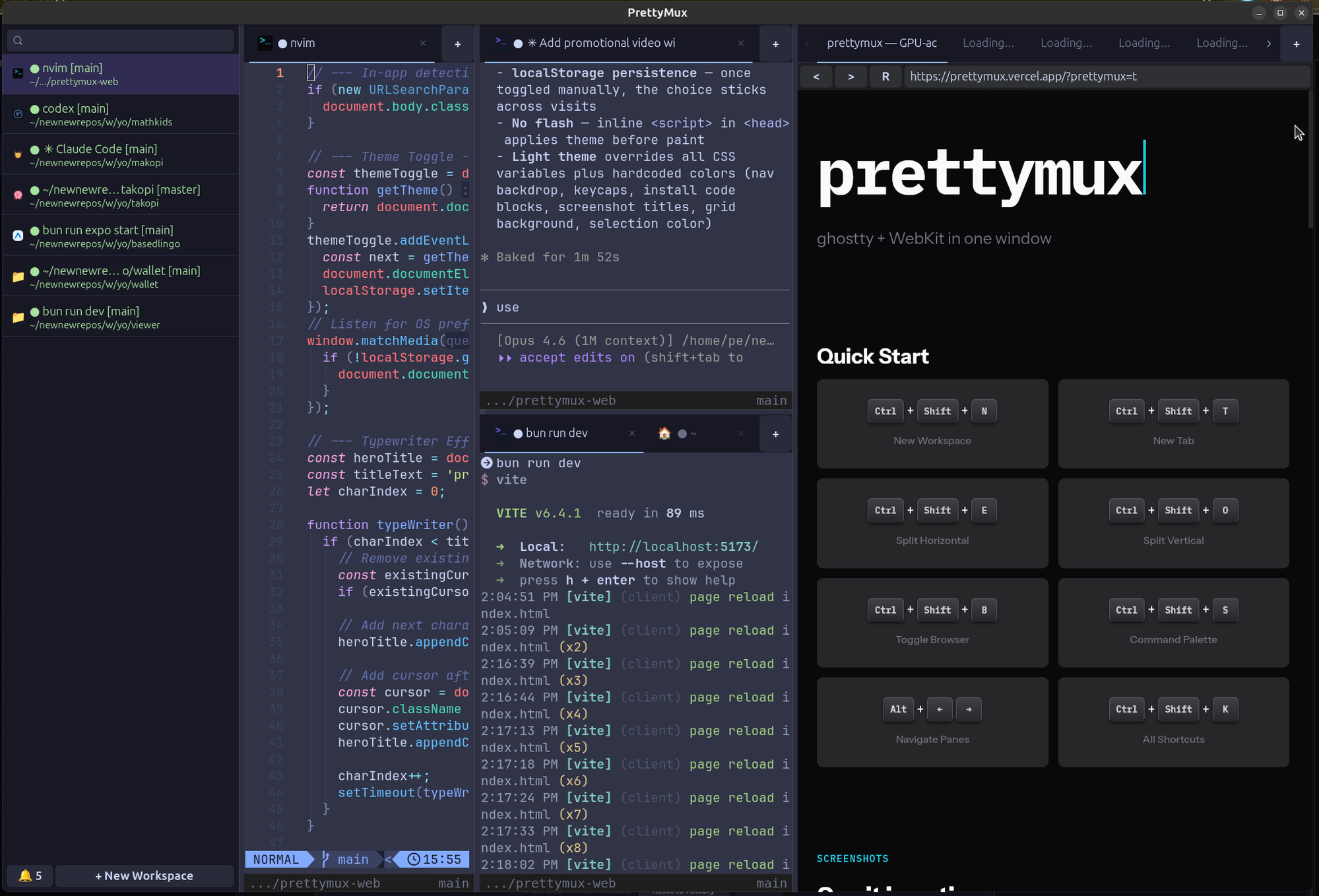 Browser Integration
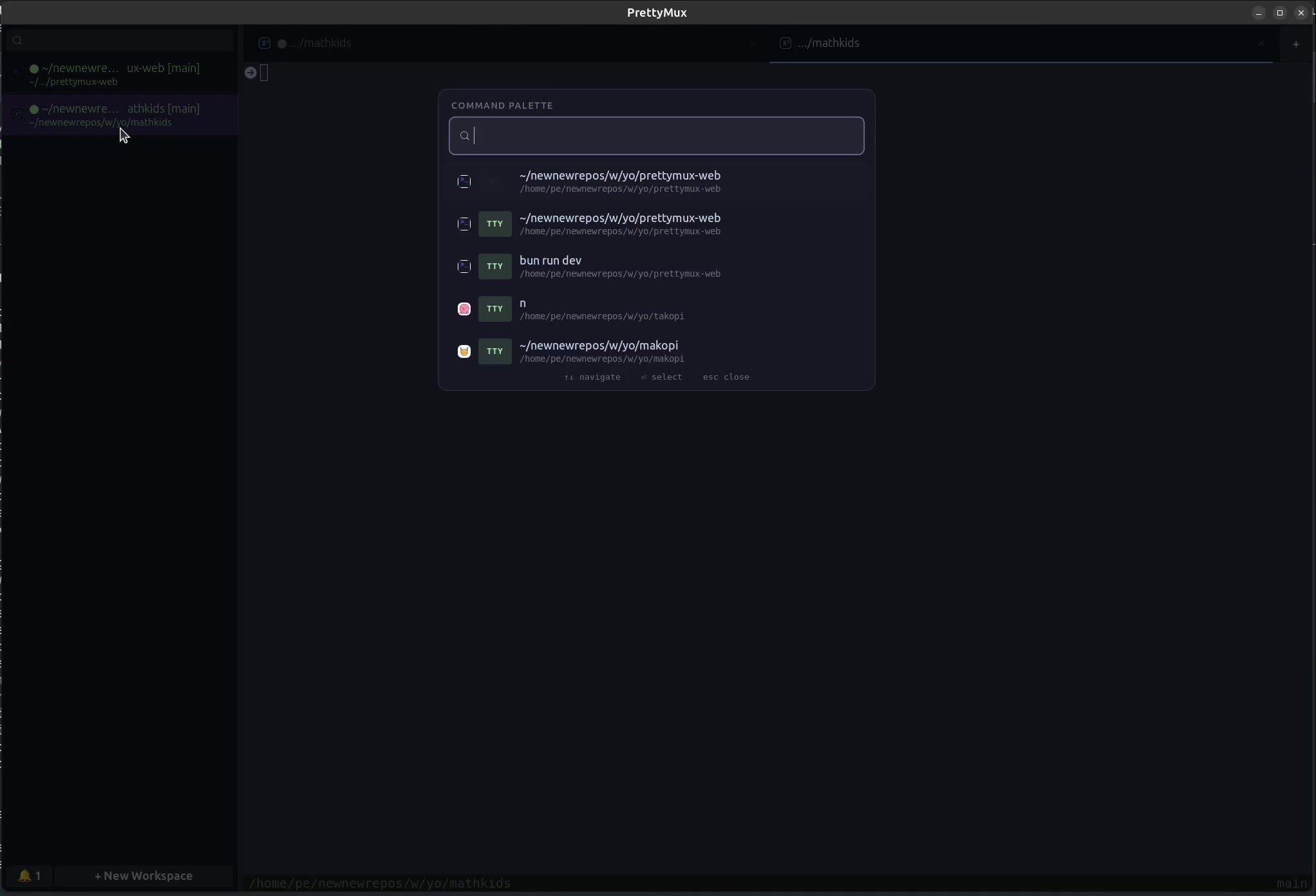 Search Palette
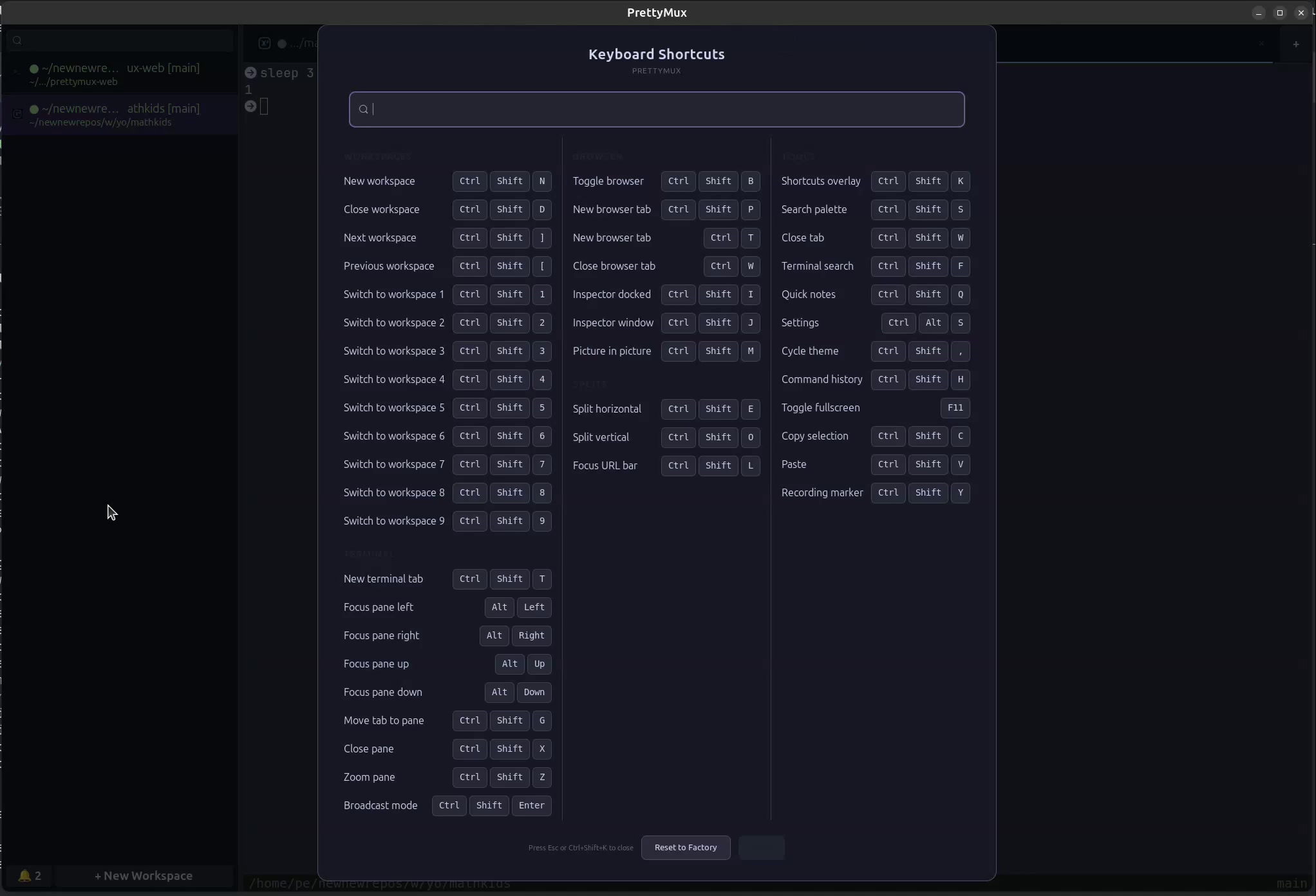 Shortcuts Overlay
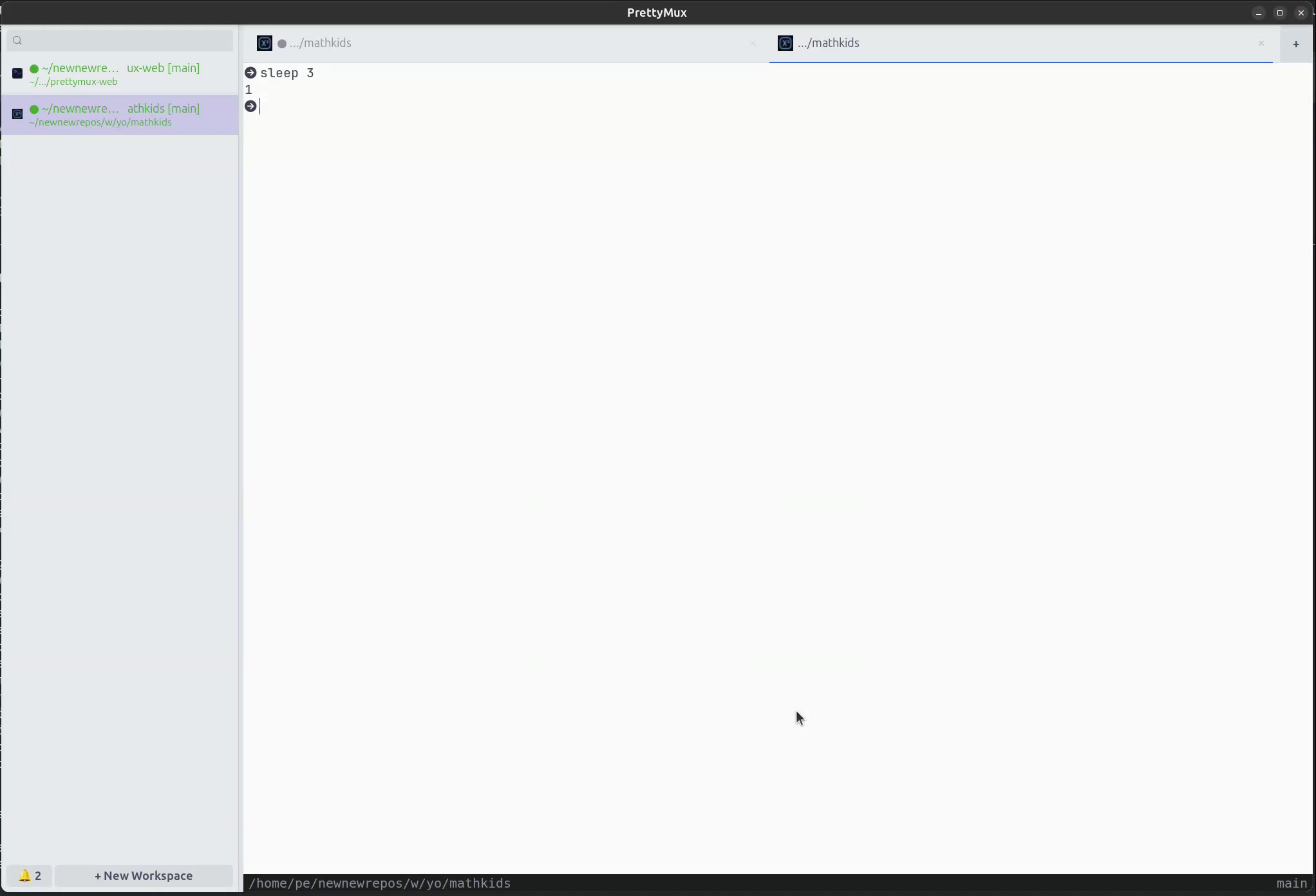 Theme Cycling
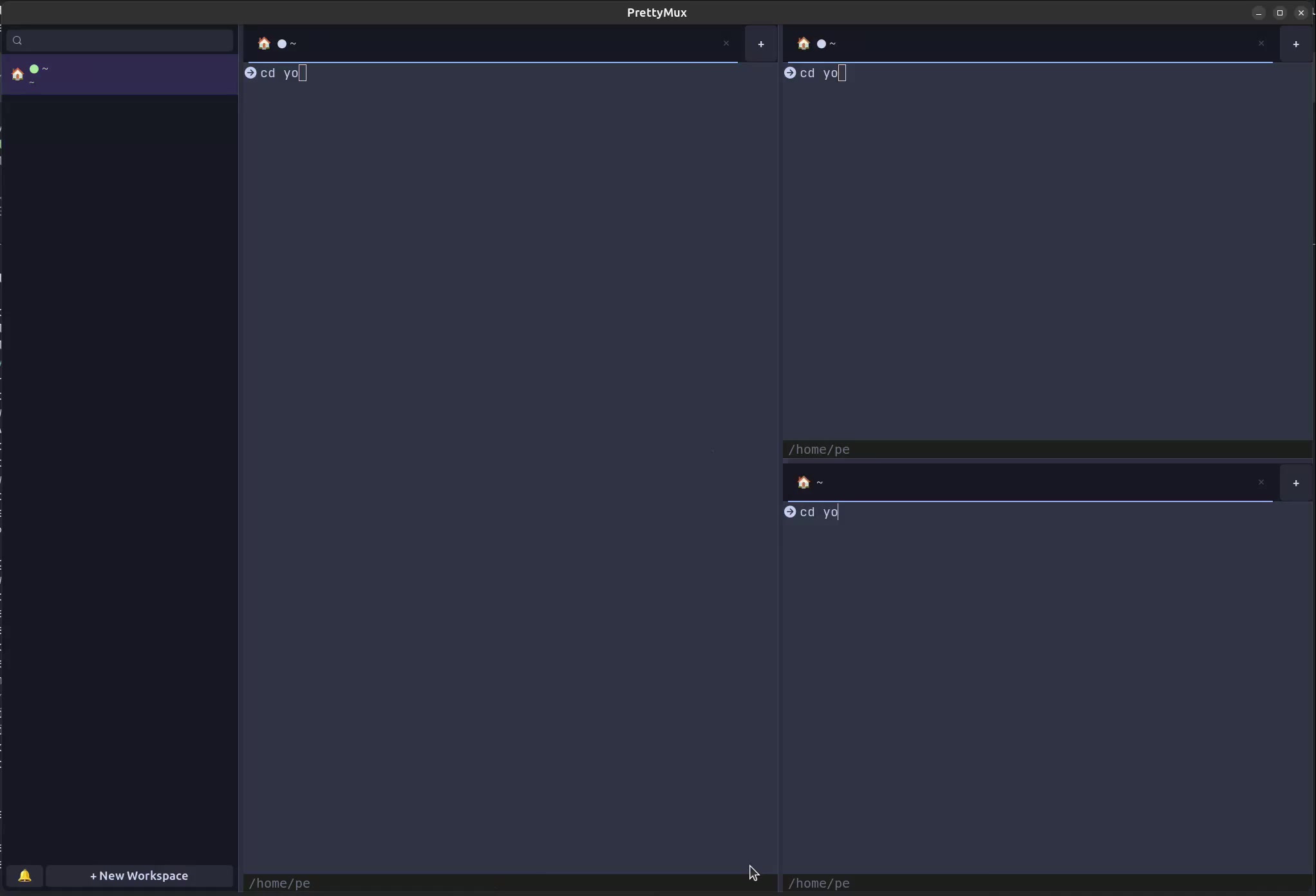 Broadcast Mode
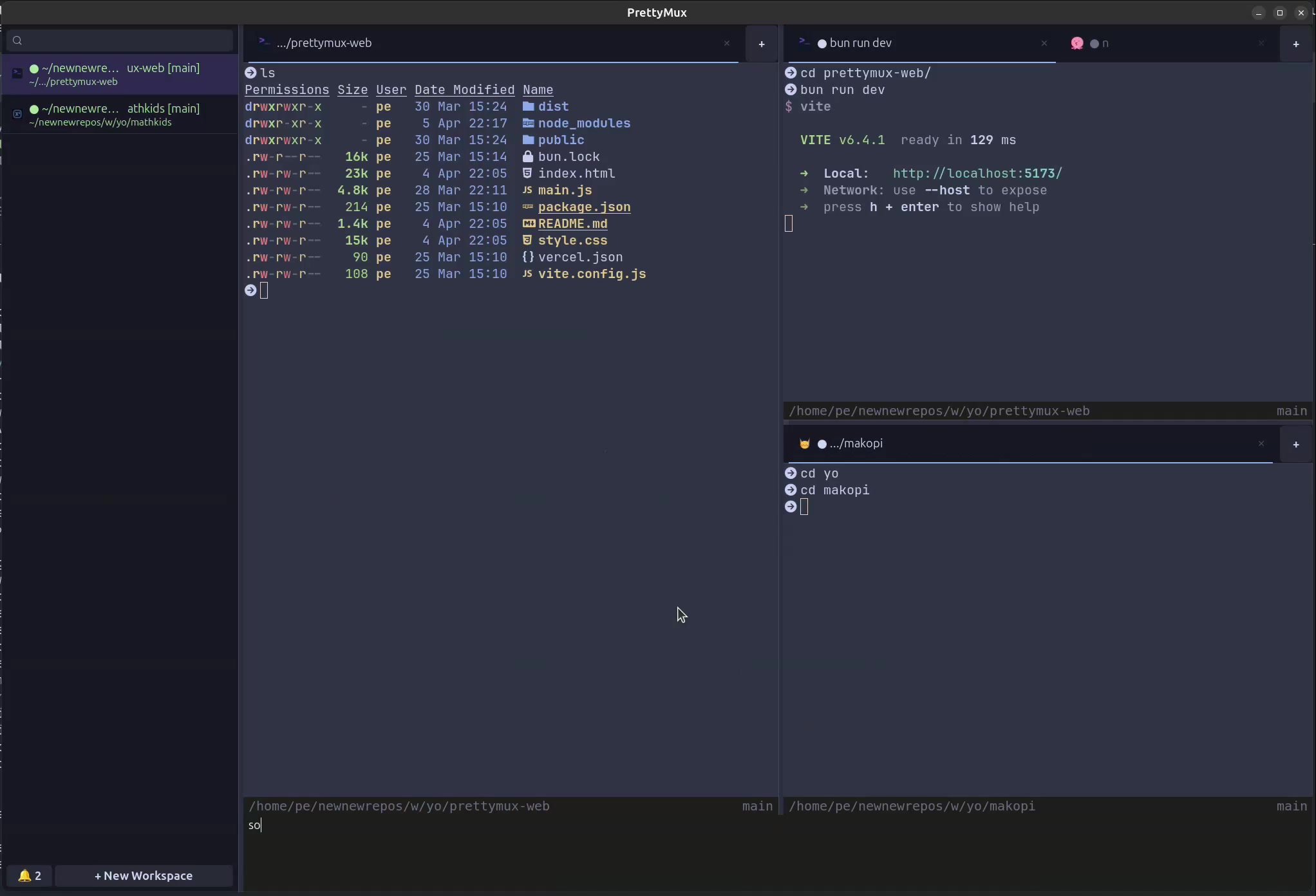 Quick Notes
Features
Everything you need
A terminal multiplexer built for the age of AI agents. Power and beauty, together.
01
Vertical tabs
Sidebar shows git branch, working directory, ports, and project favicon.
02
Notification rings
Panes light up when agents need attention.
03
Favicon detection
Each tab auto-detects the project logo so you can instantly see what each agent is working on.
04
In-app browser
Split a WebKit browser alongside your terminal.
05
Split panes
Horizontal and vertical splits within each tab.
06
Workspaces
Separate environments for each project with instant switching.
07
Broadcast mode
Type in all panes simultaneously.
08
GPU-accelerated
Powered by libghostty for smooth rendering.
09
Lightweight
Native GTK4, no Electron.
10
Search palette
Fuzzy search across files, commands, and workspaces.
11
Quick notes
Built-in notepad accessible via shortcut.
12
Keyboard shortcuts
Extensive shortcuts for workspaces, splits, browser, and more.
13
Themes
Cycle through themes on the fly with live preview.
14
Drag-and-drop tabs
Reorder tabs or drop them into another pane with direct manipulation.
15
Quick tab move
Send a tab to another pane fast from the fuzzy search modal without dragging.
16
Terminal search
Search inside Ghostty from the bottom status bar with live feedback and keyboard navigation.
Shortcuts
Keyboard-first
Every action at your fingertips. Fully customizable.
Ctrl+Shift+N
New Workspace
Ctrl+Shift+D
Close Workspace
Ctrl+Shift+[ or ↑
Previous Workspace
Ctrl+Shift+] or ↓
Next Workspace
Ctrl+Shift+1…9
Jump to Workspace
Ctrl+Shift+E
Split Horizontal
Ctrl+Shift+O
Split Vertical
Ctrl+Shift+T
New Terminal Tab
Ctrl+Shift+G
Move Tab to Pane
Ctrl+Shift+Enter
Broadcast Mode
Ctrl+Shift+B
Toggle Browser
Ctrl+Shift+P
New Browser Tab
Ctrl+Shift+L
Focus URL Bar
Ctrl+Shift+I
Inspector Docked
Ctrl+Shift+J
Inspector Window
Ctrl+Shift+M
Picture in Picture
Ctrl+Shift+F
Terminal Search
Ctrl+Shift+H
Command History
Ctrl+Shift+C
Copy Selection
Ctrl+Shift+S
Search Palette
Ctrl+Shift+K
Shortcuts Overlay
Ctrl+Shift+Y
Recording Marker
Install
Get prettymux
Native Linux application. Built with GTK4.
# Install from prettymux.com APT repo (Ubuntu 24.04 / 26.04, amd64)
$ sudo apt update
$ sudo apt install -y ca-certificates lsb-release
$ echo "deb [trusted=yes arch=amd64] https://prettymux.com/apt/ubuntu $(lsb_release -cs 2>/dev/null) main" | sudo tee /etc/apt/sources.list.d/prettymux.list
$ sudo apt update
$ sudo apt install prettymux
# Install from prettymux.com APT repo (Debian 12 Bookworm, amd64)
$ sudo apt update
$ sudo apt install -y ca-certificates
$ echo 'deb [trusted=yes arch=amd64] https://prettymux.com/apt/debian bookworm main' | sudo tee /etc/apt/sources.list.d/prettymux.list
$ sudo apt update
$ sudo apt install prettymux# Install from prettymux.com APT repo (Debian Sid, amd64)
$ sudo apt update
$ sudo apt install -y ca-certificates
$ echo 'deb [trusted=yes arch=amd64] https://prettymux.com/apt/debian sid main' | sudo tee /etc/apt/sources.list.d/prettymux.list
$ sudo apt update
$ sudo apt install prettymux# Install RPM (Fedora 42, x86_64)
$ sudo dnf config-manager addrepo --from-repofile=https://prettymux.com/rpm/fedora/prettymux.repo
$ sudo dnf install prettymux# Install from AUR (x86_64)
$ yay -S prettymux
# Or install the prebuilt package
$ yay -S prettymux-bin
# Or with paru
$ paru -S prettymux-bin# Download AppImage (x86_64)
$ wget https://prettymux.com/appimage/PrettyMux-x86_64.AppImage
$ chmod +x PrettyMux-x86_64.AppImage
$ ./PrettyMux-x86_64.AppImageDirect download
Fastest option. Download the DMG, open it, then drag PrettyMux into Applications.
$ curl -L -o PrettyMux-macos-arm64.dmg \
  https://github.com/patcito/prettymux/releases/latest/download/PrettyMux-macos-arm64.dmg
$ open PrettyMux-macos-arm64.dmg
Direct download
Fastest option. Download the MSI and run it normally on 64-bit Windows.
> Invoke-WebRequest https://github.com/patcito/prettymux/releases/latest/download/PrettyMux-Installer-x64.msi -OutFile PrettyMux-Installer-x64.msi
> Start-Process msiexec.exe -Wait -ArgumentList '/i', 'PrettyMux-Installer-x64.msi'
# Build from source
$ git clone https://github.com/patcito/prettymux
$ cd prettymux
$ meson setup builddir
$ ninja -C builddirAutomation
Script PrettyMux with prettymux-open
PrettyMux is not just a GUI. Use prettymux-open to drive a running window from shell scripts, launch URLs, create workspaces, run commands in terminals, or move tabs around programmatically.
$ prettymux-open https://prettymux.com
$ prettymux-open --action split.vertical
$ prettymux-open --action search.show
$ prettymux-open --new-workspace api
$ prettymux-open --exec "bun run dev" -w 0 -p 0 -t 0
$ prettymux-open --move-tab --from-w 0 --from-p 0 --from-t 1 --to-w 1 --to-p 0