PortalVR Motion brings motion controls to VRChat and hundreds of titles on Steam, using your smartphone, Joy-Cons, PSMove, or VR controllers. Head, hand, and face tracking bring your whole self to VRChat on Desktop — and VR mods unlock motion controls in popular flat games.
Hand + face tracking in VRChatYour phone is now a motion controllerJoy-Cons & VR controllers tooWorks with SteamVR & VR mods
New in Motion 3.3
Bring your whole self to VRChat on Desktop
Motion now tracks your face, hands, and head with your camera and drives your avatar live in VRChat. Grin, wave, look around — you show up, expressions and all, no headset required.
Live camera trackingCamera-driven facial expressions in VRChatFull finger articulation — controllers optionalHead look + true 3D parallax, live on a flat screen
What you need
Three ways to play. Pick yours.
Motion runs on hardware you probably already own. Easiest of all: just your phone — now a fully tracked 6DoF controller. Prefer Joy-Cons or VR controllers? Those work too.
GoodDual handed
Webcam + Joy-Con / PSMove
Your webcam tracks the Joy-Cons or PSMove controllers — and your hands — in 6 DoF, so full finger articulation comes through. No base stations, no headset.
Any webcam — built-in or USB
A pair of Joy-Con 1, Joy-Con 2, or PSMove controllers
A Windows PC that can already run SteamVR
New: PSVR2 Sense controllers, tracked by a Leap Motion Controller
From action and rhythm to creative tools and sketchpads — Motion plugs into SteamVR, so anything that runs there runs here. And community VR mods like UEVR add motion controls to flat hits like R.E.P.O., Halo 3, Lethal Company, and Deep Rock Galactic.
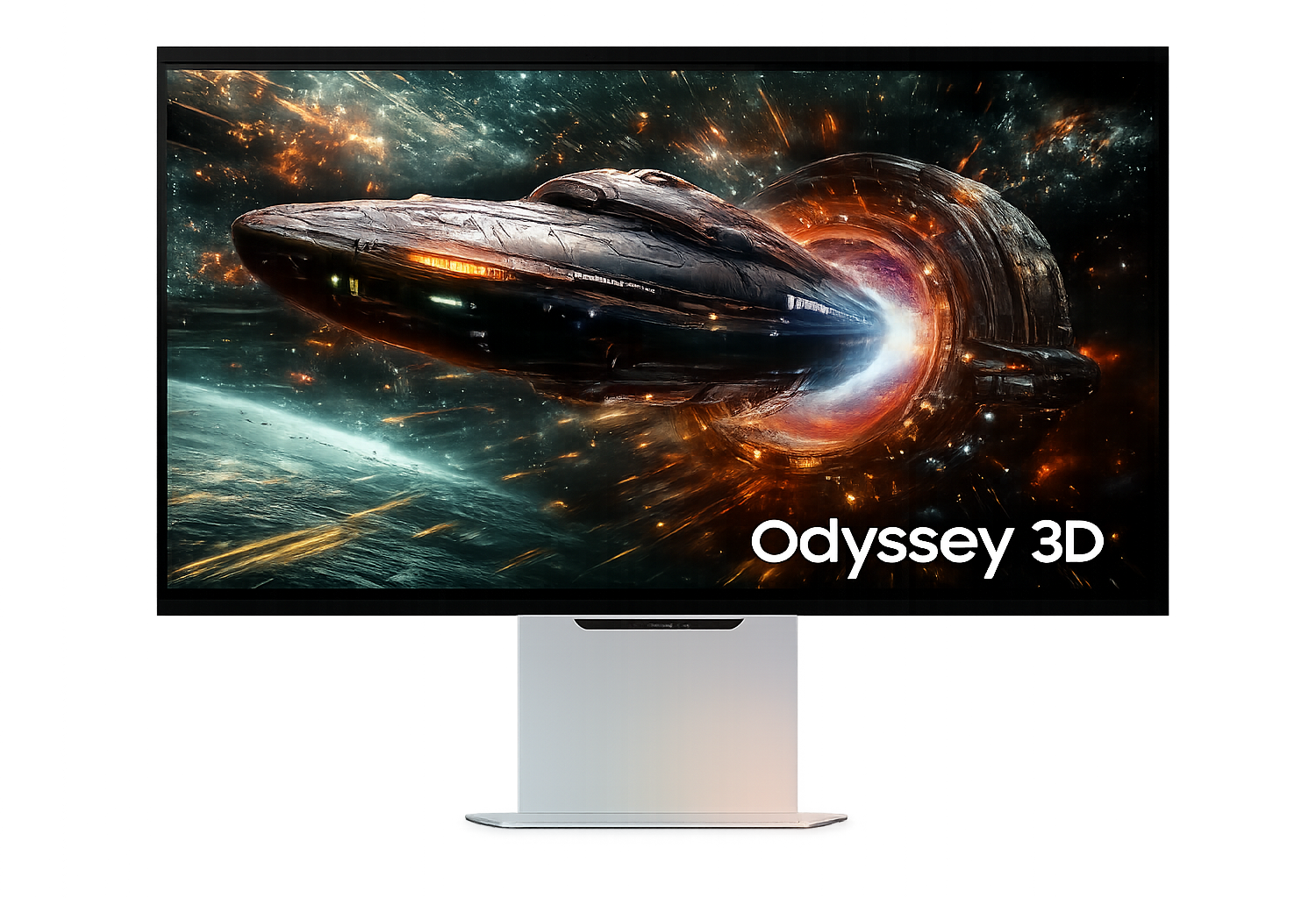
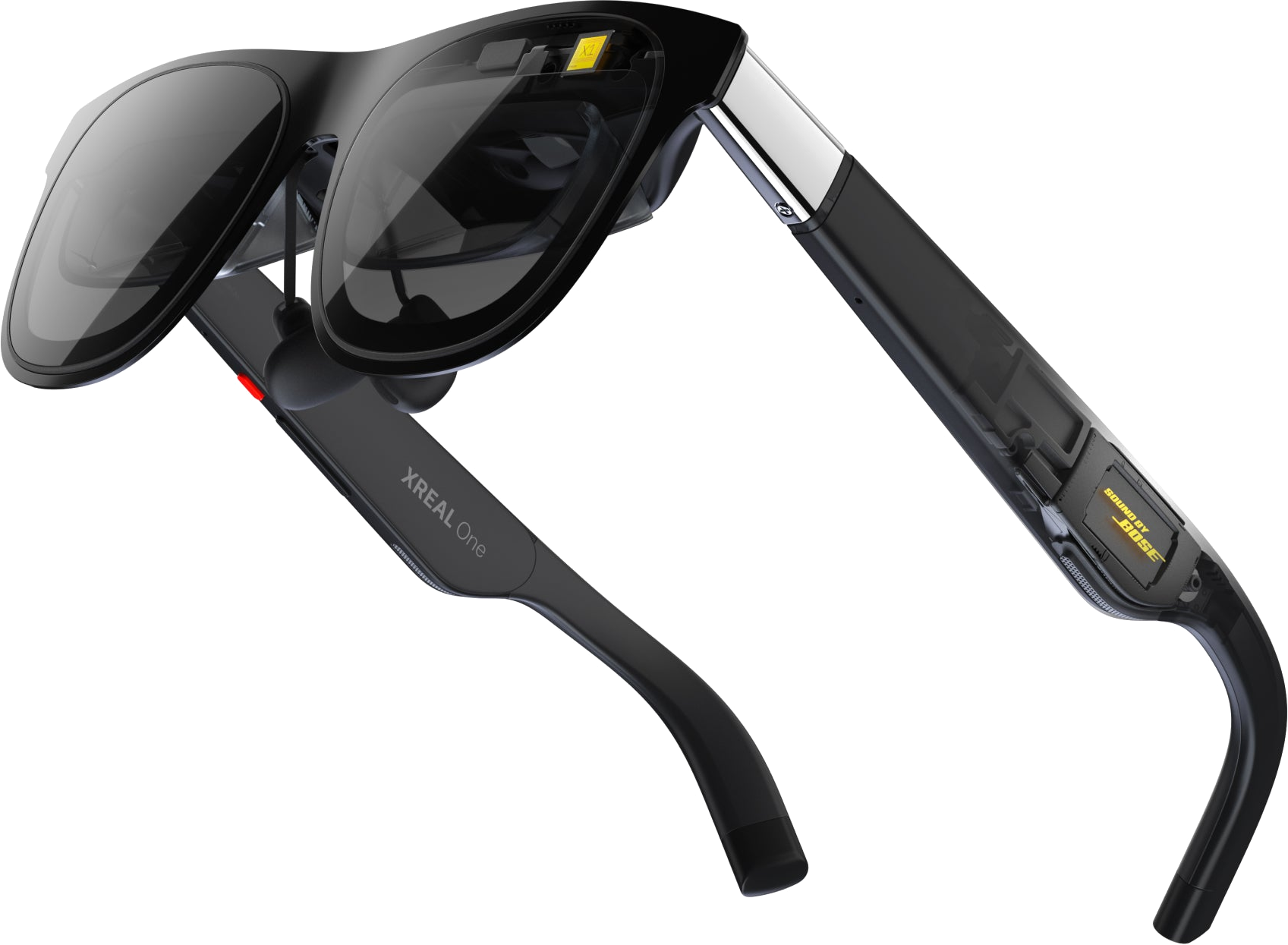
Motion renders genuine stereoscopic depth — so the latest glasses-free 3D monitors and AR glasses show every SteamVR title in real, eye-popping 3D.
Glasses-free 3D monitor
Samsung Odyssey 3D
Sit at a Samsung Odyssey 3D and get true stereoscopic depth right on the desk — eye-tracked, with no glasses and no headset.
New
AR glasses
XREAL & VITURE glasses
Wear a pair of XREAL or VITURE AR glasses for a giant floating screen with full stereoscopic depth. Plug in over USB-C and play in 3D anywhere.
Agents · MCP
Let an AI agent take the controls.
Motion ships an MCP server that puts a running VR app on the other end of a tool call. It speaks the same tool surface as Meta's XR Operator, so any MCP client can inspect the live session, move the head and hands, press the buttons, and look at what came back — no headset, and no human in the loop.
Read the live sessionHead and controller poses, the bound interaction profile, frame timing, system limits, and the spatial entities around you.
Drive itSet the head or controller pose — snapped or smoothly interpolated — and pull triggers, hold grips, press buttons, and push thumbsticks. The app sees ordinary tracked input.
See what the player seesCapture the final composited image for either eye as a PNG, straight back through the tool call — so the agent can check its own work.
Point your existing client at itSame tool names, same arguments, same default port as Meta's local proxy, so XR Operator clients work unchanged. Legacy SSE and stdio are served alongside modern Streamable HTTP, and an app can register custom tools of its own.
Want to use PortalVR Motion commercially? Whether you're a startup that needs a few seats for testing, QA, and development, or you want to build Motion into your own product, contact our team for licensing options or scoped integrations.
Teams & developers
License Motion across your company for testing, QA, demos, and day-to-day development — startups welcome.
White-label
Ship Motion under your own name, UI, and store presence — your product, our engine underneath.
Zero SteamVR dependency
Run on our standalone stack with no Steam or SteamVR install required — ideal for kiosks, fixed installs, and demos.
Custom OpenXR runtime
Our own OpenXR runtime feeds phone, Joy-Con, and VR-controller 6DoF tracking straight into your VR app.
What is PortalVR Motion?
PortalVR Motion brings motion controls to VRChat and hundreds of titles on Steam, using your smartphone, Joy-Cons, PSMove, or VR controllers — no headset, no base stations. In VRChat on Desktop it goes further: your camera tracks your head, face, and hands and drives your avatar live. And with community VR mods like UEVR, popular flat games — R.E.P.O., Halo 3, Lethal Company, and many more — pick up motion controls too. Play at your desk on the screen you already have, or in true stereoscopic 3D on AR glasses or a 3D monitor.
What's the difference between PortalVR Motion and PortalVR Cast?
Motion is a SteamVR add-on that lets you run any SteamVR content in 2D with motion controls. Cast takes a different angle — it streams VR content directly into the browser from a Quest, PICO, or Galaxy XR headset and lets you play in a similar way, but is limited to sideloaded or pushed APKs.
Can I really play any SteamVR game?
Motion registers as a SteamVR runtime, so any title that runs in SteamVR sees standard tracked controllers and launches normally. The catch is that some titles ask for extremely precise fast motion or sharp full-body movement (like spinning around to face an enemy behind you) — those can be awkward to translate onto a 2D screen. That said: we've managed to beat a few Hard levels in Beat Saber through Motion, so it's not too bad.
Can I play flat Steam games like R.E.P.O. or Halo 3 with motion controls?
Yes — through community-made VR mods. Mods like UEVR (for Unreal Engine games) and dedicated per-game mods (RepoXR for R.E.P.O., LCVR for Lethal Company, Halo MCC VR, and many more) add a full VR mode to games that shipped flat-screen only. Once the mod is installed, the game runs through SteamVR — where Motion provides the tracked motion controllers, no headset required. One-click installers for many popular mods are available at mrsurvivor-installers.com.
How do I find games that can be VR modded?
Browse our discover catalog — VR-moddable titles carry a VR Mod badge, with a per-title breakdown of which mod to use, how well it plays with motion controls, and where to get it. Over a hundred flat games with working VR mods are cataloged there, alongside the 6,000+ native SteamVR titles.
Do I need a powerful PC?
If your PC can already run a given SteamVR title, it can run it through Motion. Tracking happens on your phone (or your webcam) — your PC just sees tracked controllers.
How do I get PortalVR Motion?
For personal use, PortalVR Motion is on Steam — grab it on the Steam store page. There's no separate signup, updates install automatically, and Steam's standard refund window lets you try it risk-free. For commercial, OEM, or white-label use, see Commercial or email sales@portalvr.io.
Do you offer commercial, OEM, or white-label licensing?
Yes — any commercial use of Motion is licensed directly with us, with no off-the-shelf plan. That ranges from a few seats for testing, QA, and development (startups included) to white-labeling the engine under your own brand, running with zero SteamVR dependency on our standalone stack, or integrating our custom OpenXR runtime so your own VR app gets phone, Joy-Con, and VR-controller 6 DoF tracking. Email sales@portalvr.io — more detail under Commercial.