Kids Don't Need to Learn Coding Anymore
They need to learn how to give clear instructions to AI.
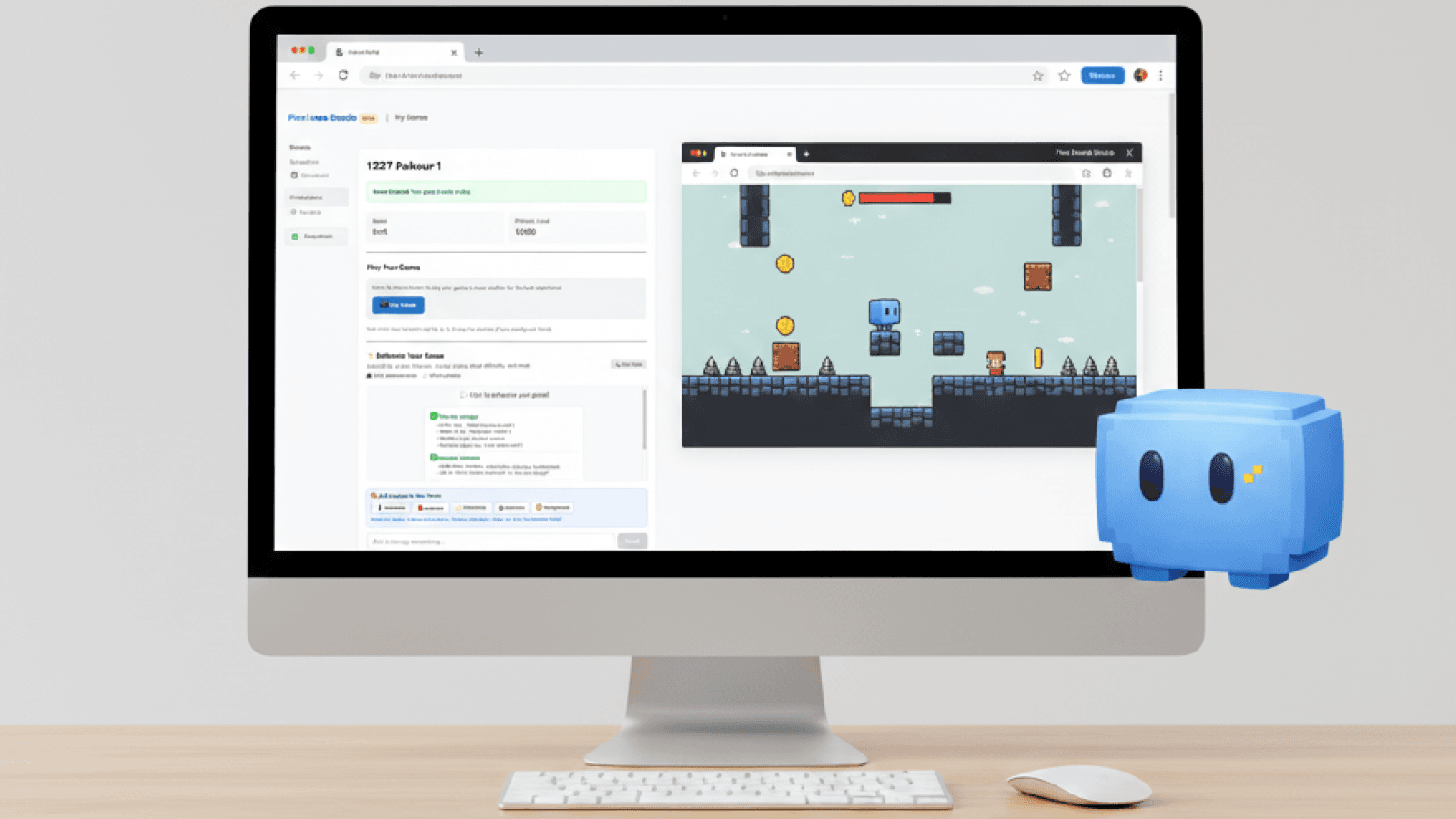
Pixel Arcade Studio is a browser-based game studio where kids create real, playable games by telling an AI assistant exactly what to build. No coding. No installs. Designed with parents in mind.
Safe, creative screen time kids love. Try free for 14 days.
- Designed for kids ages 7–12
- No ads or public profiles by default
- Parent-controlled access & visibility
Playable in minutes
Fast "time-to-wow" — kids see their games come to life quickly.
No installs
Frictionless — everything runs directly in the browser.
Safe mode by default
Safety default — games publish with privacy protections enabled.
Why we don't teach coding
Coding used to be how people told computers what to do.
That's changing.
Today, the more important skill is knowing how to describe what you want, break ideas into steps, and give clear instructions to an AI system.
Pixel Arcade Studio is built around that shift.
Kids don't write code here. They practice explaining ideas, testing results, and improving their instructions when something doesn't work.
That's the skill they'll use in the real world.
How Pixel Arcade Studio works
Step 1: Start with an idea
Your child picks a game template and describes what they want to make. Characters, goals, movement, and rules.
Step 2: Give instructions to AI
Your child tells the AI assistant what to create or change. The AI follows instructions. It does not take over.
Step 3: Play instantly
The game runs right away in the browser. No setup and no waiting.
Step 4: Refine and improve
Kids adjust their instructions, test again, and see how clearer directions lead to better results.
Step 5: Share safely
Games can be shared with family or friends using parent-approved links.
What your child is learning
- How to explain ideas clearly
- How to think step by step
- How to test and revise instructions
- How to work with AI instead of relying on it
- How to turn an idea into something real
This is not about memorizing technical skills. It's about clear thinking and communication.
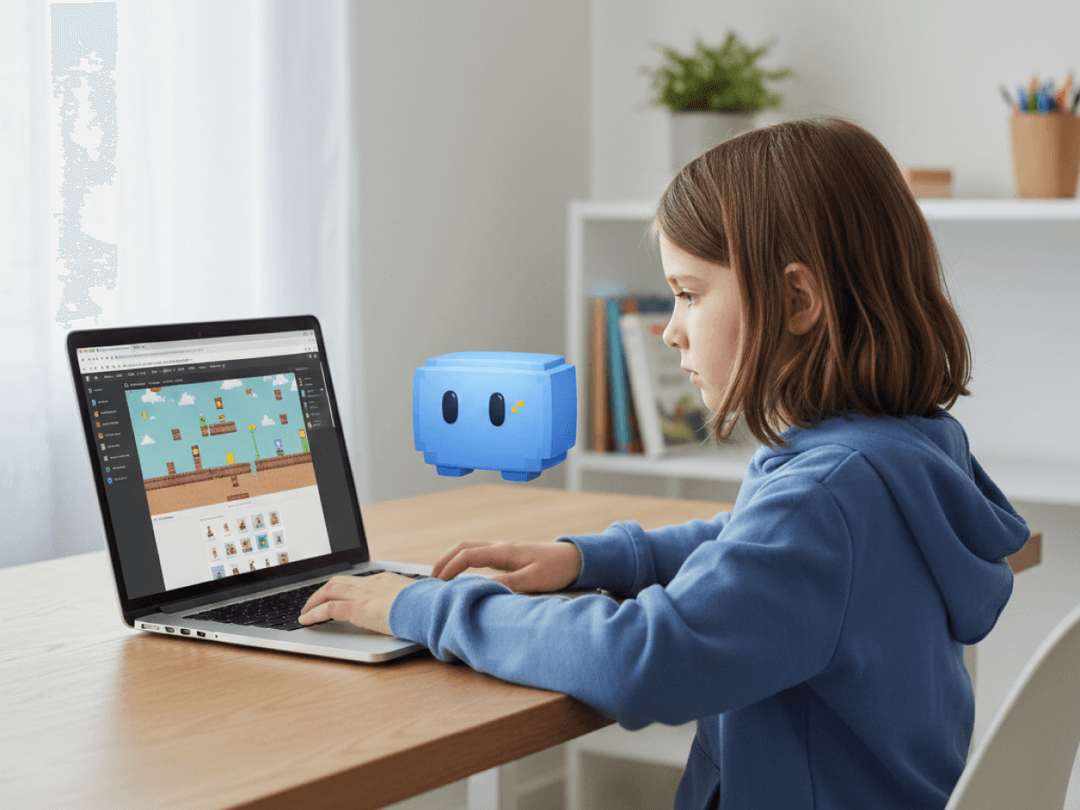
How AI works here
AI in Pixel Arcade Studio is a tool, not a shortcut.
It responds only to what your child asks. It does not browse the internet. It does not publish content on its own. It stays inside kid-safe boundaries.
Your child stays in control. The AI helps carry out instructions.
Built with parents in mind
- Games publish in safe mode by default
- Sharing requires parent approval
- No ads or third-party trackers
- Content filtering at every step
- Designed to meet child privacy standards
Pixel Arcade Studio is built for families who want creative screen time without constant supervision.
How this is different from other kids tech tools
- No coding syntax
- No block-based puzzles
- No open social platforms
Instead, kids focus on giving clear instructions and seeing real results. They make games people can actually play.
Games kids are proud to share
Every game made in Pixel Arcade Studio is playable in the browser and shareable through safe links.
Kids don't just save projects. They create something real and playable.
Frequently Asked Questions
What is Pixel Arcade Studio?
Pixel Arcade Studio is a browser-based game studio where kids create playable games by giving instructions to an AI assistant. There is no coding involved.
Does Pixel Arcade Studio teach coding?
No. Pixel Arcade Studio does not teach coding. Kids learn how to clearly describe ideas, give instructions, and work with AI to create games.
What ages is Pixel Arcade Studio for?
Pixel Arcade Studio is designed for kids ages 7 to 12.
Is Pixel Arcade Studio safe for kids?
Yes. Games publish in safe mode by default, sharing requires parent approval, and the platform includes content filtering and privacy protections.
Does my child need to install anything?
No. Everything runs directly in the web browser. There are no downloads or installs.
How does AI help my child make games?
The AI follows your child's instructions. It helps turn ideas into games but does not take control or act on its own.
Can my child share the games they make?
Yes. Games can be shared using parent-approved links so friends and family can play safely.
How is this different from coding tools like Scratch?
Pixel Arcade Studio does not involve coding or block-based programming. It focuses on teaching kids how to give clear instructions to AI and refine their ideas through iteration.
Let your child tell the computer what to build
No coding. No downloads. Designed for ages 7–12.