Update 05/05/26 – 12:05 pm (IST): A new and refined set of uBlock Origin filters has been shared over on r/uBlockOrigin to combat the mobile web block. If the previous custom filters have stopped working for you, a user has provided updated rules using native syntax that effectively remove the “get the app” pop-up and stop the aggressive scroll-locking scripts. You can add the following lines to your custom filters:
! Popup removal rules
www.reddit.com###app-upsell-blocking-bottom-sheet-direct! Prevent scroll locking scripts
www.reddit.com##+js(rc, rpl-scroll-lock|scroll-is-blocked, html, stay)
www.reddit.com##+js(rc, rpl-scroll-lock|scroll-is-blocked, body, stay)
www.reddit.com##+js(aeld, touchmove, preventDefault)
Update 04/05/26 – 03:25 pm (IST): In a statement to Futurism, a Reddit spokesperson said, “We’re testing this with a small subset of frequent mobile web users because they’re already familiar with Reddit and we’ve seen that the experience is much better for them in the app.”
This explanation does seem to make sense, given the fact that users have discovered that they can bypass the pop-up by simply clearing their browser’s cache and cookies. Doing this makes it seem like you’re visiting Reddit as a new visitor, and thus, it doesn’t trigger the forced “Get the app to keep using Reddit” element.
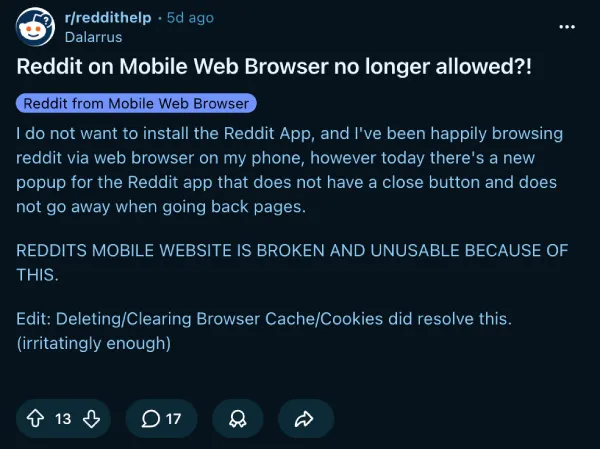
Update 29/04/26 – 10:55 am (IST): A couple more fixes have surfaced from the users who’ve been trying to work their way around the new restriction.
On r/enshittification, Mean-Green-Machine found that Reddit tracks the banner via cookies. Clearing Reddit’s cookies and site data in Firefox removes it, and switching Enhanced Tracking Protection to Strict mode helps delay it coming back. They also recommend enabling “AdGuard – Annoyances” and “uBlock filters – Annoyances” in uBlock Origin’s Filter Lists to block the banner from rendering at all.
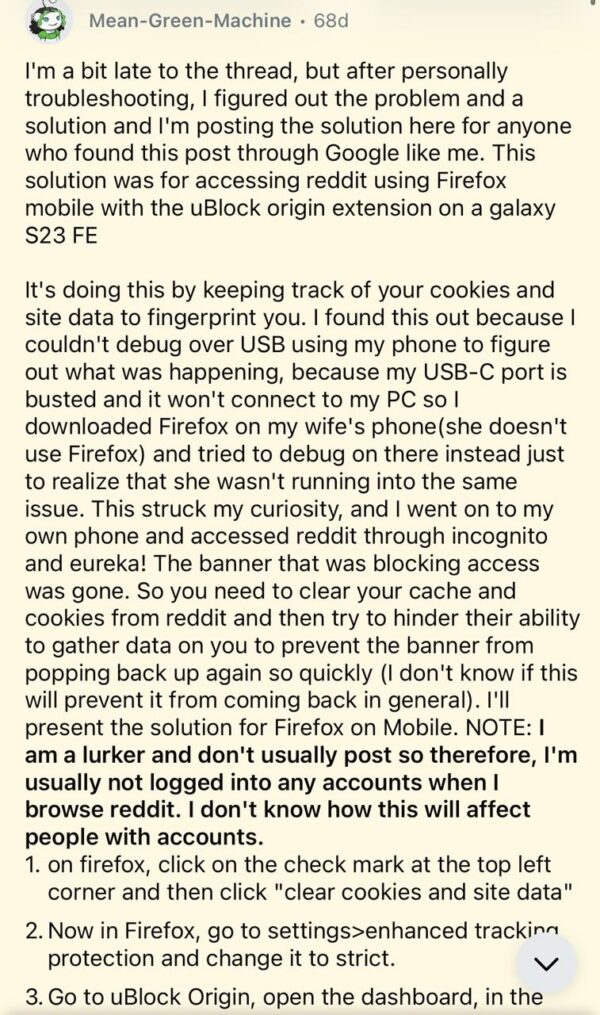
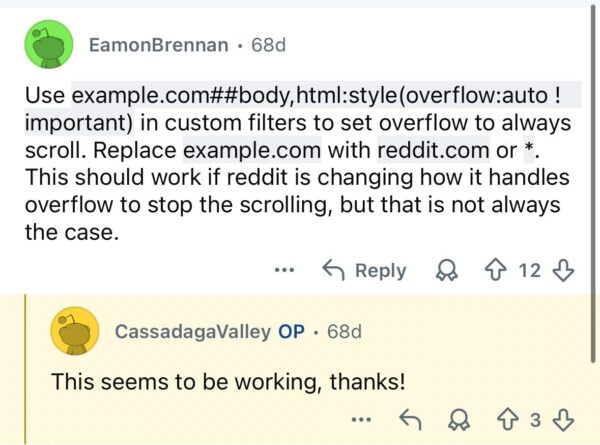
On r/uBlockOrigin, EamonBrennan shared a custom filter line — reddit.com##body,html:style(overflow:auto !important) — that forces the page to stay scrollable. Several users confirmed it worked, though it appears to stop working after a few hours.
Original article published on April 28, 2026, follows:
Reddit is apparently locking out some mobile browser users with an un-dismissable banner, forcing them to download the official app instead.
From what I was able to gather, the aggressive move looks like an A/B test hitting a bunch of users on iOS and Android devices over the last few days.
As highlighted in a thread on r/enshittification, the popup freezes the entire page. You cannot scroll, access menus, or read comments once it appears. It completely hijacks the screen.
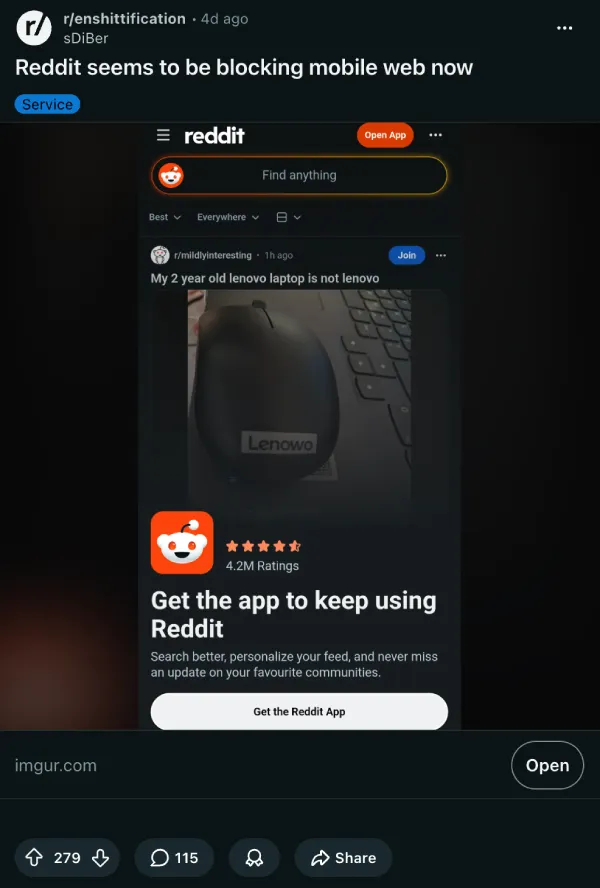
Users are essentially left with two choices. They can download the app or leave the site. Even the usual fallback methods are failing. Switching to old.reddit.com does not fully fix the problem.
If you try to view an image or video hosted on Reddit’s native media servers, the exact same banner blocks the screen. The site is actively hostile to anything but a desktop browser or the official mobile app.
On another thread on r/help, some users thought their browsers were glitching. Others assumed they accidentally changed a system setting. They did not. The company is deliberately breaking its own mobile web experience.
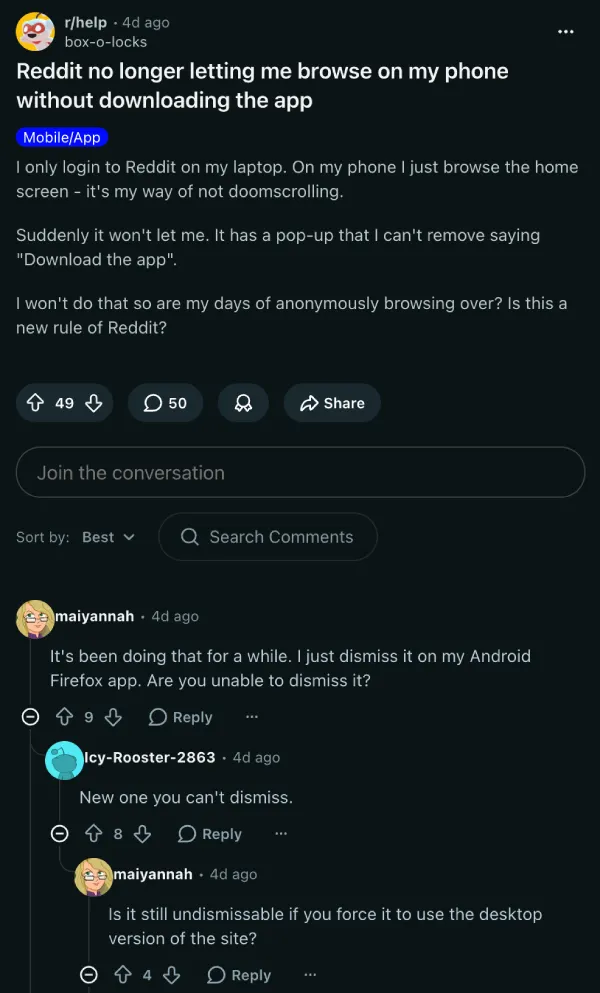
That said, people are already sharing workarounds to try to bypass the push to the app. Over on r/spezholedesign, some suggest simply requesting the desktop version of the site through your mobile browser settings.
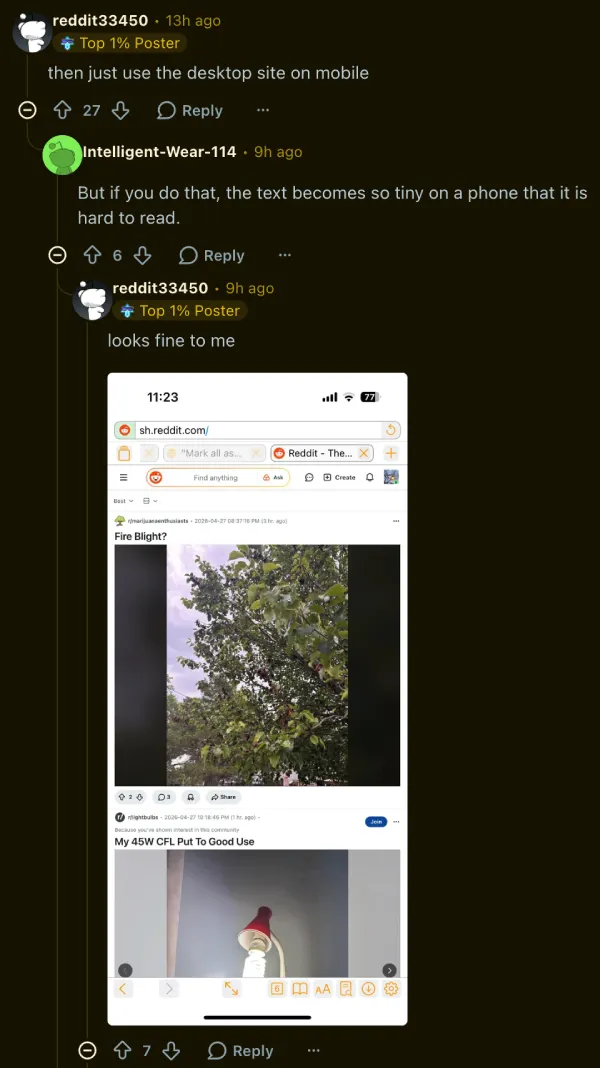
That works. But the text becomes incredibly tiny on a normal phone screen. You have to constantly pinch and zoom.
Others are turning to ad blockers. Firefox mobile users are dropping custom syntax into uBlock Origin. Adding specific filters to remove bottom sheets seems to kill the popup layers completely. You can copy-paste the syntax below:
! silence “install app” popup
www.reddit.com###app-upsell-blocking-bottom-sheet-seo
! now fix scrolling
www.reddit.com##body,html:style(overflow: auto !important)
iPhone users have their own tricks. Many are relying on Safari’s hide distracting items tool to manually zap the banner away.
A few users found that Microsoft Edge on iOS works well if you enable its built-in uBlock Origin extension. Some report that simply opening a private or incognito tab bypasses the block entirely.
At the moment, it’s unclear how widespread this is. It impacts both logged-in accounts and completely anonymous visitors. Some users say they have been blocked for days. Others browsing the exact same subreddits see nothing wrong.
In my testing, I was able to access Reddit on an Android device with Chrome and on an iPhone with Safari just fine. I loaded multiple subreddits without running into that un-dismissable banner.
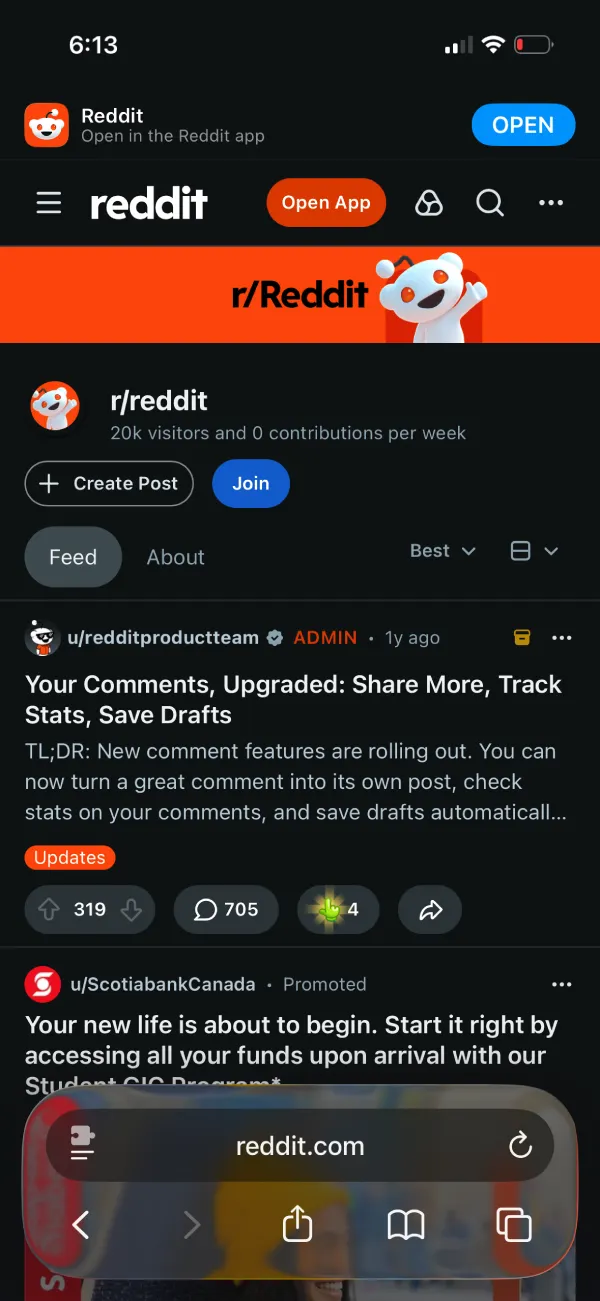
That said, many are pointing out that their refusal to switch is not just stubbornness. They are avoiding the official app because it is notoriously laggy, buggy, and actively overheats their phones. Forcing their hand might backfire.
We do not know if this strict block will become the default experience for everyone. For now, the lockout is quietly spreading to more accounts every day. If you’ve also hit the same wall, let us know in the comments below.

We stand out from the tech-media crowd because we break news stories; we mainly bring you stuff that you won’t find anywhere in the mainstream tech media. Our stories have been picked up by some of the world’s most popular websites and media outlets—more info is available here.