
This work is licensed under a Creative Commons Attribution-NonCommercial-ShareAlike 4.0 International License.Please download, adapt, use, share, but do not charge or use commercially.
For previous years including 2025 click here For Future years click here

If you have a Filofax organiser, you probably have diary pages – probably ones made by Filofax. If you’re happy with those pages, great. If you’d like to try something different, read on. If you’d like to experiment or adapt a diary that is just right for your very particular needs then you’ve come to the right place.
Ray Blake of the My Life All in One Place blog and I have collaborated in an ongoing project to produce a range of diary layouts that can be downloaded, printed, punched and used. You can find them all here and they are all free. They are offered for download and use under a Creative Commons Licence. That means you can freely use and adapt them other than commercially. You can share these templates with other people, but you must not charge for them.
Using our files with MacOS/Office 365:
Using our files with Windows11/Office 365:
You need to decide whether you just want to download prepared layout sets for the full year, or whether you want to roll up your sleeves and adapt our templates to your own needs. Some of the things you can do when you have the source files are:
- Make and print a diary for any year - past, present or future
- Adjust the space given to different days or other template elements
- Add your name or other details to each page
- Make a diary for part of a year, or for any period you want
- Change the language of month and day name
Follow the links below to the blog posts where the files are to be found. Often there will be several in one post, but the individual files will be clearly signposted and instructions are included in the posts. Not all of the sets we plan to produce are available yet. I'll make more of the links live as further sets become available.
Before downloading the PDF files and printing them please read the note at the foot of this page about PDF readers scaling the print output.
Please note that the previews will always show 2015 or earlier, but the real files should be the correct year.
We have rationalised the number of 'print ready' files that we make available to just the list below. The larger selection source files have been retained and are still available from the links further down the page.
Inserts for 2026
Note the reference number and the size, use A4/A5 for all ISO page sizes (A4, A5, A6, B5, B6 etc).
Click on the name to see a preview of the insert, note that the date doesn't reflect the files, the previews are not updated every year.
The print ready Word or PDF files are a full 12 months for each year listed at the top of the column.
The source files are in the Word and Excel columns, you will need both files for each insert.
In the Excel files you will find a Year sheet, and other worksheets. To change the year enter the year in appropriate cell, note that the source files don't change from year to year.
When carrying out the merge in Word merge the data from the 'Merge Sheet' listed in the final column.
Please report any broken links to philofaxy at gmail dot com
Ray Blake of the My Life All in One Place blog and I have collaborated in an ongoing project to produce a range of diary layouts that can be downloaded, printed, punched and used. You can find them all here and they are all free. They are offered for download and use under a Creative Commons Licence. That means you can freely use and adapt them other than commercially. You can share these templates with other people, but you must not charge for them.
You need to decide whether you just want to download prepared layout sets for the full year, or whether you want to roll up your sleeves and adapt our templates to your own needs. Some of the things you can do when you have the source files are:
- Make and print a diary for any year - past, present or future
- Adjust the space given to different days or other template elements
- Add your name or other details to each page
- Make a diary for part of a year, or for any period you want
- Change the language of month and day name
Follow the links below to the blog posts where the files are to be found. Often there will be several in one post, but the individual files will be clearly signposted and instructions are included in the posts. Not all of the sets we plan to produce are available yet. I'll make more of the links live as further sets become available.
Source Files for older formats.
Please note that previews are not updated each year unless the design has changed.
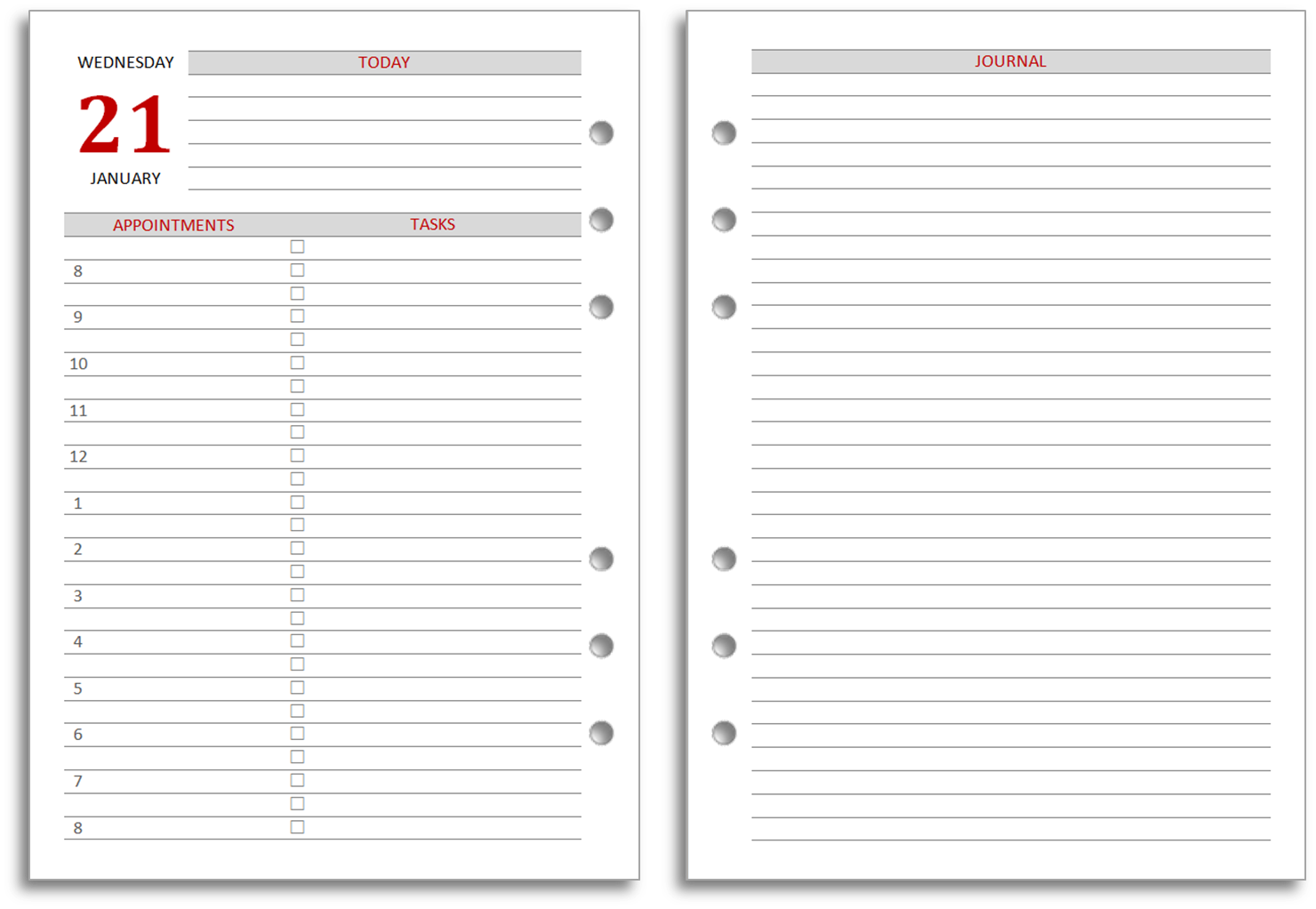
A4/A5 Format
- Day per page Source Files Preview
- Day per page minimalist journal (narrow) Source Files Preview
- Day per page minimalist journal (wide) Source Files Preview
- Day per page (Time Management) Source Files Preview
- Day on two pages Source Files Preview
- Day on two pages (Time Management) Source Files Preview
- Day on two pages (Daily Dashboard Word Excel Preview
- Two days per page (Lined) Source Files Preview
- Two days per page (Unlined) Source Files Preview
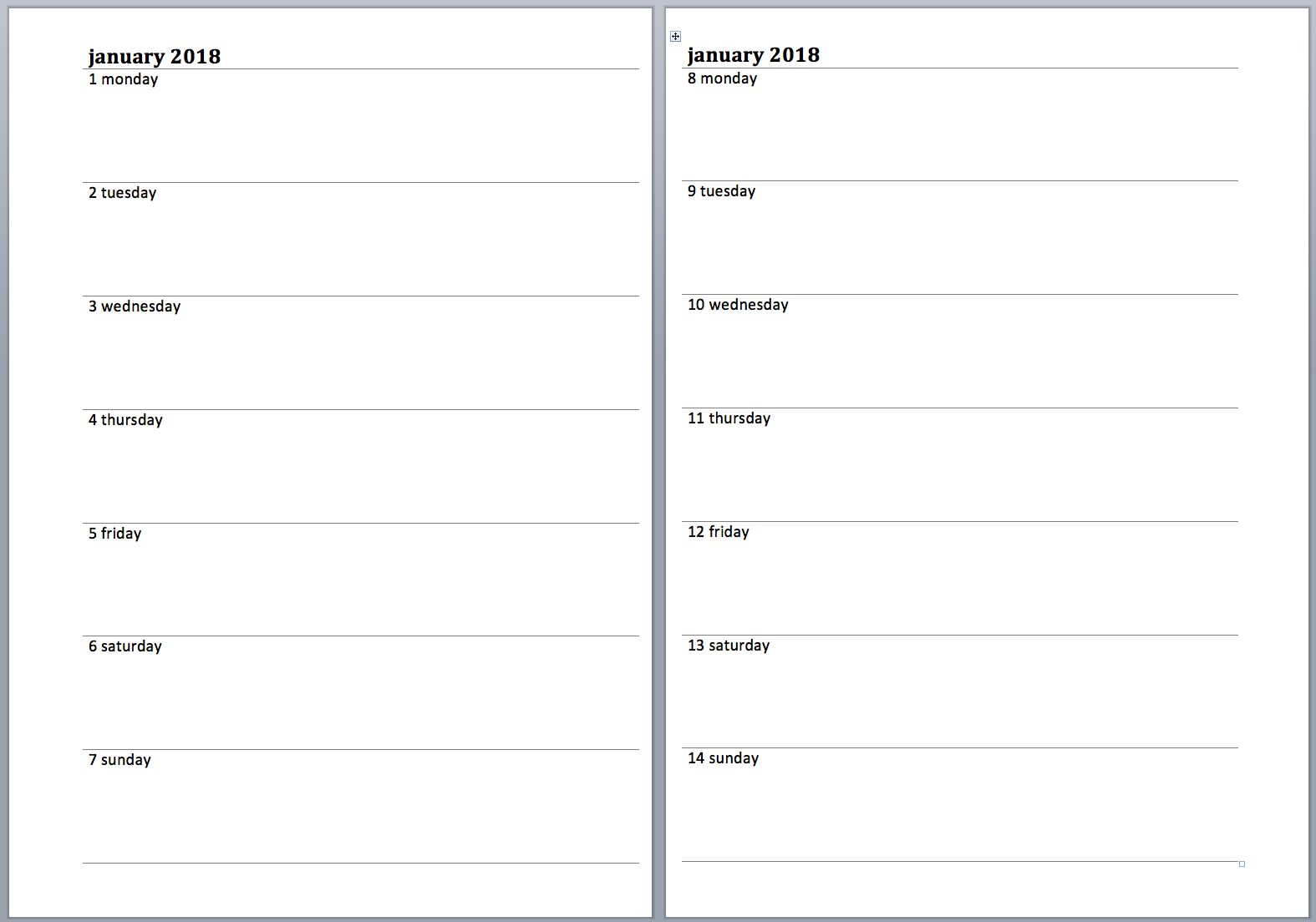
- Week per page Source Files Preview
- Week per page CC Source Files Preview
- Week per page with Tasks Source Files Preview
- Week plus Tasks sub-divided Days Source Files Preview
- Week on one page Enhanced TM Source Files Preview
- Week on two pages Enhanced TM Source Files Preview
- Week on two pages Enhanced TM (5 line version) Source Files Preview
- Week on two pages Enhanced TM with Journal Source Files Preview
- Week on two pages Enhanced TM (5 line version) with Journal Source Files Preview
- Week on two pages Enhanced TM V3 (4 line version) Source Files Preview
- Week on two pages Enhanced TM V3 (5 line version) Source Files Preview (4 line)
- Week on two pages Enhanced Reversed TM (4 line version) Source Files Preview
- Week on two pages Enhanced Reversed TM (5 line version) Source Files Preview
- Week on two pages (cotton cream layout) Source Files Preview
- Week on two pages Journal Source Files Preview
- Week on two pages Journal Lined Source Files Preview
- Week on two pages Vertical with tasks Source Files Preview
- Week on two pages Vertical without tasks Source Files Preview
- Week on two pages Minimalist Vertical Source Files Preview
- Month per page Source Files Preview
- Month per page (Horizontal Format) Source Files Preview
- Month per page with notes: Source Files Preview
- Month on two pages Source Files Preview
- Month on two pages with notes Source Files Preview
- Month on two pages - lined Source Files Preview
- Monthly Overview Diary A5 Single Sheets Source Files Preview
- Monthly Overview Diary A5 Facing Pages Source Files Preview
- Two months on one page Source Files Preview
- Year planner A4 Source Files Preview
- Year planner A4/A5 Z fold Source Files Preview
- Year planner (vertical format) Source Files Preview
- Year Calendar Source File Preview
A6 Inserts
- Day per page - Source (Word Excel), Preview
- Two days per page (Lined) - Source (Word Excel), Preview
- Two days per page - Source (Word Excel), Preview
- Week per page - Source (Word Excel), Preview
- Week view - Source (Word Excel), Preview
- Week view (vertical layout) - Source (Word Excel), Preview
- Week plus Notes - Source (Word Excel), Preview
- Week plus Tasks - Source (Word Excel), Preview
- Week plus Tasks sub-divided Days - Source (Word Excel), Preview
- Enhanced Time Management Week View - Source (Word Excel), Preview
- Enhanced Time Management Week View V2 - Source (Word Excel), Preview
- Enhanced Time Management Week View V2a - Source (Word Excel), Preview
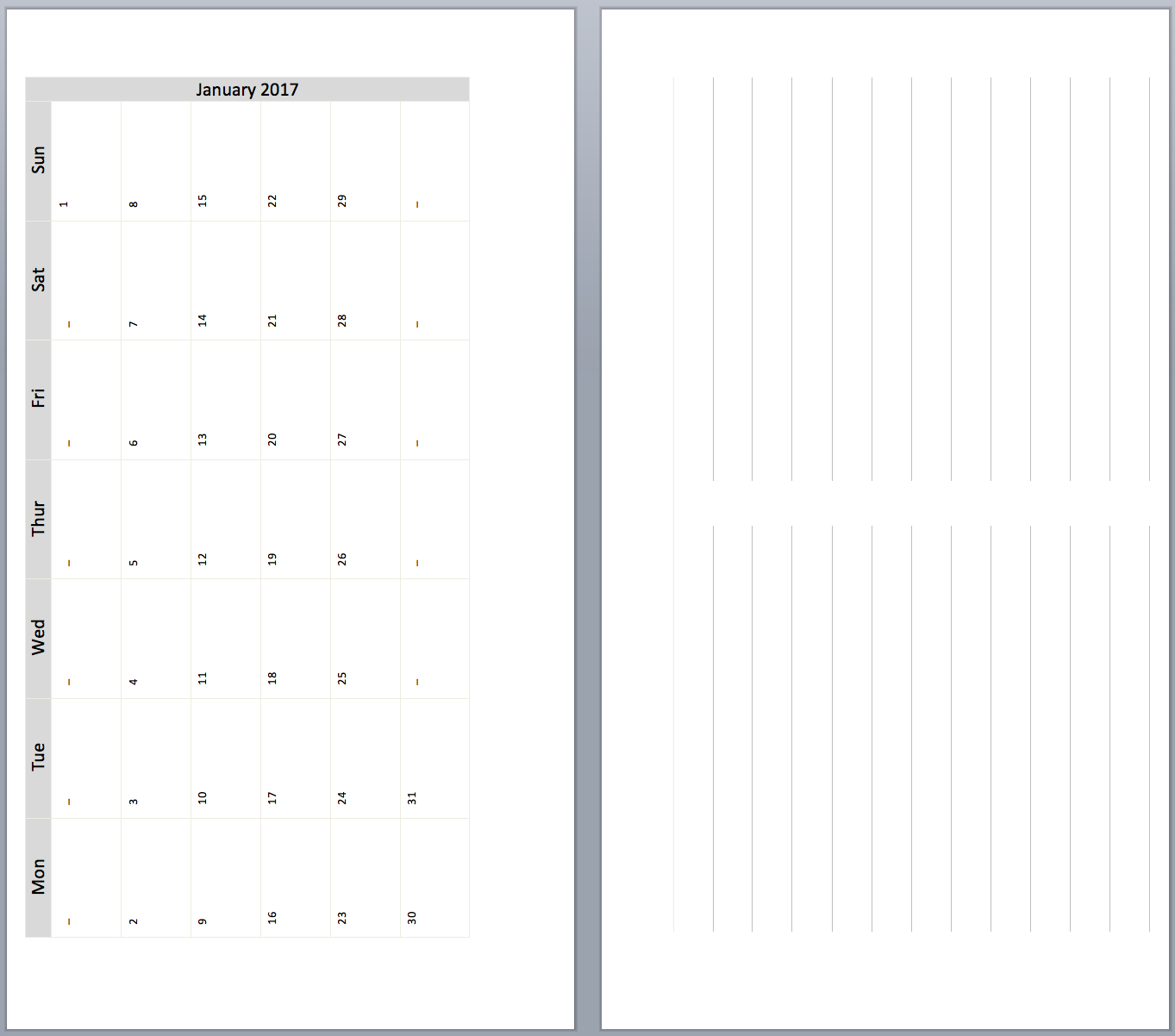
- Month per page - Source (Word Excel), Preview
- Month on two pages - Source (Word Excel), Preview
- Month on two pages (Horizontal format) - Source (Word Excel), Preview
- Year planner - Source (Word Excel), Preview
- Year planner (vertical format) Source (Word Excel) Preview
- Year Calendar Source File Preview
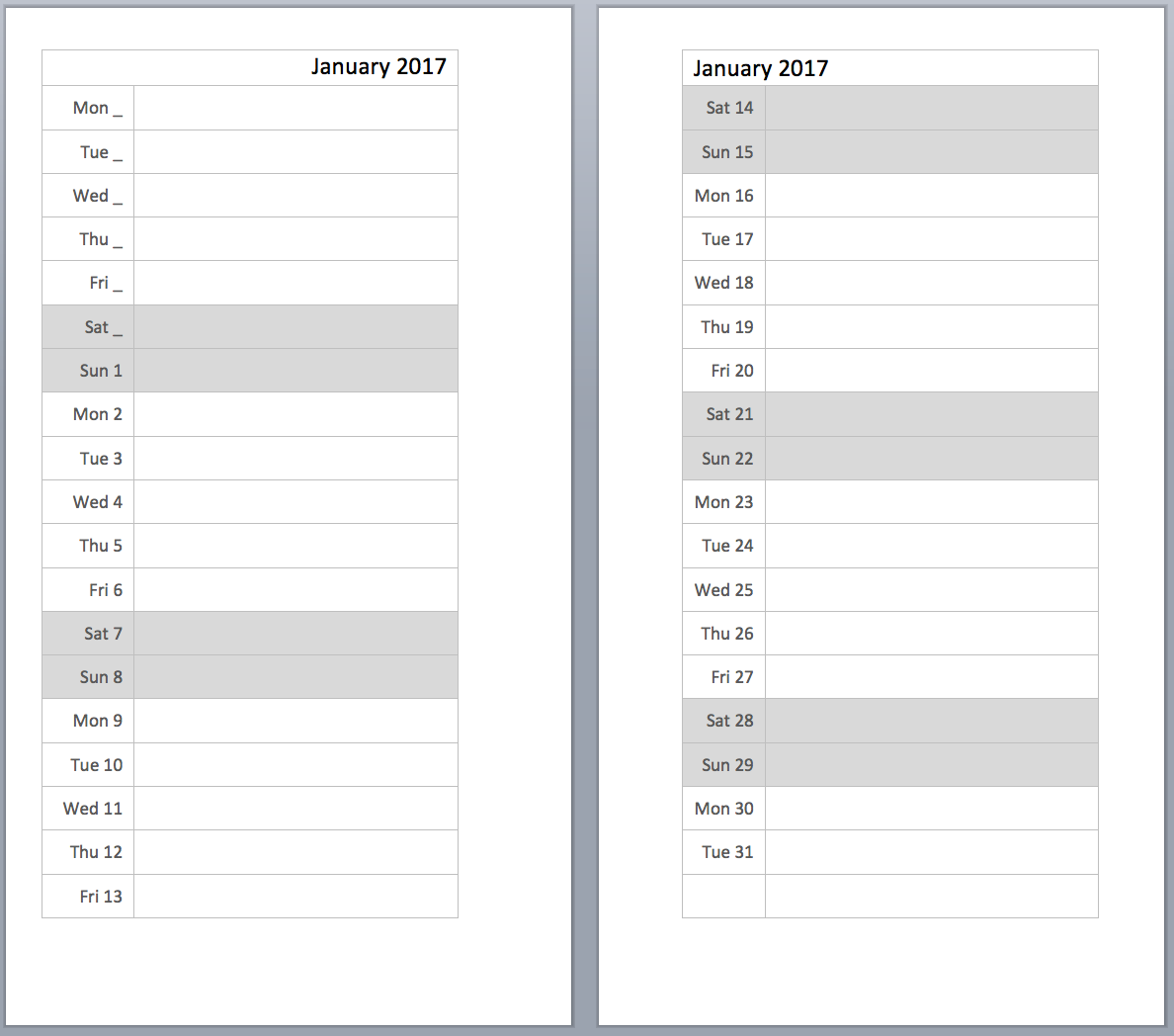
All of these A6 files are in A4 format and all should be printed on to A6 size paper as detailed in the previous post. There is one exception to this and that is the Year Planner, this should be printed on to A5 paper at 70% scale and then Z folded to fit in to A6.
Personal on Personal Paper
- Day per page Source Files Preview
- Two days per page Source .docx .xlsx Preview
- Week per page Source Files Preview
- Week per page plus notes and tasks Source Files Preview
- Week on two pages Source Files Preview
- Week on two pages Vertical Source Files Preview
- Enhanced Time Management Week View Source Files Preview
- Enhanced Time Management Week View V2 Source Files Preview
- Enhanced Time Management Week View V2a Source Files Preview
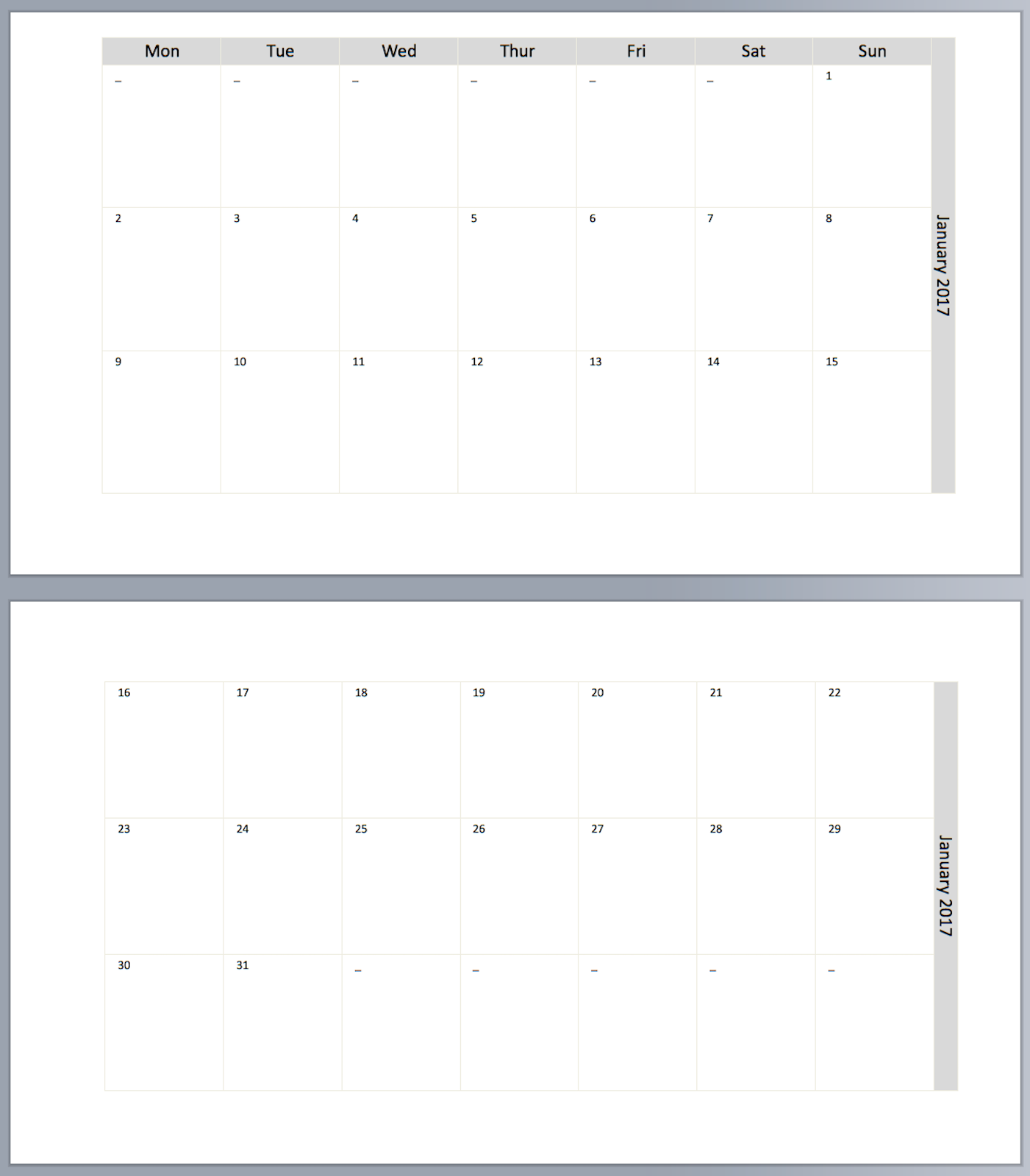
- Month per page Source Files Preview
- Month per page with notes: Source Files Preview
- Month per page with notes landscape Source Files Preview
- Month on two pages landscape Source Files Preview
- Month on two pages Source Files Preview
- Month on two pages with Notes Source Files Preview
- Month on two pages (Horizontal) Source Files Preview
- Month on two pages lined Source Files Preview
- Monthly Overview Diary Single Sheets Source Files Preview
- Monthly Overview Diary Facing Pages Source Files Preview
- Year Calendar Source File Preview
Personal on A4 Paper
- Day per page Source Files Preview
- Day per page minimalist Source Files Preview
- Day on two pages Source Files Preview
- Two days per page (Lined) Source Files Preview
- Two days per page (Unlined) Source Files Preview
- Week on one page Source Files Preview
- Week on two pages Enhanced TM Source Files Preview
- Week on two pages Vertical layout Source Files Preview
- Week on two pages Source Files Preview
- Week on two pages landscape layout Source Files Preview
- Month per page Source Files Preview
- Month on two pages Source Files Preview
- Monthly Overview Diary Facing Pages Source Files Preview
- Year planner Source Files Preview
- Year planner (vertical format) Source Files Preview
Personal on Letter Paper (North Americans Only!)
- Day per page Source Files Preview
- Day per page minimalist Source Files Preview
- Day on two pages Source Files Preview
- Two days per page Source Files Preview
- Two days per page (lined) Source Files Preview
- Week on two pages - TM Source Files Preview
- Week on two pages - CC Source Files Preview
- Week on two pages - Vertical layout - Source Files Preview
- Week on two pages - Landscape layout Source Files Preview
- Monthly Overview Diary Facing Pages Source Files Preview
Pocket on A4 Paper
- Day per page minimalist Source Files Preview
- Day on two pages Source Files Preview
- Two days per page (Lined) Source Files Preview
- Two days per page (Unlined) Source Files Preview
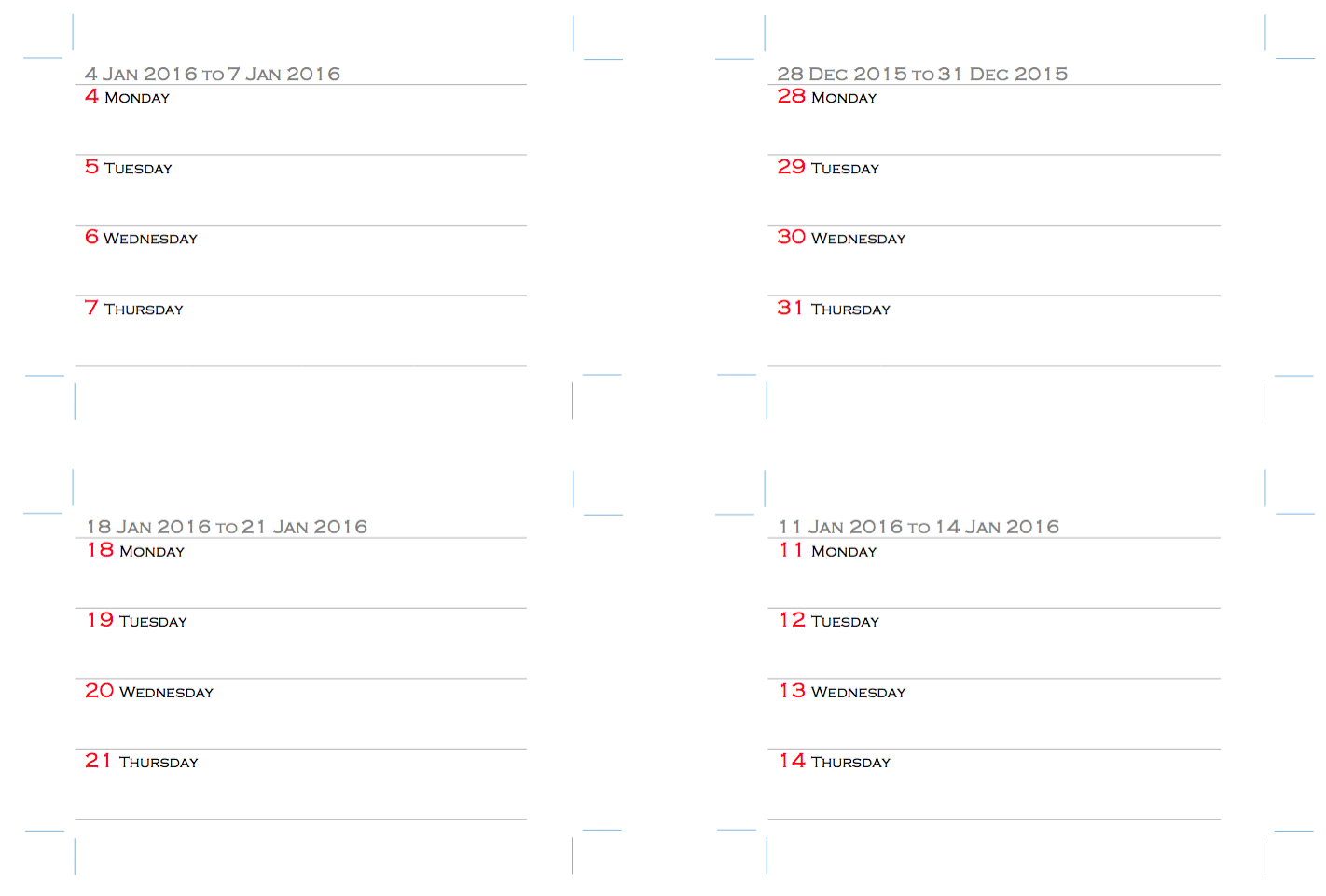
- Week on two pages enhanced TM Source Files Preview
- Week on two pages CC Inspired Layout Source Files Preview
- Month on one page Source Files Preview
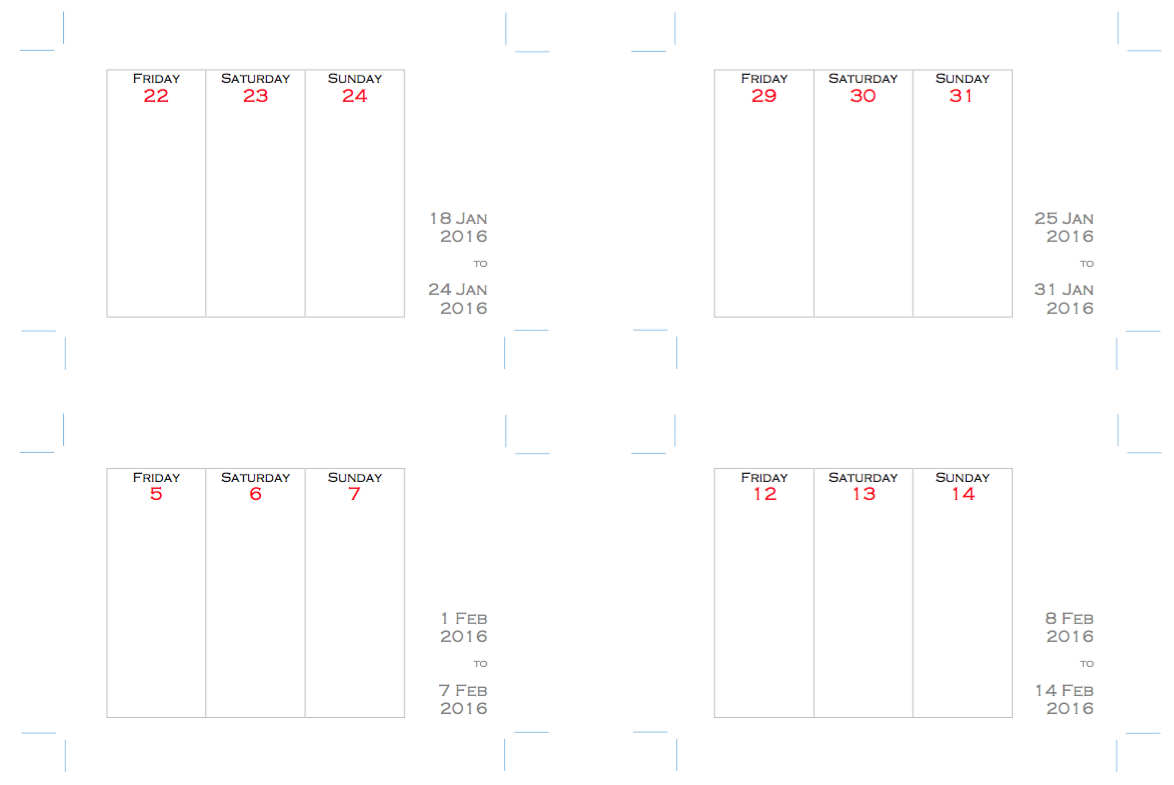
- Month on two pages Source Files Preview
- Year Planner (Vertical Format) Source Files Preview
Mini on A4 Paper
- Mini Week on two pages Source Word Excel Preview
- Year Planner (Vertical Format) Source Files Preview
M2 on A4 Paper
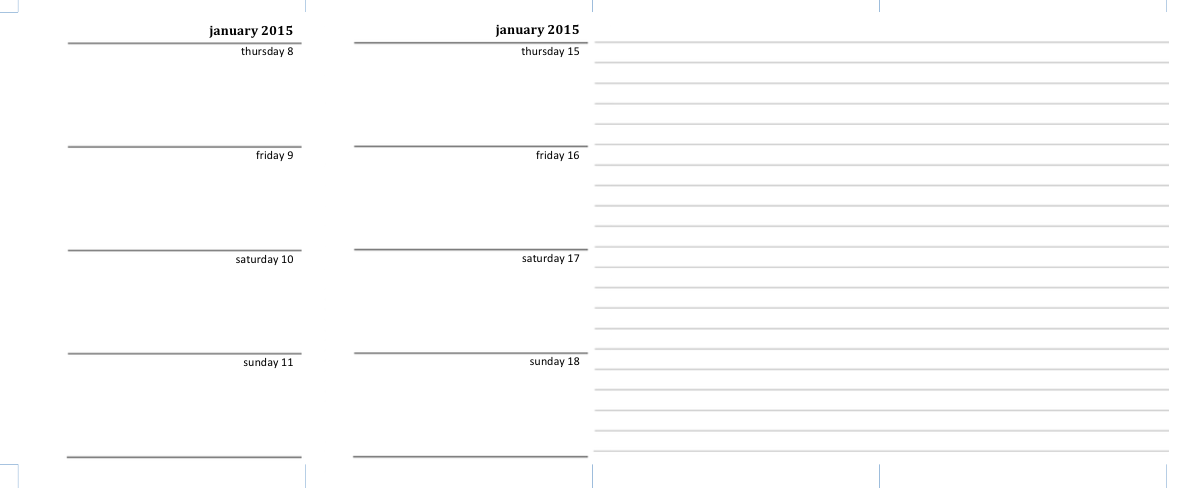
- M2 Week on two pages (Vertical layout) Source Files Preview
- M2 Week on two pages (Horizontal layout) Source Files Preview
Note: Printing Word or PDF files
When printing either the Word or the PDF files, it is essential that you set the paper size correct in the application and in any printer dialogue boxes on your PC/Mac. If you are printing on A4 paper, then you need to set the paper size to A4 not Letter or any other size.
If you don't set the paper size correctly then the files will be resized according to the paper size you have selected, despite having A4 paper loaded in the printer.
Printing PDF Files
When you print your PDF file, it prints out smaller on paper than the Word or other file it was created from.
When you print from Adobe Acrobat Reader, you will see this dialogue:

You will see that 'Print Scaling' setting is by default set to 'Shrink to Printable Area? That's the one that's shrinking your PDF when you print it.
Change the setting to 'None':

Now, when you print the PDF it will print at the right size.
Using the source files
Tutorial for MS Office for Mac 2016 (Office 365)
With the change to MS Office 2016 for Mac, the basic method is still the same, just where things are located has changed a little compared to previous versions of Office.
If possible please watch the video in HD and on a large screen.
Tutorial for MS Office for Mac 2011
Tutorial for MS Office for Windows 2010
Tutorial for MS Office for Windows 2003
This work is licensed under a Creative Commons Attribution-NonCommercial-ShareAlike 4.0 International License. Please download, adapt, use, share, but don't charge or use commercially.