These psychos using Linux - how do they do it? Simply put, they flash a set of installation files onto a USB stick, and use that USB stick to put Linux on their computer instead of Windows!
What they're installing is Linux, but "Linux" these days goes by many names. These many different names are all called distributions, or distros for short. A distro of Linux is the end product of someone taking the base of Linux, throwing on all the extra stuff and making all the decisions of how the system is going to run and update, and... well, distributes it out for people to use.
A distro is an operating system, sure, but a distro is just as much a plan; a roadmap. A roadmap that you can choose to be part of by installing that distro and saying:

There are hundreds - probably even thousands - of different Linux distros. When someone says "I run Linux on my computer", they could be referring to any of these many distros unless they specify which. If you think figuring out which distro someone uses on their computer is already a question too deep into caring, then you probably don't want to think about how that same person decided which Linux distro to use. Imagine getting a computer from a store and you had to choose from like 500 kinds of Windows 11 to put on it.
Framing it like that can sound daunting, and in a sense it really is that daunting to the uninitiated. Linux usage requires a level of research. Luckily though, the question of "which distro" in recent years has become much simpler, and that's because Linux itself has matured immensely in a very short amount of time! Not to discredit the work of so many maintainers on the wider web, but for the layman, you truly can knock out 99% of distros that exist for consideration.
To make things even more simple - I have the four recommendations I've give anyone down below in this article! But before we get to the recommendations, I think it's really important to understand that not all Linuxes are created the same way...
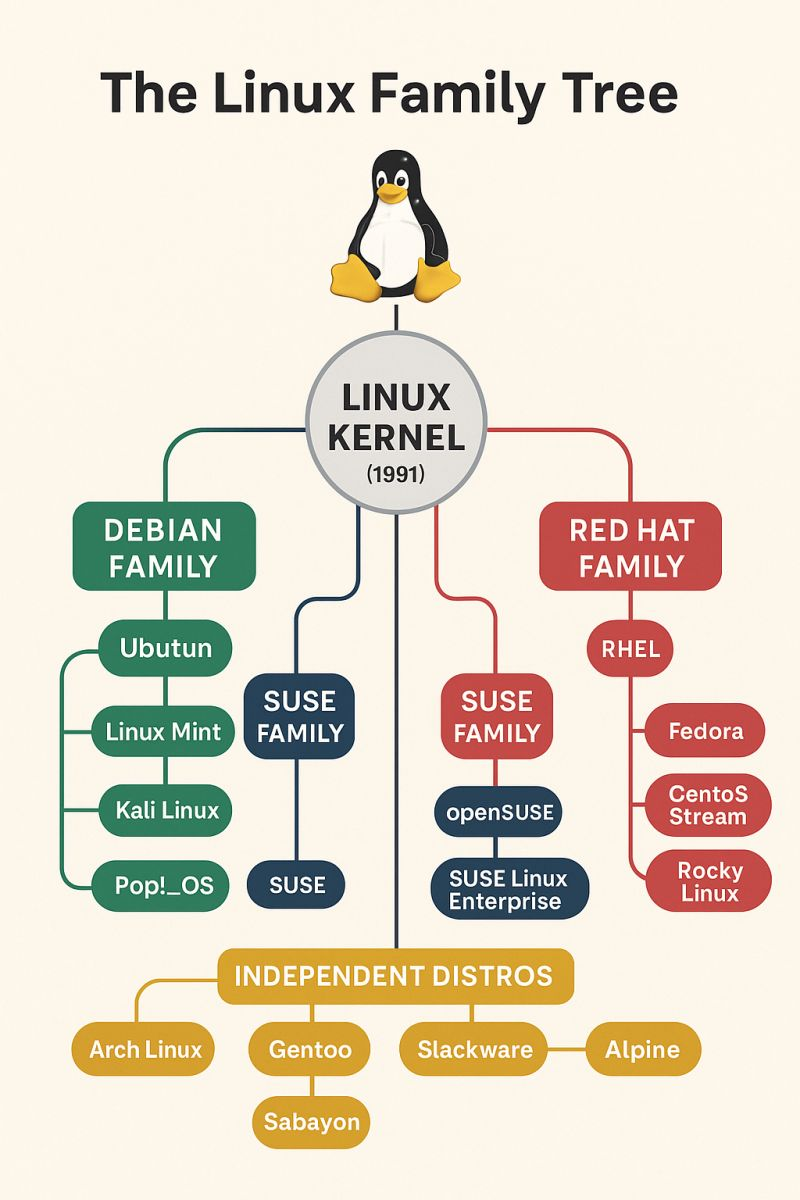
Linux distros are like a big family tree of technologies and configurations, or for the science-y folks out there, more like one of those paleontological diagrams with all the prehistoric animals becoming modern animals.
To keep things heavily simplified purely for the sake of describing the content of this article, it's easy to categorize all of Linux sprouting from one of three distros: Debian, Arch, and Fedora.
These distros are all old, being projects that started in the 90s and early 2000's and endure to this day. They are solidly-built and supported by a large number of staff and volunteer contributors alike, and so over the years they've become popular distros to use as templates to make further changes to and redistribute with those changes. This is ultimately where the concept of linux distros came from.
This makes for a good starting point in understanding Linux and which distro to pick, because the distro you pick being based on either Debian, Arch, or Fedora will make for fundamental differences in how your computer will handle things like updates and troubleshooting. In its most practical terms, it's going to make it easier to research fixes online and follow tutorials. And in learning to use Linux on the daily? Internet searches are your friend!

Slow and Steady: Debian
Debian was the first-in and best-dressed of the three Linux bases we're talking about in this article. Debian, and distros based off of it, follow 3 main tenets:
- Use APT/.deb packages with vast, well-tested repositories;
- Stable releases every ~2 years, with multi-year support for older releases;
- Strong free-software focus and multi-architecture support;
Debian is designed to be a conservative, slow-paced environment. Meant more for servers and for devices that are to be set up to work in a very specific way, Debian setups can be left unchanged for years and years unchanged. And Debian users like it that way!
Debian has a huge repository of software you can install stuff from without even having to enter a URL in a web browser, as well as supporting many hardware architectures both new and old. If you're in need of old hardware working with Linux, Debian is the way to go. Things move slowly, things work in old ways, but it's also a very curated and arguably the most polished experience.
However the polished nature of Debian I think shines a light on how fast development of Linux moves. A word that often gets used when talking about Debian is "stable"... However, "stabble" in this case is code for putting a computer in a cryo freeze so it's always 2-3 years behind the current thing. So if you're a gamer and you like to keep your fancy GPUs newer than that? Debian can work, but there's going to be easier ways to get your hardware working the best that they can.
While I wouldn't recommend new users start with base Debian itself, I can - however - recommend two distros that are based on Debian: Ubuntu and Linux Mint! Both of these distributions are downstream from Debian in some way, so they use APT as a package manager and have named or numbered version releases; they tailor their experiences more to the end user and less to a server's use, so they tend to be better fits for wanting to use Debian Linux as a desktop experience.
I may make some articles in the future detailing these distros, but for now, just know that either of the listed distros will loosely follow the philosophy of Debian.

On the Bleeding Edge: Arch
Arch, being a distro different from Debian, is essentially the opposite approach to Linux. Arch and Arch-based distributions operated on the following tenets:
- A "rolling-release" model that keeps software current;
- A different package manager called Pacman, plus a huge community-supported software repository called the Arch User Repository, or AUR for short;
- A Minimal base system emphasizing user control and simplicity.
I'm not going to pretend I'm familiar first-hand with the other two "branches" of Linux here, so I'm just going to speak plainly and stick to the facts.
Everyone likes to make the joke about how installing and running Arch Linux is difficult, and so constantly telling people you "run Arch btw" is a rite of passage of sorts in the Linux community. I won't deny any of this, but more importantly there is a core difference in philosophy when using Arch that makes it distinct from Debian.
As referenced above in the bullet points, there's some jargon going on with terms like "rolling-release" and "repository". Repositories are the URLs your Linux distro will connect to in order to grab your software updates for you. Arch uses two distinct sorts of repos: the regular repo managed through the Pacman package manager. You can also access Yay - a second package manager that oversees the Arch User Repository for community-submitted packages and software.
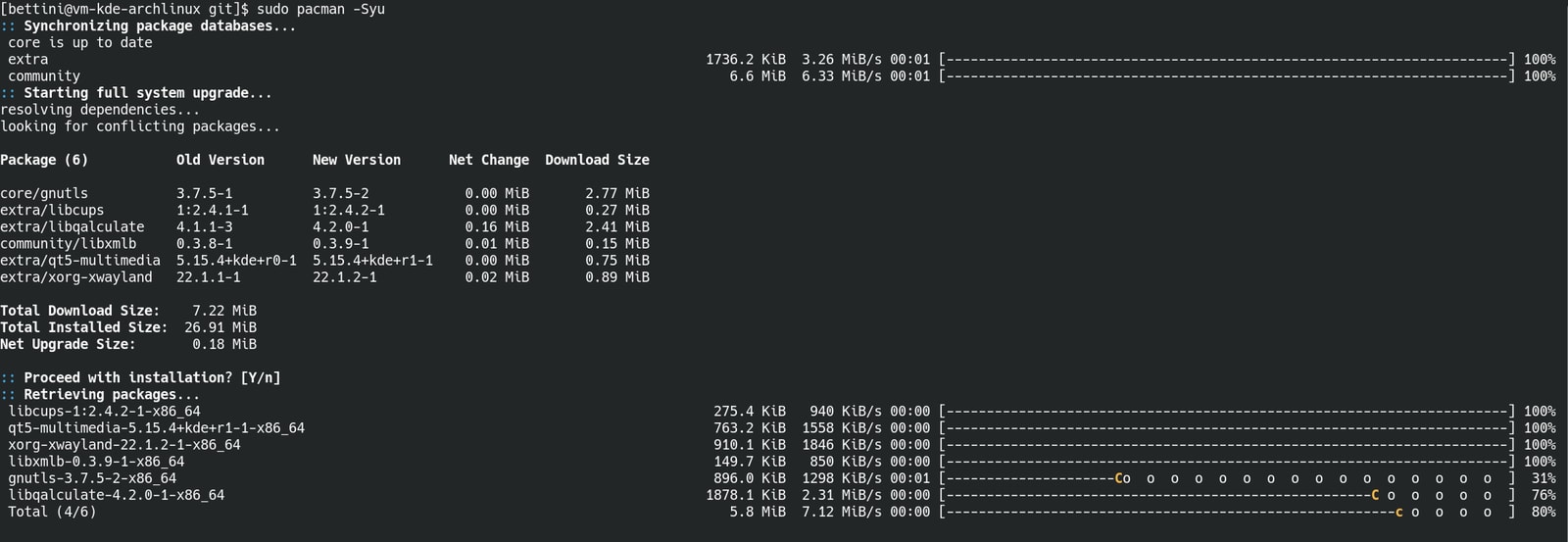
A rolling-release describes an update schedule for your distro where there are no version numbers and no "new versions" of the OS. Arch is a constant, forever work-in-progress.
Updates on Arch are frequent, glitches and bugs should be expected, and complete breakage of your system upon installing such an update is always a possibility. Everything with Arch Linux bears a big fat disclaimer of "use at your own risk"; it is truly the most laissez-faire approach to a system, and it's up to you whether or not you want to receive those updates and all the benefits and/or baggage that comes with them.
Arch is truly the wild west of the Linux world. An ecosystem that at its core, demands your attention and expertise, but in return if you lend them to Arch, you'll be rewarded with a very specialized system with a huge focus on cutting-edge software and top measurable performance.
I won't stop you from using pure, unadulterated Arch... But I'm certainly not going to recommend it. Most would agree nowadays that the best distro for making Arch Linux more accessible while still providing all of its benefits is CachyOS. Give that one a try if Arch is the way you want to go.

Best for Business, or Away from Work: Fedora
And now we come to the third main "family" of Linux distributions, which are the distributions that either originated from or ultimately ended up splintering from Fedora, which includes Red Hat Enterprise Linux (RHEL) itself.
RHEL is a highly polished Linux ecosystem and distro, possibly even more so than Debian! And for good reason too: it focuses primarily on commercial users. Its first release was in 1995 and it's maintained a steady release schedule and has built a high reputation ever since.
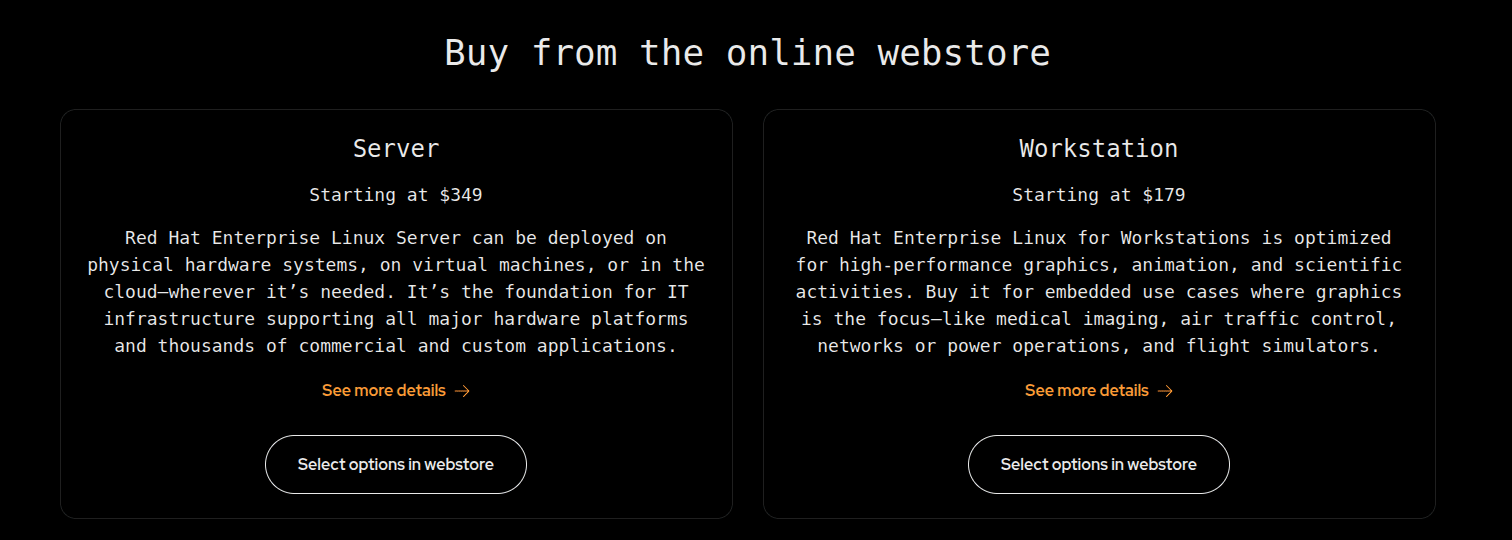
Maintaining an OS that is used only for business sounds like a lot of pressure, doesn't it? It's one thing to run tech support for grandma because her computer is running too slow... But working on the systems that run entire business empires?
If only RHEL had a crack squad of dedicated developers and contributors who were able to use the environment around the clock to make sure everything is working as well as it possibly can be...
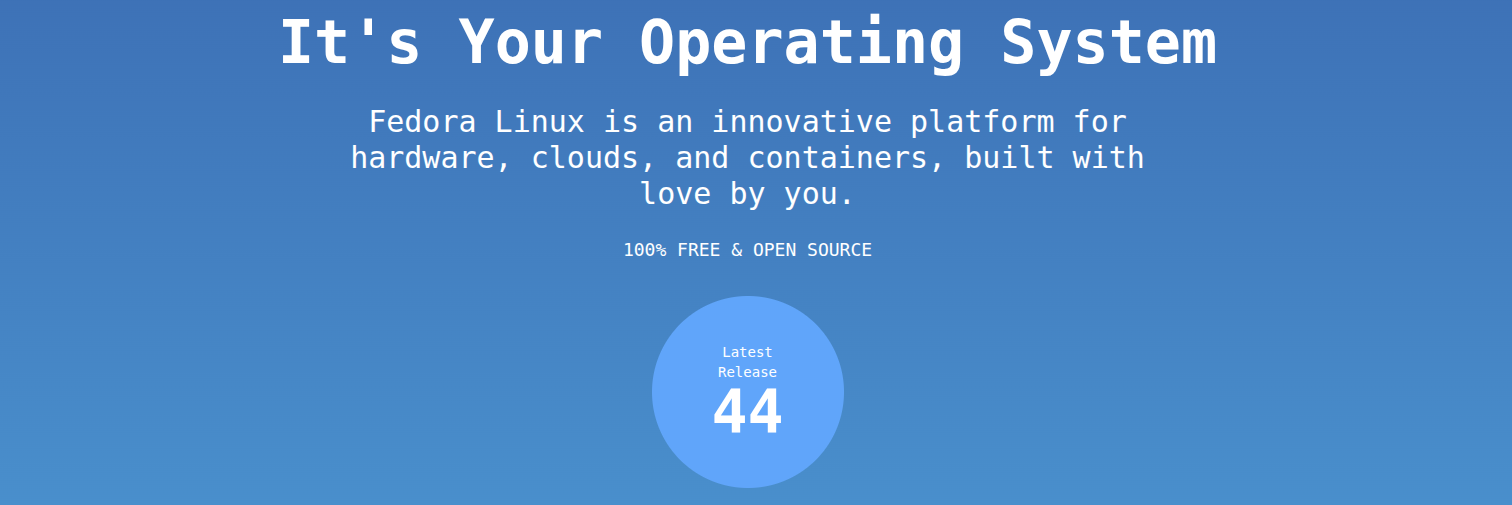
Distros based on Fedora:
- Use RPM packages managed by DNF or Yum package managers;
- Maintains a middle-ground in package age by providing much more up-to-date software than Debian, without being bleeding edge and prone to breakage like Arch;
- Is upstream of RHEL, the largest commercially-driven Linux pipeline on the planet;
Fedora is the most upstream distribution in its family, much like Debian and Arch. Fedora innovates its own updates, packages and security developments rather than borrowing or taking from another distribution.
As we all know, money talks - so even though Fedora is free and open-source, RHEL as a business-first experience certainly isn't! What you wind up with is a system in Fedora acting as the testing grounds for what eventually becomes the backbone behind companies like Oracle, Pixar and Dreamworks. That's right - Shrek and Mike Wazowski were likely animated and brought to life on Linux workflows and systems!

So in Fedora, you get another pair of potential package managers to use, and what amounts to a good "all-rounder" distribution. Another worthy note I often see anecdotally is that hardware compability with a laptop or desktop can often be the most frustrating on Fedora; due to it being an in-between of Debian and Arch in terms of package age, it can be hard to "guess" if quite-old and brand-new hardware alike are going to work on it without issues.
Want to use Fedora? Then you use Fedora! Pretty easy recommendation, huh?
This is a long-winded article by now that I'm probably going to pick at and still update over the next week or two; see if I can tighten up some of the explanations and such. Please feel free to use Pagecord's new comment section feature below this article to let me know if you have any pointers to better polish this article!
And more to that point - I love seeing people flex or talk about their distro of choice. Let me know what you're running or are looking to run in the future!