Design, animate, and prototype. All-in-one.
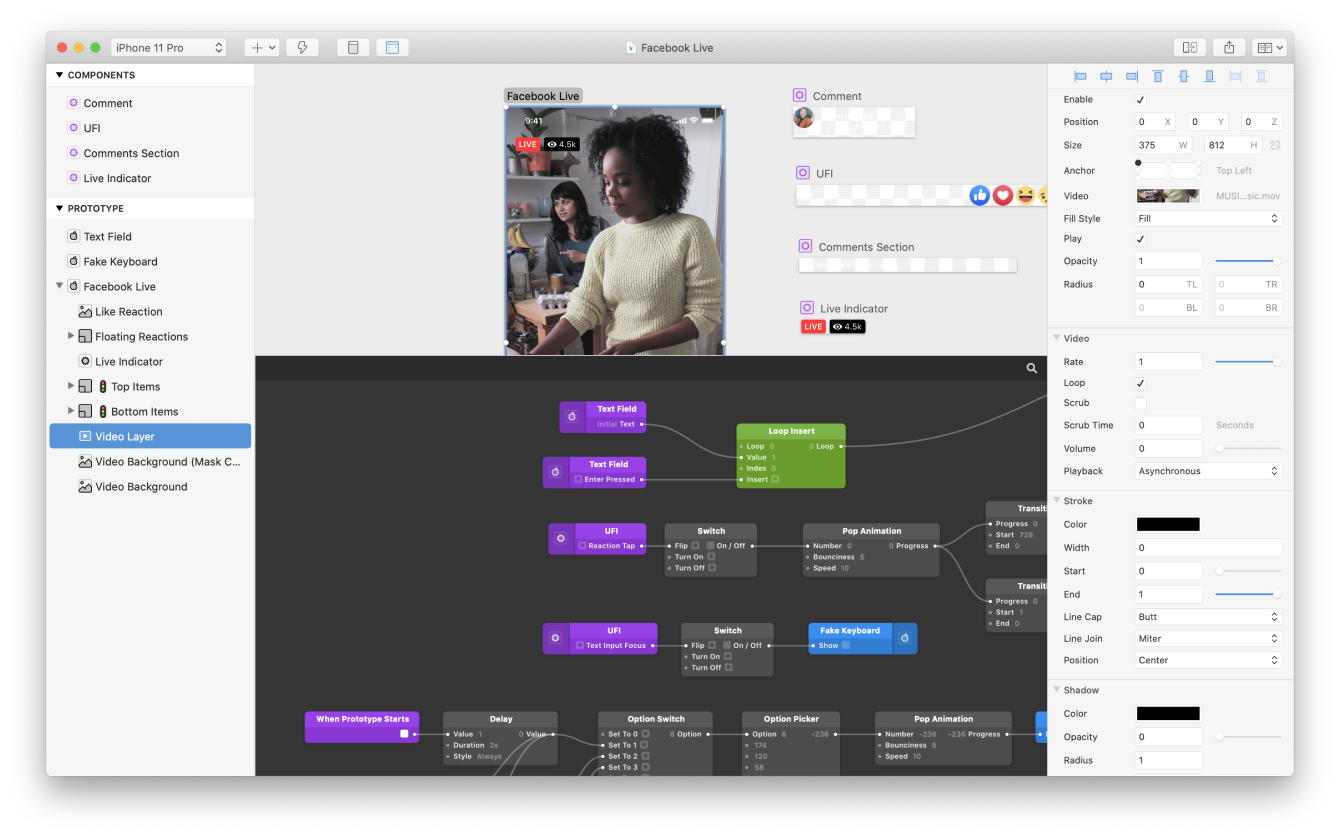
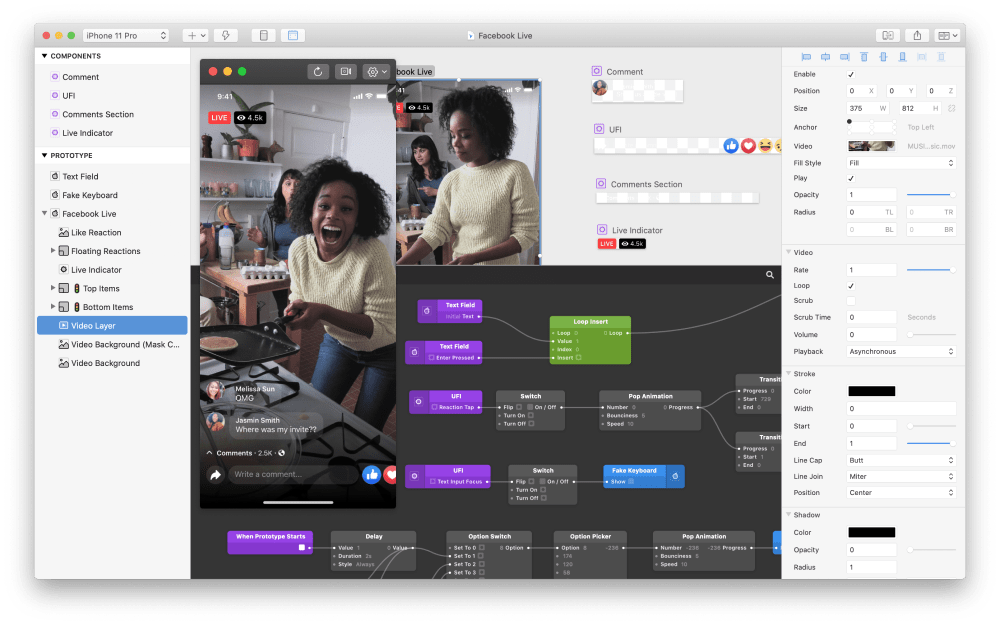
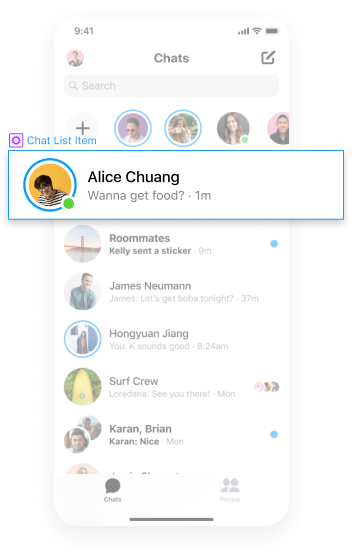
Introducing Canvas. A new way to visually layout your Origami prototypes with freeform drawing tools, text editing, and visual components.
Easily edit dynamic layouts.
Changes automatically respond, making it faster to iterate on your work.
Build interactive components.
Visually layout your components in the Canvas and combine with powerful interactions in the Patch Editor.
Tap into native hardware APIs. Expand the potential of your prototypes with patches that unlock hardware capabilities.

Photo Library.
Pull in images from your devices Camera Roll.

Audio Metering.
Create visualizations from live audio or recorded samples.

Haptic Feedback.
Access the haptic engine on device.

Access GPS data.
Position maps based on their current location.


Device Motion.
Access accelerometer and gyroscope information.
Easy to import, even easier to share.
Easily work from Figma.
Copy and paste editable vector shape and text layers into Origami.

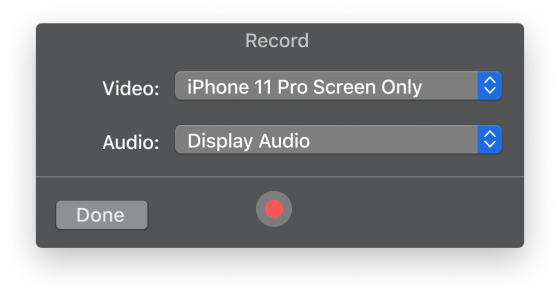
Record your prototypes.
Capture, trim and export video of your prototype directly in Origami.
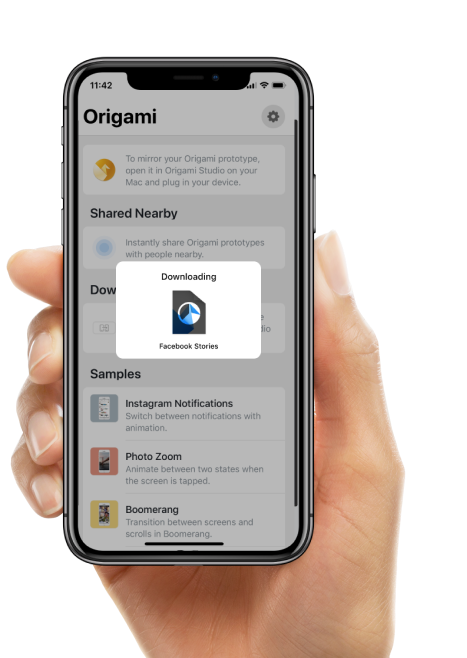
Share Nearby with Origami Live.
Easily share prototypes in critique, reviews, or just for fun.