Turn a prompt into a pull request. Put a workflow on a schedule. Pick up a session from your phone.
Optio runs coding agents and automations on your Kubernetes cluster or your own machines—with one place to follow the work.
jonwiggins/optio· Self-hosted · MIT licensed · Web, iOS & Android
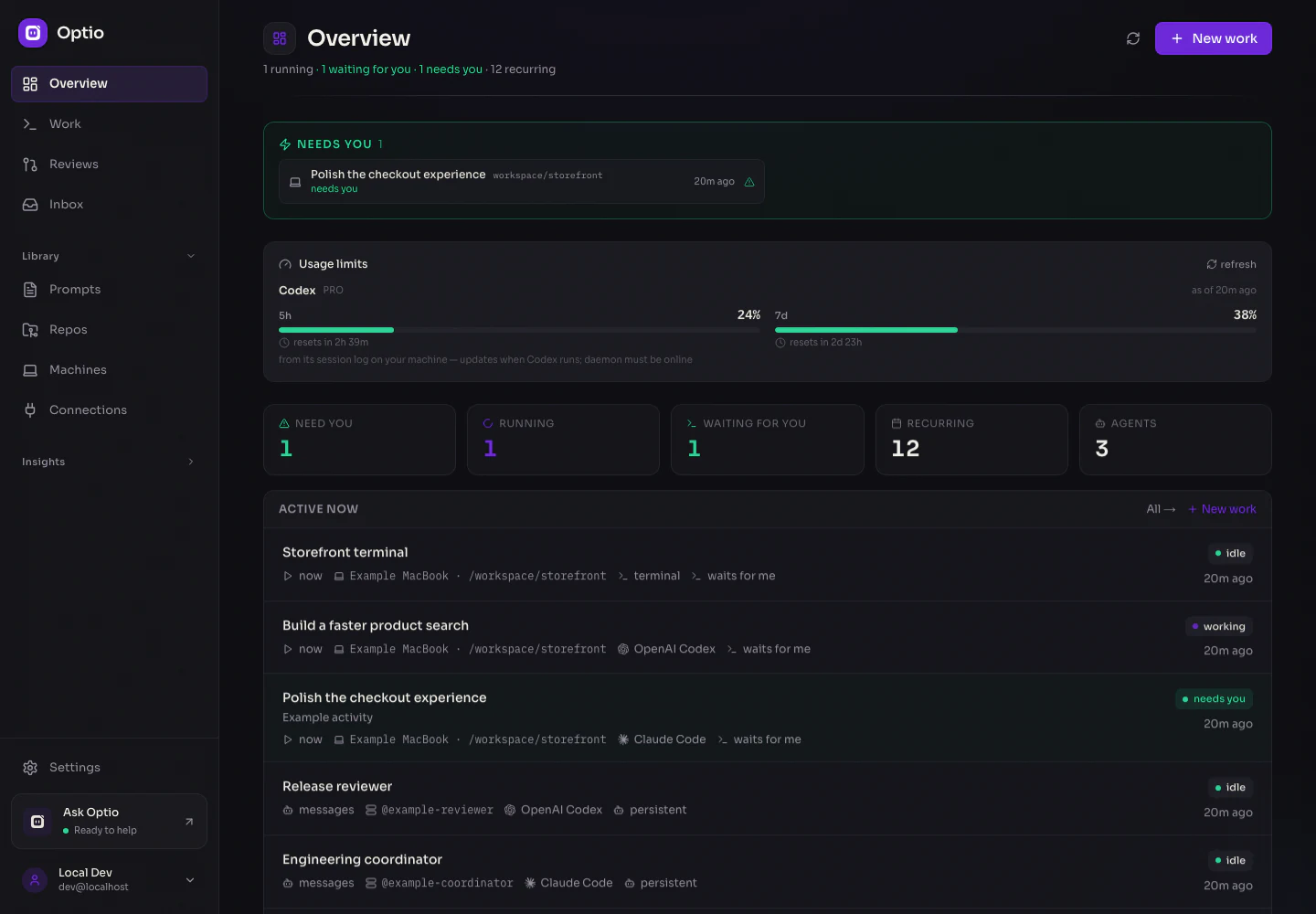
optio / overviewYour workspace, at a glance
See what’s running. Know what needs you.Real product · Example data
Your agent. Your choice.
Claude CodeOpenAI CodexGitHub CopilotGoogle GeminiCursorOpenCodeOpenClaw
Built around the work
From the first prompt to the next step.
Optio handles the environment, triggers, and follow-through around your agents. You decide what to delegate and when to step in.
01DEVELOPMENT
From issue to pull request.
Give an agent a repository and a bounded change. It works in a git worktree, opens a PR, and can resume with review feedback while Optio follows CI and merge status.
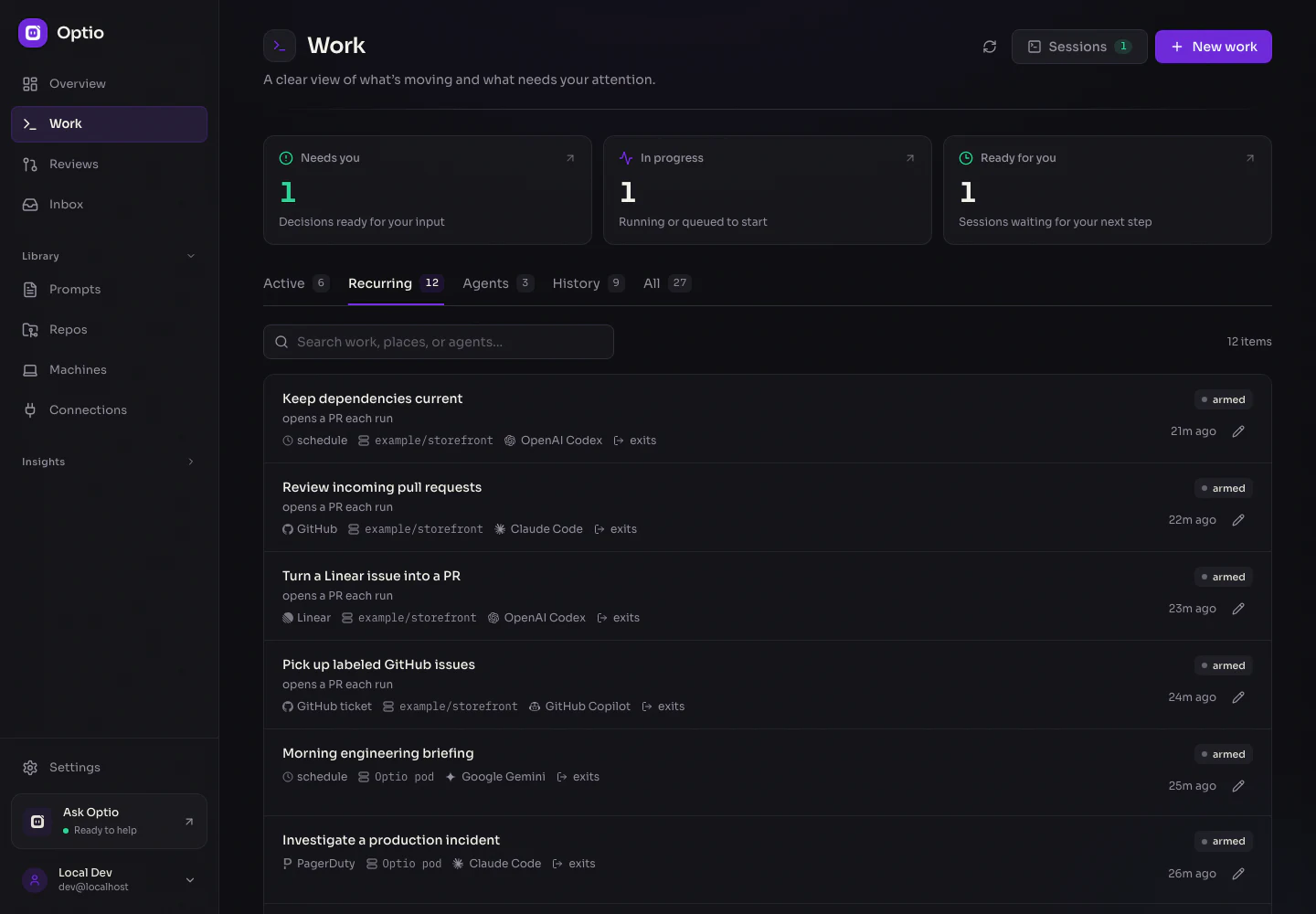
Schedule dependency updates, prepare a daily briefing, or investigate an incident. Turn event payloads into prompt parameters and keep the logs and outcome of every run.
Give persistent agents a name, instructions, and an inbox. They work in turns, wake on messages or triggers, and can coordinate with other agents in your workspace.
One feed for tasks, recurring workflows, sessions, and persistent agents. Open the conversation, follow a run, or return to the terminal.
A home for every kind of work.
Keep one-off tasks, recurring automations, local sessions, and persistent agents in the same feed. See what is running, what finished, and what needs you.
Repository work uses separate git worktrees in pooled pods. Standalone jobs and persistent agents have their own execution pools. Deploy with Helm and connect PostgreSQL and Redis.
Pair Optio Local, choose an allowed directory, and use your existing agent CLI and login. Return to the same conversation or terminal from the browser or a native app.
Connections bring credentials, MCP tools, shell environment, and instructions together. Assign access by repository and runtime, then customize it for each piece of pod work.
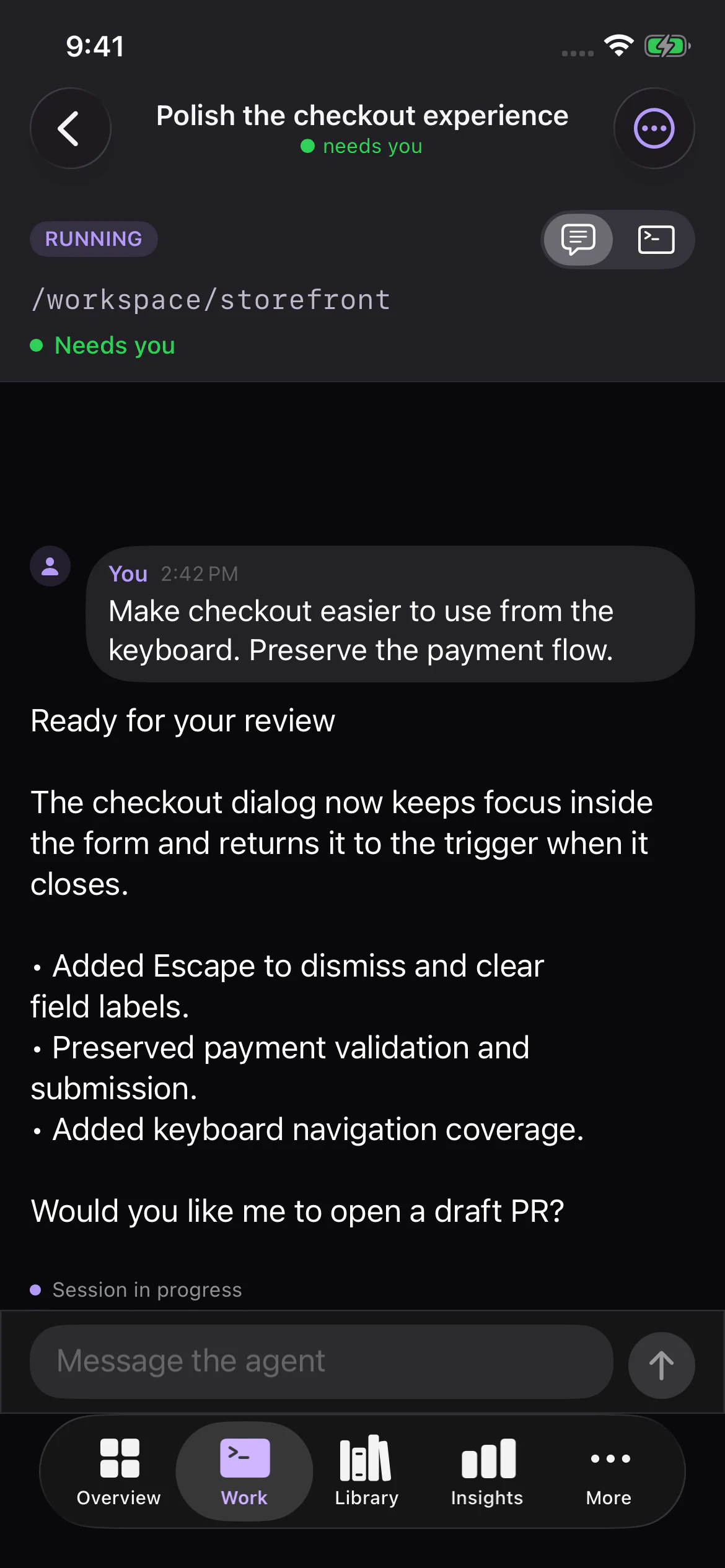
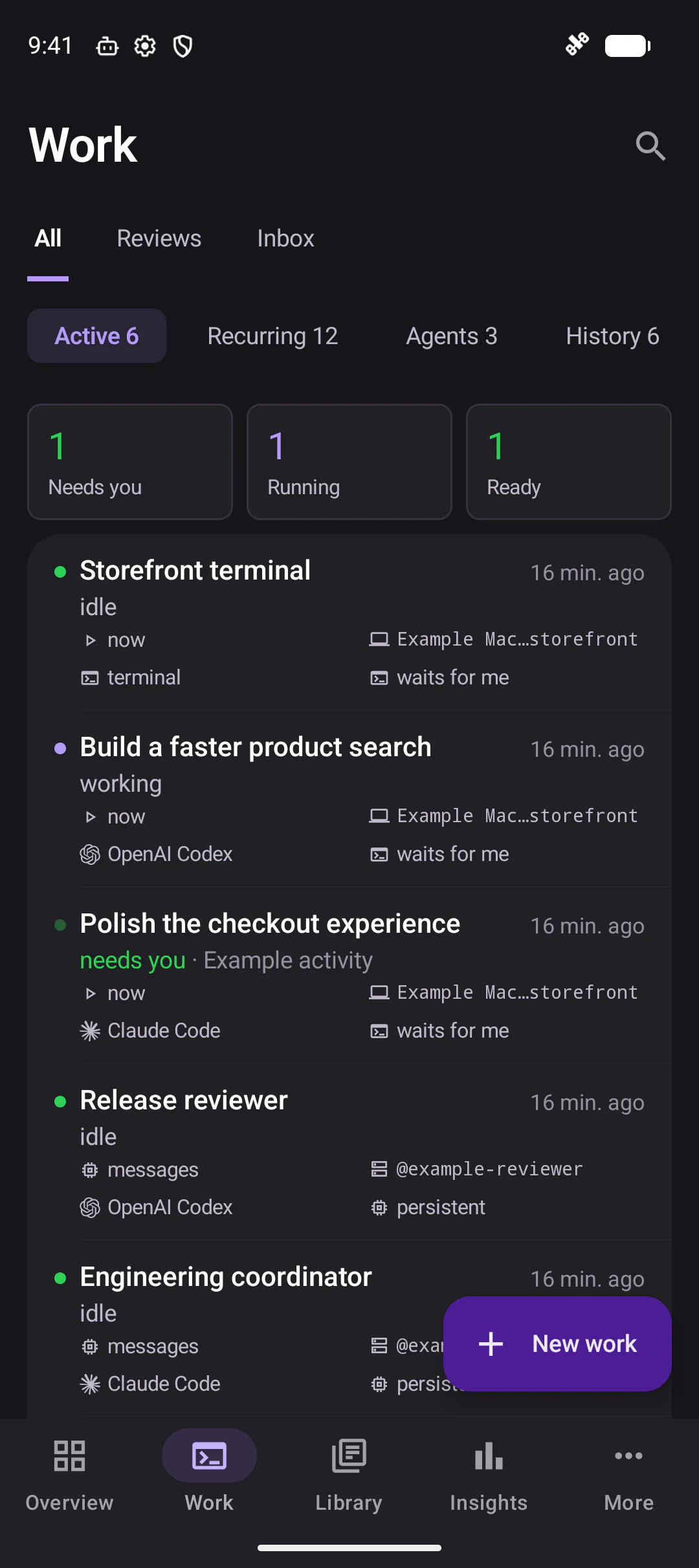
Native iOS and Android apps keep the same workspace within reach. Check the queue, reply to an agent, open a terminal, or start new work.
Conversations and terminals on your phone
Widgets and notifications for work that needs you
iOS Live Activities and Apple Watch Smart Stack
Native apps built from source. Screens show fictional example work.
iOS · Continue the conversation
Android · Follow the work
A closer look
The details stay connected.
From the event that started a run to the conversation that moves it forward. Open a screen to explore it at full size.
What do I need to run Optio?
A Kubernetes cluster, PostgreSQL, and Redis run the control plane. The local setup script deploys these with Docker Desktop. Bring credentials for the agent runtime you want to use; Optio Local can also connect your own machines for execution.
Can I use my existing agent and model?
Choose a runtime for each piece of work, with the models and authentication methods that runtime supports. On a paired machine, Optio Local uses the CLI configuration and login already installed there. You can also run a shell command without an LLM.
Does every workflow need a repository?
No. Repository work can produce pull requests, while standalone work can query connected tools, generate reports, or run commands. Interactive sessions and persistent agents support other ways of working. The Work form offers the combinations that fit.
How much control do I have over agents?
Choose the connections, tools, and skills available to pod work. Configure code review, draft PRs, and automatic resume limits. Per-work settings can tighten a repository’s PR policies. Use organization or private ownership and workspace roles to manage access.
Is Optio free, and where does my data go?
Optio is open source under the MIT license. You operate its infrastructure and store its state. Your chosen agents still communicate with their model providers and connected services; those services and your infrastructure may have their own costs.
Start with one piece of work
Your next workflow starts here.
Deploy locally with Docker Desktop and Kubernetes, connect an agent, and give it something useful to do.
git clone https://github.com/jonwiggins/optio.git
cd optio
./scripts/setup-local.sh
Requires Docker Desktop with Kubernetes, Node.js 22+, pnpm 10+, Helm 3+, and kubectl.