THE RIVAL
Codex Micro Keyboard
$230
- Closed hardware
- Closed firmware
- Closed software
- Works only with Codex
- You buy it. You don't own it.
Nice keycaps. Locked doors.
OpenMicroKbd
OPEN HARDWARE · OPEN FIRMWARE · OPEN SOFTWARE
▮ PRESS START
The open-source keyboard built around your needs.
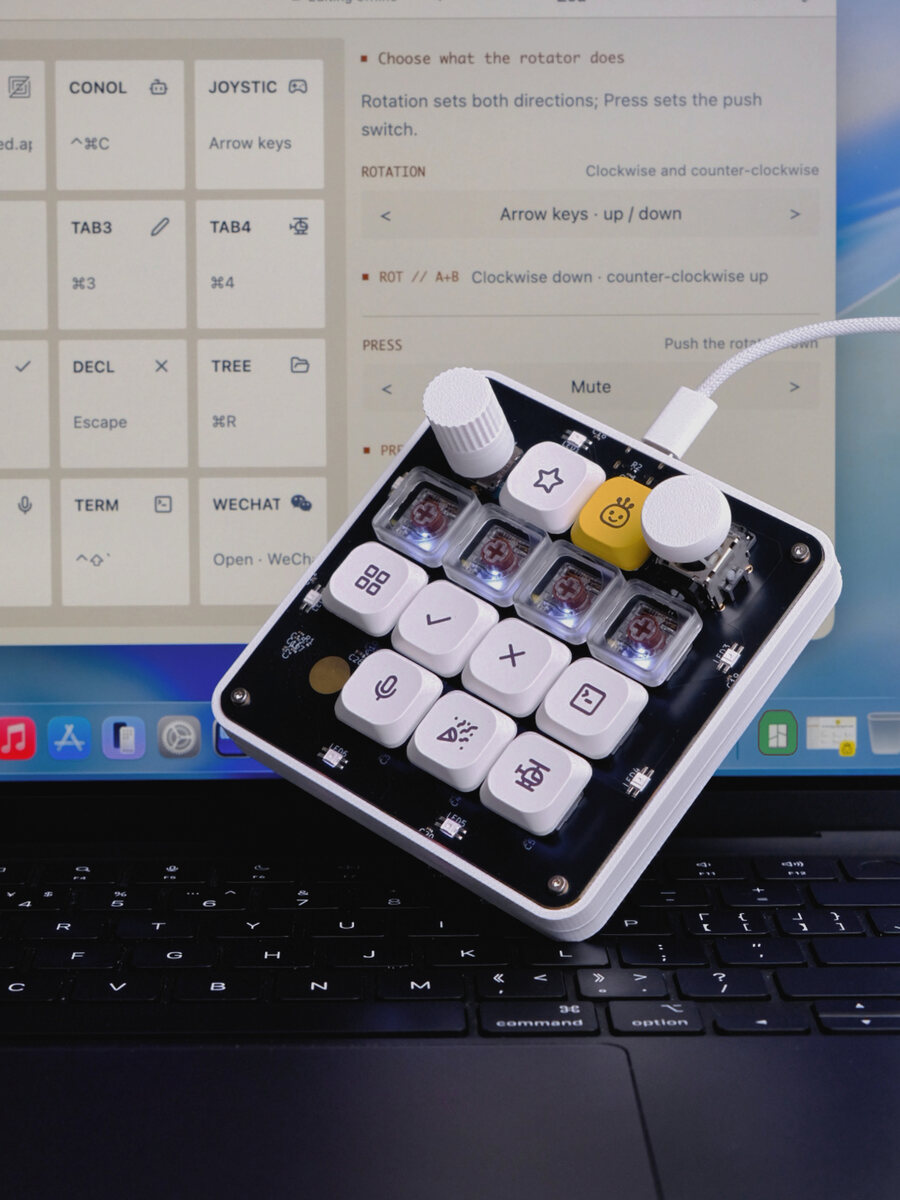
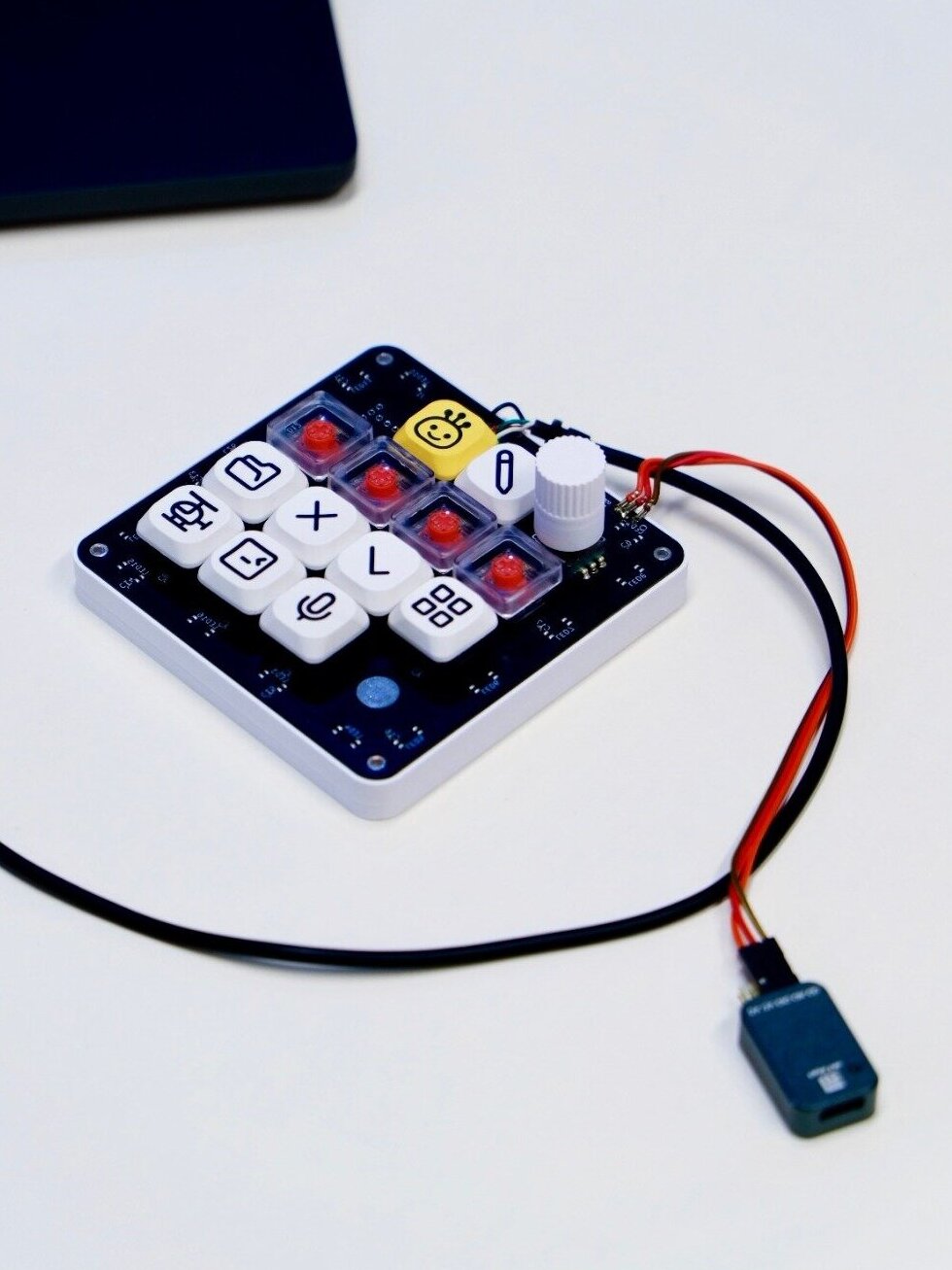
Thirteen keys, a knob, a stick, a touch pad. Zero locked doors. Everything you need to command your agents — for less than forty dollars.
For macOS · Windows · Linux
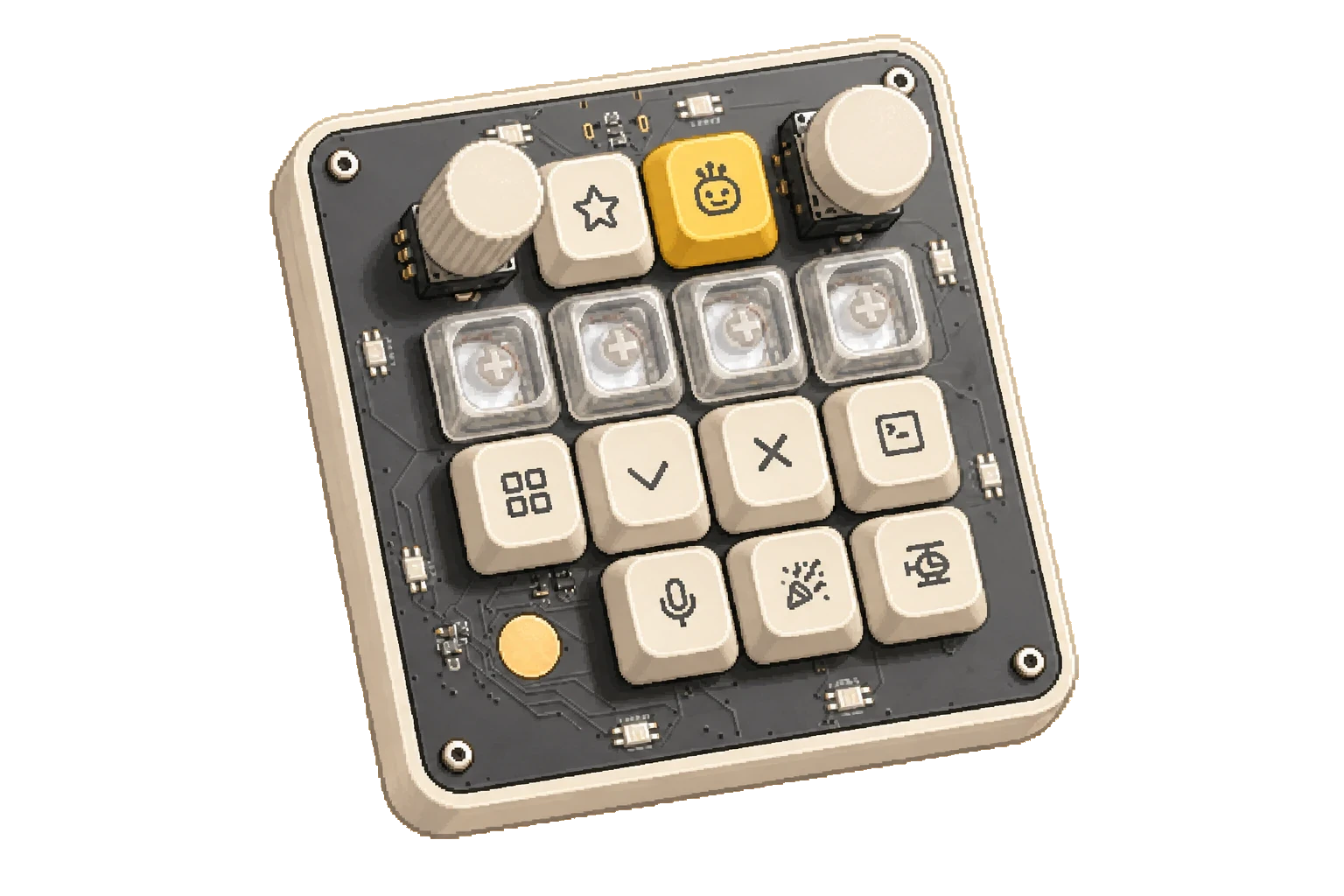
Hardware open. Firmware open. Software open. Under forty dollars. The PCB is written, not drawn. A blueprint anyone can replicate.
ROLL THE TAPE
The whole story, from a locked keyboard to a board you can compile.
Prefer it on YouTube? Watch it there.
CHAPTER I
A company that built its name on open research shipped a keyboard you can't open. So we drew the blueprint instead.
THE RIVAL
$230
Nice keycaps. Locked doors.
OURS
< $40
A blueprint anyone can replicate.
CHAPTER II
Start with the stick nobody expects. Then six more ideas across thirteen keys and one knob — every one of them remappable.
An analog joystick where you'd least expect one. Glide the mouse pointer, send arrow keys — or grade DaVinci Resolve color wheels by feel. Push it and see.
Pointer rests. Deflect to glide it.
Push-to-talk prompting. Hold the key, speak your mind, release — the whole prompt lands transcribed in one go. Typeless prompting for AI agents.
HOLD · SPEAK · SHIP
Turn it to dial reasoning effort — quick answers on the left, deep thinking on the right. Not talking to an agent? It's a volume wheel.
FAST ↔ DEEP
Assign a key to each running task. Tap to jump between them while the work keeps churning in the background. Your agents never wait on you.
SWITCH · NEVER STOP
When an agent stops to ask for permission, one press pulls up exactly what needs your attention. No more hunting through terminals.
ONE PRESS · FULL CONTEXT
Every repeated ritual of your day — the same five commands, the same paste, the same push — compressed into a single satisfying click.
MANY → ONE
Keys, knob, stick, pad — 24 keymap slots, every one remappable in the config app. Changes land live and persist on the board. Build profiles and flip between them instantly.
24 SLOTS · PROFILES
CHAPTER III
A working replica of the real layout, right here in the page. Click the keys — or use your real keyboard: 1–6 and Q–U. Drag or scroll the knob, flick the stick, tap the pad.
13 keys · encoder · joystick · touch pad · 21 RGB LEDs · black PCB
OPEN MICRO KBD · READY v0.6
Press a key to begin.
Six of these thirteen keys are mapped for this demo.
The rest — and the stick, and the pad — are yours.
VOICE KEY · PUSH TO TALK
LISTENING…
▮
THE KNOB · REASONING EFFORT
BALANCED
Turn the knob. Not talking to an agent? Same wheel, now it's volume.
THE STICK · MOUSE MODE
Proportional pointer glide — the push switch is left click. Press the stick to cycle modes.
TOUCH PAD · TAP
TAP
Tap to trigger anything. Two swipe slots are already reserved in the protocol for a future multi-zone pad.
MULTI-TASK KEYS · 3 RUNNING
T1refactor/auth-serviceRUNNING
T2write e2e testsRUNNING
T3migrate db schemaQUEUED
Tap again to switch. Work continues in the background.
PERMISSION KEY
One press brings up exactly what needs your attention.
MACRO KEY · "SHIP IT"
Five steps. One press.
PROFILES · TAP TO CYCLE
CODE EDIT COLOR GAME
CODE
13 keys remapped. Same hardware, different life.
UNASSIGNED SLOT
— — —
Open the config app and make it whatever you need.
What it becomes is entirely up to you.
THE HAPPY KEY
:)
Not every key needs a purpose. This one just makes us smile.
—
CHAPTER IV
No handshake with a single vendor. If it takes keystrokes, it takes Open Micro Kbd.
AGENTS
Claude Codeterminal agent
Codexyes, that one too
Conolagent runner
+ any agentit can talk to any AI
AND EVERYTHING ELSE
Premierecut faster
DaVinci Resolvegrade by joystick
Lightroomexposure wheel
Even gameshotkeys, obviously
What it becomes is entirely up to you.
CHAPTER V
Not a product you wait for — a repository you clone. The schematic is source code in open-source CoHDL, and the compiler checks it. Gerbers, firmware, config app: all of it, in the open.
INVENTORY · openmicrokbd MIT LICENSE
CHAPTER VI
Pixel art is fun. Here's the one on our desk — tap the stack, swipe it, or use the arrows.
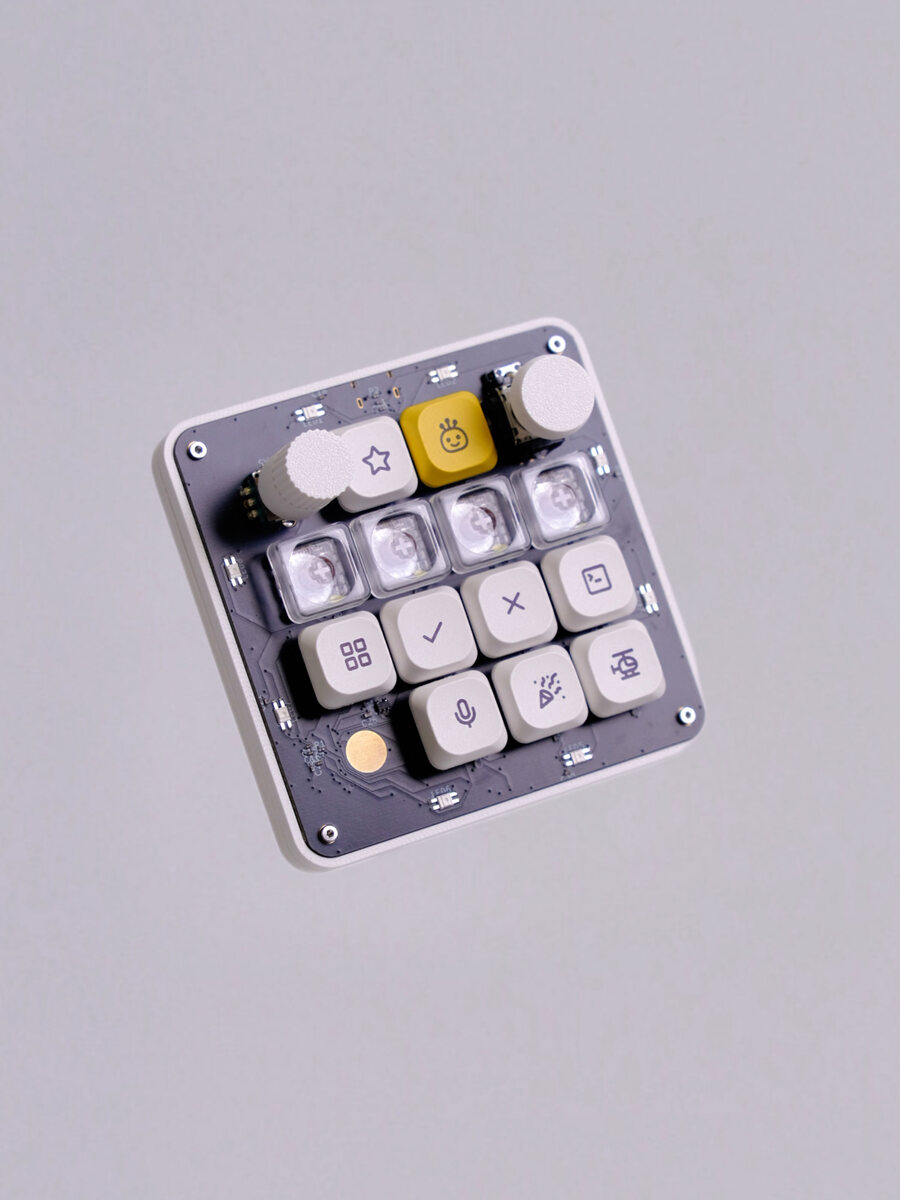
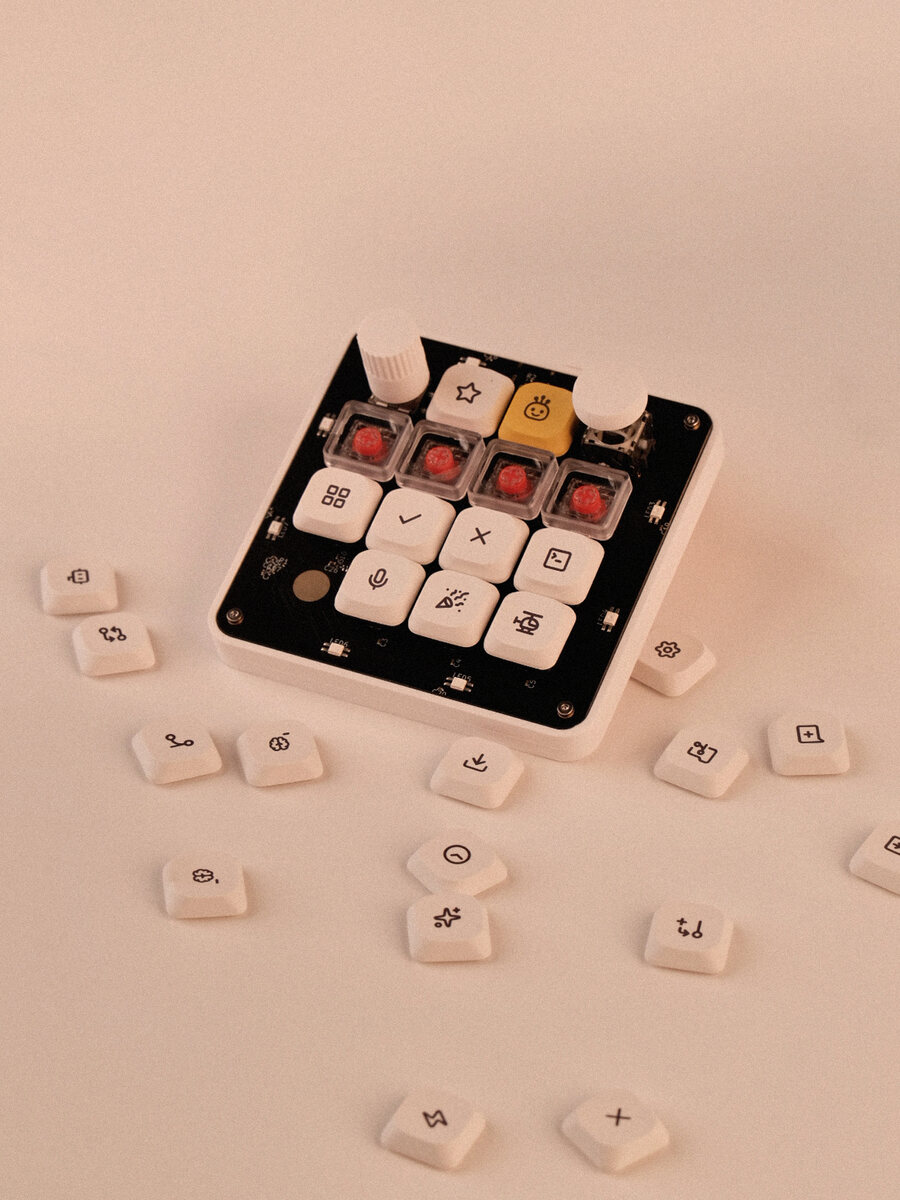
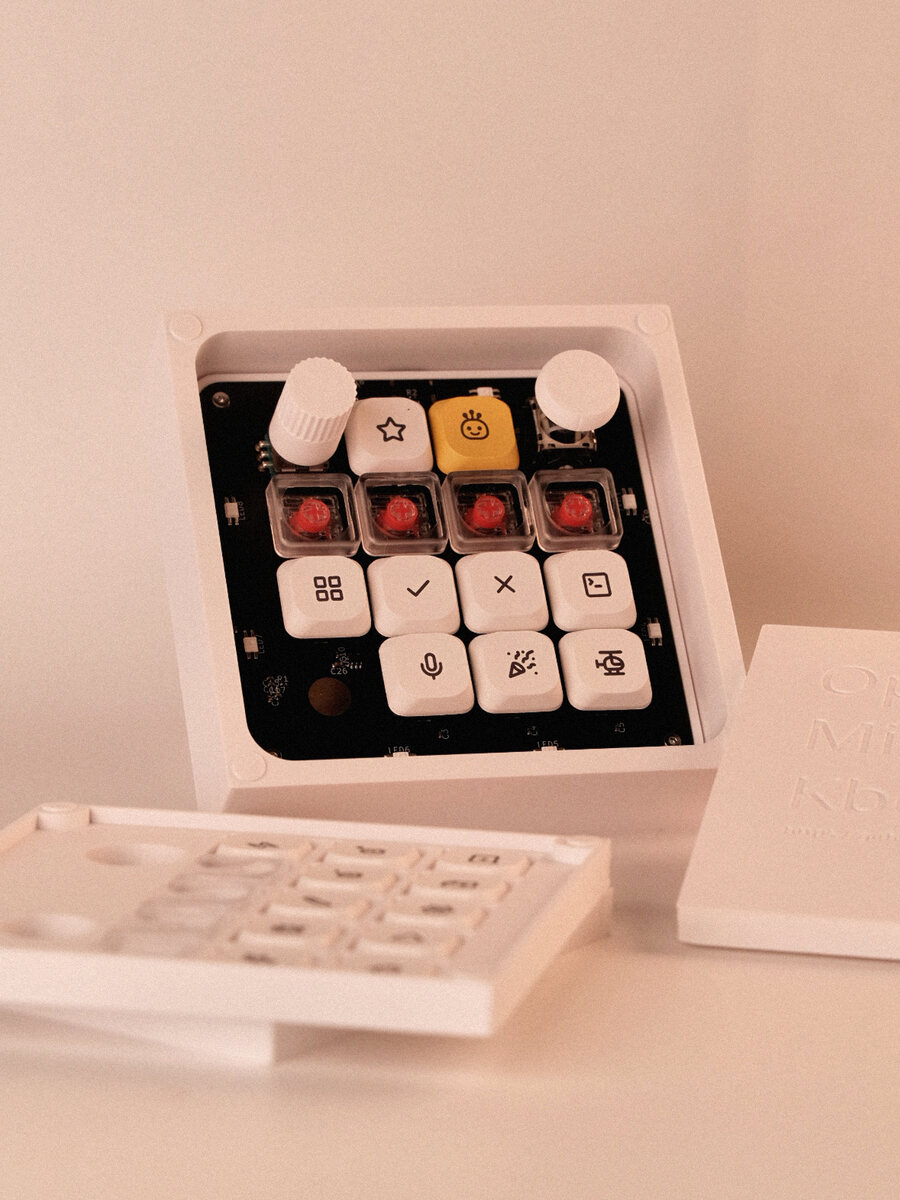
hw/v1/mechanical/.
1 / 5